Mineuniverse
Shaders
NoShadow

NoShadow

SHADER
A practical survival shader that can greatly improve your Minecraft gaming experience.
by INDEA
Download Claim this project
1,945 downloads
0 likes
Updated Oct 14, 2026
0 hypes
Realistic Vanilla
Advertisement Remove ads with Premium →

## Features
- Removes all shadows
- Turns off distance fog
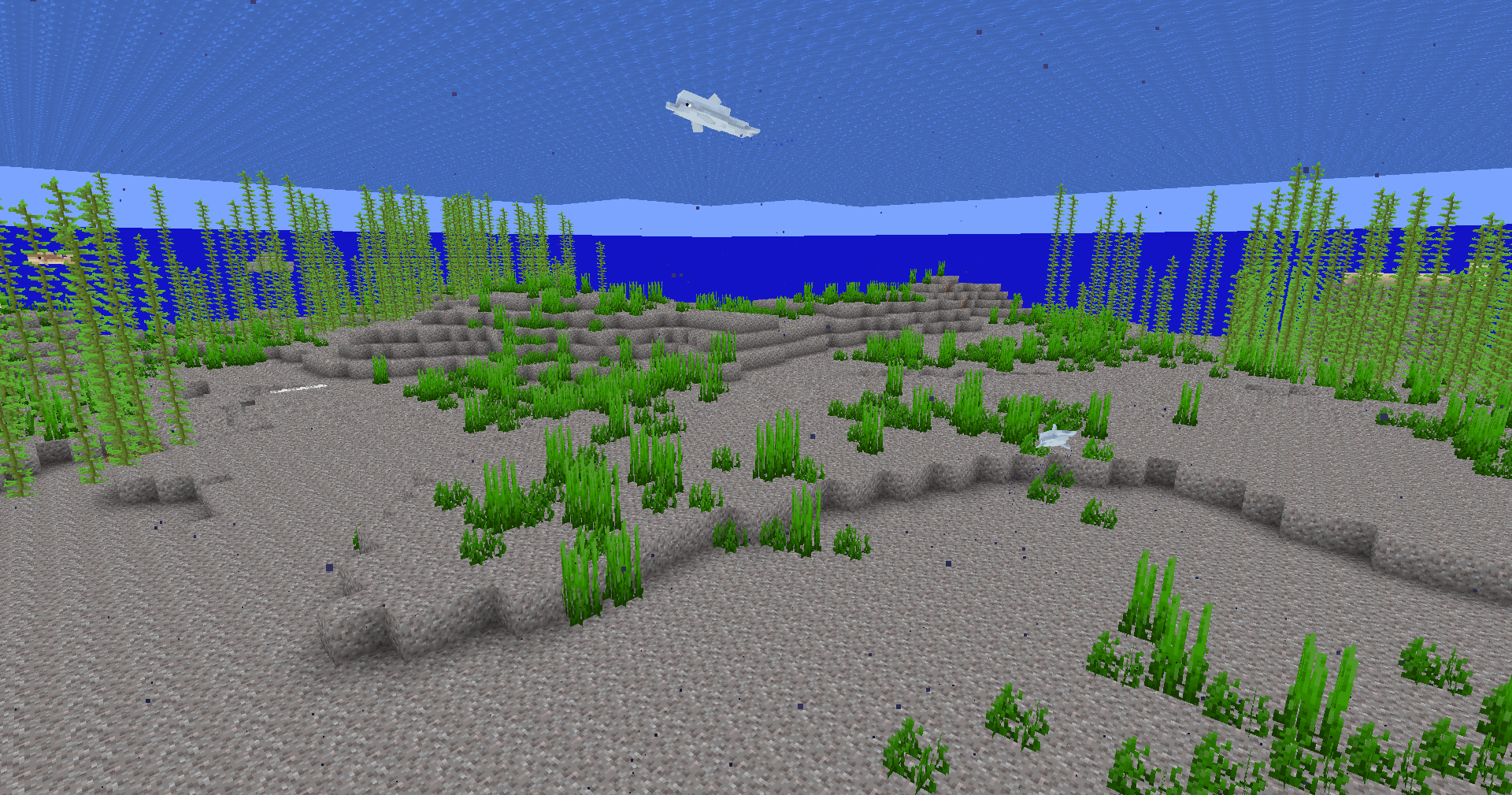
- Removes underwater fog

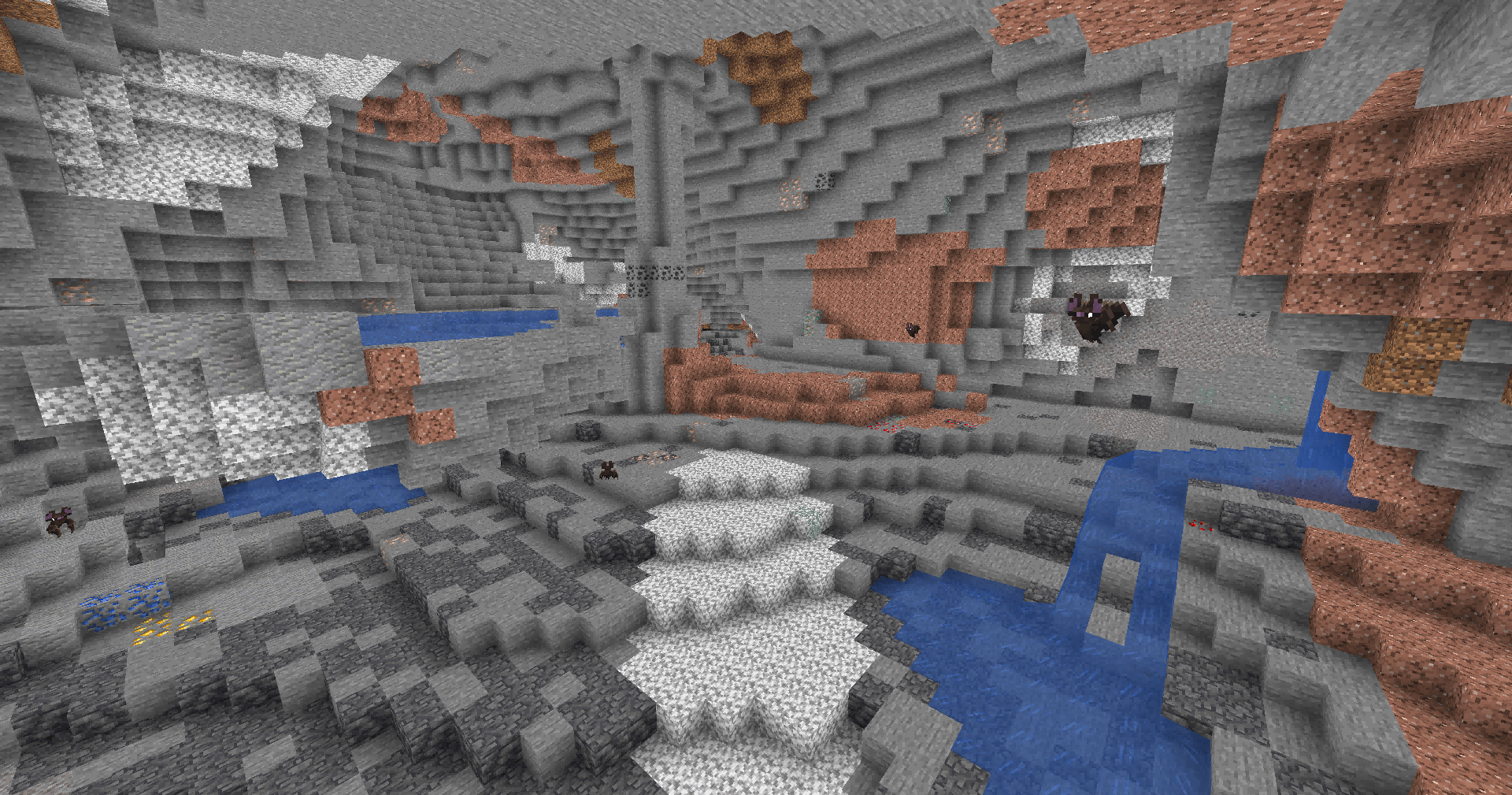
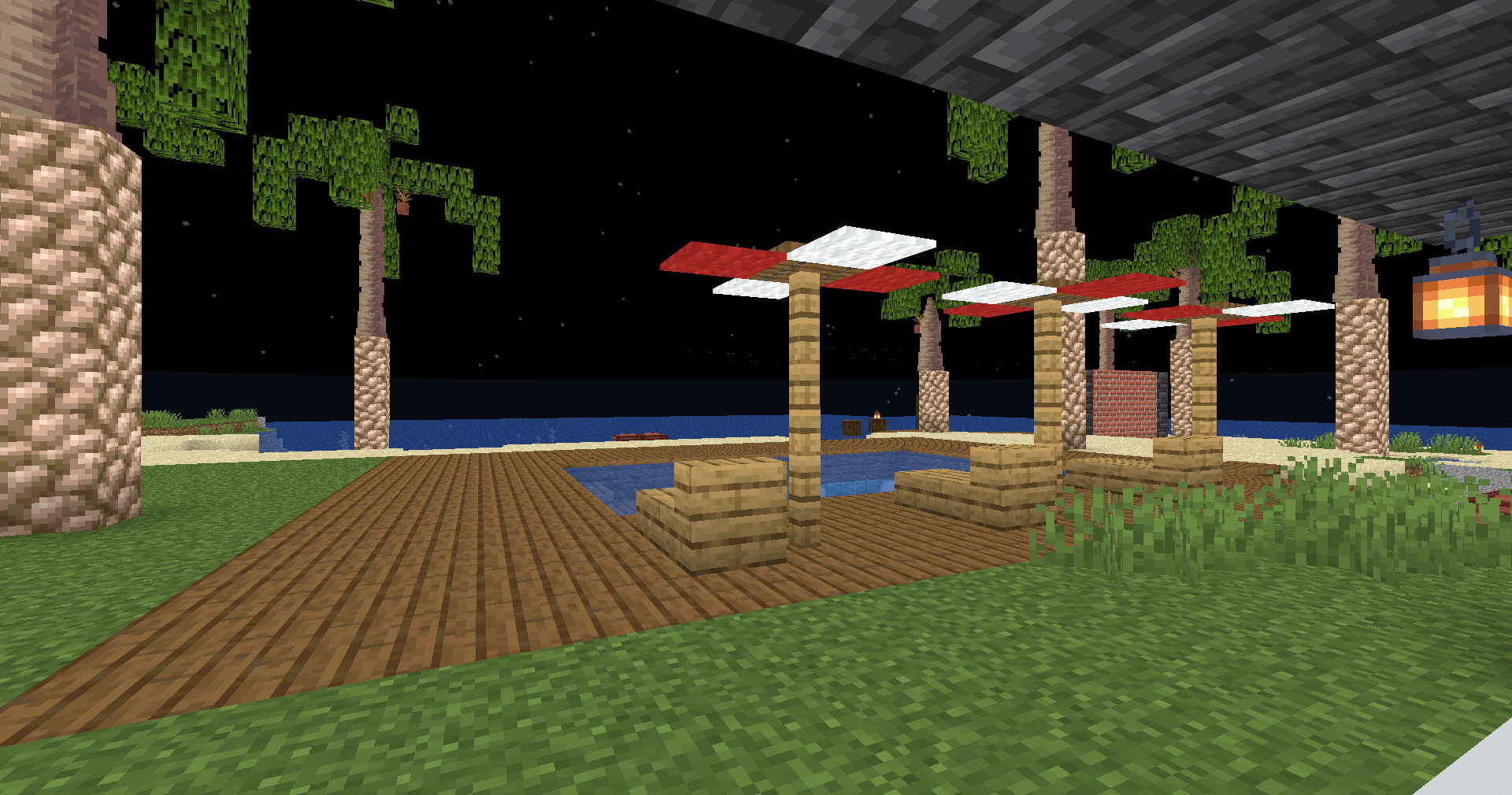
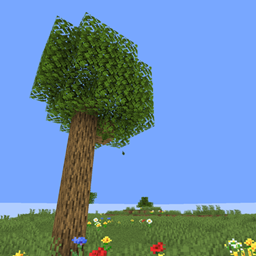
This is an ultra-lightweight shader with almost no performance cost. It works wonderfully in survival. Caves and night stay bright. You can see clearly underwater, with no annoying fog to get in your way.

NoShadow.zip
MC 1.21.2-Snapshot, 1.21, 1.21.6-snapshot, 1.21.1-Snapshot, 1.21.8, 1.21.5, 1.21.4, 1.21.5-Snapshot, OptiFine, 1.21.1, 1.21.6, 1.21.3, 1.21.7, 1.21-Snapshot, 1.21.4-Snapshot, Iris
Release 2026-09-13 Get

Requirements & install

How to use this shader in Minecraft
Shader loader
Iris OptiFine
Minecraft
1.21.4-Snapshot – 1.21.8
Install folder
.minecraft/shaderpacks

How to install shaders

  1. Install a shader loader for your Minecraft version: Iris (with Sodium) or OptiFine.
  2. Download the shader pack .zip file (do not extract it).
  3. Put the .zip into the shaderpacks folder (.minecraft/shaderpacks).
  4. In game open Options → Video Settings → Shader Packs, select the pack and apply it.
Browse more: Iris shaders OptiFine shaders Shaders for 1.21.8 All shaders

More from INDEA

Advertisement Remove ads with Premium →

You Might Also Like