===========================================================
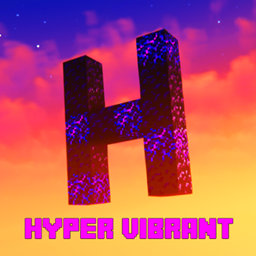
>>> Hyper vibrant <<<
===========================================================
wont get updated
A much higher performance build
Please note that this project is not a standalone shaderpack. It is a highly customized settings and configuration profile built specifically for ComplementaryShaders (4.7.2). This profile completely changes the default visual style of the game to create a much more intense, cinematic, and colorful experience. I respect the license and the effort.
=-Type in-game /time set 1 or 12000-=
=-AT 1K DOWNLOADS ILL DO A UNBOUND PORT-=
>>> What is Different From the Original?
This profile modifies the original shader settings to include the following adjustments:
● Enhanced Vibrancy: Colors have been completely reworked and boosted to make the environment look incredibly vivid and alive.
● Upgraded Reflections: Custom reflection add-ons have been configured for water, wet blocks, and metallic surfaces.
● Epic Skies: Sunrises and sunsets have been heavily modified for dramatic, crazy color blends and lighting effects.
● Startup Intro: Includes a unique, custom intro sequence that triggers whenever the shader profile finishes loading.
>>>Credits & License Compliance
This project is a derivative configuration and strictly follows all uploading guidelines:
● Original Author: Huge credit goes to EminGT for creating the incredible base shader.
● Original Project Links:
https: //www.curseforge.com/minecraft/shaders/complementary-unbound (Curseforge)
https://www.complementary.dev/shaders/ (Official Website)
● License: This project is a derivative work. It fully complies with, respects, and operates under the original project's license terms. (You can find it in the files)
=====================================================================
━━━━━━━━━━━━━━━━━━━━━━━━━━━━━━━
HAPPY VIBRANCY.
━━━━━━━━━━━━━━━━━━━━━━━━━━━━━━━