Mineuniverse
Shaders
Hyper Vibrant (To The Max)

Hyper Vibrant (To The Max)

SHADER
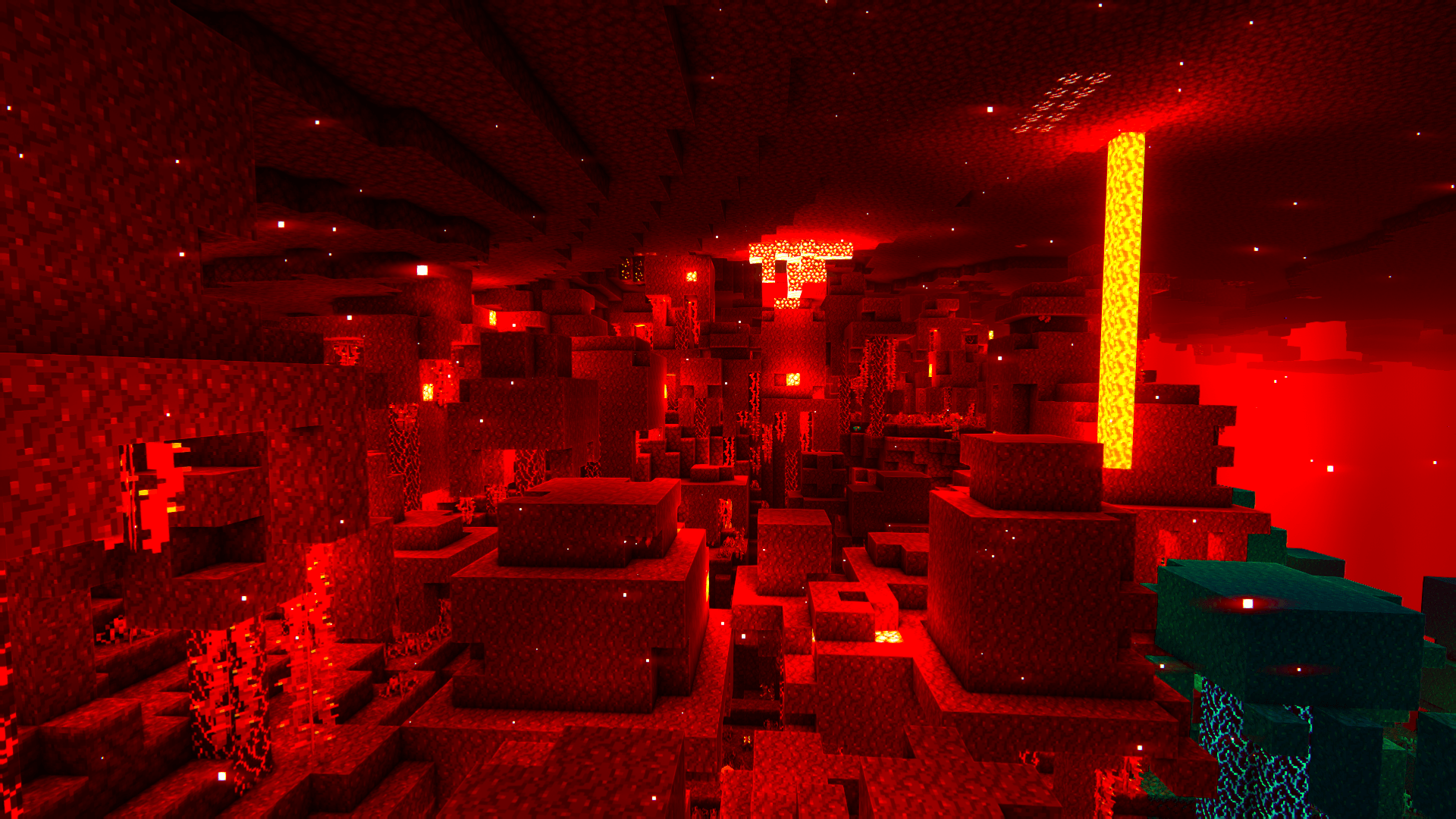
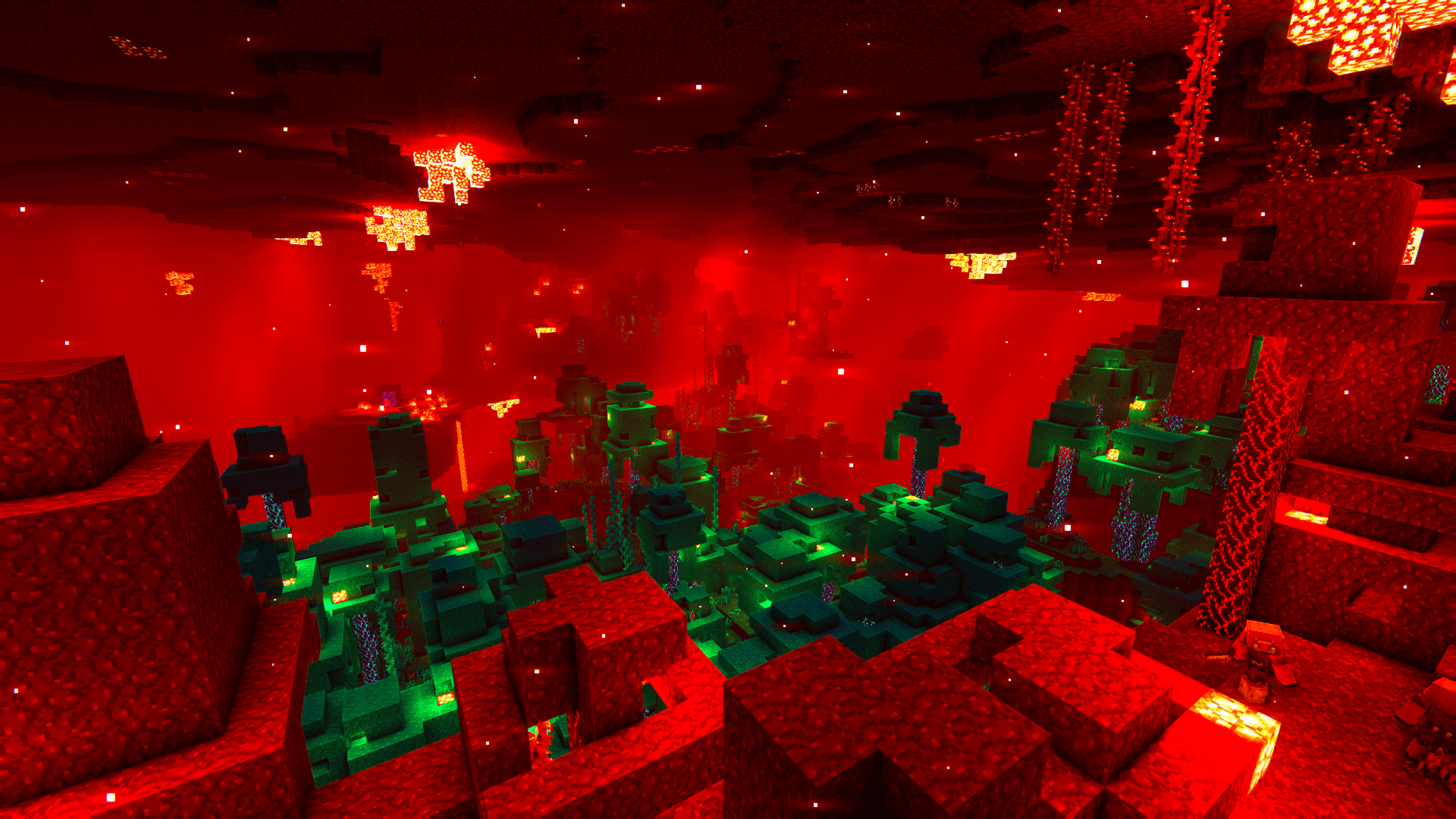
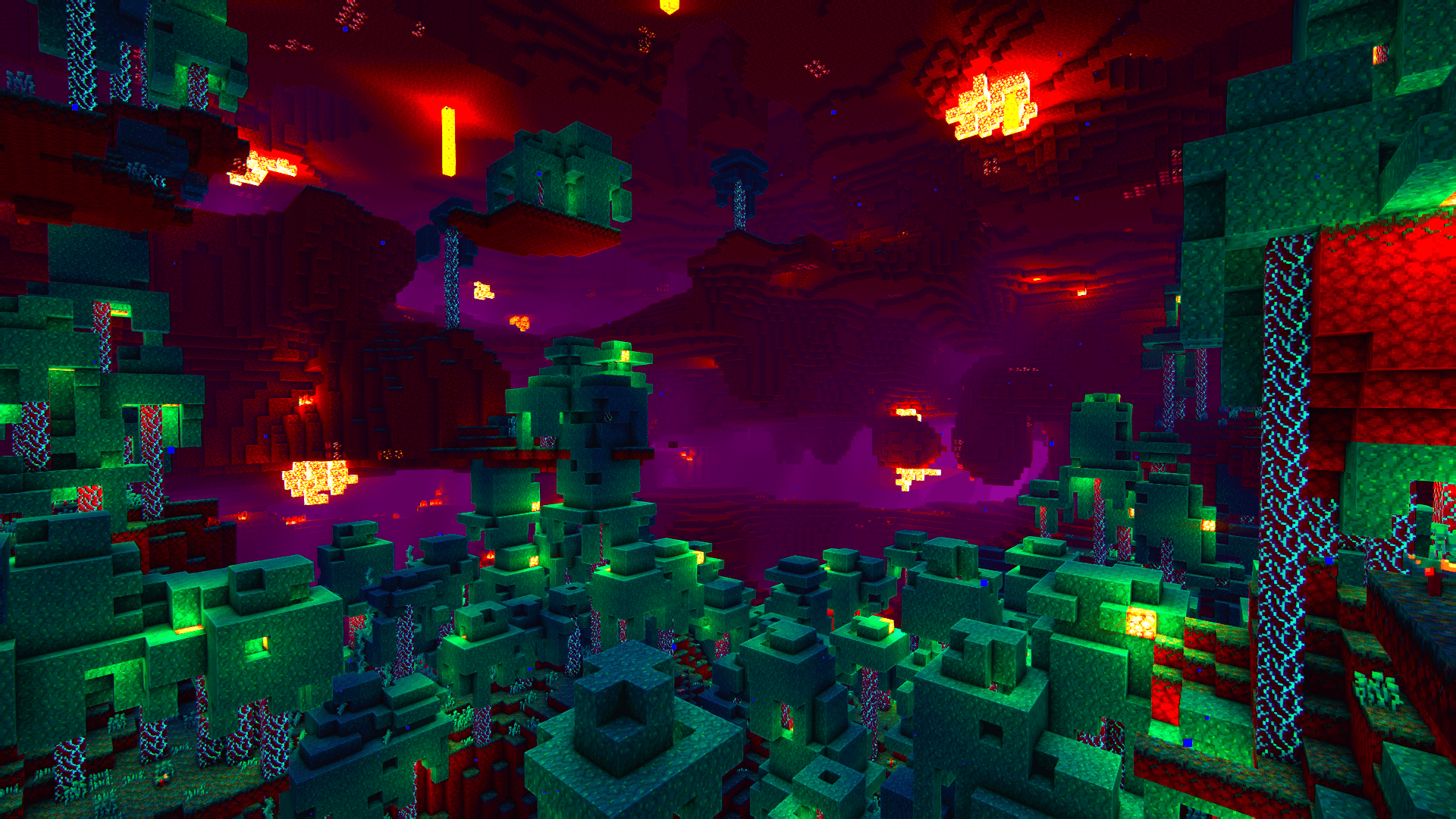
A very modified settings for the popular shader called complementary that makes minecraft feel alive
by RzerY
Download Claim this project
4,025 downloads
0 likes
0 followers
Updated Oct 14, 2026
0 hypes
Follow0
Fantasy
Advertisement Remove ads with Premium →

2026-07-29_03.21.47.png 

           ===========================================================
                                                                 >>> Hyper Vibrant <<<
           ===========================================================


Open the .zip file you downloaded and paste the preset in your shaderpacks (if you got the latest version then you dont have to follow this)

Should use 75% Vibrancy in Nvidia control panel for a 30% better visuals also some low brightness fixes

PRO VERSION IS OUT

RECOMMENDED TO HAVE A GTX 1660 SUPER IF YOU WANT A STABLE EXPERIENCE

Please note that this project is not a standalone shaderpack. It is a highly customized settings and configuration profile built specifically for ComplementaryShaders (4.7.2). This profile completely changes the default visual style of the game to create a much more intense, cinematic, and colorful experience. yes bro you heard

Credits: 

Capt Tatsu: BSL Shaders

EminGT: Complementary Shaders (based on bsl)

Ola: Tester

=-Type in-game /time set 0 or 12000-=

=-AT 1K DOWNLOADS ILL DO A UNBOUND PORT-=


>>> What is Different From the Original?
This profile modifies the original shader settings to include the following adjustments:


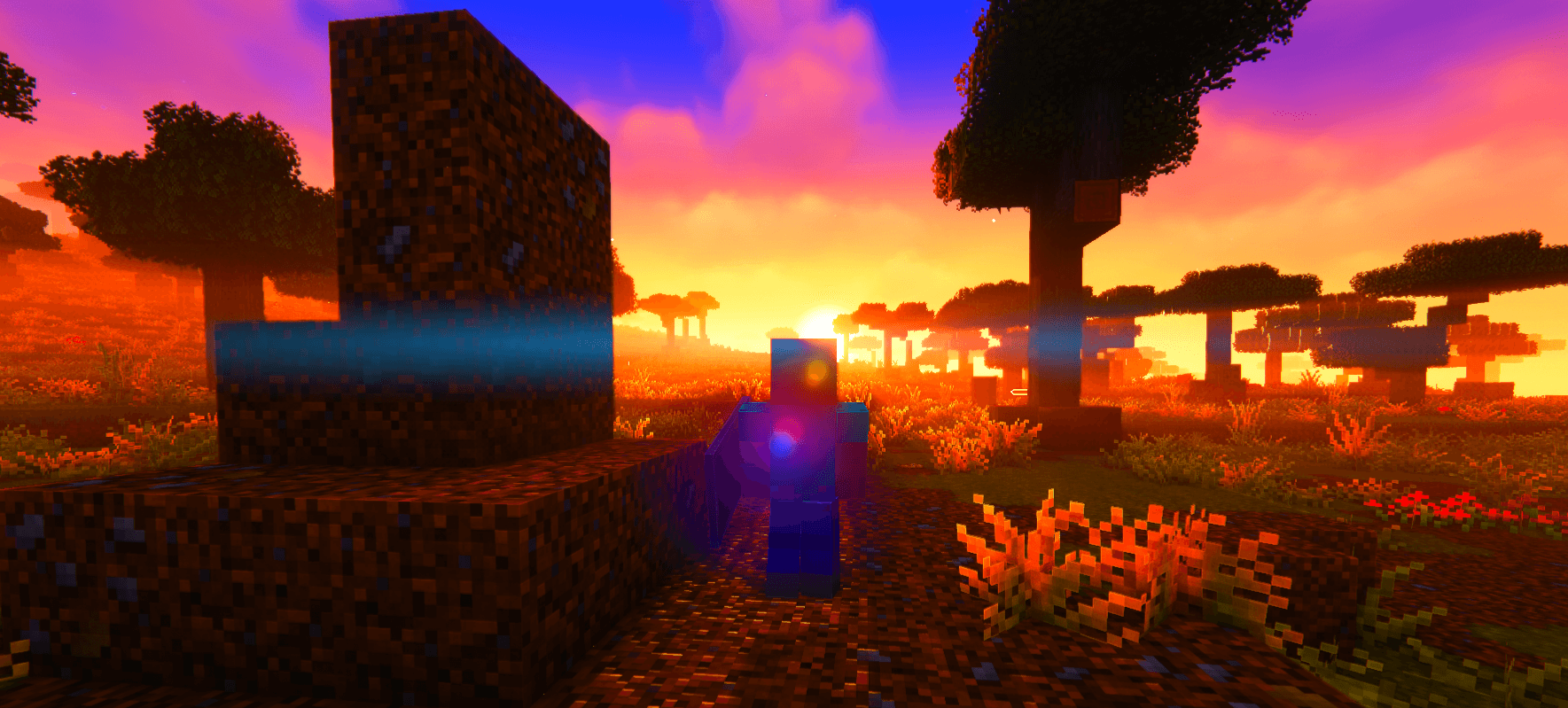
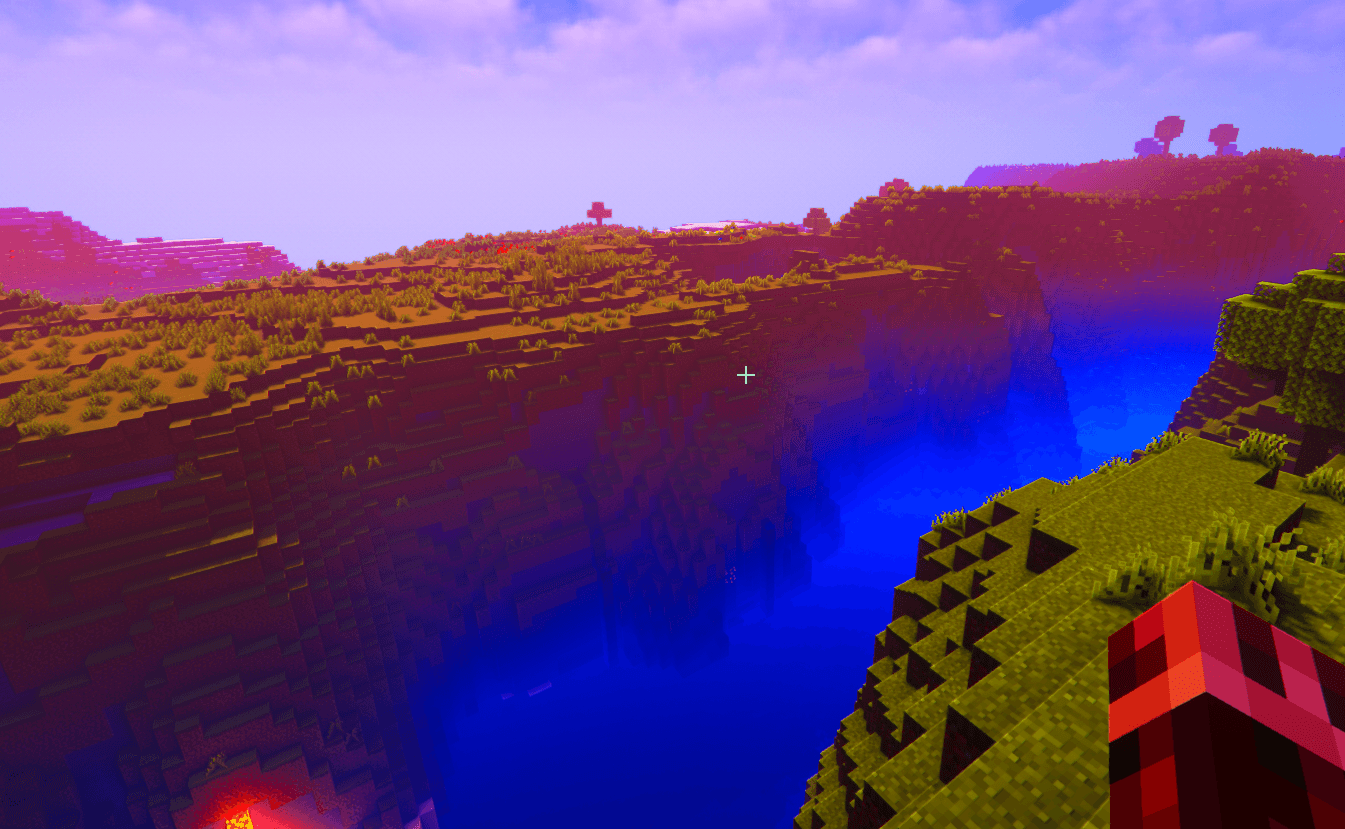
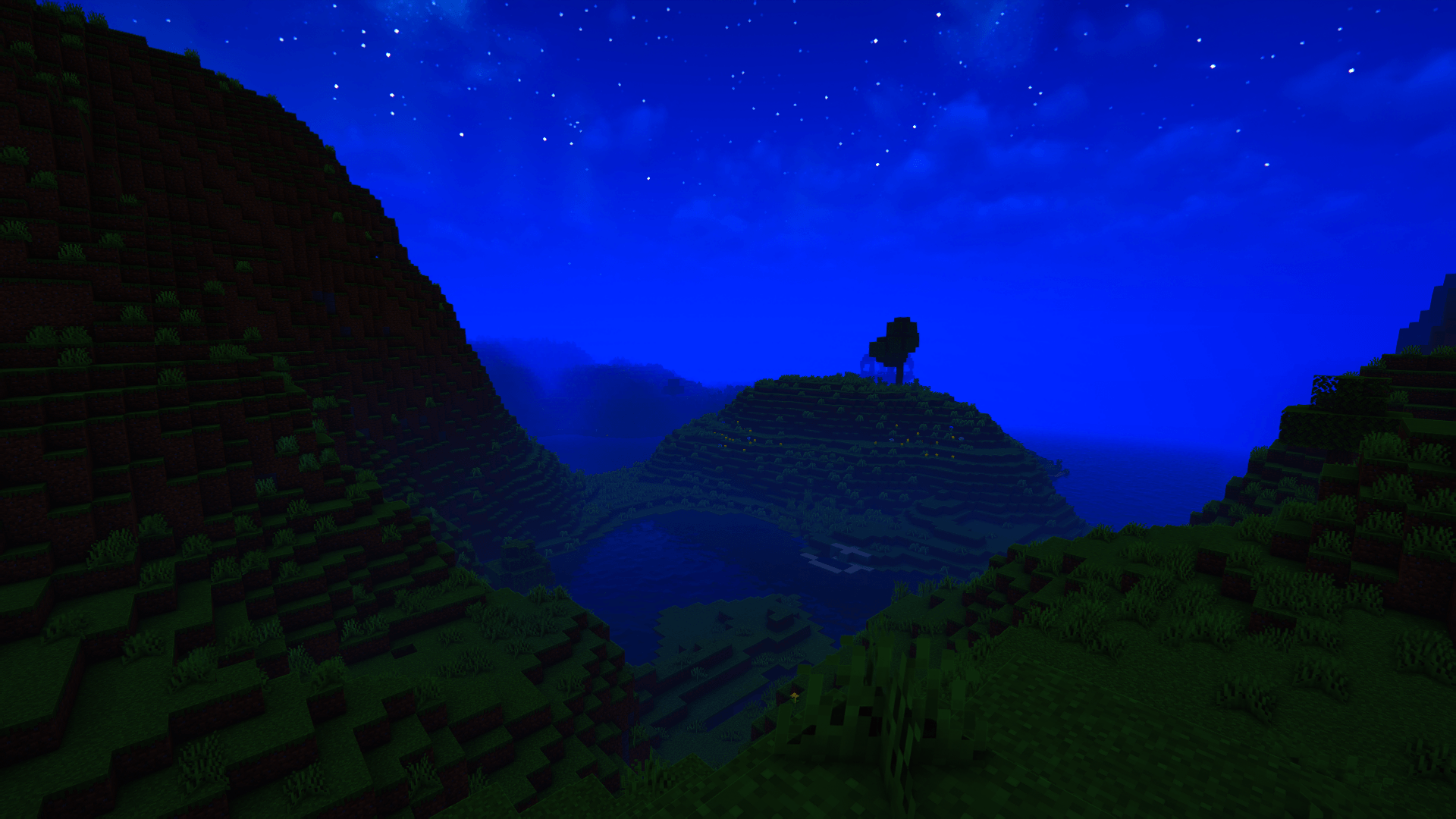
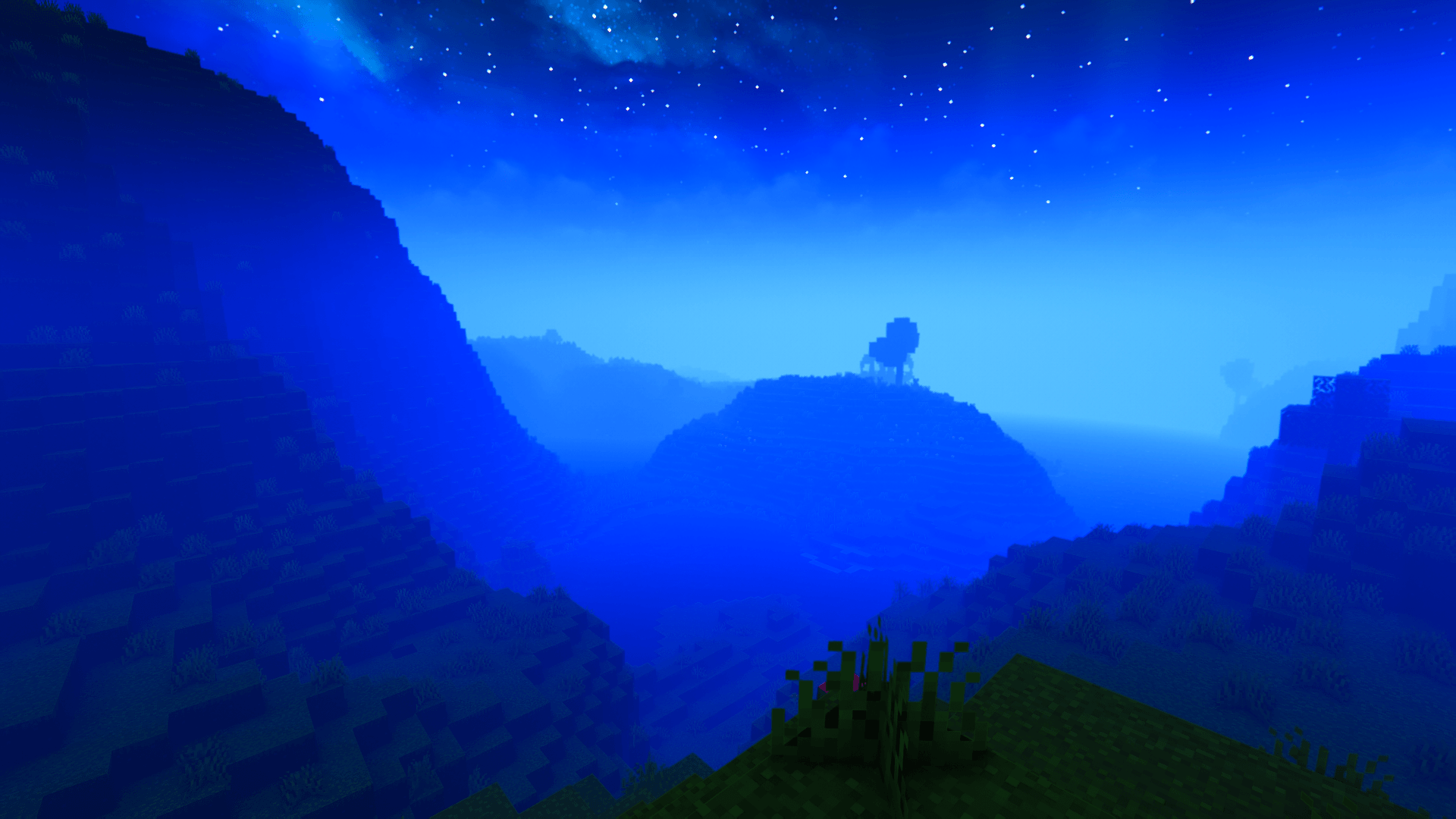
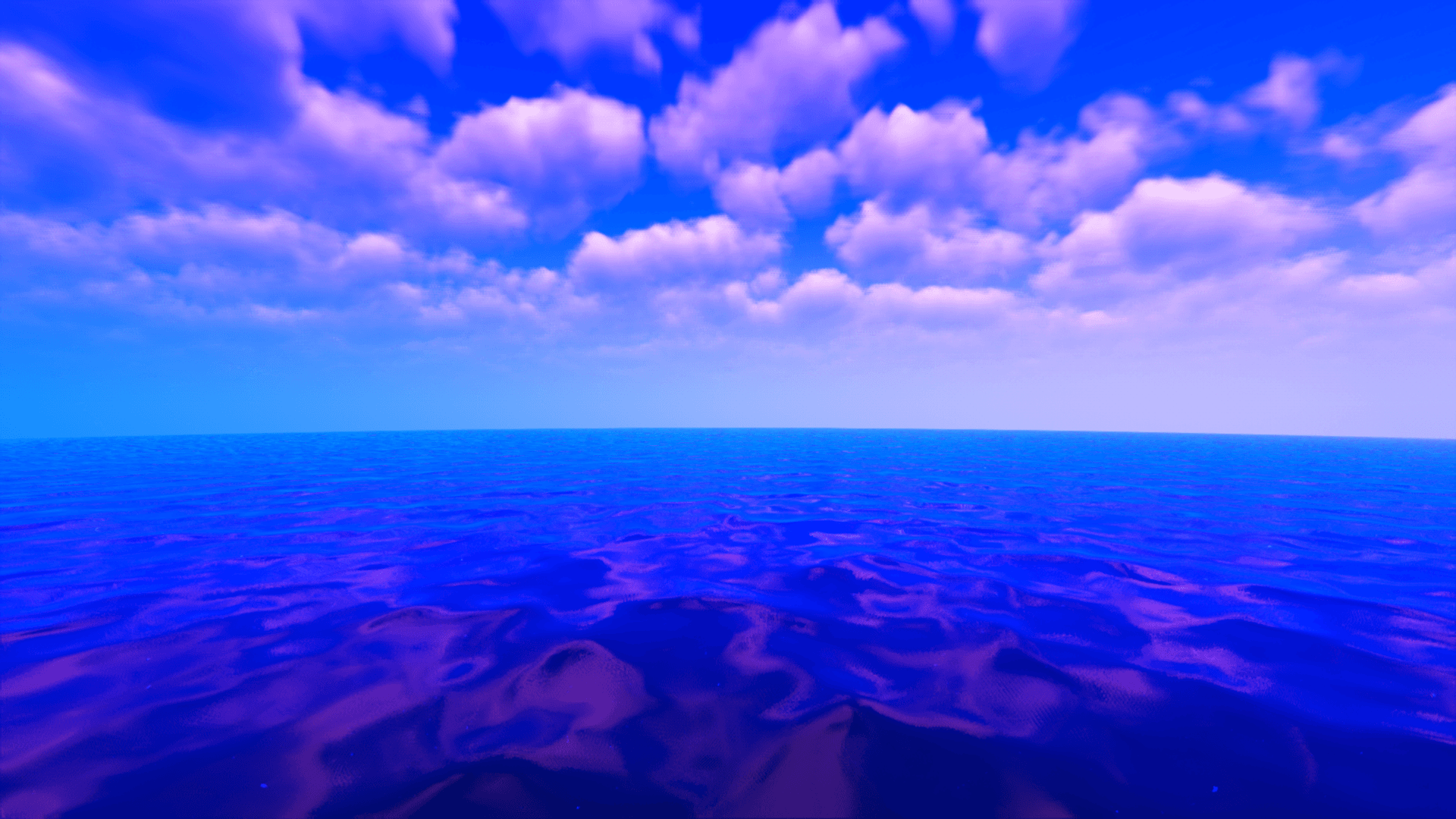
● Enhanced Vibrancy: Colors have been completely reworked and boosted to make the environment look incredibly vivid and alive. what would you expect


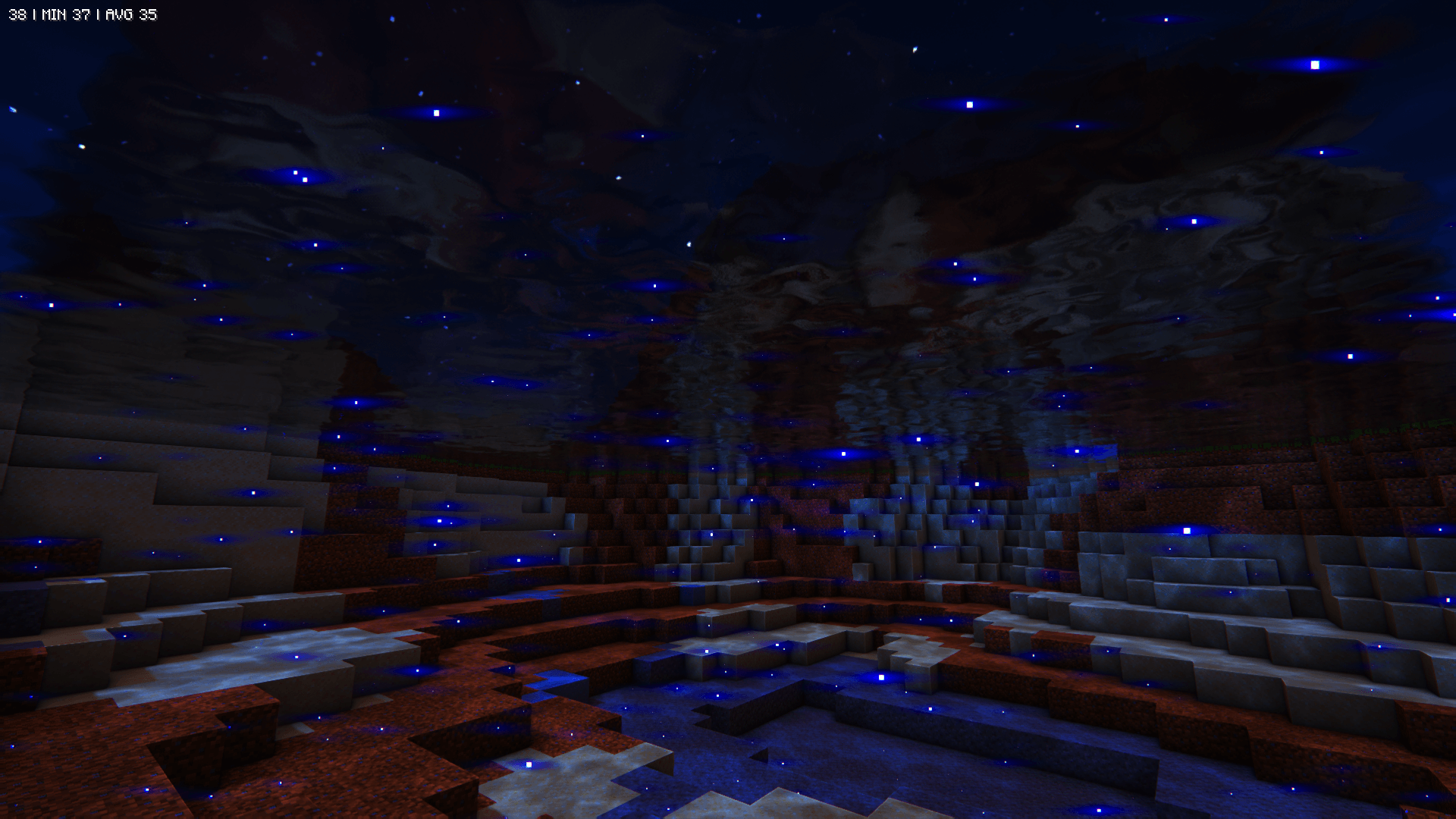
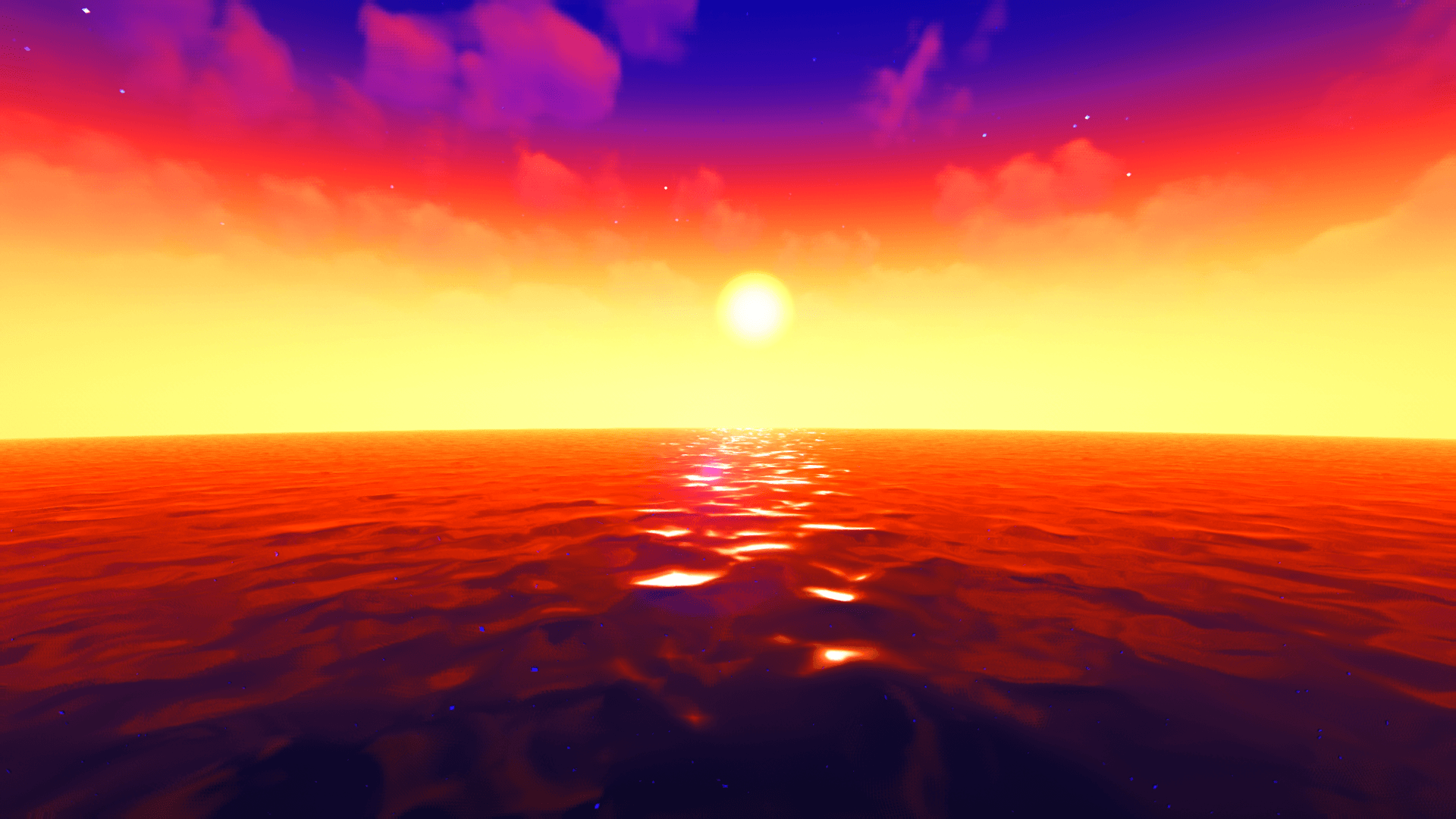
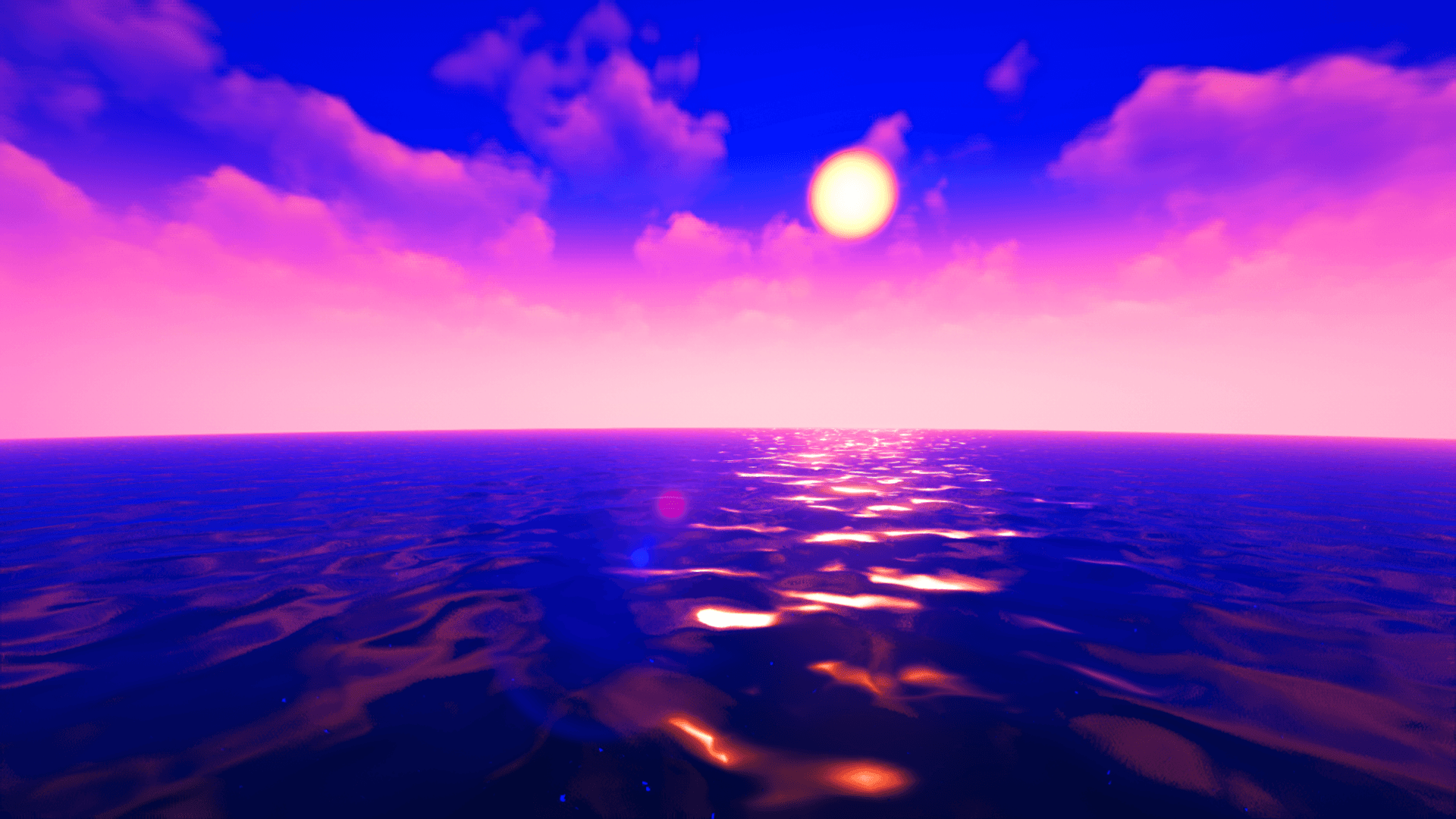
● Upgraded Reflections: Custom reflection add-ons have been configured for water.


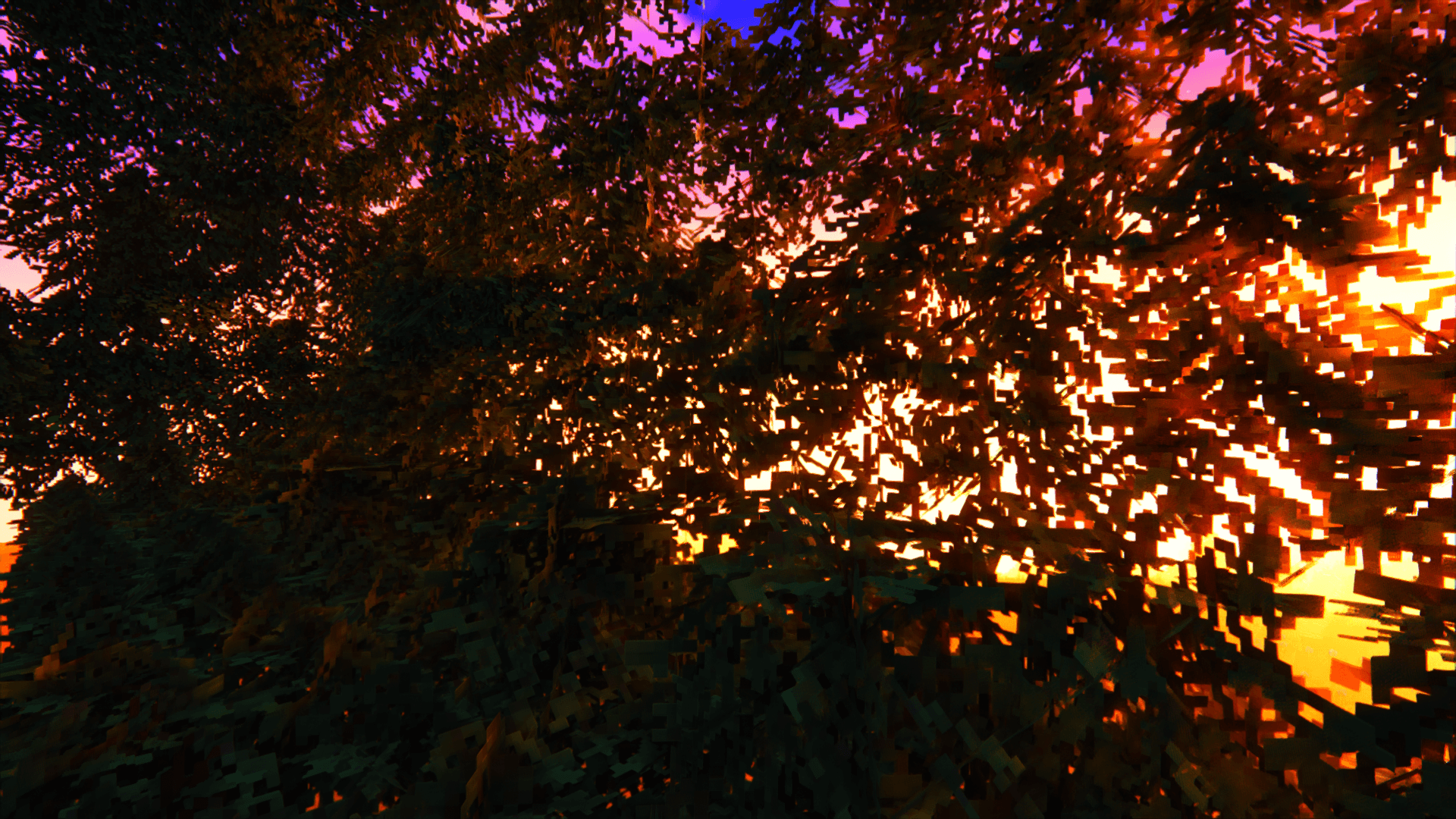
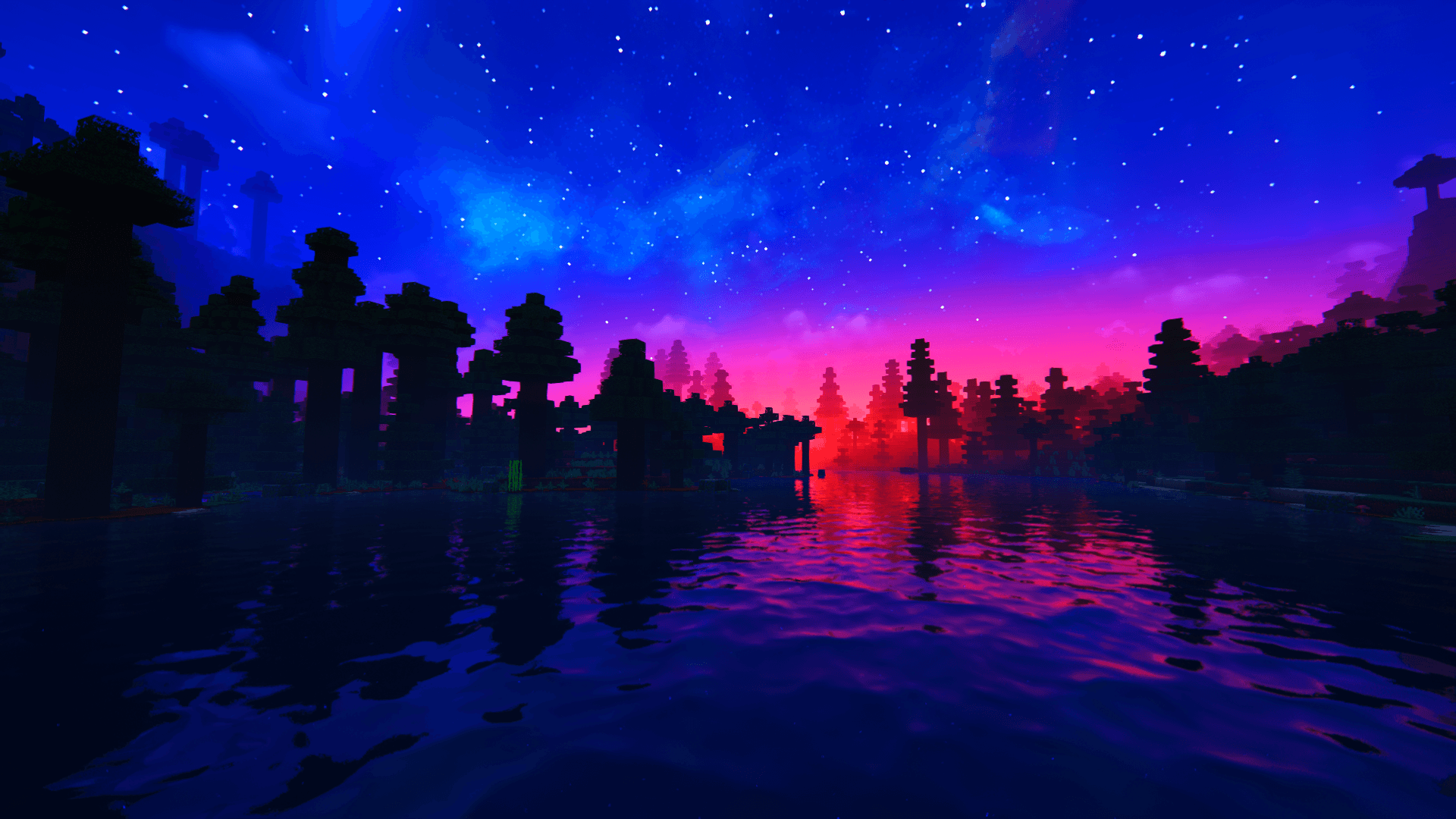
● Epic Skies: Sunrises and sunsets have been heavily modified for dramatic, crazy color blends and lighting effects.


>>>Credits & License Compliance
This project is a derivative configuration and strictly follows all uploading guidelines:


● Original Author: Huge credit goes to EminGT for creating the incredible base shader.


● Original Project Links:

 https: //www.curseforge.com/minecraft/shaders/complementary-unbound (Curseforge)

 https://www.complementary.dev/shaders/ (Official Website)


● License: This project is a derivative work. It fully complies with, respects, and operates under the original project's license terms. (You can find it in the files)


=====================================================================

>>> Showcase:

Difference is clear
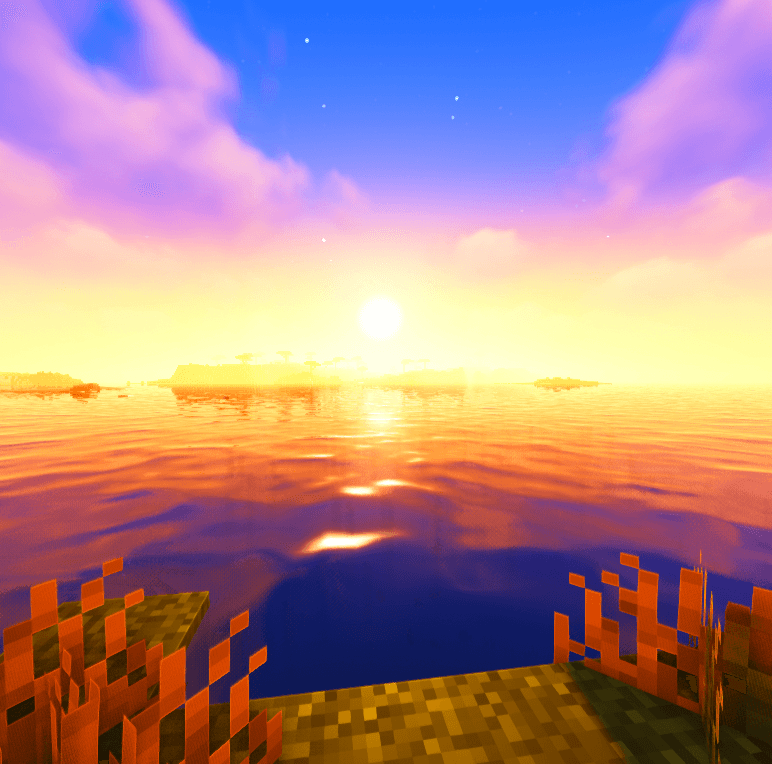
 

Showcase of the standard profile in a video

The PRO version will be showcased soon

━━━━━━━━━━━━━━━━━━━━━━━━━━━━━━━

                                         HAPPY VIBRANCY.

━━━━━━━━━━━━━━━━━━━━━━━━━━━━━━━

HyperVibrant TTM+1.5V+LEGACY
MC 1.16.3, 1.17.1, 1.16.1, 1.18.1, 1.14.3, 1.15, 1.16, 1.16.5, 1.19.3, 1.20.2, 1.19.4, 1.14.4, 1.14.1, 1.17, 1.20.5, 1.18, 1.20.1, 1.20, OptiFine, 1.20.6, 1.15.2, 1.14, 1.19.1
Release 2026-09-22 Get
HVTTMv2.2
MC 1.16.3, 1.17.1, 1.16.1, 1.18.1, 1.14.3, 1.15, 1.16, 1.16.5, 1.19.3, 1.20.2, 1.19.4, 1.14.4, 1.14.1, 1.17, 1.20.5, 1.18, 1.20.1, 1.20, OptiFine, 1.20.6, 1.15.2, 1.14, 1.19.1
Release 2026-08-21 Get
VCTTMv2 (PRO)
MC 1.16.3, 1.17.1, 1.16.1, 1.18.1, 1.14.3, 1.15, 1.16, 1.16.5, 1.19.3, 1.20.2, 1.19.4, 1.14.4, 1.14.1, 1.17, 1.20.5, 1.18, 1.20.1, 1.20, OptiFine, 1.20.6, 1.15.2, 1.14, 1.19.1
Release 2026-07-29 Get
VMPv1.6 (PRO)
MC 1.16.3, 1.13.1, 1.9.3, 1.8.7, 1.7.4, 1.7.7, 1.7.6, 1.17.1, 1.9.1, 1.7.5, 1.16.1, 1.18.1, 1.14.3, 1.15, 1.16, 1.13, 1.7.3, 1.7.2, 1.16.5, 1.10.2, 1.19.3, 1.20.2, 1.19.4
Beta 2026-07-24 Get
VMPv1.5 (PRO)
MC 1.16.3, 1.13.1, 1.9.3, 1.8.7, 1.7.4, 1.7.7, 1.7.6, 1.17.1, 1.9.1, 1.7.5, 1.16.1, 1.18.1, 1.14.3, 1.15, 1.16, 1.13, 1.7.3, 1.7.2, 1.16.5, 1.10.2, 1.19.3, 1.20.2, 1.19.4
Release 2026-07-14 Get
VMPv1.3 (PRO)
MC 1.16.3, 1.13.1, 1.9.3, 1.8.7, 1.7.4, 1.7.7, 1.7.6, 1.17.1, 1.9.1, 1.7.5, 1.16.1, 1.18.1, 1.14.3, 1.15, 1.16, 1.13, 1.7.3, 1.7.2, 1.16.5, 1.10.2, 1.19.3, 1.20.2, 1.19.4
Release 2026-07-11 Get
VMPv1.0 (PRO)
MC 1.16.3, 1.17.1, 1.21, 1.16.1, 1.18.1, 1.16, 1.16.5, 1.19.3, 1.20.2, 1.19.4, 1.21.8, 1.17, 1.20.5, 1.21.5, 1.18, 1.21.4, 1.20.1, 1.20, OptiFine, 1.20.6, 1.21.1, 1.21.6, 1.21.3
Release 2026-07-09 Get
VMSv1.0 (STANDARD)
MC 1.16.3, 1.17.1, 1.21, 1.16.1, 1.18.1, 1.16, 1.16.5, 1.19.3, 1.20.2, 1.19.4, 1.21.8, 1.17, 1.20.5, 1.21.5, 1.18, 1.21.4, 1.20.1, 1.20, OptiFine, 1.20.6, 1.21.1, 1.21.6, 1.21.3
Release 2026-07-07 Get

Requirements & install

How to use this shader in Minecraft
Shader loader
OptiFine
Minecraft
1.20.6 – 1.21.8
Install folder
.minecraft/shaderpacks

Install with OptiFine

  1. Install OptiFine for your Minecraft version (optifine.net) and start it once.
  2. Download the shader pack .zip (do not extract it).
  3. Put the .zip into .minecraft/shaderpacks.
  4. In game open Options → Video Settings → Shaders and select the pack.
Browse more: Iris shaders OptiFine shaders Shaders for 1.21.8 All shaders

More from RzerY

Advertisement Remove ads with Premium →

You Might Also Like