Mineuniverse
Shaders
Nostalgia Shader

Nostalgia Shader

SHADER
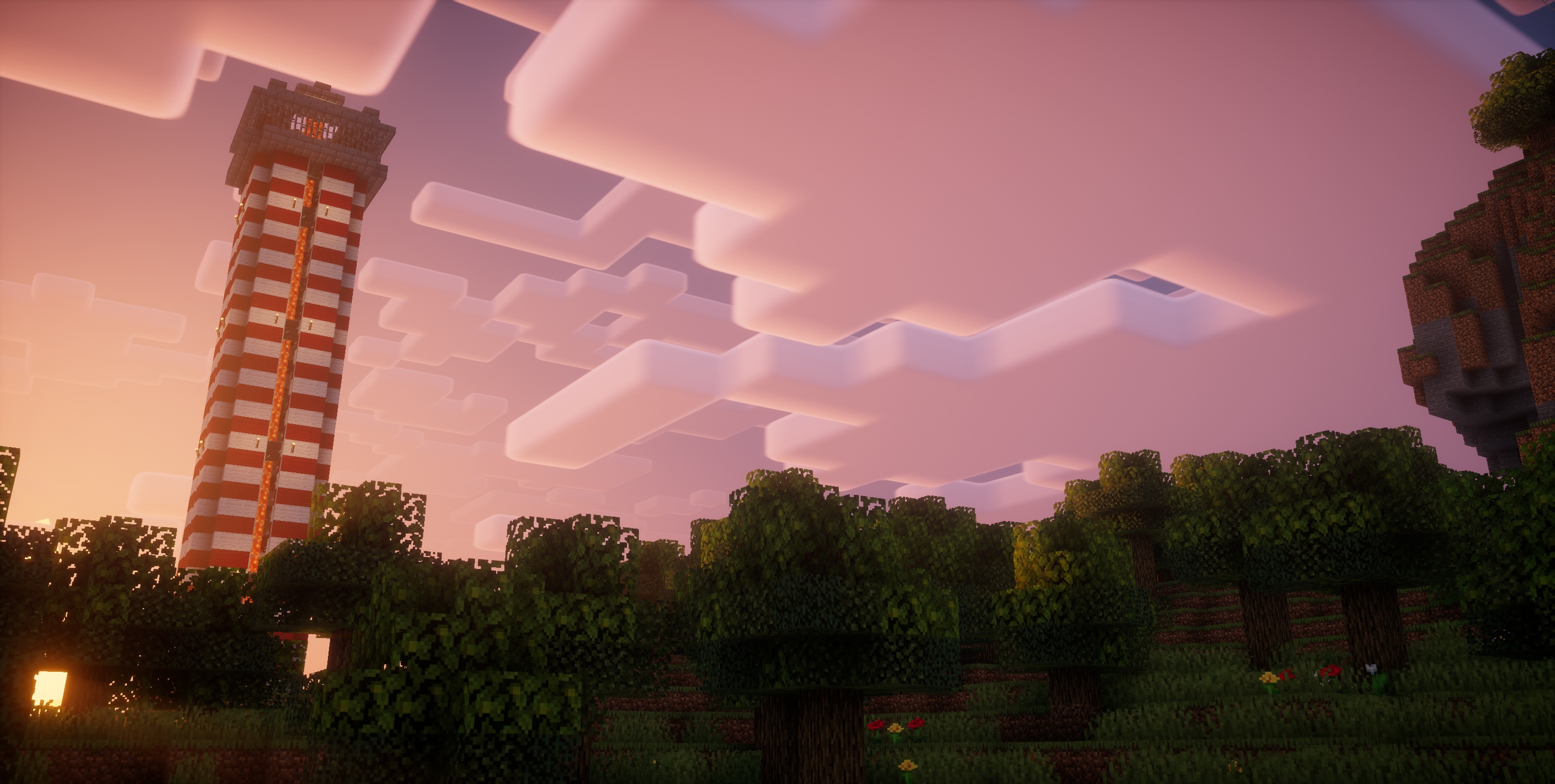
Capturing the essence of old shaderpacks to create a stylized and modern Minecraft-look.
by RRe36
Download Claim this project
7,633,687 downloads
0 likes
Updated Oct 14, 2026
0 hypes
Fantasy Vanilla
Advertisement Remove ads with Premium →

Banner

What is the Nostalgia Shader?

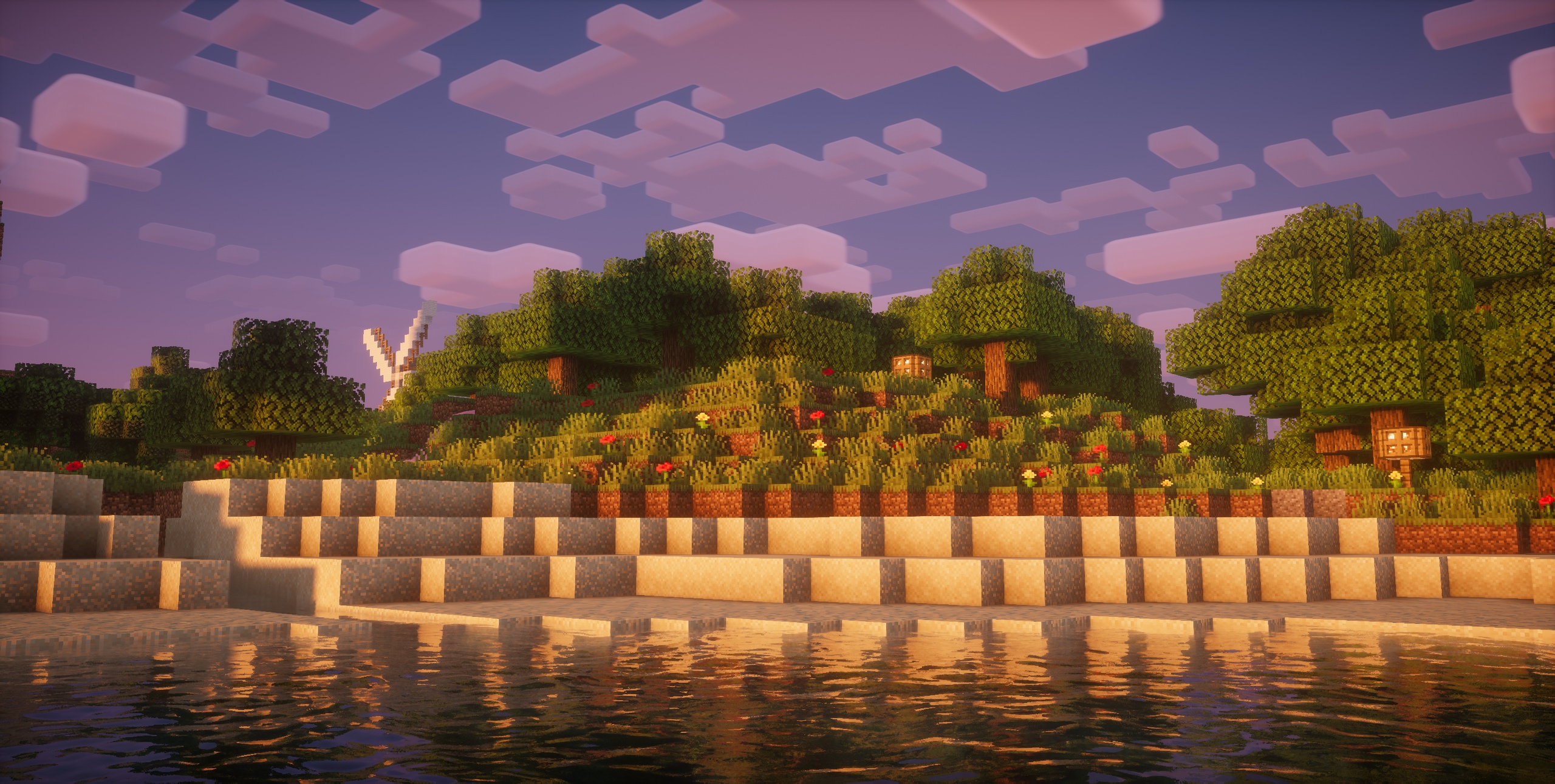
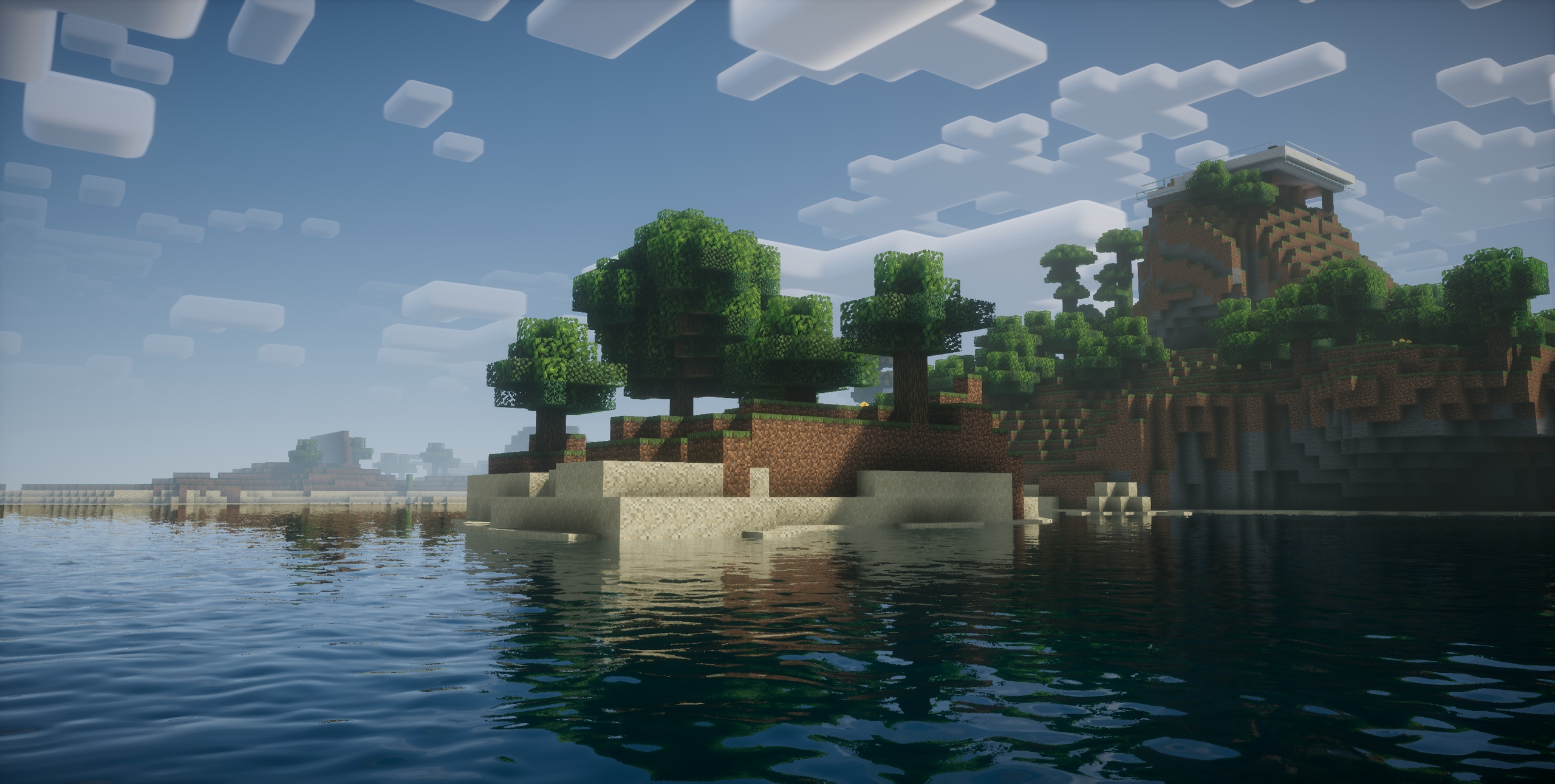
It is a shaderpack meant to loosely replicate the look and feel of "first-gen" shaderpacks (Seus v08, Chocapic v3 etc.) while also adding new features and visual effects like volumetric fog.



What are the features/effects that this shaderpack has?

  •  custom skybox and lighting colors
  •  dynamic shadows
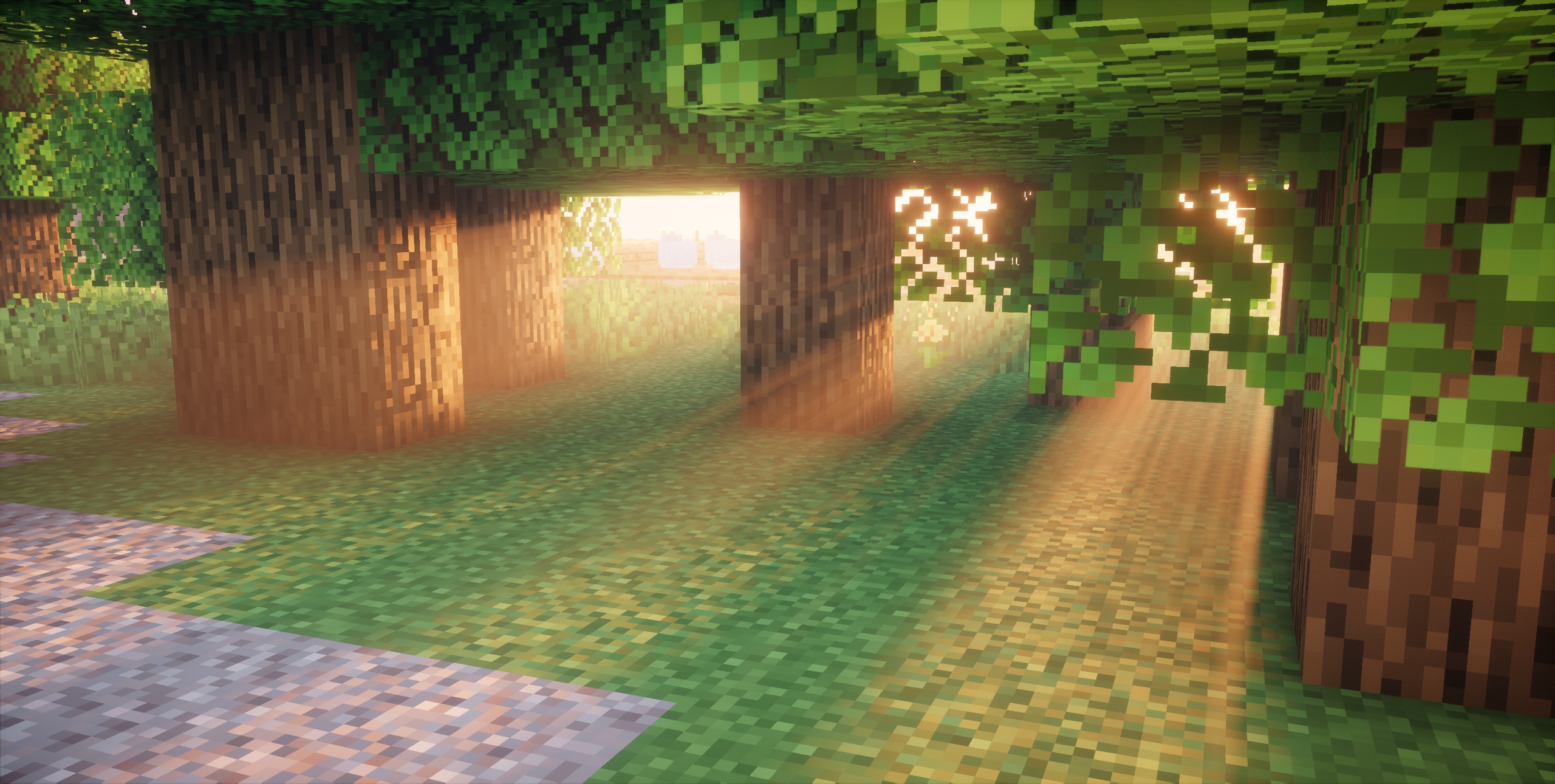
  •  volumetric fog
  •  wind effects on foliage
  •  shader based vanilla styled clouds (including an option for story mode styled clouds)
  •  second layer of volumetric clouds (partially inspired by super duper pack, but better)
  •  nether and end support
  •  TAA and auto exposure


Where can I download it?

Either here or via my website (link below).


Any Requirements?

Optifine for 1.12 or newer

Version 4.0 and newer require 1.16 until OptiFine finally backports new features
alternatively Iris 1.5.0 or newer

A nVidia or AMD graphics card supporting OpenGL 4.0

Windows or Linux

DUE TO REPEATED ISSUE-REPORTS: Intel HD 5000 Graphics and older are NOT supported!


External Links:

The Offical Website of this Project: Link

The Discord Server: Link

The Shaderlabs Discord: Link

Nostalgia Shader v5.1
MC 1.17.1, 1.19.3, 1.20.2, 1.21, 1.18.1, 1.20.5, 1.17, 1.19.4, 1.16.5, 1.21.4, 1.18.2, 1.19.2, 1.20.3, 1.20.1, 1.20, OptiFine, 1.20.6, 1.19.1, 1.20.4, 1.21.3, 1.21.1, 1.18, Iris
Release 2025-02-28 Get
Nostalgia Shader v5.0
MC 1.17.1, 1.16.3, 1.19.3, 1.16.1, 1.18.1, 1.17, 1.16, 1.19.4, 1.16.5, 1.18.2, 1.19.2, 1.20.1, 1.20, OptiFine, 1.19.1, 1.18, 1.16.4, 1.16.2, Iris, 1.19
Release 2023-06-13 Get
Nostalgia Shader v4.0a
MC 1.17.1, 1.16.5, 1.18.2
Release 2022-03-25 Get
Nostalgia Shader v4.0
MC 1.17.1, 1.18.1, 1.16.5
Release 2021-12-27 Get
Nostalgia Shader v3.1
MC 1.17.1, 1.14.4, 1.16.5, 1.15.2, 1.12.2, 1.13.2
Release 2021-09-22 Get
Nostalgia Shader v3.0
MC 1.14.4, 1.16.5, 1.15.2, 1.16.4, 1.12.2, 1.13.2
Release 2021-03-02 Get
Nostalgia Shader v2.3
MC 1.13.1, 1.14.4, 1.14.1, 1.12.1, 1.12, 1.14.3, 1.15, 1.13, 1.15.2, 1.14, 1.14.2, 1.12.2, 1.13.2, 1.15.1
Release 2020-05-18 Get
Nostalgia Shader v2.2
MC 1.13.1, 1.14.4, 1.14.1, 1.12.1, 1.12, 1.14.3, 1.13, 1.14, 1.14.2, 1.12.2, 1.13.2
Release 2020-02-23 Get
Nostalgia Shader v2.1
MC 1.13.1, 1.14.4, 1.14.1, 1.12.1, 1.12, 1.14.3, 1.13, 1.14, 1.14.2, 1.12.2, 1.13.2
Release 2020-02-08 Get
Nostalgia Shader v2.0
MC 1.13.1, 1.14.4, 1.14.1, 1.12.1, 1.12, 1.14.3, 1.13, 1.14, 1.14.2, 1.12.2, 1.13.2
Release 2019-12-29 Get
Nostalgia Shader v1.1
MC 1.13.1, 1.14.4, 1.14.1, 1.12.1, 1.12, 1.14.3, 1.13, 1.14, 1.14.2, 1.12.2, 1.13.2
Release 2019-10-03 Get
Nostalgia Shader v1.0
MC 1.13.1, 1.14.4, 1.14.1, 1.12.1, 1.12, 1.14.3, 1.13, 1.14, 1.14.2, 1.12.2, 1.13.2
Release 2019-09-01 Get

Requirements & install

How to use this shader in Minecraft
Shader loader
Iris OptiFine
Minecraft
1.20.3 – 1.21.4
Install folder
.minecraft/shaderpacks

How to install shaders

  1. Install a shader loader for your Minecraft version: Iris (with Sodium) or OptiFine.
  2. Download the shader pack .zip file (do not extract it).
  3. Put the .zip into the shaderpacks folder (.minecraft/shaderpacks).
  4. In game open Options → Video Settings → Shader Packs, select the pack and apply it.
Browse more: Iris shaders OptiFine shaders Shaders for 1.21.4 All shaders

More from RRe36

Advertisement Remove ads with Premium →

You Might Also Like