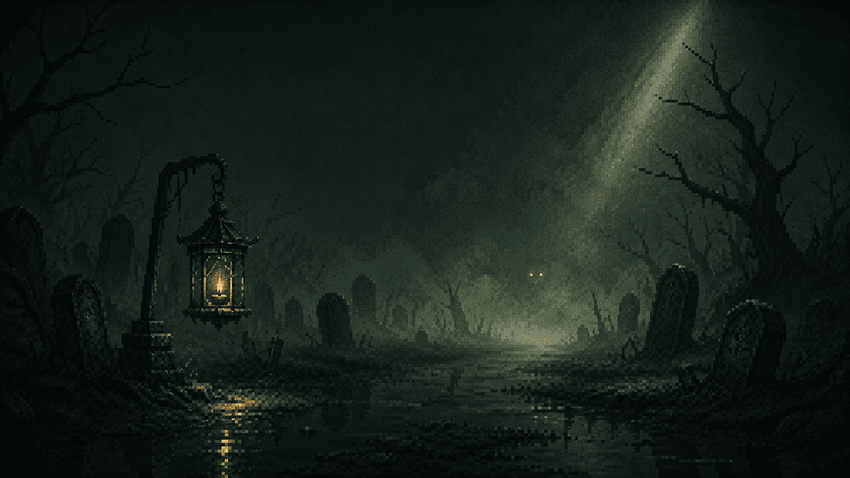
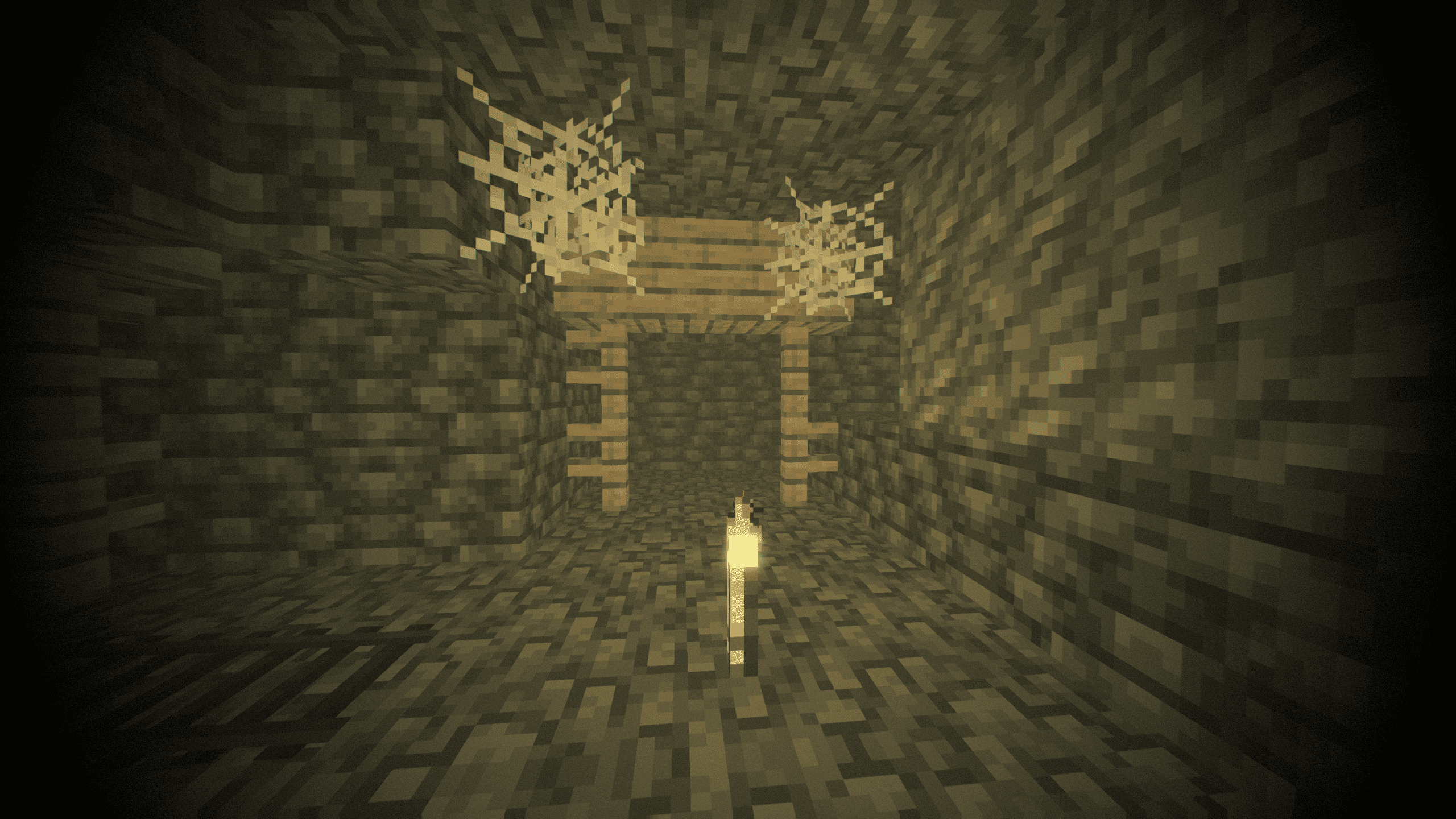
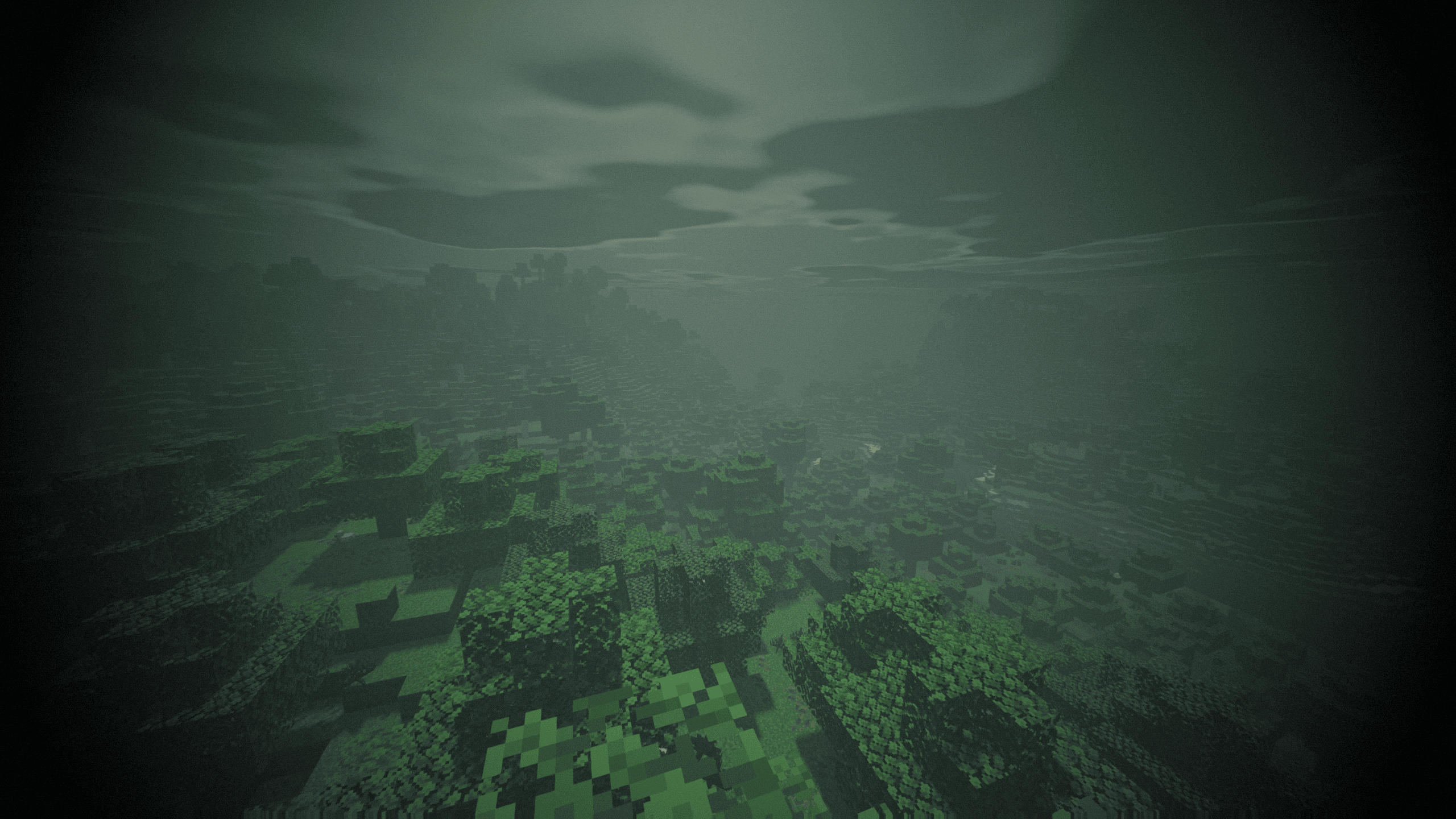
Gravemist is a horror shaderpack for Minecraft 26.2 and Iris 1.11+, built on one rule: the dark has to be menacing, never blinding. What hides the mobs is heavy volumetric fog, not a black screen — three separate guards keep the ground under your feet readable at all times. Its centrepiece is the dread system: it reads how long you have been underground and slowly poisons the image with grain, chromatic aberration, a breathing vignette, a heartbeat and creeping tendrils, then decays slower than it rose once you surface. The Warden's Darkness collapses your view distance to a few blocks and sends a sonar ring across the screen; rare blood moons and solar eclipses, derived from the world day so a whole server shares them, turn the sky to rust or bronze. Block light falls off hard and every source flickers on its own phase, so walking away from a torch is a real decision and no two torches ever blink together. The Nether and the End get their own skies and their own atmospheres rather than a darkened Overworld, and water reads as depth instead of blue plastic. Ninety-three options across eight screens, six profiles from Potato to Extreme, English and French, and a Builder Mode that switches all the interference off so you can still build.
Made with the help of AI.