Mineuniverse
Shaders
Vespera

Vespera

SHADER
Volumetric clouds, coloured shadows, physically absorbed water — a complete modern shaderpack for Minecraft.
by Kaelll
Download Claim this project
9,161 downloads
0 likes
Updated Oct 14, 2026
0 hypes
Realistic Vanilla
Advertisement Remove ads with Premium →

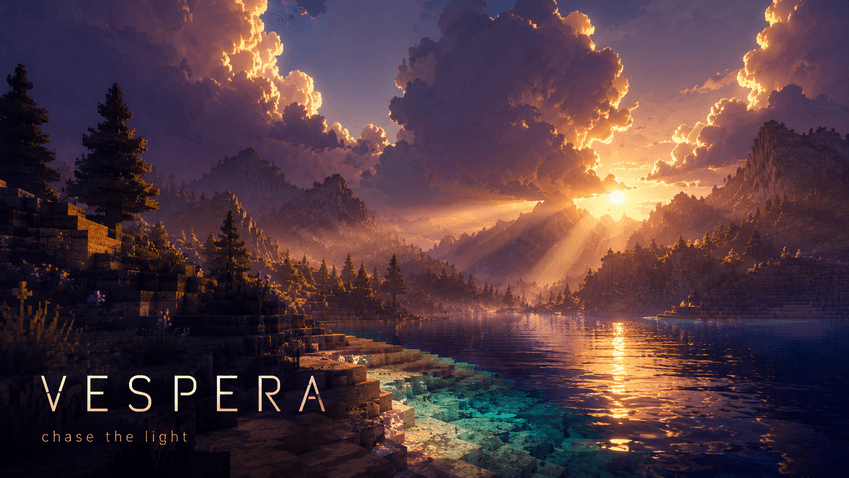
Vespera is a from-scratch shaderpack built around one idea: light should behave the way you remember it.
Raymarched volumetric clouds drift overhead, cast real shadows on the ground, and glow from the inside at sunrise.
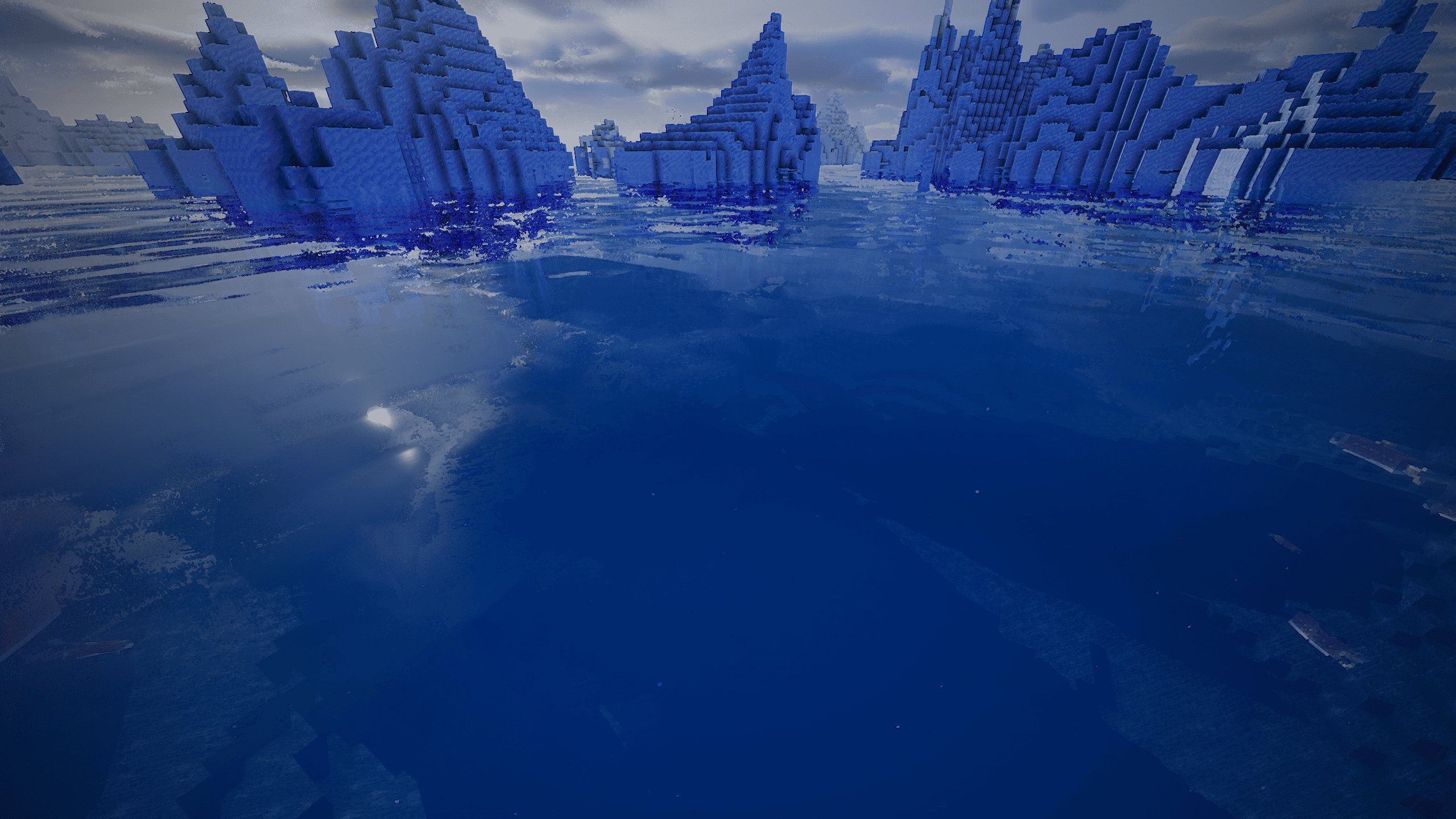
Water is treated properly — red is absorbed first and light has to reach the depth before it can scatter back, so shallows stay turquoise while the deep goes truly dark blue.
Every dimension gets its own sky: an art-directed atmosphere overworld, a basalt-and-ember Nether, and a violet End void with a drifting nebula and a cold star field.
Full LabPBR 1.3 support, plus generated normals and automatic emissives, so plain vanilla resource packs already look their best.
More than 160 options across twelve screens, six presets from Potato to Extreme, and translations in English and French.
Vespera Shaders was designed and written with the help of AI (Claude)

 

Vespera-Shaders 1.2.1
MC Iris, 26.2, 26.3
Release 2026-09-22 Get
Vespera-Shaders 1.2.0
MC Iris, 26.2, 26.3
Release 2026-09-17 Get
Vespera-Shaders-1.1.0
MC Iris, 26.2
Release 2026-08-03 Get
Vespera-Shaders-1.0.0
MC Iris, 26.2
Release 2026-07-27 Get

Requirements & install

How to use this shader in Minecraft
Shader loader
Iris
Minecraft
26.2 – 26.3
Install folder
.minecraft/shaderpacks

Install with Iris

  1. Install Iris with the Iris installer (irisshaders.dev); it sets up Fabric and Sodium for you.
  2. Download the shader pack .zip (do not extract it).
  3. Put the .zip into .minecraft/shaderpacks.
  4. In game open Options → Video Settings → Shader Packs, select the pack and click Apply.
Browse more: Iris shaders OptiFine shaders Shaders for 26.3 All shaders

More from Kaelll

Advertisement Remove ads with Premium →

You Might Also Like