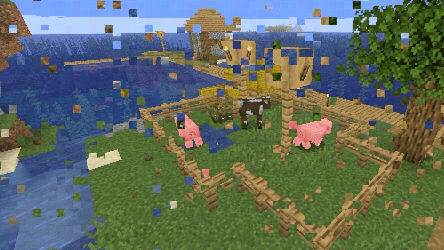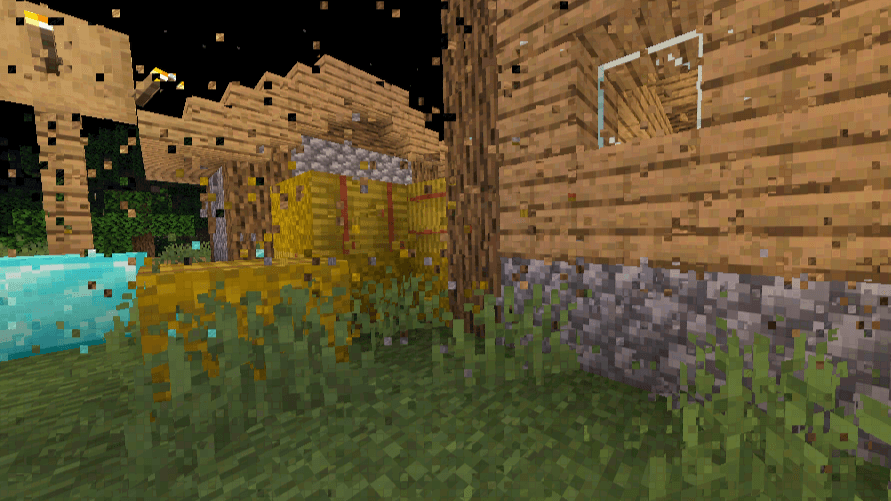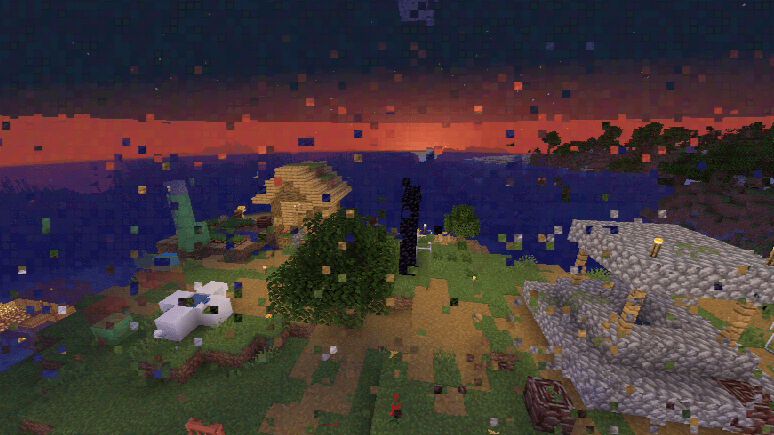
> Digital compression errors woven into the world.
Datamosh is a post-processing shader that recreates the visual artifacts associated with corrupted MPEG-style video compression. Instead of traditional visual enhancement, the shader deliberately introduces macroblock displacement, color quantization, chroma reconstruction errors, and edge artifacts to emulate the appearance of damaged or mispredicted P-frames. The result is a constantly shifting image where sections of the scene appear to borrow data from the wrong locations, producing a convincing datamosh-inspired aesthetic during gameplay.
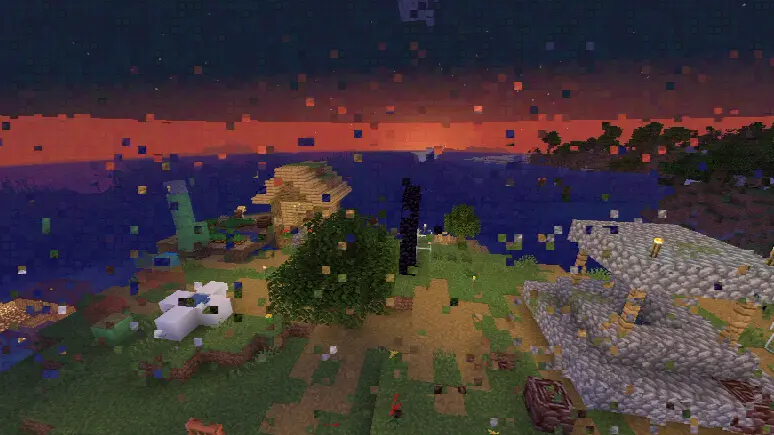
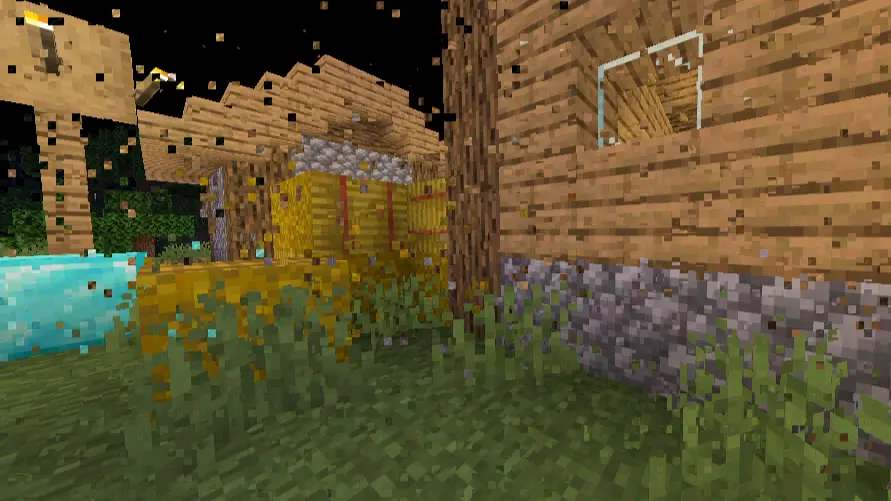
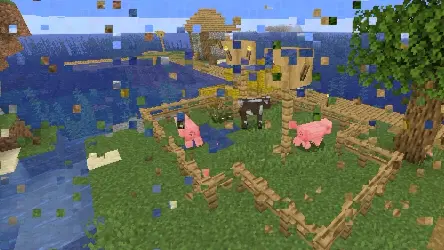
Macroblock Motion Corruption. The image is divided into 8×8 pixel macroblocks. Each block periodically generates its own motion behavior and samples pixels from offset locations rather than its original position. Most blocks remain stable, while others drift or suddenly jump across the frame, reproducing the characteristic block displacement seen in damaged compressed video streams.
Asynchronous Block Updates. Each macroblock updates on its own timing interval rather than following a uniform pattern. This prevents the effect from appearing synchronized and creates the impression of independent compression errors spreading through the image over time.
Datamosh-Style Frame Smearing. When a block shifts, it continues to reconstruct its contents using pixel positions from the displaced source region. This preserves the structure of the macroblock while pulling visual information from elsewhere in the frame, creating the smeared and fragmented appearance associated with motion-vector corruption.
DCT Edge Ringing Simulation. Additional brightness variation is applied near macroblock boundaries to mimic ringing artifacts commonly produced by discrete cosine transform compression. These subtle bright and dark fringes help reinforce the illusion of heavily compressed video.
Adaptive Color Quantization. Color values are reduced to a limited number of levels on a per-block basis. Blocks experiencing stronger displacement receive heavier quantization, producing visible banding and compression breakup similar to low-bitrate MPEG footage.
Chroma Subsampling Artifacts. Color information is reconstructed at a lower effective resolution by sampling chroma from neighboring pixels while preserving local luminance. This reproduces the color bleeding and misalignment often associated with 4:2:0 video compression.
Mosquito Noise Around Edges. High-frequency noise is introduced around areas of contrast, imitating the shimmering edge artifacts that appear after aggressive video compression. The effect is strongest around detailed image features and moving regions.
colortex0) rather than modifying lighting, materials, shadows, or world rendering.