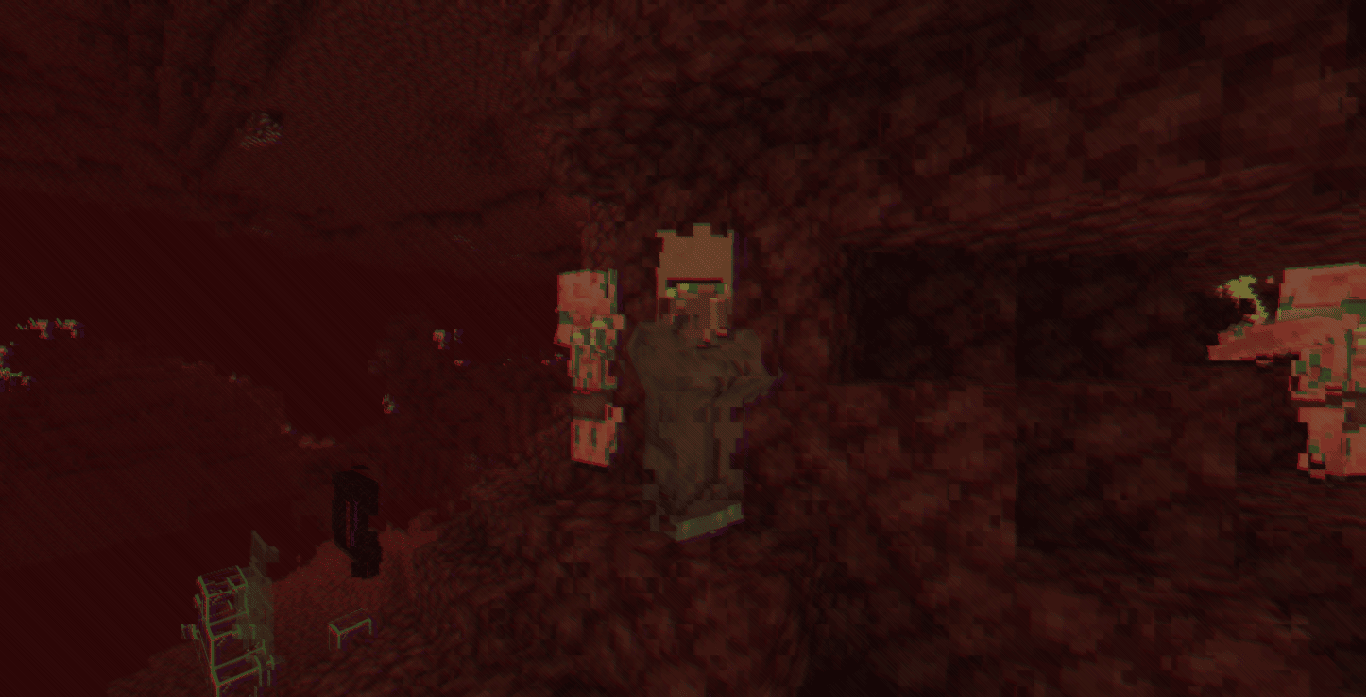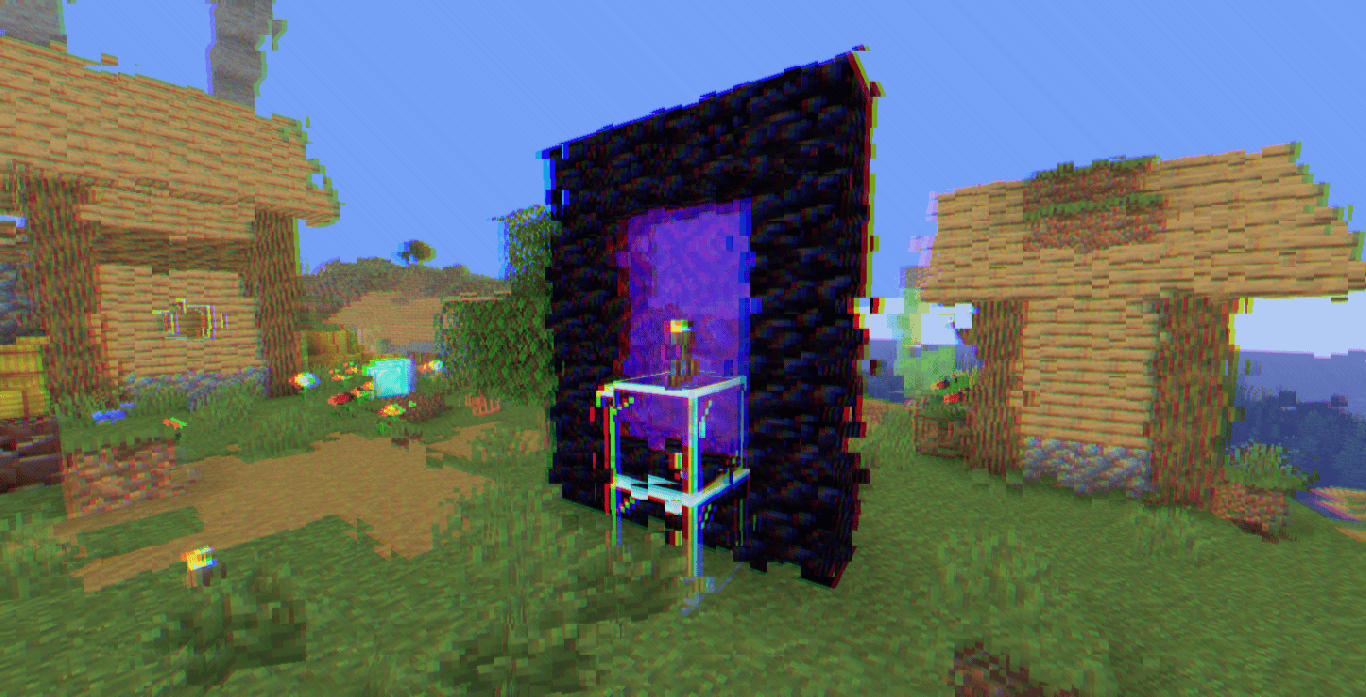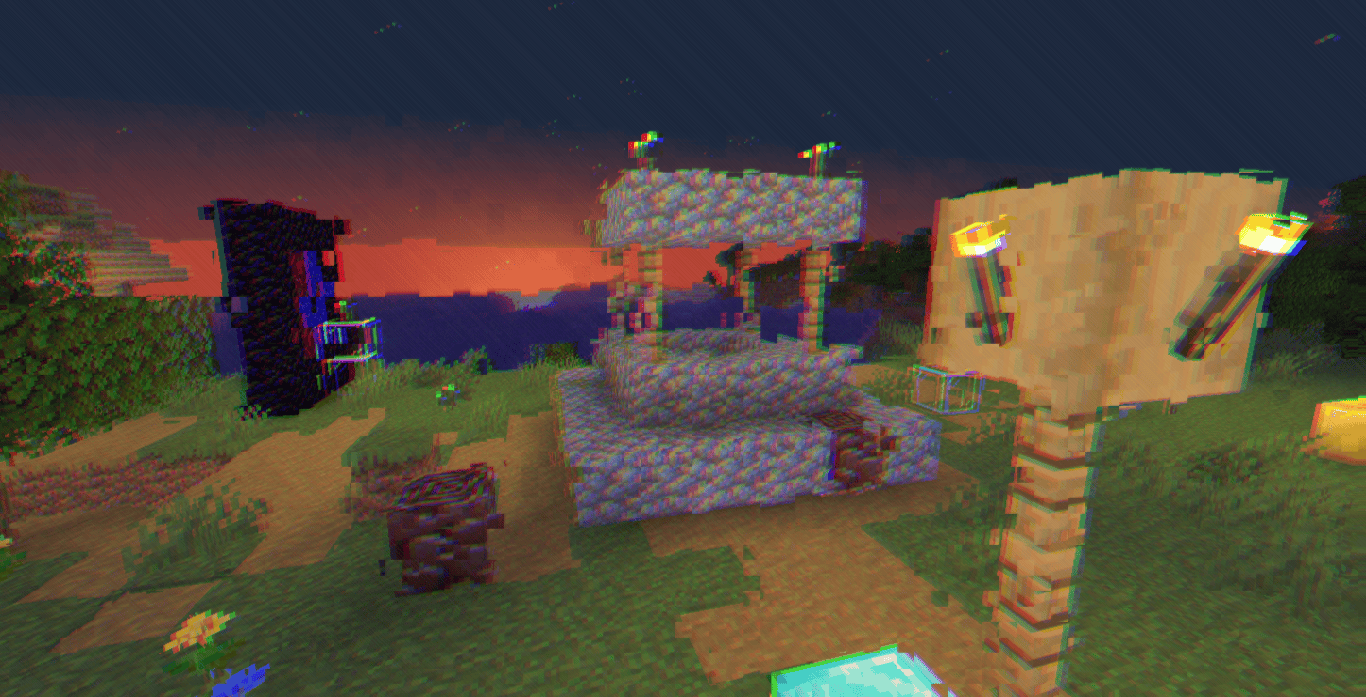
A world that looks slightly broken, unstable, and fading away.
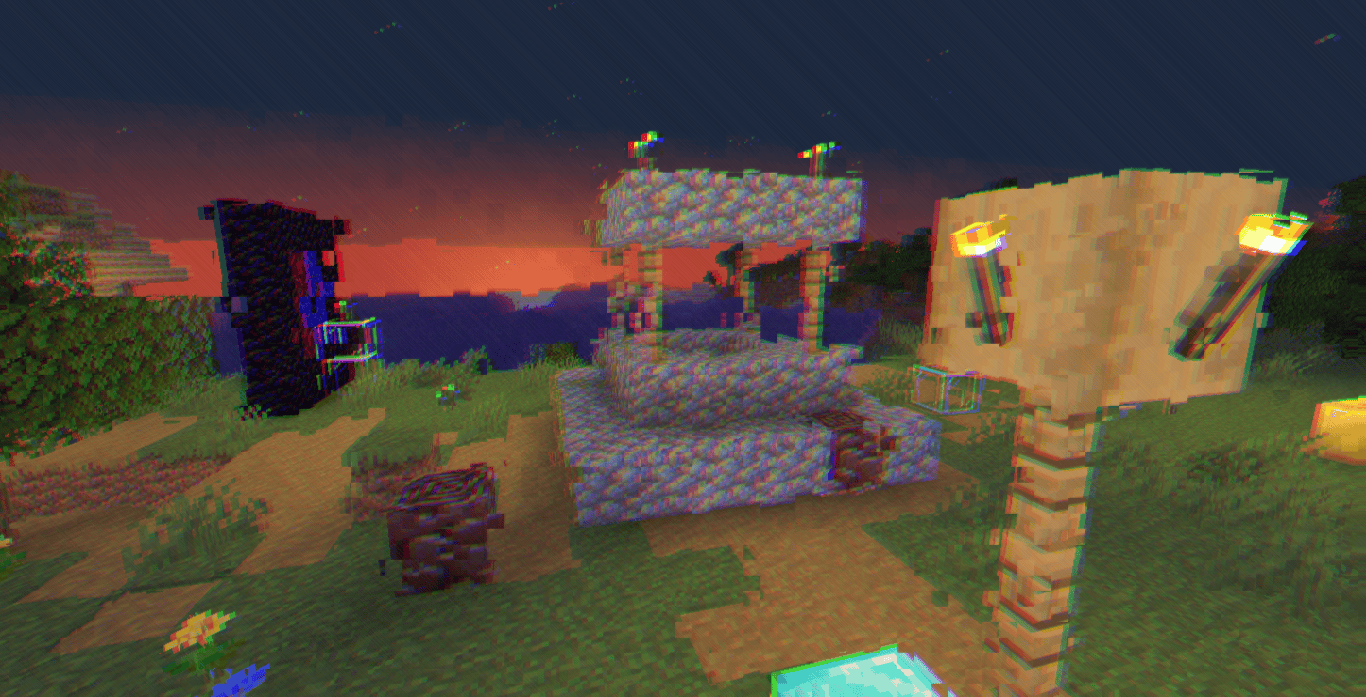
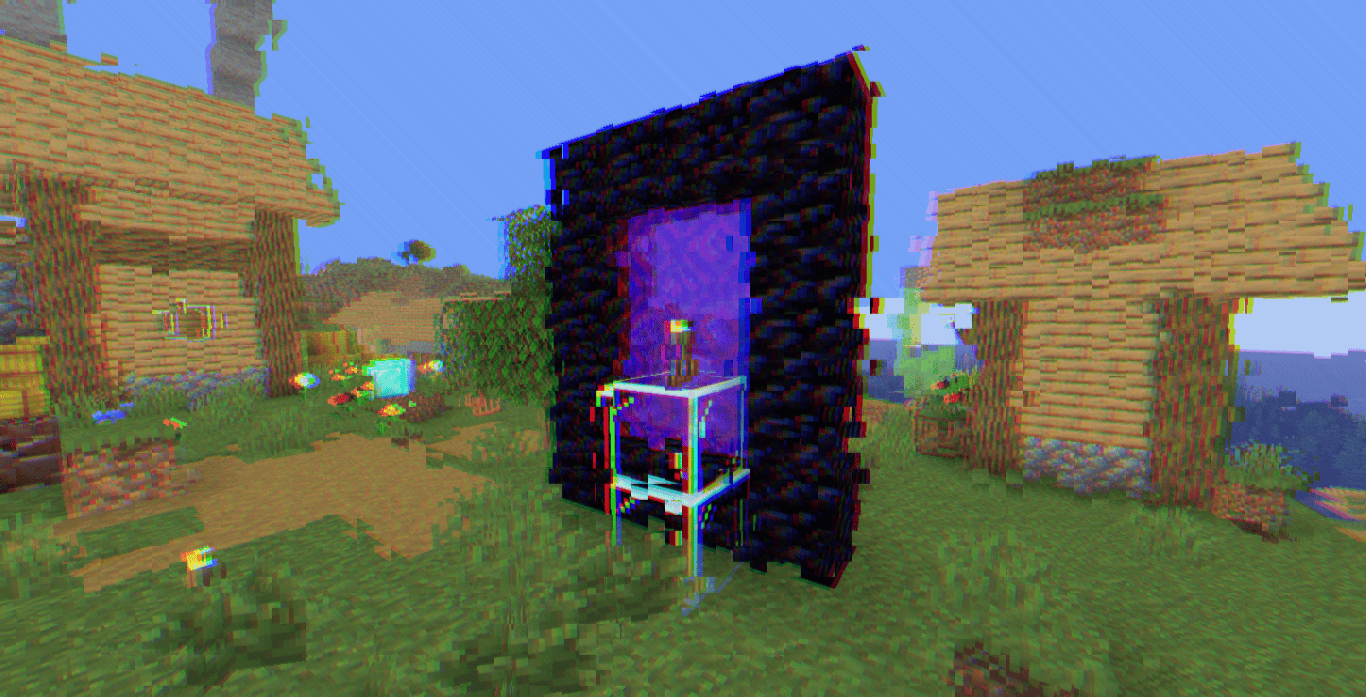
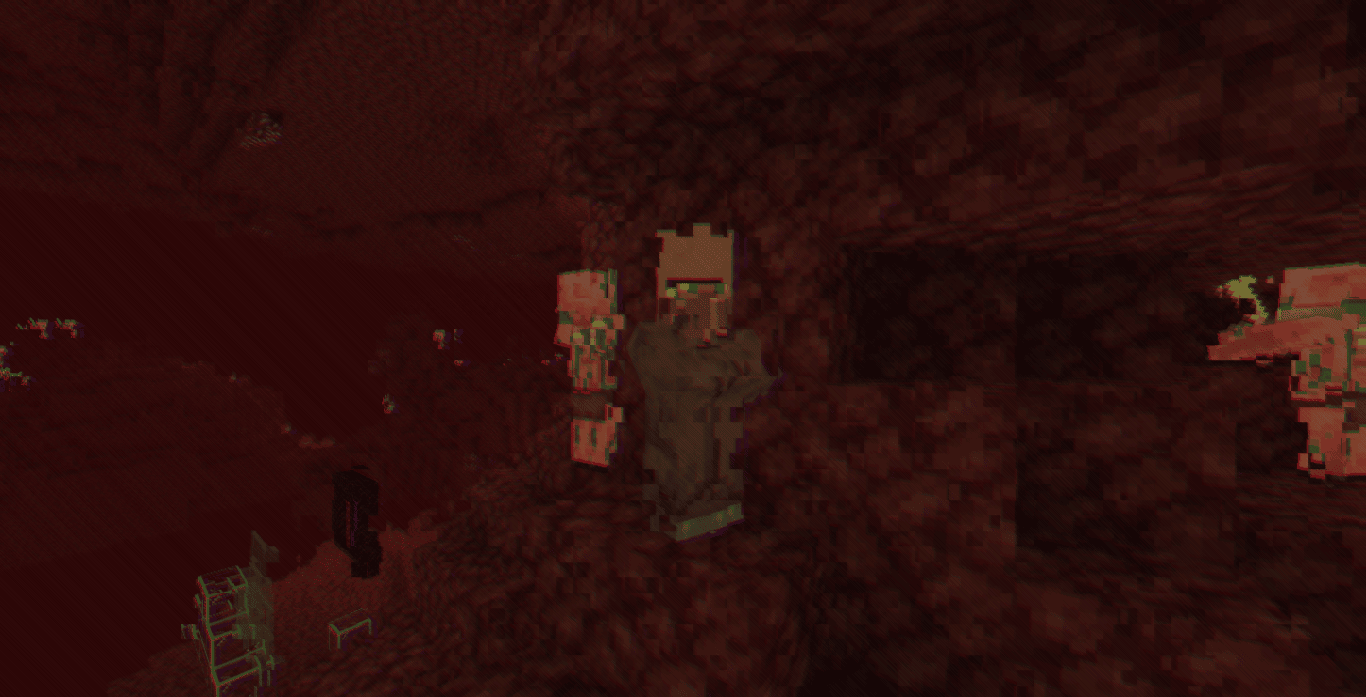
Cripe is a lightweight post-processing shader designed around visual corruption effects rather than realistic lighting. Instead of altering Minecraft's world rendering pipeline, it applies a series of screen-space distortions that make the image appear unstable, degraded, and intermittently damaged. The shader combines chromatic separation, block-based corruption artifacts, temporal ghosting, scanline interference, and subtle film-like degradation to create an unsettling visual atmosphere while remaining technically simple and inexpensive to render.
Screen-Space Corruption Distortion.
The image is divided into a coarse screen-space grid where individual regions can become offset independently. This creates the appearance of corrupted video memory, damaged rendering data, or unstable frame reconstruction. The effect changes over time using a pseudo-random pattern, producing intermittent visual artifacts rather than constant distortion.
Chromatic Channel Separation.
Red, green, and blue color channels are sampled with independent offsets and animated over time. This produces subtle color fringing and channel drift that reinforces the feeling of a failing display signal without completely obscuring the scene.
Geometry Melt Illusion.
A low-amplitude animated screen-space jitter is applied before sampling the image. Although world geometry itself is unchanged, the resulting distortion gives the impression that the rendered image is slowly shifting and deforming.
Scanline Interference Bursts.
Animated scanlines can appear in periodic bursts across the screen. Rather than being permanently visible, they are introduced conditionally using a pseudo-random trigger, creating moments of intensified visual instability.
Temporal Ghosting.
A secondary offset sample of the previous image position is blended into the current frame. This produces a faint trailing effect that resembles persistence, afterimages, or display ghosting.
Subtle Flicker and Image Instability.
Brightness is continuously modulated using a high-frequency oscillation. The effect remains restrained but contributes to the overall sensation of an unreliable display.
Film-Like Noise Layer.
A small amount of per-pixel procedural noise is added during the final pass. This prevents completely clean gradients and helps unify the shader's degraded visual style.
Lightweight Multi-Pass Processing.
The shader uses only a small number of fullscreen post-processing passes and simple procedural functions. No complex lighting, shadow, atmospheric, or volumetric systems are involved, keeping performance overhead minimal.
composite and final post-processing shader stages.