Blind Shader
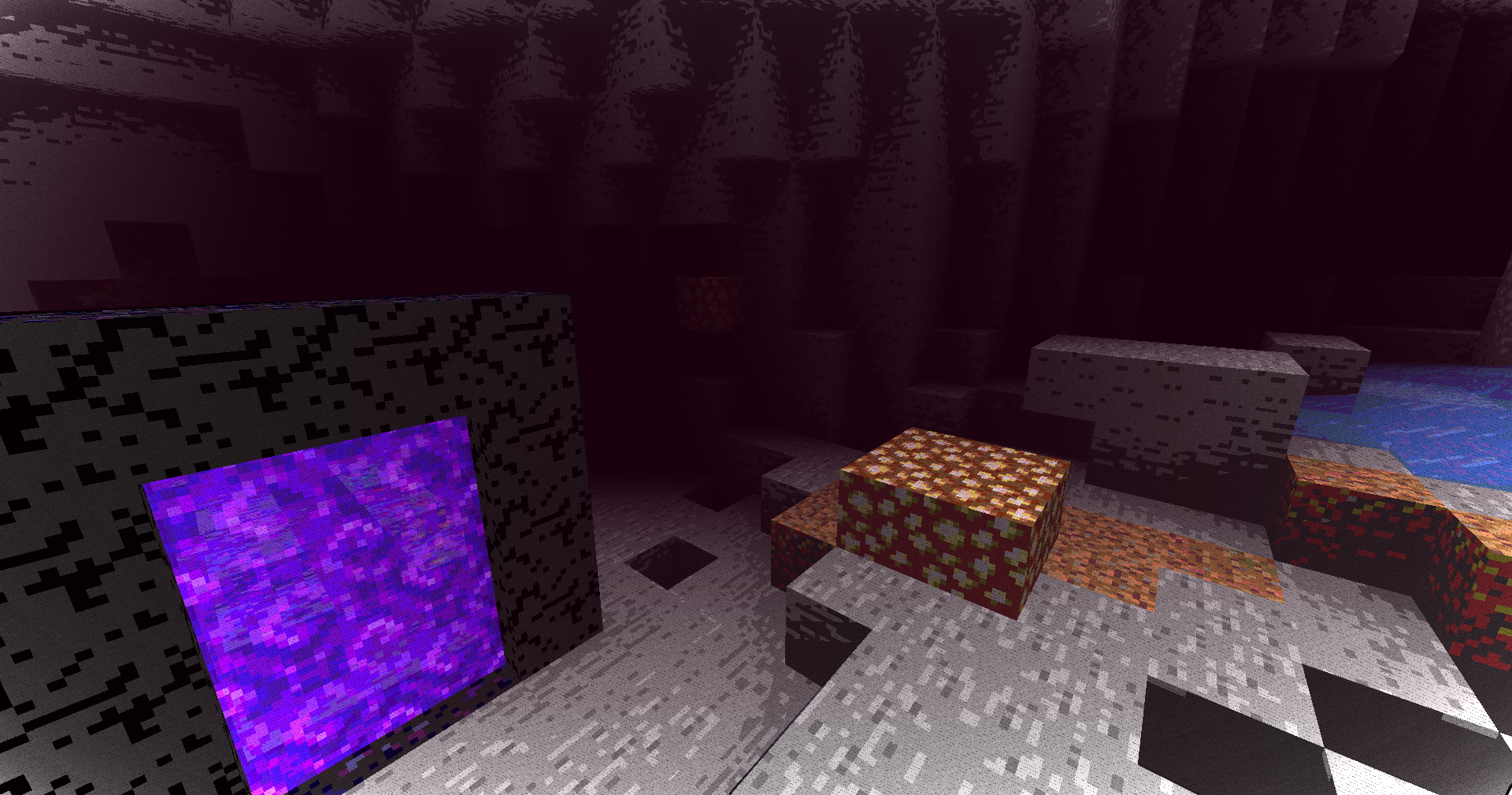
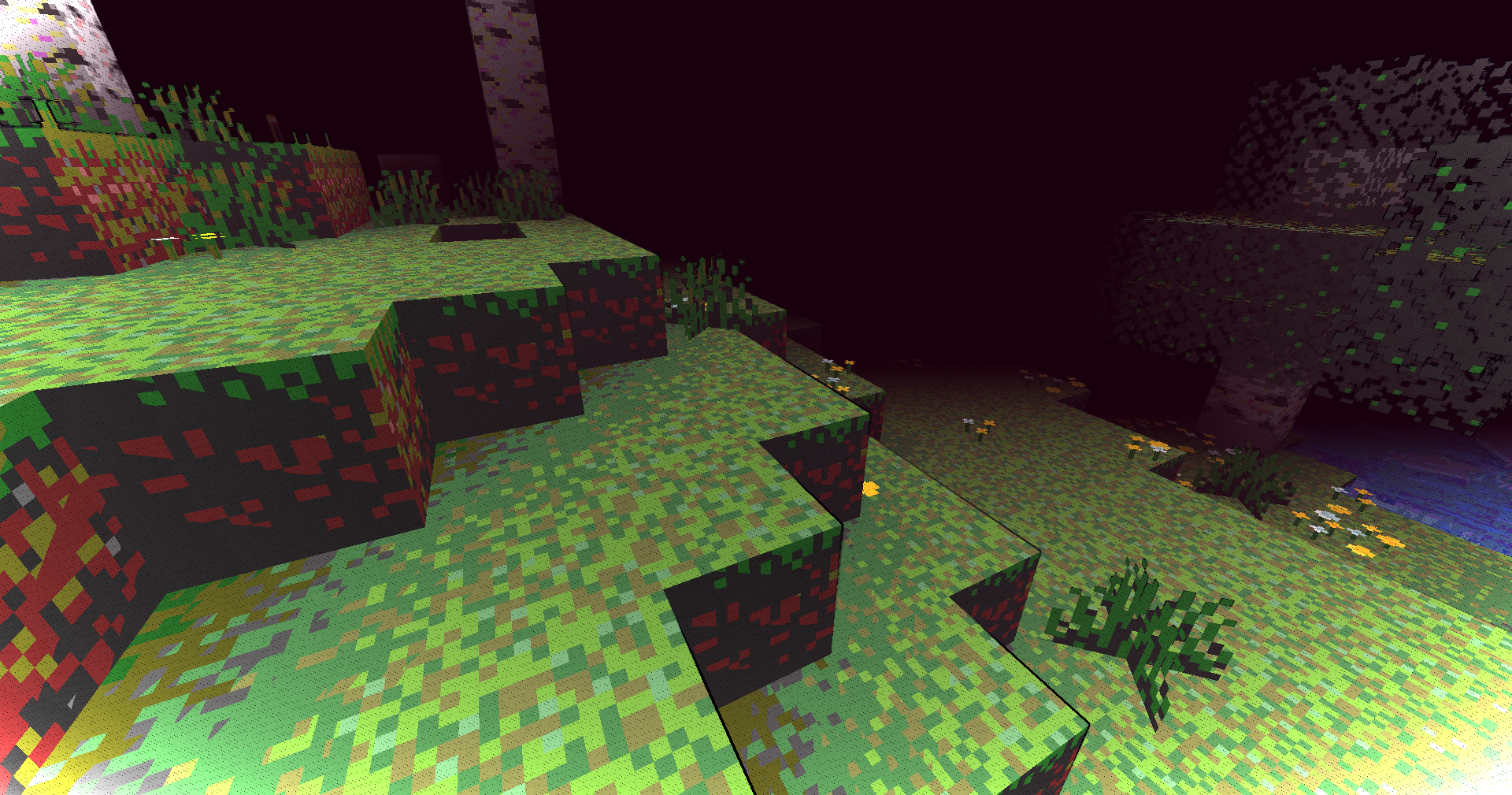
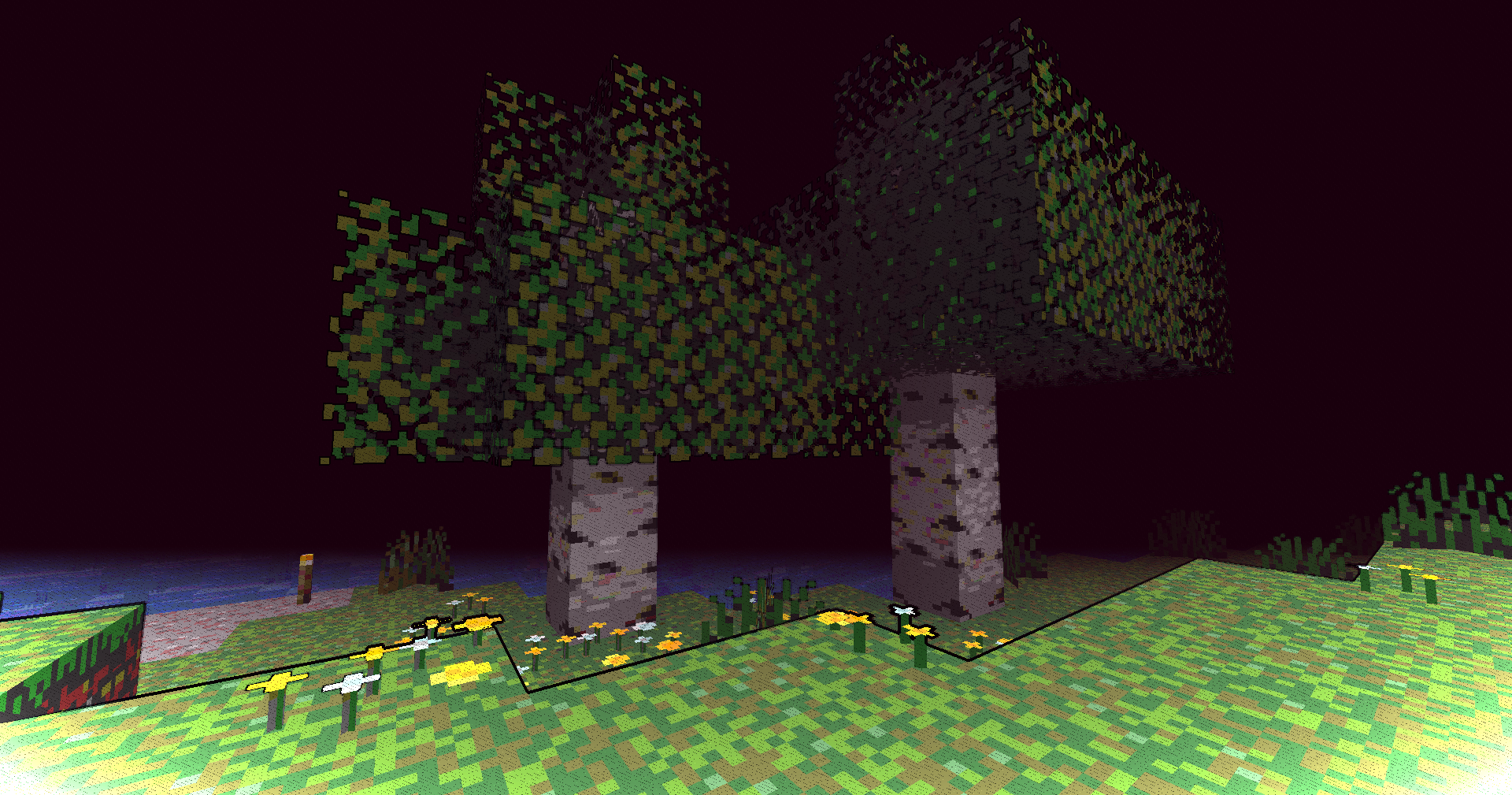
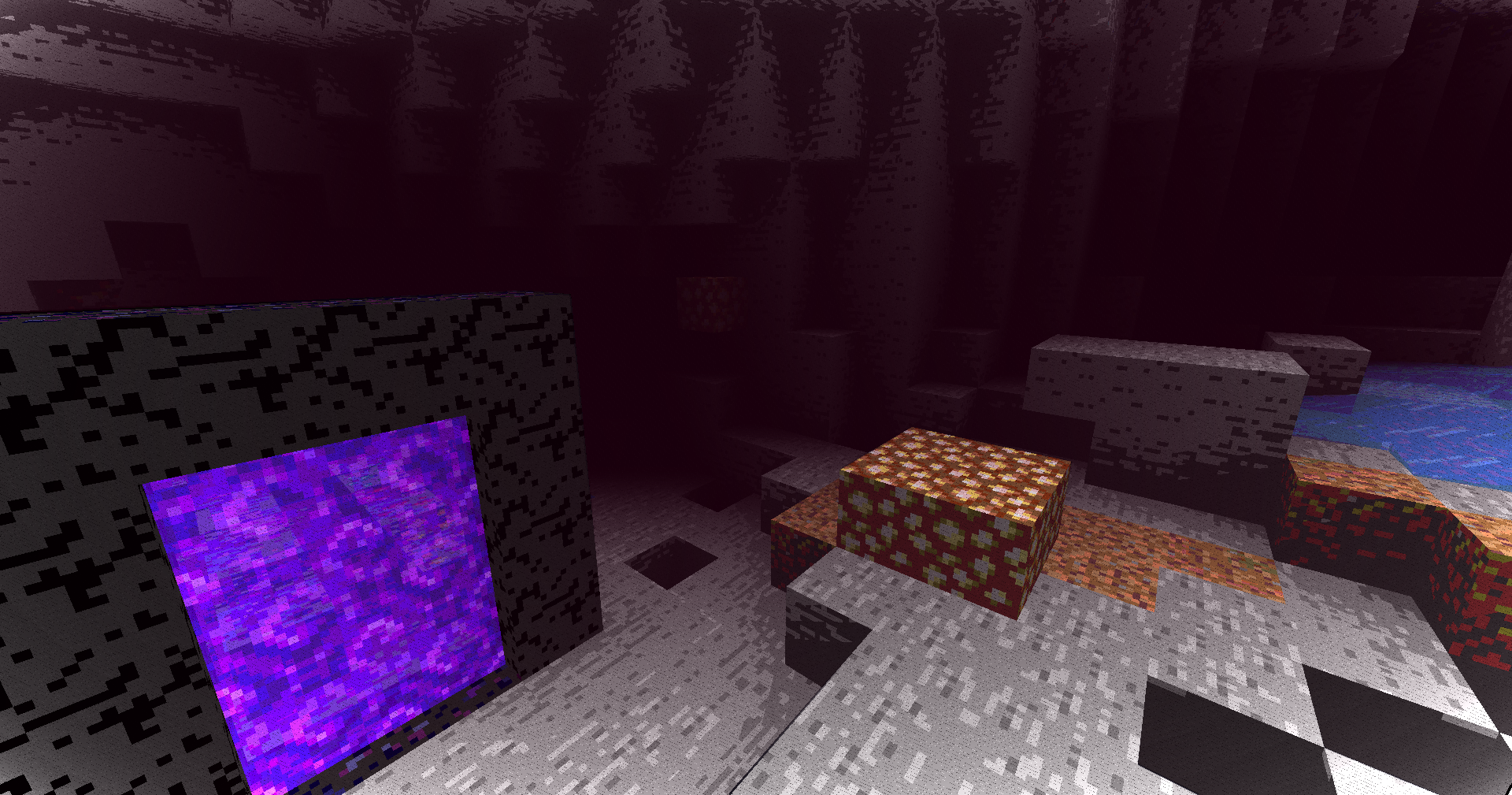
A lightweight toon shader that transforms Minecraft into an anime-style world with cel-shading and cartoon aesthetics.



🧠 Lamapi: Next-Gen Open Source AI
Pushing the boundaries of accessible intelligence. Whether you need lightweight efficiency or industrial-grade reasoning, the Next Series delivers.
Why build with Lamapi?
- ⚡ High Efficiency: From compact 1B models to powerful 70B reasoning engines.
- 🌍 Multilingual Mastery: Optimized for superior performance in English & Turkish.
- 🛠️ Ready to Deploy: State-of-the-art open weights available immediately.
Explore our models and start building:
🔗 https://huggingface.co/Lamapi
🚀 KCB Hosting: Power Meets Reliability
Looking for a host that takes your gaming experience as seriously as you do? We provide robust infrastructure ensuring smooth gameplay and enterprise-grade uptime.
Why switch to us?
- 💎 7-Day Free Trial: Experience the quality risk-free (No commitment).
- 🛡️ 99.9% Uptime SLA: Your server stays online, guaranteed.
- ⏰ 24/7 Support: Expert help whenever you need it.
🔥 Experience the difference with 25% off your first month,
Use code XSORAS
Deploy your server now:
🌐 https://kcbhosting.com
💬 https://discord.gg/kcbhosting
Features
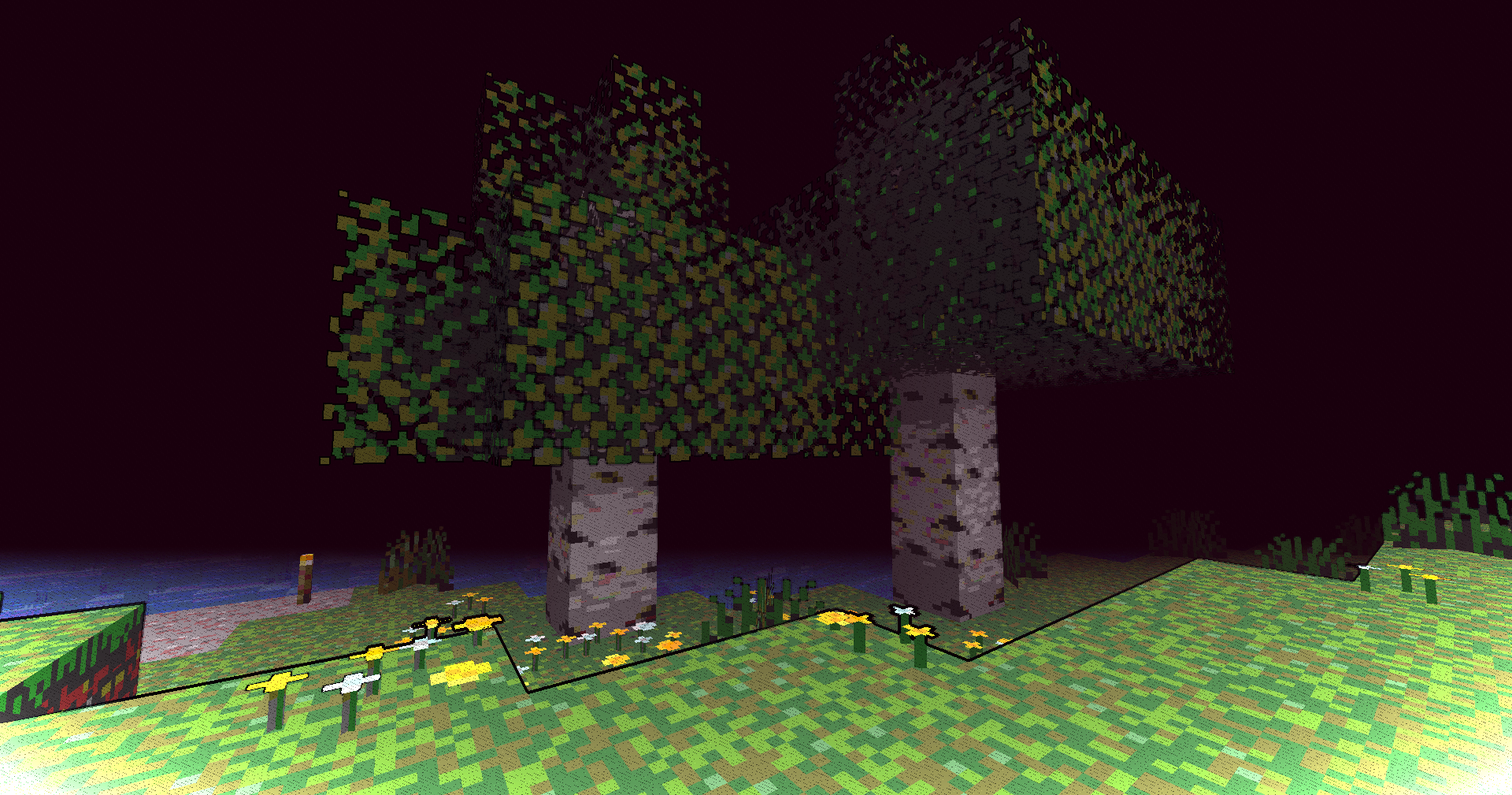
- Cartoon Banding System - 8-band color quantization per channel for that classic animated look
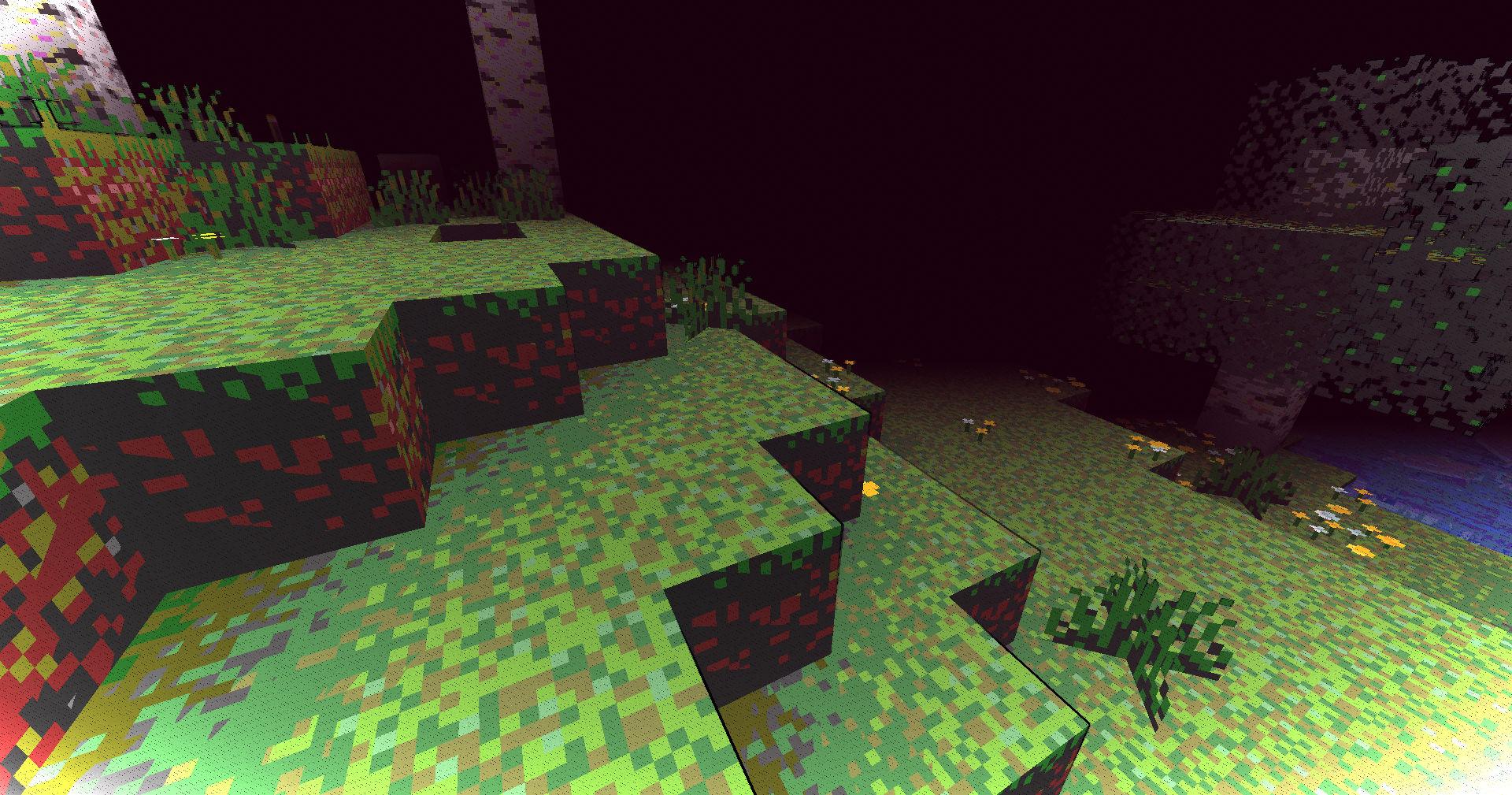
- Advanced Outline Detection - Depth-based edge detection that highlights block boundaries
- Enhanced Colors - Subtle saturation boost makes the world more vibrant
- Smooth Vignette - Cinematic darkening at screen edges
- Normal-Based Lighting - Directional lighting for better depth perception
- Performance Friendly - Runs smoothly even on older systems (~5-10 FPS impact)
Technical Details
- GLSL 120 compatibility for maximum support
- Multiple render targets (MRT) for advanced rendering
- Optimized composite pass with minimal texture sampling
- 4-directional depth checking for accurate outlines
Known Limitations
- Transparent blocks (water, glass) don't receive outlines due to depth buffer constraints
- Outline thickness may decrease at extreme render distances
- Outlines appear slightly more prominent during nighttime
Installation
- Download the shader pack
- Place it in your
.minecraft/shaderpacks folder
- Enable it through Optifine/Iris shader settings
- Enjoy your new anime-style Minecraft world!
Compatibility
- Minecraft 1.16+
- Requires Optifine or Iris
- Works with most resource packs