Mineuniverse
Shaders
Bleak

Bleak

SHADER
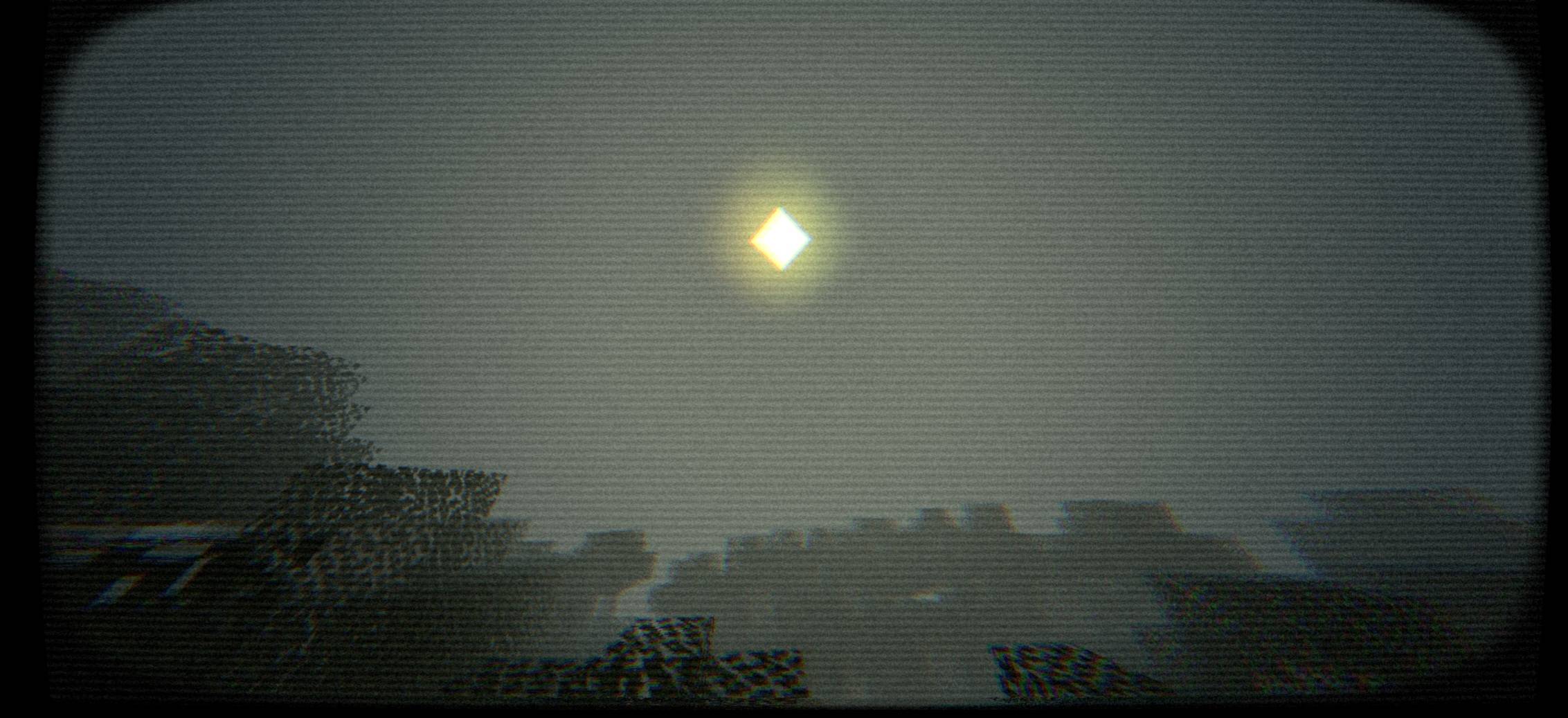
A atmospheric shader pack that transforms your Minecraft world with dark tones, dense fog, and a chilling horror ambiance.
by PDroxellmc
Download Claim this project
4,956 downloads
0 likes
0 followers
Updated Oct 14, 2026
0 hypes
Follow0
Realistic Vanilla
Advertisement Remove ads with Premium →

​⚠️ WARNING: UNSETTLING VISUAL EXPERIENCE ⚠️

​Welcome to Bleak Shader, a unique post-processing shader pack created to transform Minecraft into a pitch-black, nostalgic, and deeply disturbing psychological horror experience.

​Inspired by analog horror web series, found footage tapes, VHS recording artifacts, and liminal space aesthetic, this shader overhauls light, color, and texture to create an unbearable atmosphere of dread.

​🎥 Key Features

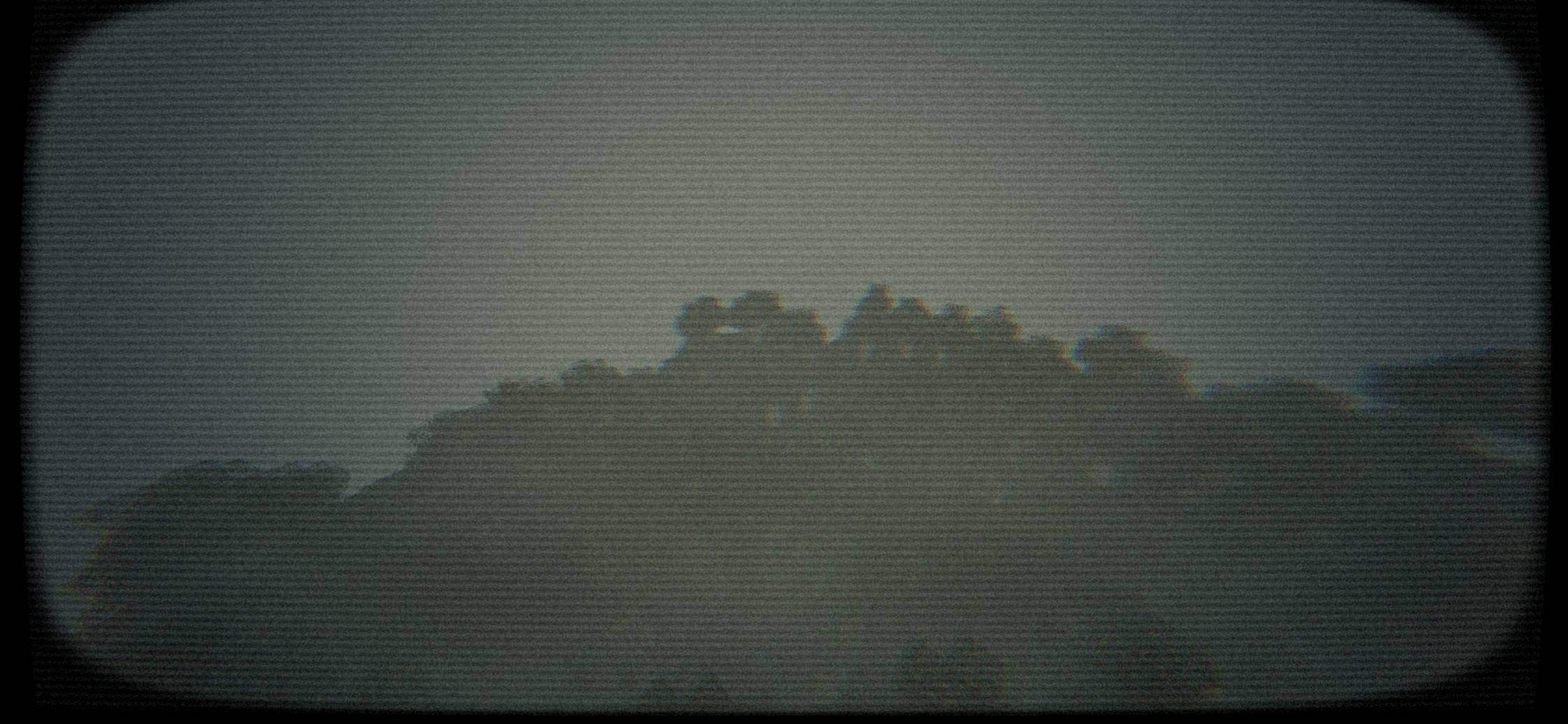
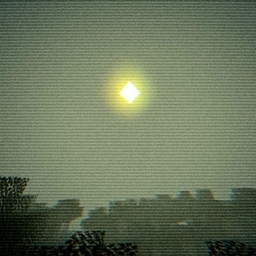
​Retro CRT & VHS Distortion: Authentic scanlines, curved screen edges (vignette/lens distortion), subtle chromatic aberration, and tape noise grain.

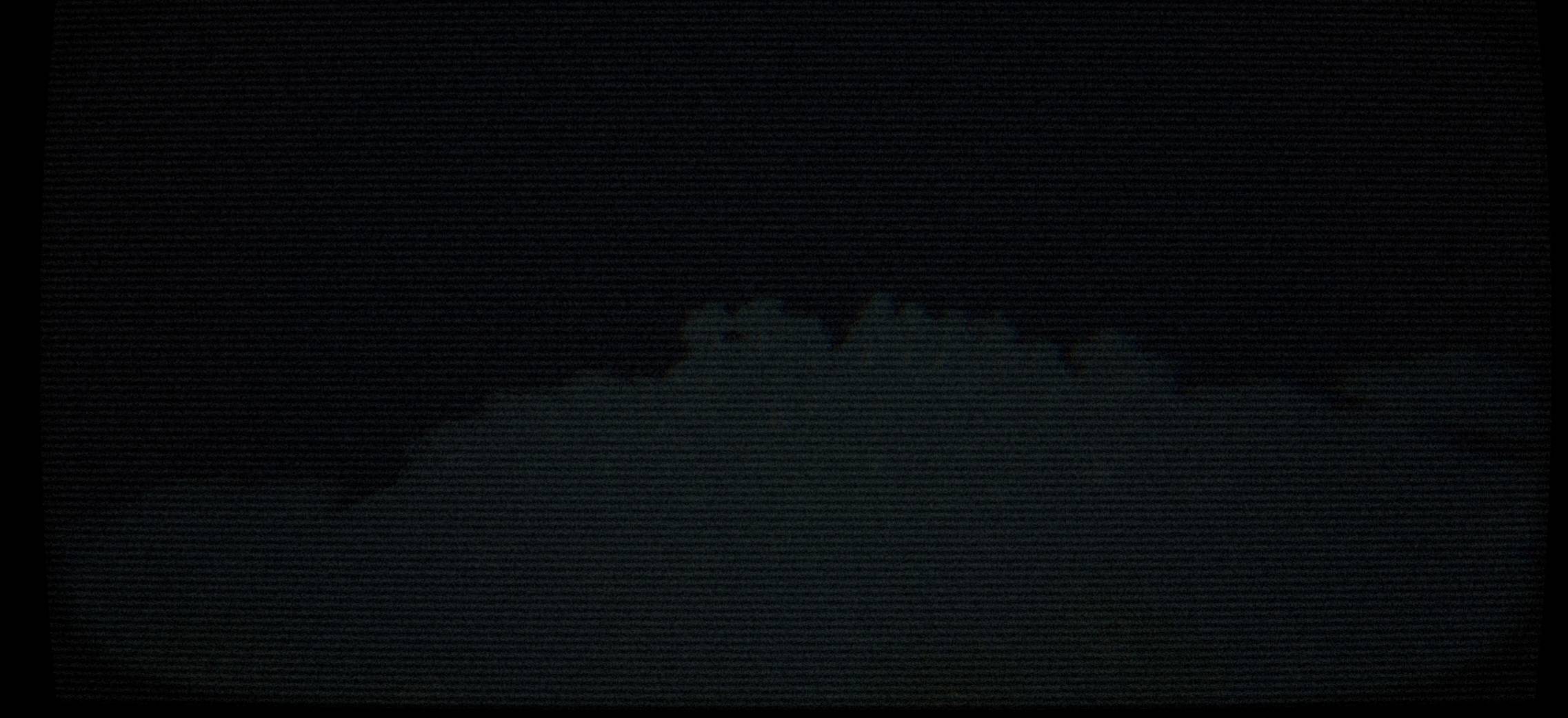
​Oppressive Atmospheric Lighting: Heavily muted, sickly pale sunlight that transitions into pure pitch-black darkness when night falls or shadows hit.

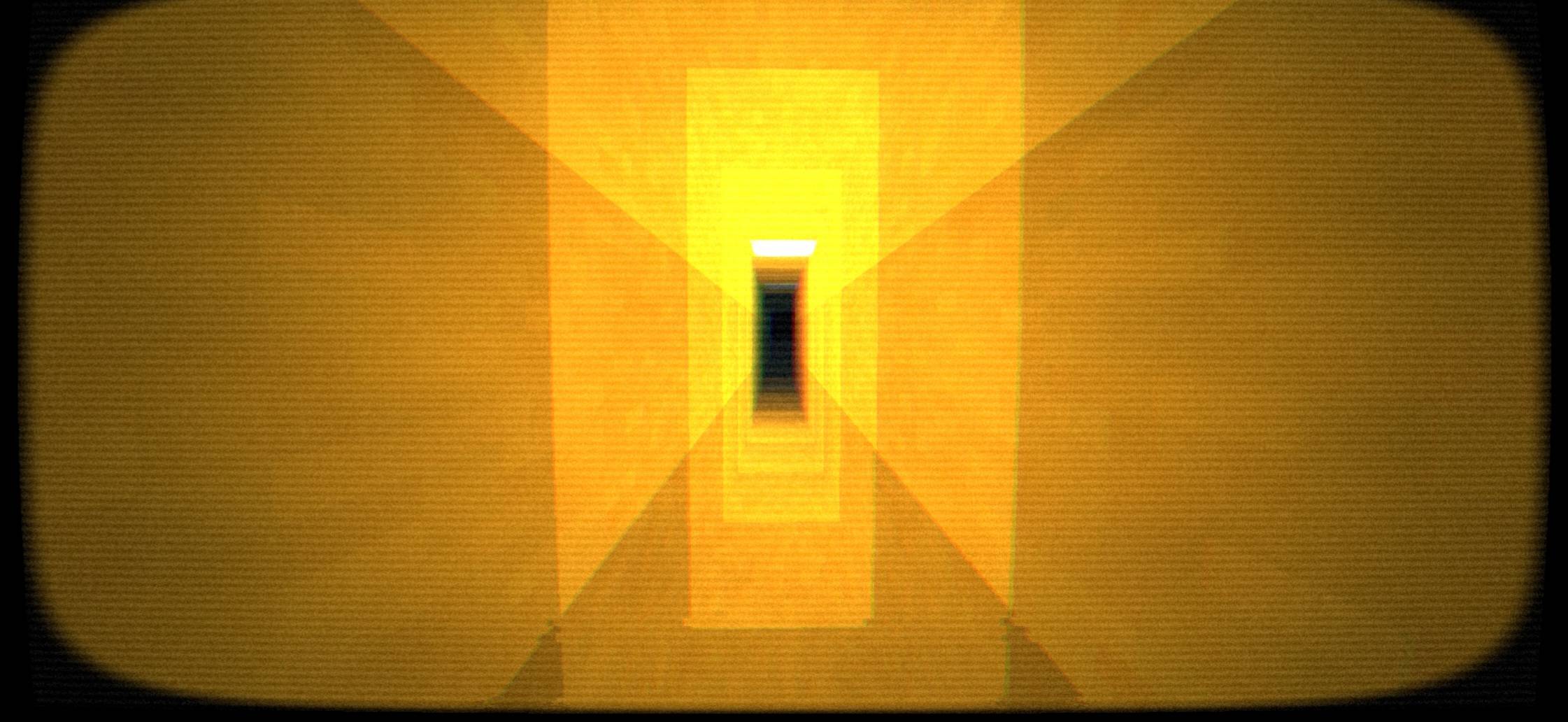
​Liminal Space Yellow & Pitch Black: Custom color grading tailored for indoor mazes, endless corridors, and haunting night scenes.

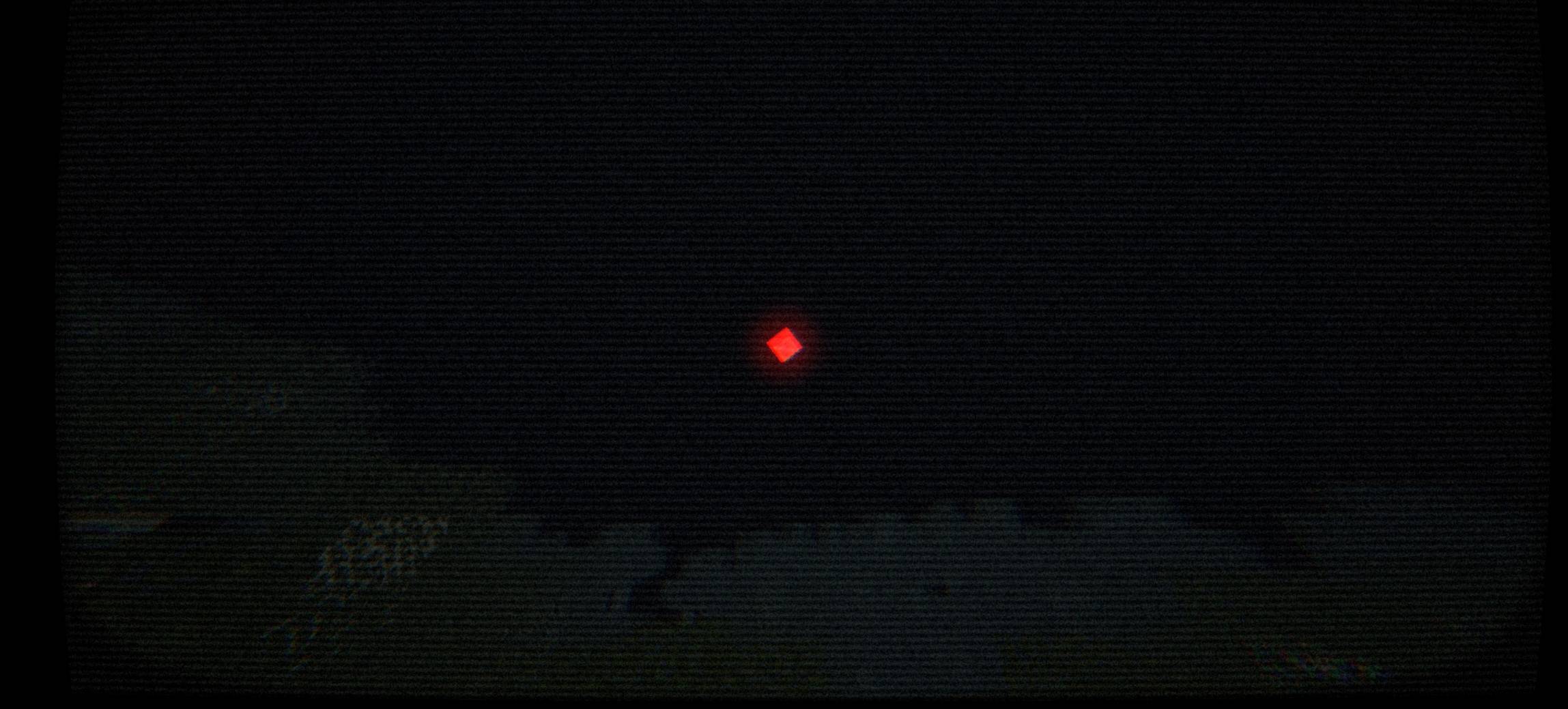
​Glowing Entities & Artifacts: High-contrast emission effects for glowing eyes, sun/moon anomalies, and mysterious red indicators in the dark.

​Lightweight & Fast Performance: Designed to maintain smooth frame rates without heavy hardware overhead.

Bleak shader
MC 1.21, 1.20.2, 1.21.8, 1.20.5, 1.21.5, 1.21.4, 1.20.1, OptiFine, 1.20.6, 1.21.1, 1.21.6, 1.21.3, 1.21.7, 1.20.4, 1.20.3, Iris, 1.21.2, 1.21.9, 1.21.10, 1.21.11, 26.1, 26.1.1
Release 2026-08-20 Get

Requirements & install

How to use this shader in Minecraft
Shader loader
Iris OptiFine
Minecraft
1.21.6 – 26.1.1
Install folder
.minecraft/shaderpacks

How to install shaders

  1. Install a shader loader for your Minecraft version: Iris (with Sodium) or OptiFine.
  2. Download the shader pack .zip file (do not extract it).
  3. Put the .zip into the shaderpacks folder (.minecraft/shaderpacks).
  4. In game open Options → Video Settings → Shader Packs, select the pack and apply it.
Browse more: Iris shaders OptiFine shaders Shaders for 26.1.1 All shaders

More from PDroxellmc

Advertisement Remove ads with Premium →

You Might Also Like