Mineuniverse
Shaders
Billboard grass

Billboard grass

SHADER
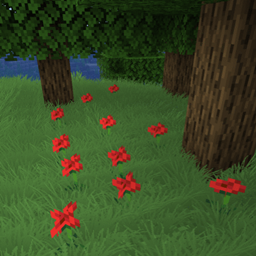
Shaderpack that adds billboard grass to minecraft. Looks pretty, has no impact on performance.
by 5weetdev
Download Claim this project
8,300 downloads
0 likes
Updated Oct 14, 2026
0 hypes
Realistic Vanilla
Advertisement Remove ads with Premium →

1.17+ Optifine

A minecarft shaderpack that adds realistic billboard grass to minecraft.

Features

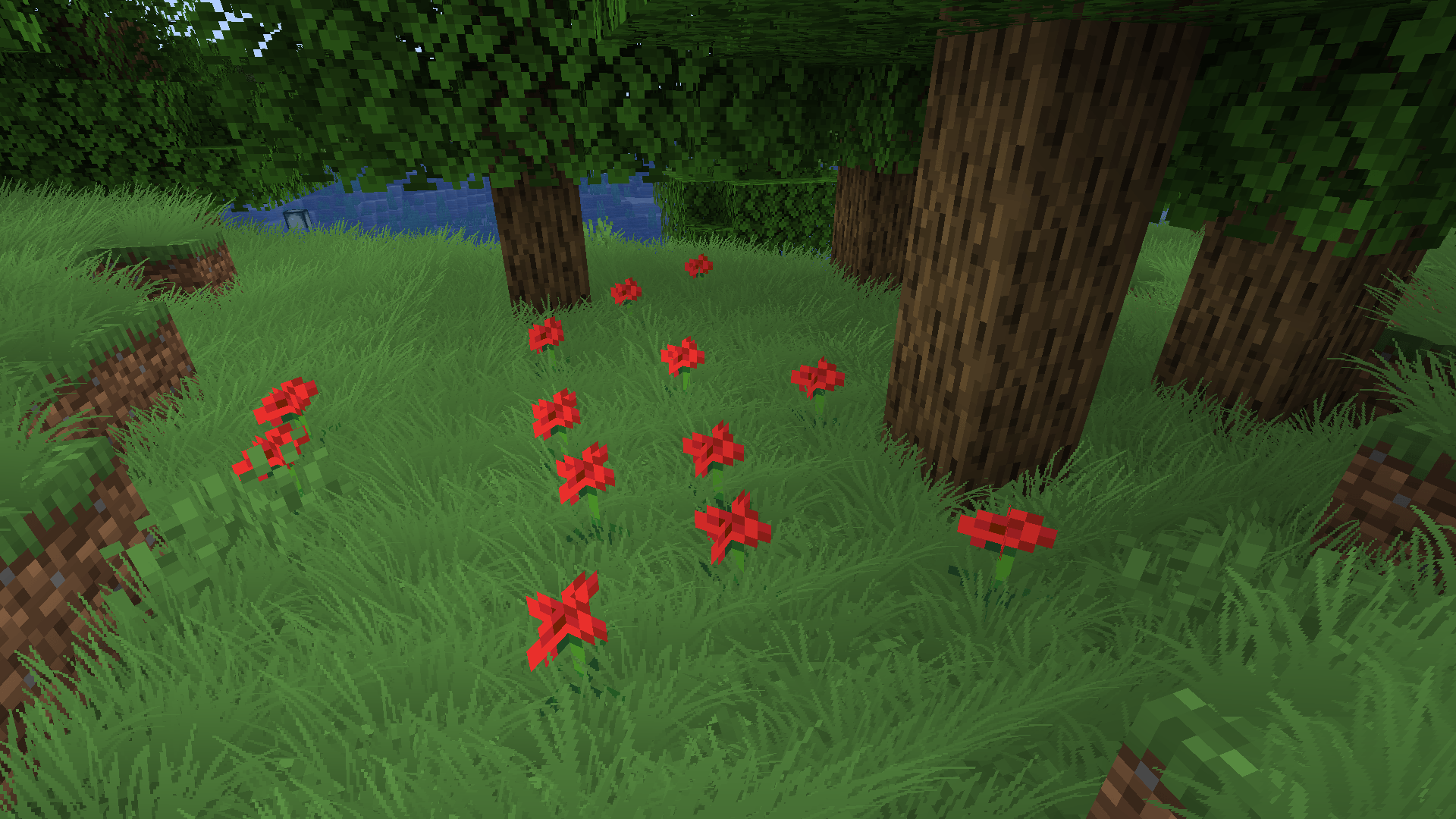
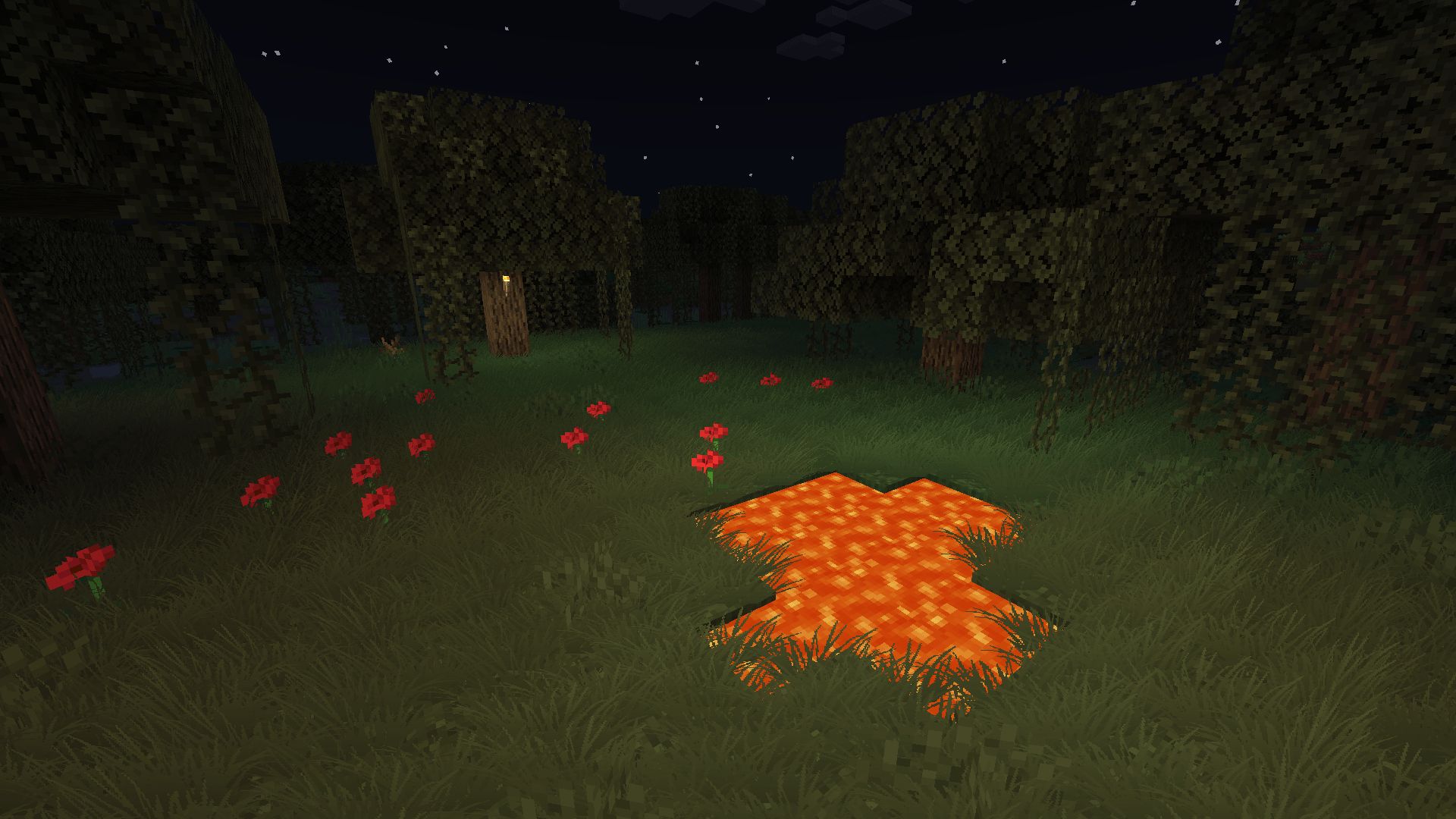
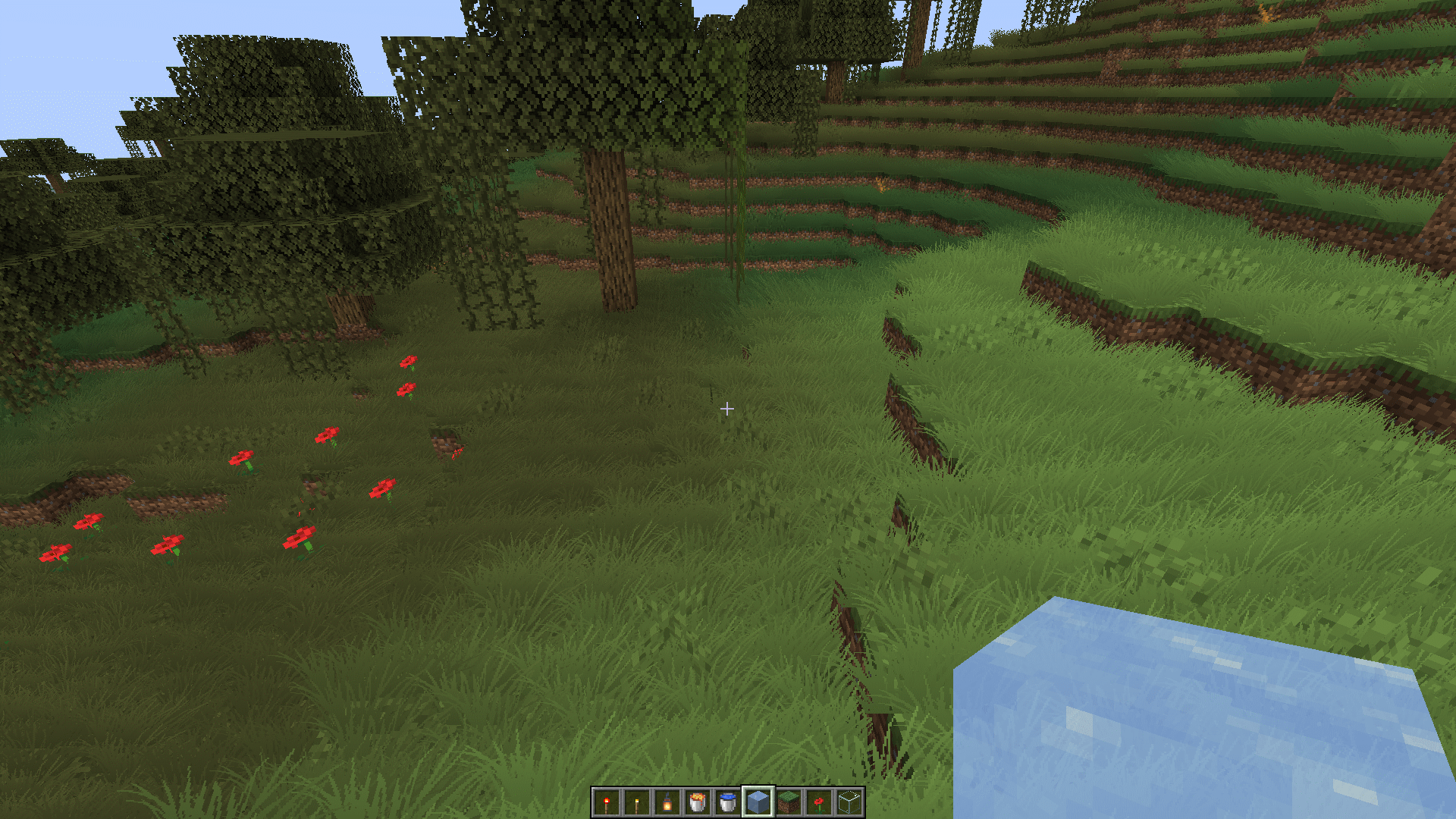
  • The grass responds to changes in light levels and biome colors and wind.

Grass Light and Biome Reaction Grass Close-Up

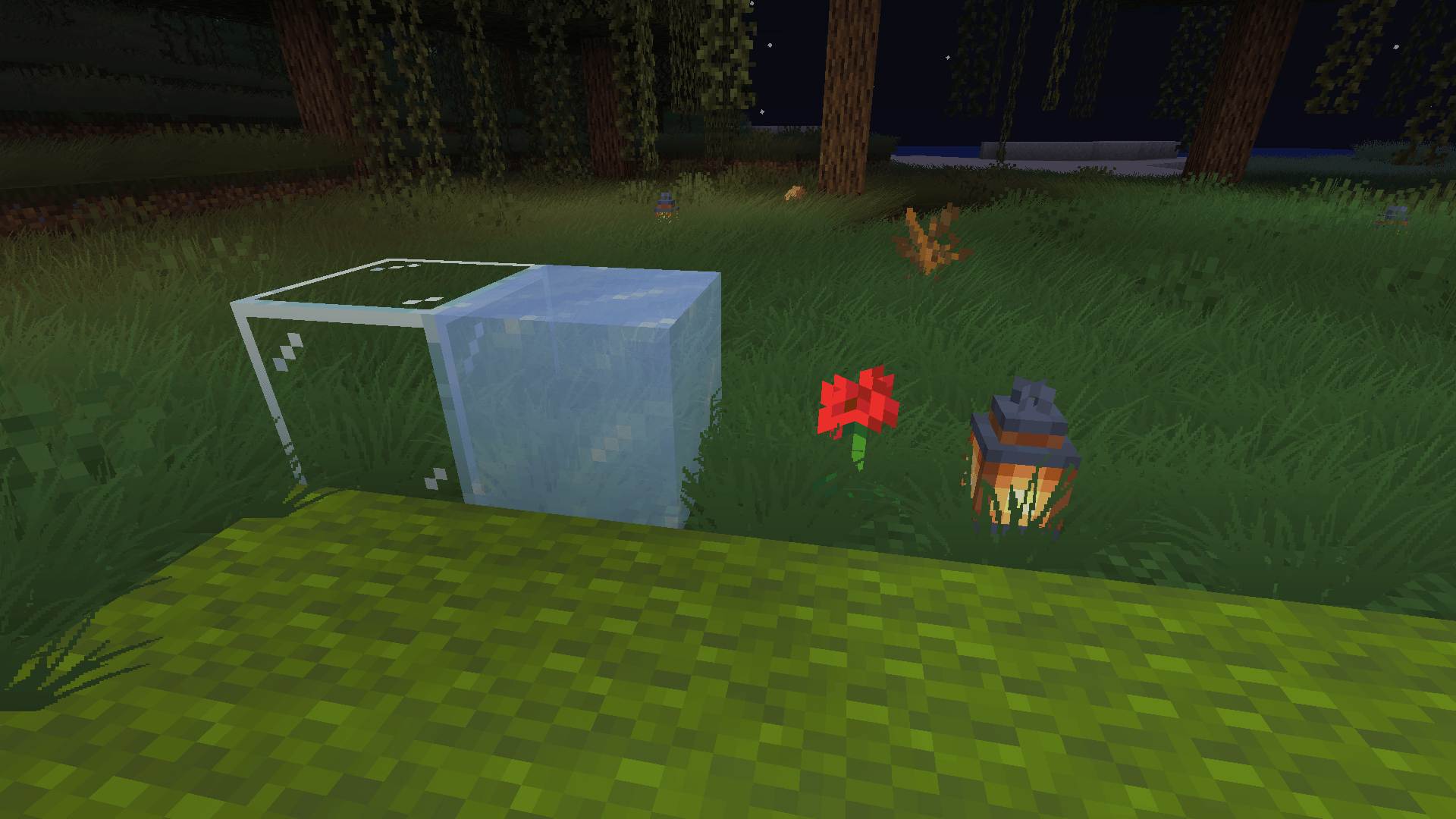
  • Place a carpet to remove the grass in a specific area.

Grass Removal with Carpet

  • You can change the grass texture by replacing the tex/grass.png file in the shader files.

Additional Features

These features can be enabled in the shader settings:

Rainbow Block Outline

Rainbow Block Outline

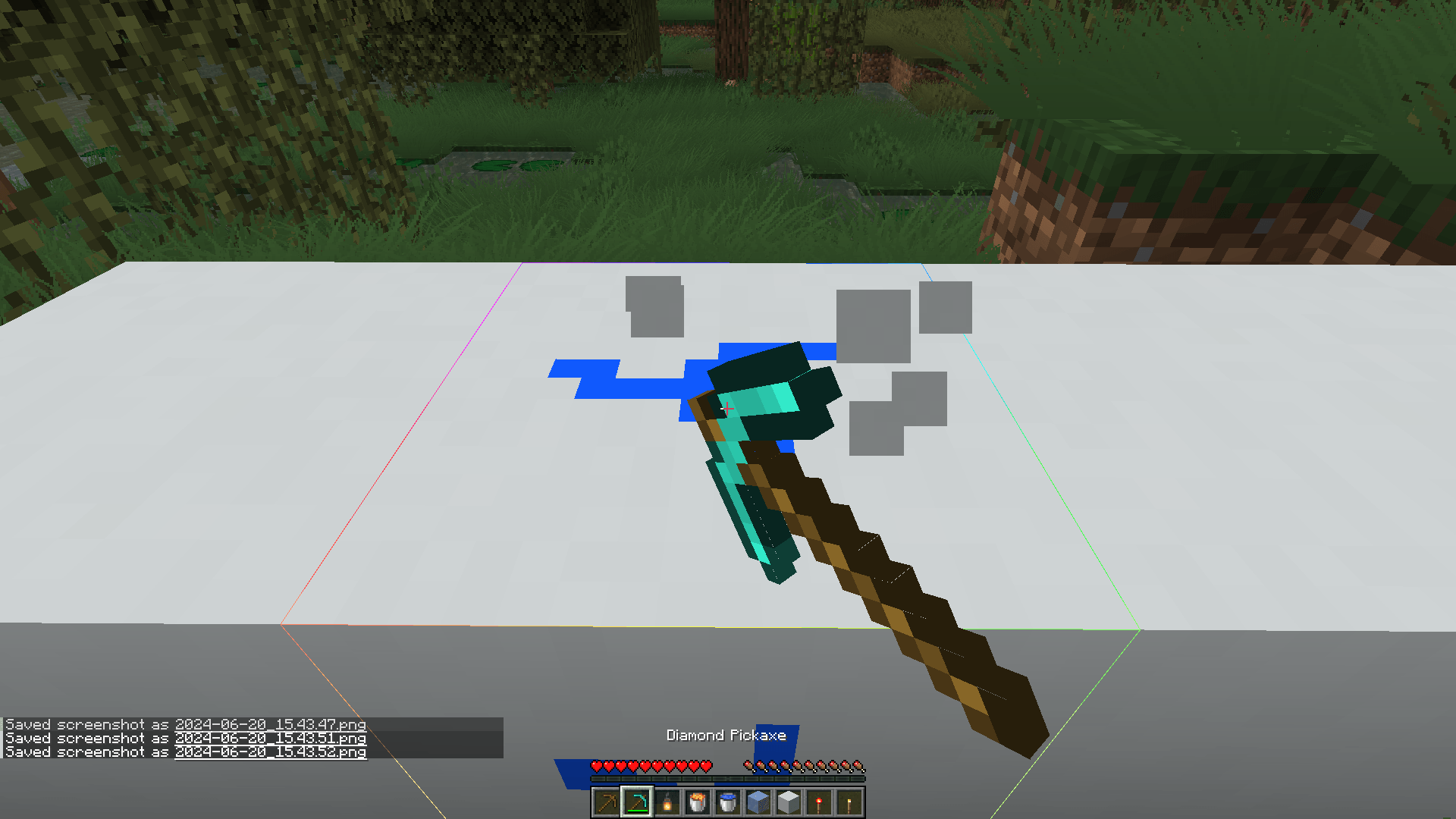
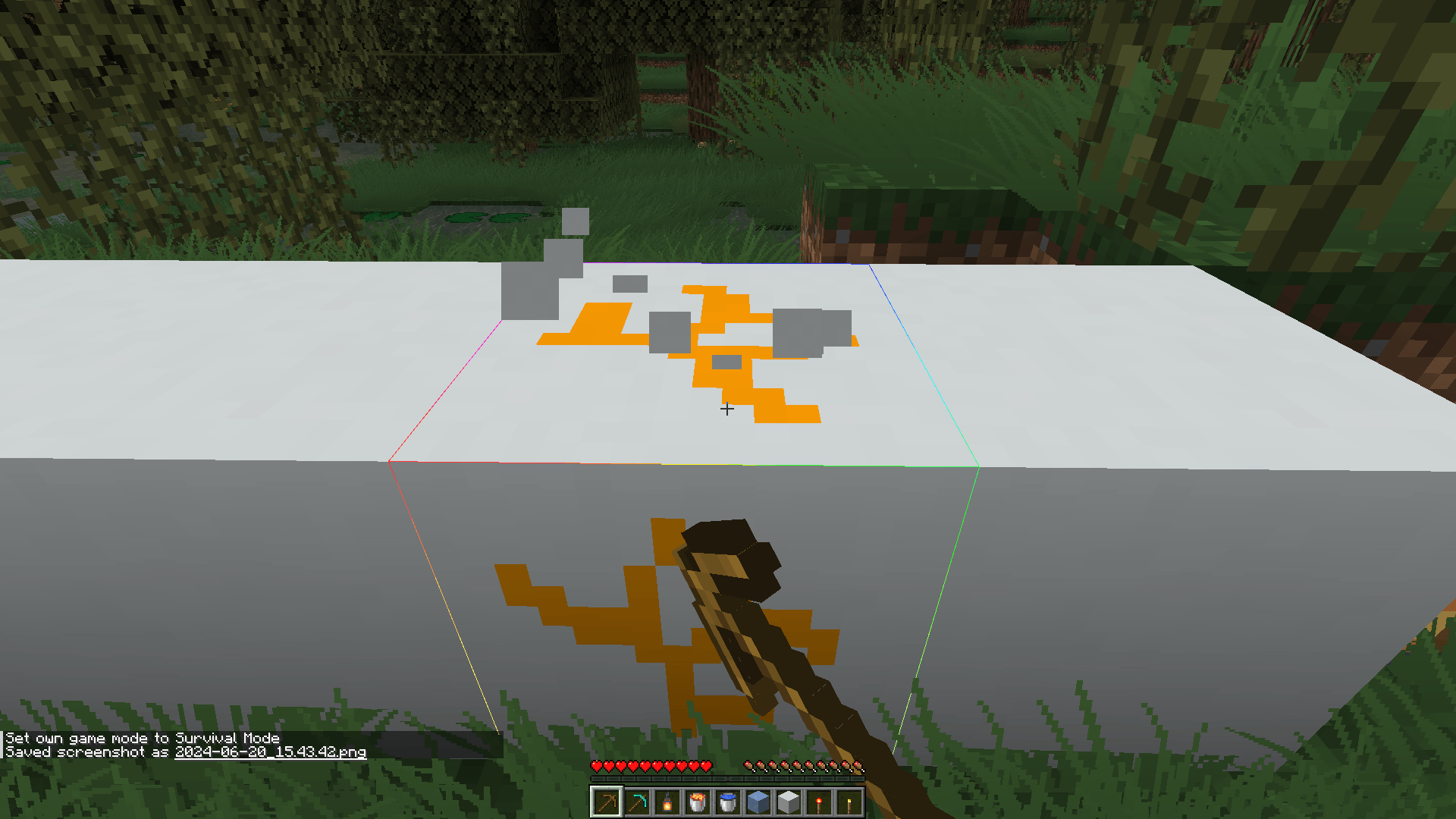
Block Breaking Color Based on Tool

Change the block breaking color depending on the type of tool you use.

Block Breaking Colors Block Breaking with Different Tools

Github page:

Feel free to contribute or report any issues you find.

BillboardGrass_v1.0.zip
MC 1.17.1, 1.19.3, 1.20.2, 1.21, 1.18.1, 1.19.4-Snapshot, 1.20.5, 1.17, 1.20.2-Snapshot, 1.20.5-Snapshot, 1.19.4, 1.19-Snapshot, 1.18.2, 1.19.2, 1.20.3-Snapshot, 1.20.3, 1.20.1, 1.20
Release 2024-06-20 Get

Requirements & install

How to use this shader in Minecraft
Shader loader
Iris or OptiFine
Minecraft
1.20.1 – 1.21
Install folder
.minecraft/shaderpacks

How to install shaders

  1. Install a shader loader for your Minecraft version: Iris (with Sodium) or OptiFine.
  2. Download the shader pack .zip file (do not extract it).
  3. Put the .zip into the shaderpacks folder (.minecraft/shaderpacks).
  4. In game open Options → Video Settings → Shader Packs, select the pack and apply it.
Browse more: Iris shaders OptiFine shaders Shaders for 1.21 All shaders

More from 5weetdev

Advertisement Remove ads with Premium →

You Might Also Like