Mineuniverse
Shaders
Ascii like shader

Ascii like shader

SHADER
This is ascii shader fo minecraft inspired by Acerola's video
by 5weetdev
Download Claim this project
32,572 downloads
0 likes
0 followers
Updated Oct 14, 2026
0 hypes
Follow0
Fantasy Vanilla
Advertisement Remove ads with Premium →

ASCII Minecraft Shader

Inspired by Acerola's video on ASCII art rendering, this shader project aims to recreate the iconic Minecraft visual style using ASCII characters. By translating the game's visuals into ASCII art, the shader produces a unique and nostalgic aesthetic.

Features

  • ASCII Rendering: Converts the Minecraft world into a grid of ASCII characters.
  • Bitmap Font Texture: Utilizes a bitmap font texture to map characters onto the screen.
  • Color and Black & White Modes: Supports both colored and black & white rendering modes.
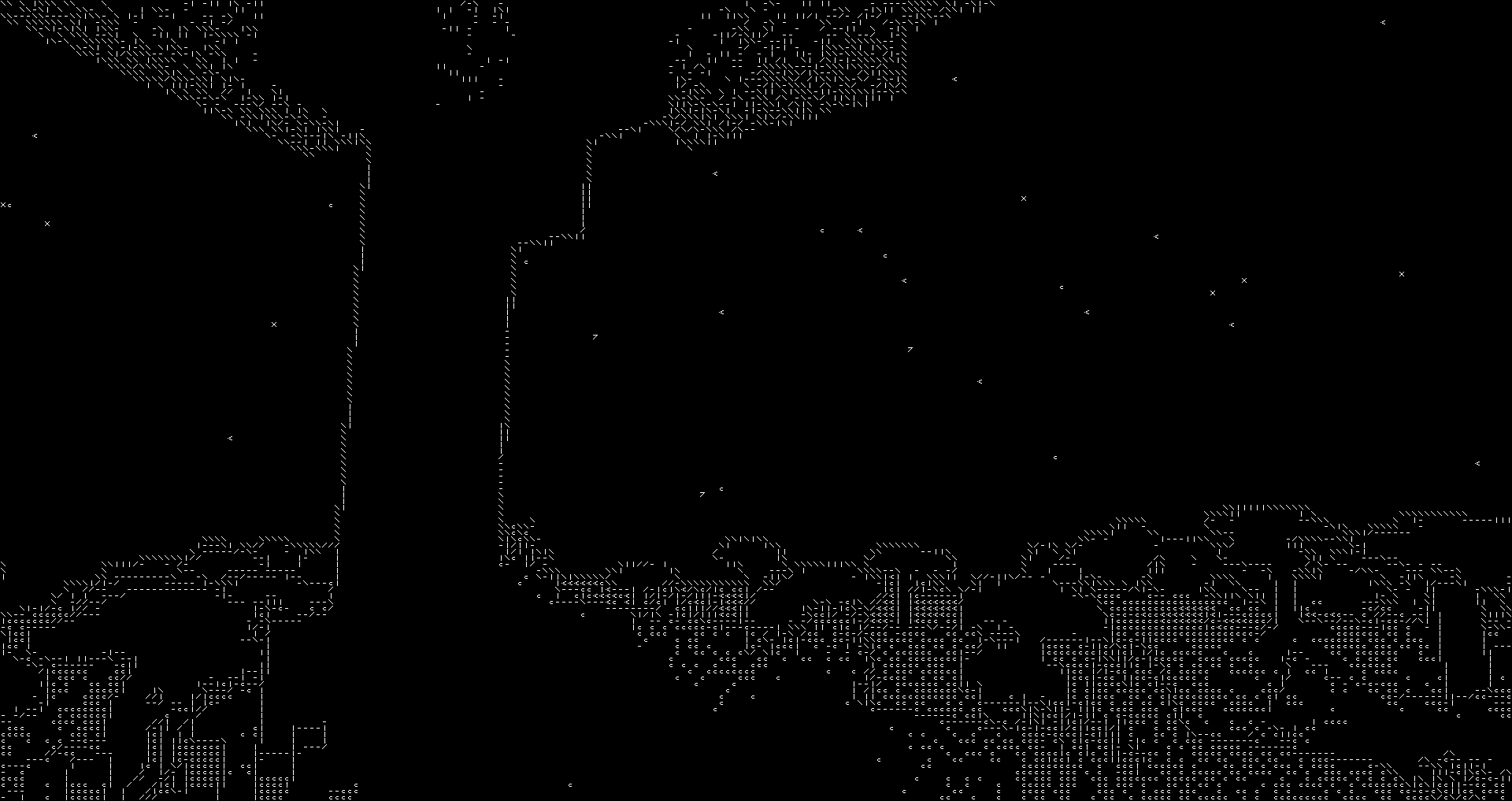
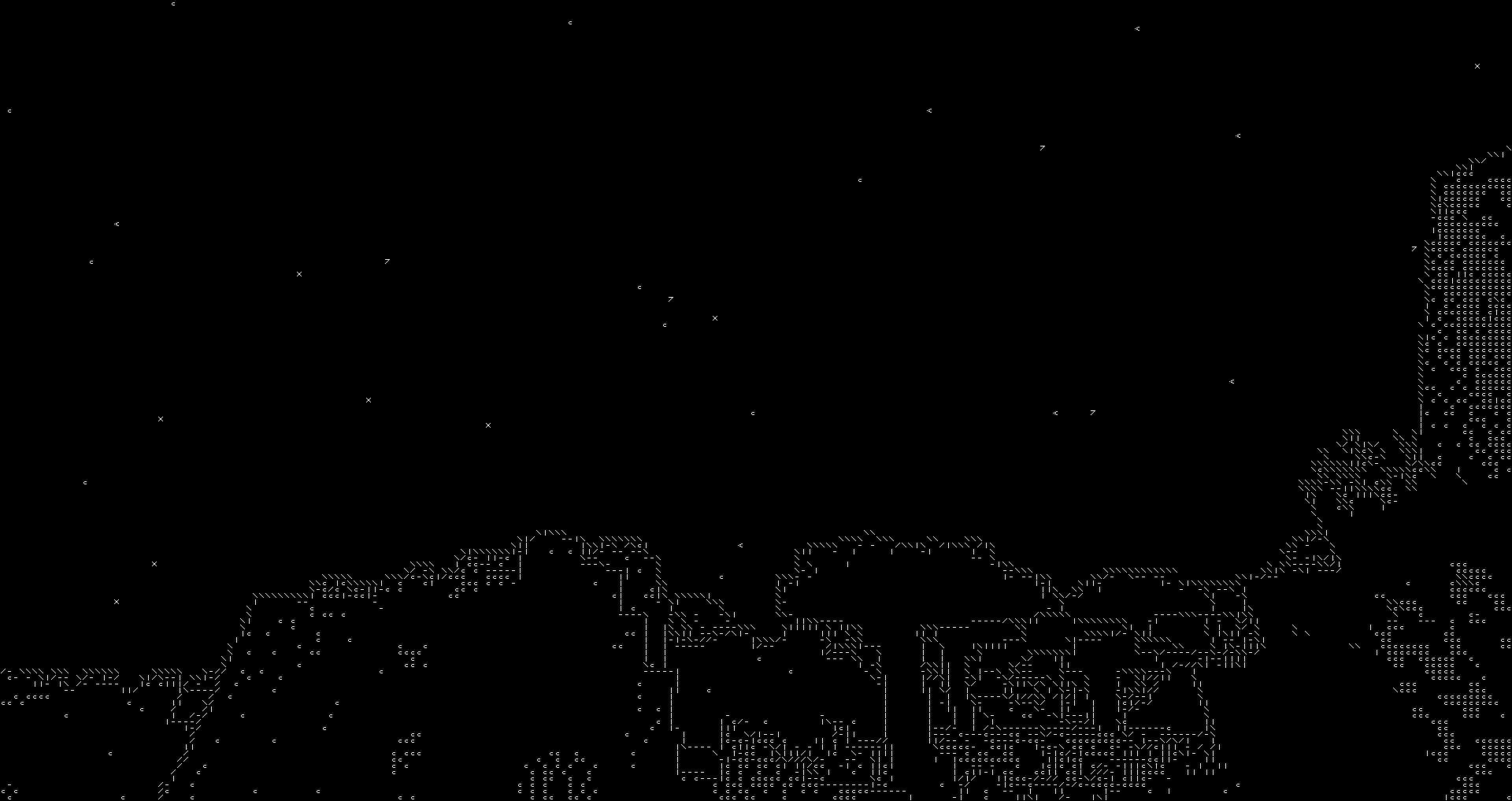
  • Edge Detection: Integrates edge detection techniques for enhanced visual detail.

Black & White Mode

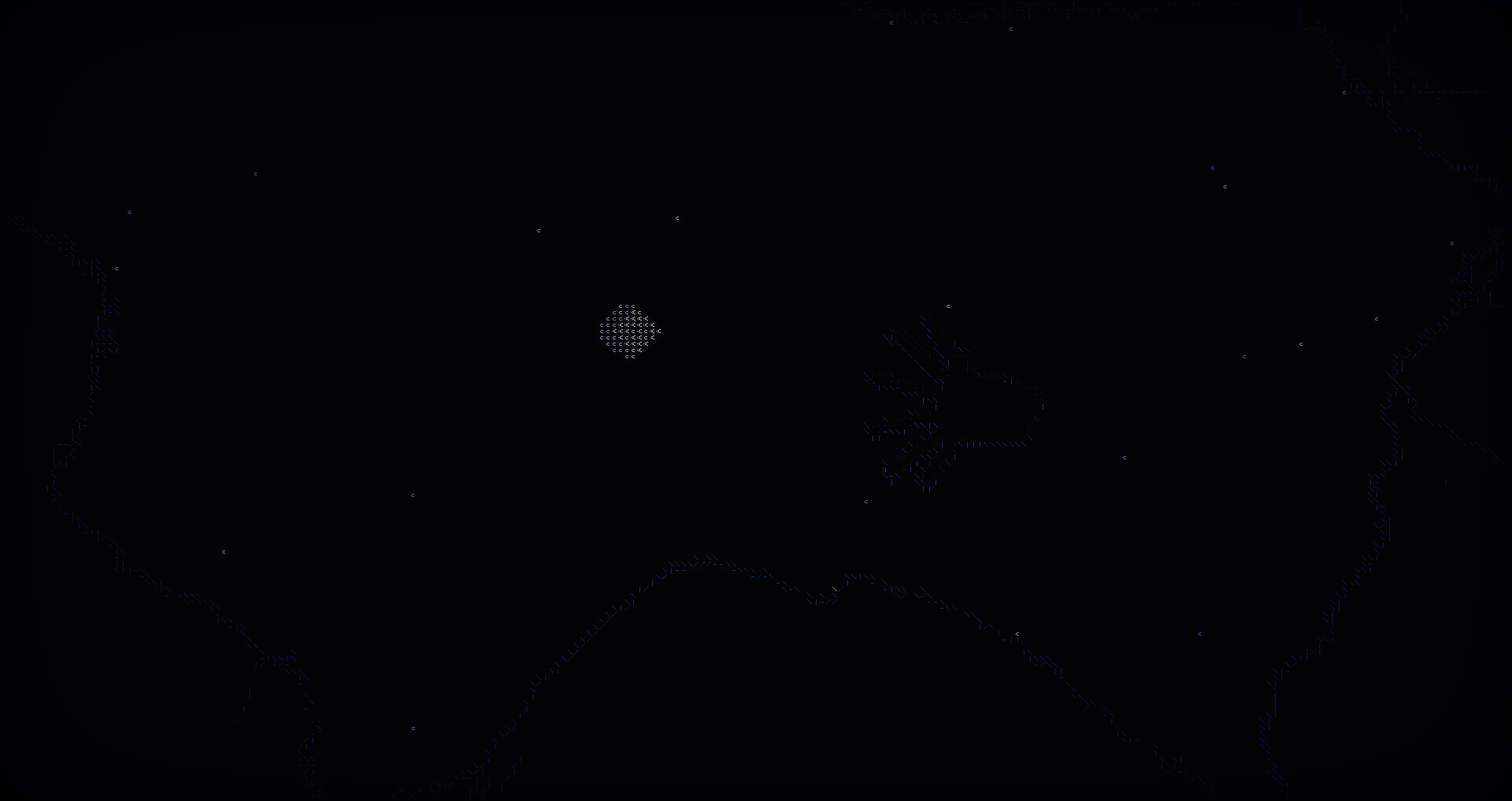
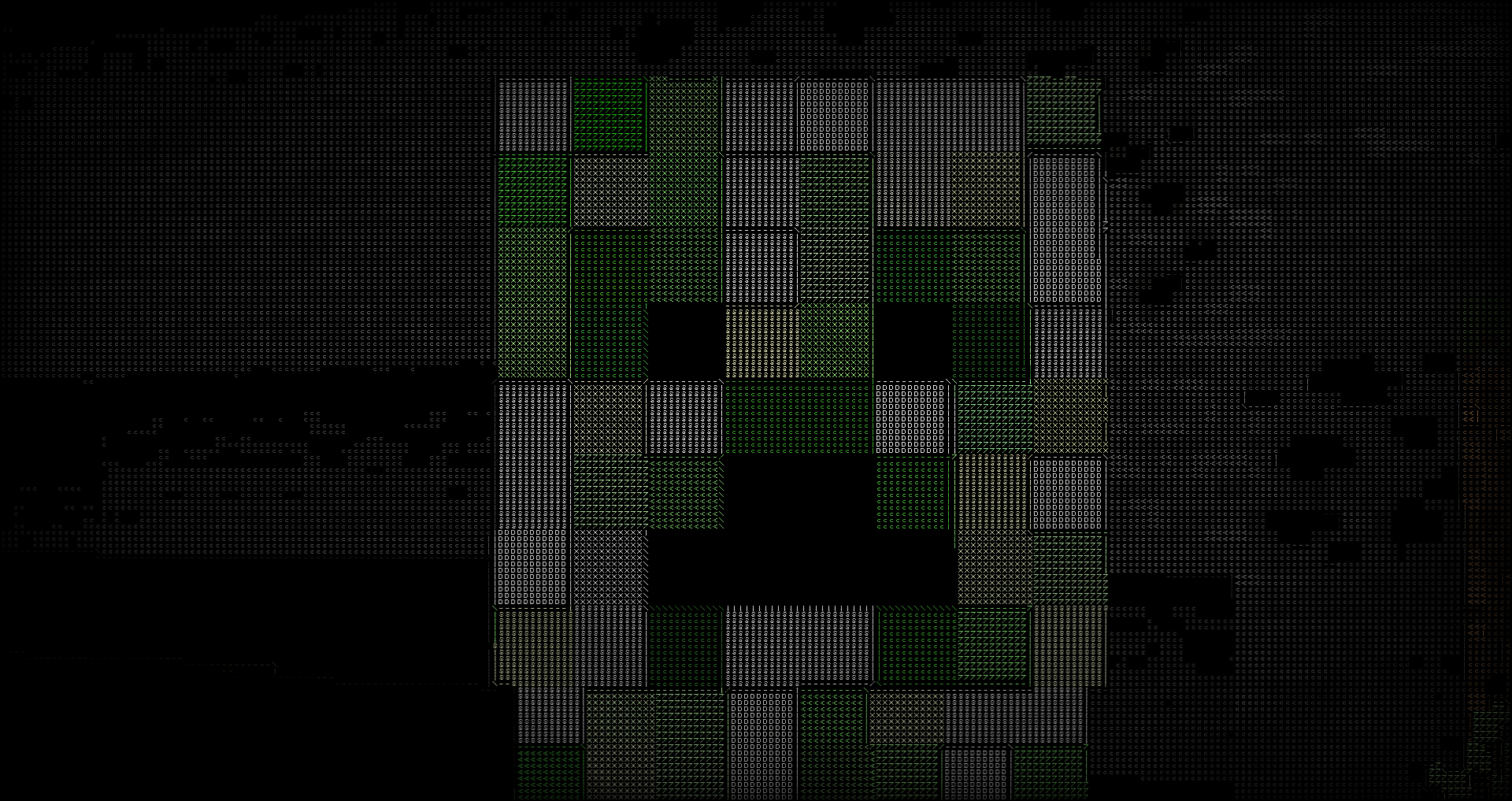
In this mode, the shader renders the Minecraft world using only black and white ASCII characters, providing a classic and minimalist look.

2024-07-02_02 33 45 2024-09-30_21 41 12

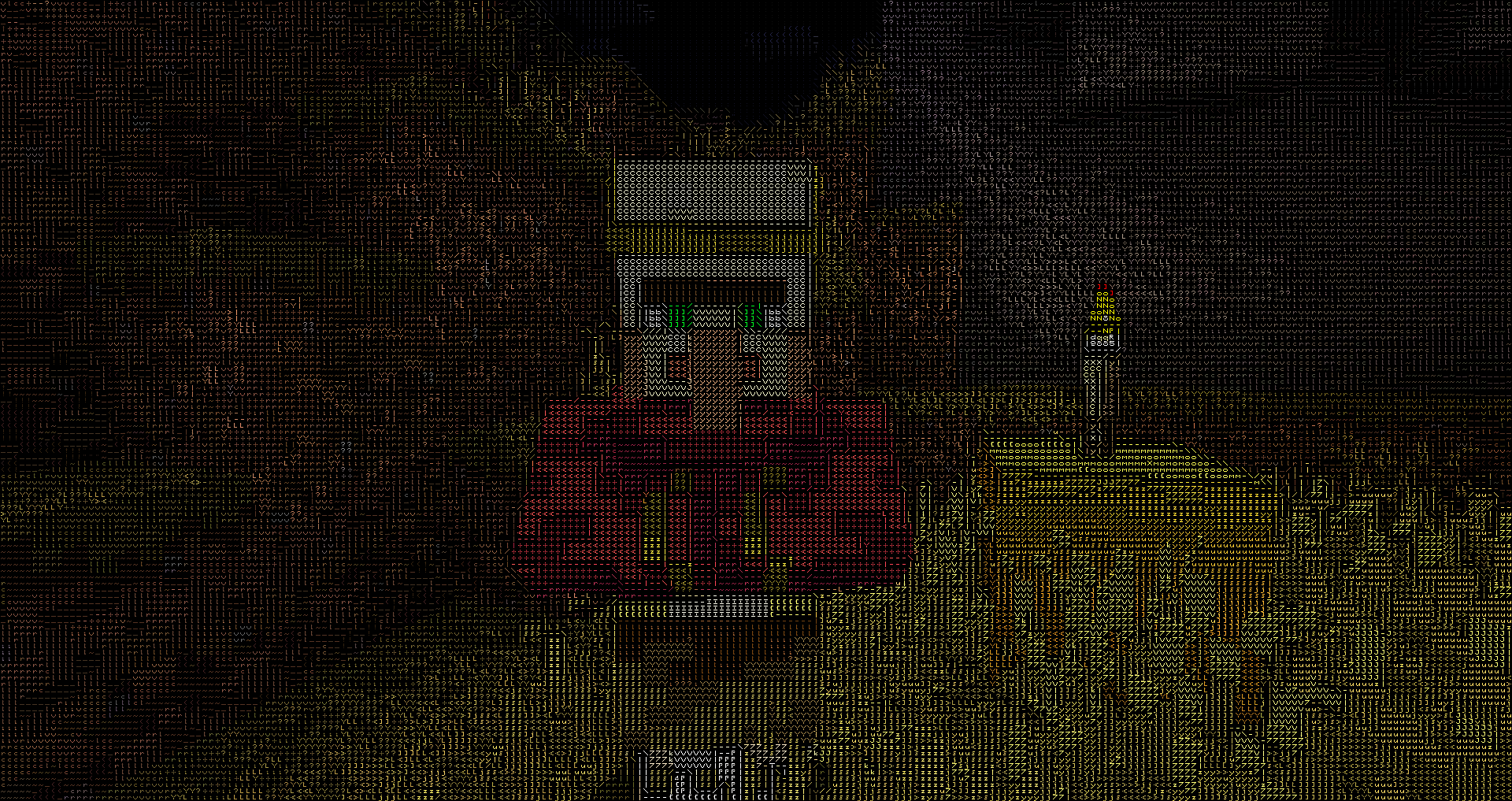
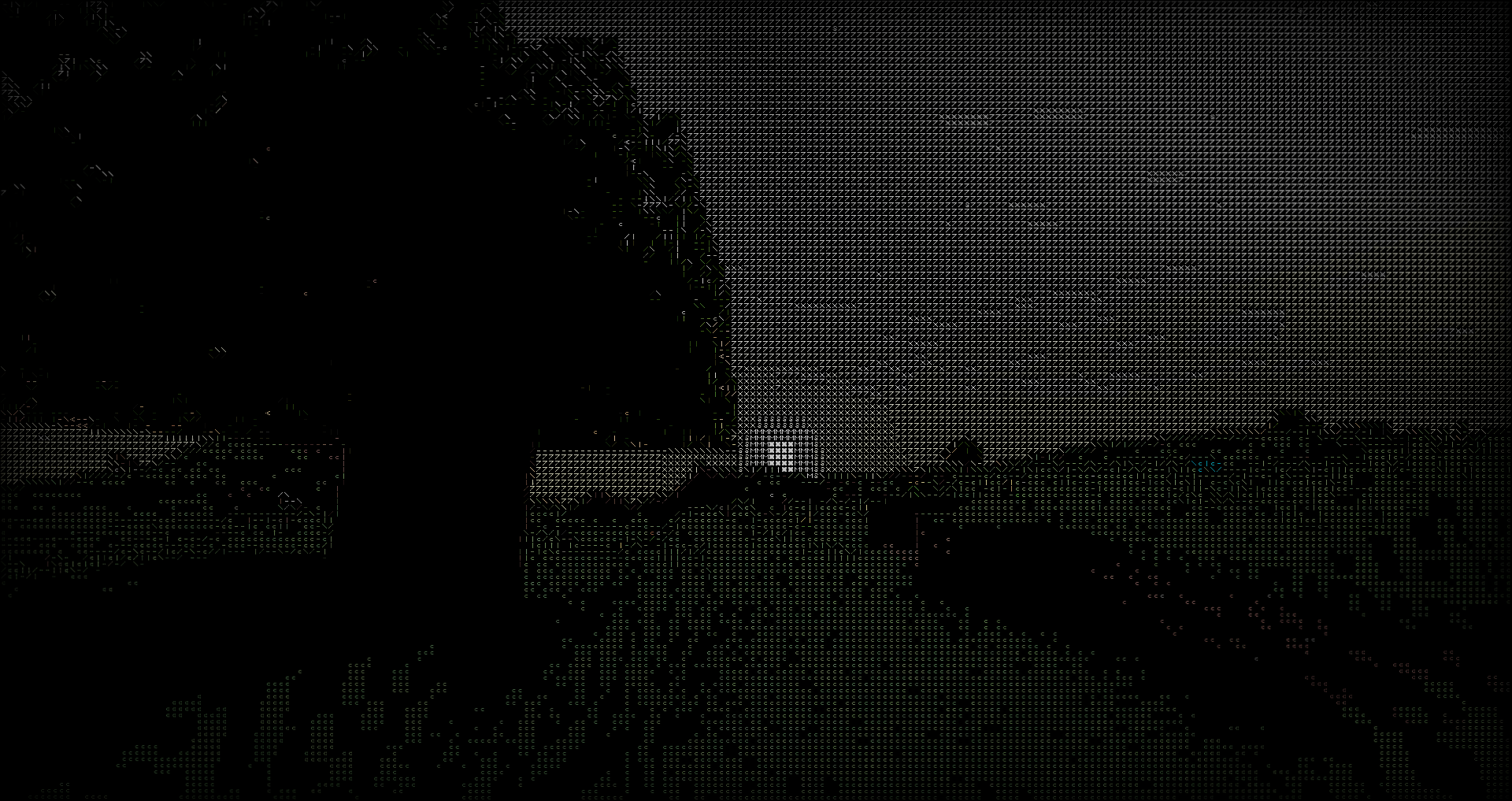
Color Mode

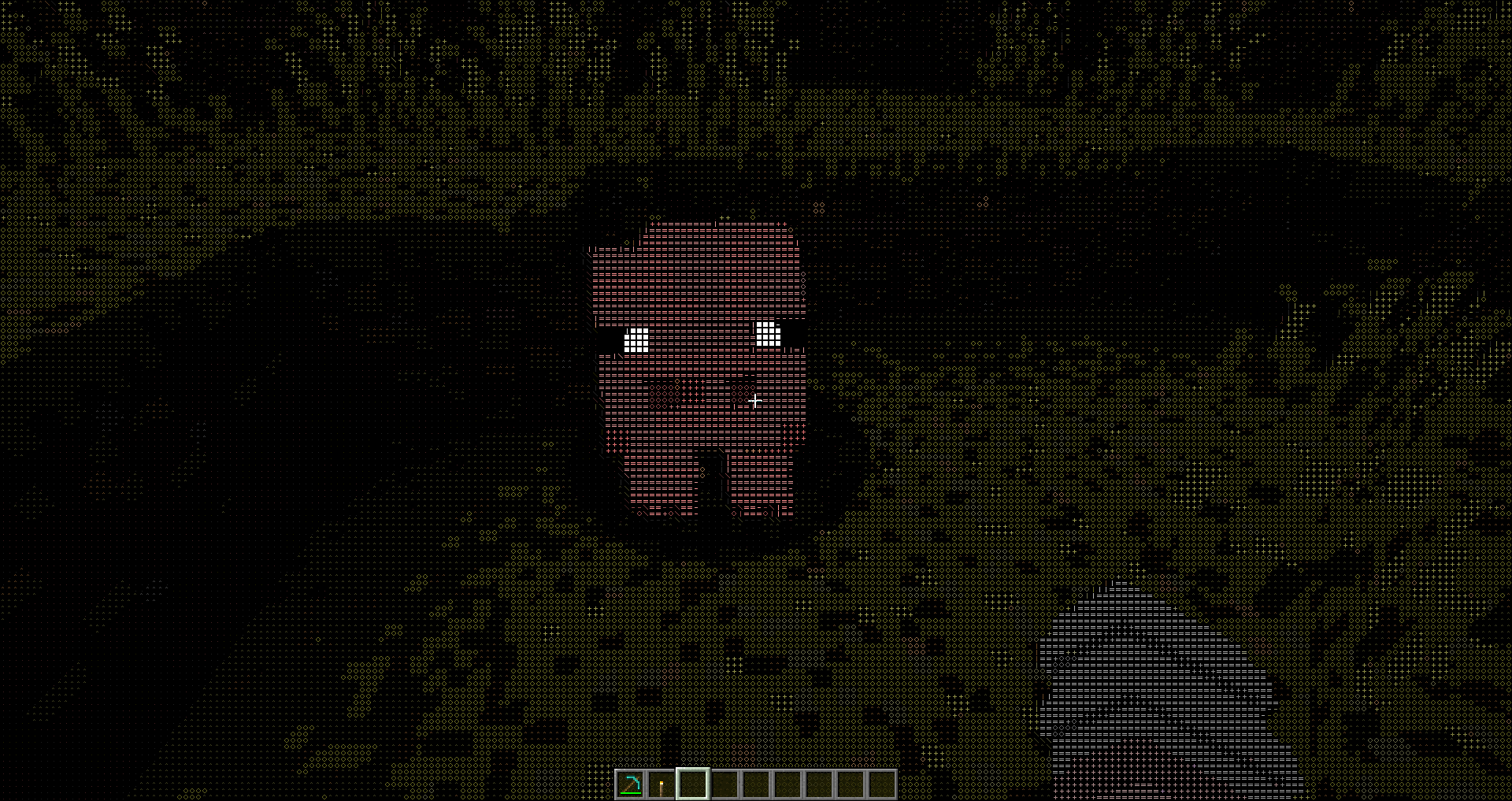
The color mode maintains the vibrant colors of Minecraft while still using ASCII characters to depict the scene, offering a modern twist on the retro aesthetic.

2024-09-30_21 48 32 2024-09-30_21 48 50

Implementation Details

  • Fragment Shader: The core of the shader is implemented in GLSL, where each pixel is mapped to an ASCII character based on its brightness or color value.
  • Bitmap Font Texture: A 128x128 texture is used to store the bitmap font, with each character occupying an 8x8 pixel block.
  • Edge Detection: Combines a Difference of Gaussians filter with a thresholded Sobel edge detection filter to enhance the details and edges of the scene before converting to ASCII.

Patreon

https://www.patreon.com/5weetdev/membership

Github:

https://github.com/5weetdev/Ascii-shader Feel free to contribute

AsciiShader v1.1
MC 1.17.1, 1.19.3, 1.20.2, 1.21.2-Snapshot, 1.21, 1.18.1, 1.19.4-Snapshot, 1.20.5, 1.20.2-Snapshot, 1.20.5-Snapshot, 1.19.4, 1.19-Snapshot, 1.21.1-Snapshot, 1.18.2, 1.19.2
Release 2024-09-30 Get
AsciiShader.zip
MC 1.17.1, 1.19.3, 1.20.2, 1.21, 1.18.1, 1.19.4-Snapshot, 1.20.5, 1.17, 1.20.2-Snapshot, 1.20.5-Snapshot, 1.19.4, 1.19-Snapshot, 1.18.2, 1.19.2, 1.20.3-Snapshot, 1.20.3, 1.20.1, 1.20
Release 2024-07-05 Get

Requirements & install

How to use this shader in Minecraft
Shader loader
Iris or OptiFine
Minecraft
1.20.2 – 1.21.2-Snapshot
Install folder
.minecraft/shaderpacks

How to install shaders

  1. Install a shader loader for your Minecraft version: Iris (with Sodium) or OptiFine.
  2. Download the shader pack .zip file (do not extract it).
  3. Put the .zip into the shaderpacks folder (.minecraft/shaderpacks).
  4. In game open Options → Video Settings → Shader Packs, select the pack and apply it.
Browse more: Iris shaders OptiFine shaders Shaders for 1.21.2-Snapshot All shaders

More from 5weetdev

Advertisement Remove ads with Premium →

You Might Also Like