Badges update automatically and link to the shader page on MineUniverse.
BSS Shader
A lightweight shader that keeps Minecraft looking like Minecraft, just warmer, softer and more alive. It uses no post-processing, so it stays fast on low-end PCs and tablets.
FEATURES
Sunlight lighting
- Light comes from the sun and the moon: warm at sunrise and sunset, neutral at noon, cool at night
- Surfaces facing the sun are brighter, shaded sides get a little darker
- Warm torchlight and a soft sunset glow in the sky
- Bright areas never blow out to white
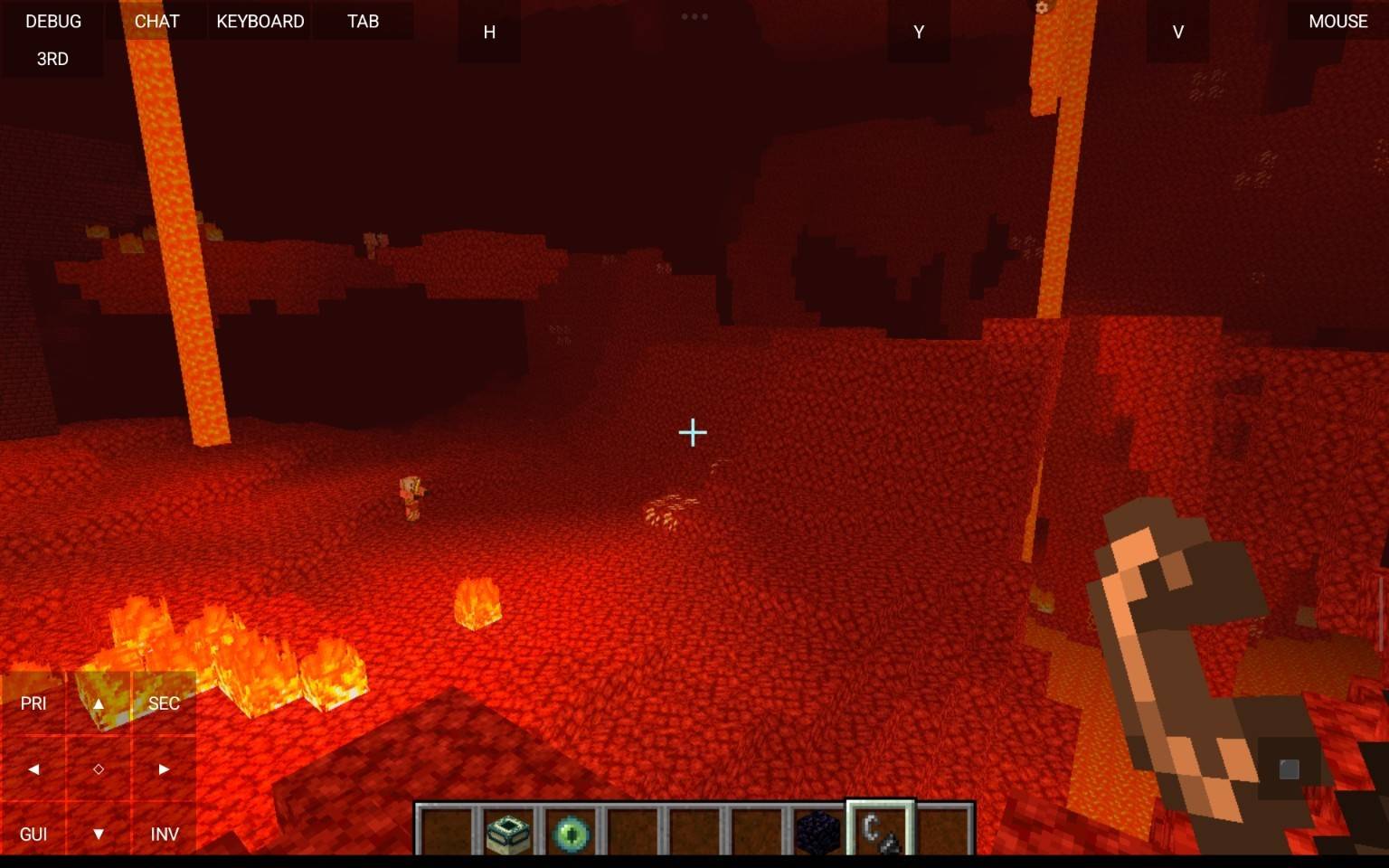
- Special looks for the Nether and the End
Water
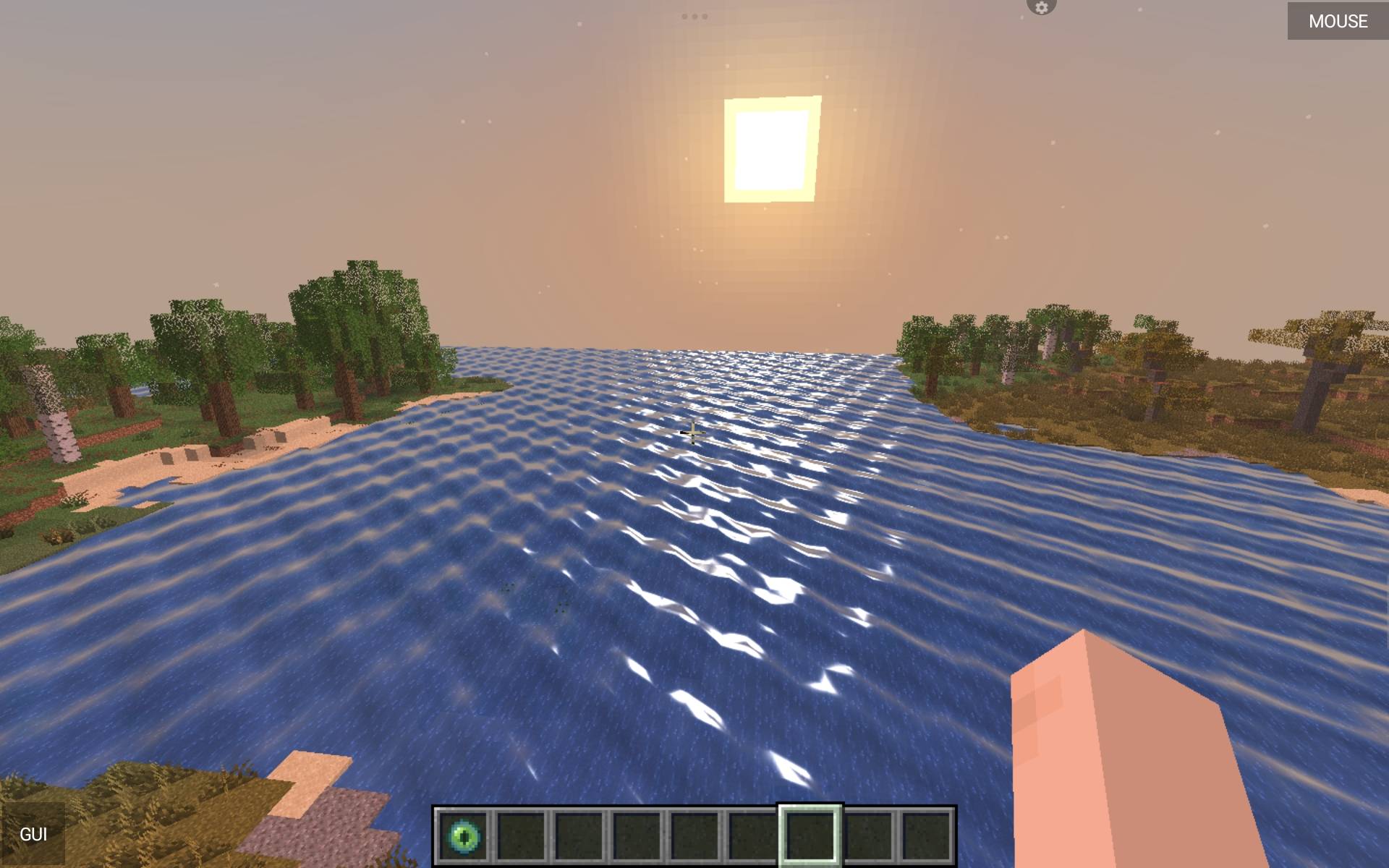
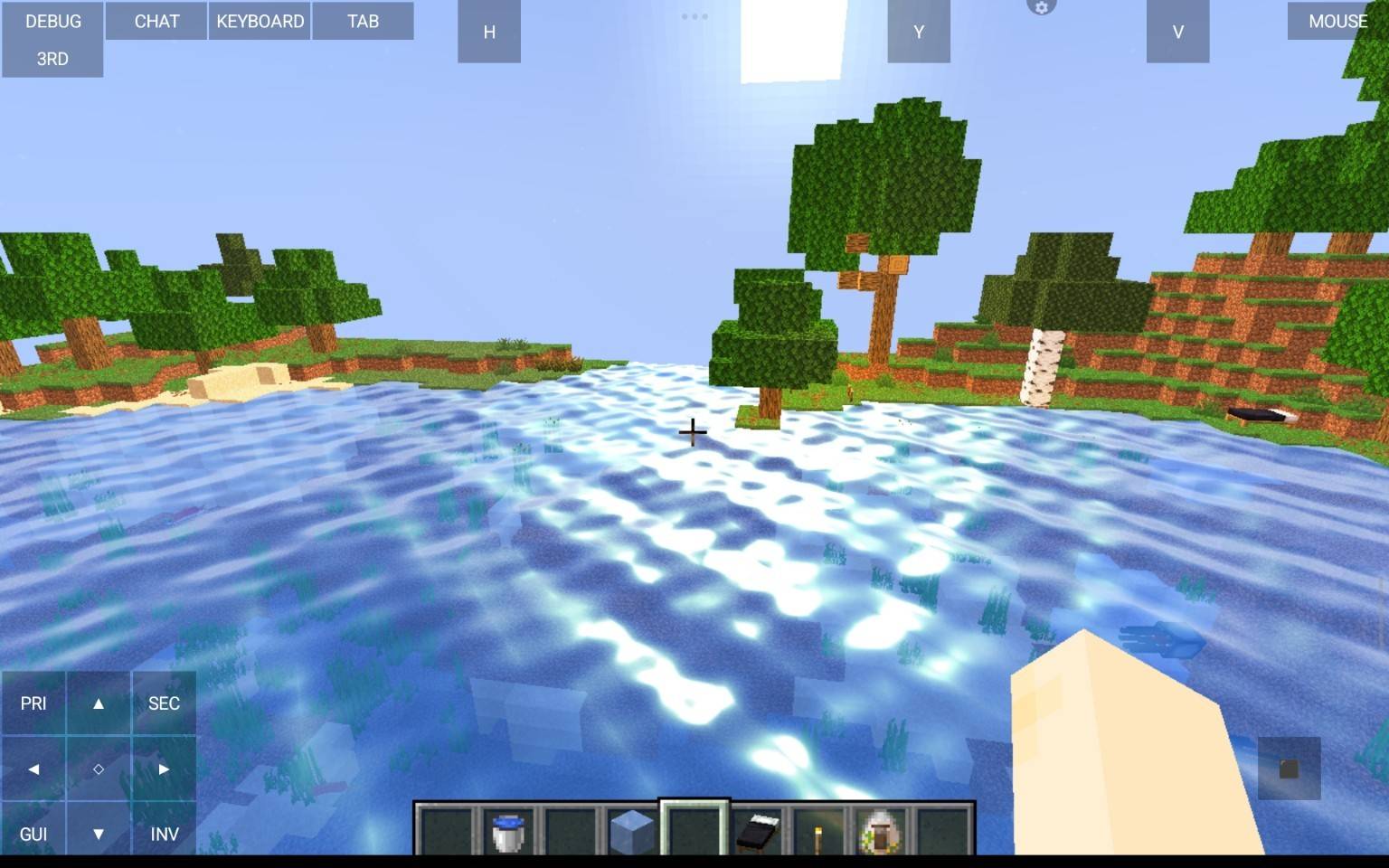
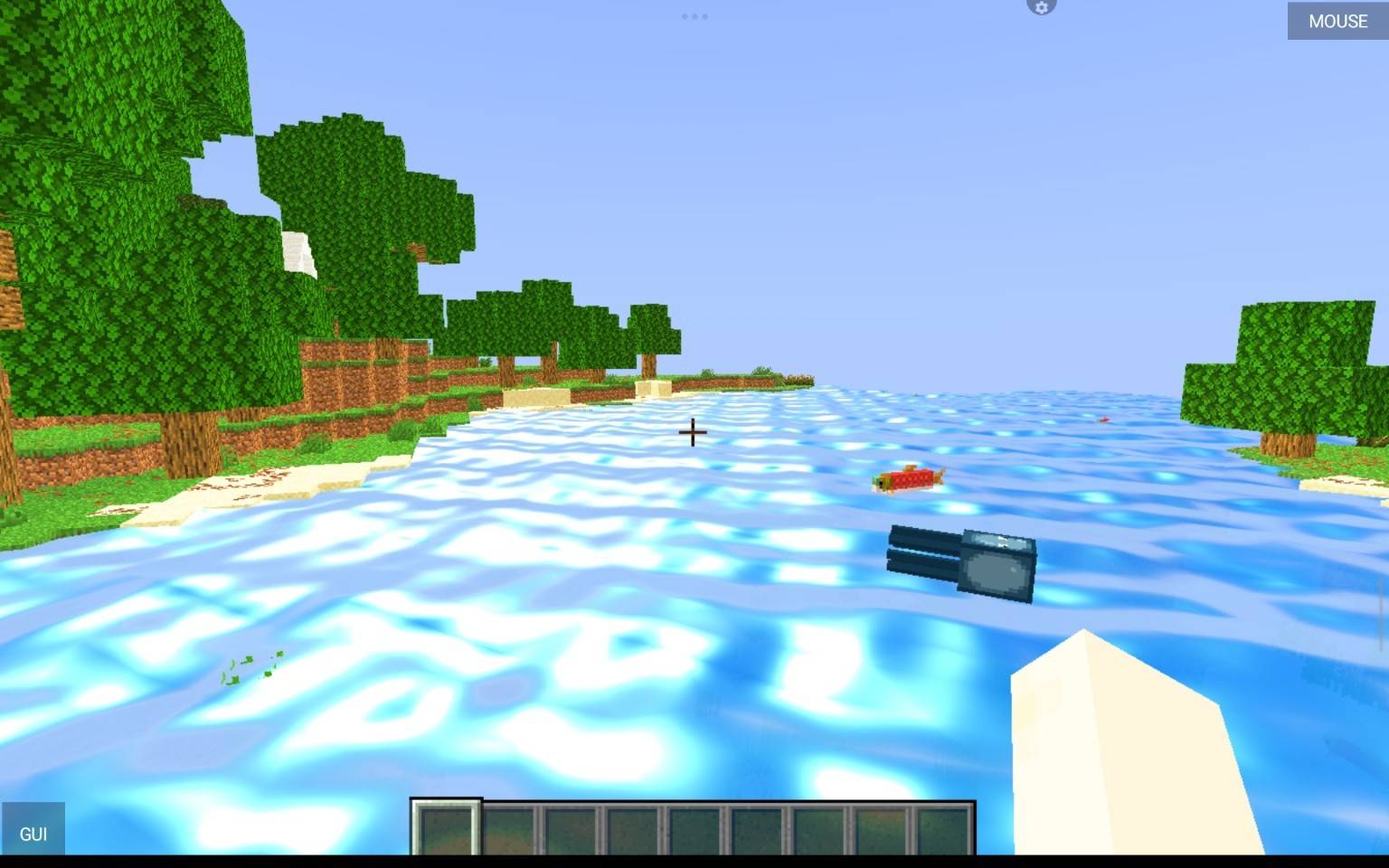
- Animated waves with adjustable height and speed
- Clean, texture-free water with a soft teal tint
- Sky reflections, sun path and sun/moon glints
- Fine ripples on the surface
Plants
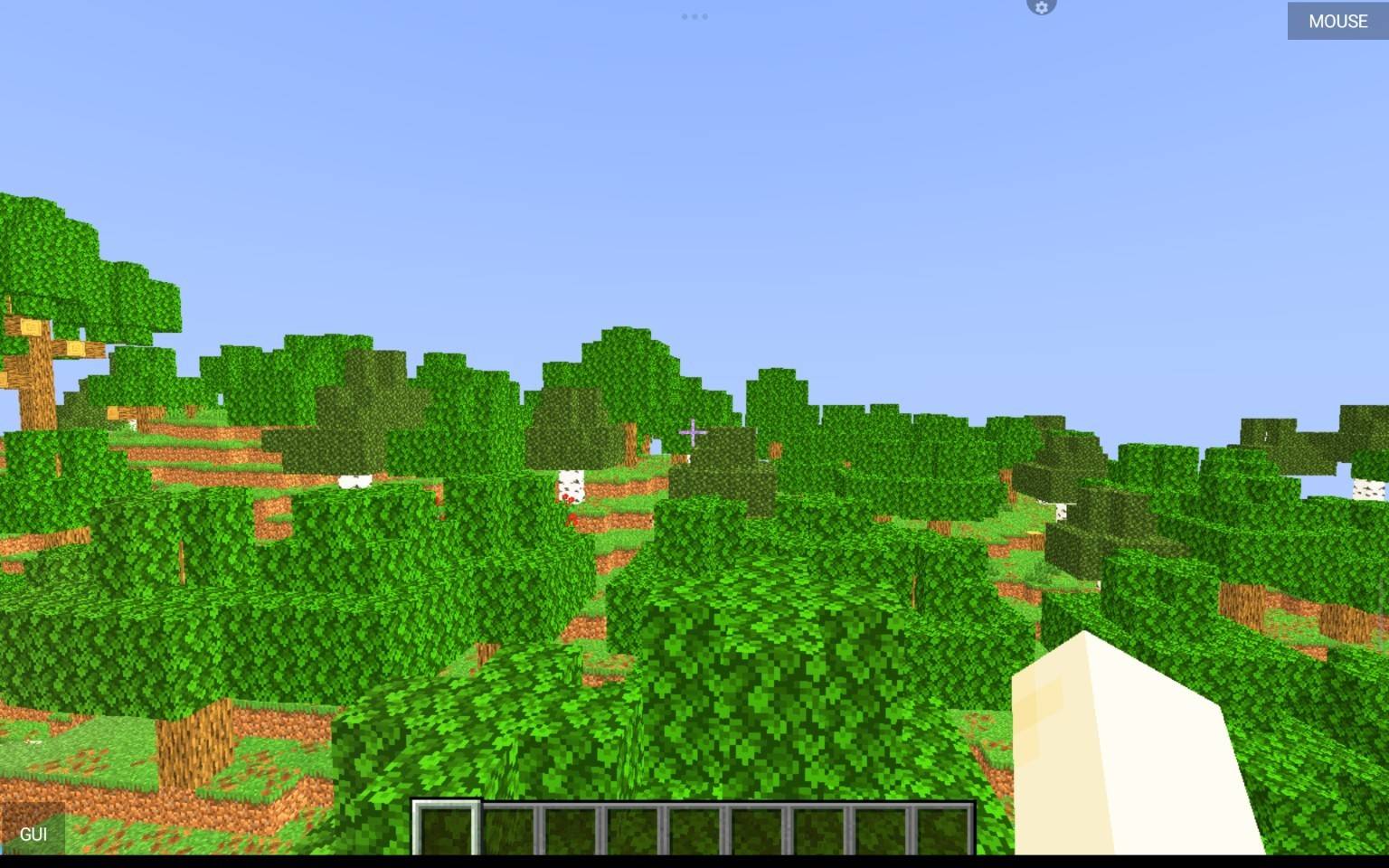
- Leaves, grass, flowers, saplings and crops sway in the wind (stronger in rain)
- Solid leaves option, so you can't see through the foliage
Settings
- Low / Medium / High profiles, or tune every option yourself
- Light, water, wind, fog and sky sliders
- Settings menu in English and Turkish
WHAT IT DOES NOT HAVE
No real-time shadows, no screen-space reflections and no refraction. That's why it is fast.
COMPATIBILITY
- Iris and OptiFine
- Minecraft [write the versions you tested]
- Tested with Iris on a Snapdragon 680 tablet
INSTALL
Put the .zip file (do not extract it) into your shaderpacks folder, then select it in Video Settings > Shader Packs.
SUPPORT
Found a bug? Leave a comment with your Minecraft version and a screenshot.
Official downloads: Modrinth and CurseForge (author: BoraCore).
Logo by [kardeşinin adı].
Code written with AI assistance (Claude by Anthropic), tested and tuned by BoraCore.
Licensed under CC BY-NC-ND 4.0.