# 🌅 Super FPS Shader — Extremely Optimized & Vibrant Visual Experience
> **Transform your vanilla Minecraft world into a breathtaking, living realm without giving up a single frame!** Built ground-up for low-end devices, integrated graphics (Intel HD/AMD Vega), mobile setups, and potato PCs.
---
## 📖 What Makes Super FPS Shader Special?
Standard Minecraft shaders often demand heavy GPU power, leading to severe frame drops, thermal throttling, and unplayable stuttering on lower-end hardware. **Super FPS Shader** completely solves this issue by taking a high-performance, lightweight approach to real-time graphics rendering.
Instead of heavy ray-tracing or demanding path-traced shadows, Super FPS Shader utilizes custom-tailored algorithms that modify Minecraft’s ambient light and water geometry directly with minimal hardware overhead.
---
## ✨ Detailed Features & In-Game Experience
### 🌊 Dynamic Animated Water Waves
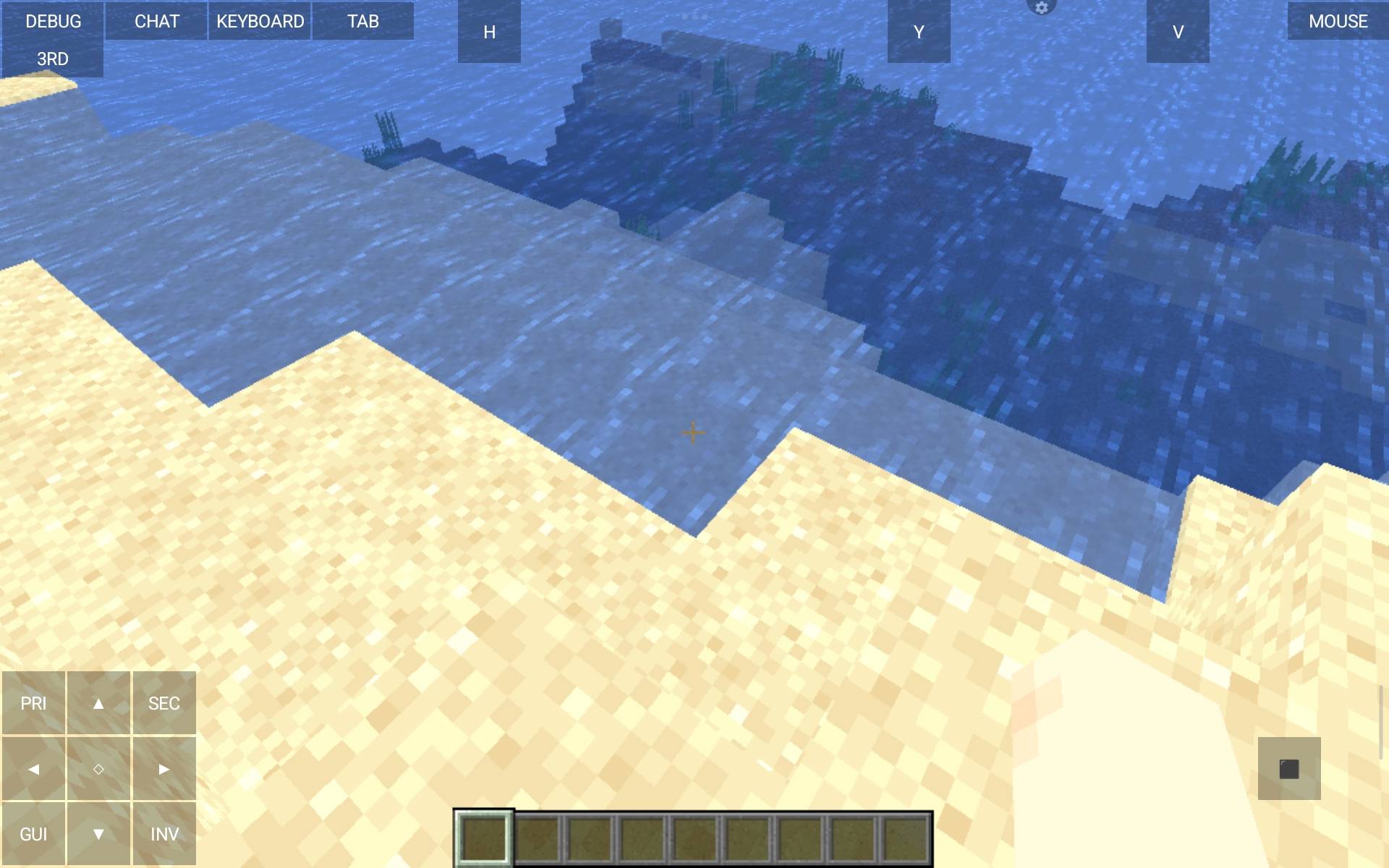
* **What you see:** Rivers, oceans, and lakes are no longer static or flat blue blocks. Water surfaces now feature soft, fluid ripple animations that dynamically move as you explore coastal areas or sail on a boat.
* **Player Experience:** Swimming, fishing, or building ocean bases instantly feels more immersive and soothing, giving a realistic aquatic atmosphere without causing memory leaks or lag spikes.
### 💡 Soft Ambient Lighting & Atmospheric Color Tuning
* **What you see:** Sunrise, mid-day, sunset, and nighttime lighting have been completely rebalanced. Daylight feels warmer and brighter, while torches, lanterns, and glowstone cast a soft, welcoming glow inside caves and dark structures.
* **Player Experience:** Cave exploration becomes much more atmospheric without forcing you to play in pitch-black darkness. Sunsets cast realistic golden tones across your builds, giving your creations a cinematic look during twilight hours.
### 🍃 Immersive Vanilla Enhancement
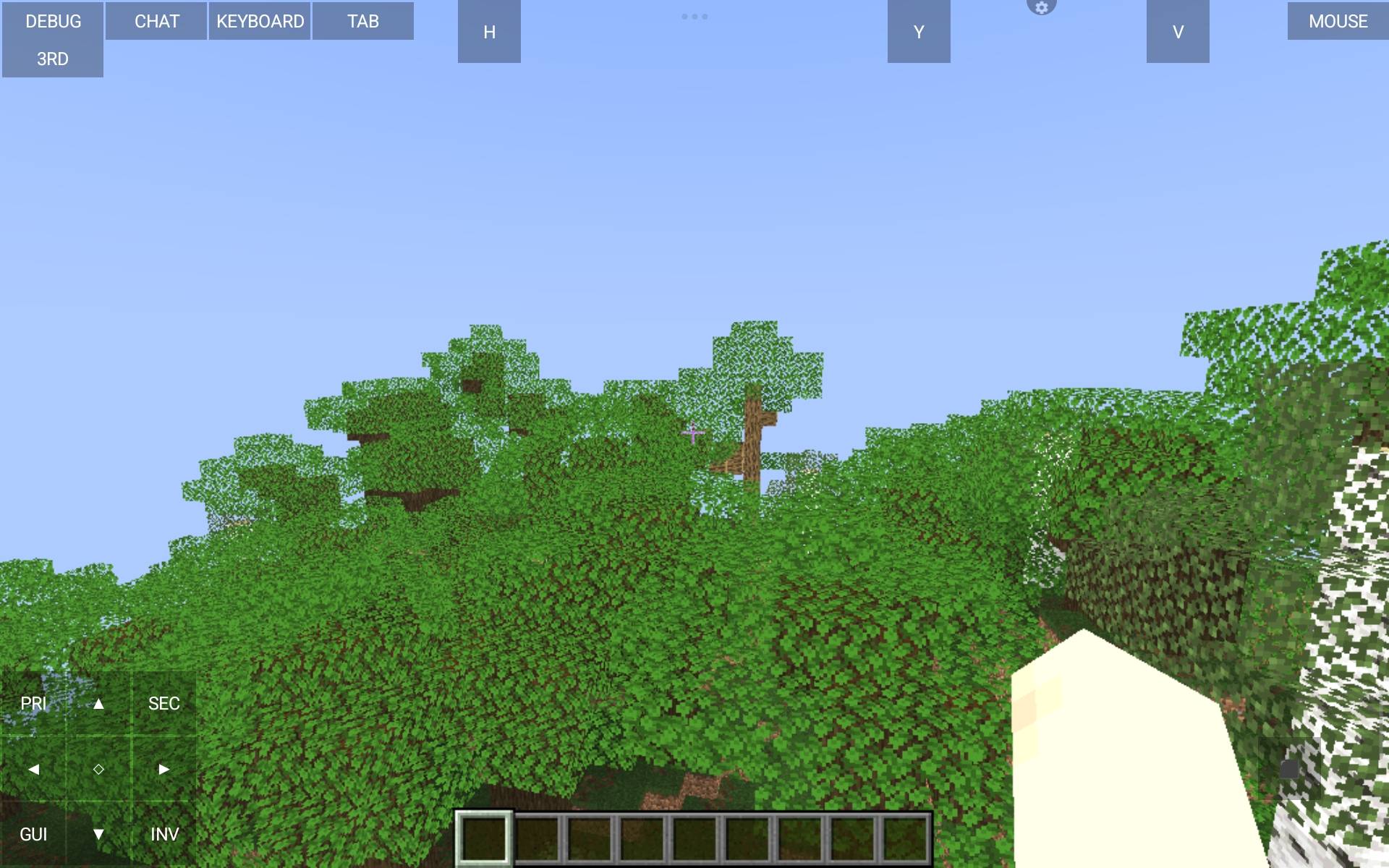
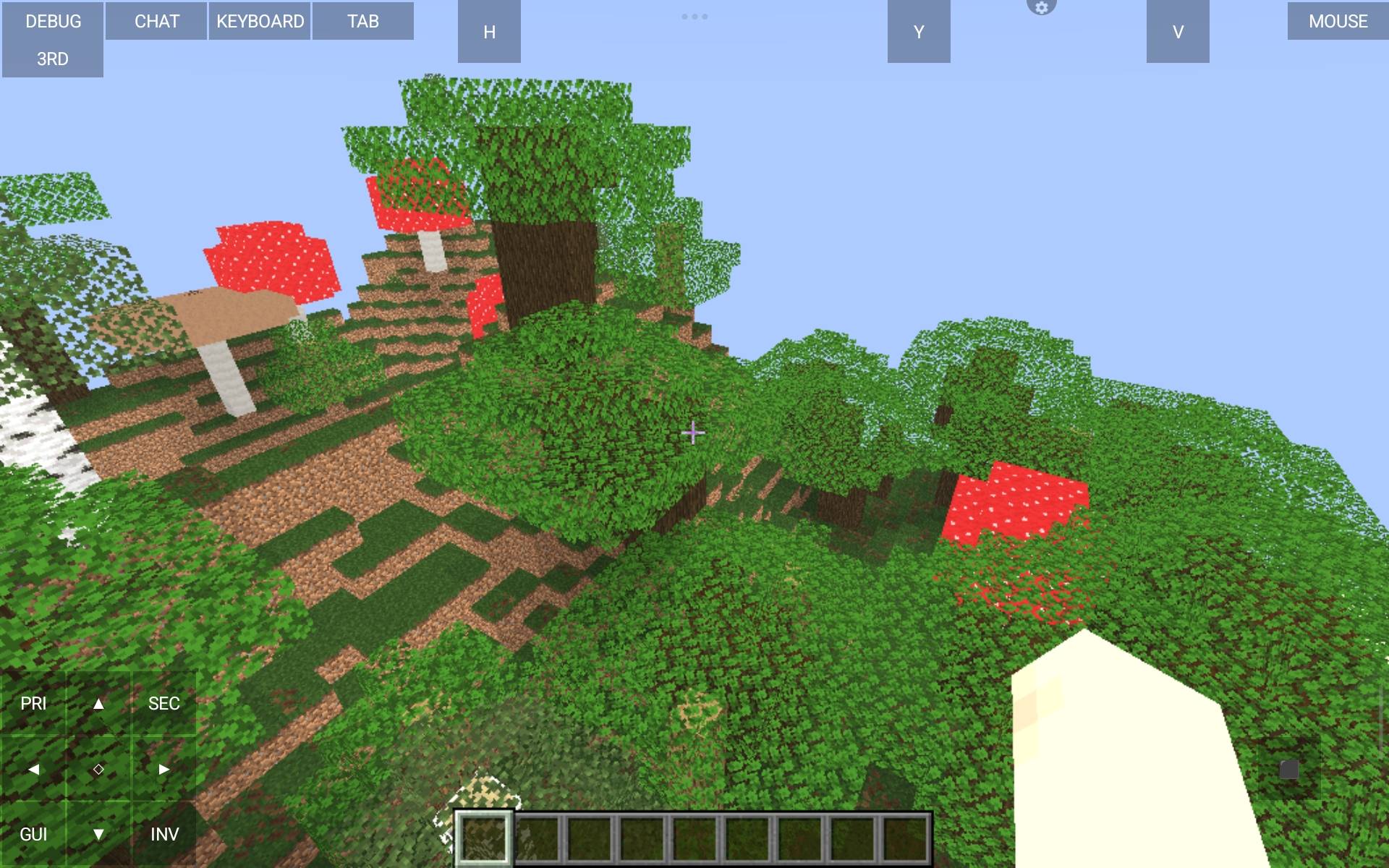
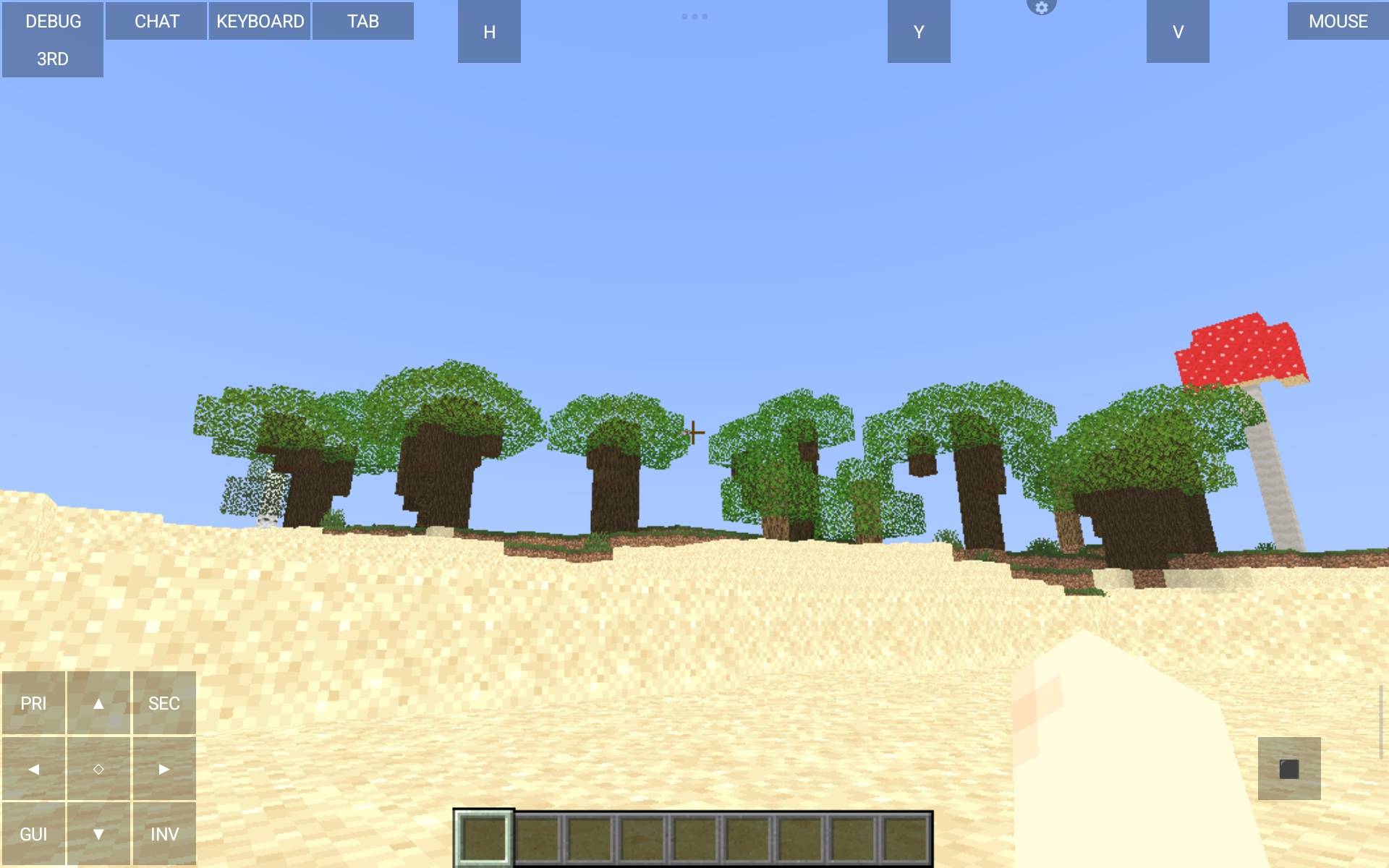
* **What you see:** The original block textures and aesthetics of Minecraft stay perfectly intact while receiving a subtle graphical uplift.
* **Player Experience:** You keep the nostalgic, classic feel of Minecraft while enjoying smooth visual enhancements—the perfect balance for both survival gameplay and building showcases.
### 🔋 Thermal & Battery Friendly Optimization
* **What you see:** Extremely stable frame rates (FPS) with minimal strain on your hardware.
* **Player Experience:** Ideal for laptops, low-spec desktop PCs, and mobile launchers. Reduces device overheating and significantly slows down battery drain during extended play sessions.
---
## 🛠️ Technical Compatibility & Requirements
* **Supported Minecraft Versions:** Seamless compatibility from **Minecraft 1.19 up to 26.3**!
* **Supported Shader Loaders:**
* ✅ **Iris Shader Loader** (Recommended for Fabric / Sodium users)
* ✅ **OptiFine** (Fully supported for Forge / Vanilla setups)
* **Hardware Support:** Fully compatible with Intel Integrated Graphics, AMD APUs, NVIDIA GTX/RTX series, and Android mobile launchers (e.g., PojavLauncher, MJ Launcher).
---
## 📦 How to Install
1. Make sure you have **Iris** or **OptiFine** installed for your specific Minecraft version.
2. Download the **Super FPS Shader** `.zip` file from this CurseForge page.
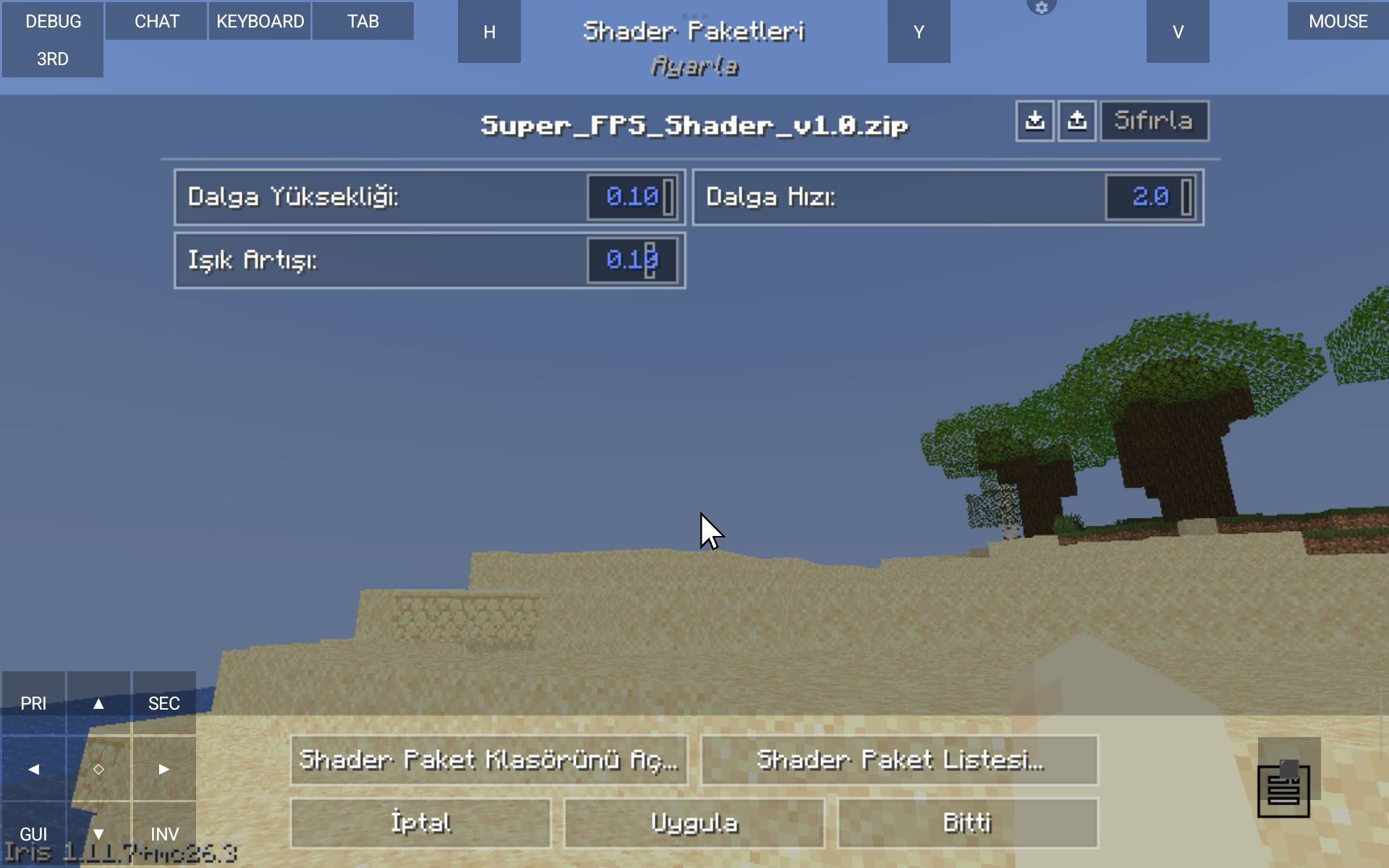
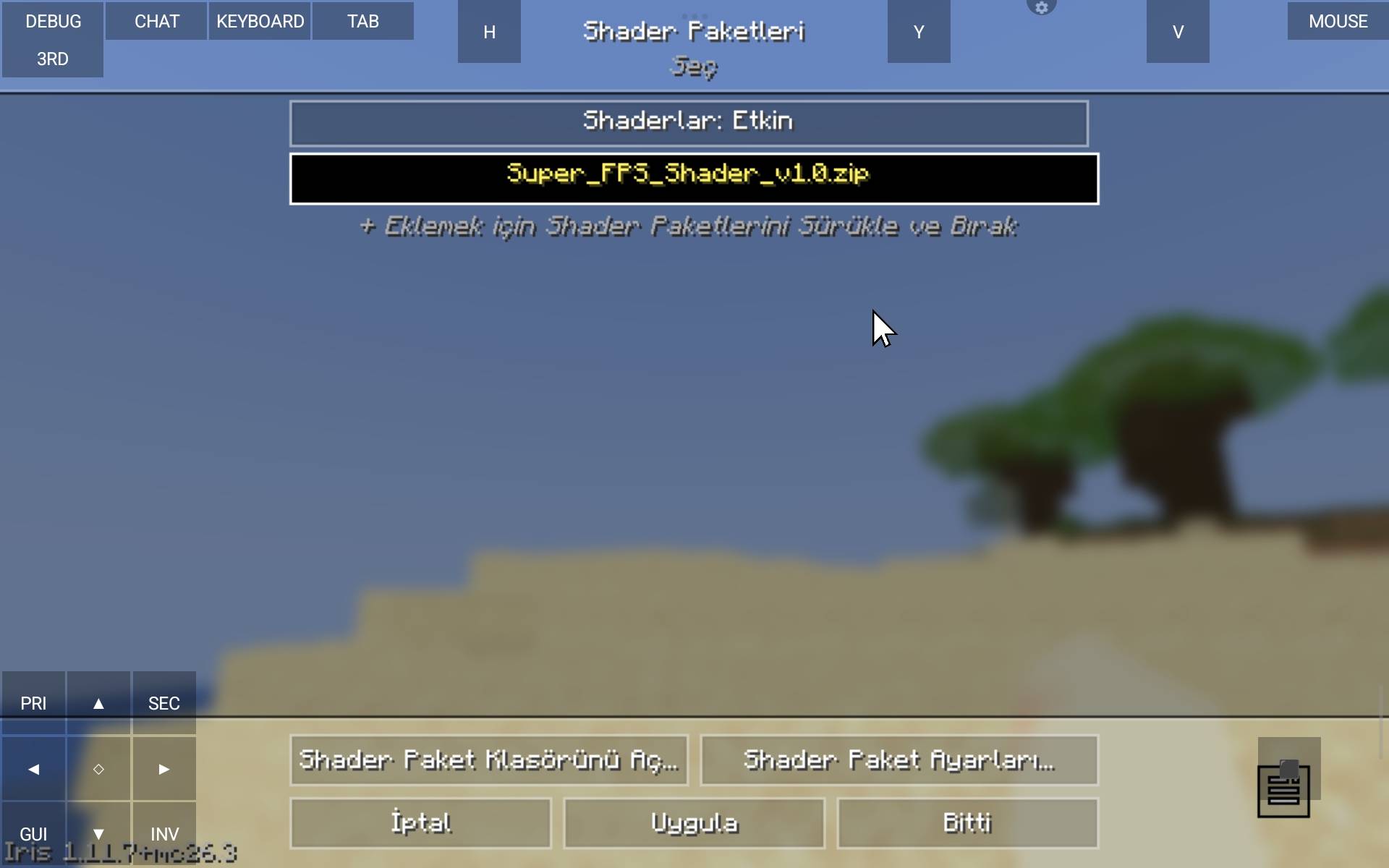
3. Open Minecraft, go to **Options > Video Settings > Shaders**.
4. Click **Shader Folder** and drop the downloaded `.zip` file into the folder.
5. Select **Super FPS Shader** from the list, click **Apply**, and enjoy a smooth, beautiful Minecraft experience!
---
## 📝 Continuous Support & Feedback
We actively monitor feedback and issue reports! If you encounter any bugs, have suggestions for new lightweight features, or want to share your gameplay
screenshots, please feel free to leave a comment below.