Mineuniverse
Shaders
Bad Shaders

Bad Shaders

SHADER
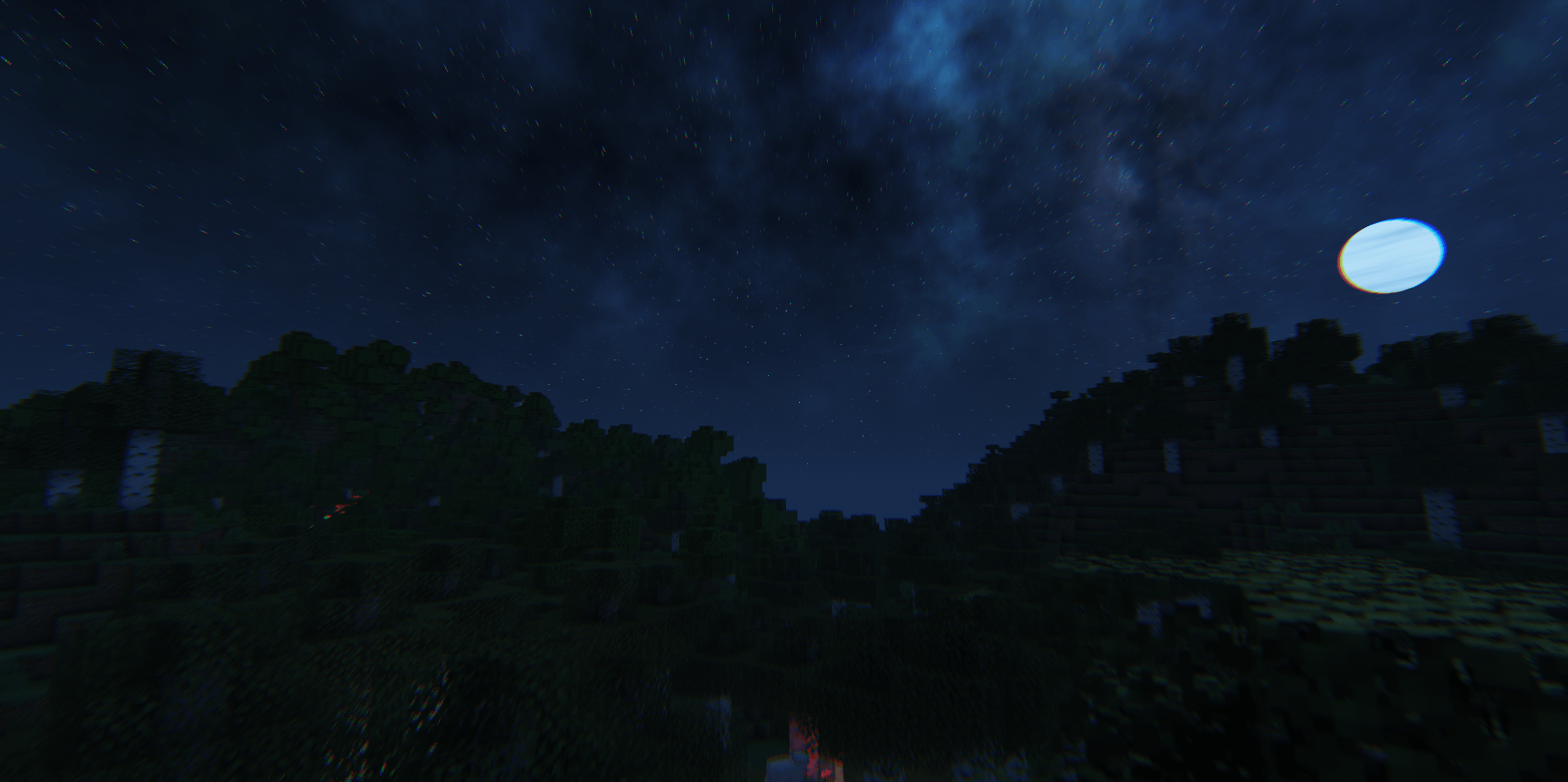
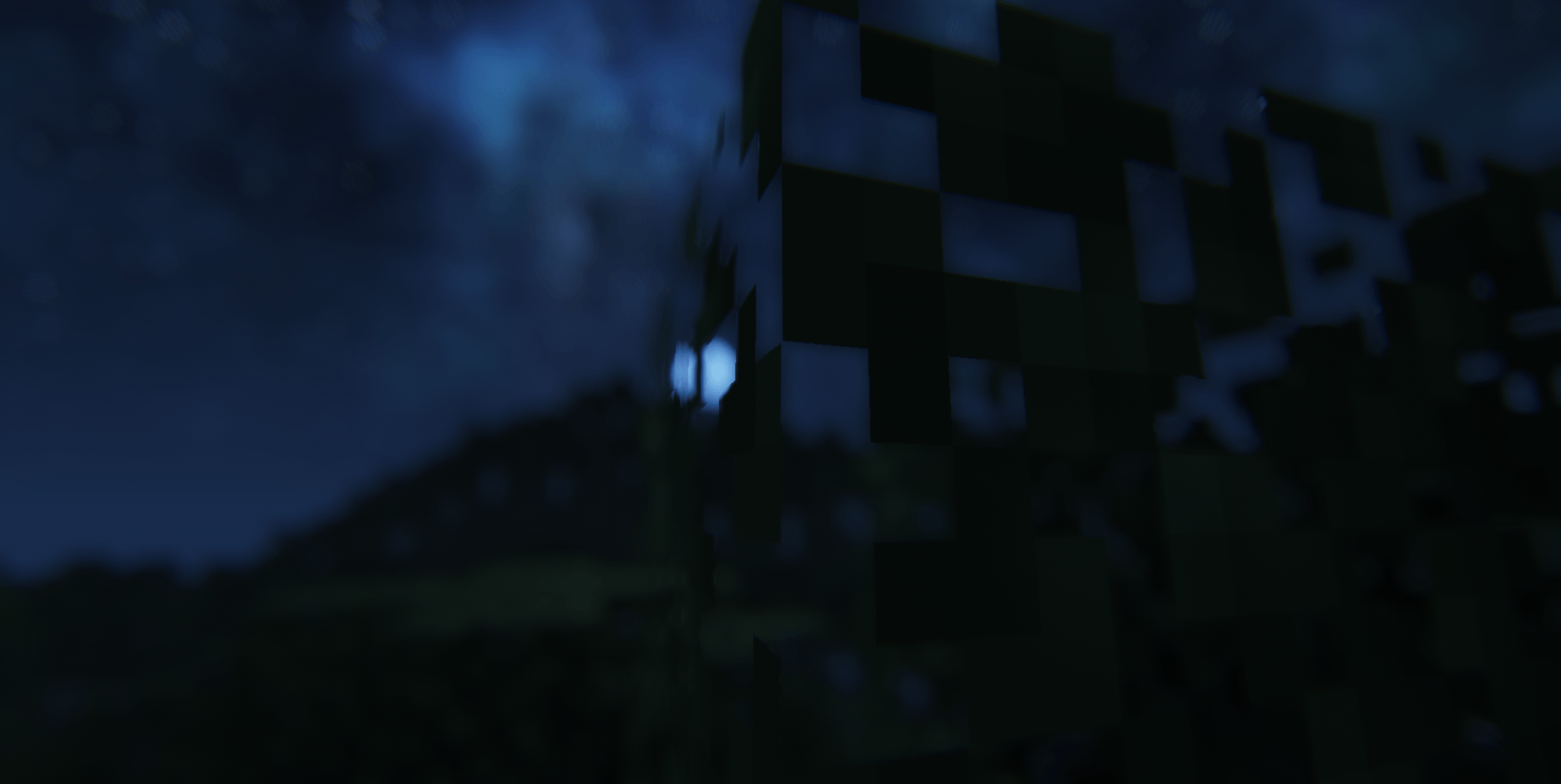
Enhance your world with realistic sky textures and custom lighting, combined with heavy motion blur effects that might make you a bit dizzy.
by LockInMyPng
Download Claim this project
1,789 downloads
0 likes
Updated Oct 14, 2026
0 hypes
Vanilla
Advertisement Remove ads with Premium →

This shader is nothing special, just a passion project made for fun and experimentation. It is not meant to be a massive or game-changing graphics overhaul, but rather a simple, lightweight tweak to enhance your visual experience without destroying your performance. If you are looking for a casual, clean, and straightforward shader to run in your daily gaming sessions, feel free to give this one a try! ### 🌟 Features * **Lightweight Design:** Optimized for decent performance on most hardware. * **Clean Visuals:** Enhances the atmosphere without being overly dramatic or blinding. * **Just For Fun:** No complex setups, just plug and play.

BadShader.zip
MC 1.16.3, 1.16-Snapshot, 1.17.1, 1.21.2-Snapshot, 1.21, 1.21.6-snapshot, 1.16.1, 1.18.1, 1.20.2-Snapshot, 1.20.5-Snapshot, 1.16, 1.19-Snapshot, 1.21.1-Snapshot, 1.16.5, 1.19.3, 1.20.2
Release 2026-07-06 Get

Requirements & install

How to use this shader in Minecraft
Shader loader
Iris or OptiFine
Minecraft
1.19.3 – 1.21.6-snapshot
Install folder
.minecraft/shaderpacks

How to install shaders

  1. Install a shader loader for your Minecraft version: Iris (with Sodium) or OptiFine.
  2. Download the shader pack .zip file (do not extract it).
  3. Put the .zip into the shaderpacks folder (.minecraft/shaderpacks).
  4. In game open Options → Video Settings → Shader Packs, select the pack and apply it.
Browse more: Iris shaders OptiFine shaders Shaders for 1.21.6-snapshot All shaders

More from LockInMyPng

Advertisement Remove ads with Premium →

You Might Also Like