Badges update automatically and link to the shader page on MineUniverse.

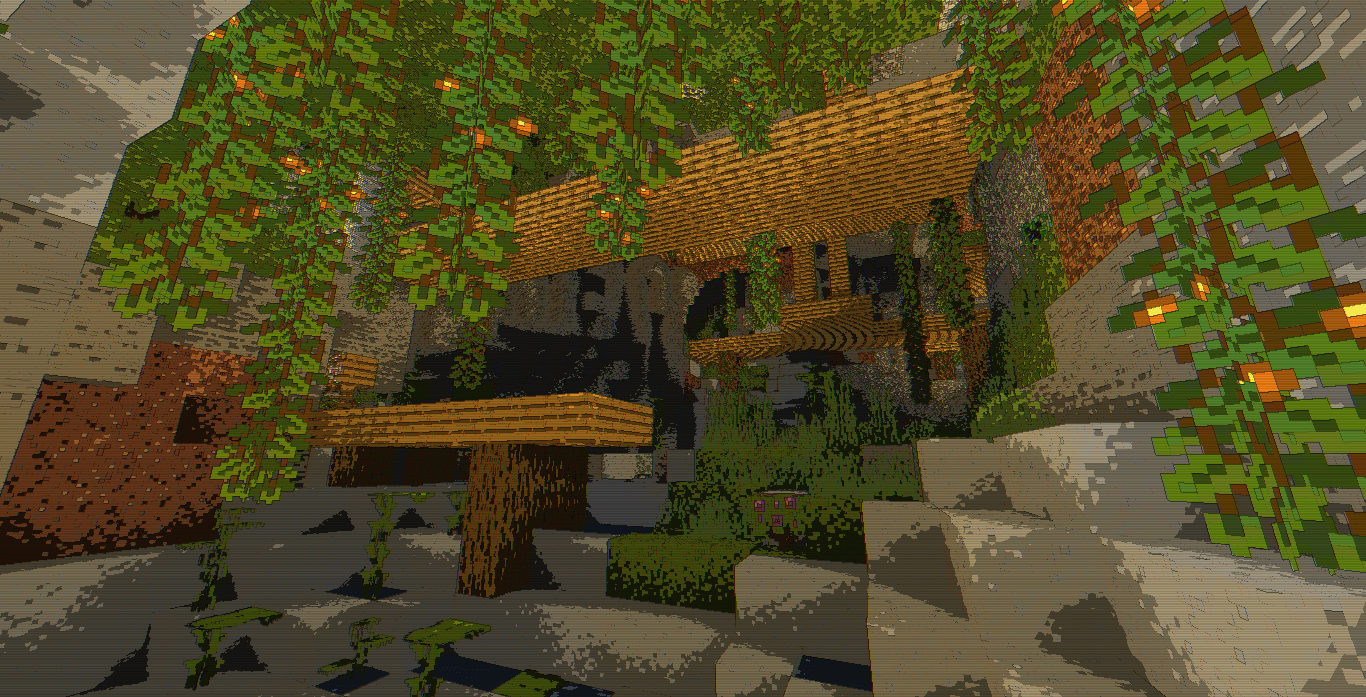
A lightweight cel-shaded look with subtle retro display artifacts.
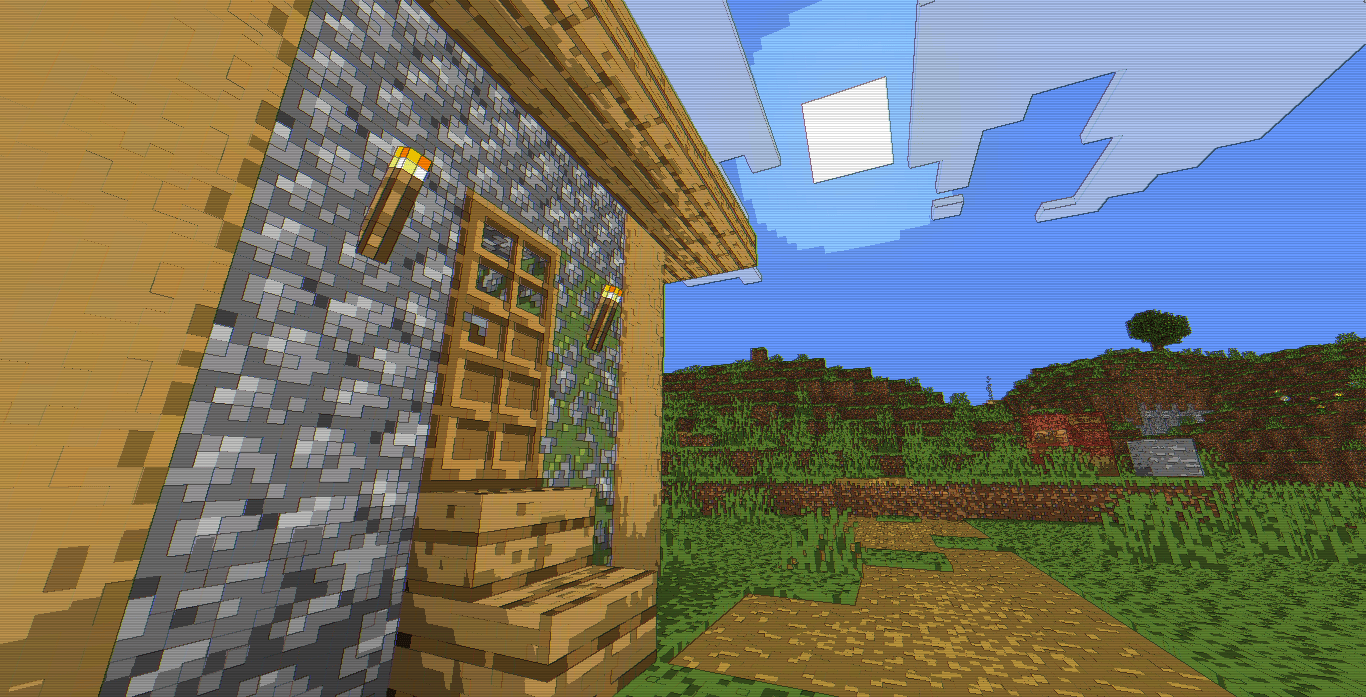
This shader focuses on stylizing Minecraft's default rendering through a simple post-processing pipeline rather than replacing the game's lighting model. Colors are quantized into discrete brightness bands, outlines are generated from screen-space color differences, and subtle CRT-inspired effects are applied to create a clean cartoon-like presentation while preserving vanilla readability.


Cel-Shaded Color Quantization. The final image is processed into distinct brightness bands using luminance-based quantization. Instead of smooth tonal gradients, surfaces transition between defined lighting levels, giving terrain, structures, and entities a hand-drawn or animated appearance.
Screen-Space Edge Detection. Outline shading is produced by comparing neighboring pixels in screen space. Areas with strong color contrast receive darker edge lines, helping separate shapes and improve scene definition without requiring geometry-based outlines.
Subtle Chromatic Fringing. A lightweight RGB channel offset shifts the red and blue channels slightly apart. The effect is intentionally restrained and adds a small amount of visual separation around high-contrast areas without heavily distorting the image.
Saturation Enhancement. Colors receive a moderate saturation boost after cel-shading is applied. This helps preserve vibrancy while avoiding excessive crushing of darker tones.
CRT-Style Scanlines. A faint scanline pattern is layered over the image using screen-space modulation. The effect remains subtle and contributes a retro display aesthetic without significantly reducing visibility.
Lightweight Rendering Pipeline. The shader performs most of its work as a single fullscreen post-process pass. No advanced global illumination, volumetrics, reflections, or temporal effects are present, keeping the implementation straightforward and performance-friendly.
Because the shader relies primarily on post-processing, hardware requirements are relatively low compared to modern physically based shader packs.