Mineuniverse
Shaders
Amethyst Shaders

Amethyst Shaders

SHADER
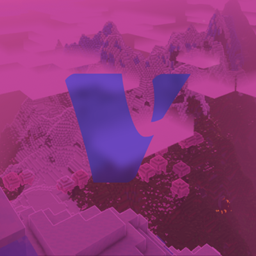
[WIP] A Semi-Realistic Minecraft Shaderpack, with a Vibrant Visuals Style. Based on Complementary Reimagined.
by gamerbenyt
Download Claim this project
266,339 downloads
0 likes
Updated Oct 14, 2026
0 hypes
Fantasy Vanilla
Advertisement Remove ads with Premium →

What are Amethyst Shaders

 CF

Based on Complementary Reimagined

NOTICE: Curseforge releases appear as fully done builds, but we are still in alpha! We made our releases appear as a release, as beta and alpha do not appear to any users using hte curseforge app!

[WIP] Amethyst Shaders are a modified version on Complementary Reimagined, with quite a few tweaks to suit our visual style. It is an Official Amethyst Group Project, made by gamerbenyt.

Amethyst Shaders is in a very Early Alpha state, and has many bugs. If you encounter any bugs, please create a ticket on the Amethyst Shaders Support Github.

Modifications:

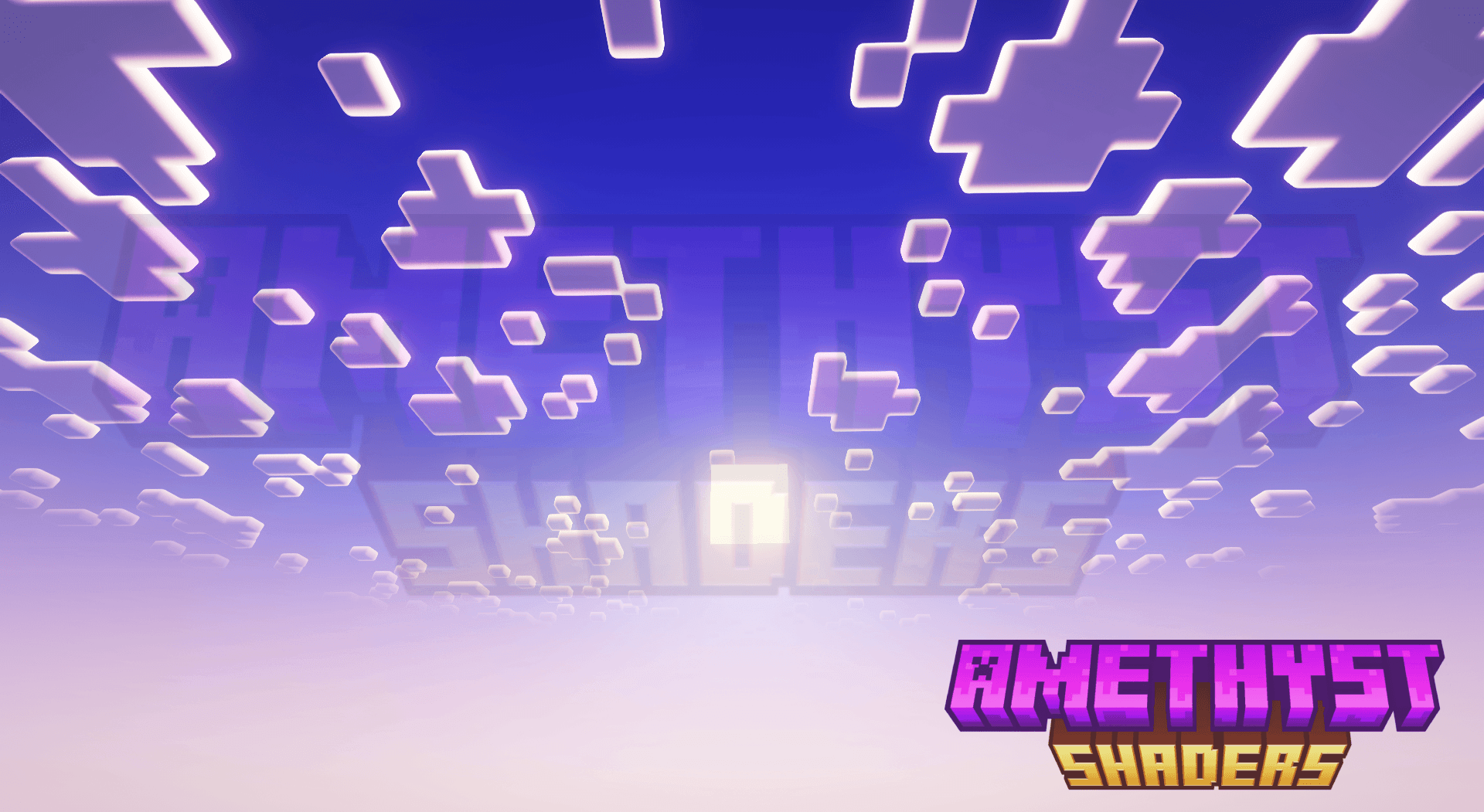
  • Daytime sky is more blue
  • Clouds have a thick shiny outline to them (does not reflect world outline preferences)
  • All blocks are more vibrant
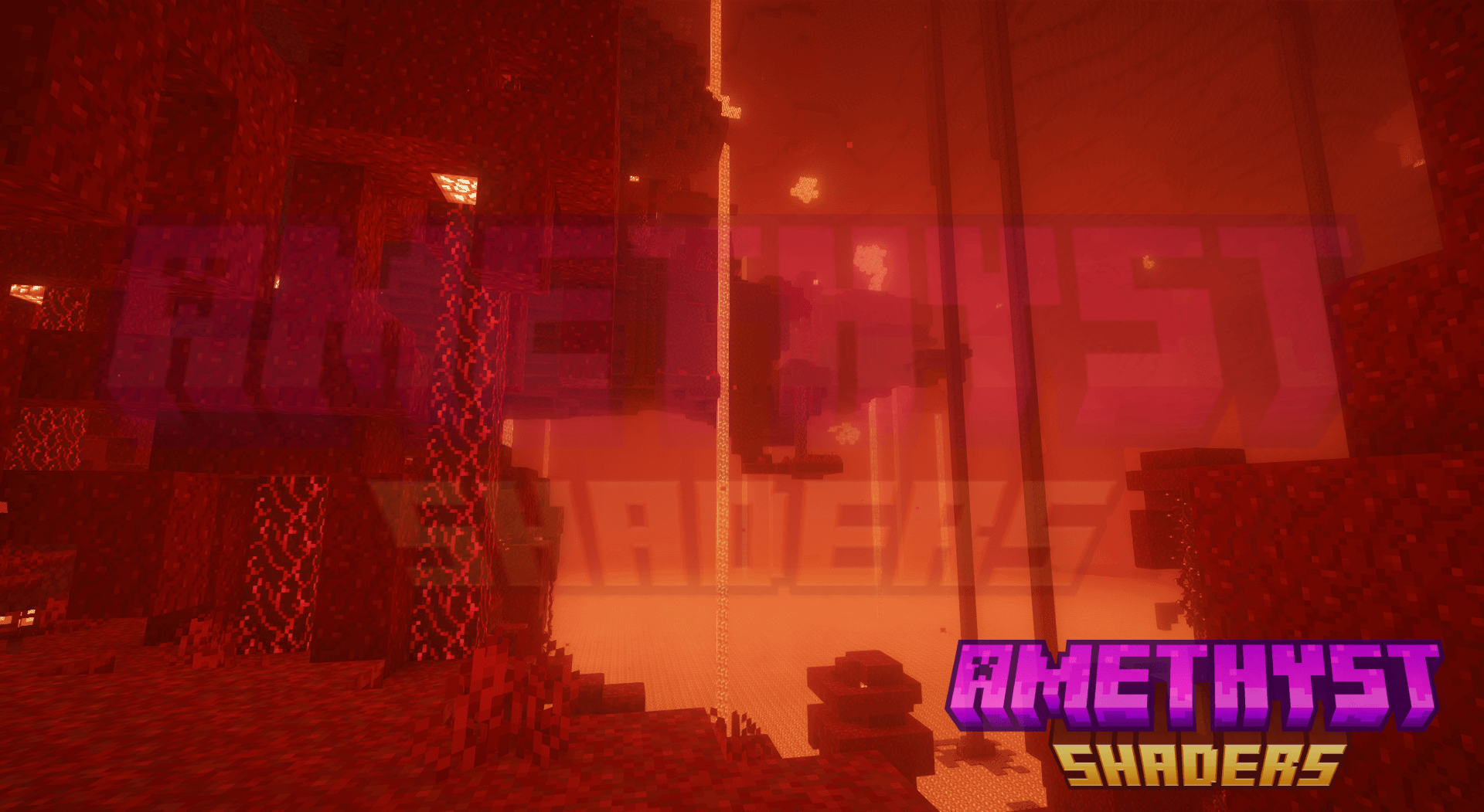
  • The Nether is more contrasty (eg. brighter blue in soul sand valleys)
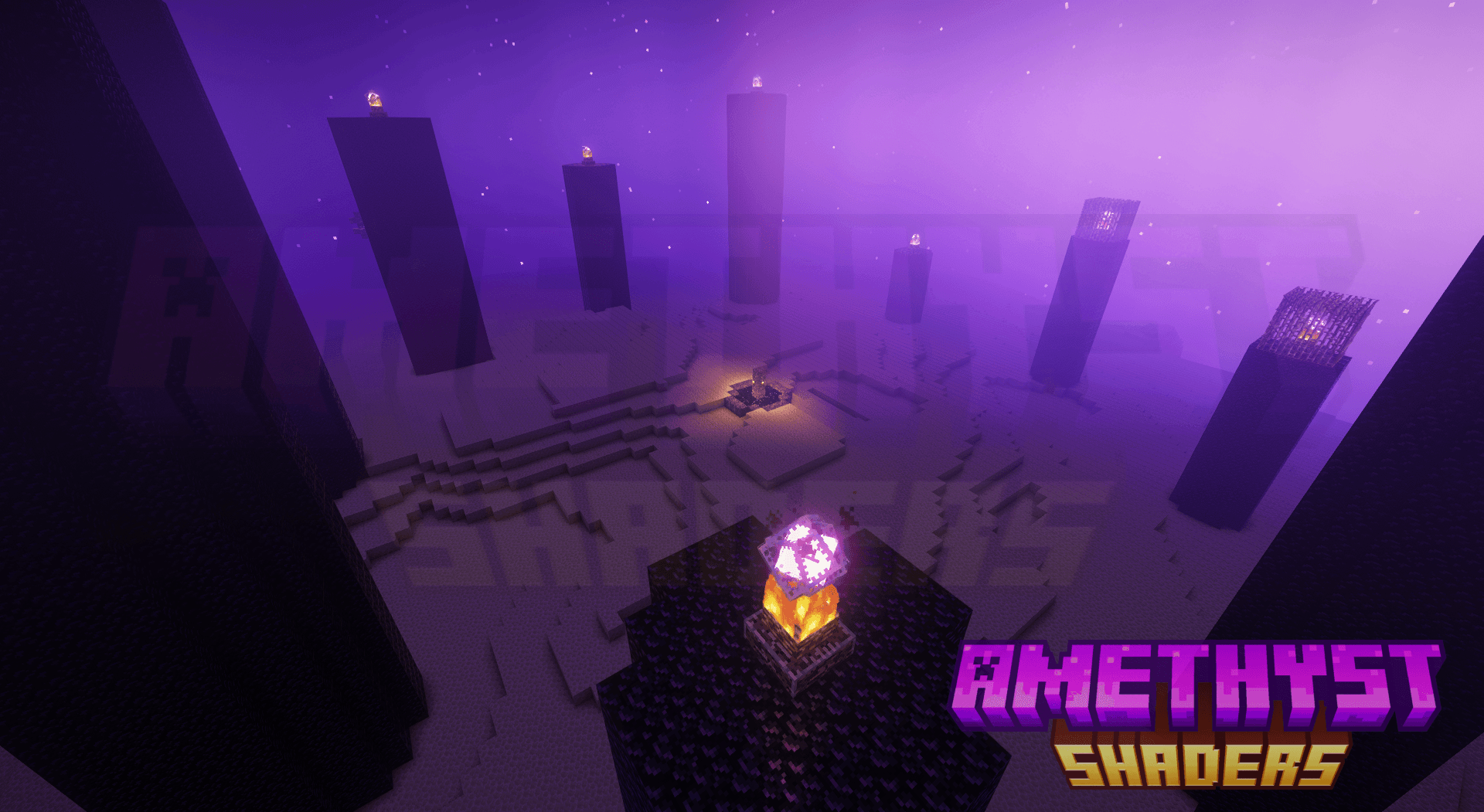
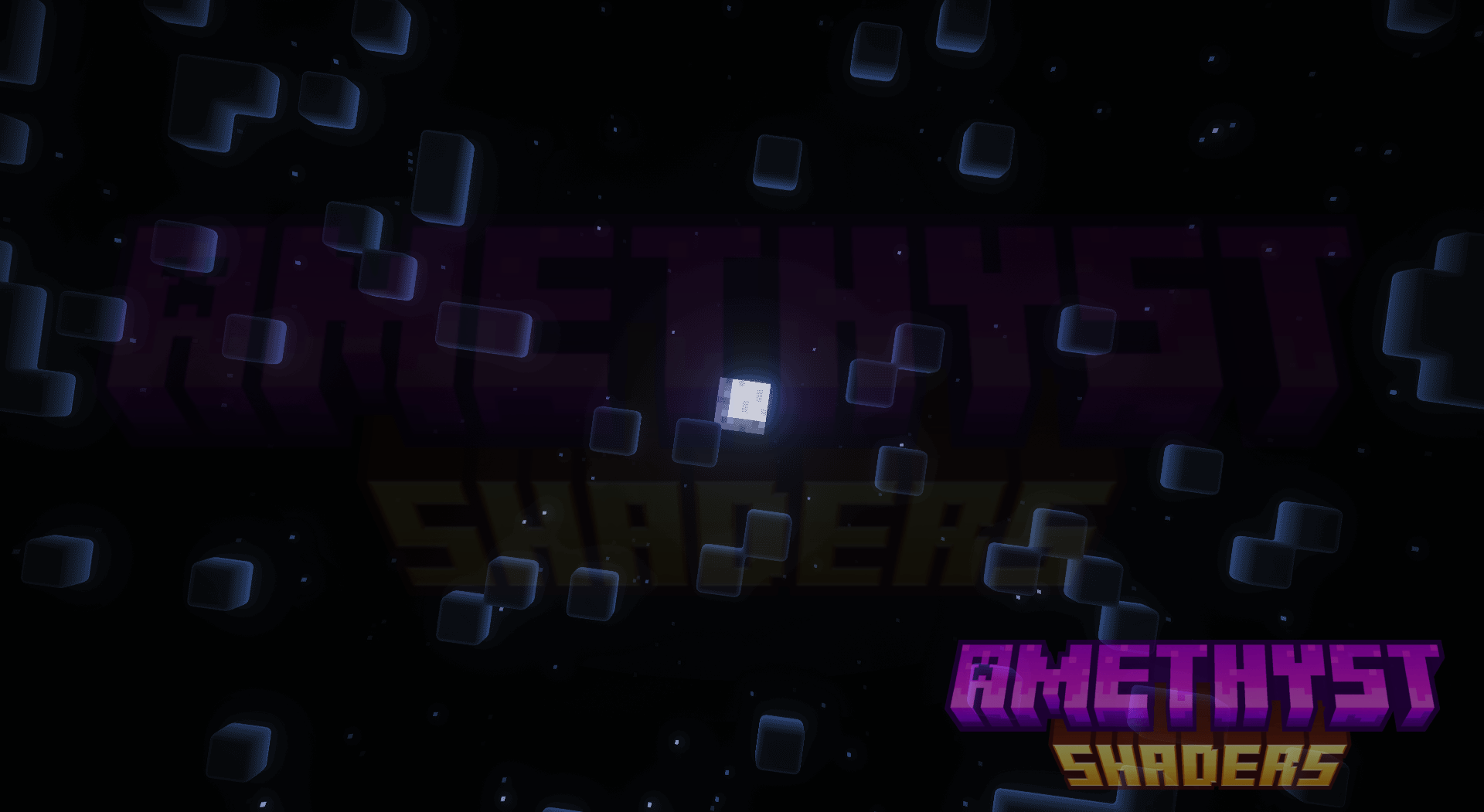
  • The End has brighter beams (the fog-type thing) and more stars
  • The End has a brighter blue-ish-purple sky
  • Rain adds visible light rays to light-emmiting blocks (eg. nether portal)
  • Modified pixelated shadows, included in the default profile.

Our Developers say that they prefer the Reimagined style, as that is what Amethyst Shaders is based on, but there is an option for the Unbound visual style, like normal Complementary.

Notice:

Though Amethyst Shaders is based on Complementary Reimagined, it WILL NOT be getting updates when Reimagined does, and the only updates that will be brought over from Complementary Reimagined, is their updated license, though updates to the license are very rare. We include the Complementary License and follow it, but you must also agree to Our License

Don't give us the credit!

Amethyst Shaders is based on Complementary Reimagined, and we have only modified it to our liking! Go support the Complementary Team!

Compatibility

Amethyst Shaders was build and playtesting using Iris but should have some compatibility with Optifine, as Complementary Reimagined works on Optifine. We cannot guarantee that all features will be functional, or function correctly on Optifine, but most people use Iris nowadays anyways, so it should be no problem.

Amethyst Shaders 2.4
MC 1.16.3, 1.13.1, 1.9.3, 1.17.1, 1.9.1, 1.21, 1.16.1, 1.18.1, 1.14.3, 1.15, 1.16, 1.13, 1.16.5, 1.10.2, 1.19.3, 1.20.2, 1.19.4, 1.21.8, 1.9.4, 1.9.2, 1.14.4, 1.14.1, 1.12.1
Release 2025-12-14 Get
Amethyst Shaders 2.3.3
MC 1.17.1, 1.9.1, 1.16.3, 1.13.1, 1.9.3, 1.19.3, 1.20.2, 1.21, 1.16.1, 1.18.1, 1.20.5, 1.21.5, 1.9.4, 1.9.2, 1.14.4, 1.14.1, 1.12.1, 1.17, 1.12, 1.14.3, 1.15, 1.16, 1.13
Release 2025-09-01 Get
Amethyst Shaders 2.3.2
MC 1.17.1, 1.9.1, 1.16.3, 1.13.1, 1.9.3, 1.19.3, 1.20.2, 1.21, 1.16.1, 1.18.1, 1.20.5, 1.21.5, 1.9.4, 1.9.2, 1.14.4, 1.14.1, 1.12.1, 1.17, 1.12, 1.14.3, 1.15, 1.16, 1.13
Release 2025-07-24 Get
Amethyst Shaders 2.3.1
MC 1.17.1, 1.9.1, 1.16.3, 1.13.1, 1.9.3, 1.19.3, 1.20.2, 1.21, 1.16.1, 1.18.1, 1.20.5, 1.21.5, 1.9.4, 1.9.2, 1.14.4, 1.14.1, 1.12.1, 1.17, 1.12, 1.14.3, 1.15, 1.16, 1.13
Release 2025-06-20 Get
Amethyst Shaders 2.3
MC 1.17.1, 1.9.1, 1.16.3, 1.13.1, 1.9.3, 1.19.3, 1.20.2, 1.21, 1.16.1, 1.18.1, 1.20.5, 1.21.5, 1.9.4, 1.9.2, 1.14.4, 1.14.1, 1.12.1, 1.17, 1.12, 1.14.3, 1.15, 1.16, 1.13
Release 2025-06-10 Get
Amethyst Shaders 2.2
MC 1.17.1, 1.9.1, 1.16.3, 1.13.1, 1.9.3, 1.19.3, 1.20.2, 1.21, 1.16.1, 1.18.1, 1.20.5, 1.21.5, 1.9.4, 1.9.2, 1.14.4, 1.14.1, 1.12.1, 1.17, 1.12, 1.14.3, 1.15, 1.16, 1.13
Release 2025-06-07 Get
Amethyst Shaders 2.1.48
MC 1.17.1, 1.9.1, 1.16.3, 1.13.1, 1.9.3, 1.19.3, 1.20.2, 1.21, 1.16.1, 1.18.1, 1.20.5, 1.21.5, 1.9.4, 1.9.2, 1.14.4, 1.14.1, 1.12.1, 1.17, 1.12, 1.14.3, 1.15, 1.16, 1.13
Release 2025-05-31 Get
Amethyst Shaders 2.1.75
MC 1.17.1, 1.9.1, 1.16.3, 1.13.1, 1.9.3, 1.19.3, 1.20.2, 1.21, 1.16.1, 1.18.1, 1.20.5, 1.21.5, 1.9.4, 1.9.2, 1.14.4, 1.14.1, 1.12.1, 1.17, 1.12, 1.14.3, 1.15, 1.16, 1.13
Release 2025-05-31 Get

Requirements & install

How to use this shader in Minecraft
Shader loader
Iris or OptiFine
Minecraft
1.18.1 – 1.21.8
Install folder
.minecraft/shaderpacks

How to install shaders

  1. Install a shader loader for your Minecraft version: Iris (with Sodium) or OptiFine.
  2. Download the shader pack .zip file (do not extract it).
  3. Put the .zip into the shaderpacks folder (.minecraft/shaderpacks).
  4. In game open Options → Video Settings → Shader Packs, select the pack and apply it.
Browse more: Iris shaders OptiFine shaders Shaders for 1.21.8 All shaders

More from gamerbenyt

Advertisement Remove ads with Premium →

You Might Also Like