Mineuniverse
Resource Packs
Tom's Metal Storage

Tom's Metal Storage

RESOURCE PACK
A Unique take on the Tom's Simple Storage mod
by leftchaotix
Download Claim this project
188,314 downloads
0 likes
0 followers
Updated Oct 14, 2026
0 hypes
Follow0
16x Miscellaneous Mod Support
Advertisement Remove ads with Premium →

Many have attempted to retexture Tom's Simple Storage, but it was only a matter of time till I attempted it myself. This one has been in the oven for quite a while, hopefully it turned out right.

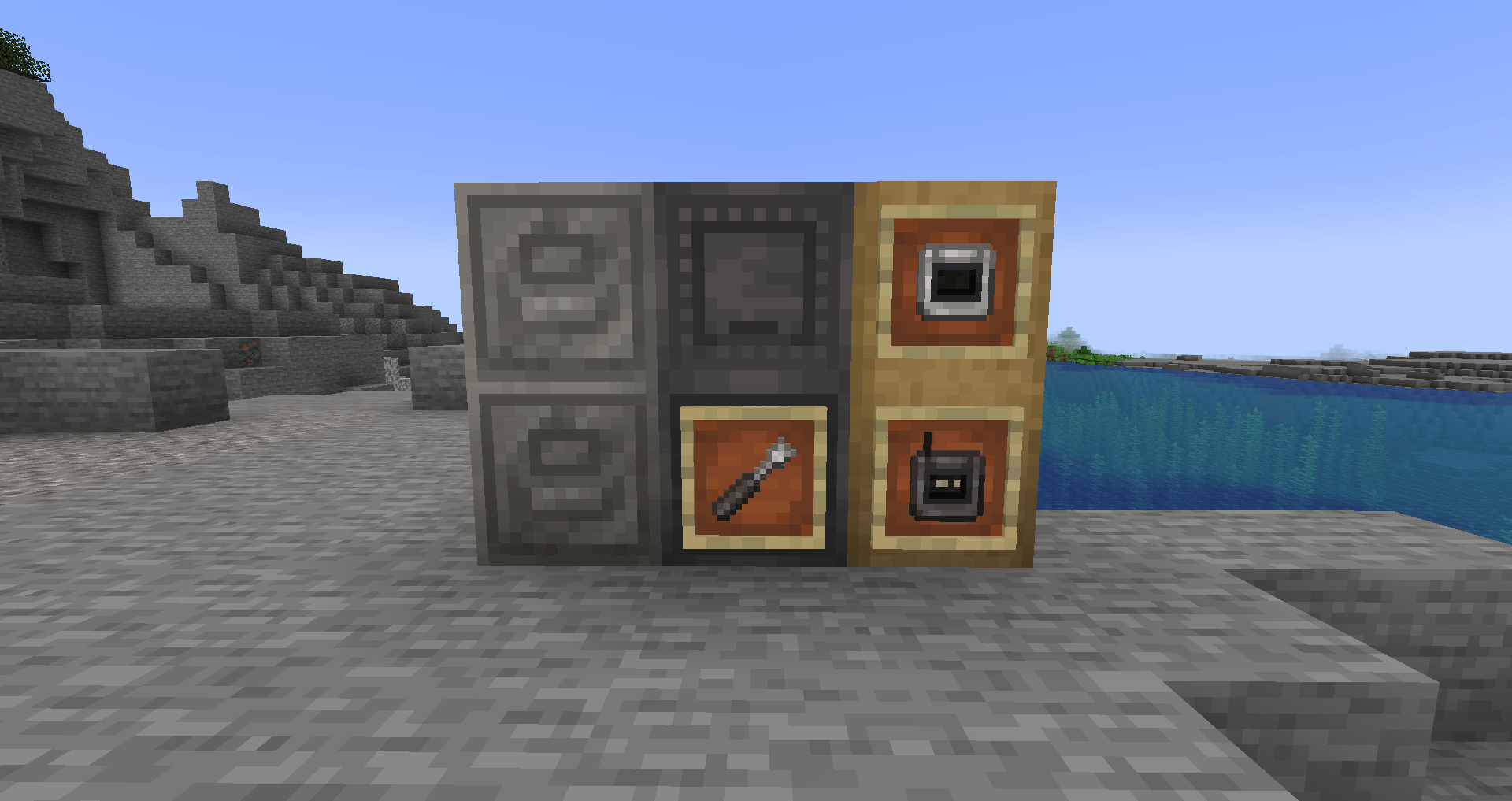
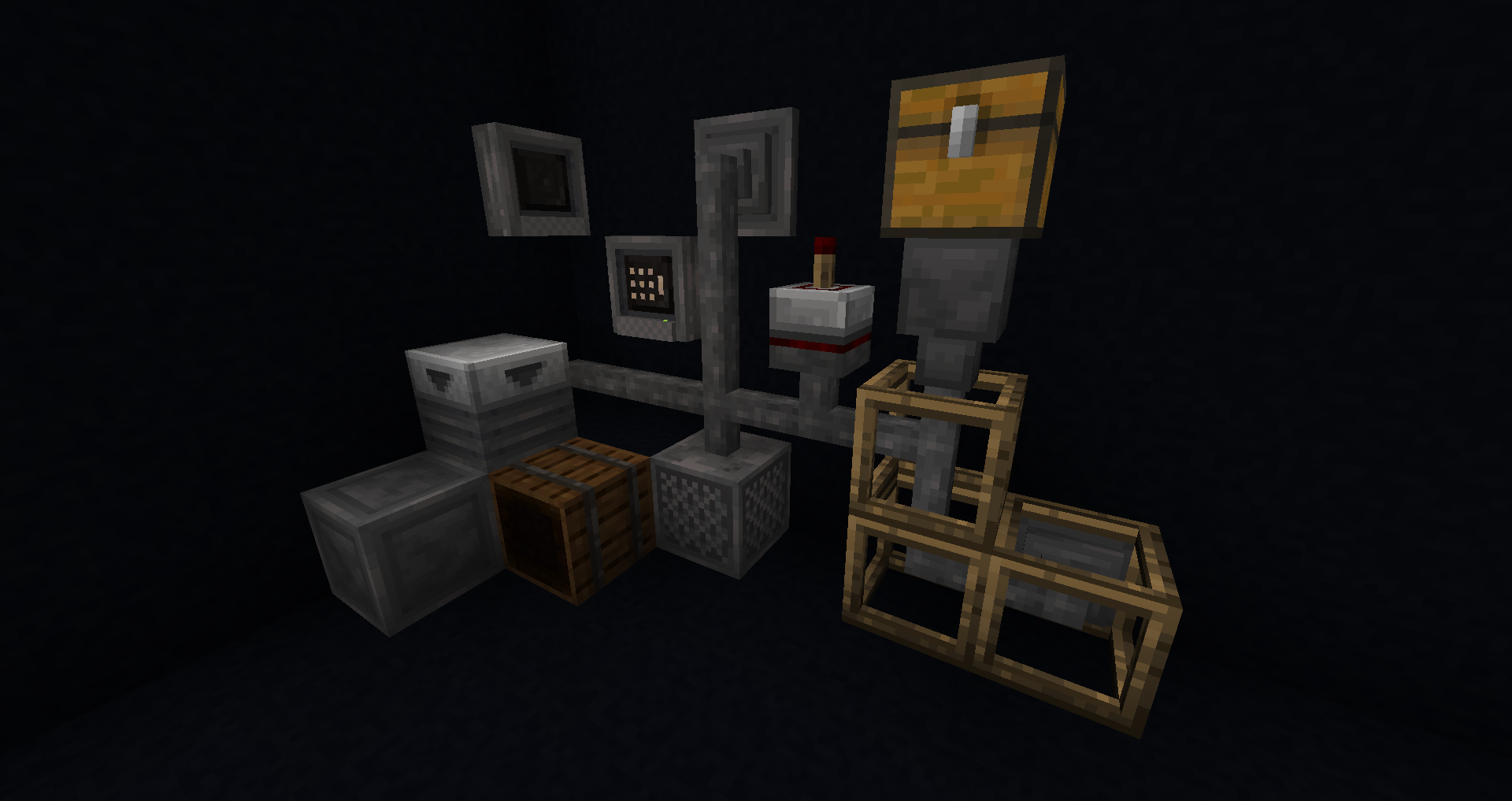
This resourcepack aims to change the wooden, chest-like textures of the mod into some more akin to vanilla hoppers, with some additional 'techy' bits thrown in.

This pack contains the following features:

  • Complete retexture of all blocks and items
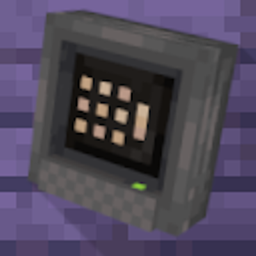
  • New models for the terminals (complete with animated textures)
  • Visually distinct framed versions of the cable and cable connector
  • EN_US lang file
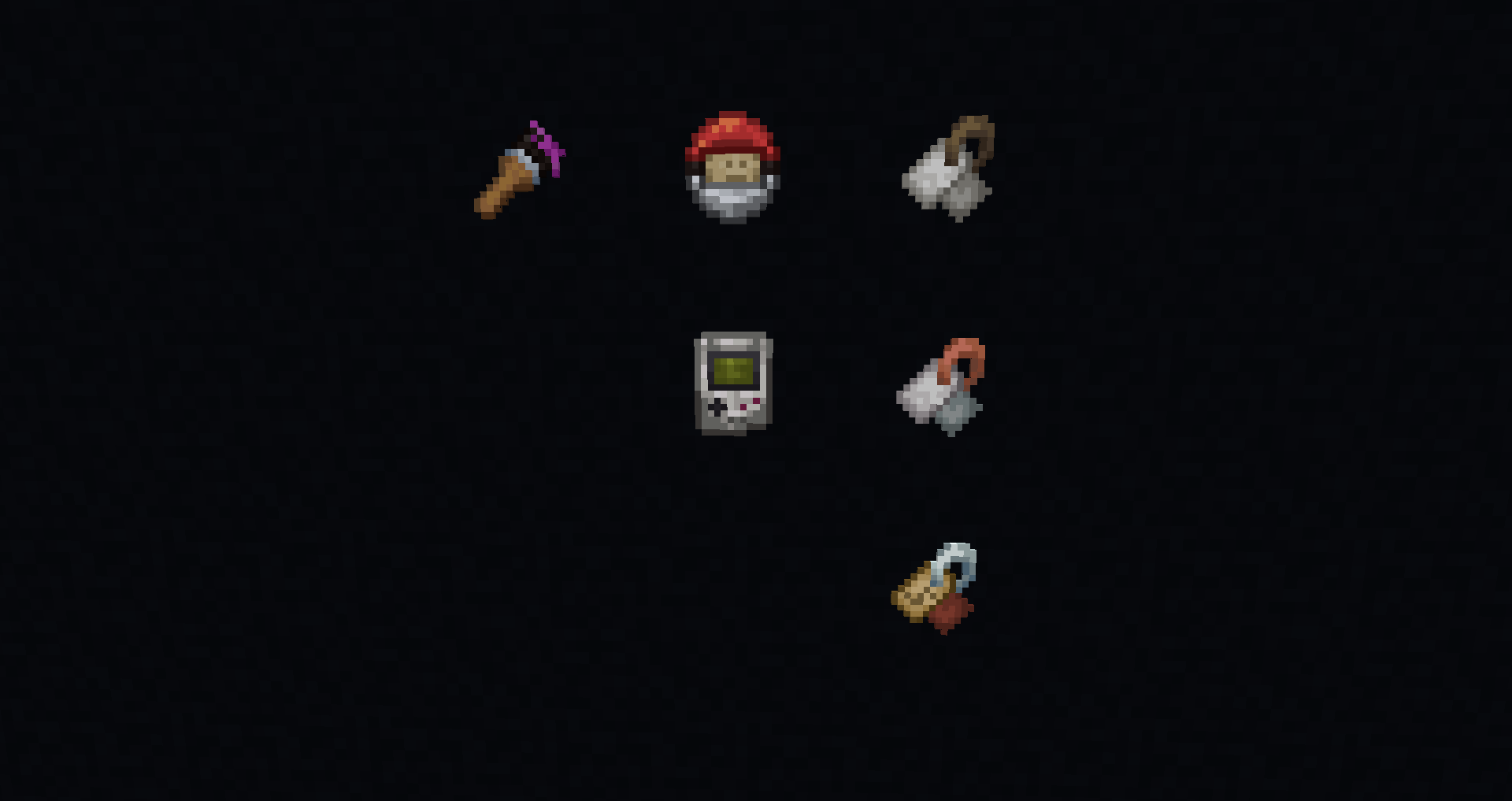
  • some fun wireless terminal designs

WARNING: This pack will do NOTHING without the mod Tom's Simple Storage.

Special thanks to:

  • Mojang for the hopper 'cast-iron' palette.
  • tom54541 for his incredible mod I use in almost every modpack.
  • My various friends who have played with the multitude of versions prior to release

You serve as the visually vague metal from which this resource pack is molded, thank you.

Feel free to use this for Modpacks and/or Videos (Just please provide a link to the page)

Report any issues or possible suggestions on my issue tracker.

YOU MAY NOT REUPLOAD THIS PACK!

Tom's Metal Storage v1.2
MC 1.21.1
Release 2025-03-05 Get
Tom's Metal Storage v1.0
MC 1.20.1
Release 2024-12-21 Get

Requirements & install

How to use this resource pack in Minecraft
Resolution
16x
Minecraft
1.20.1 – 1.21.1
Install folder
.minecraft/resourcepacks

How to install resource packs

  1. Download the resource pack .zip file (do not extract it).
  2. In Minecraft open Options → Resource Packs → Open Pack Folder.
  3. Drop the .zip into the resourcepacks folder (.minecraft/resourcepacks).
  4. Move the pack to the Selected column and click Done.
Browse more: 16x resource packs 32x resource packs 64x resource packs 128x resource packs 256x resource packs 512x+ resource packs Resource Packs for 1.21.1 All resource packs

More from leftchaotix

Advertisement Remove ads with Premium →

You Might Also Like