Mineuniverse
Resource Packs
Pikmine

Pikmine

RESOURCE PACK
Turning Minecraft's Allays into Pikmin
by leftchaotix
Download Claim this project
3,360 downloads
0 likes
0 followers
Updated Oct 14, 2026
0 hypes
Follow0
16x Miscellaneous
Advertisement Remove ads with Premium →
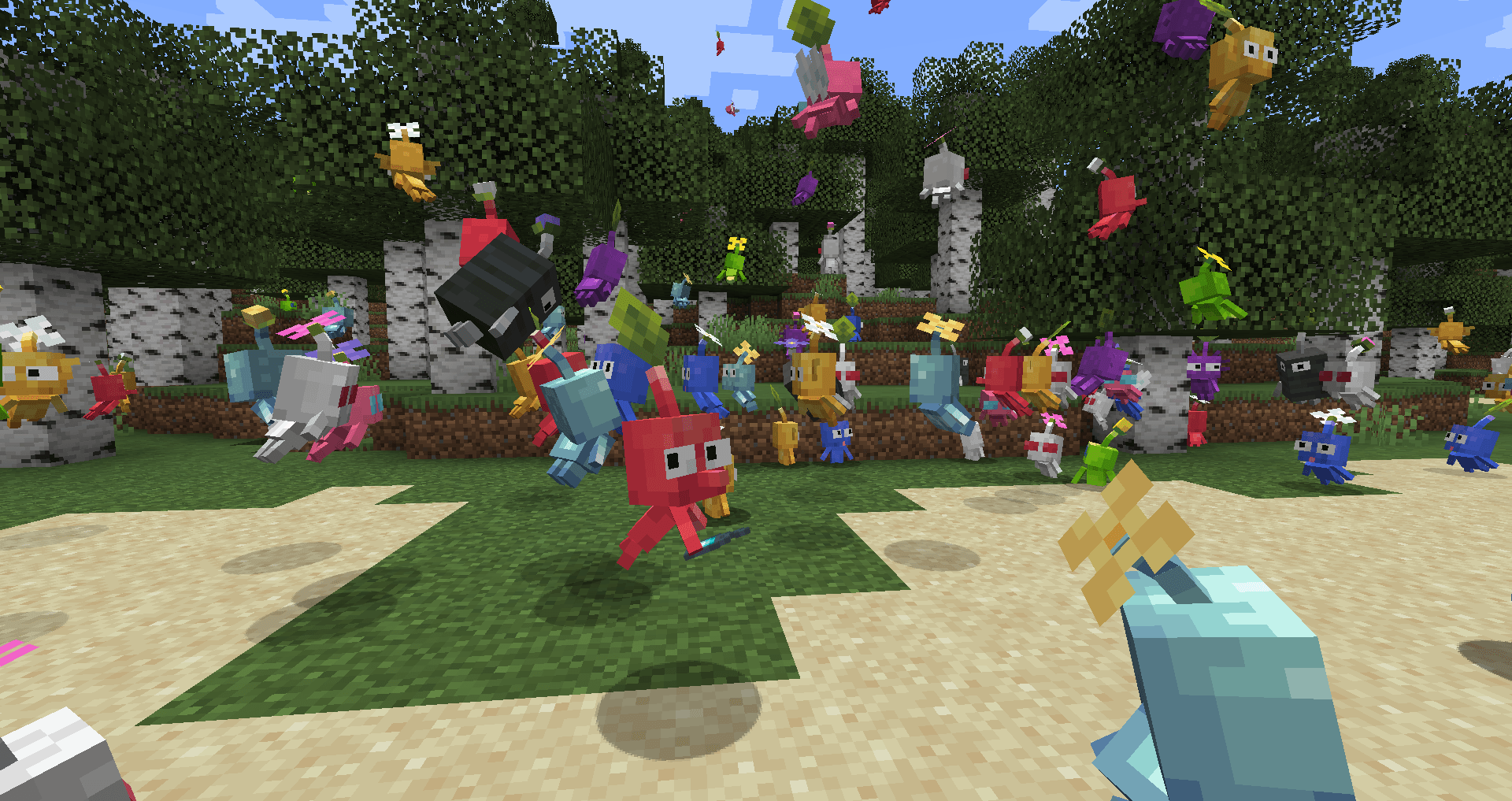
Ever want to turn Minecraft's cute little gatherers into another set of cute little gatherers?
Happen to be a big fan of Pikmin?

Well, then this pack has you covered. 
This rather small pack comes complete with : 
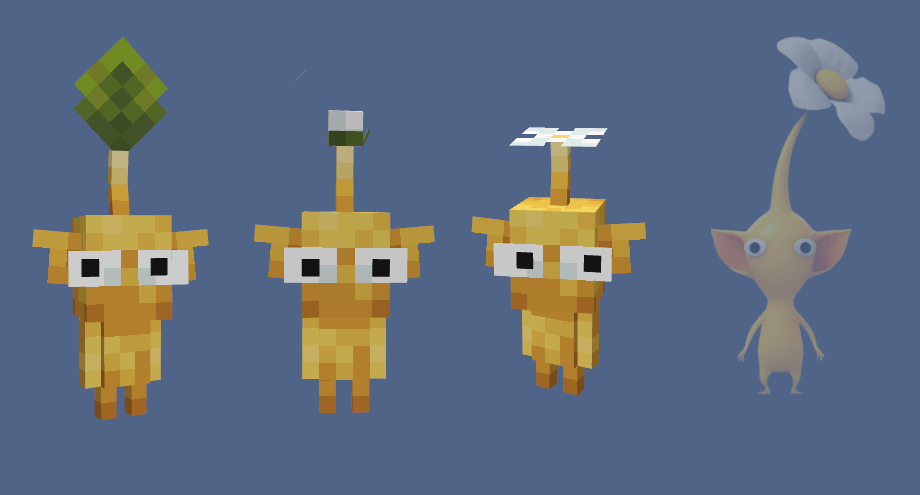
 - CEM (Custom Entity Models) to add various features of different Pikmin species
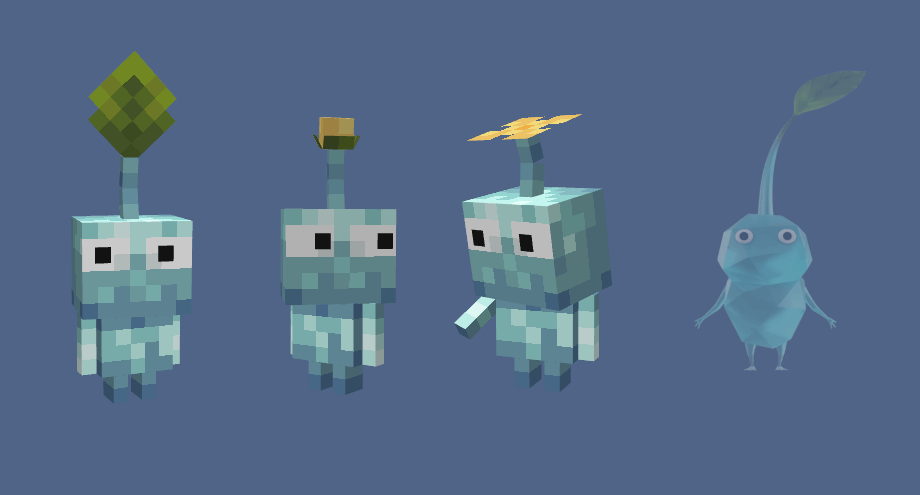
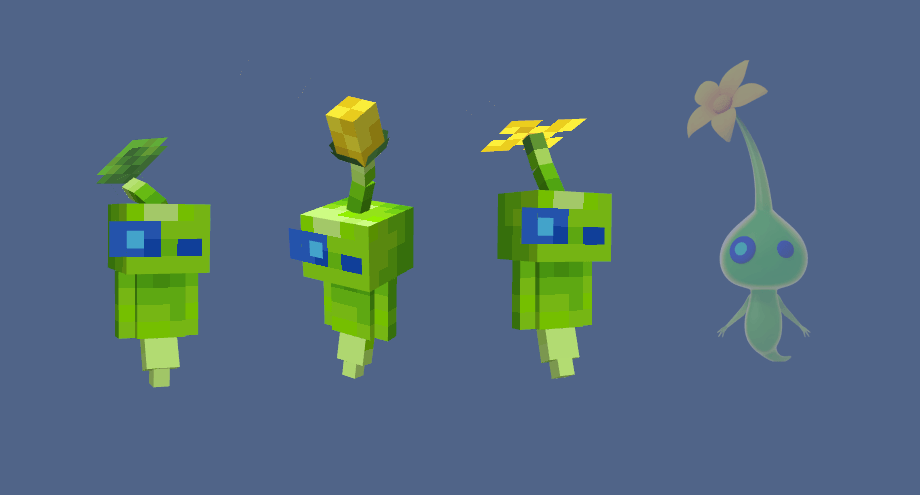
 - 28 Variant Skins for the Pikmin Allay (Including: Red, Blue, Yellow, Purple, White, Winged, Rock, Ice, and Glow Pikmin)
 - Name support for specific species of Pikmin (Naming a Pikmin "Red" will result it in always being a Red Pikmin)
 - EN_US lang file to change all references to Allay into Pikmin
 - Custom Spawn Egg
 - Custom Sounds to make your Pikmin look and sound like the real deal.


Requirements

[ETF] Entity Texture Features - Allows for the Texture Variantions
[EMF] Entity Model Features - Allows for the Custom Entity Models


This pack was made with these 2 mods in mind, but should work with Optifine as it uses something made to mimic Optifine's formatting


v1.0 Small Video Showcase :


Pupils shifting around made possible thanks to Traben.


Feel free to use this pack for modpacks and videos (Just provide a link to the page)

YOU MAY NOT REUPLOAD THIS PACK!

Pikmine v2.0.zip
MC 1.20.2, 1.20.3, 1.20.1, 1.20, 1.20.4
Release 2024-06-19 Get
Release Version 1.5
MC 1.19.3, 1.19.4, 1.19.2, 1.20.1, 1.20
Release 2023-07-15 Get
Release Version 1.2
MC 1.19.3, 1.19.4, 1.19.2, 1.20.1, 1.20
Release 2023-07-14 Get

Requirements & install

How to use this resource pack in Minecraft
Resolution
16x
Minecraft
1.19.2 – 1.20.4
Install folder
.minecraft/resourcepacks

How to install resource packs

  1. Download the resource pack .zip file (do not extract it).
  2. In Minecraft open Options → Resource Packs → Open Pack Folder.
  3. Drop the .zip into the resourcepacks folder (.minecraft/resourcepacks).
  4. Move the pack to the Selected column and click Done.
Browse more: 16x resource packs 32x resource packs 64x resource packs 128x resource packs 256x resource packs 512x+ resource packs Resource Packs for 1.20.4 All resource packs

More from leftchaotix

Advertisement Remove ads with Premium →

You Might Also Like