Mineuniverse
Resource Packs
Chaotix Apotheotic Tweaks

Chaotix Apotheotic Tweaks

RESOURCE PACK
A brand new set of textures for the classic Apotheosis mod
by leftchaotix
Download Claim this project
2,293,891 downloads
0 likes
0 followers
Updated Oct 14, 2026
0 hypes
Follow0
16x Miscellaneous Mod Support Traditional
Advertisement Remove ads with Premium →

Apotheosis is a classic mod with gameplay that continues to hold up as the versions pass,

However many of the textures feel disconnected from the standard Minecraft style...

Introducing : 

Chaotix Apotheotic Tweaks


A resourcepack that aims to fix this small issue myself (and a couple others) have pointed out.

WARNING : THIS PACK WILL DO NOTHING WITHOUT APOTHEOSIS
If you are looking for the Zenith version on Fabric, go here.
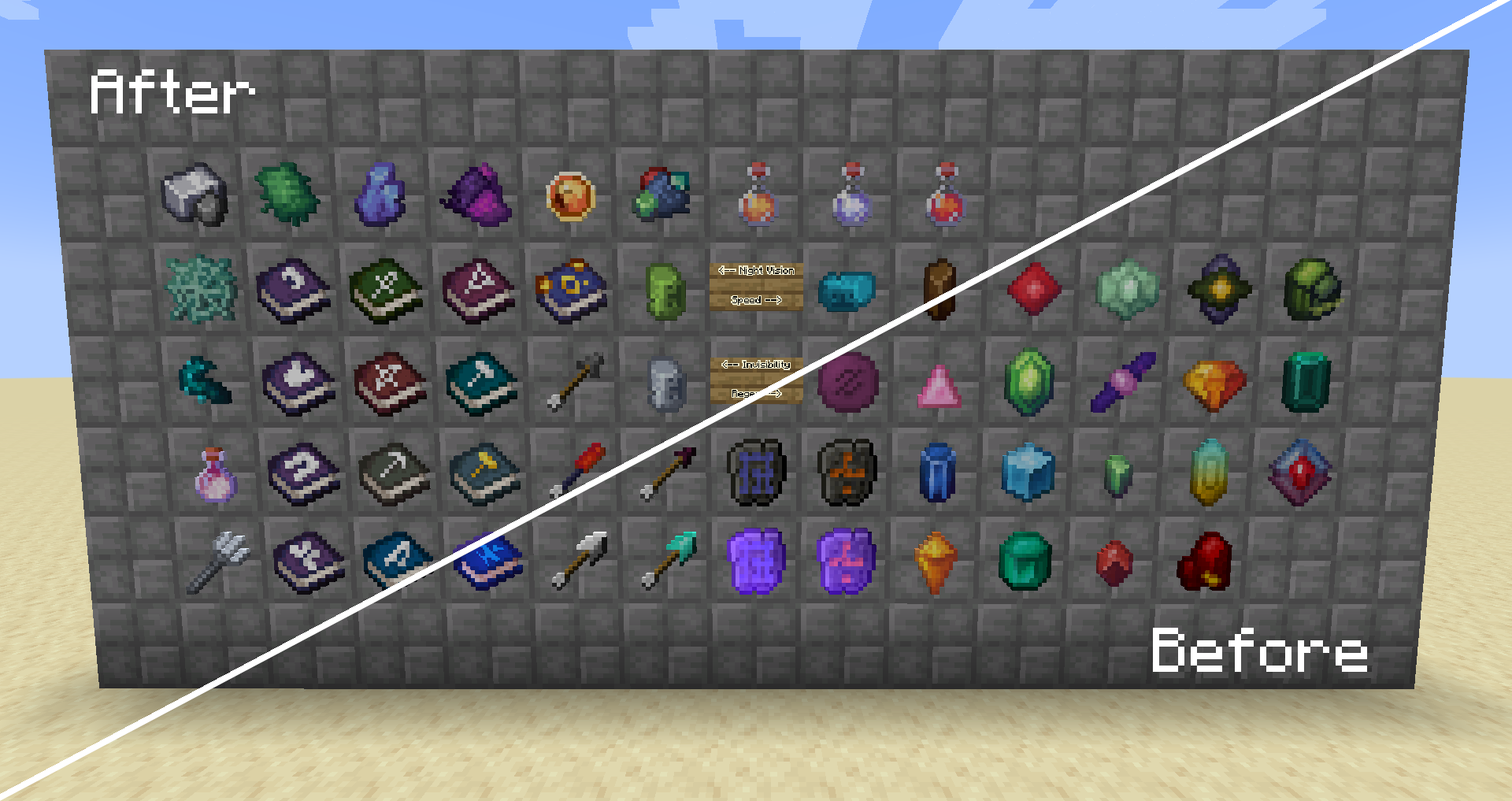
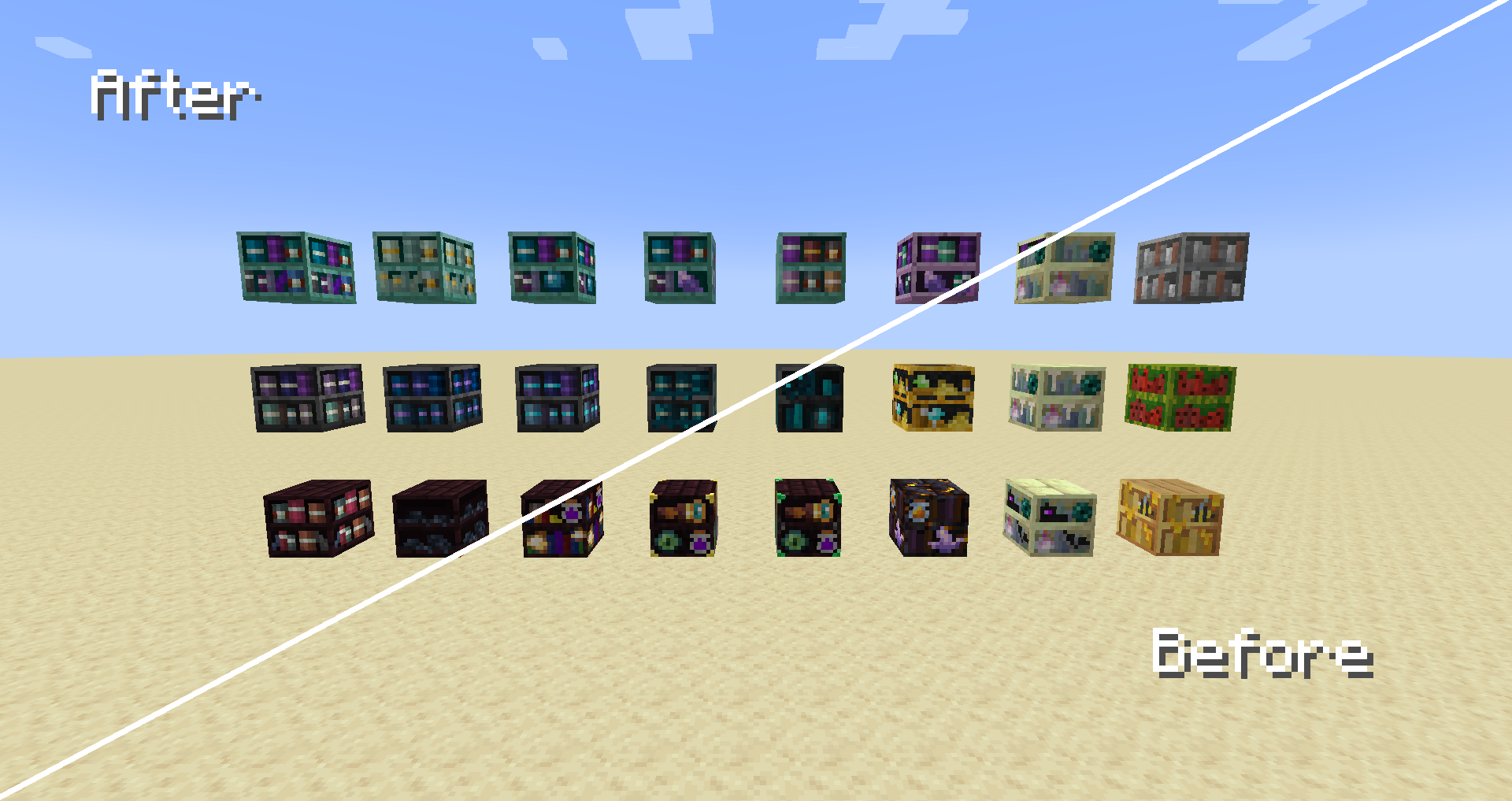
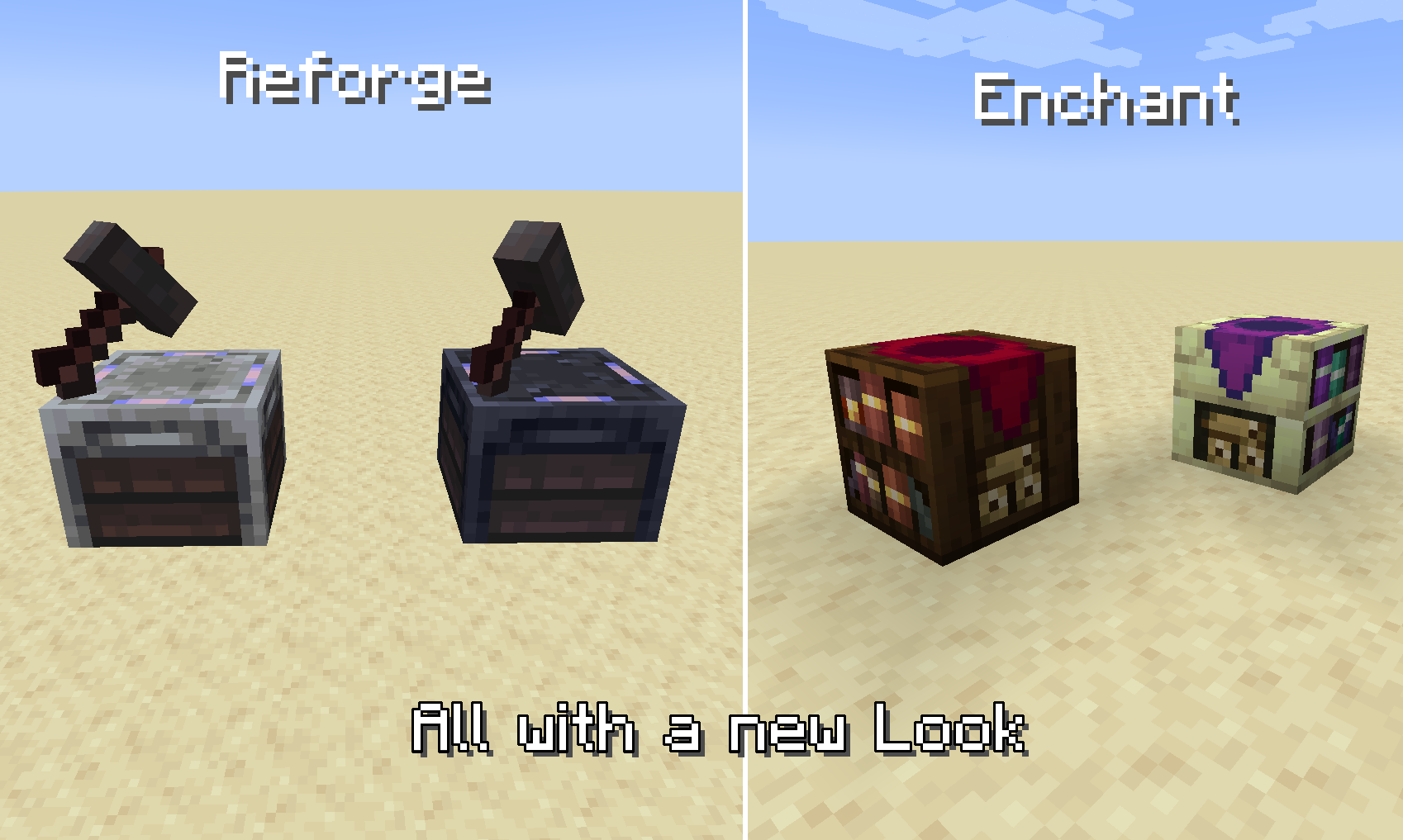
This pack completely retextures almost every aspect of the mod, including: 

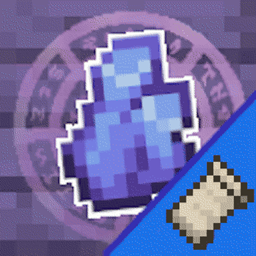
- All (Default) Gem Textures

- Potion Charms

- Tomes

- Rarity Materials

- Custom Arrows

- Vials

  • Reforging & Scrapping GUIs
    - All Bookshelves (with mixed results)
    - Reforge Stations
    - Gem Cutting Table
    And probably a couple other things I forgot to list.


    Feel free to reach out for potential suggestions, issues, etc.

    Additional Credit(s):
     - Shadows_of_Fire and faellynna for making Apotheosis
     - My friends who helped me with various design decisions
     - Supplementaries Discord for pushing me to actually make this pack and supporting while I did

    You all form the very crude scaffolding on which this weird project was built, thank you.


Feel free to use this pack for modpacks and videos (Just provide a link to the page)

YOU MAY NOT REUPLOAD THIS PACK!

Chaotix Apotheotic Tweaks v3.0
MC 1.21.1
Release 2026-09-06 Get
Chaotix Apotheotic Tweaks v2.0 1.20.1
MC 1.20.1
Release 2025-04-10 Get
Chaotix Apotheotic Tweaks v2.0 1.21.1
MC 1.21.1
Release 2025-04-10 Get
Apotheotic Tweaks v1.5
MC 1.20.1
Release 2024-07-18 Get
Apotheotic Tweaks v1.0
MC 1.19.3, 1.20.2, 1.19.4, 1.19.2, 1.20.3, 1.20.1, 1.20, 1.19.1, 1.20.4, 1.19
Release 2024-02-04 Get

Requirements & install

How to use this resource pack in Minecraft
Resolution
16x
Minecraft
1.19.3 – 1.21.1
Install folder
.minecraft/resourcepacks

How to install resource packs

  1. Download the resource pack .zip file (do not extract it).
  2. In Minecraft open Options → Resource Packs → Open Pack Folder.
  3. Drop the .zip into the resourcepacks folder (.minecraft/resourcepacks).
  4. Move the pack to the Selected column and click Done.
Browse more: 16x resource packs 32x resource packs 64x resource packs 128x resource packs 256x resource packs 512x+ resource packs Resource Packs for 1.21.1 All resource packs

More from leftchaotix

Advertisement Remove ads with Premium →

You Might Also Like