MrCrayfish's Gun Mod is arguably the best gun mod for Minecraft,
However the assets seem a bit to modern to fit in with the rest of the game...
Introducing :
Chaotix CGM Tweaks : A resourcepack for CGM

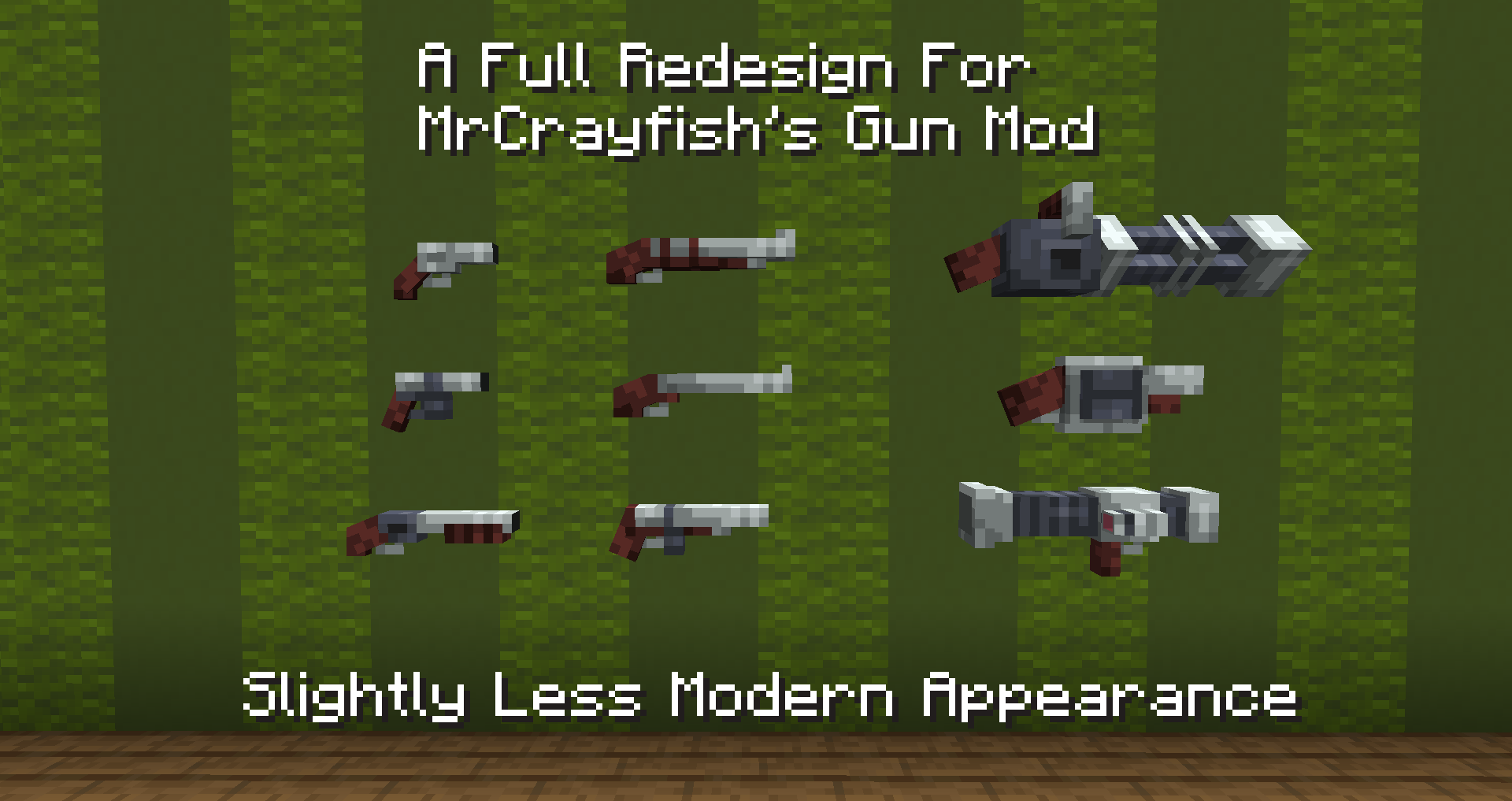
A resourcepack that aims to redesign the whole mod to be more inline with a default feel.
WARNING : THIS PACK WILL DO NOTHING WITHOUT MRCRAYFISH'S GUN MOD
This pack completely retextures almost every aspect of the mod, including:
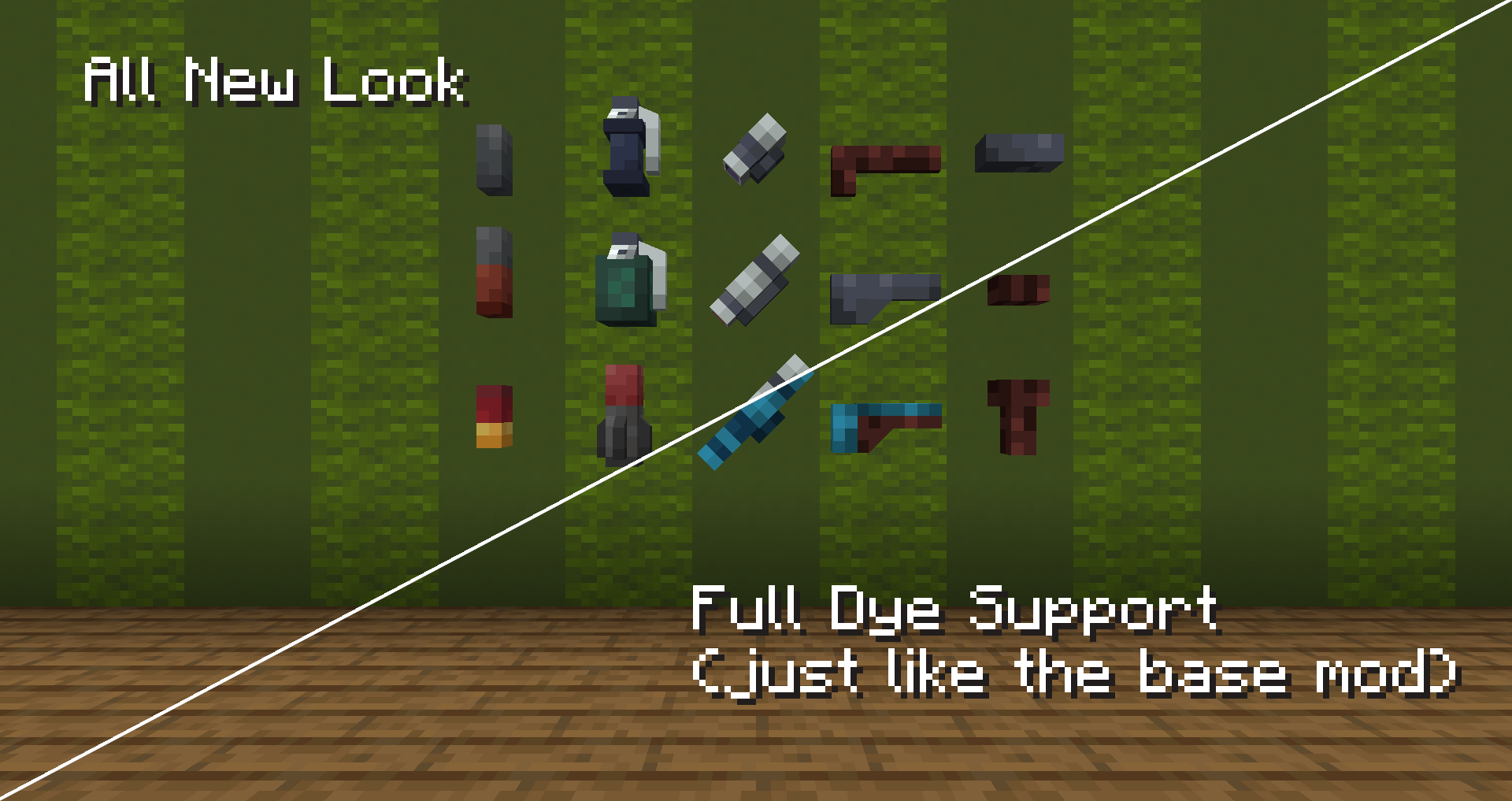
- 100% Custom Gun Remodels
- Fully Dye Compatible Models (when the item is dyeable by the default mod)
- Adjusted Attachment Points, Muzzleflash & More to fit the new looks
- Tweaked Textures for Grenades & Bullets
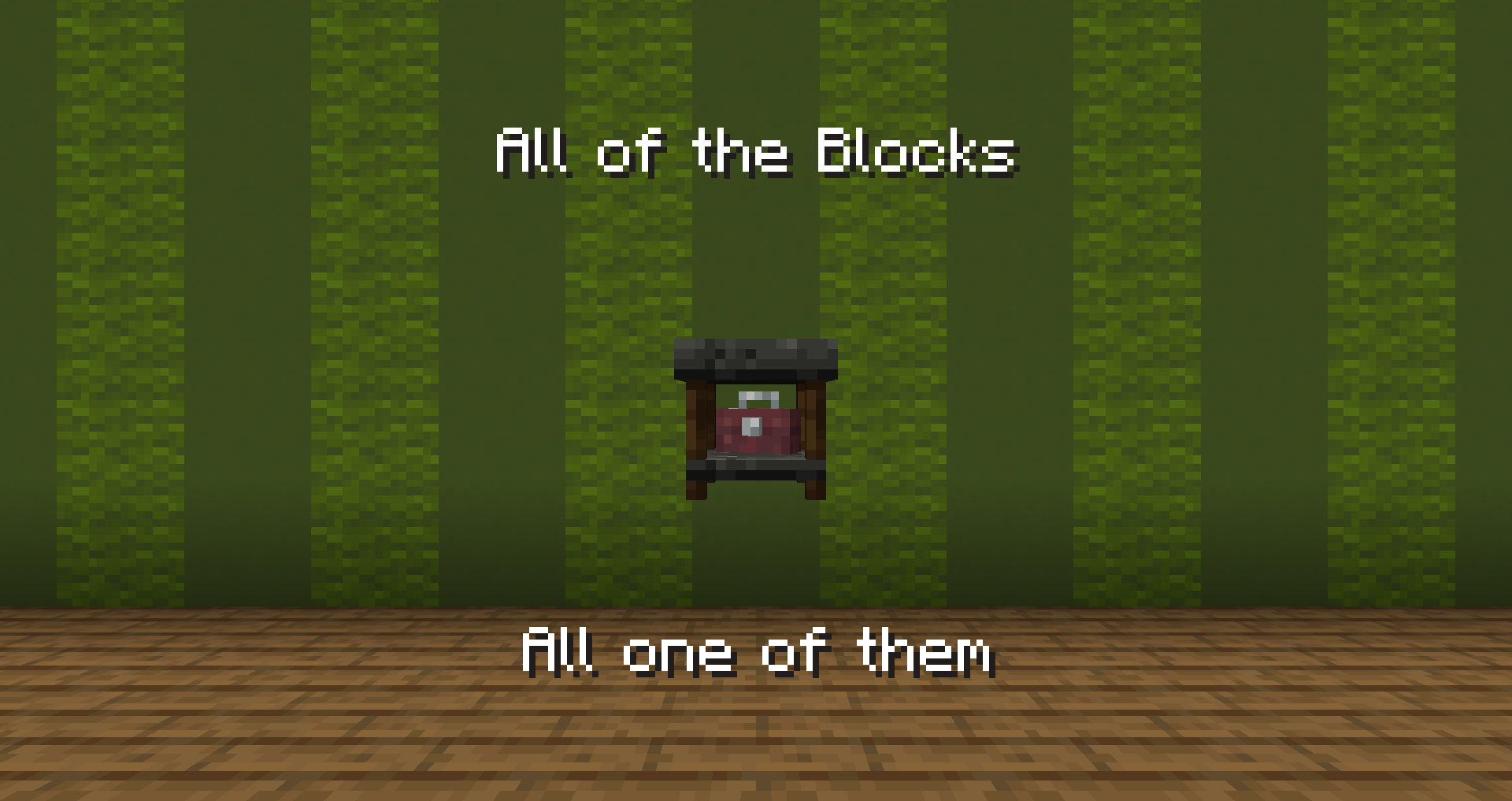
- Full Redesign & Retexture of the Workbench
- New Effect Icons
... and one or two small changes I probably forgot
Feel free to reach out for potential suggestions, issues, etc.
Additional Credit(s):
- The Lovely MrCrayfish for his continued contributions to Modded MC
- The cat that sat in my lap while I finished the pack up
- My friends who said it was neat
- The Official MrCrayfish's Discord for guiding me on custom attachment points, etc.
You all form the incorrectly rotated models I had to fix later on which this project was built, thank you.

Feel free to use this pack for modpacks and videos (Just provide a link to the page)
YOU MAY NOT REUPLOAD THIS PACK!