Mineuniverse
Resource Packs
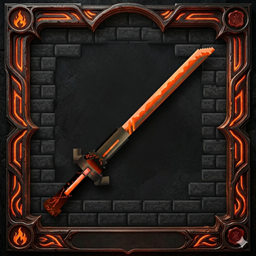
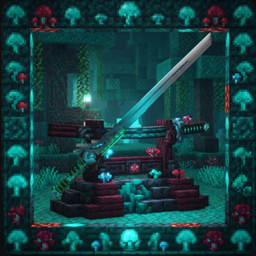
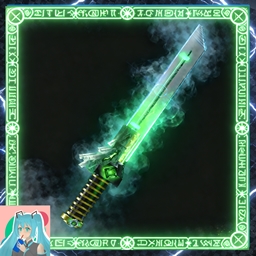
Sword Texture|VoidWalker:katana

Sword Texture|VoidWalker:katana

RESOURCE PACK
Project: AZURE-GLITCH Style: Cyberpunk / Sci-Fi Netherite Blade Design
by MochiLinesStudio
Download Claim this project
6,303 downloads
0 likes
Updated Oct 14, 2026
0 hypes
512x and Higher
Advertisement Remove ads with Premium →

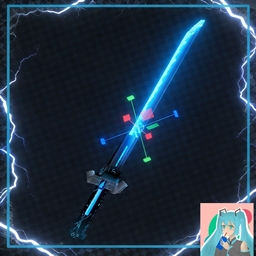
⚔️ Project: CODE: AZURE-GLITCH Design Philosophy: High-Tech Sci-Fi / Cyberpunk Aesthetics

Core Engine: Blockbench (Generic Mesh & Java Edition Integration)

1. Visual Architecture

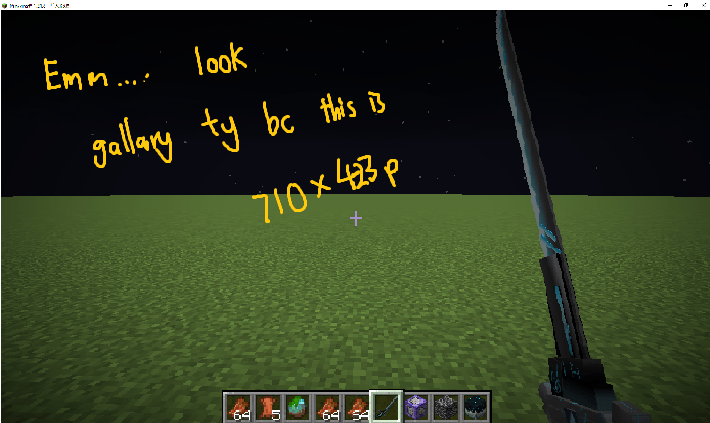
  • Base Material: Utilizes a deep-matte Netherite Charcoal palette to establish a cold, industrial foundation.

  • Energy Core: Integrated Fluorescent Azure (#2FB6E8) pulse lines across the blade and hilt, simulating a "glitch-style" energy flow.

  • Geometry: Replaced the traditional crossguard with multi-faceted geometric plates, creating a modular, mechanical look rather than a standard fantasy silhouette.

2. Technical Precision

  • Micro-Scaling: Adjusted grid snapping to 0.1 increments, allowing for "super-fine" detail work that breaks the standard blocky Minecraft limit.

  • Structural Integrity:

    • Pivot Alignment: Precise pivot point synchronization ensures seamless block rotation and eliminates gaps.

    • Z-Fighting Fix: Applied a +0.01 Inflate offset to overlapping surfaces to ensure flicker-free rendering in-game.

  • UV Mapping: High-density texture mapping used to maintain sharp, pixel-perfect energy circuitry even on small components.

3. In-Game Performance

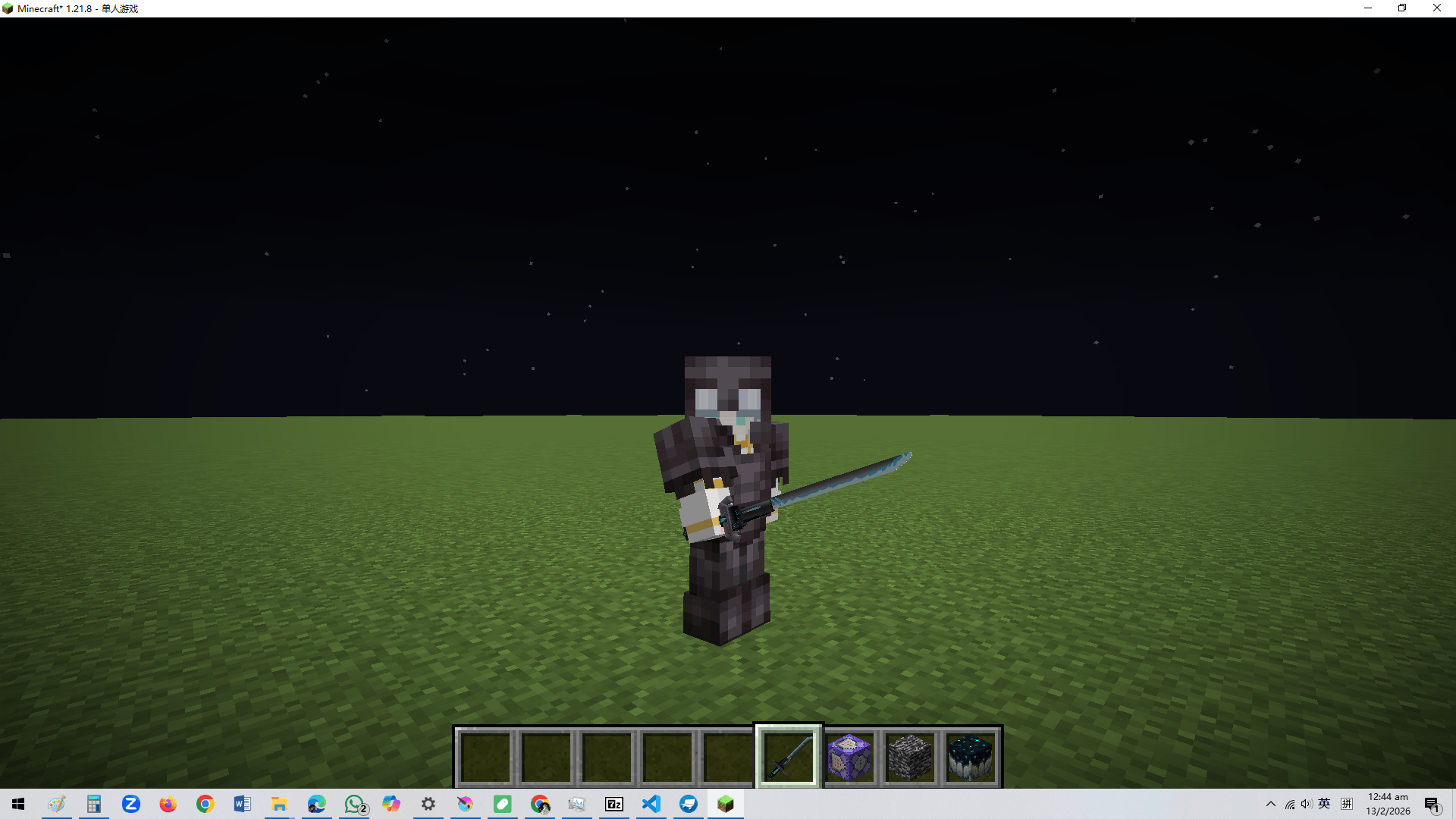
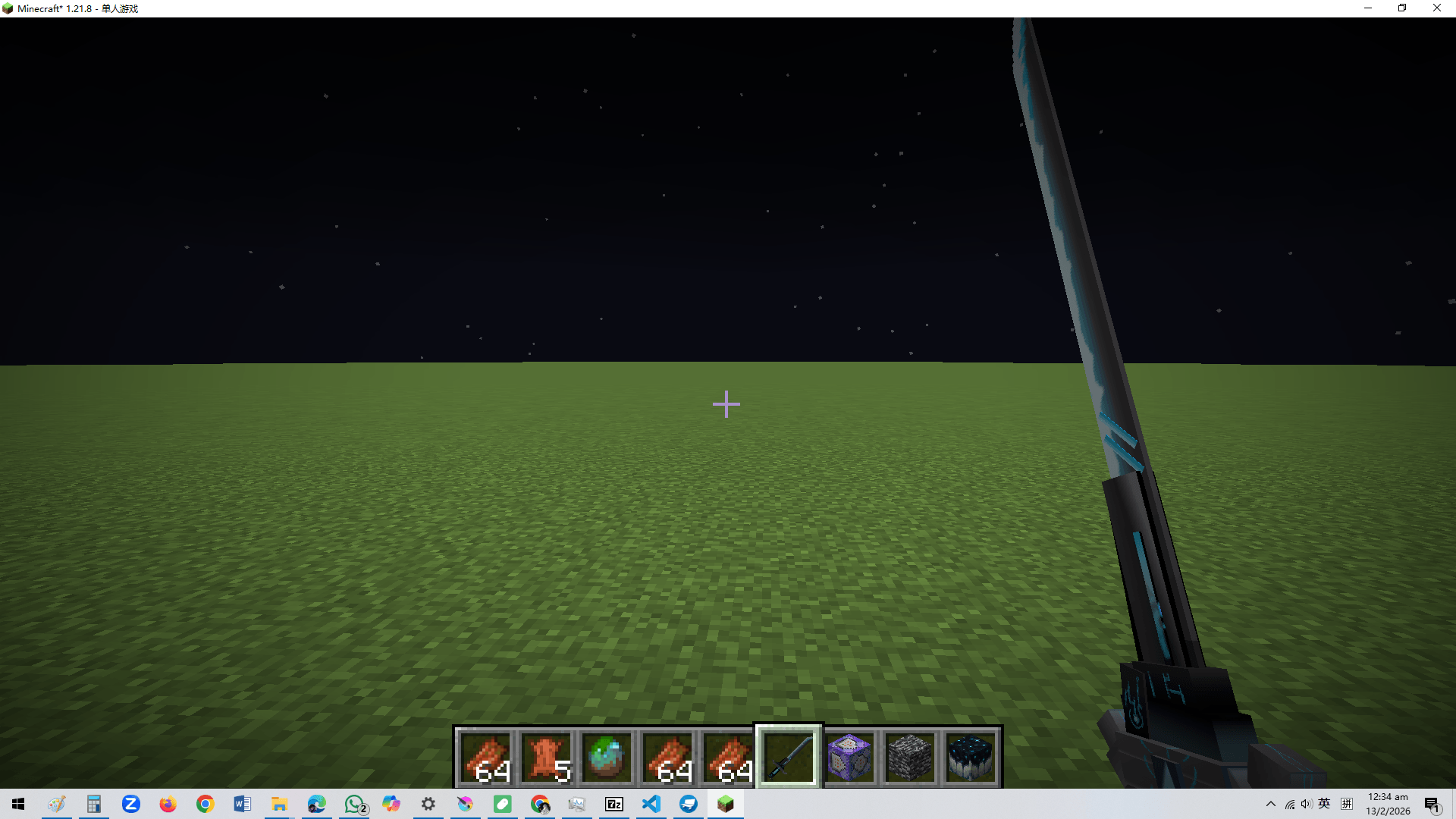
  • First-Person Optimization: Tailored display settings for a tactical "held-weapon" feel.

  • Nocturnal Contrast: Engineered for maximum visual impact in low-light environments, where the neon-blue circuits contrast sharply against the dark alloy blade.

    NO NEED OptiFine

VoidWalker1.21.11+.zip
MC 1.21.11-snapshot, 1.21.11, 26.1, 26.1.1, 26.1.2, 26.2
Release 2026-07-12 Get
VoidWalker1.20or20.1.zip
MC 1.20.1, 1.20
Release 2026-02-15 Get
VoidWalker1.20.2.zip
MC 1.20.2
Release 2026-02-15 Get
VoidWalker1.20.3x4.zip
MC 1.20.4, 1.20.3
Release 2026-02-15 Get
VoidWalker1.20.5x6.zip
MC 1.20.5, 1.20.6
Release 2026-02-15 Get
VoidWalker1.21.0x1.zip
MC 1.21, 1.21.1
Release 2026-02-15 Get
VoidWalker1.21.2x3.zip
MC 1.21.3, 1.21.2
Release 2026-02-15 Get
VoidWalker1.21.4x5.zip
MC 1.21.5, 1.21.4
Release 2026-02-15 Get
VoidWalker1.19.4.zip
MC 1.19.4
Release 2026-02-15 Get
Voidwalker1.21.5+.zip
MC 1.21.8, 1.21.6, 1.21.7, 1.21.9, 1.21.10, 1.21.11
Release 2026-02-12 Get

Requirements & install

How to use this resource pack in Minecraft
Resolution
512x+
Minecraft
1.21.9 – 26.2
Install folder
.minecraft/resourcepacks

How to install resource packs

  1. Download the resource pack .zip file (do not extract it).
  2. In Minecraft open Options → Resource Packs → Open Pack Folder.
  3. Drop the .zip into the resourcepacks folder (.minecraft/resourcepacks).
  4. Move the pack to the Selected column and click Done.

512x packs need a strong GPU and at least 4 GB of RAM for Minecraft; a performance mod such as Sodium is strongly recommended.

Browse more: 16x resource packs 32x resource packs 64x resource packs 128x resource packs 256x resource packs 512x+ resource packs Resource Packs for 26.2 All resource packs

More from MochiLinesStudio

Advertisement Remove ads with Premium →

You Might Also Like