Mineuniverse
Resource Packs
Glow Ore-【icon form】

Glow Ore-【icon form】

RESOURCE PACK
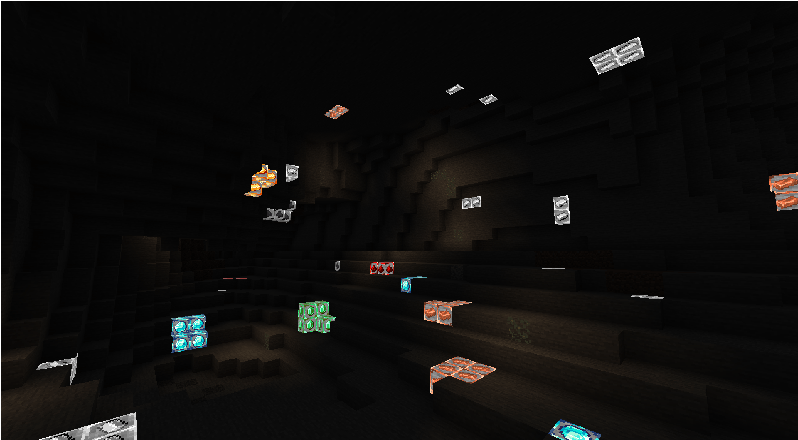
A pack for more visible ores, and able to directly seen orbs icon when mining
by MochiLinesStudio
Download Claim this project
402 downloads
0 likes
0 followers
Updated Oct 14, 2026
0 hypes
Follow0
32x Mod Support
Advertisement Remove ads with Premium →


Tired of squinting at ores in dark caves?
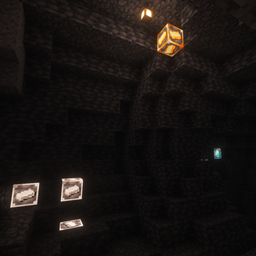
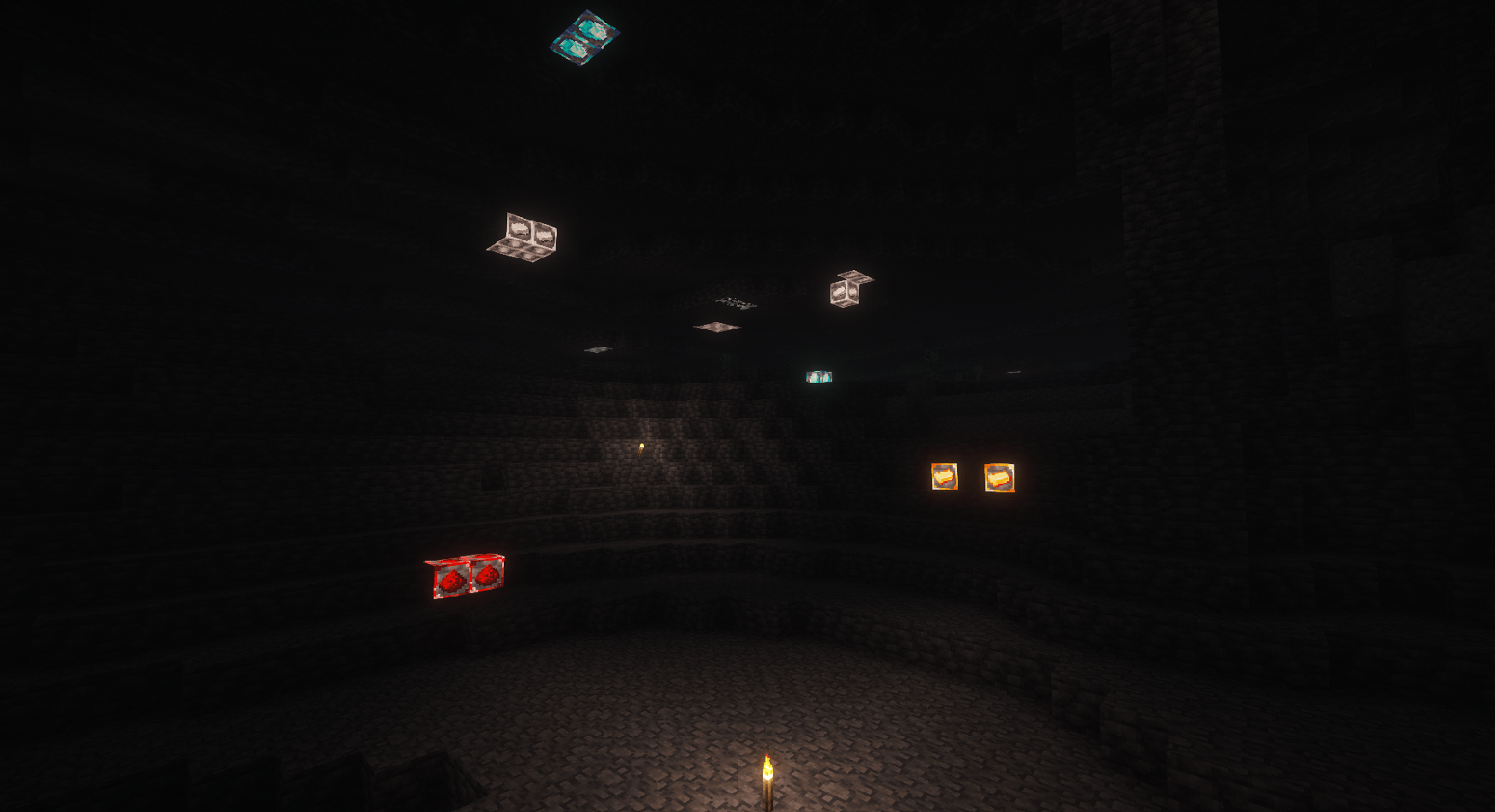
This resource pack is designed for maximum visibility. Each ore block (Stone, Deepslate) has been modified to feature a clear, distinct icon of the refined material (Ingot, Gem, Dust) stamped directly onto the block's surface.
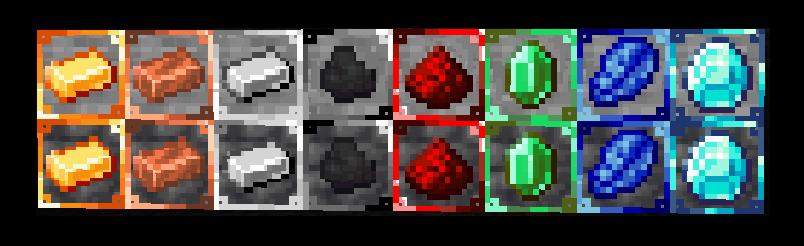

Key Feature:

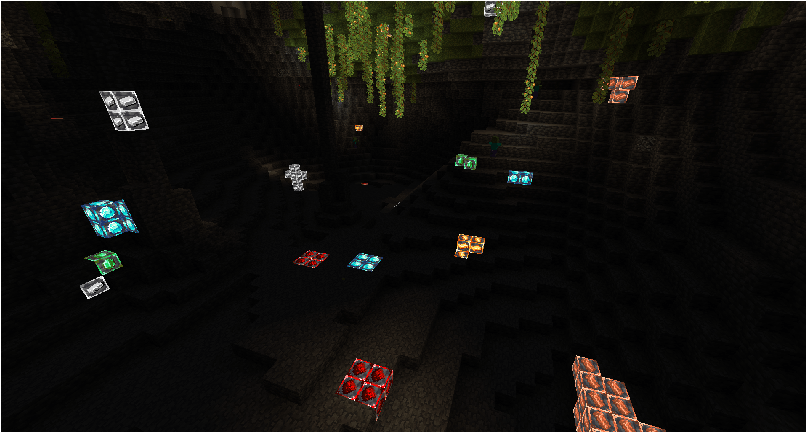
  • Emissive Glow: Thanks to OptiFine's emissive texture support, these icons glow brightly in the dark. You will never miss an ore vein again, even without torches.

  • Instant Recognition: The icon clearly shows what you are mining, eliminating the need to learn new complex textures. Just look at the Icon!

Note: OptiFine is absolutely required for the glowing effect to work.



MoreVisibleOre_IconForm.zip
MC 1.16.3, 1.16-Snapshot, 1.17.1, 1.21.2-Snapshot, 1.21, 1.21.6-snapshot, 1.15-Snapshot, 1.16.1, 1.18.1, 1.20.2-Snapshot, 1.20.5-Snapshot, 1.14.3, 1.15, 1.16, 1.19-Snapshot
Release 2026-07-12 Get

Requirements & install

How to use this resource pack in Minecraft
Resolution
32x
Minecraft
1.17.1 – 1.21.6-snapshot
Install folder
.minecraft/resourcepacks

How to install resource packs

  1. Download the resource pack .zip file (do not extract it).
  2. In Minecraft open Options → Resource Packs → Open Pack Folder.
  3. Drop the .zip into the resourcepacks folder (.minecraft/resourcepacks).
  4. Move the pack to the Selected column and click Done.
Browse more: 16x resource packs 32x resource packs 64x resource packs 128x resource packs 256x resource packs 512x+ resource packs Resource Packs for 1.21.6-snapshot All resource packs

More from MochiLinesStudio

Advertisement Remove ads with Premium →

You Might Also Like