
Mineuniverse
Resource Packs
Glowing Totem texture

Glowing Totem texture

RESOURCE PACK
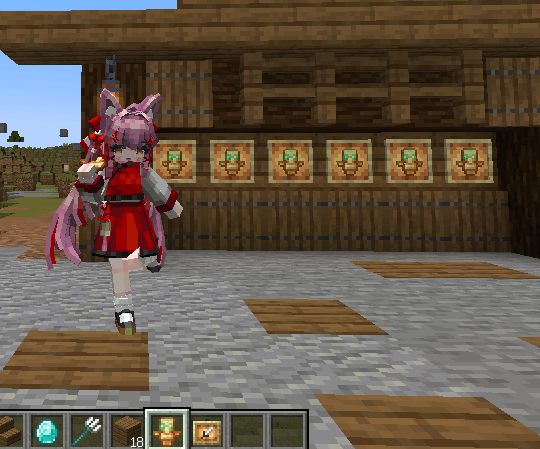
A standalone, high-quality animated Totem of Undying featuring a divine white pulsing glow. Clean, simple, and vanilla-friendly.
by MochiLinesStudio
Download Claim this project
1,833 downloads
0 likes
Updated Oct 14, 2026
0 hypes
16x Animated
Advertisement Remove ads with Premium →


✨ The Divine Totem - Animated White Glow ✨

Looking for a premium feel without cluttering your game? This standalone resource pack focuses purely on one thing: The Totem of Undying.

By stripping away unnecessary changes, this pack brings a divine, ethereal aesthetic to your most important survival item while keeping everything else strictly vanilla.

🌟 Key Feature: Sacred White Pulse

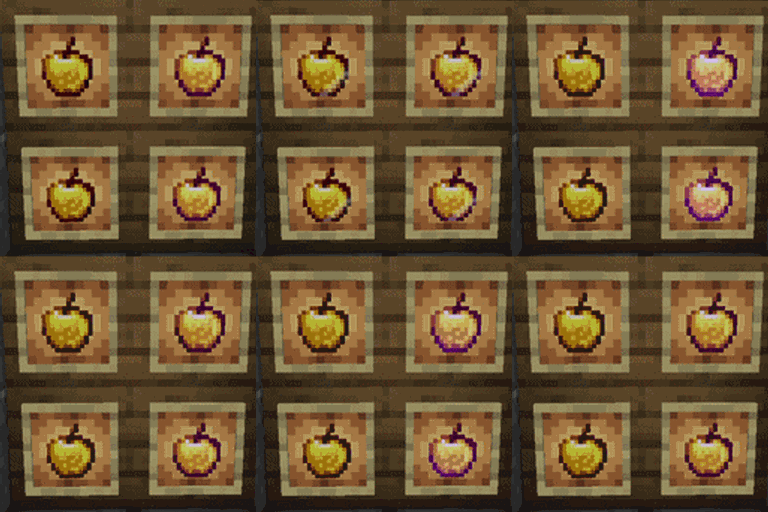
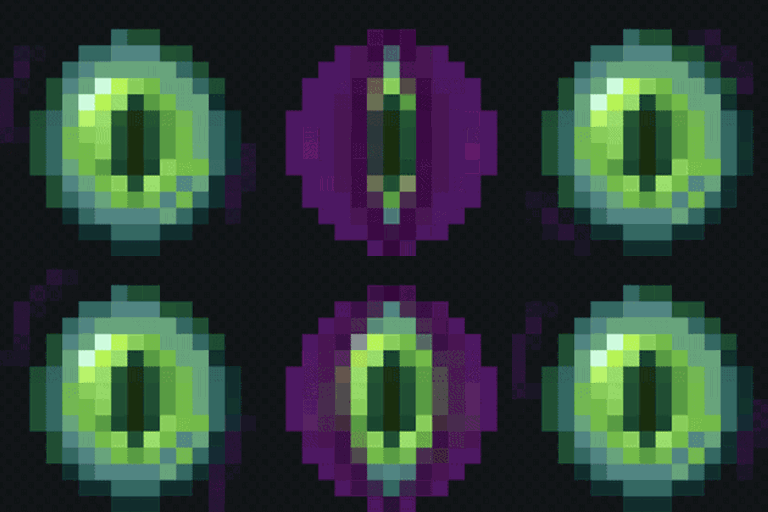
The totem is no longer just a static golden statue. It now features a custom-crafted 62-frame hand-drawn animation. Watch as a pure, rhythmic white light flows through the totem, making it feel like a living artifact filled with protective energy.

Survival Optimized


  • Vanilla Style: Maintains the classic totem shape you know and love, but with a "high-tier" glow effect.

  • Pure & Standalone: No sword changes, no block changes. Only the Totem. Perfect for layering with your other favorite resource packs!

🎨 Technical Brilliance

  • Smooth Interpolation: Using Minecraft’s native .mcmeta interpolation, the white glow transitions are butter-smooth (no choppy frames here, nya!).

  • No Mods Required: Works 100% in Vanilla Minecraft 1.20 - 1.21.x. No OptiFine needed!

[Normal Size]GlowingTotemTexture.zip
MC 1.16.3, 1.13.1, 1.9.3, 1.8.7, 1.7.4, 1.7.7, 1.7.6, 1.16-Snapshot, 1.17.1, 1.9.1, 1.21.2-Snapshot, 1.21, 1.21.6-snapshot, 1.15-Snapshot, 1.7.5, 1.6.1, 1.16.1, 1.18.1
Release 2026-04-26 Get
[NormalSize+Meme sound]GlowingTotemMeMe_NormalSize.zip
MC 1.16.3, 1.13.1, 1.9.3, 1.8.7, 1.7.4, 1.7.7, 1.7.6, 1.16-Snapshot, 1.17.1, 1.9.1, 1.21.2-Snapshot, 1.21, 1.21.6-snapshot, 1.15-Snapshot, 1.7.5, 1.6.1, 1.16.1, 1.18.1
Release 2026-04-26 Get

Requirements & install

How to use this resource pack in Minecraft
Resolution
16x
Minecraft
1.16-Snapshot – 1.21.6-snapshot
Install folder
.minecraft/resourcepacks

How to install resource packs

  1. Download the resource pack .zip file (do not extract it).
  2. In Minecraft open Options → Resource Packs → Open Pack Folder.
  3. Drop the .zip into the resourcepacks folder (.minecraft/resourcepacks).
  4. Move the pack to the Selected column and click Done.
Browse more: 16x resource packs 32x resource packs 64x resource packs 128x resource packs 256x resource packs 512x+ resource packs Resource Packs for 1.21.6-snapshot All resource packs

More from MochiLinesStudio

Advertisement Remove ads with Premium →

You Might Also Like