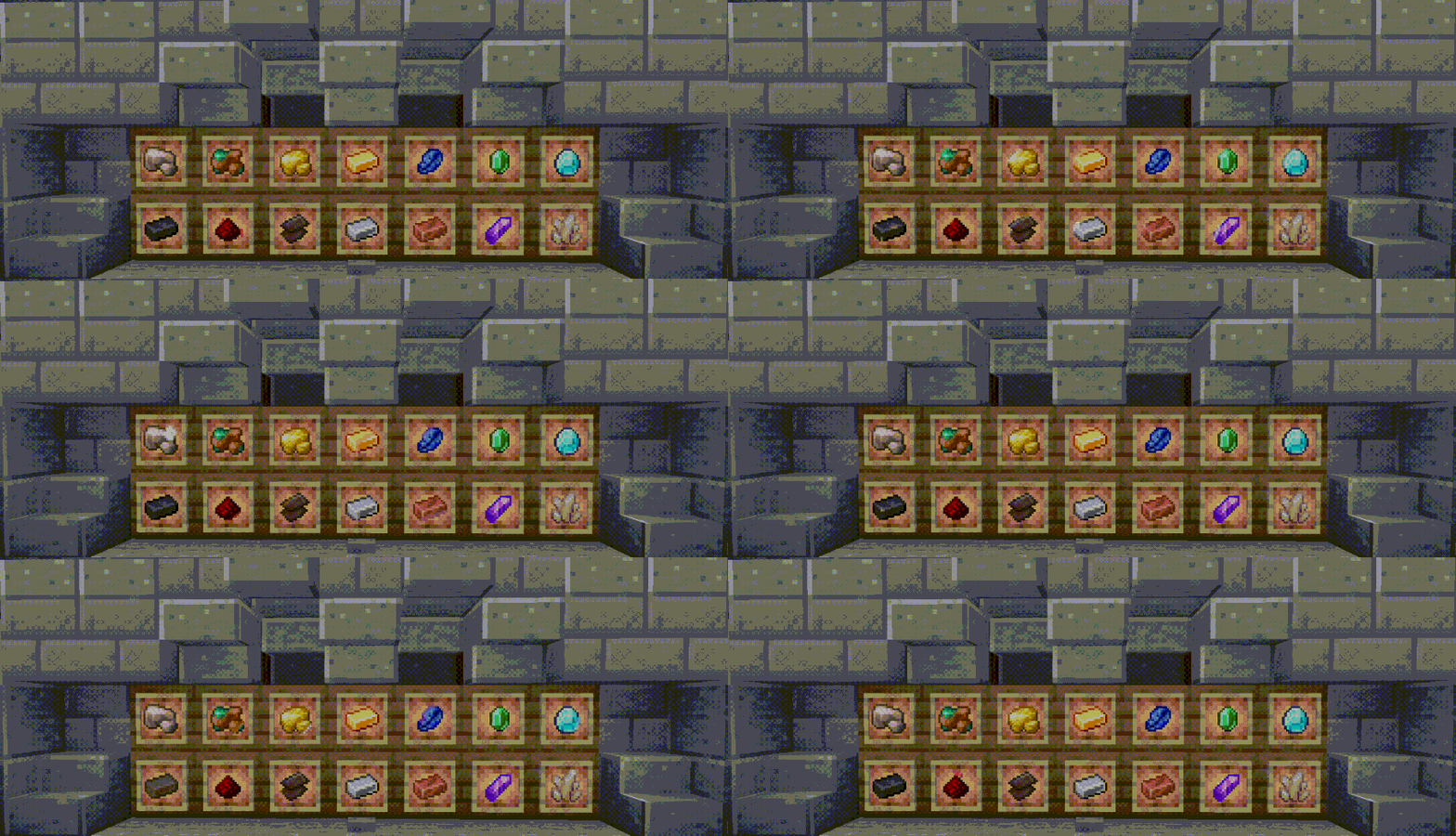
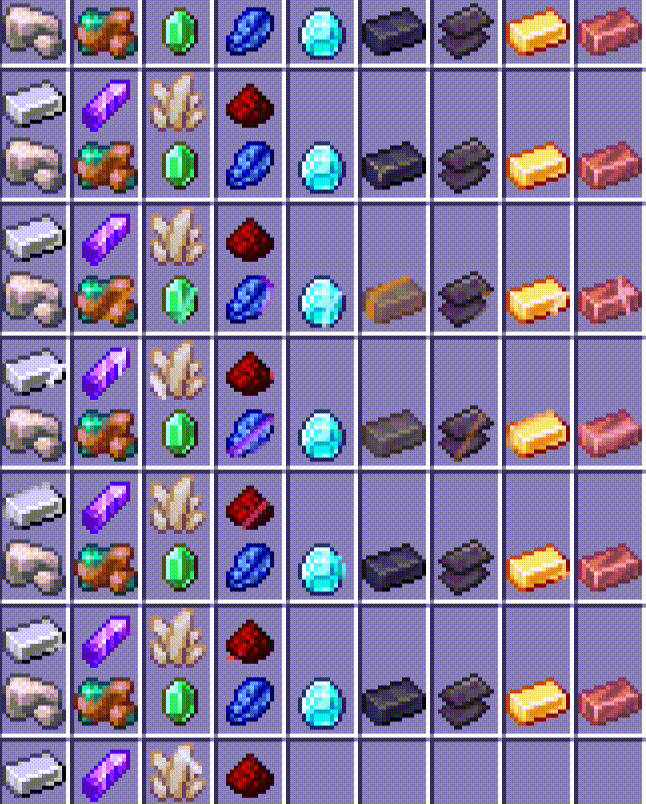
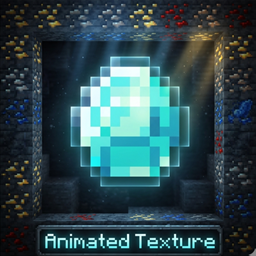
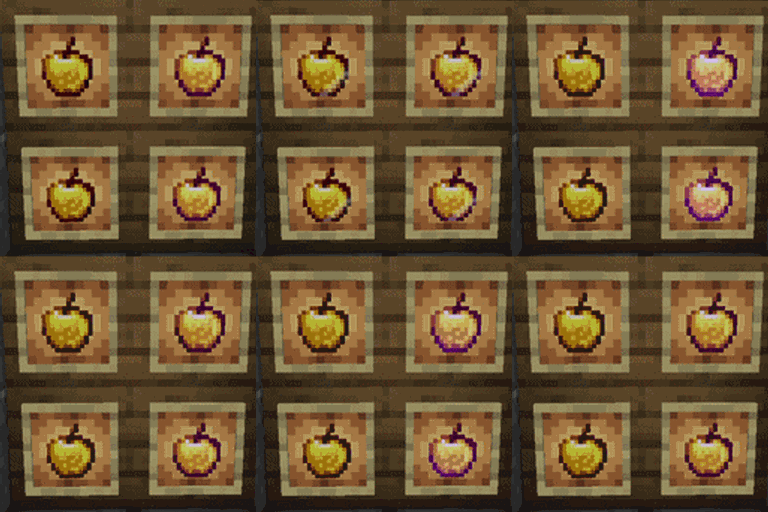
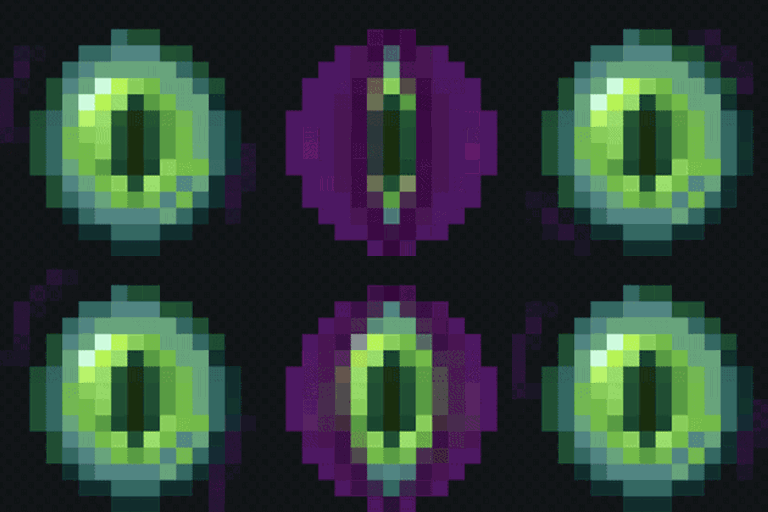
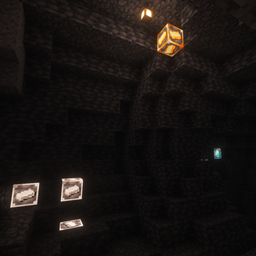
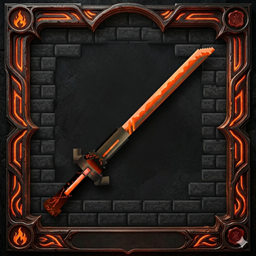
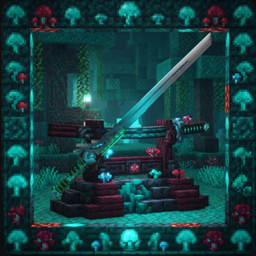
Welcome to **Animated Ores**! This is a vanilla-friendly **Resource Pack** (NOT a Mod) designed to overhaul your mining experience by giving every single ore a modern, beautiful, and dynamic look.
If you are tired of the dull, hard-to-see default ore textures, this pack is tailored just for you. I have carefully tweaked the color palettes of all ores and infused them with smooth, breathing animations!
---
## 🌟 Key Features
* 🎨 **Eye-Comfortable Color Palettes:** Re-optimized colors for all ores (Coal, Iron, Gold, Lapis, Redstone, Diamond, Emerald, and Netherite). The colors are vibrant and high-contrast but soft on the eyes—making long mining sessions way less tiring!
* 🎬 **Smooth Custom Animations:** Every single ore block, raw ore, and ingot now features custom fluid animations! Ores will subtly glow, pulse, or shimmer in the dark, making caves feel alive and exciting to explore.
* 🚀 **100% Pure Resource Pack:** * This is **NOT** a Mod. It requires no forge/fabric mod loaders to run basic textures.
* 100% compatible with Vanilla Minecraft, Multiplayer Servers, and Realms. No lag, no performance drops!
---
## 🛠️ Installation Guide
1. Download the latest `.zip` file from the Files tab.
2. Launch Minecraft, go to `Options...` -> `Resource Packs...`.
3. Click `Open Pack Folder`.
4. Drag and drop the downloaded `.zip` file into the folder.
5. In the game, move **Animated Ores** to the right-side (Selected) column and click Done!
*💡 Quick Tip: To get the absolute best visual experience with glowing emissive textures, it is highly recommended to use **OptiFine** or **Iris Shaders + Sodium** with emissive textures enabled!*
---
## 📬 Feedback & Support
This pack is crafted with care! If you encounter any animation glitches, version bugs, or have color suggestions, feel free to leave a comment in the **Comments** section or open an issue. Thank you for your support! Enjoy your mining adventure!