Mineuniverse
Shaders
ZARYA

ZARYA

SHADER
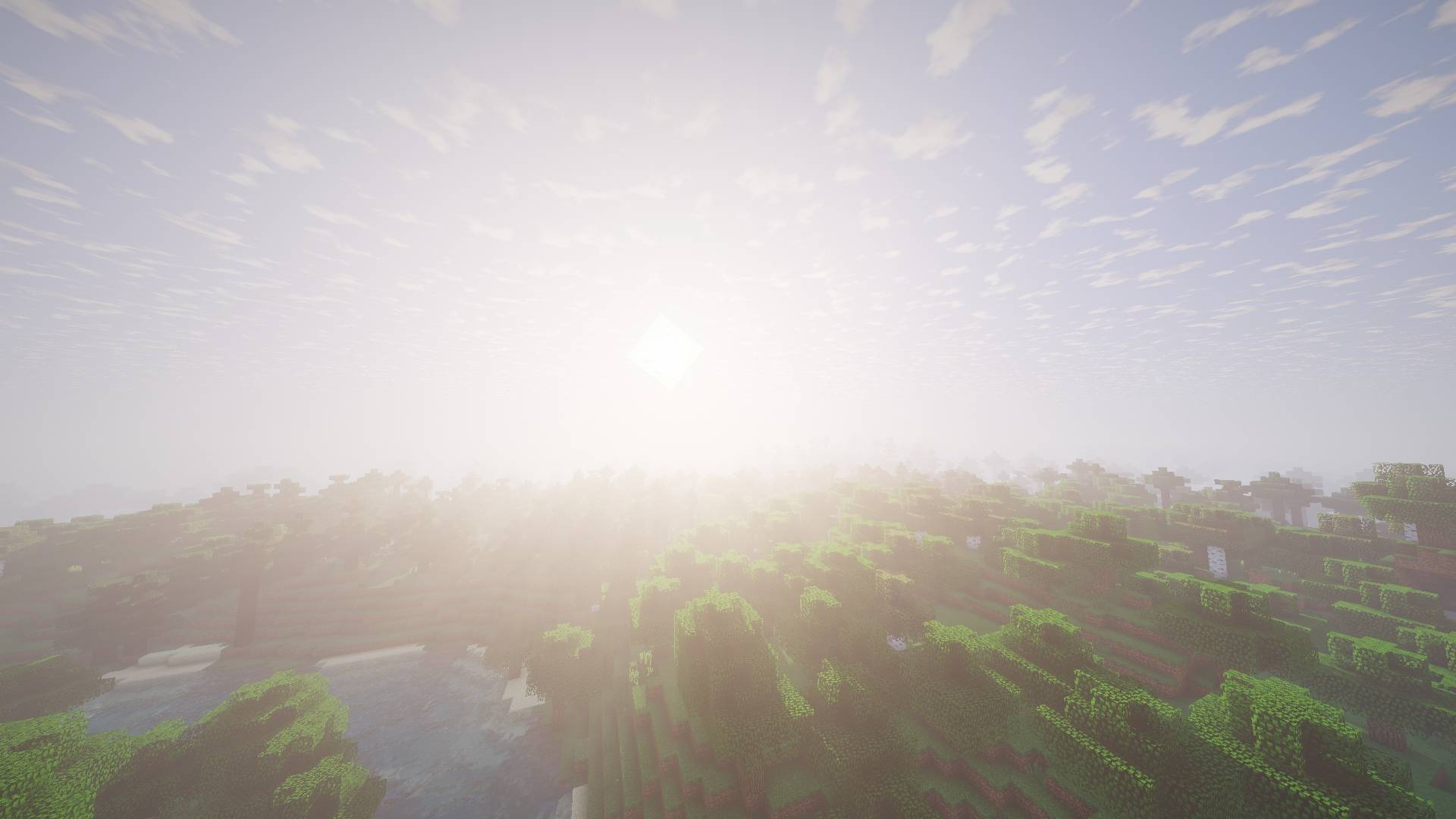
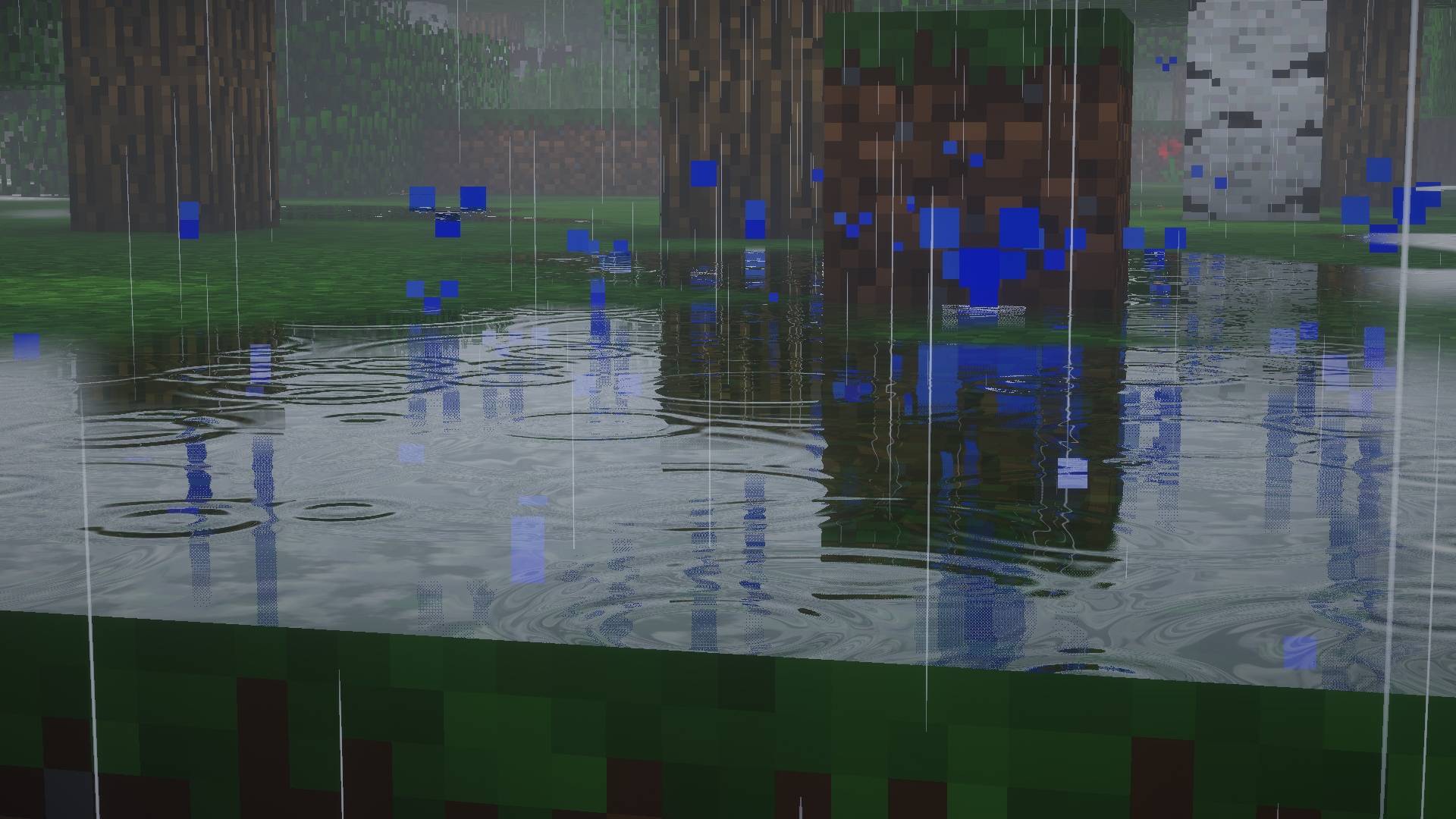
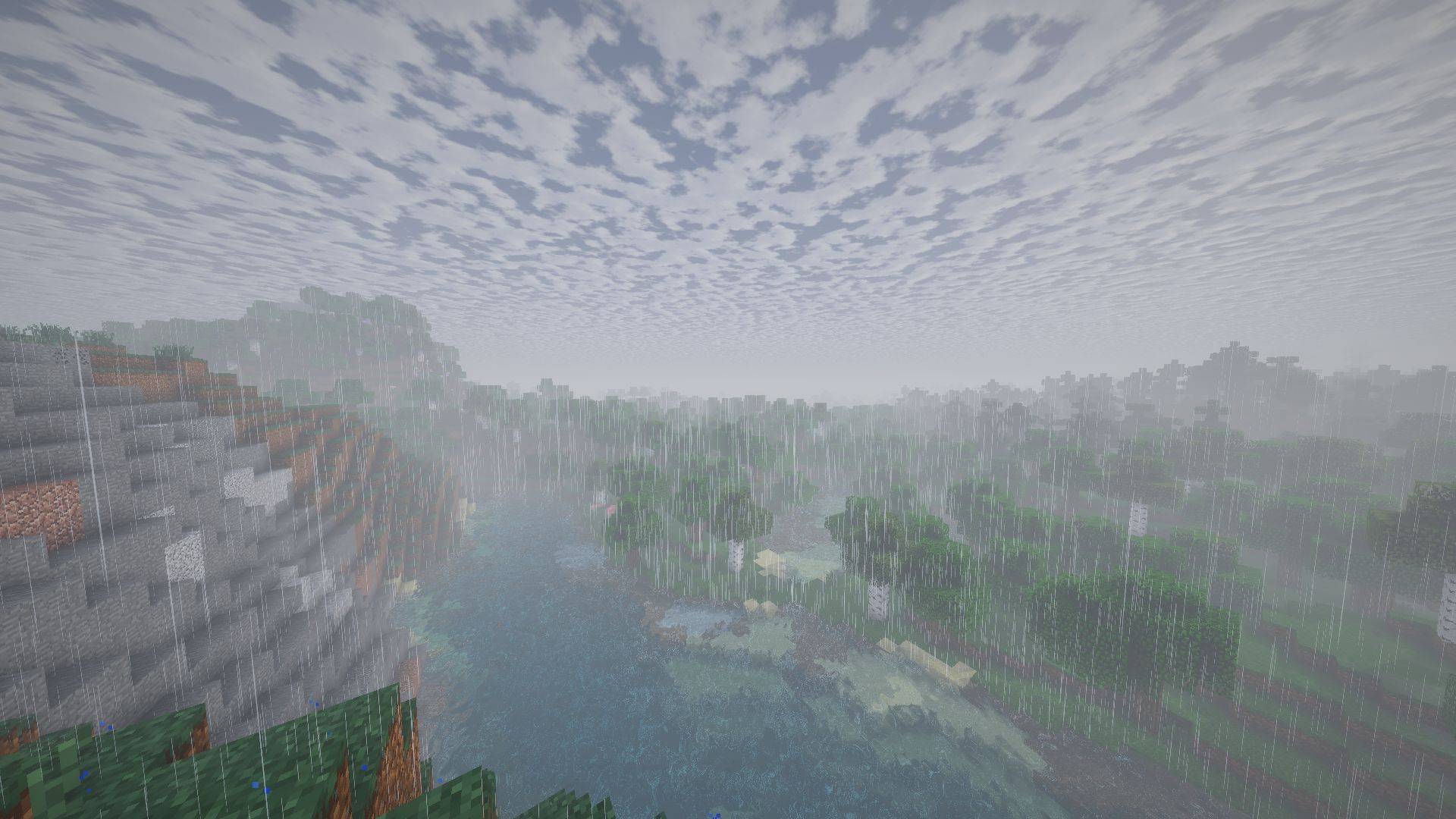
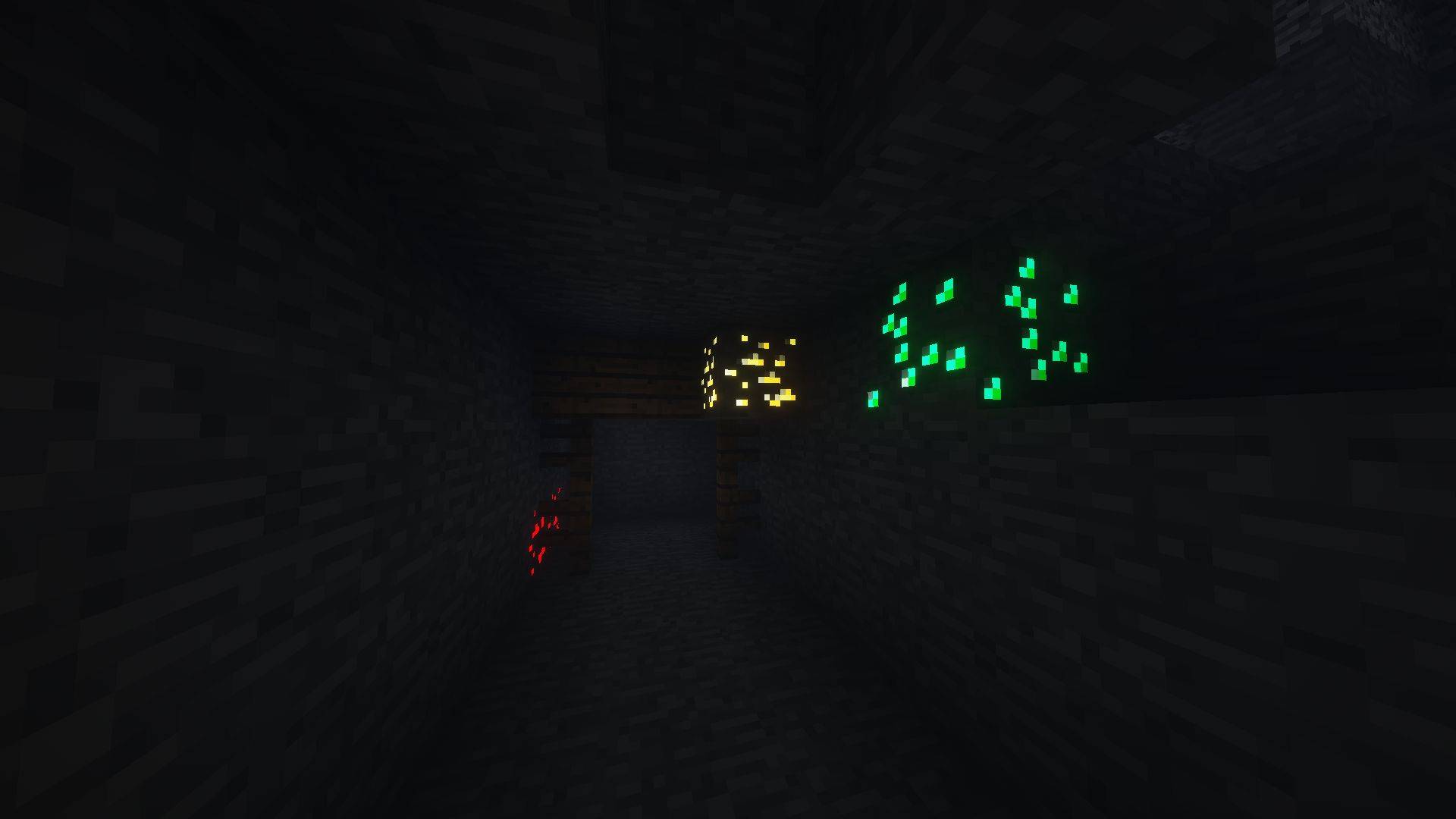
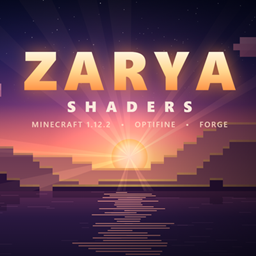
volumetric sun rays, soft colored shadows, reflective water, realistic rain with puddles, a round sun and moon, glowing ores and waving plants
by Stepanenko
Claim this project
Add a badge to your pageLink to ZARYA from a README, website or forum post.
Preview: Badge

Badges update automatically and link to the shader page on MineUniverse.

29 downloads
0 likes
0 followers
Updated Nov 10, 2026
0 hypes
Follow0
Realistic Vanilla
Advertisement Remove ads with Premium →

Volumetric light and sun rays through leaves and into caves
Soft shadows, with colored shadows through stained glass
Procedural sky with stars, moving clouds and a round sun and moon that shows the moon’s phases
Water with waves, reflections, refraction and sun glints
Realistic rain: thin raindrops, puddles, wet surfaces and ripples on water
SSAO, foliage lit from behind, and waving plants and leaves
Glowing ores, lava and light sources, with warm torchlight
Fog: morning mist in valleys and underwater fog
Bloom, automatic exposure and filmic tone mapping
Separate lighting for the Nether and the End
Low/Medium/High/Ultra profiles.

Zarya
MC Vanilla, OptiFine, 1.12.2
Release 2026-11-01

Requirements & install

How to use this shader in Minecraft
Shader loader
OptiFine
Minecraft
1.12.2
Install folder
.minecraft/shaderpacks

Install with OptiFine

  1. Install OptiFine for your Minecraft version (optifine.net) and start it once.
  2. Download the shader pack .zip (do not extract it).
  3. Put the .zip into .minecraft/shaderpacks.
  4. In game open Options → Video Settings → Shaders and select the pack.
Browse more: Iris shaders OptiFine shaders Shaders for 1.12.2 All shaders

More from Stepanenko

Advertisement Remove ads with Premium →

You Might Also Like