Badges update automatically and link to the shader page on MineUniverse.
Aurelia
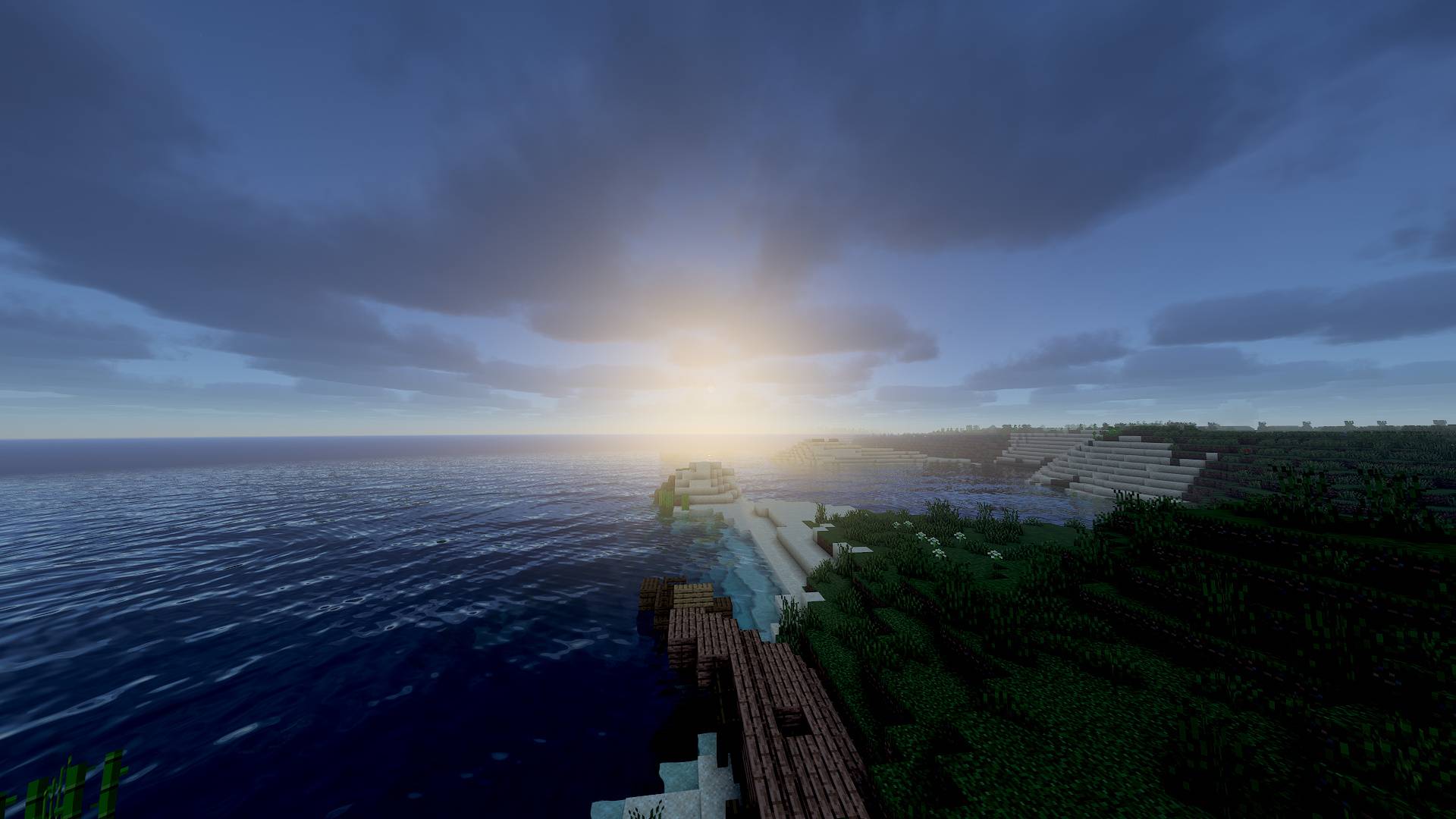
Living light for 1.16.5. Aurelia is a physically based shaderpack built around one idea: light should behave like light. Sunlight scatters through a real atmosphere, torches cast directional light, surfaces bounce color onto each other, and water absorbs and refracts the world beneath it.
✨ Signature features
🔥 LGL: Lightmap Gradient Lighting
Normally torchlight in shaders is flat. Aurelia reconstructs the direction of block light from the vanilla lightmap, so torches, lanterns and lava light textures with real relief and create specular highlights on smooth and wet surfaces, without any point lights and at almost no performance cost.
🌈 ATR: Aurelia Temporal Radiance (RTX-like bounce light)
Screen-space global illumination: light bounces off nearby surfaces and tints them. A sunlit wall brightens the shadowed ground, and red terracotta tints the floor. Bounces accumulate over time, so you get multi-bounce lighting for free.
🌊 Shadow-map caustics
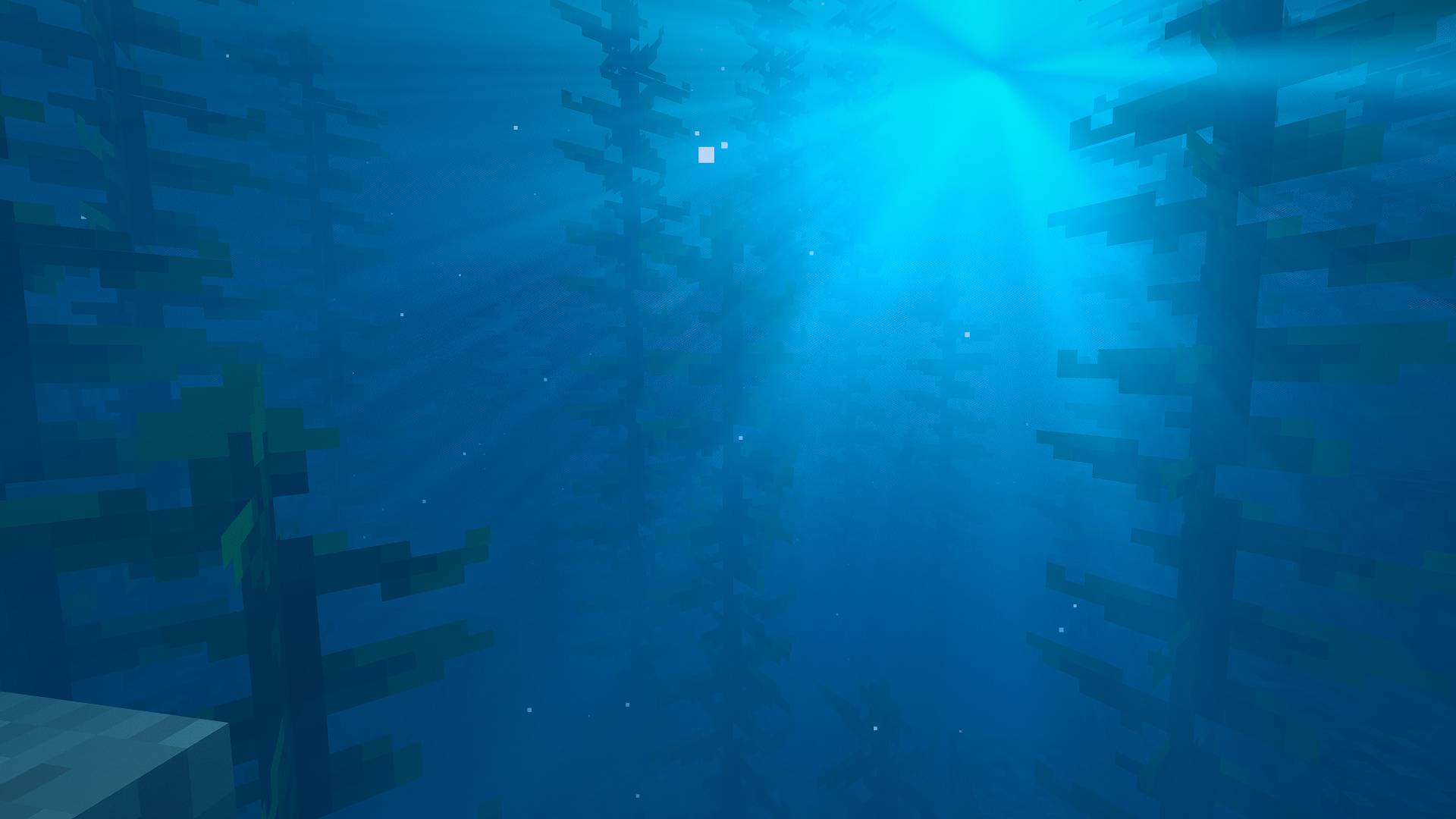
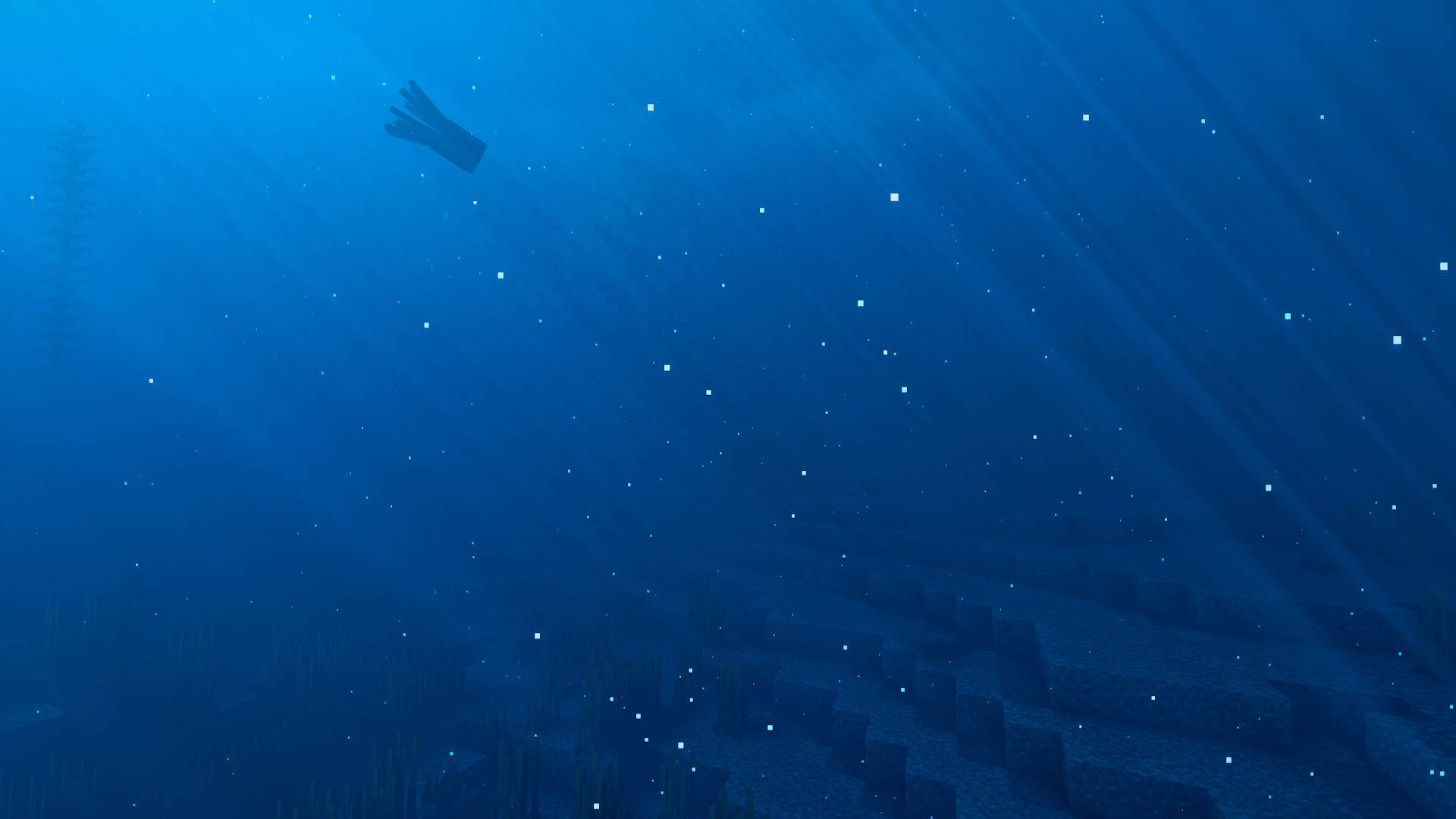
Water caustics are computed from the actual wave surface and stored in the shadow map, so they appear on the seabed and inside underwater light shafts. Light that travels through water is absorbed with depth.
🌍 Features
Sky & atmosphere
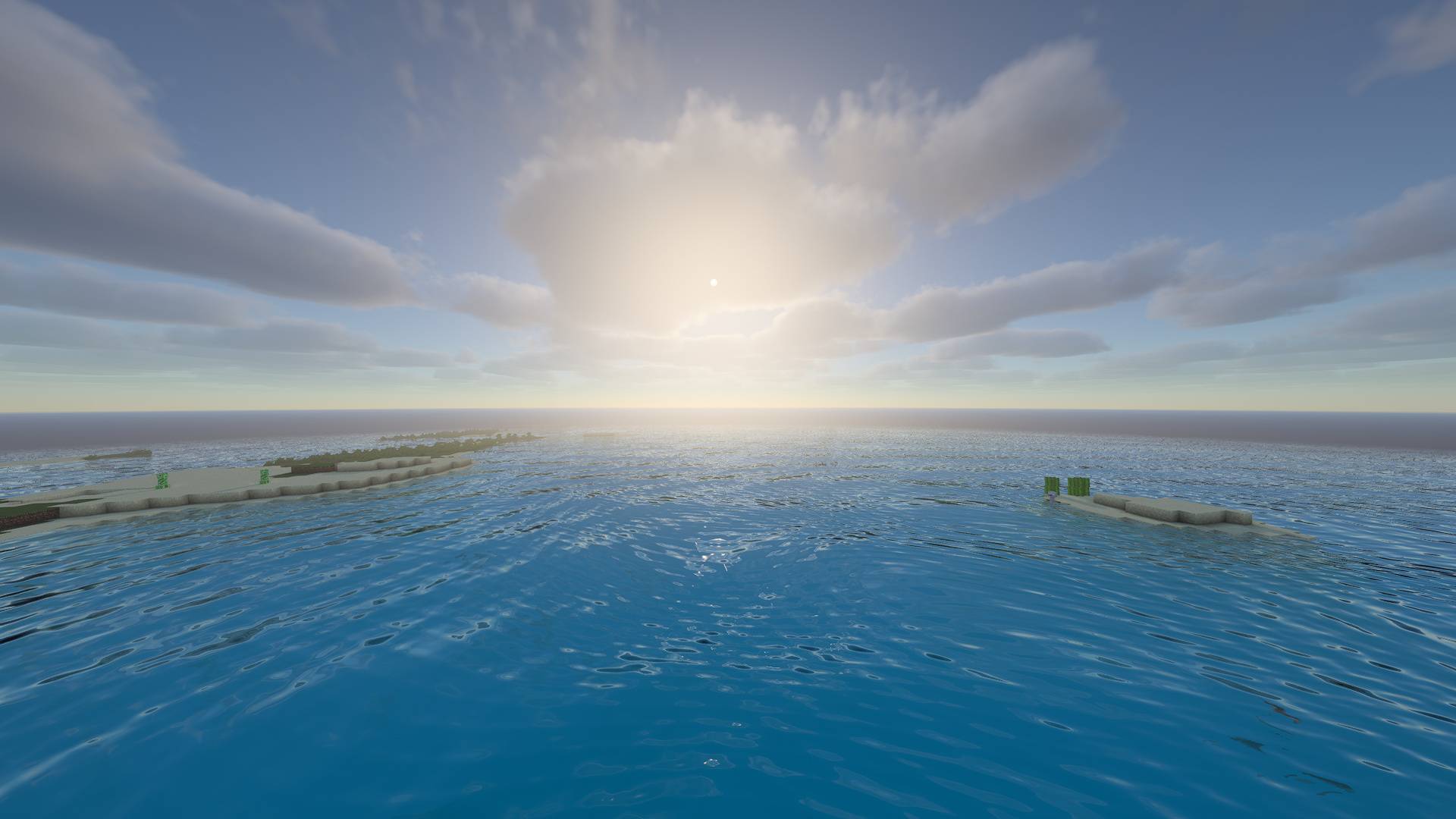
Physically based sky (Rayleigh, Mie and ozone) with realistic sunsets
Volumetric cumulus clouds with multi-scattering, a silver-lining glow and cloud shadows
Procedural sun with limb darkening and a moon with real moon phases
Rotating star field and a subtle Milky Way
Volumetric god rays from both the sun and the moon, sharp even through nearby tree leaves
Lighting & shadows
Soft contact-hardening shadows (PCSS)
Colored shadows through stained glass
Subsurface scattering on leaves and grass
SSAO
Warm, physically tinted torchlight (adjustable color temperature)
Water
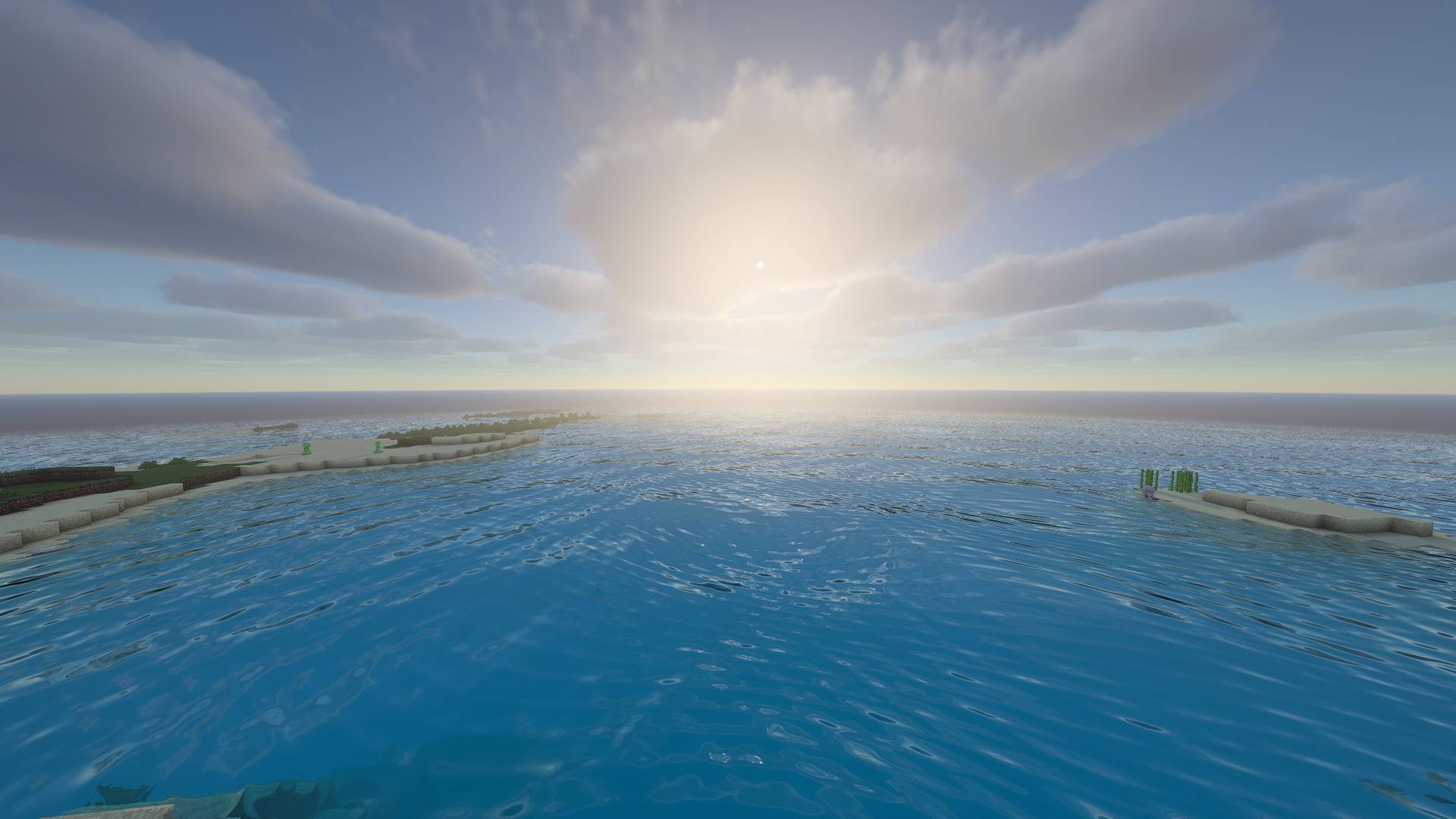
Transparent water with depth-based absorption, refraction and waves
Screen-space reflections (SSR) of terrain and clouds
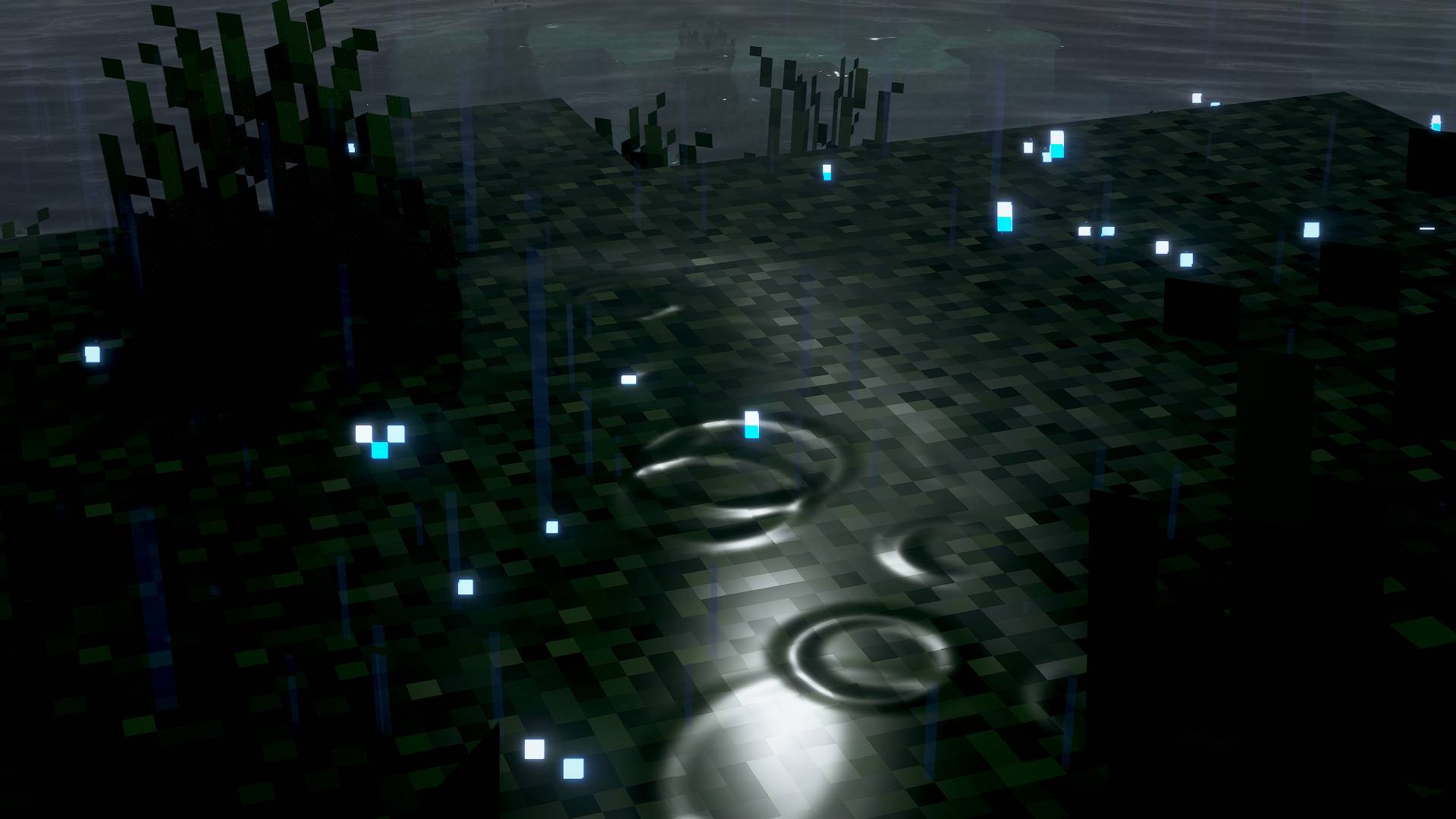
Rain-drop ripples on water surfaces
Weather & nature
Waving grass, flowers and leaves with wind gusts
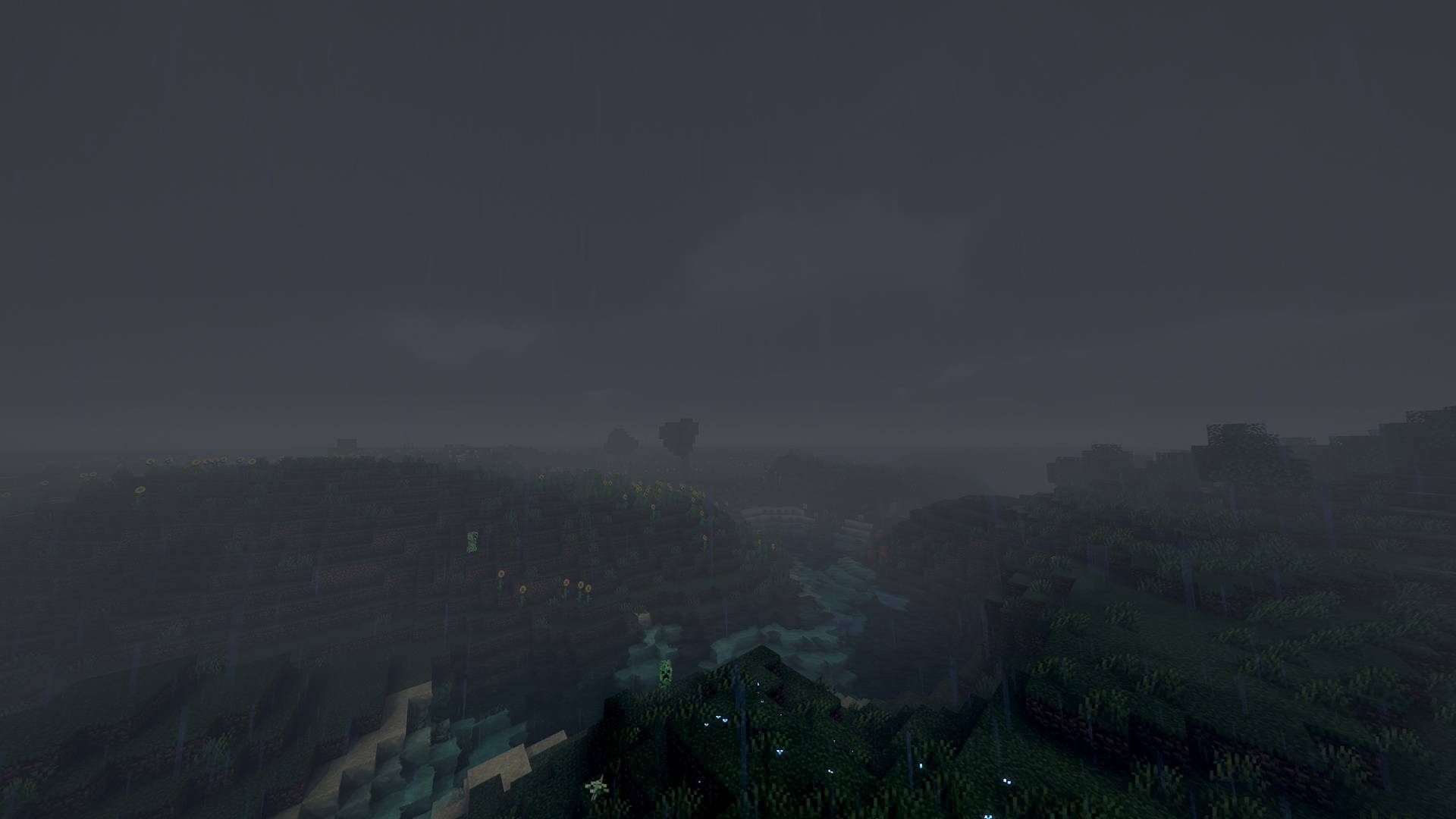
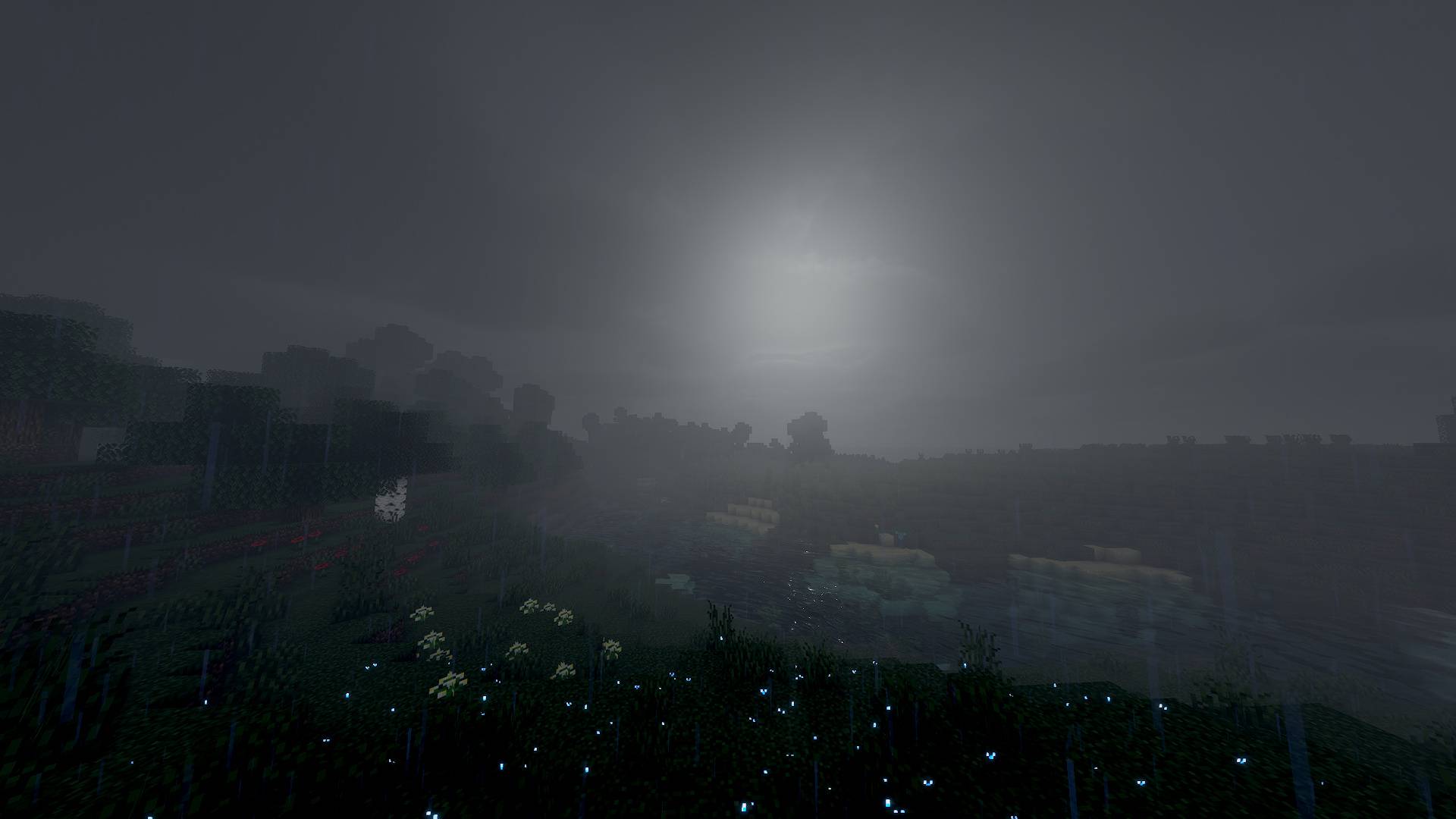
Rain: wet glossy surfaces, puddles with drop ripples, glassy rain streaks and overcast fog
Camera
Human-like eye adaptation: when you leave a cave, the bright world blinds you for a moment, then your eyes adjust
TAA with sharpening, bloom, a custom filmic tonemapper and a night-vision blue shift (Purkinje effect)
Dimensions
Custom looks for the Nether and the End
⚙️ Settings
Everything can be tuned in the shader options menu (English & Russian): lighting, shadows, materials, water, sky & clouds, atmosphere and post-processing. Profiles: Low · Medium · High · Ultra.
Supports LabPBR resource packs (normal & specular maps). Without one, Aurelia generates normals and material properties automatically.
📦 Requirements
Minecraft Java 1.16.5
OptiFine (tested on HD U G8). Iris is supported by design but not tested yet.
A GPU with OpenGL 3.3+. A mid-range GPU or better is recommended for High/Ultra.