Mineuniverse
Shaders
WVP Shader (Wozt Vanilla Plus Shader)

WVP Shader (Wozt Vanilla Plus Shader)

SHADER
Enhance your Minecraft with vibrant colors, warm lighting, and smooth performance. The ultimate Vanilla+ experience.
by woztgaming
Download Claim this project
Add a badge to your pageLink to WVP Shader (Wozt Vanilla Plus Shader) from a README, website or forum post.
Preview: Badge

Badges update automatically and link to the shader page on MineUniverse.

24,925 downloads
0 likes
0 followers
Updated Oct 14, 2026
0 hypes
Follow0
Fantasy Vanilla
Advertisement Remove ads with Premium →

WVP SHADER (WOZT VANILLA PLUS SHADER)


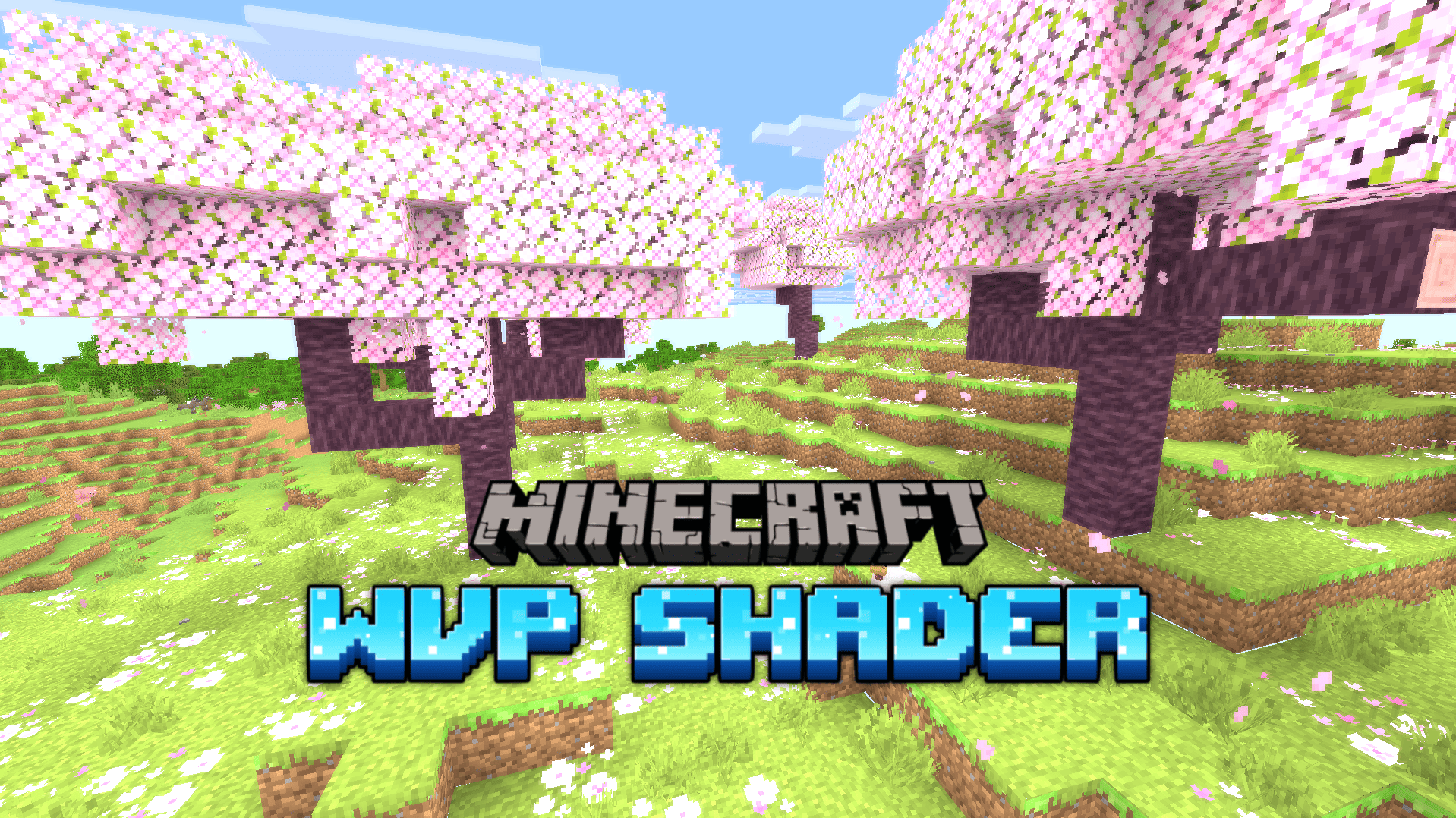
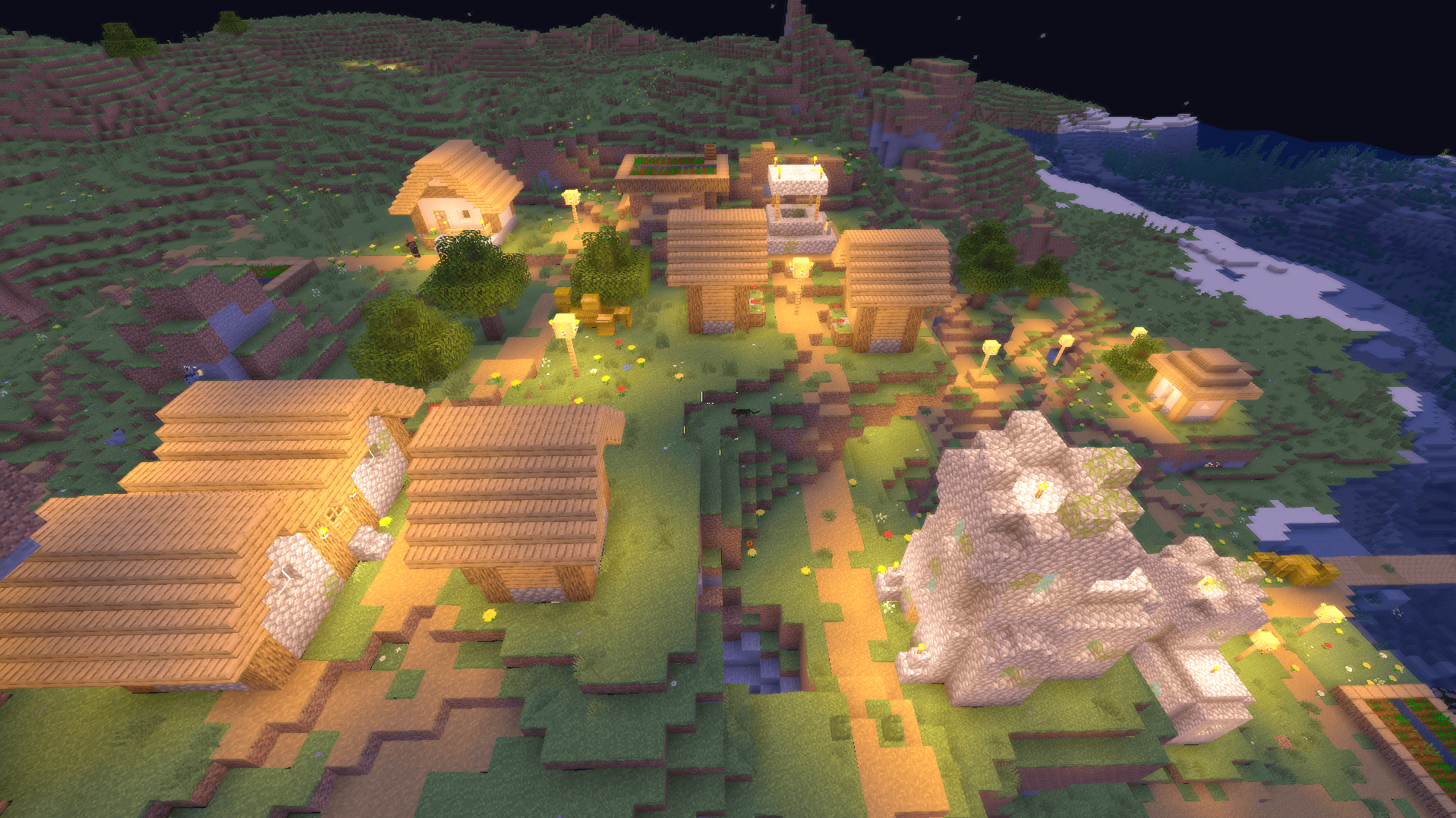
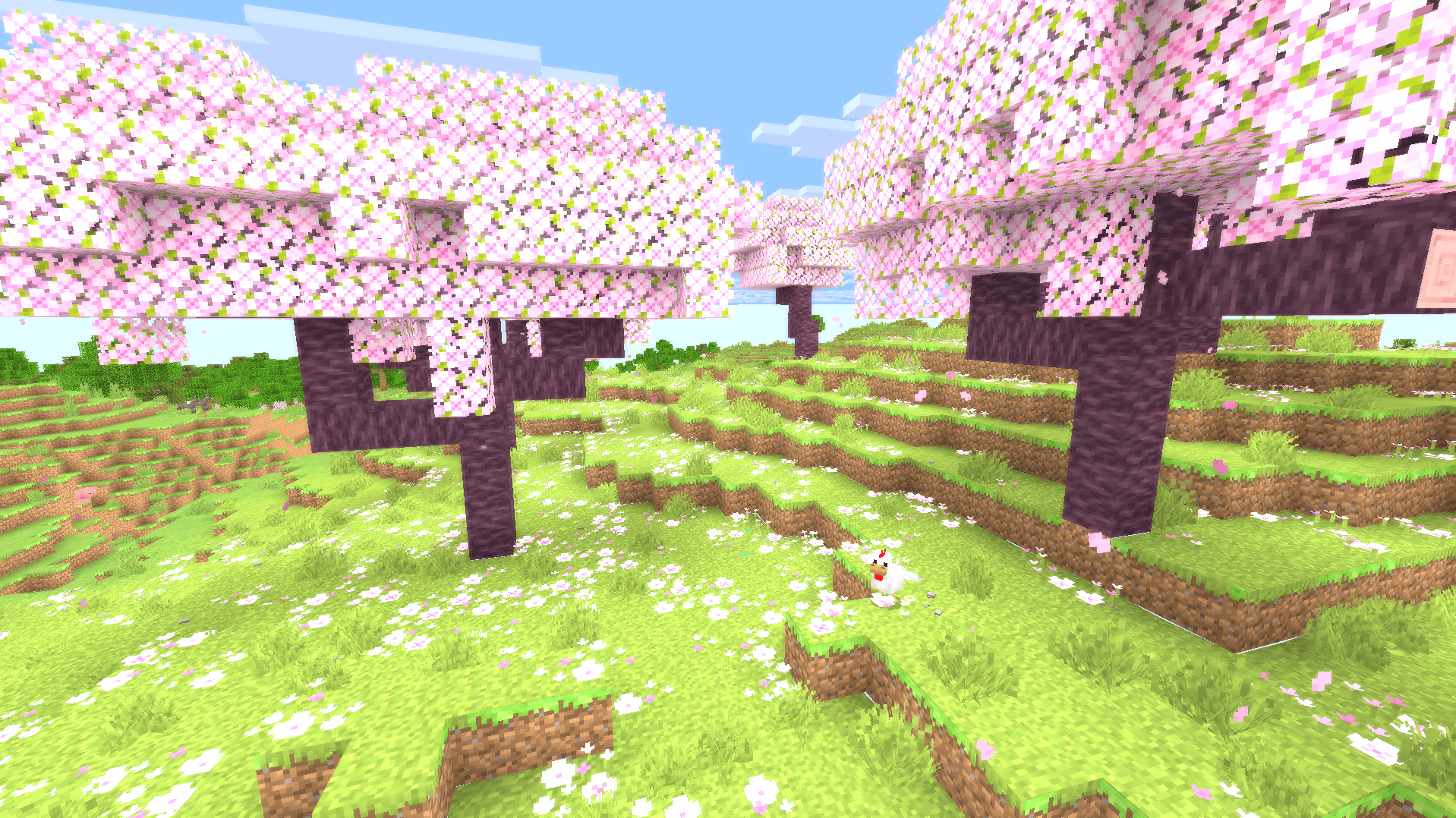
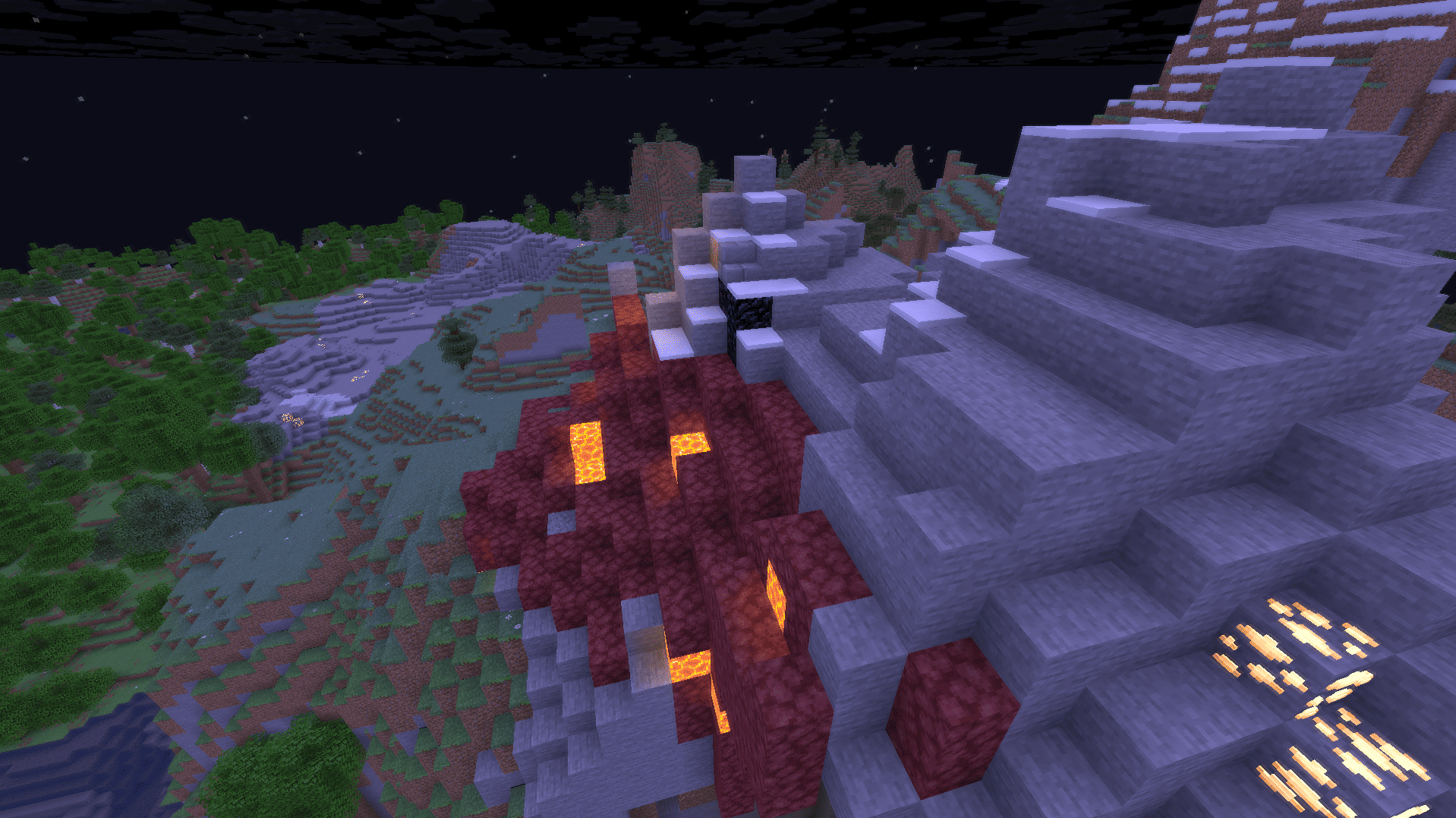
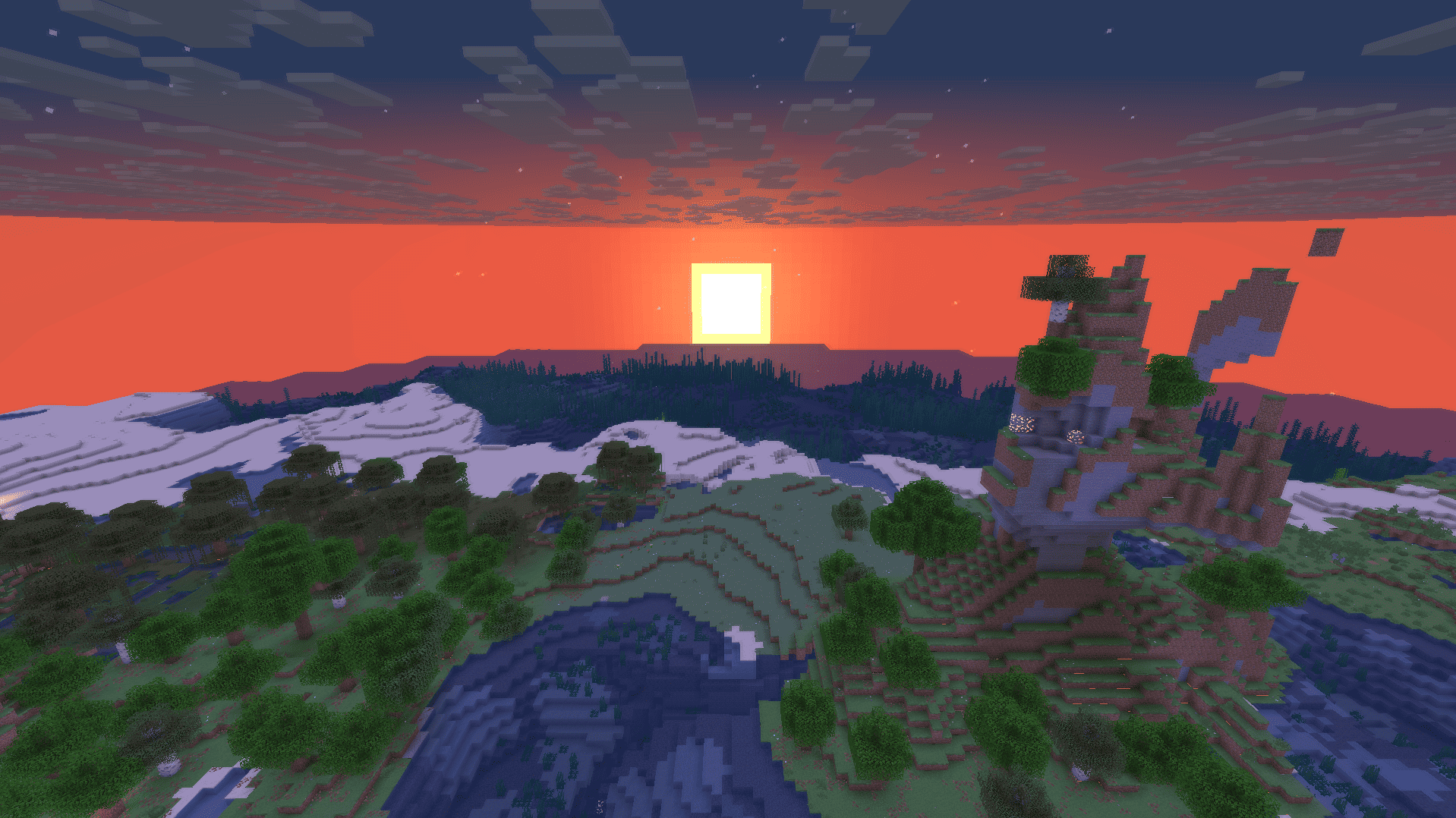
Welcome to WVP Shader, a lightweight and performance-friendly Vanilla+ shader designed to enhance your Minecraft world with vibrant colors and cozy lighting while maintaining the classic vanilla aesthetic.

🚀 Perfect for low-end PCs and everyday gameplay!


✨ Features

  • 🎨 Vibrant Colors & Cozy Lighting: Enhanced tonemapping for a warm, lively, and immersive atmosphere.
  • ☁️ Custom Rounded 3D Clouds: Gorgeous, stylized 3D blocky clouds that fit the Minecraft grid perfectly.
  • 🌊 Beautiful Clear Water: Improved underwater visibility and realistic waving water effects.
  • 🍃 Waving Foliage: Subtle, natural waving animations for leaves and plants.
  • 🚀 Performance First: Highly optimized code. Enjoy high FPS even on integrated graphics!
  • 🎮 In-game Quality Profiles: Easily toggle between Potato, Medium, High, and Cinematic presets in the shader options.

🛠️ Installation

  1. Make sure you have Iris Shader Mod (recommended) or OptiFine installed.
  2. Download the WVP Shader zip file.
  3. Drop the zip file into your .minecraft/shaderpacks folder.
  4. Enable it in-game via Video Settings -> Shader Packs.
WVP-Shader-v1.1.zip
MC 1.17.1, 1.21, 1.18.1, Vanilla, 1.16.5, 1.19.3, 1.20.2, 1.19.4, 1.21.8, 1.17, 1.20.5, 1.21.5, 1.18, 1.21.4, 1.20.1, 1.20, OptiFine, 1.20.6, 1.21.1, 1.21.6, 1.21.3, 1.21.7
Release 2026-07-28 Get
WVP-Shader-v1.0.zip
MC 1.17.1, 1.21, 1.18.1, Vanilla, 1.16.5, 1.19.3, 1.20.2, 1.19.4, 1.21.8, 1.17, 1.20.5, 1.21.5, 1.18, 1.21.4, 1.20.1, 1.20, OptiFine, 1.20.6, 1.21.1, 1.21.6, 1.21.3, 1.21.7
Release 2026-06-19 Get

Requirements & install

How to use this shader in Minecraft
Shader loader
OptiFine
Minecraft
1.21 – 1.21.8
Install folder
.minecraft/shaderpacks

Install with OptiFine

  1. Install OptiFine for your Minecraft version (optifine.net) and start it once.
  2. Download the shader pack .zip (do not extract it).
  3. Put the .zip into .minecraft/shaderpacks.
  4. In game open Options → Video Settings → Shaders and select the pack.
Browse more: Iris shaders OptiFine shaders Shaders for 1.21.8 All shaders

More from woztgaming

Advertisement Remove ads with Premium →

You Might Also Like