Mineuniverse
Shaders
warmer white shader

warmer white shader

SHADER
A lightweight Minecraft shader that subtly warms the game's colors for a softer, cozier look
by whitey09byte
Download Claim this project
379 downloads
0 likes
0 followers
Updated Oct 14, 2026
0 hypes
Follow0
Vanilla
Advertisement Remove ads with Premium →

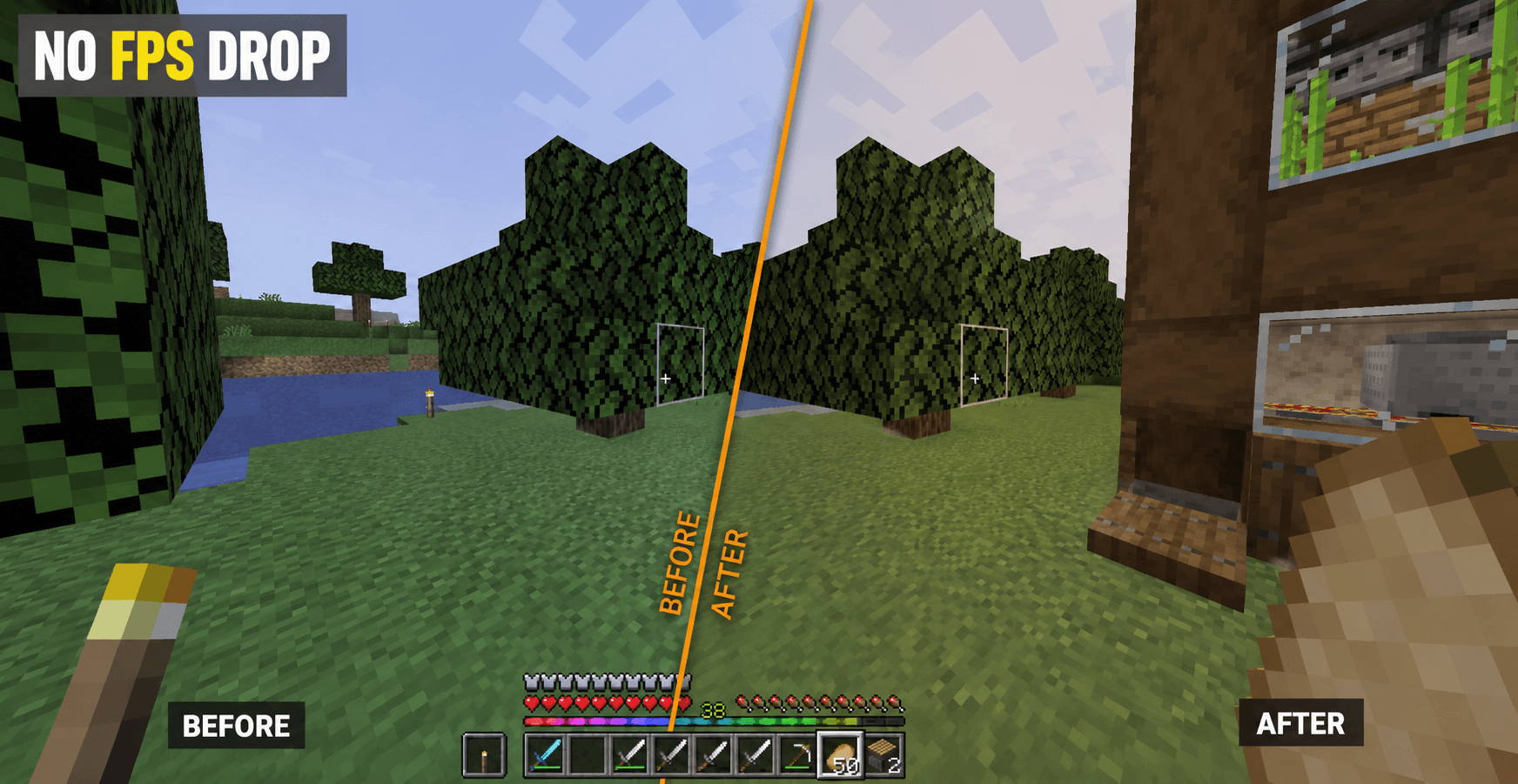
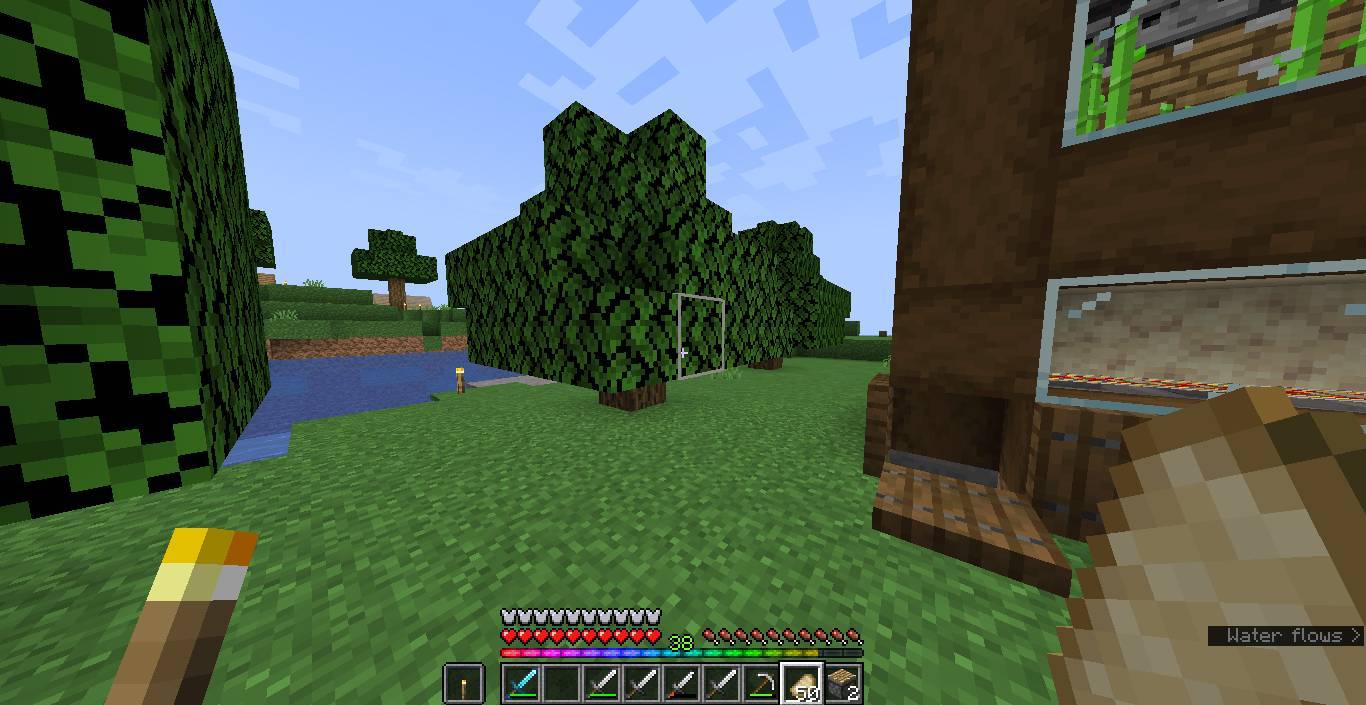
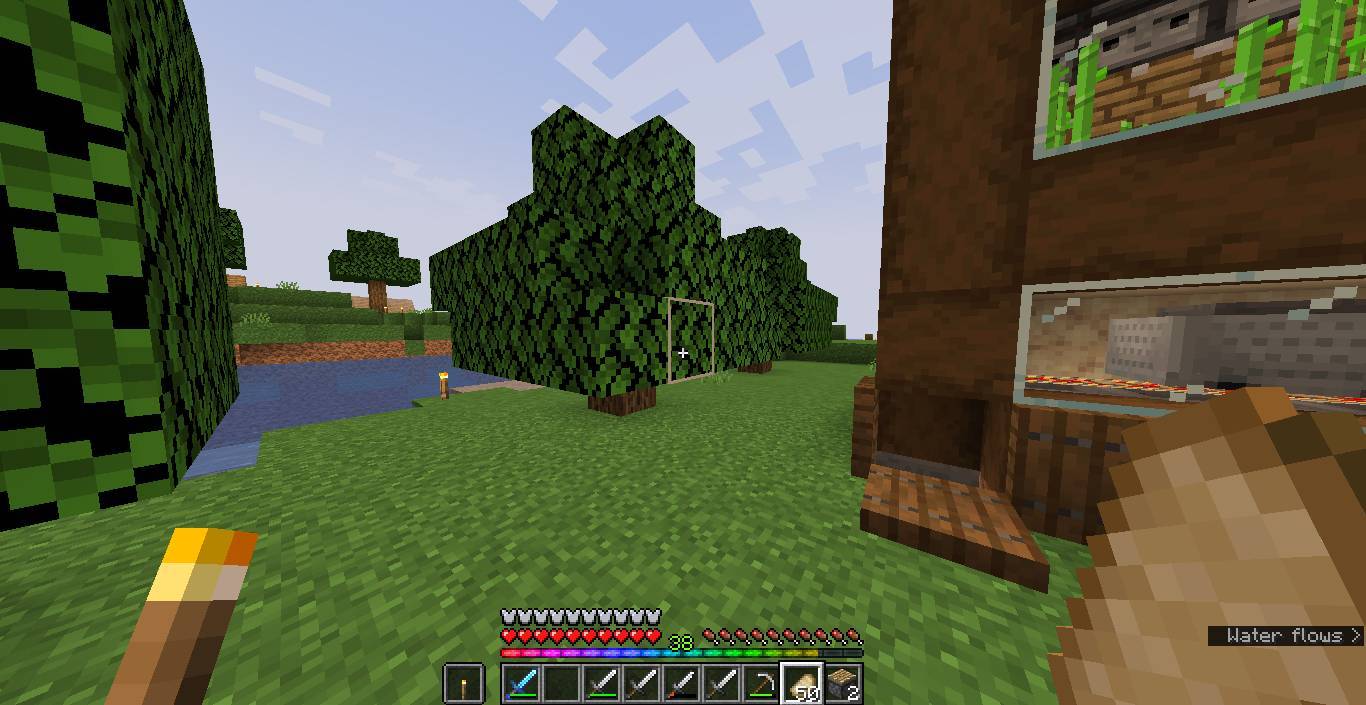
Warmer Warm Shader is a lightweight shader pack for Minecraft (OptiFine) that gently warms the game's colors while preserving the original vanilla aesthetic.

Unlike large shader packs that add shadows, bloom, reflections, or other post-processing effects, this shader focuses on a single goal: making the world feel just a little warmer and more comfortable without changing the gameplay experience or overall visual style.

Features

  • Lightweight and performance-friendly
  • Subtle warm color grading
  • Preserves the vanilla Minecraft look
  • No bloom, shadows, reflections, or other visual effects
  • Tested on Minecraft 1.14.4–1.21.11 (OptiFine)

If you're looking for a simple visual enhancement without the performance cost or dramatic changes of traditional shaders, Simple Warm Shader is a great choice.

The Warmer White Shader Team

 

warmer white shader.zip
MC 1.16.3, 1.17.1, 1.21, 1.16.1, 1.18.1, 1.14.3, 1.15, 1.16, 1.16.5, 1.19.3, 1.20.2, 1.19.4, 1.21.8, 1.14.4, 1.14.1, 1.17, 1.20.5, 1.21.5, 1.18, 1.21.4, 1.20.1, 1.20, OptiFine
Release 2026-07-02 Get

Requirements & install

How to use this shader in Minecraft
Shader loader
OptiFine
Minecraft
1.20 – 1.21.8
Install folder
.minecraft/shaderpacks

Install with OptiFine

  1. Install OptiFine for your Minecraft version (optifine.net) and start it once.
  2. Download the shader pack .zip (do not extract it).
  3. Put the .zip into .minecraft/shaderpacks.
  4. In game open Options → Video Settings → Shaders and select the pack.
Browse more: Iris shaders OptiFine shaders Shaders for 1.21.8 All shaders
Advertisement Remove ads with Premium →

You Might Also Like