please read.
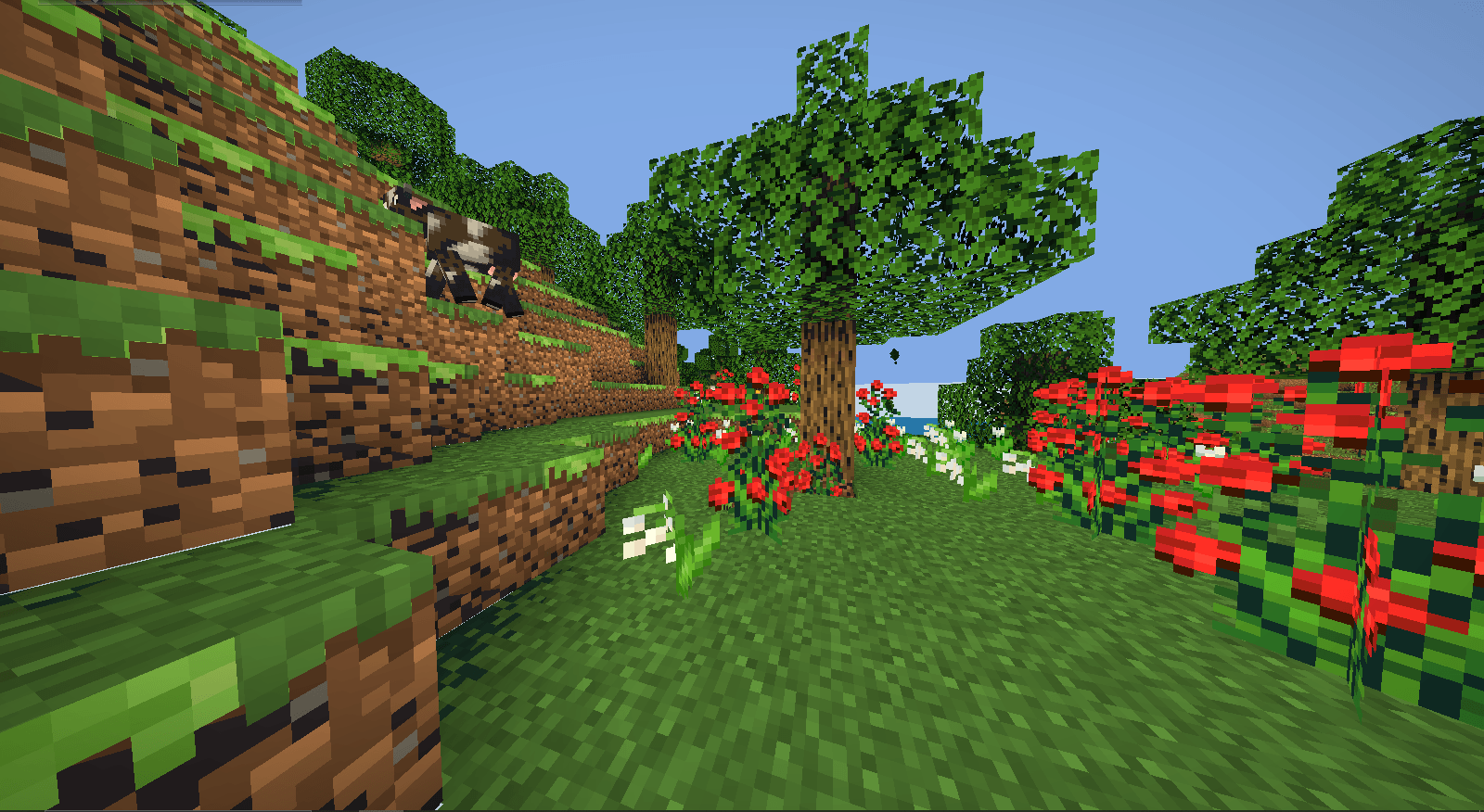
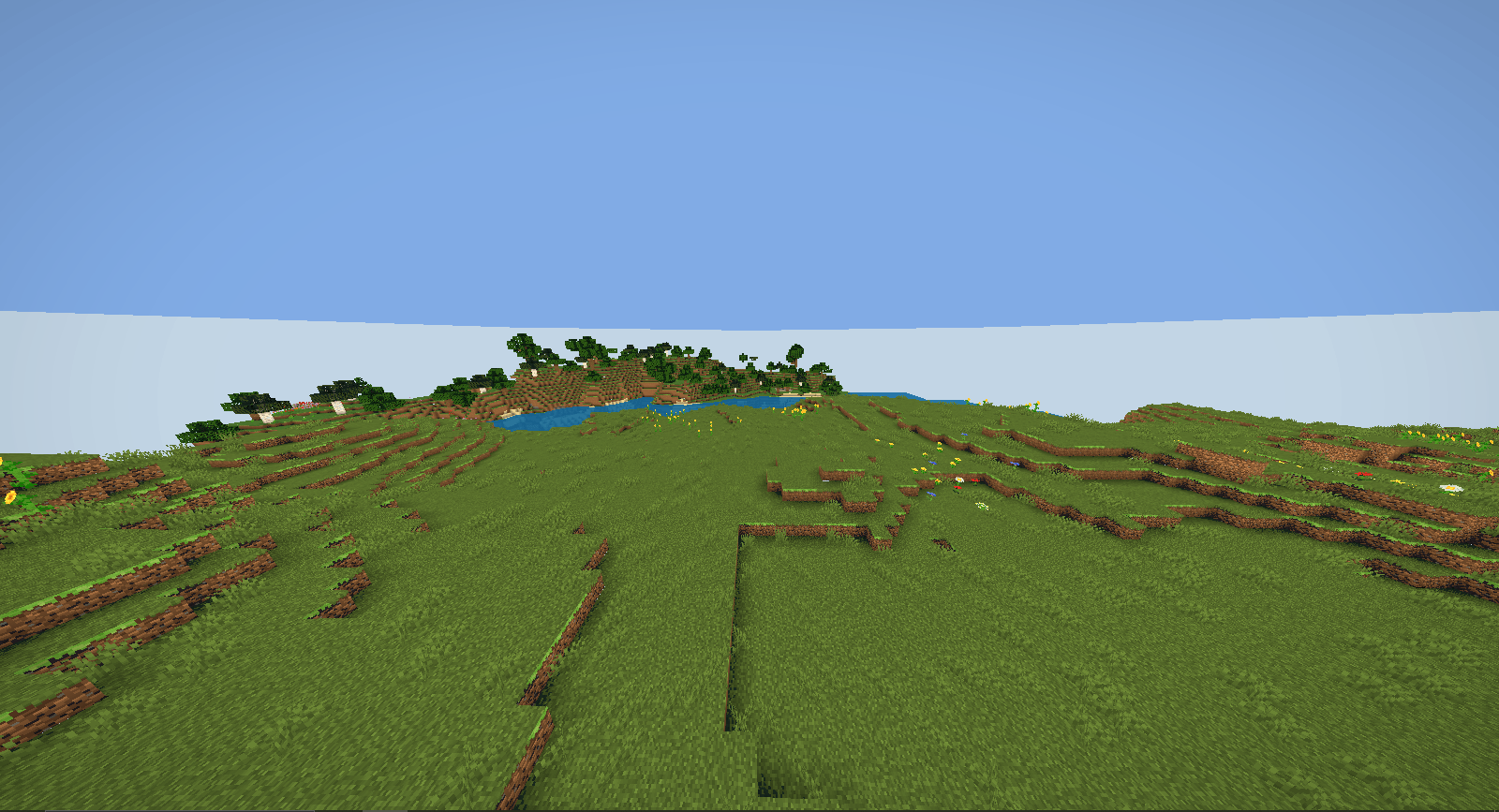
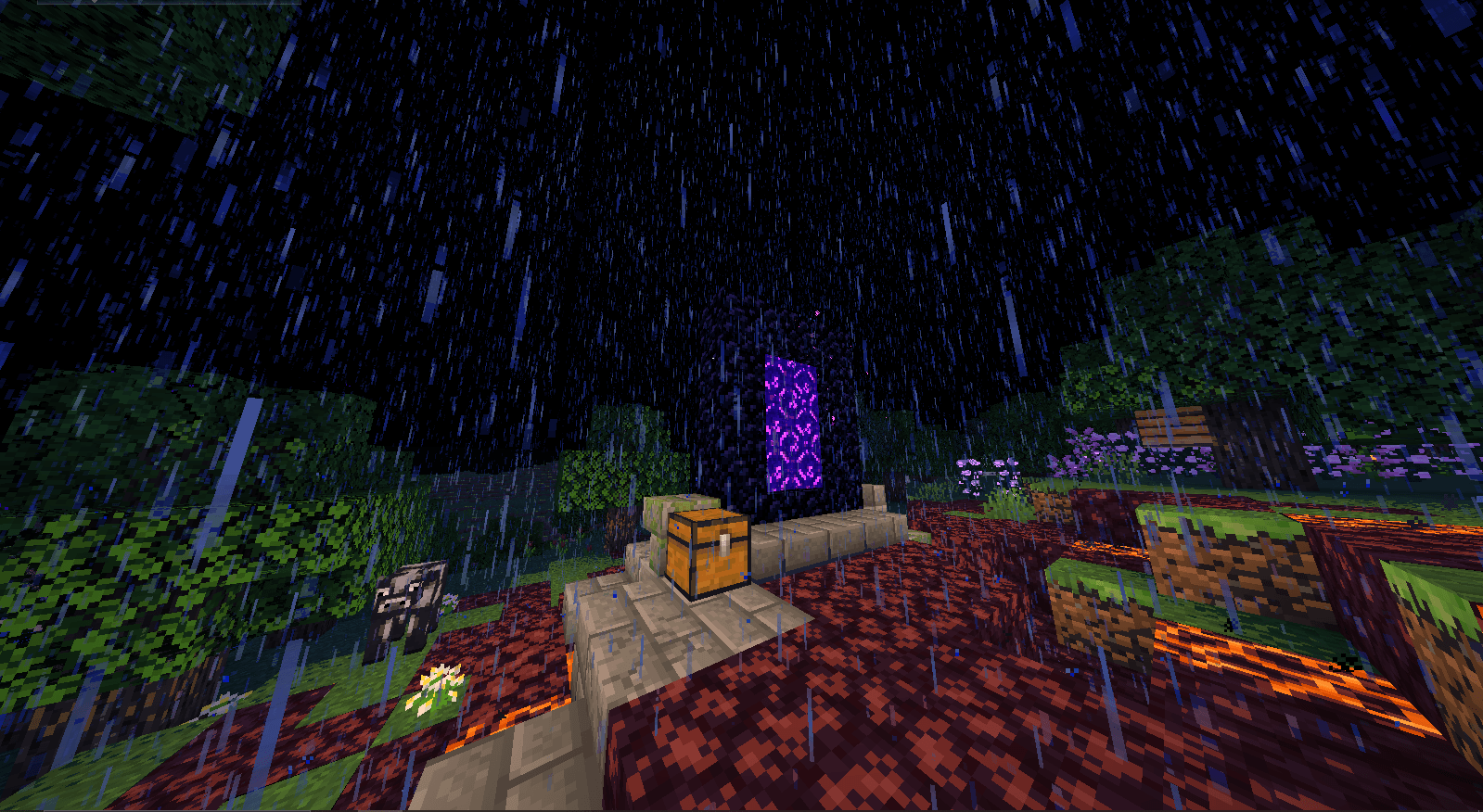
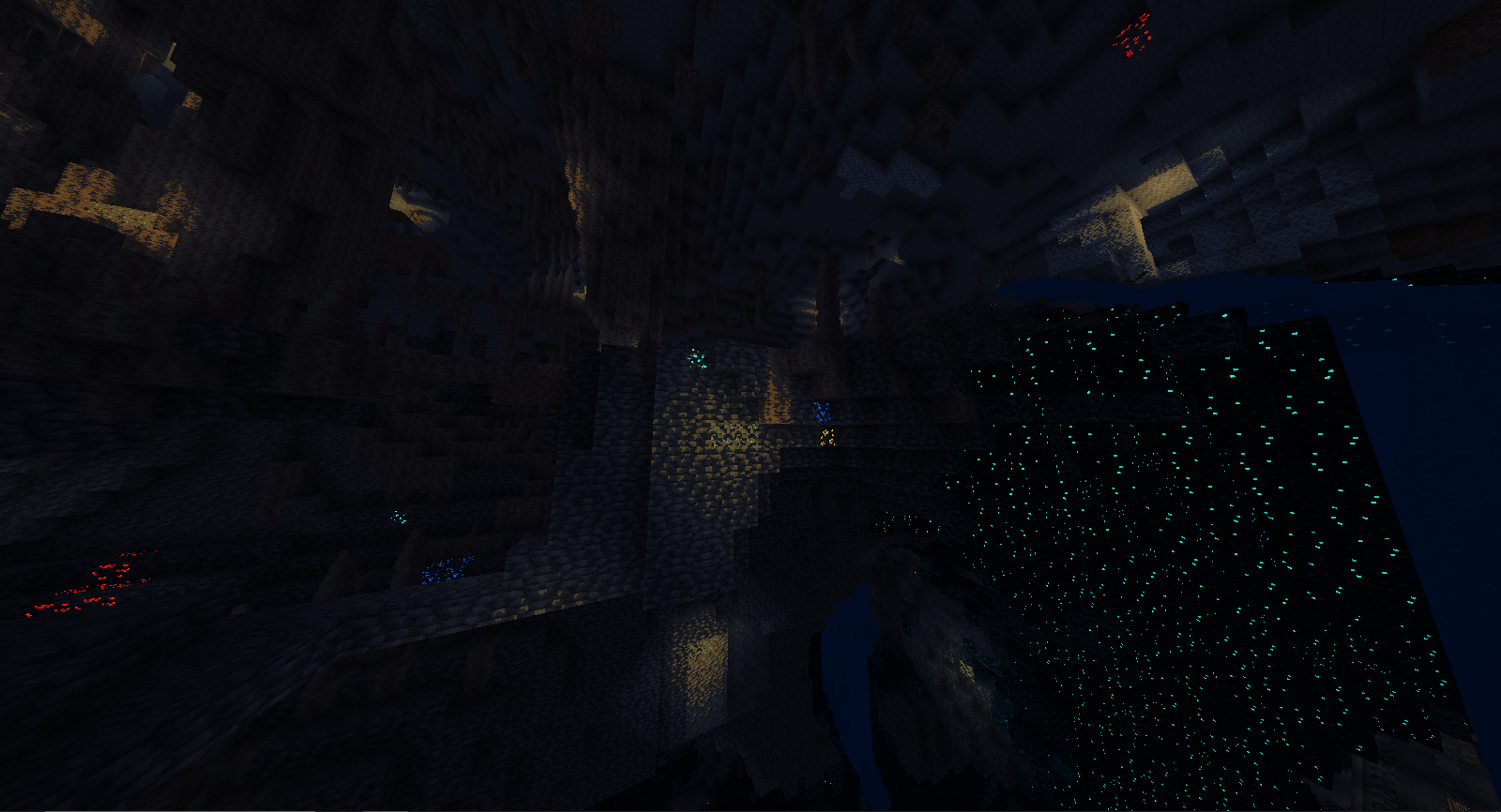
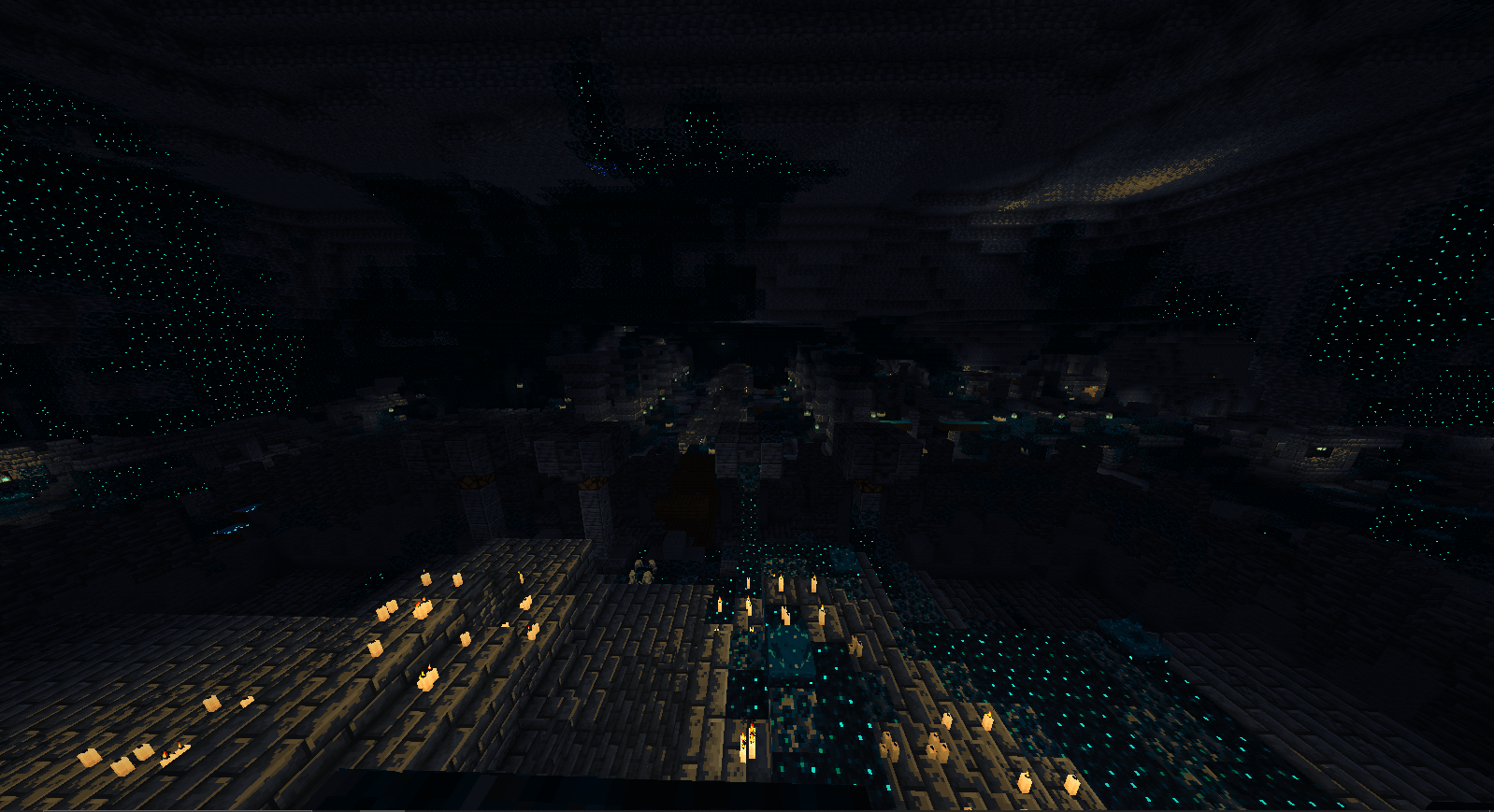
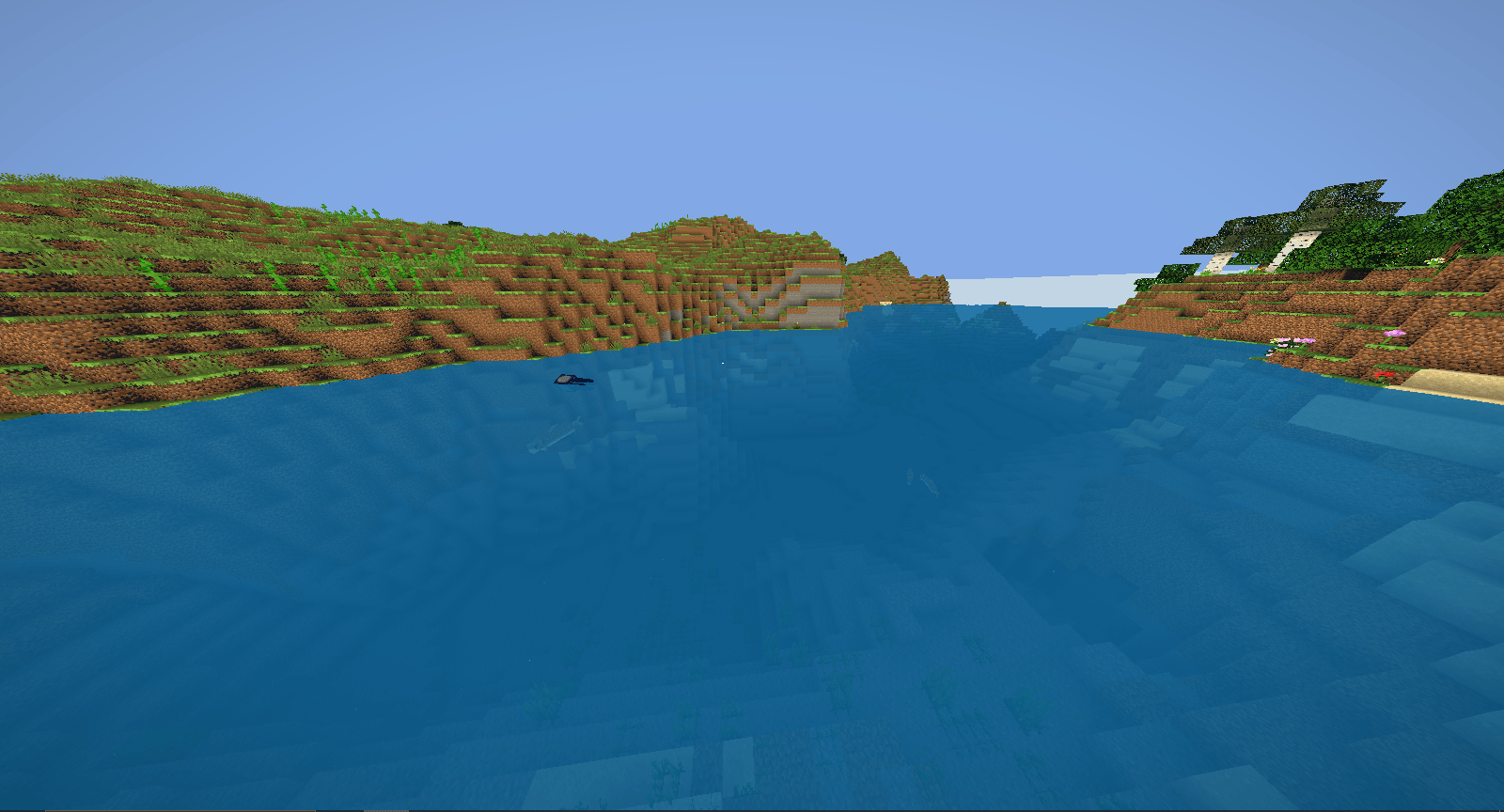
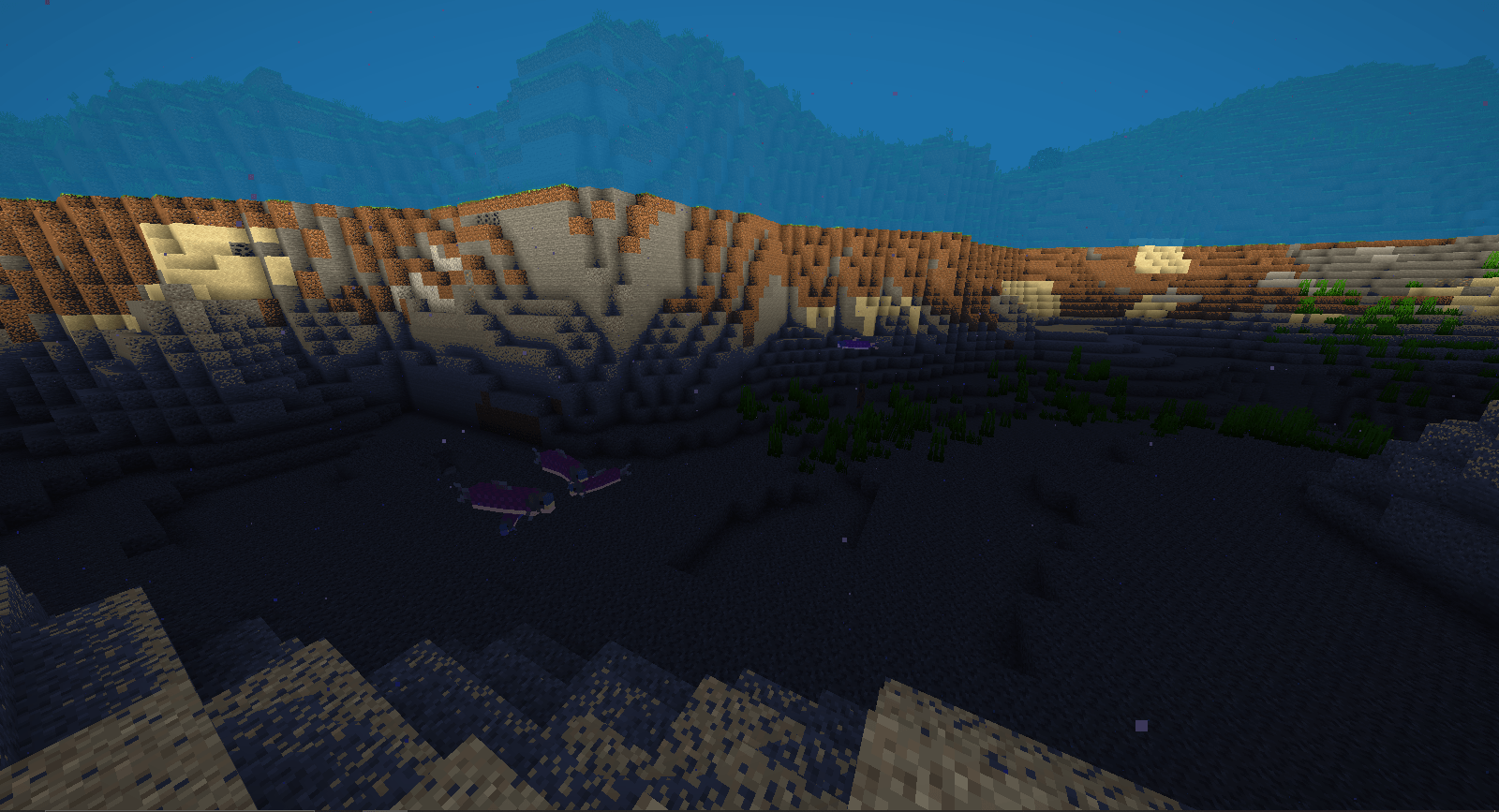
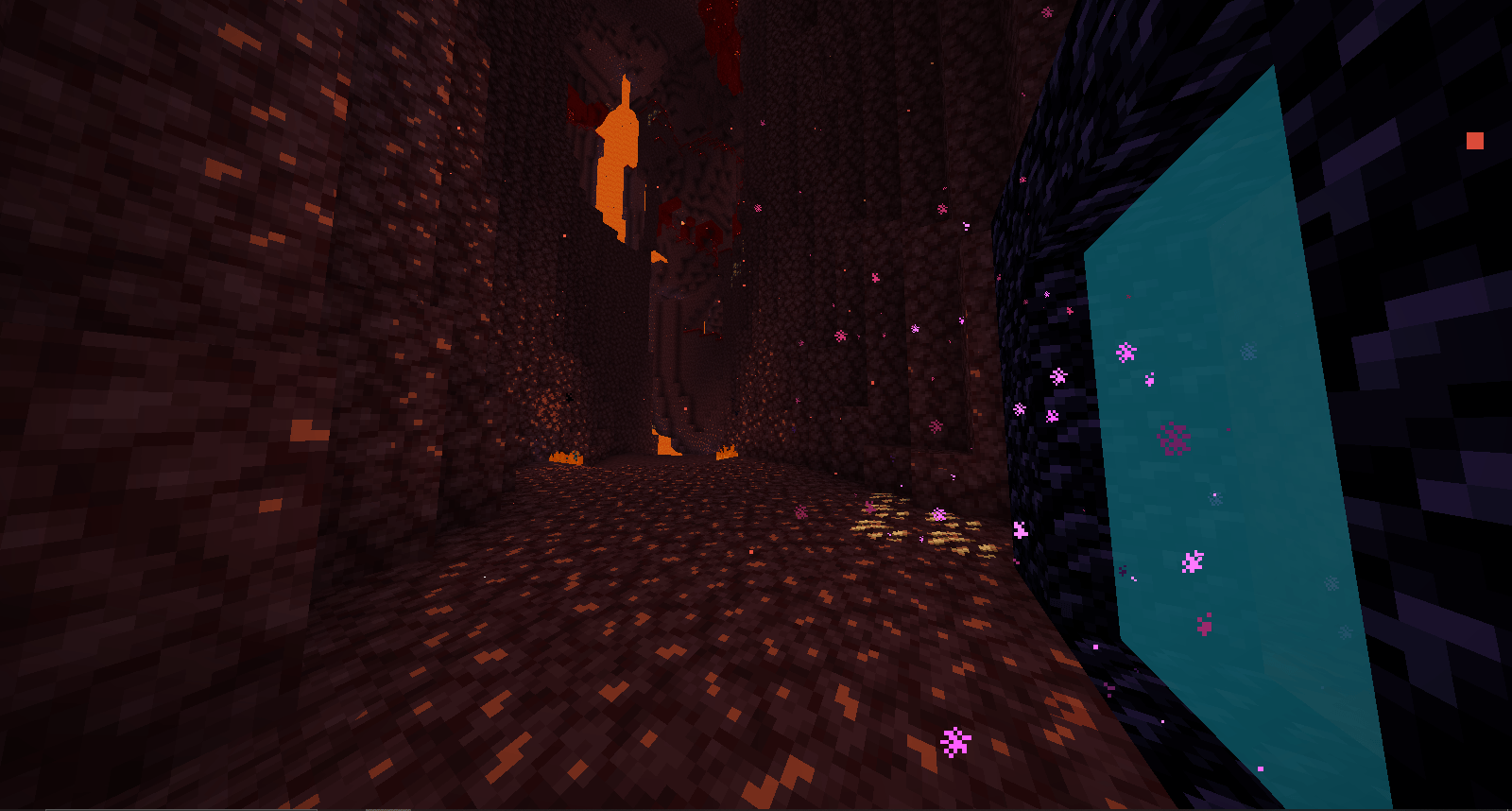
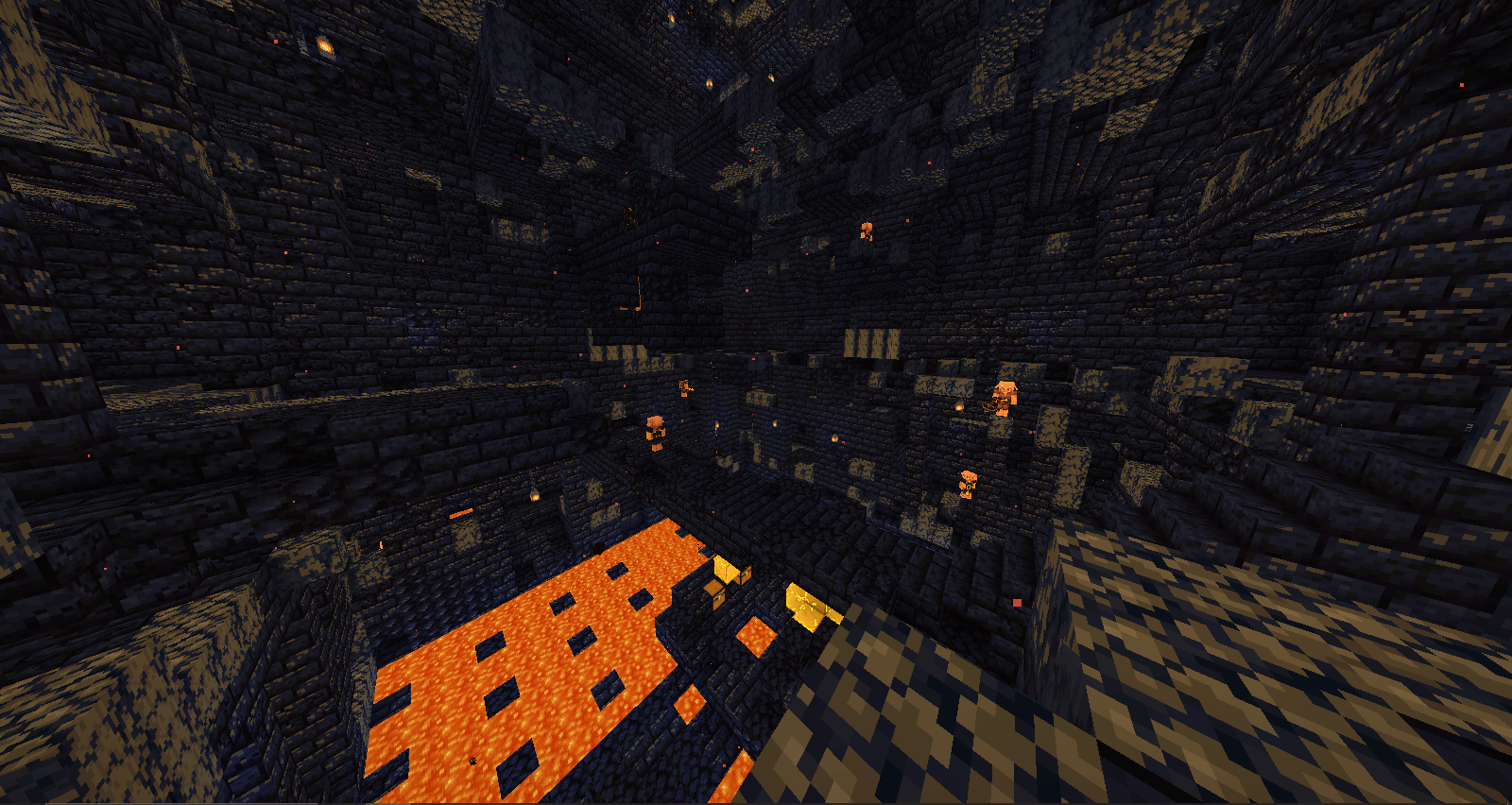
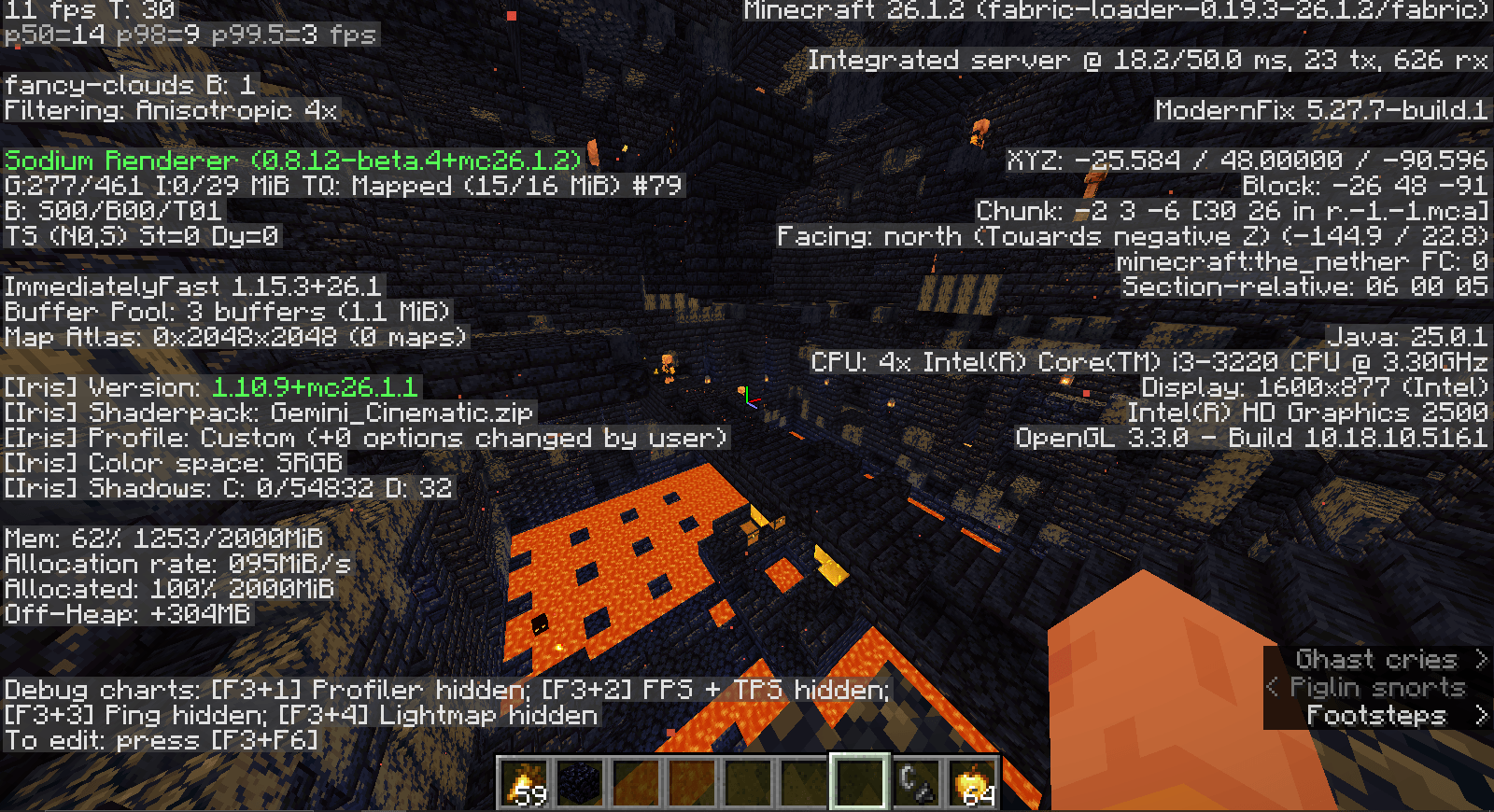
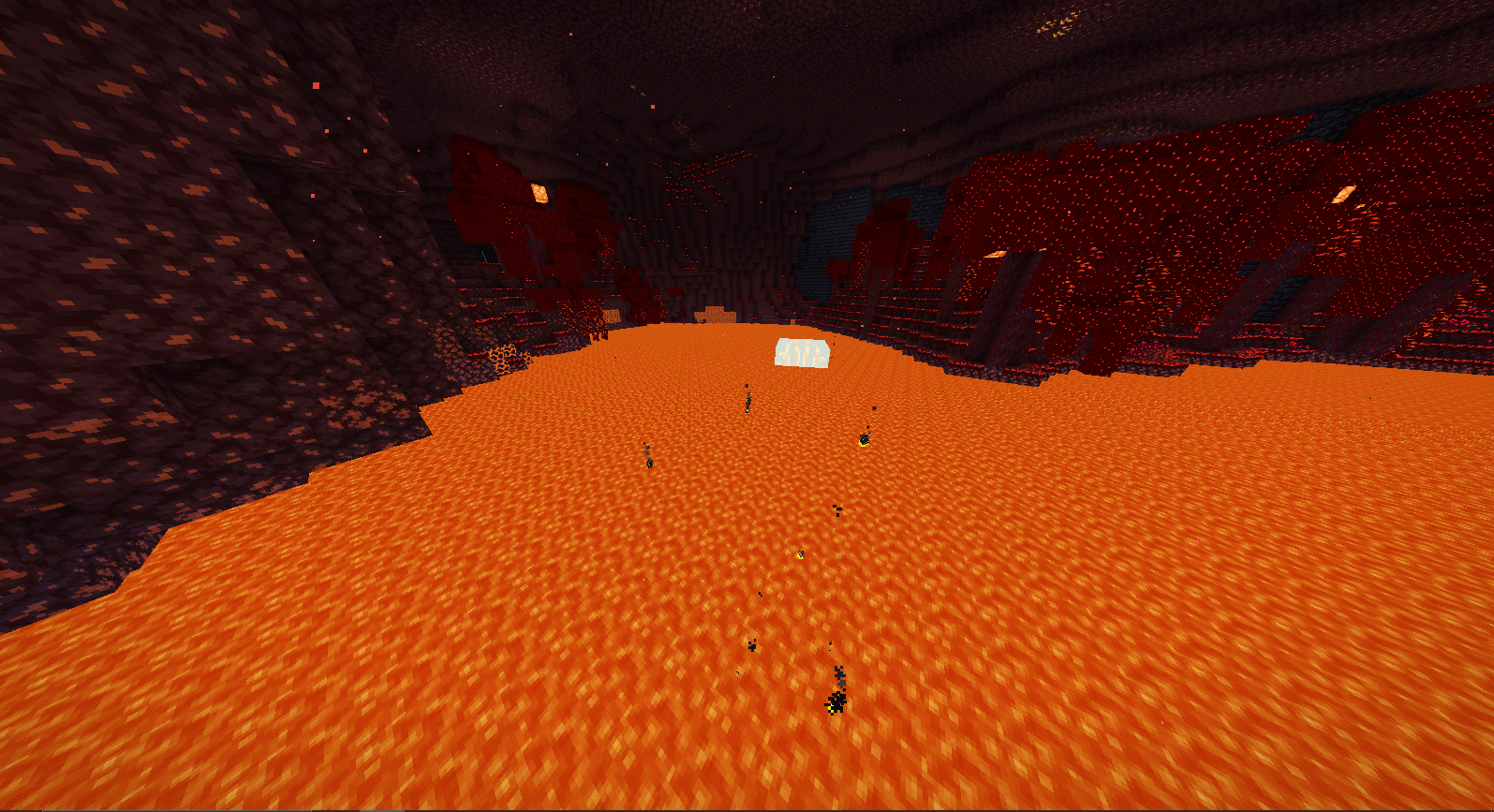
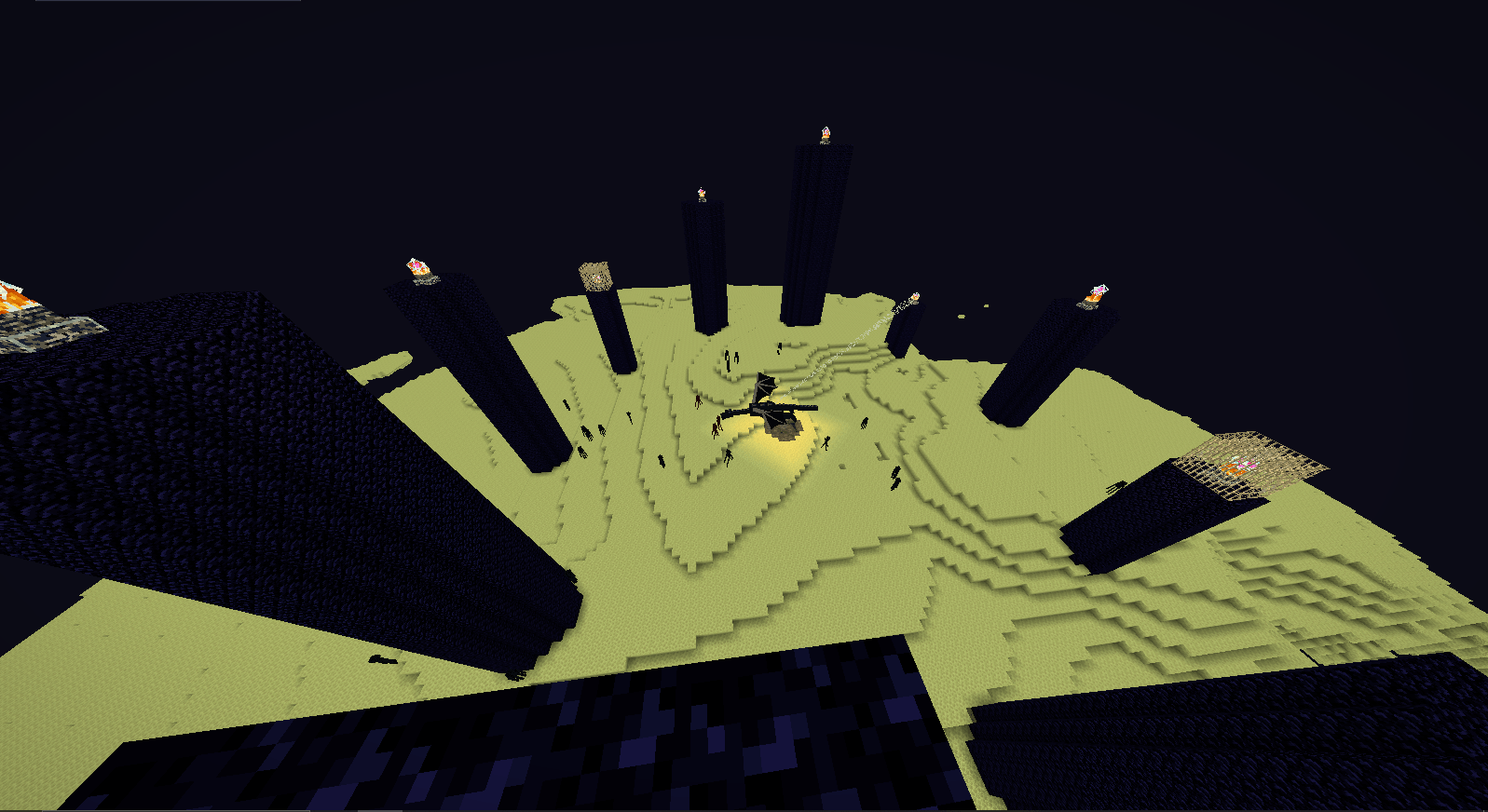
its a lightweight shader for a really really low spec setup, it has waving leaves, waving water, smooth lighting and water. nether and end lighting are good, the gemstone ores glow like redstone, diamond, lapis, gold. nothing else cause i made not using bloc id but color, so you will see anything thats colored like those gemstone ill glow... you will see also there is a white wall type thing all around, thats a problem too, i tried to do something but didnt go well...... the underwater is clearly seeable but not too far, it has shadows too...... you might also find that endermen and spiders dont have eyes, the texture is glitched a little, tried to fix that too but it got worse, but alway remember to not look at endermen. and the grass is wavy too so the problem is its edges leak light and when it waves its tore so you can see through them at the corener... no fancy cloud or sun light.. and you can see under lava... im not a modder or coder. but i hope you enjoy it... if you happen to be a coder, there is no problem fixing it..... i wil try to leave the codes..... i made it because of my own set up cause it really too dead end potato pc.. and its fully made by gemini... so if you can try to help me out.... thanks for checking.....
composite.fsh:
#version 120 uniform sampler2D colortex0; varying vec2 texcoord;
void main() { vec4 color = texture2D(colortex0, texcoord); float lum = dot(color.rgb, vec3(0.299, 0.587, 0.114));
// 1. Kill the White Horizon Wall
if (color.r > 0.90 && color.g > 0.90 && color.b > 0.90 && texcoord.y > 0.35) {
    color.rgb = mix(color.rgb, vec3(0.55, 0.70, 0.90), 0.45);
}

// 2. Enchantment Magic Glint Hack (Detects purple/blue magic and makes it shine)
if (color.b > 0.55 && color.r > 0.40 && color.g < 0.35) {
    color.rgb *= 1.8;
    color.b += 0.2;
}

// 3. Day vs Night Color Grading
if (lum < 0.22) {
    color.rgb *= vec3(0.55, 0.68, 1.05); // Dark atmospheric nights
} else {
    color.r *= 1.10;
    color.g *= 1.04;
    color.b *= 0.90; // Warm cinematic days
}

// 4. Soft Contrast Curve
color.rgb = pow(color.rgb, vec3(1.04));

// 5. Smooth Cinematic Vignette
float dist = distance(texcoord, vec2(0.5, 0.5));
float vignette = smoothstep(0.88, 0.35, dist);
color.rgb *= mix(0.78, 1.0, vignette);

gl_FragColor = clamp(color, 0.0, 1.0);
}
composite.vsh:
#version 120 varying vec2 texcoord;
void main() { gl_Position = ftransform(); texcoord = gl_MultiTexCoord0.st; }
gbuffers_terrain.fsh:
#version 120 uniform sampler2D texture; uniform sampler2D lightmap; varying vec2 texcoord; varying vec2 lmcoord; varying vec4 glcolor;
void main() { vec4 texColor = texture2D(texture, texcoord); vec4 color = texColor * glcolor; vec4 light = texture2D(lightmap, lmcoord);
vec3 finalColor = color.rgb * light.rgb;

// STRICT GEMSTONE DETECTION
// We removed Iron, Quartz, Coal, and Debris to stop Endstone, Diorite, and Trees from glowing.

bool isDiamond = (texColor.b > 0.65 && texColor.g > 0.50 && texColor.r < 0.20);
bool isEmerald = (texColor.g > 0.65 && texColor.r < 0.15 && texColor.b < 0.20);
bool isRedstne = (texColor.r > 0.65 && texColor.g < 0.15 && texColor.b < 0.15);
bool isLapis   = (texColor.b > 0.60 && texColor.r < 0.20 && texColor.g < 0.35);

// The "texColor.b < 0.15" strictly protects Endstone from glowing like a flashbang
bool isGold    = (texColor.r > 0.70 && texColor.g > 0.60 && texColor.b < 0.15);

// Apply glow ONLY if it perfectly matches a saturated gem
if (isDiamond || isEmerald || isRedstne || isGold || isLapis) {
    // max() ensures it glows brightly in caves, but doesn't blow out to blinding white on the surface
    finalColor = max(finalColor, texColor.rgb * 1.15);
}

gl_FragColor = vec4(finalColor, color.a);
}
gbuffers_terrain.vsh:
#version 120 varying vec2 texcoord; varying vec2 lmcoord; varying vec4 glcolor; uniform float frameTimeCounter;
void main() { vec4 position = gl_Vertex;
// Strict green check so only leaves and grass wave
bool isTrueLeaf = (gl_Color.g > gl_Color.r * 1.30) && (gl_Color.g > gl_Color.b * 1.20) && (gl_Color.g > 0.30);

if (isTrueLeaf) {
    float wave = sin(frameTimeCounter * 1.8 + position.x * 1.2 + position.z * 1.2) * 0.025;
    position.x += wave;
    position.z += wave * 0.5;
}

gl_Position = gl_ModelViewProjectionMatrix * position;
texcoord = (gl_TextureMatrix[0] * gl_MultiTexCoord0).xy;
lmcoord  = (gl_TextureMatrix[1] * gl_MultiTexCoord1).xy;
glcolor  = gl_Color;
}
gbuffers_water.fsh:
#version 120 uniform sampler2D texture; uniform sampler2D lightmap; varying vec2 texcoord; varying vec2 lmcoord; varying vec4 glcolor;
void main() { vec4 texColor = texture2D(texture, texcoord); vec4 light = texture2D(lightmap, lmcoord); vec4 color = texColor * glcolor;
// Detect Water: Vanilla water has a biome tint (glcolor), glass and ice do not.
bool isWater = (glcolor.r < 0.99 || glcolor.g < 0.99 || glcolor.b < 0.99);

if (isWater) {
    // 100% erase the pixelated vanilla texture and use a pure, smooth cinematic color
    color.rgb = vec3(0.05, 0.40, 0.70);

    // Give it a smooth, perfectly even transparency
    color.a = 0.85;
}

// Apply shadows and lighting (so water still gets dark in caves)
color.rgb *= light.rgb;

gl_FragColor = color;
}
gbuffers_water.vsh:
#version 120 varying vec2 texcoord; varying vec2 lmcoord; varying vec4 glcolor; uniform float frameTimeCounter;
void main() { vec4 position = gl_Vertex;
// Subtle physical water wave
float wave = sin(frameTimeCounter * 2.2 + position.x * 1.8 + position.z * 1.8) * 0.03;
position.y += wave;

gl_Position = gl_ModelViewProjectionMatrix * position;
texcoord = (gl_TextureMatrix[0] * gl_MultiTexCoord0).xy;
lmcoord  = (gl_TextureMatrix[1] * gl_MultiTexCoord1).xy;
glcolor  = gl_Color;
}
if you want to help me you can... thanks