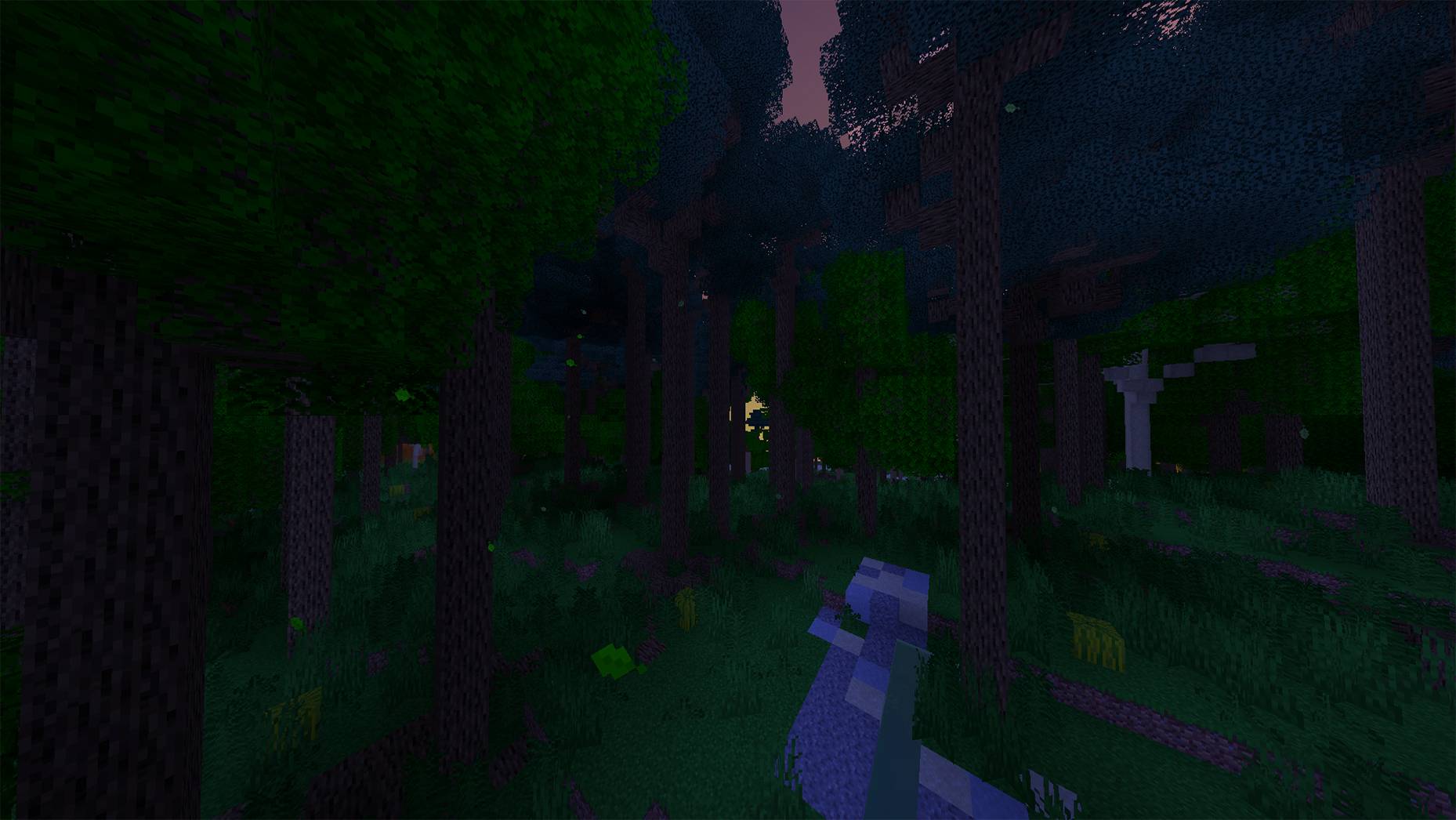
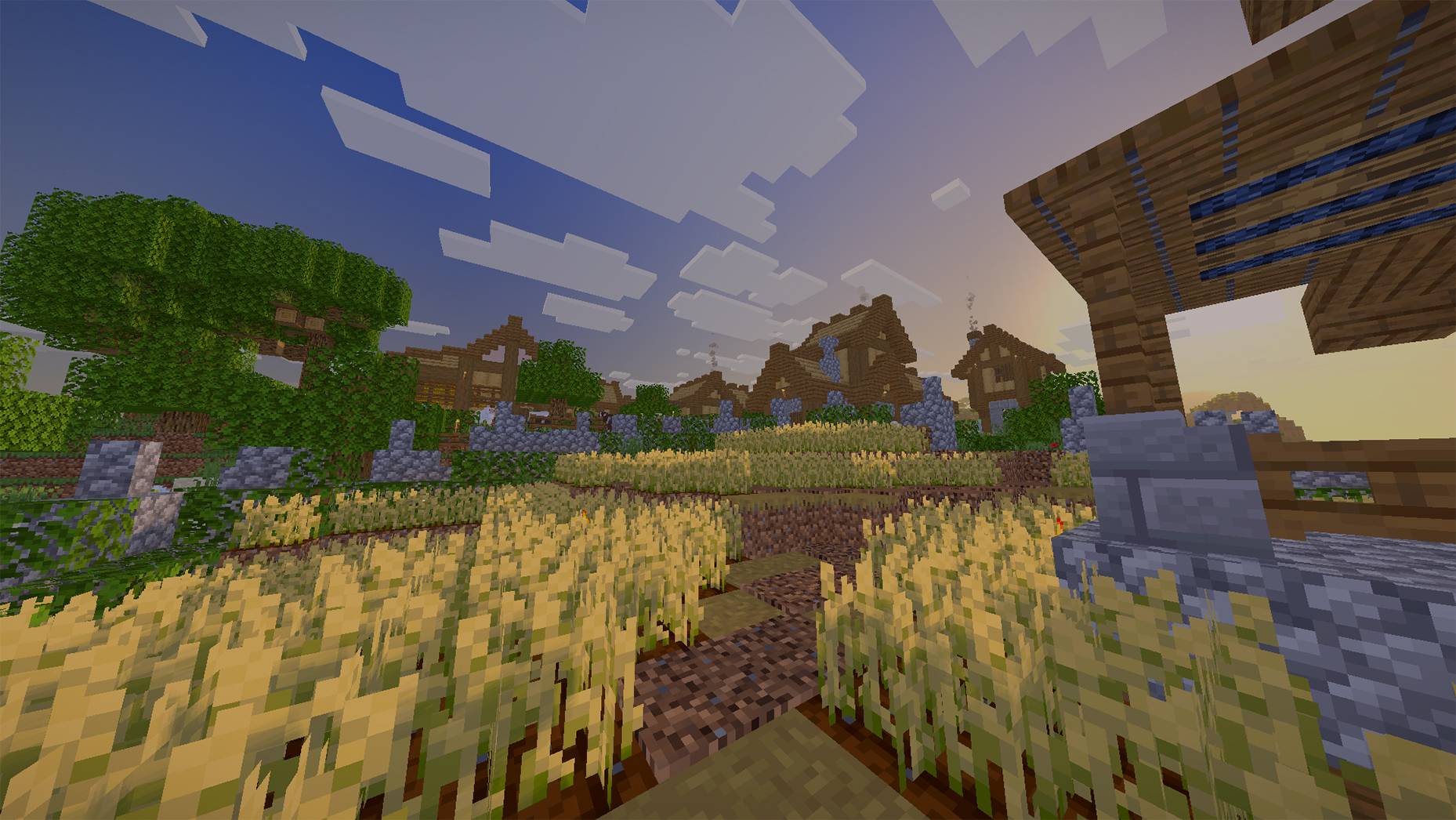
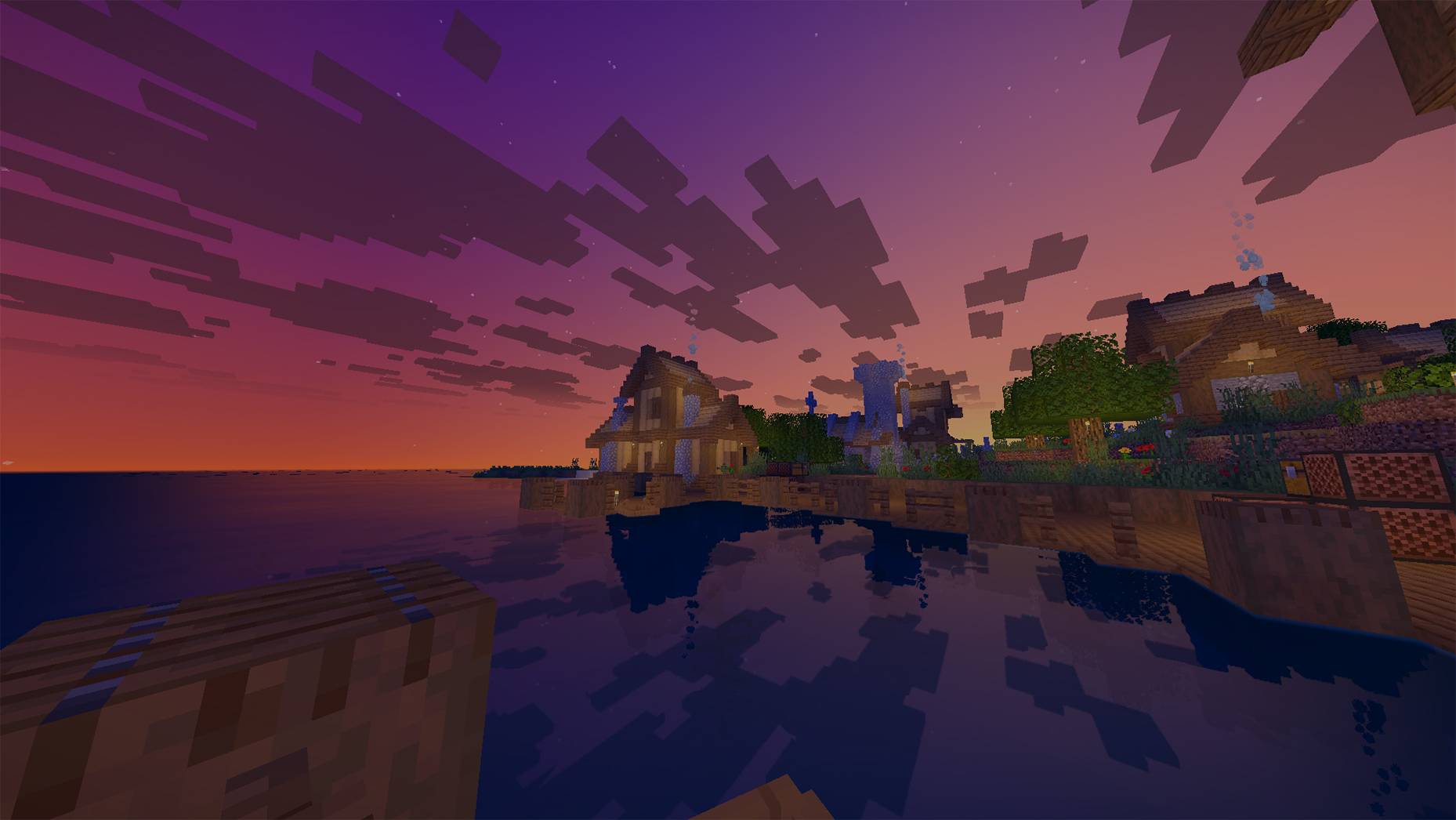
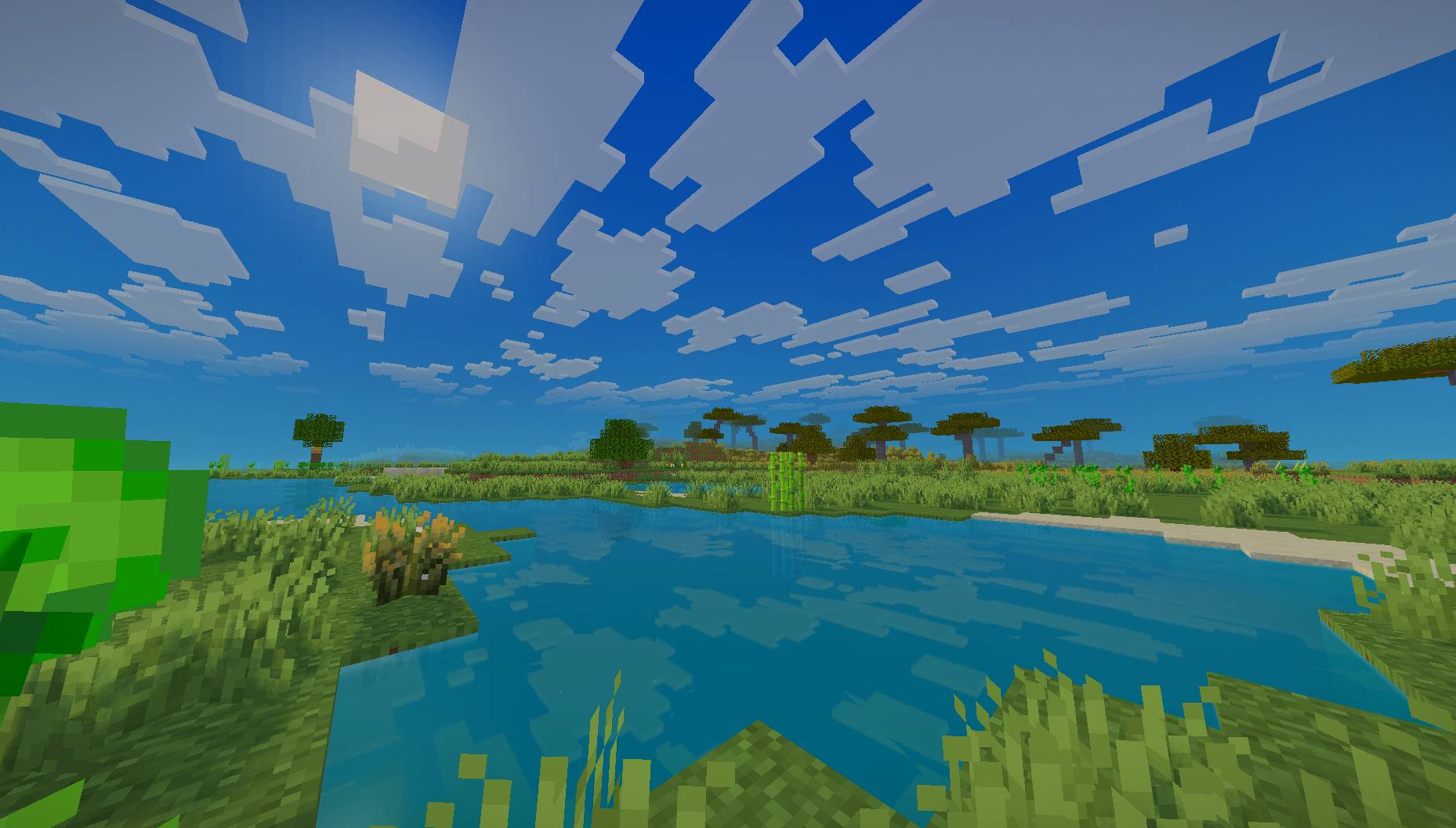
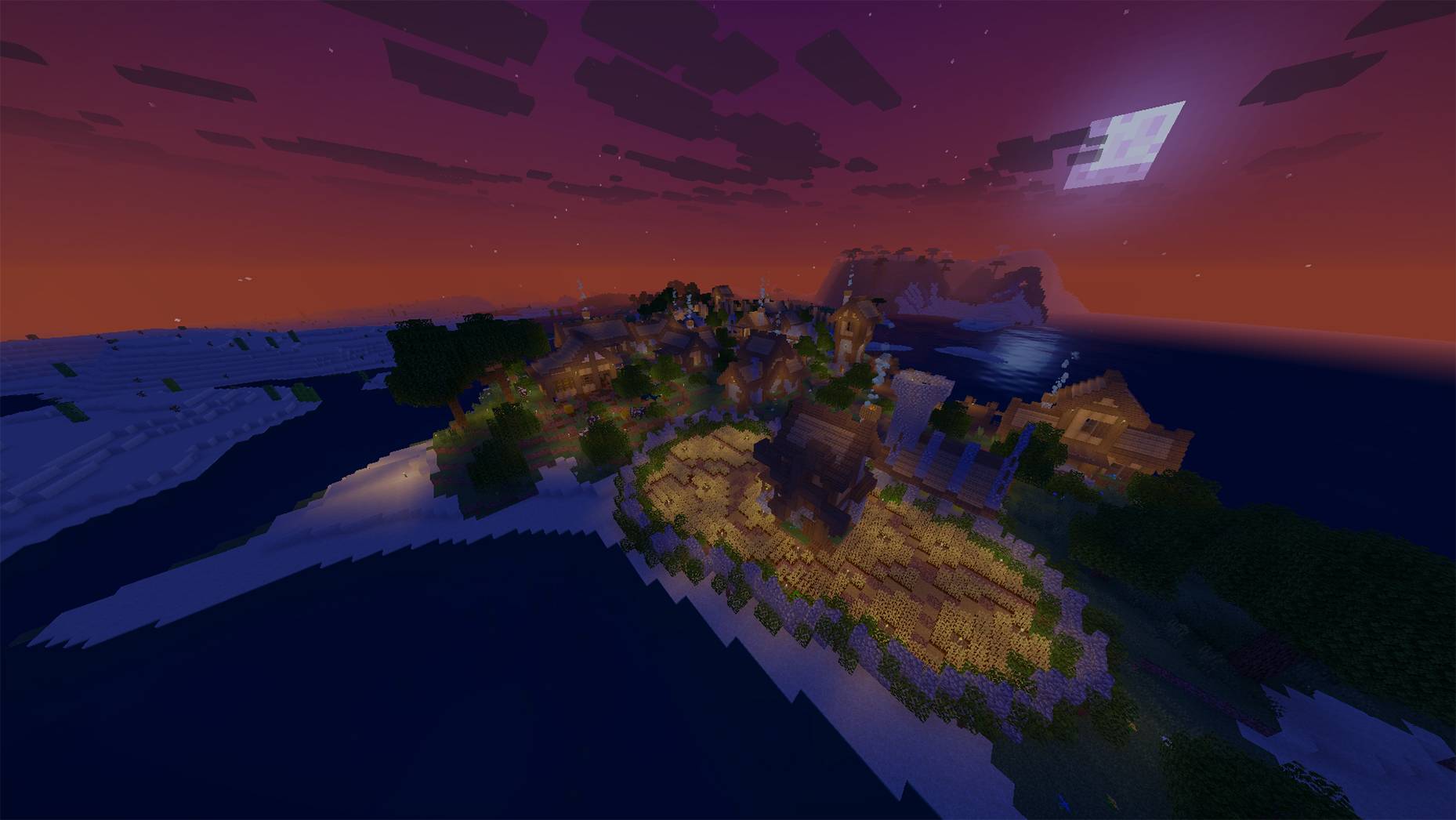
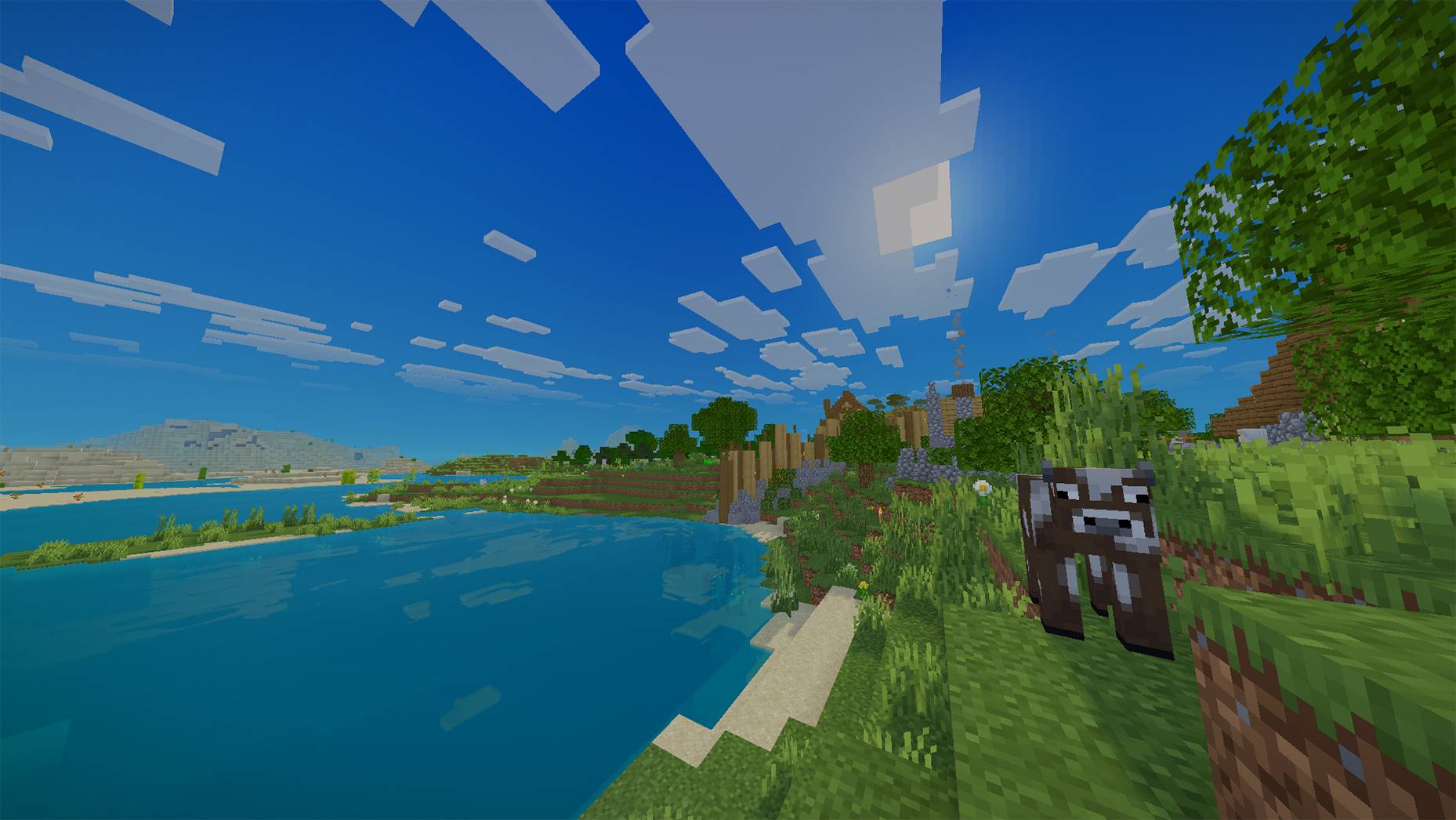
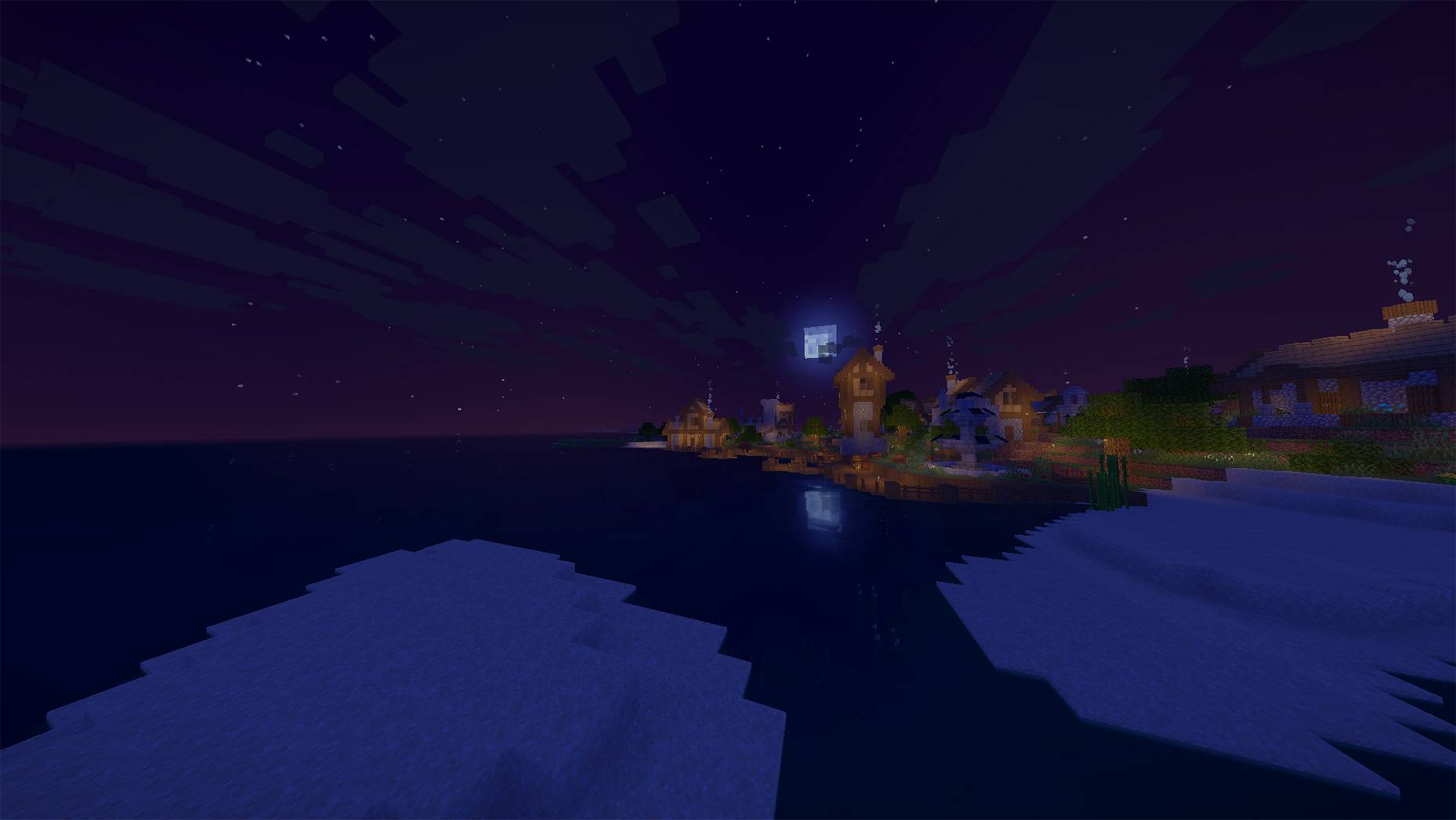
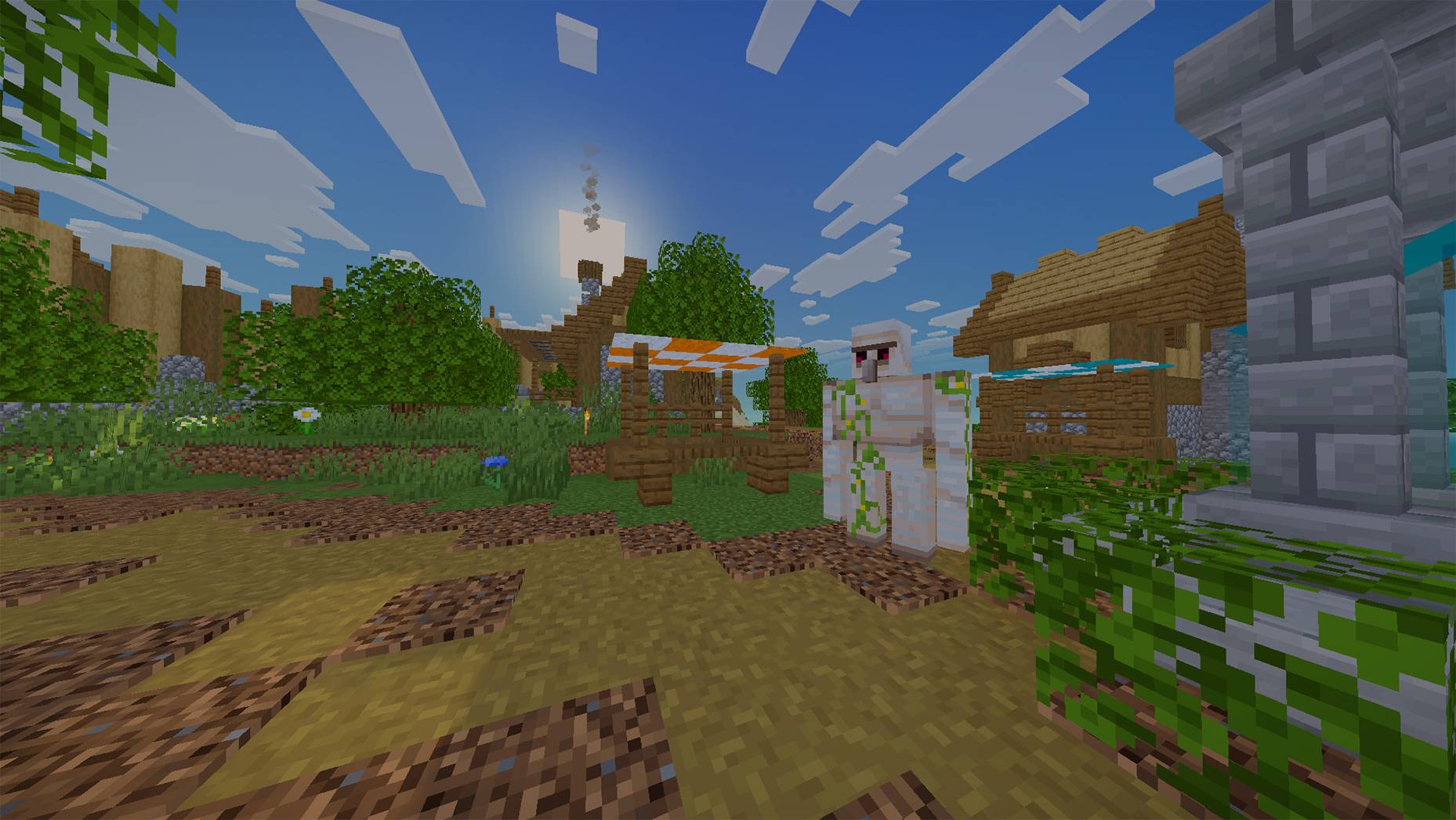
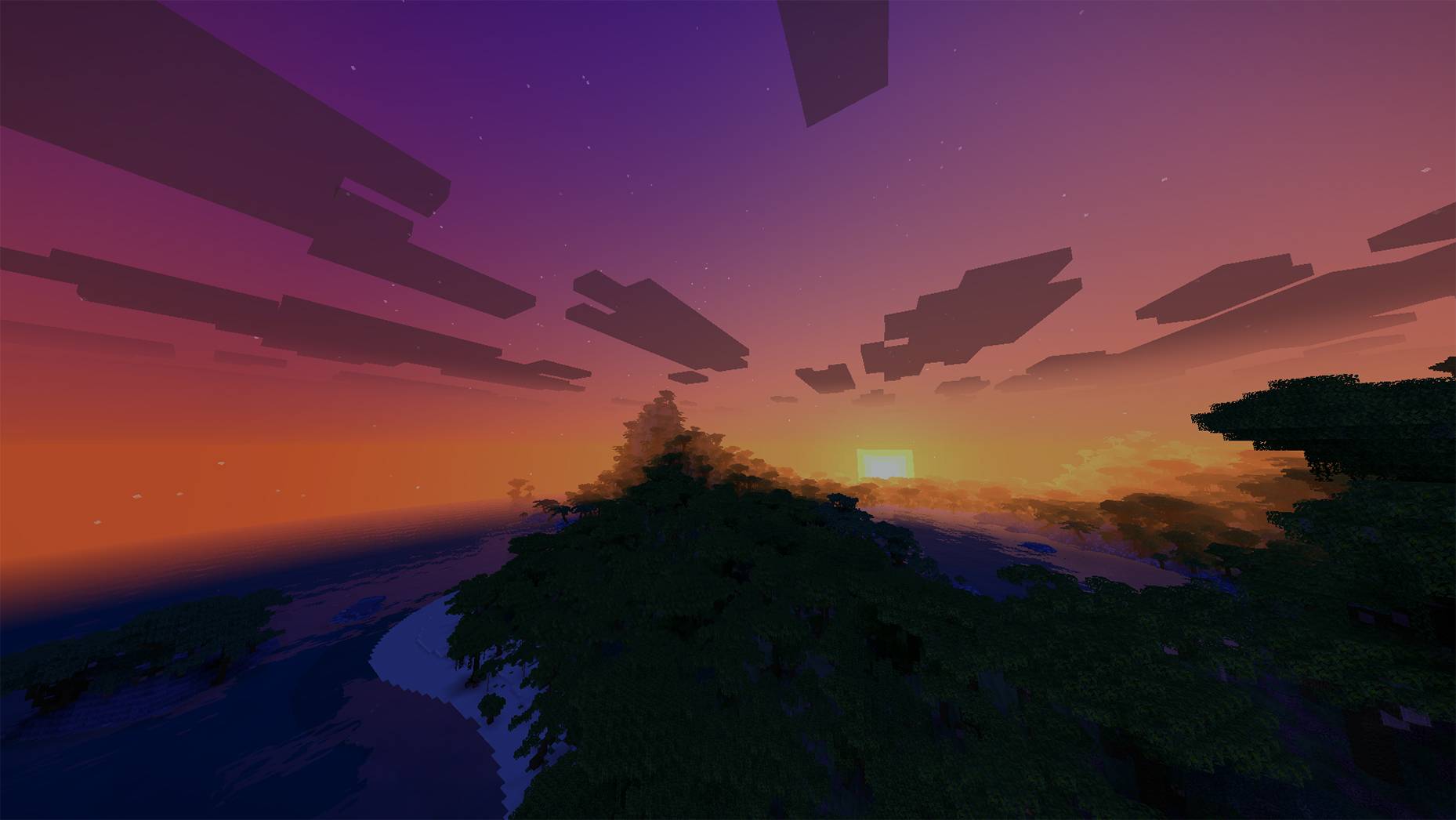
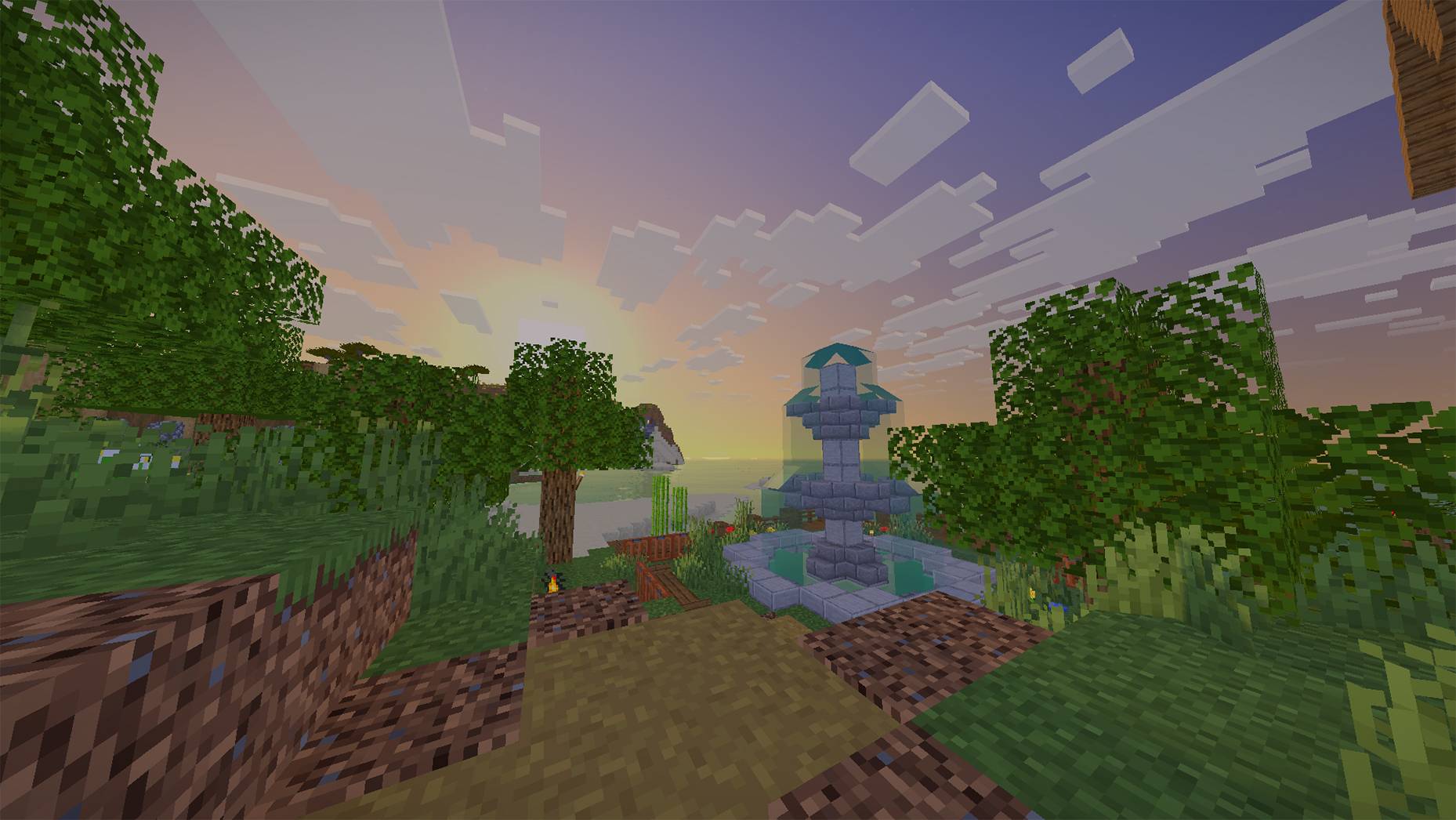
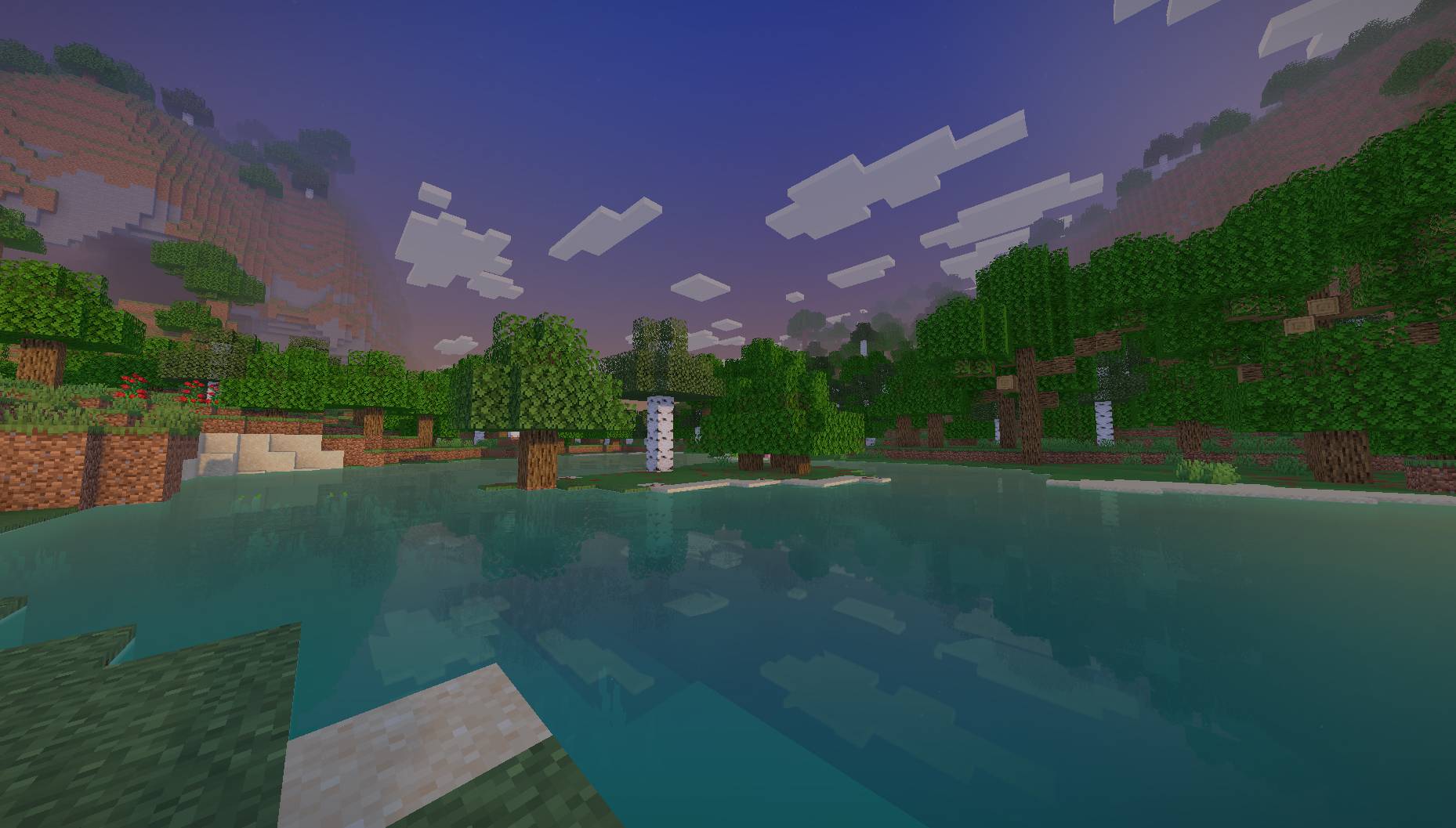
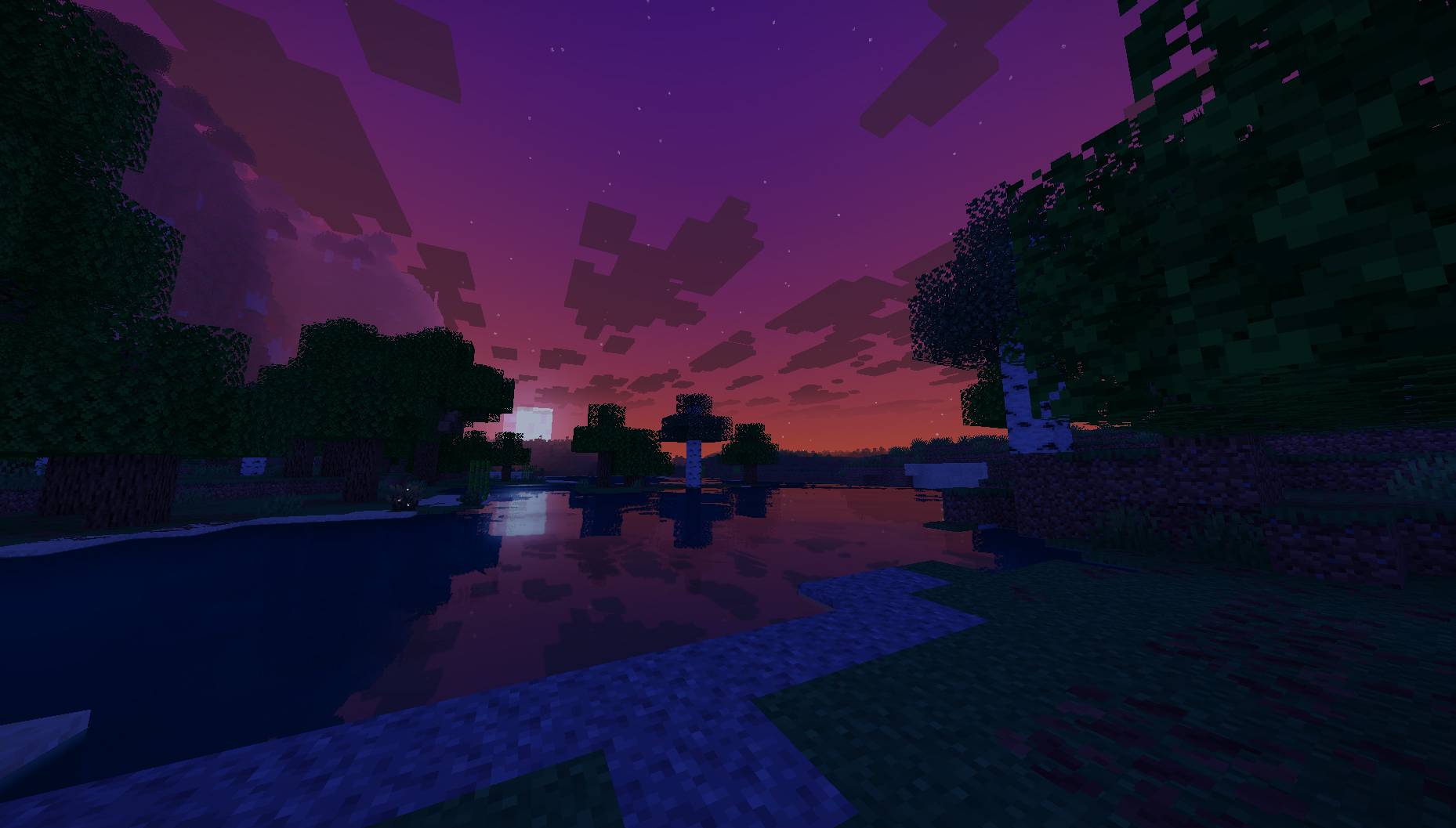
VanillAqua Reflections upgrades Minecraft's visuals with a primary focus on realistic, attractive water rendering while preserving the original vanilla aesthetic and maintaining smooth performance.

Reflection Improvements: Fixed visual bugs and inconsistency issues with water reflections.
Rainy Day Lighting: Fixed an issue where daytime rain made the world look completely dark like night.
Mob Lighting: Fixed lighting glitches on mobs to ensure proper visibility in all conditions.

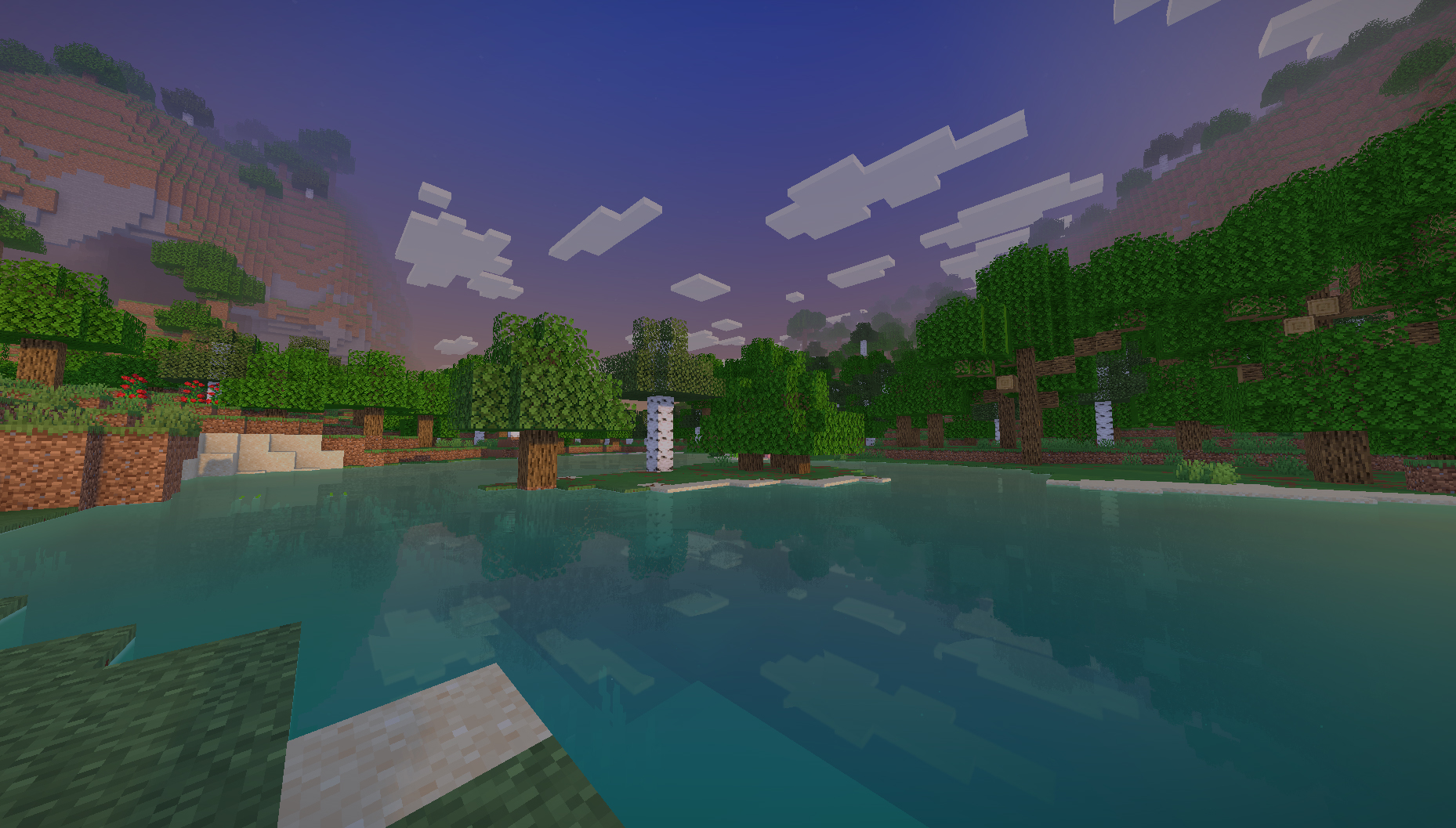
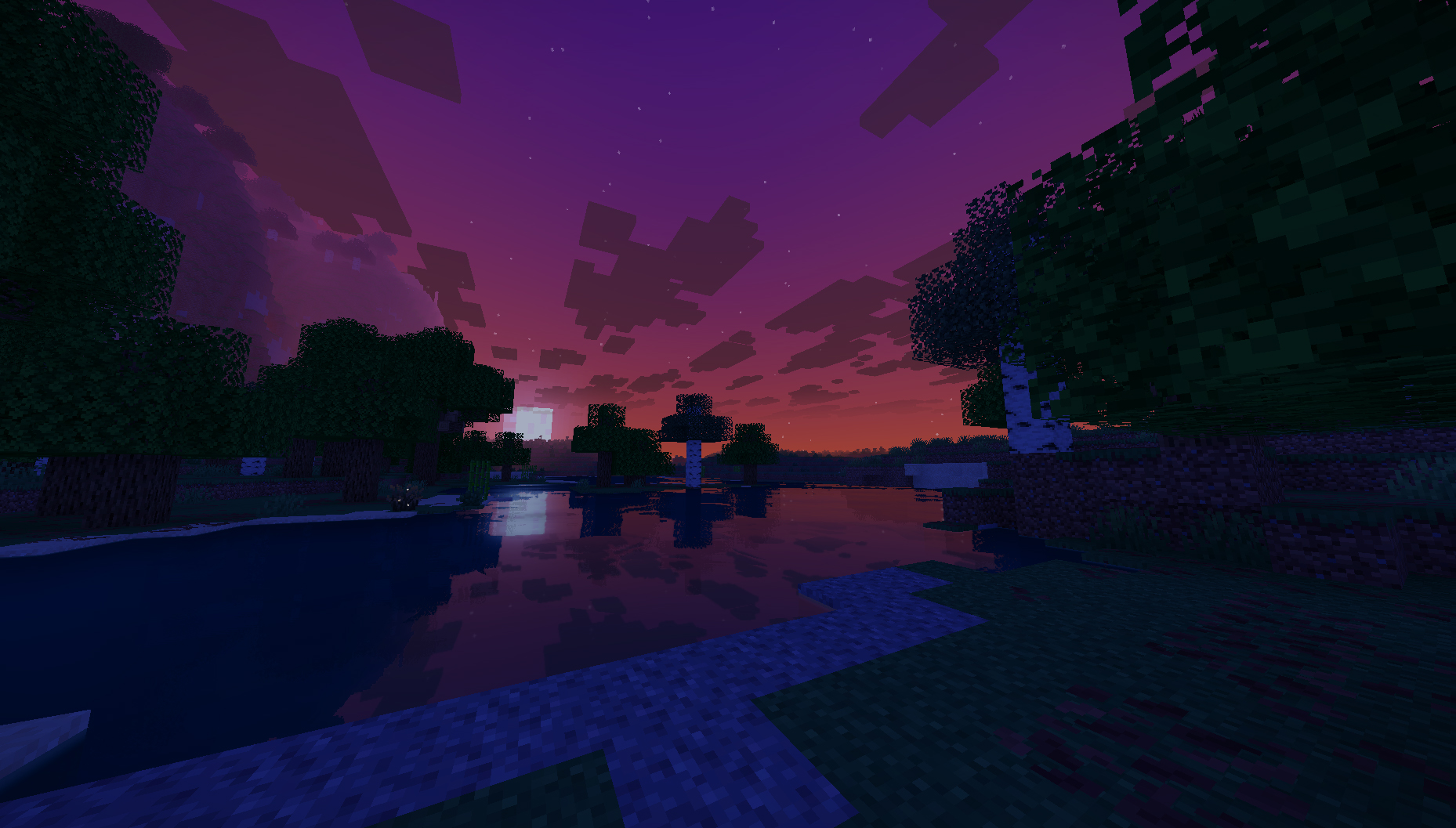
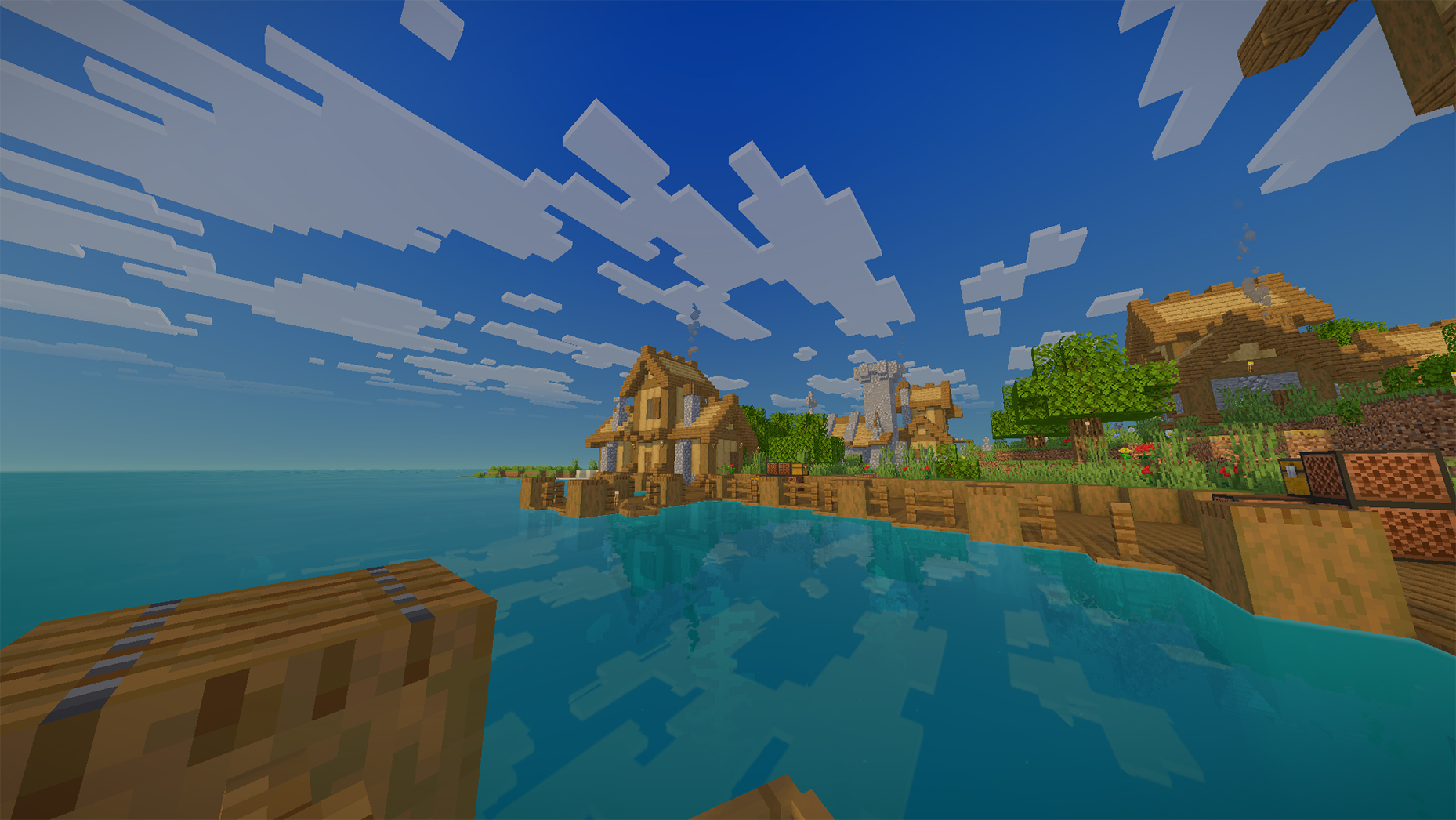
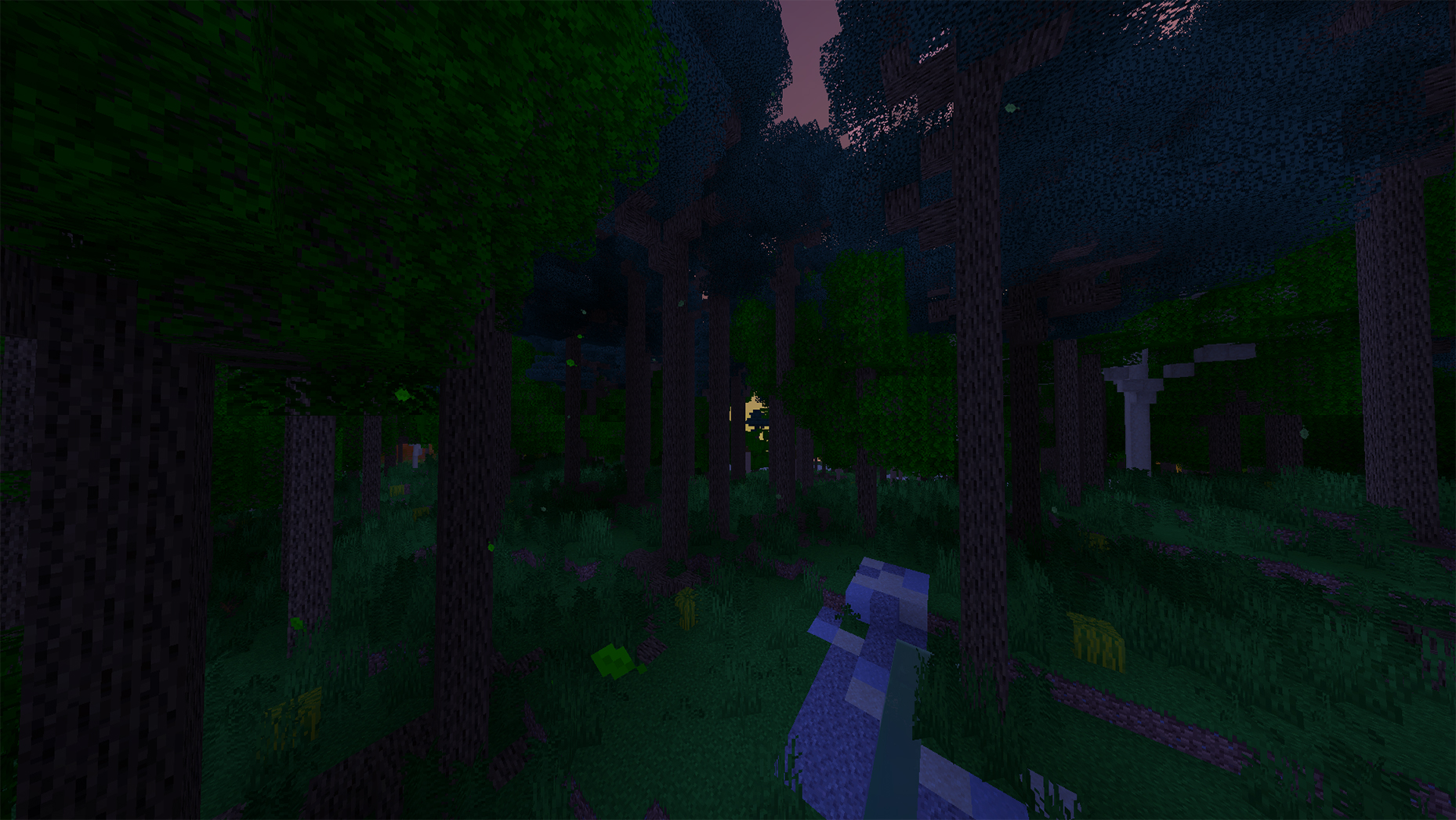
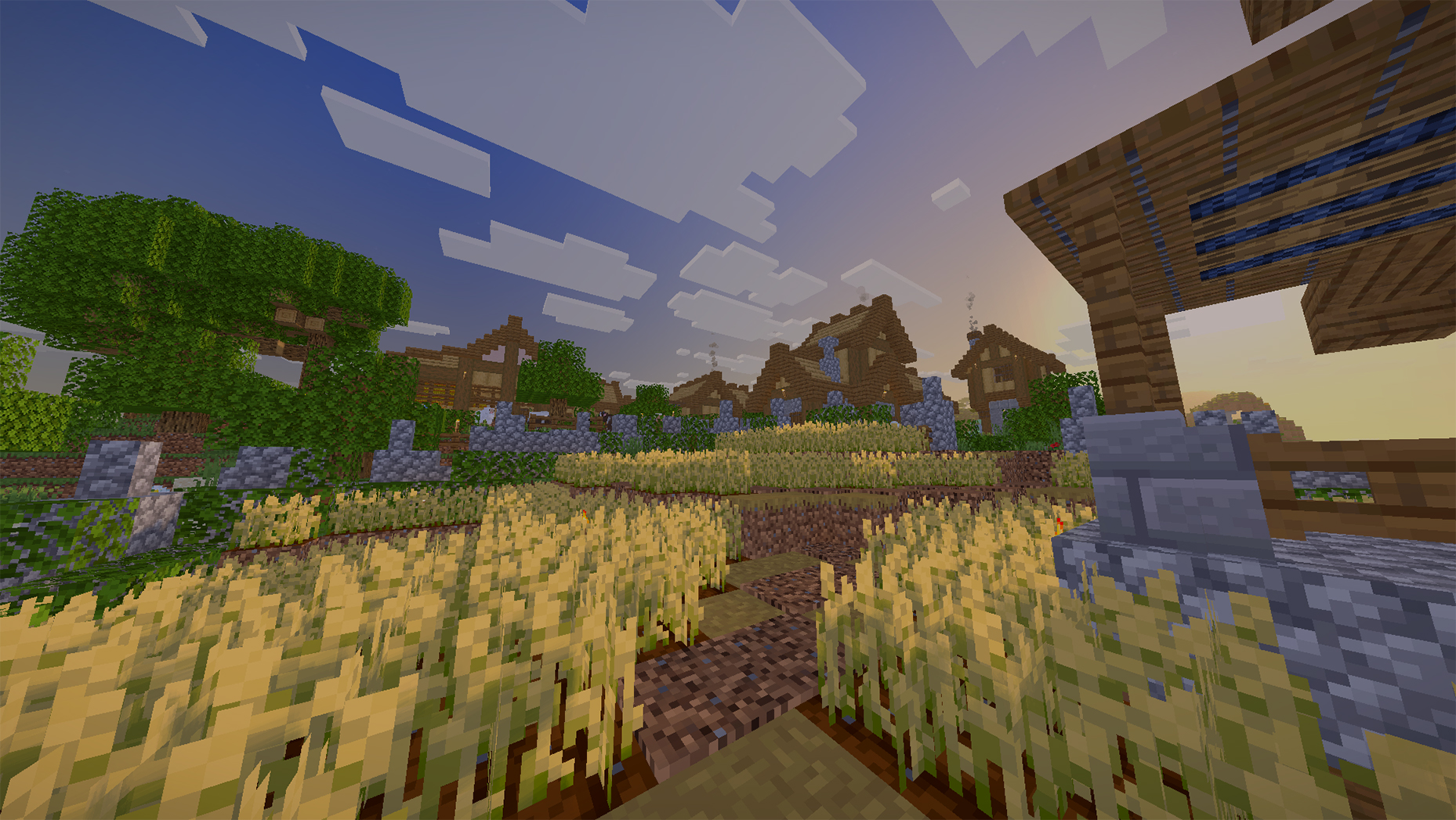
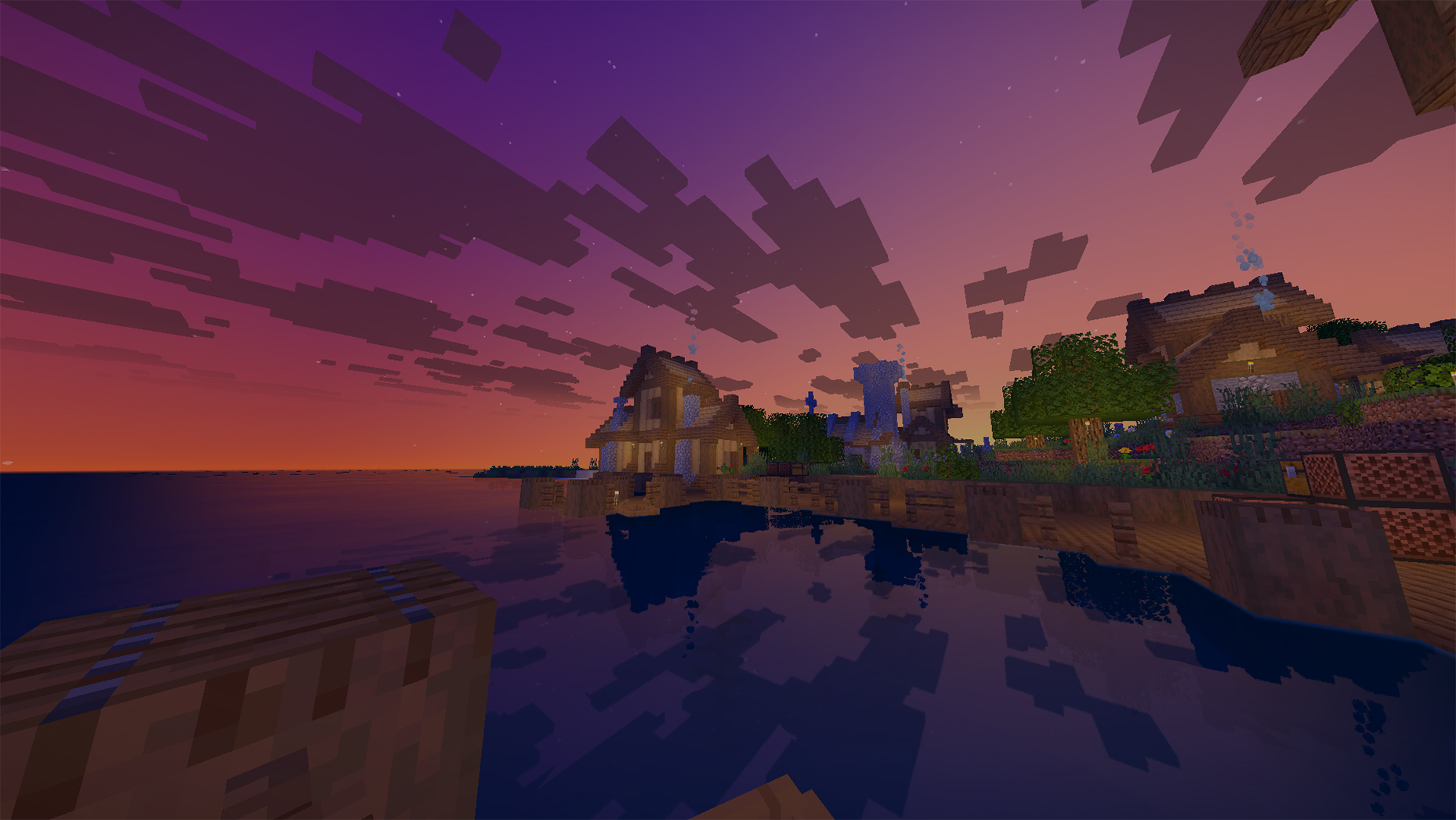
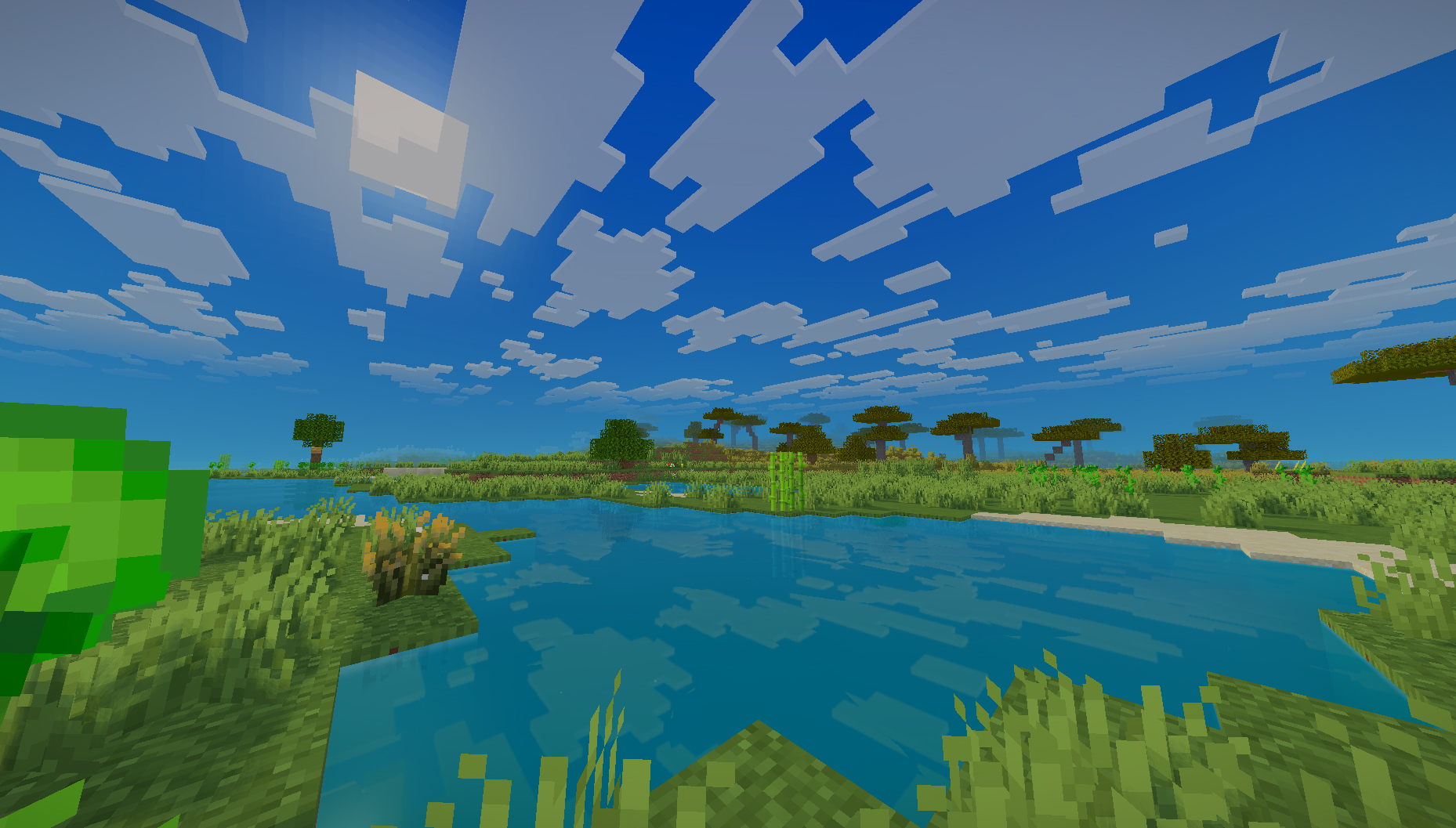
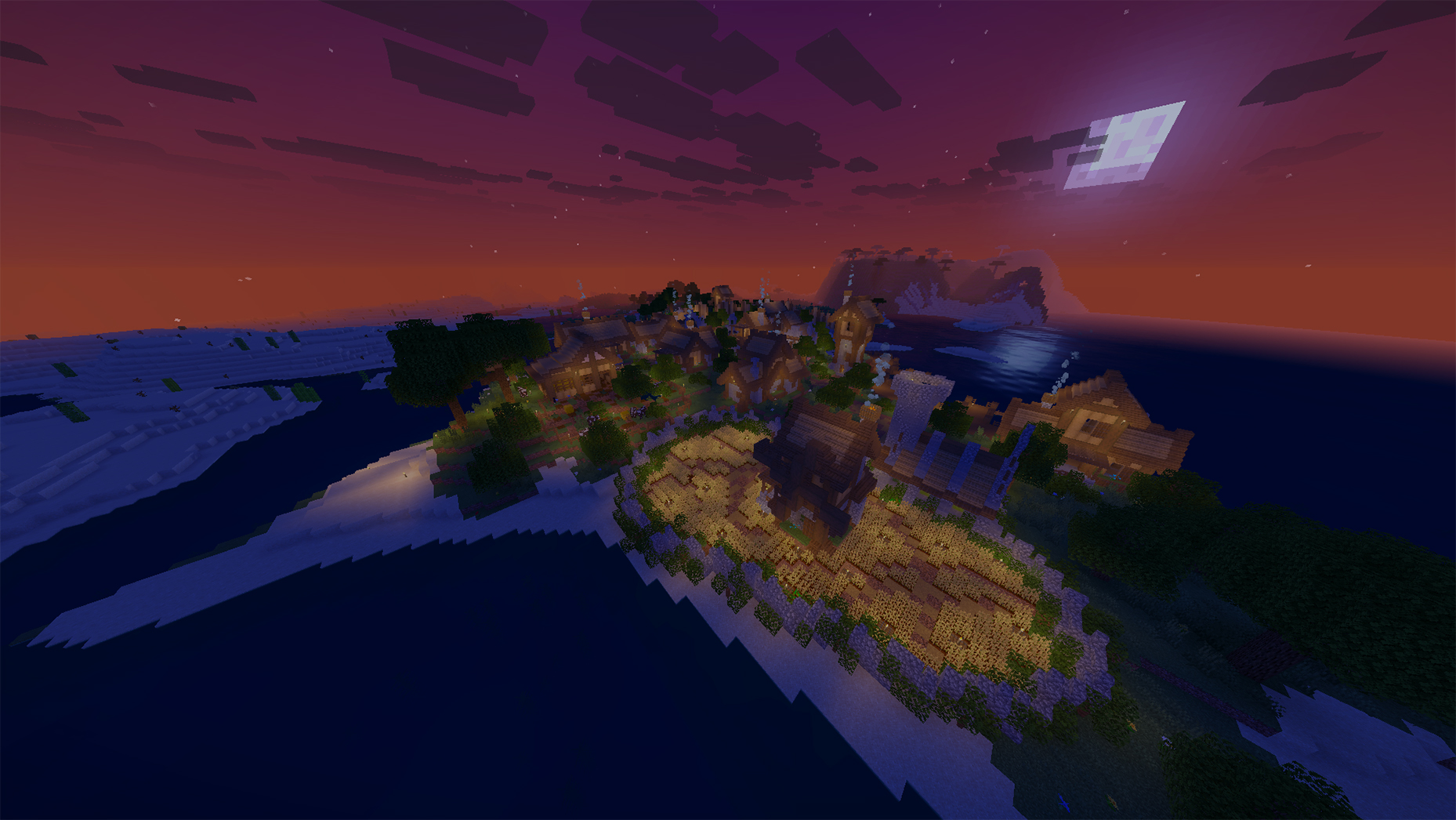
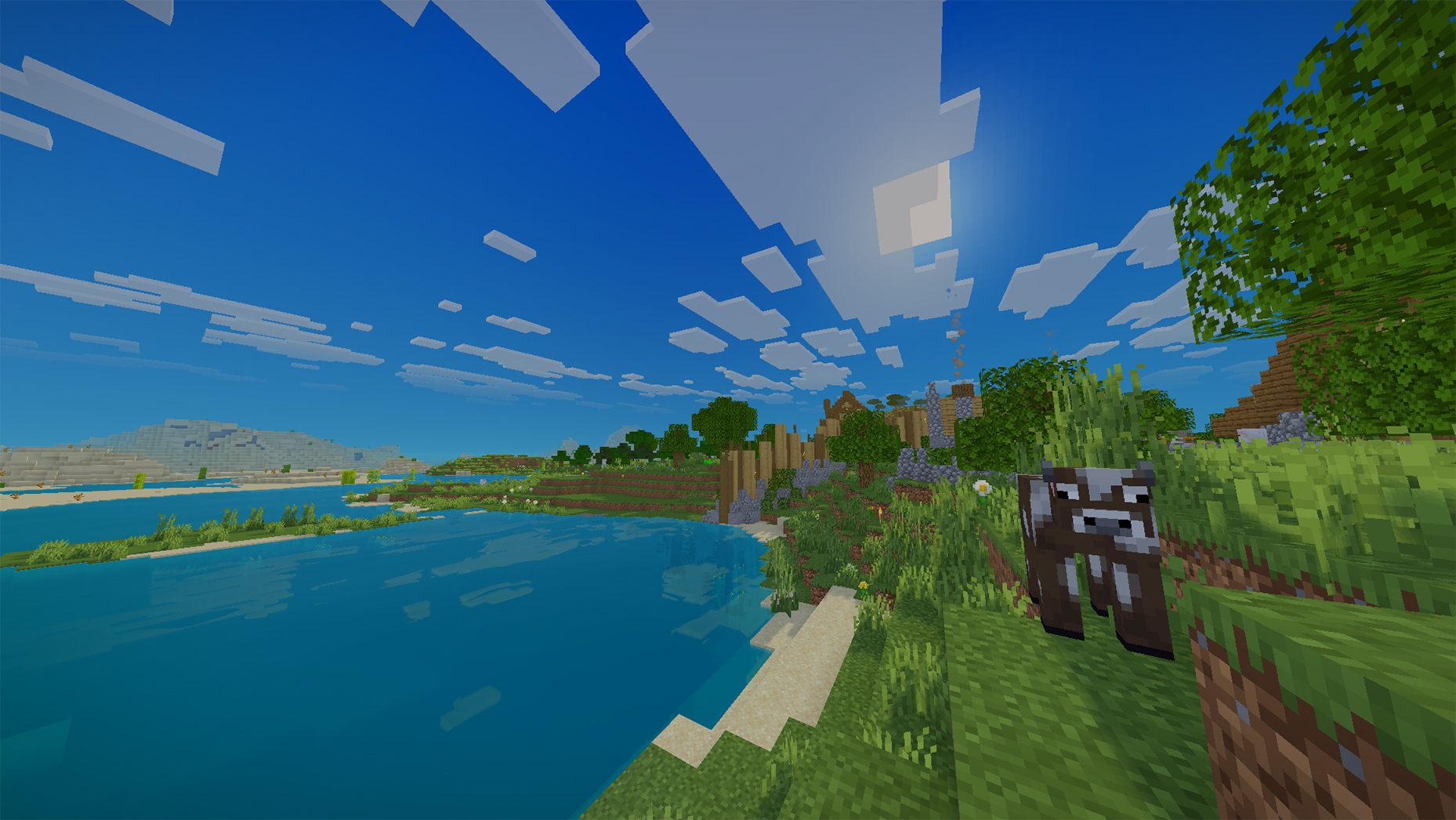
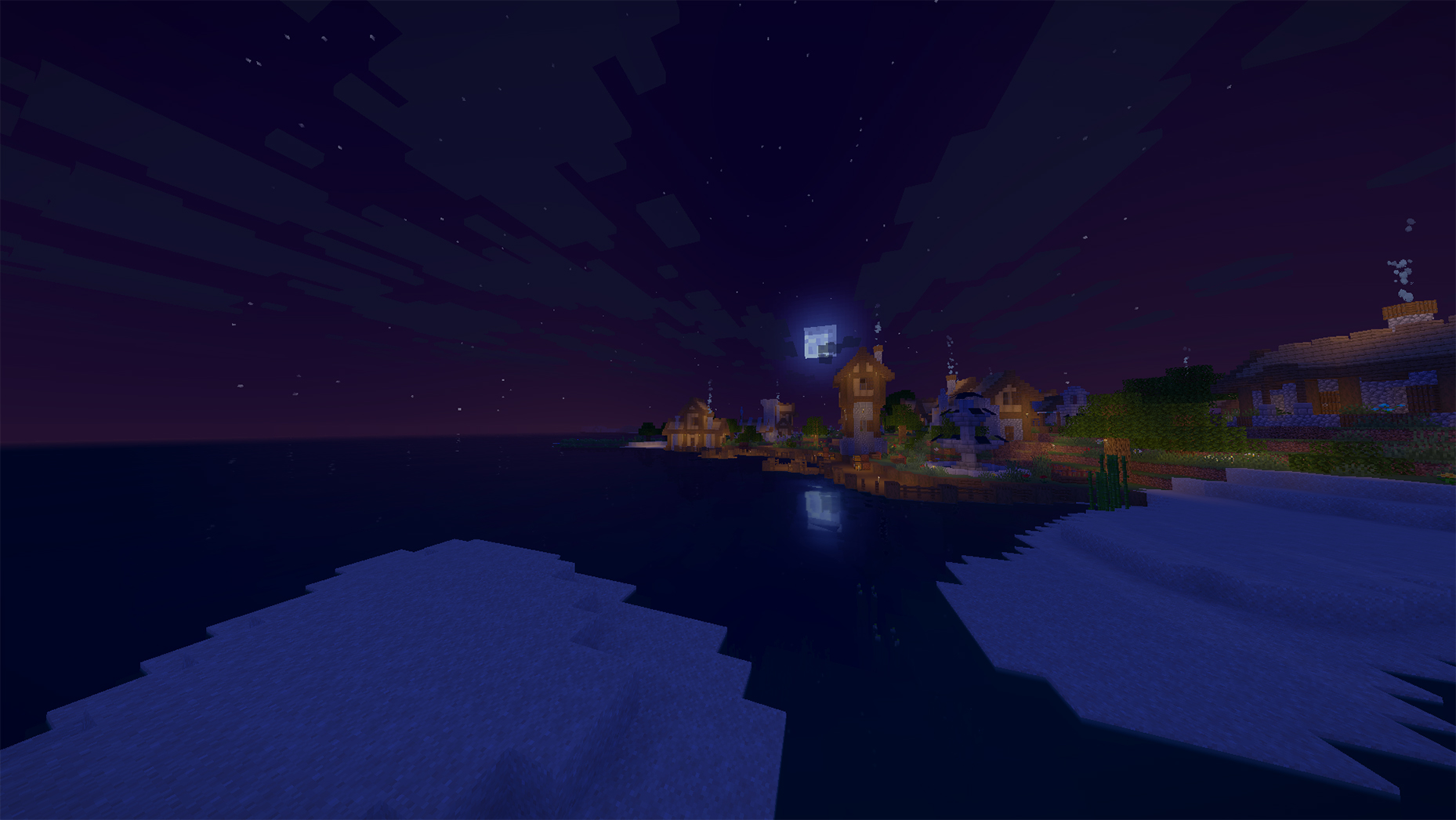
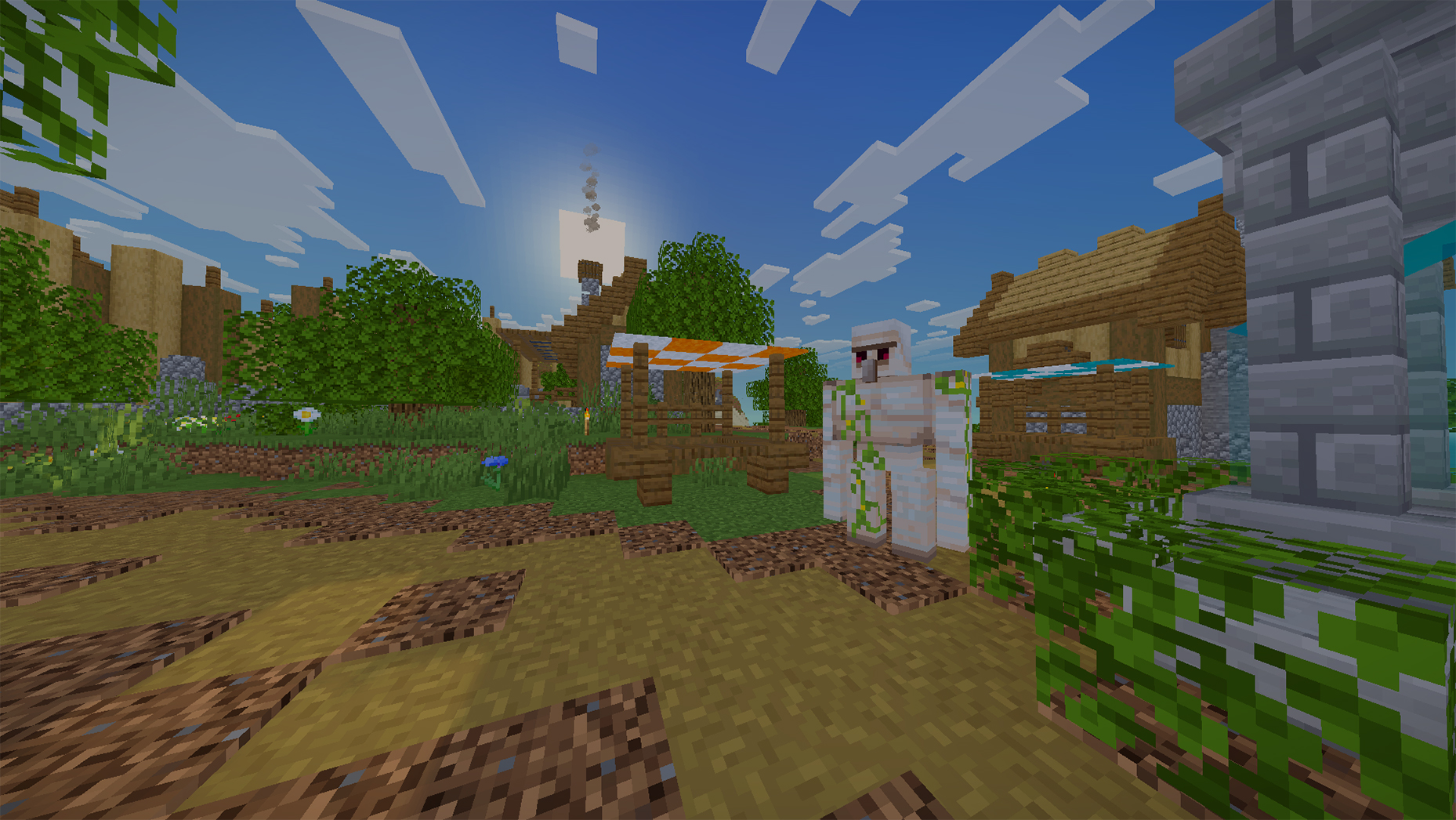
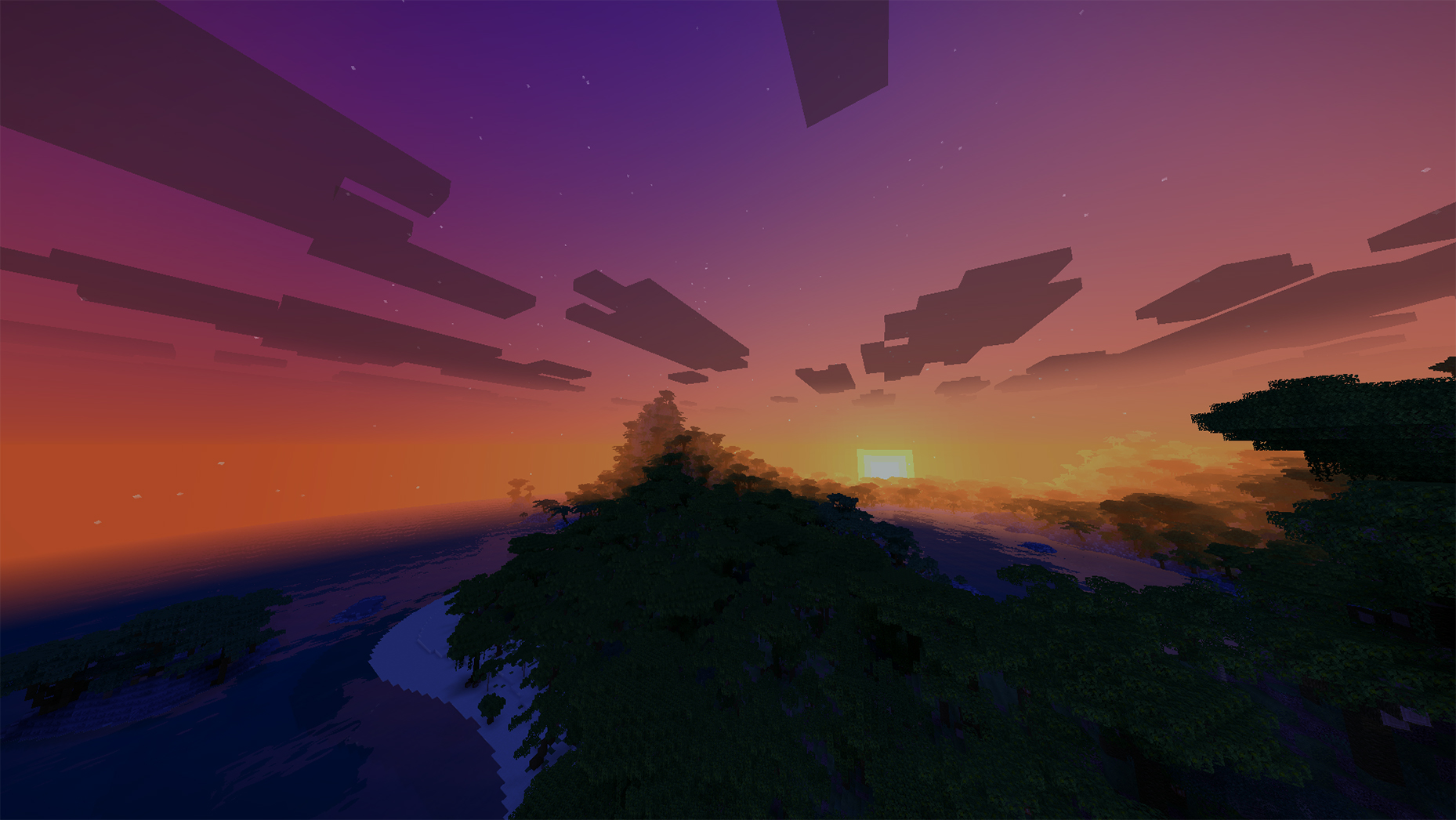
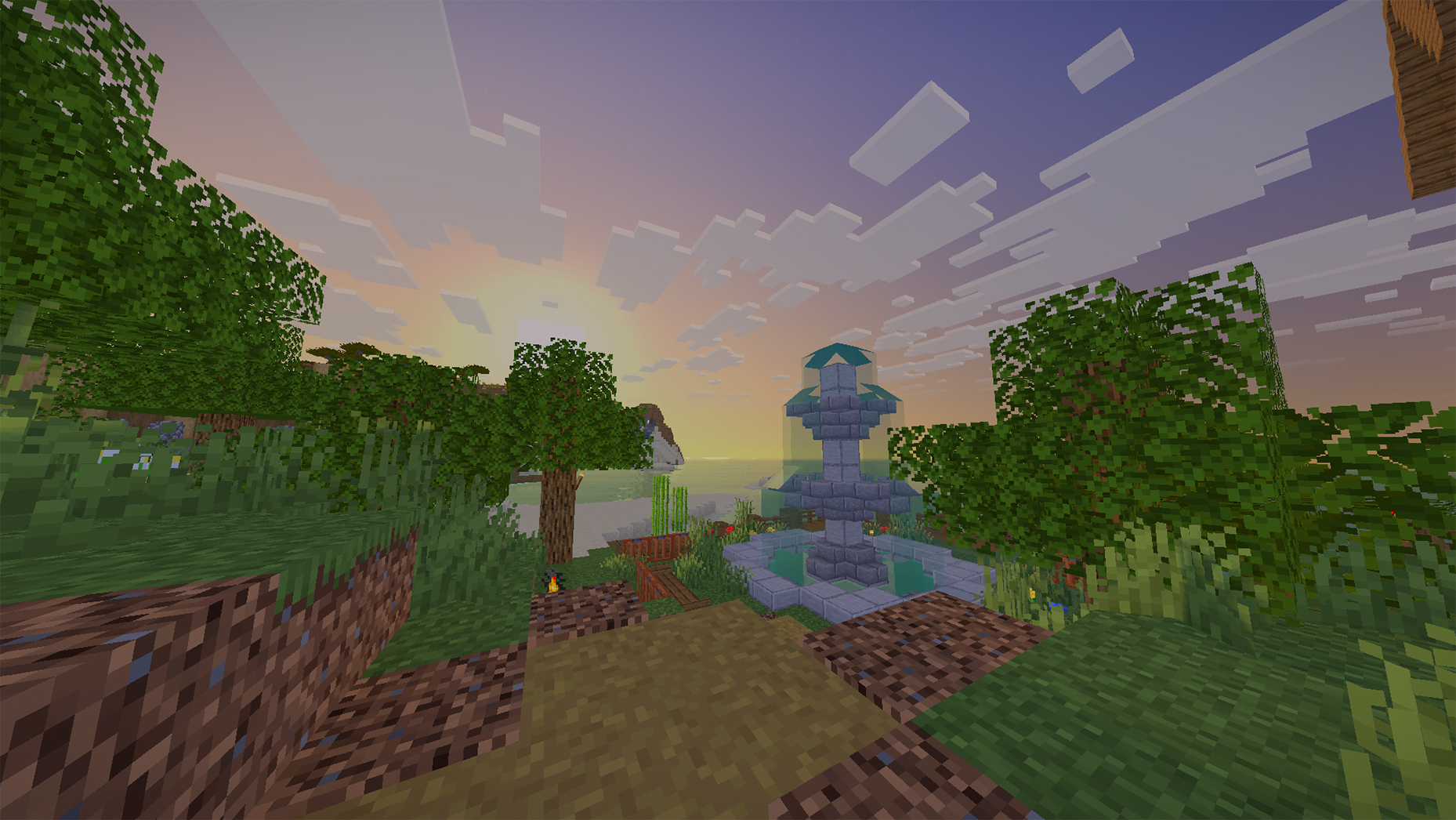

Realistic Water: A complete water quality overhaul featuring a clean, attractive look that blends seamlessly with the vanilla environment.
Enhanced Sky & Atmosphere: Improved sky quality, weather visuals, and 3D volumetric clouds matching the native game style.
Improved Lighting & Shadows: A balanced shading and lighting system that adds visual depth without unnecessary complexity.
Waving Environment: Subtle foliage and tree leaf sway adding life to the world.

Minecraft Version: 1.20.1+
Shader Loader: Iris Shaders (Recommended) or OptiFine
Minimum GPU: NVIDIA GTX 1650 / AMD RX 570 / AMD Radeon 680M (Integrated)
Recommended GPU (60+ FPS): NVIDIA RTX 3060 / RTX 4060 or AMD RX 6600 / RX 7600
Lower-end GPUs (GTX 1050 2GB): May run the shader, but 60 FPS is not guaranteed.

This shader is a modified project based on Miniature Shader by Mateus A. Kreuch.
Original Author: Mateus A. Kreuch (ukrech)
Original Shader: Miniature Shader
Modifier: in2bubble
Modified Shader: VanillAqua Reflections
License: MIT License