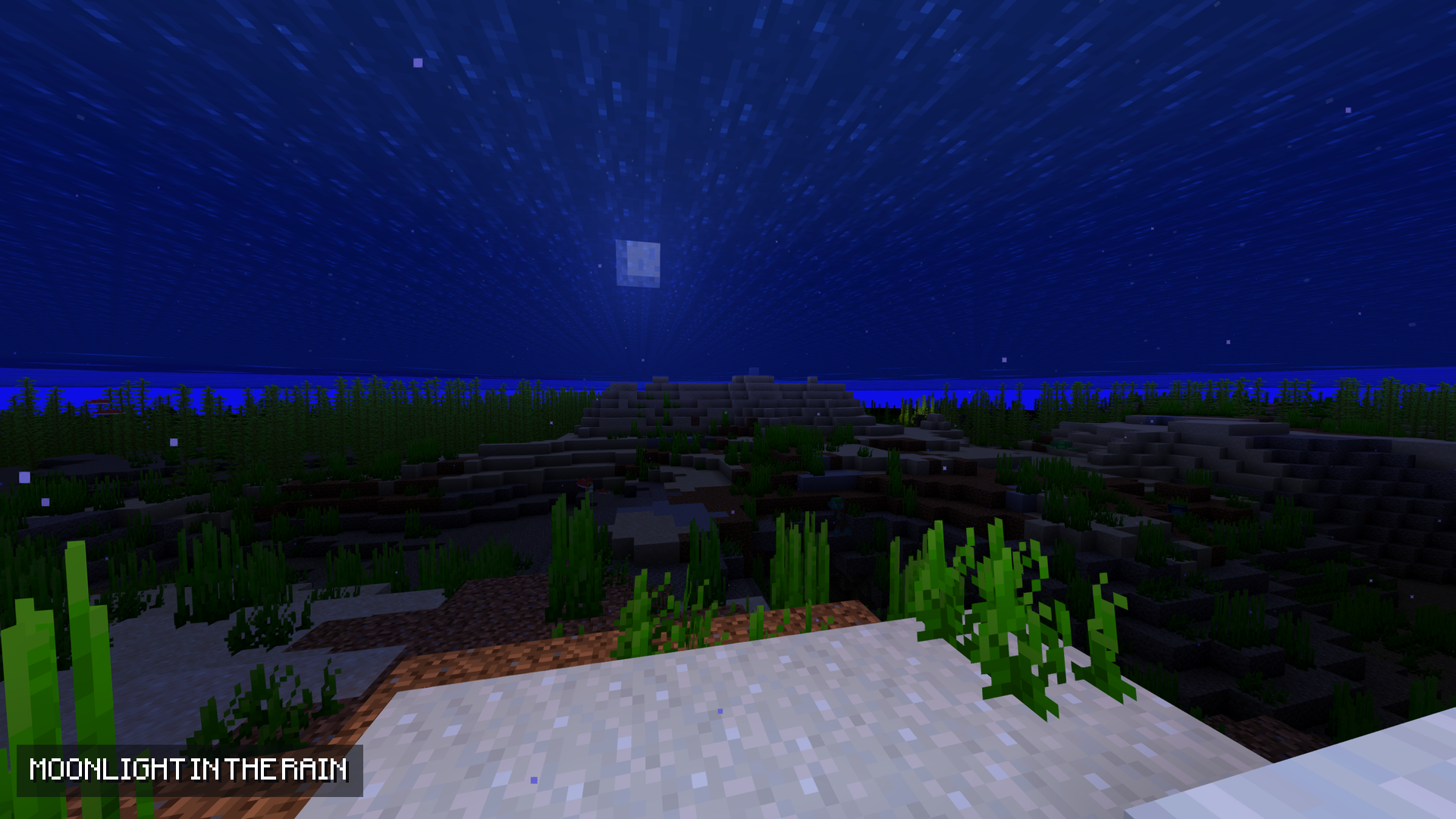
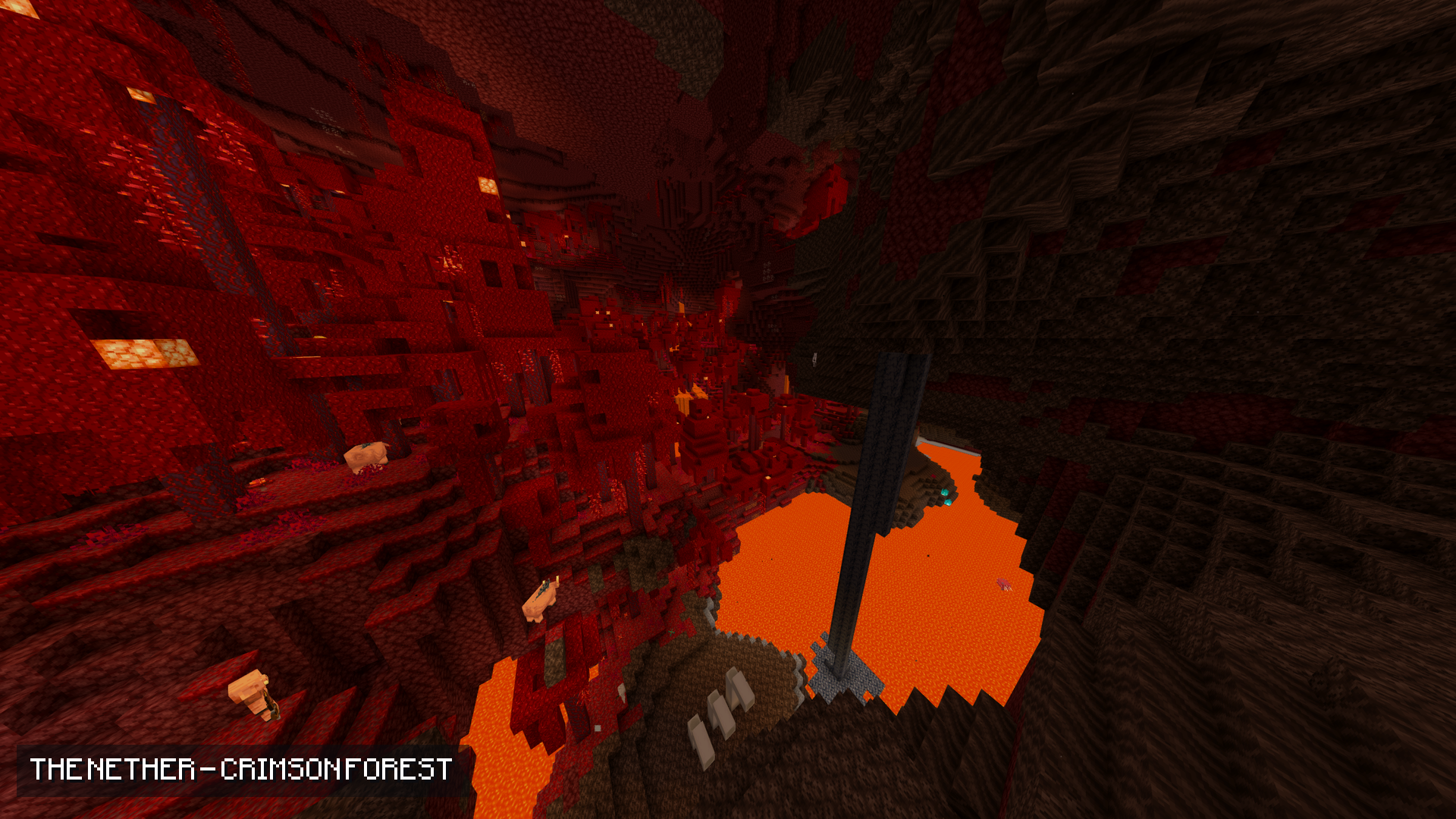
A vanilla-plus shader that stays light. No fog, animated water, warm torch light and a proper sky — made to run on a low-end PC.
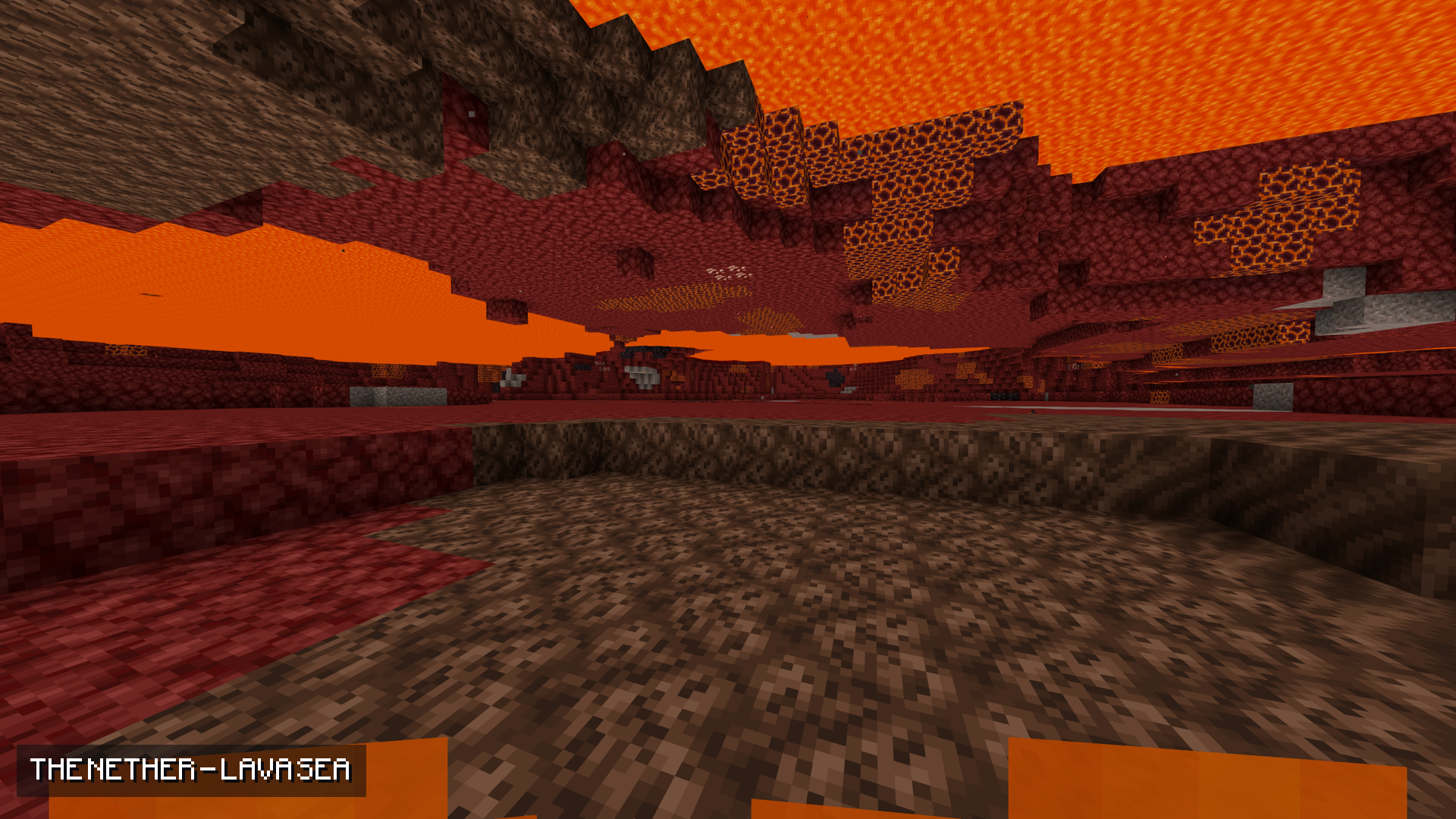
No fog. Water, lava and powder snow stop hiding the world.
Animated water. A gentle swell, with a sun glint rippling across it.
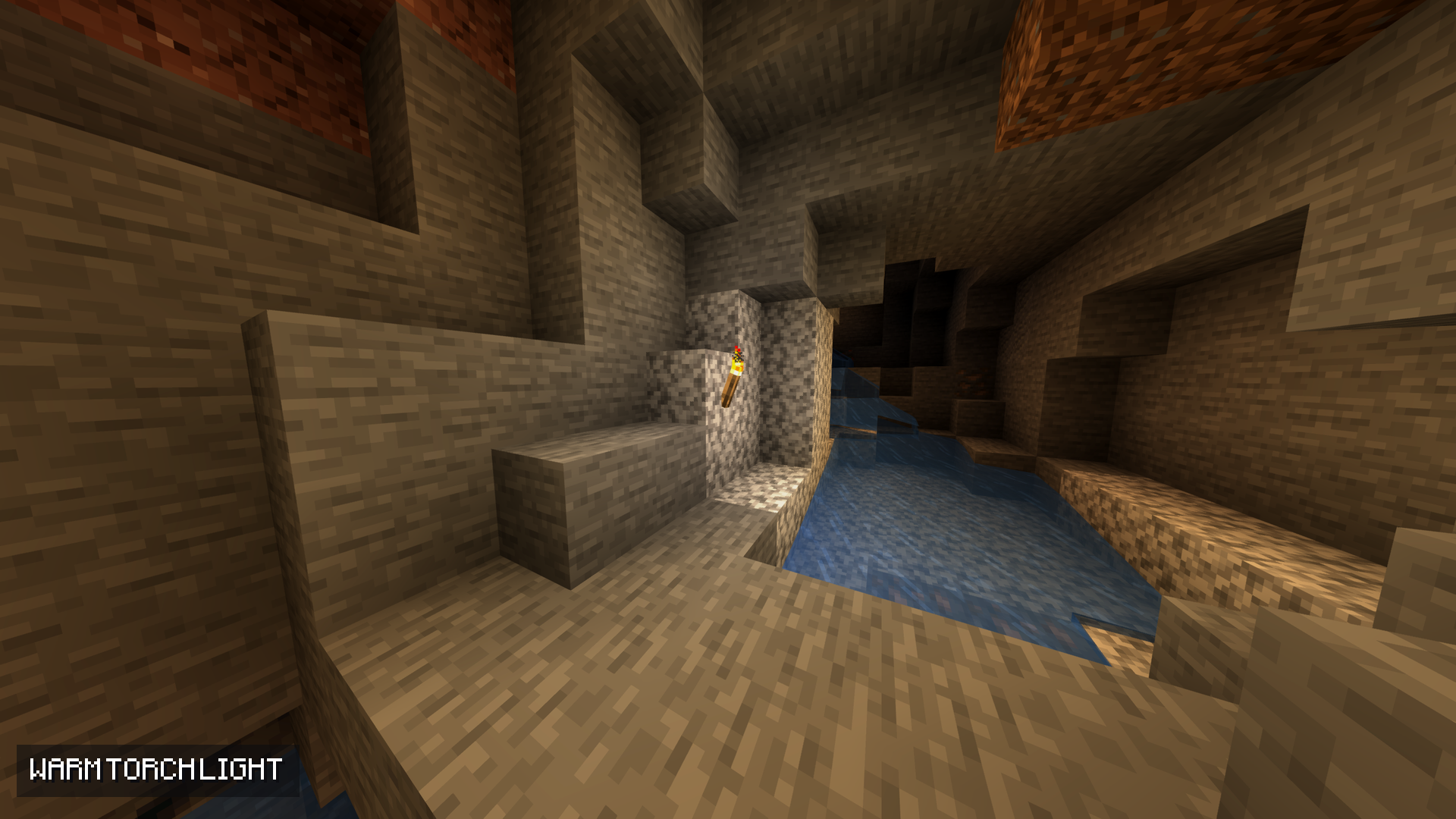
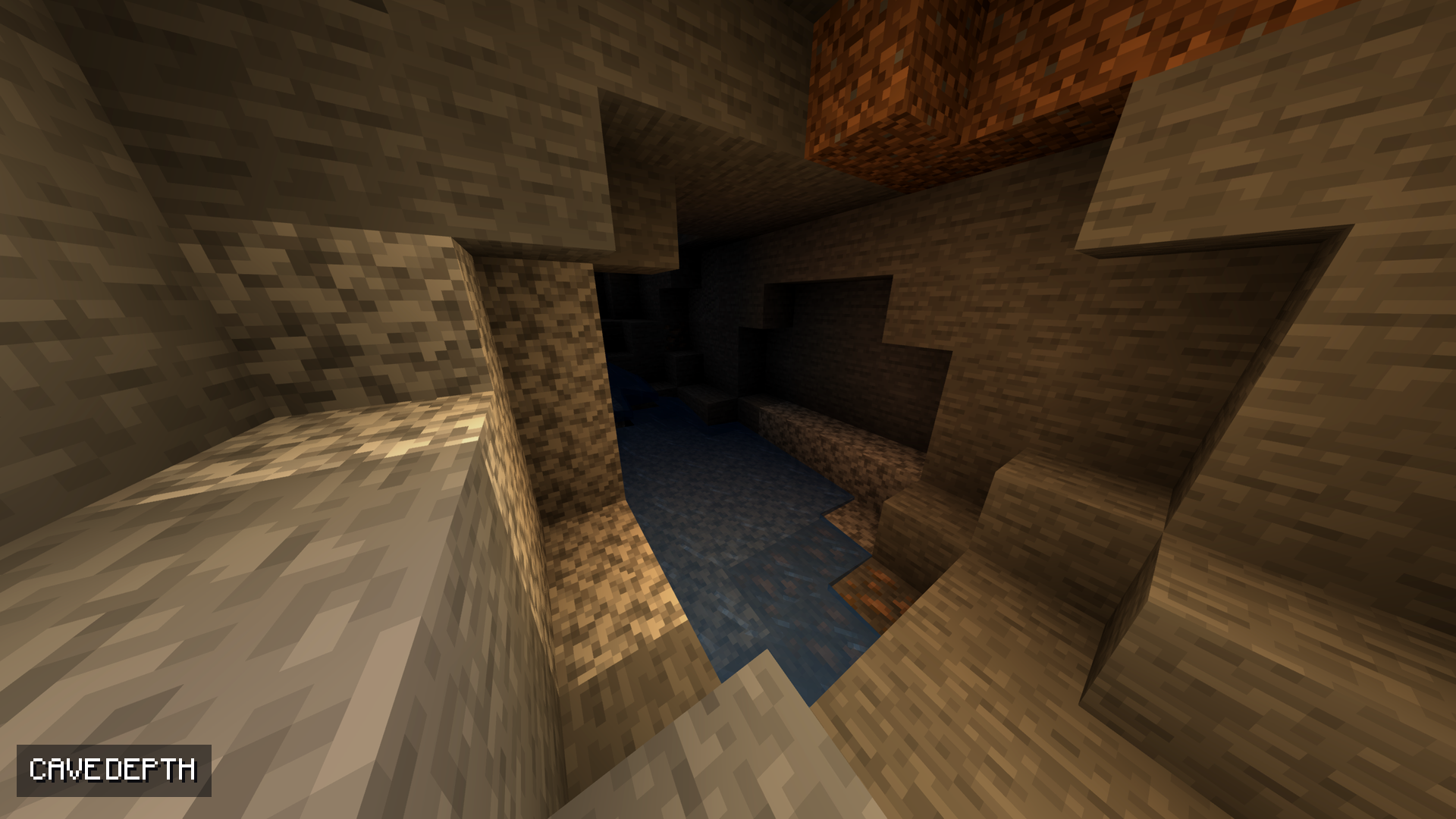
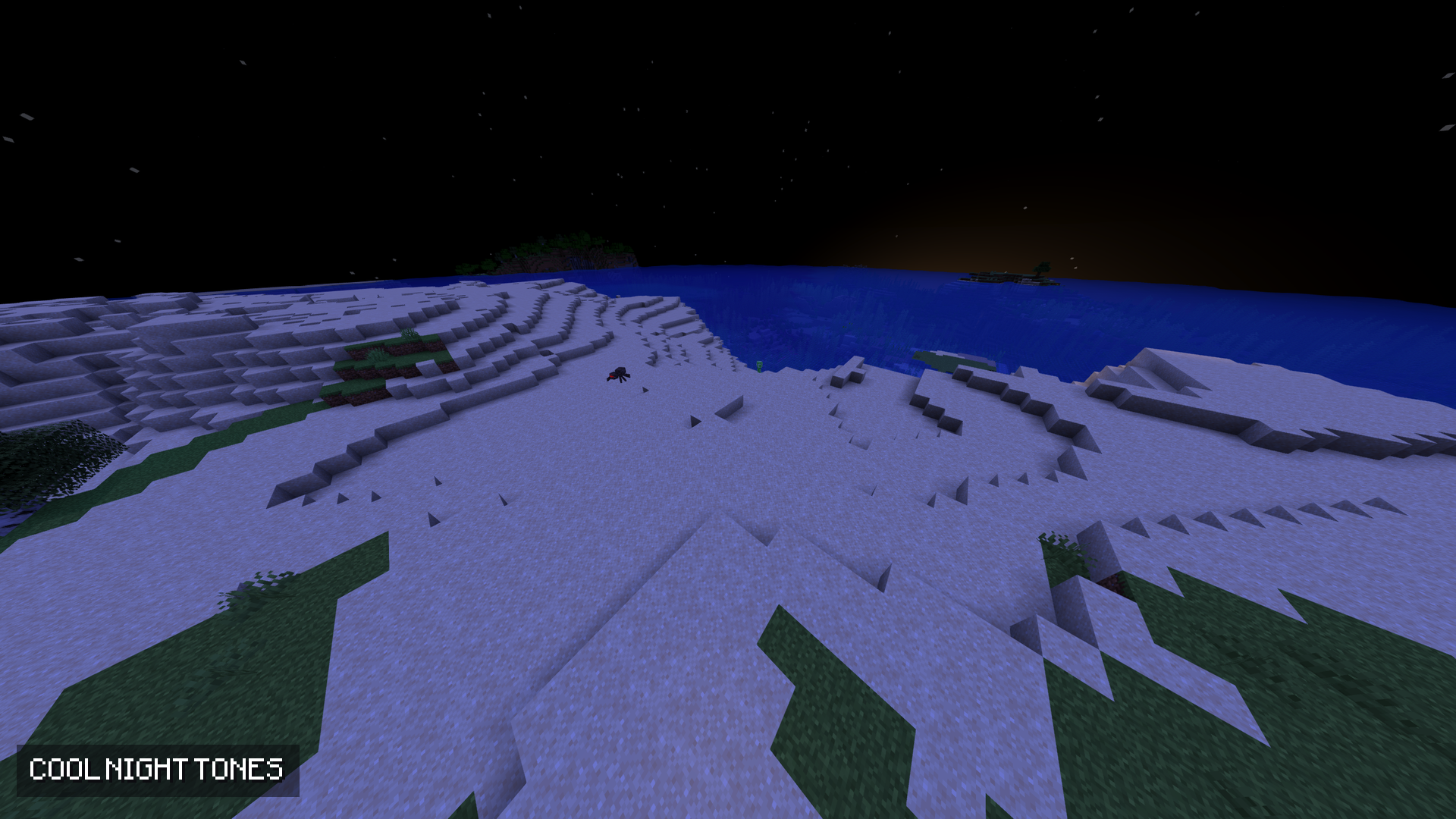
Warm light, cool shade. Torches glow warm, skylight stays cool, and every face of a block picks up light differently — so the world has depth.
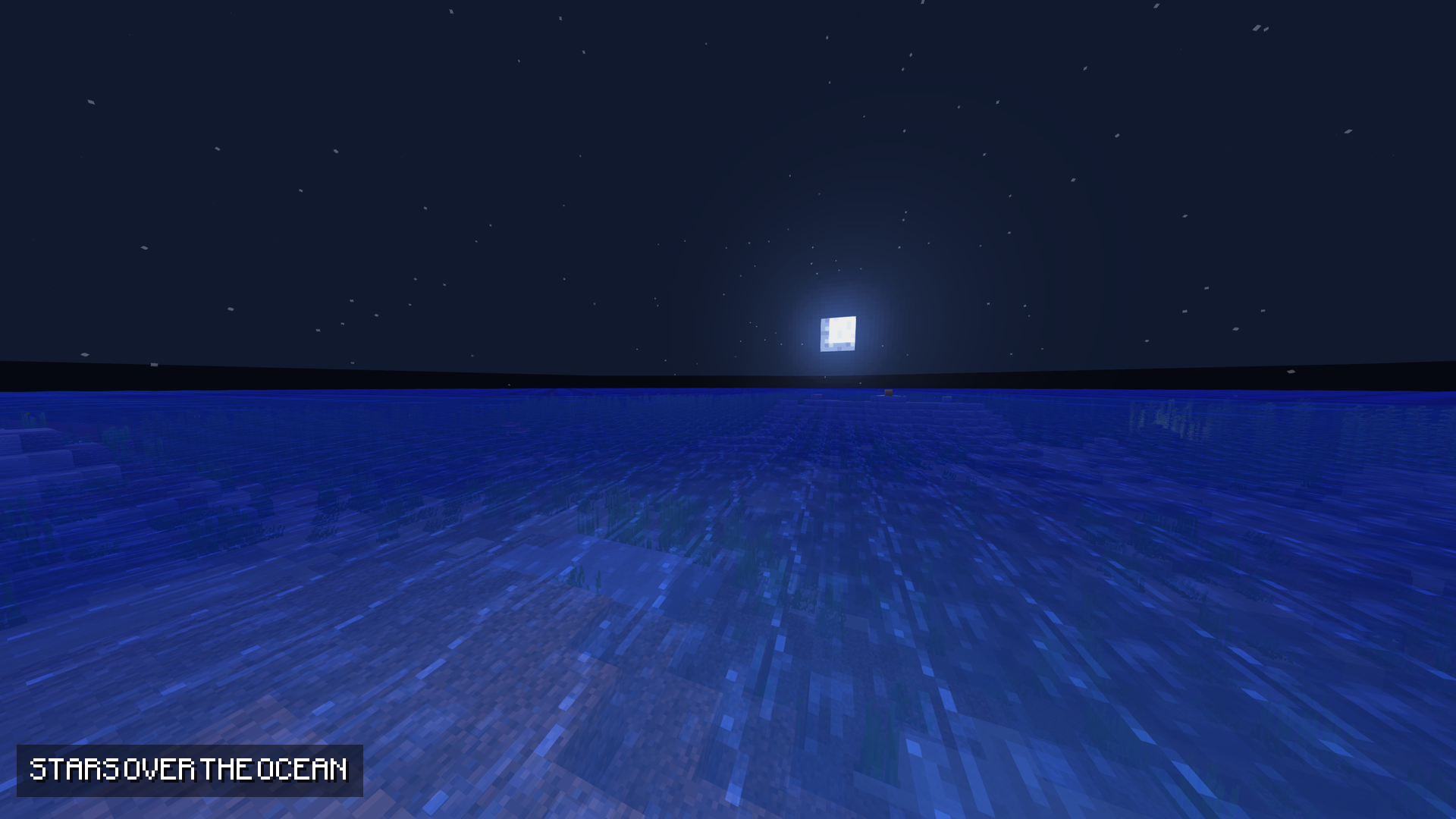
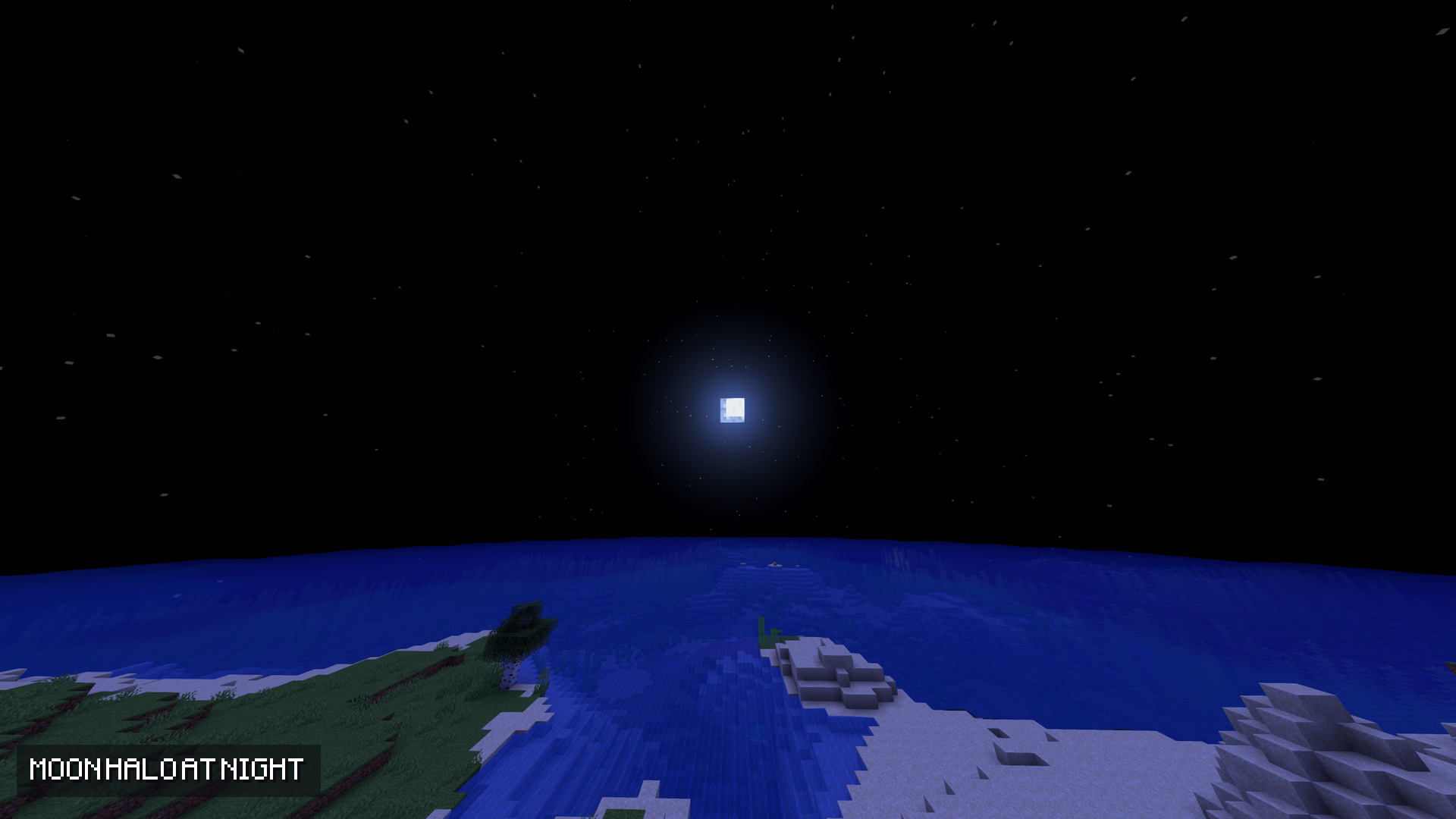
A sky worth looking up at. Sun and moon halos, a warm band at dawn and dusk, and stars that come out at night.
Soft highlights. Bright areas roll off instead of clipping.
Two full-screen passes and nine texture reads per pixel. Bloom runs at half resolution.
No shadows, by design. Shadows are the one stage that draws the whole world a second time. Skipping them is exactly what keeps this pack fast.
Options → Video Settings → Shader Options. Three profiles are included — POTATO, BALANCED and QUALITY — and every setting is a slider.
1. Install OptiFine (or Iris).
2. Drop the .zip into .minecraft/shaderpacks/.
3. Options → Video Settings → Shaders → pick it.
Targets Minecraft Java 1.21.x. Works with OptiFine and Iris, and stacks with any resource pack.
Everything here is free, and it stays free. If this shader makes your game nicer to look at, you can support the work on Ko-fi: ko-fi.com/fliflight
More from Fliflight: linktr.ee/fliflight