Mineuniverse
Shaders
Thunder's Motion Blur

Thunder's Motion Blur

SHADER
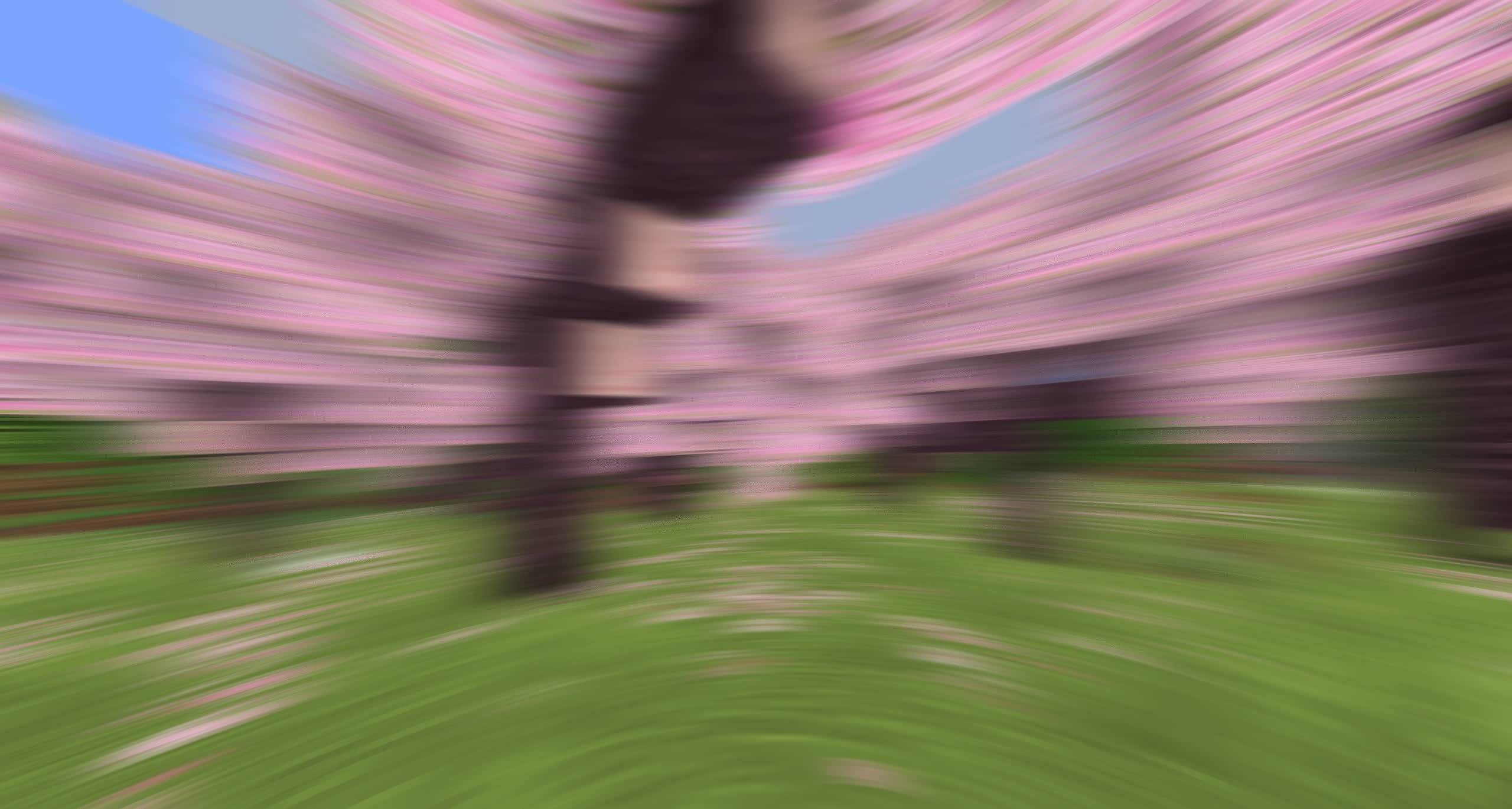
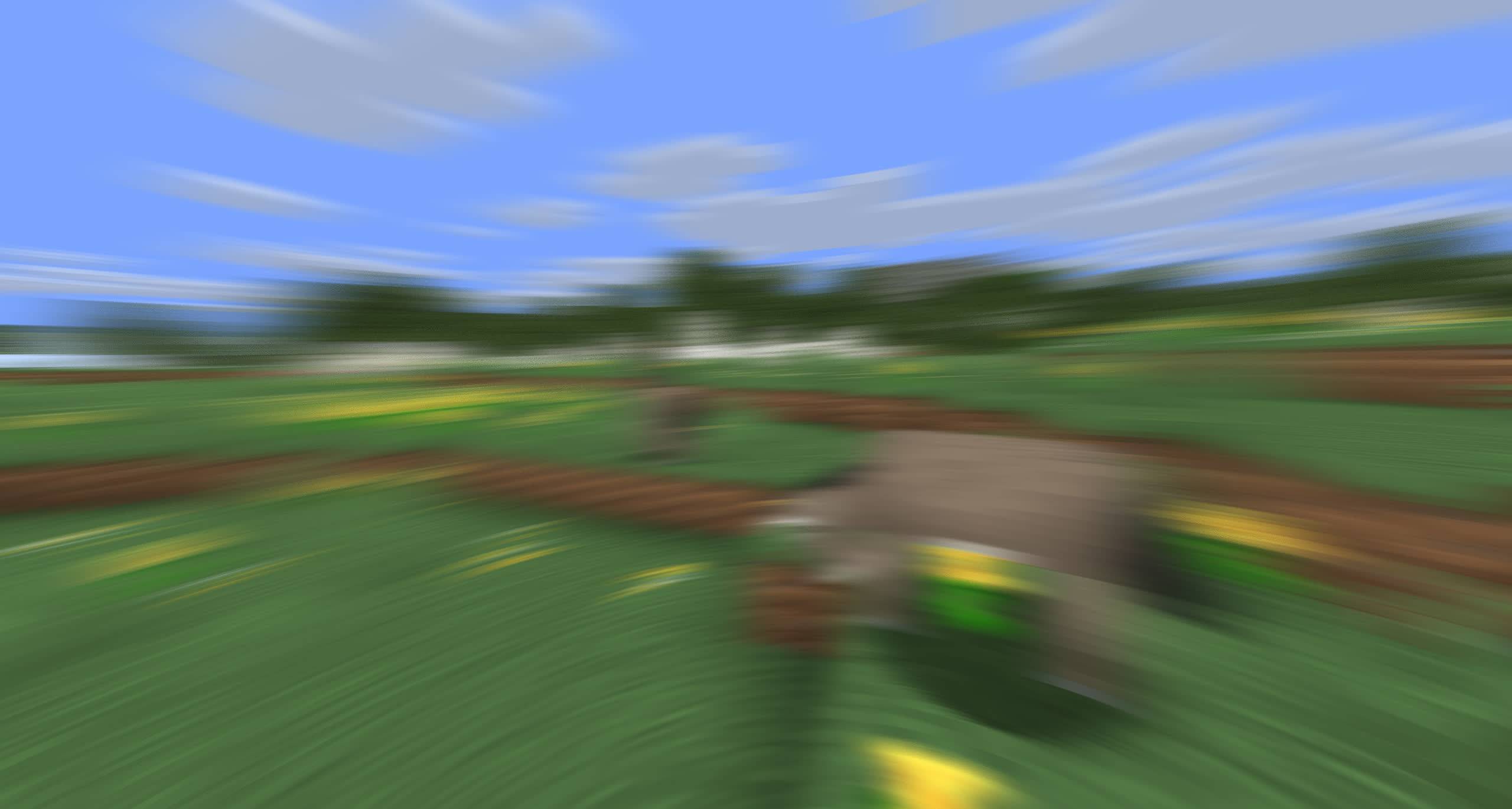
Lightweight and performant shader for motion blur. Looks good even at 4 samples. Great for PVP.
by ThunderFound
Download Claim this project
Add a badge to your pageLink to Thunder's Motion Blur from a README, website or forum post.
Preview: Badge

Badges update automatically and link to the shader page on MineUniverse.

27,929 downloads
0 likes
0 followers
Updated Oct 14, 2026
0 hypes
Follow0
Vanilla
Advertisement Remove ads with Premium →

banner

Thunder's Motion Blur

Lightweight and performant shader for motion blur. Looks good even at 4 samples. Great for PVP.
Also, please try playing with settings. You may not like the default config, so maybe try turning dithering off or changing the intensity.

Report any issues or suggestions on GitHub: https://github.com/ThunderFound/thunders-motion-blur/issues

Shader Settings

shader settings
Intensity - how strong blur is
Max Velocity - limits blur streak length
Hand Blur - whether hand should be blurred too
Dither Mode - dithering algorithm for debanding (examples further down)
Depth Dilation - reduces blur bleeding at edges

sampling settings
Samples - more = smoother, but slower
Dynamic Sampling - change samples value based on velocity

Dither modes

Off
IGN
Blue Noise


Thunder's Motion Blur v1.5
MC 1.16.3, 1.13.1, 1.9.3, 1.8.7, 1.17.1, 1.9.1, 1.21, 1.16.1, 1.18.1, 1.14.3, 1.15, 1.16, 1.13, 1.16.5, 1.10.2, 1.19.3, 1.20.2, 1.19.4, 1.21.8, 1.8.8, 1.9.4, 1.9.2, 1.8.4
Release 2026-05-29 Get
Thunder's Motion Blur v1.4
MC 1.16.3, 1.13.1, 1.9.3, 1.8.7, 1.17.1, 1.9.1, 1.21, 1.16.1, 1.18.1, 1.14.3, 1.15, 1.16, 1.13, 1.16.5, 1.10.2, 1.19.3, 1.20.2, 1.19.4, 1.21.8, 1.8.8, 1.9.4, 1.9.2, 1.8.4
Release 2026-05-26 Get
Thunder's Motion Blur v1.0
MC 1.16.3, 1.13.1, 1.9.3, 1.8.7, 1.17.1, 1.9.1, 1.21, 1.16.1, 1.18.1, 1.14.3, 1.15, 1.16, 1.13, 1.16.5, 1.10.2, 1.19.3, 1.20.2, 1.19.4, 1.21.8, 1.8.8, 1.9.4, 1.9.2, 1.8.4
Release 2026-05-24 Get
Thunder's Motion Blur v1.1
MC 1.16.3, 1.13.1, 1.9.3, 1.8.7, 1.17.1, 1.9.1, 1.21, 1.16.1, 1.18.1, 1.14.3, 1.15, 1.16, 1.13, 1.16.5, 1.10.2, 1.19.3, 1.20.2, 1.19.4, 1.21.8, 1.8.8, 1.9.4, 1.9.2, 1.8.4
Release 2026-05-24 Get
Thunder's Motion Blur v1.2
MC 1.16.3, 1.13.1, 1.9.3, 1.8.7, 1.17.1, 1.9.1, 1.21, 1.16.1, 1.18.1, 1.14.3, 1.15, 1.16, 1.13, 1.16.5, 1.10.2, 1.19.3, 1.20.2, 1.19.4, 1.21.8, 1.8.8, 1.9.4, 1.9.2, 1.8.4
Release 2026-05-24 Get
Thunder's Motion Blur v1.3
MC 1.16.3, 1.13.1, 1.9.3, 1.8.7, 1.17.1, 1.9.1, 1.21, 1.16.1, 1.18.1, 1.14.3, 1.15, 1.16, 1.13, 1.16.5, 1.10.2, 1.19.3, 1.20.2, 1.19.4, 1.21.8, 1.8.8, 1.9.4, 1.9.2, 1.8.4
Release 2026-05-24 Get

Requirements & install

How to use this shader in Minecraft
Shader loader
Iris or OptiFine
Minecraft
1.16.5 – 1.21.8
Install folder
.minecraft/shaderpacks

How to install shaders

  1. Install a shader loader for your Minecraft version: Iris (with Sodium) or OptiFine.
  2. Download the shader pack .zip file (do not extract it).
  3. Put the .zip into the shaderpacks folder (.minecraft/shaderpacks).
  4. In game open Options → Video Settings → Shader Packs, select the pack and apply it.
Browse more: Iris shaders OptiFine shaders Shaders for 1.21.8 All shaders
Advertisement Remove ads with Premium →

You Might Also Like