Version 2.0 under development including major performance increases!
The "Dev" versions are fine to use and have all but two features from pre 2.0.0!
Welcome to my new project! This one is based around adding a little bit extra to vanilla Minecraft and doing so in a fully customizable way.
Current Features
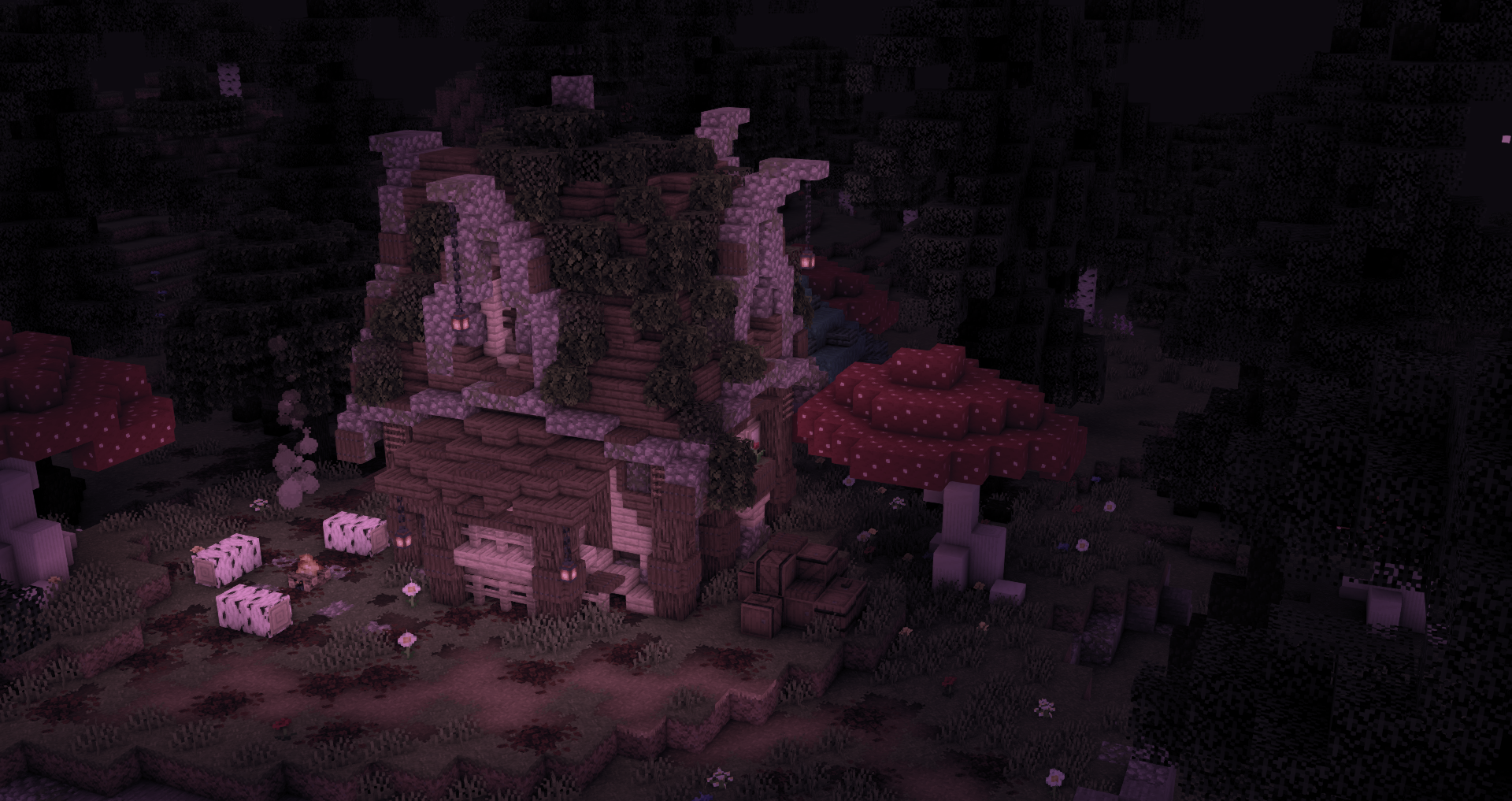
- Waving grass / leaves
- Waving Water
- Customizable watercolor with 3 settings for texture and biome effects
- Custom swamp biome effect (more biome effects planned)
- Selection box custom color toggle
- Dof
- Customizable fog (including underwater).
- Celshading
- Improved FXAA
- SSAO
- HDR
- Tonemapping
- TAA
- Underwater refraction effect
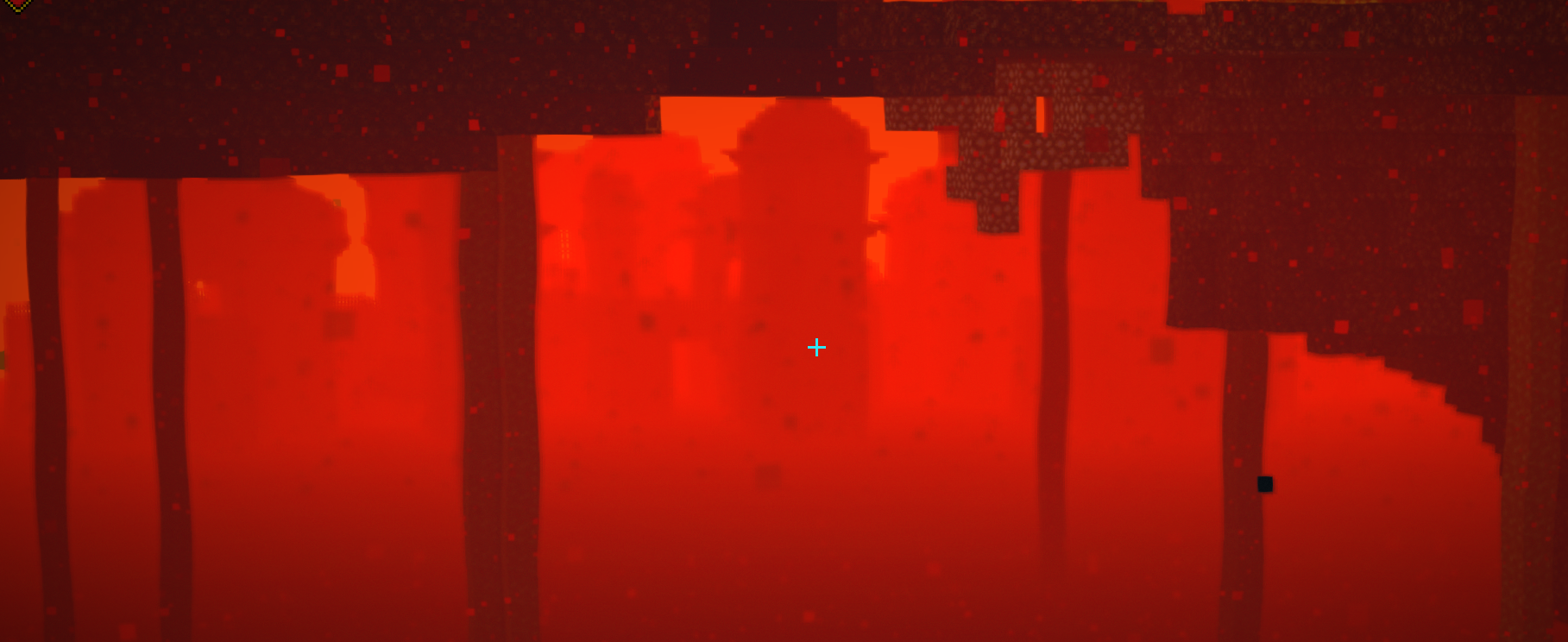
- Nether heat refraction effect
- And more!!
 License
undefined
Copyright (C) 2024 UnicornBlood and Dakotah Beckmann
All Rights Reserved unless otherwise explicitly stated.
By downloading this project you agree to the terms and conditions
detailed below.TERMS AND CONDITIONS0. Definitions.
"Copyright" also means copyright-like laws that apply to other kinds of
works, such as semiconductor masks."The Project" refers to any copyrightable work licensed under this
License. Each licensee is addressed as "you". "Licensees", "users" and
"recipients" may be individuals or organizations."The Author" refers to the original creator(s) of this project and it's
source code.To "modify" a work means to copy from or adapt all or part of the work
in a fashion requiring copyright permission, other than the making of an
exact copy. The resulting work is called a "modified version" of the
earlier work or a work "based on" the earlier work.A "covered work" means either the unmodified Project or a work based
on the Project.To "propagate" a work means to do anything with it that, without
permission, would make you directly or secondarily liable for infringement
under applicable copyright law, except executing it on a computer or
modifying a private copy. Propagation includes copying, distribution
(with or without modification), making available to the public, and in
some countries other activities as well.To "convey" a work means any kind of propagation that enables other
parties to make or receive copies. Mere interaction with a user through a
computer network, with no transfer of a copy, is not conveying.1. RedistributionPublic propagation of this project or parts of it requires you to
exclusively use the official links provided by the author. This means that
independently hosting a copy of this project and propagating it using this
hosted version is prohibited. The usage of link monetization services on
redistribution is strictly prohibited.
Websites and Blogs collecting projects similar to this project are
invited to ask for explicit permission before adding this project to
its database.2. Private ModificationsUsers are allowed to create private modifications of this project
without explicit permission. Redistribution of these modified versions
however require explicit permission by the author of the original project.
See section 3 for more information about public modifications.3. Public ModificationsPublic redistribution of a modified version of this project is forbidden,
unless explicit permission is given.4. Usage of parts of this project as part of another, original projectUsing parts of this projects source code as part of another, original
project requires explicit permission from this projects author.
Furthermore this project, its author and the parts used have to be
clearly credited. Additionally any means of monetization on this modified
version are prohibited unless explicit permission is given.5. LiabilityThe project is provided "as is", without warranty of any kind, express
or implied, including but not limited to the warranties of merchantability,
fitness for a particular purpose and noninfringement. In no event shall the
author or copyright holders be liable for any claim, damages or other
liability, whether in an action of contract, tort or otherwise, arising from,
out of or in connection with the project or the use or other dealings in the
project.6. DisclaimerThis License and its terms are subject to change and review at any time
by this projects author.