Badges update automatically and link to the shader page on MineUniverse.
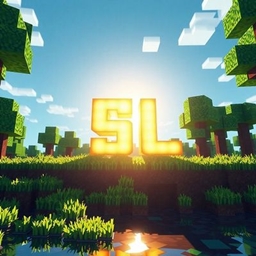
**SunsetLake** SunsetLake is a lightweight cinematic shader for Minecraft Java Edition, designed to give the world a warmer and more natural atmosphere while staying friendly to lower-end hardware.
✨ Features
🌅 Warm, cinematic sunrise and sunset lighting
☀️ Softer, more natural-looking sunlight
🌙 Improved sun and moon appearance
🌊 Animated water with subtle reflections
🌿 Gentle foliage movement
🌤️ Soft volumetric sun rays
🌑 Dynamic shadows
🎨 Cinematic color grading
⚡ Optimized for lower-end GPUs
🖥️ Compatibility
Minecraft: Java Edition 1.21.11
Shader Loader: Iris
Recommended: Sodium + Iris
Mod Loader: Fabric
⚙️ Performance
SunsetLake is designed with lower-end hardware in mind, including Intel HD Graphics 620-class GPUs. The shader avoids heavy compute-shader and SSBO-based techniques to keep performance reasonable.
Performance will vary depending on render distance, resolution, Minecraft settings, and hardware.
📸 Visual Style
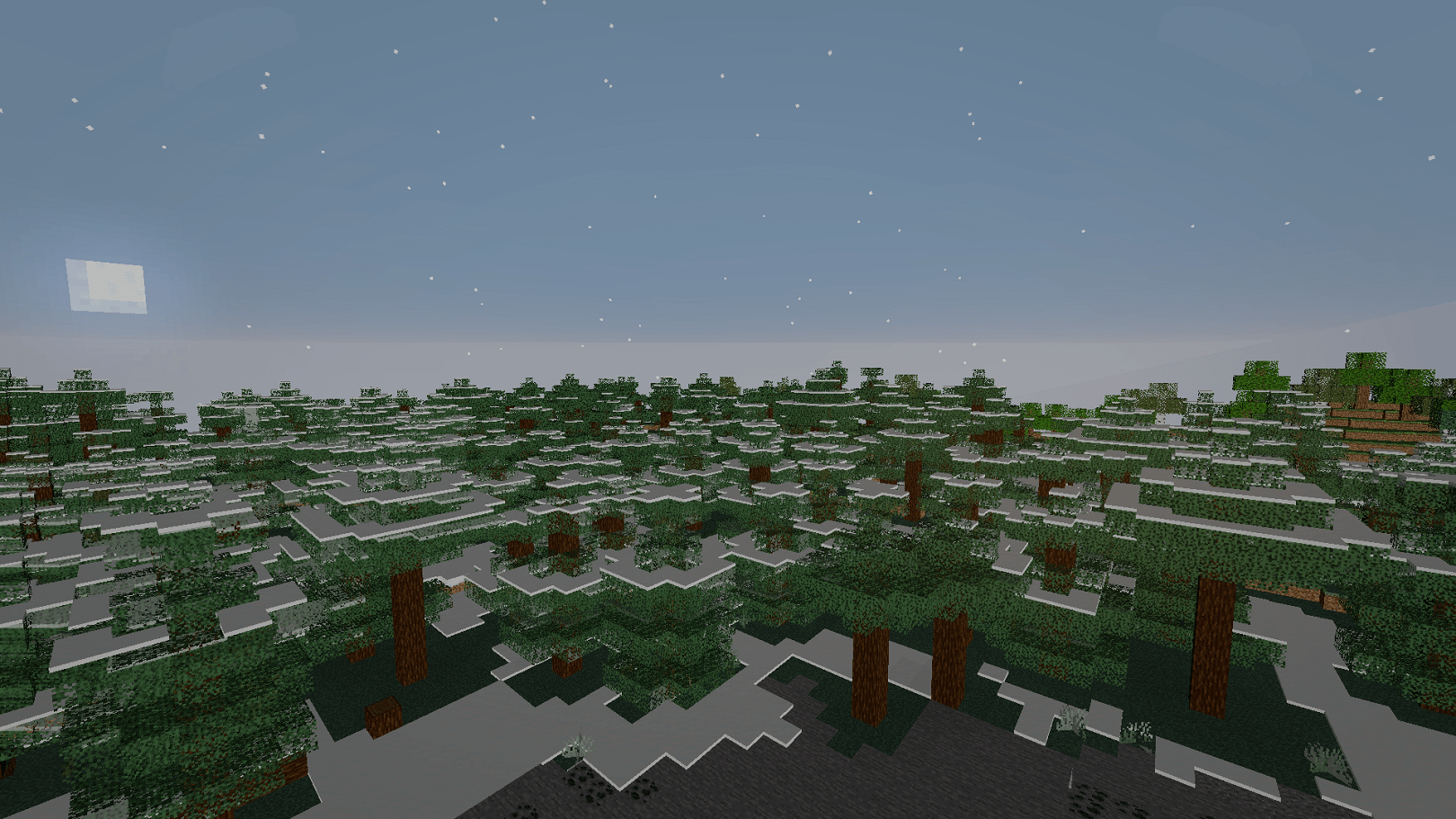
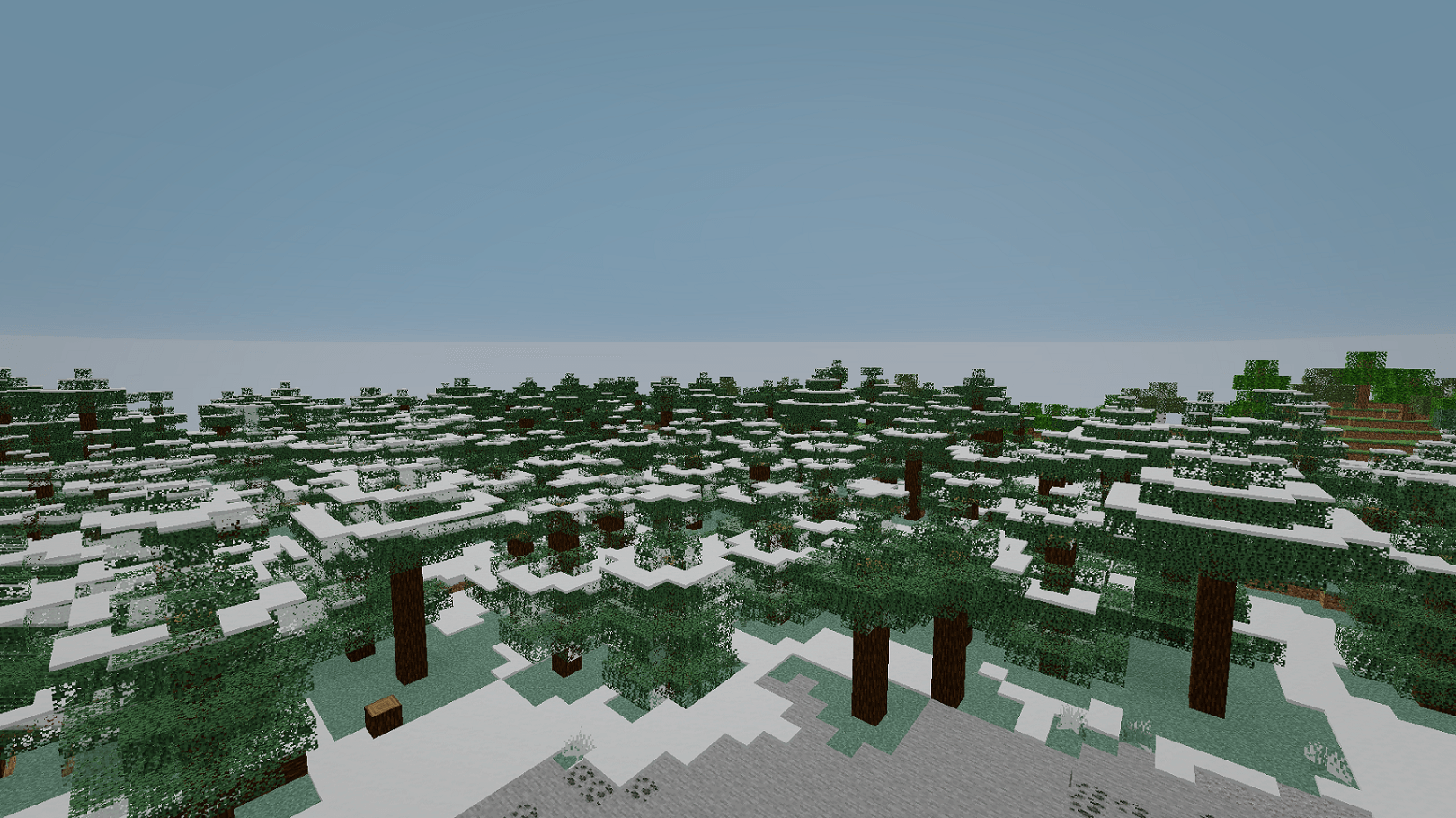
SunsetLake focuses on a warm cinematic look with natural contrast rather than extremely bright HDR lighting. Water, foliage, shadows, and sunlight are designed to work together for a more atmospheric Minecraft world.
📌 Notes
This is the first official release of SunsetLake. More visual improvements and performance optimizations may be added in future updates.
Latest Version: 1.0.0
Release Type: Release