Mineuniverse
Shaders
Solstice Shaders

Solstice Shaders

SHADER
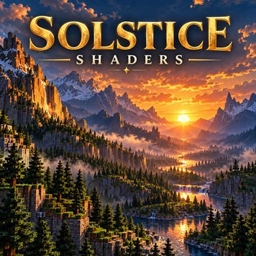
Natural cinematic lighting, golden sunsets, filtered shadows and atmospheric distance, with three carefully scaled quality presets.
by Fox_Studios_by_teolm30
Claim this project
Add a badge to your pageLink to Solstice Shaders from a README, website or forum post.
Preview: Badge

Badges update automatically and link to the shader page on MineUniverse.

77 downloads
0 likes
0 followers
Updated Nov 10, 2026
0 hypes
Follow0
Realistic Vanilla
Advertisement Remove ads with Premium →

Solstice Shaders

A world shaped by natural light.

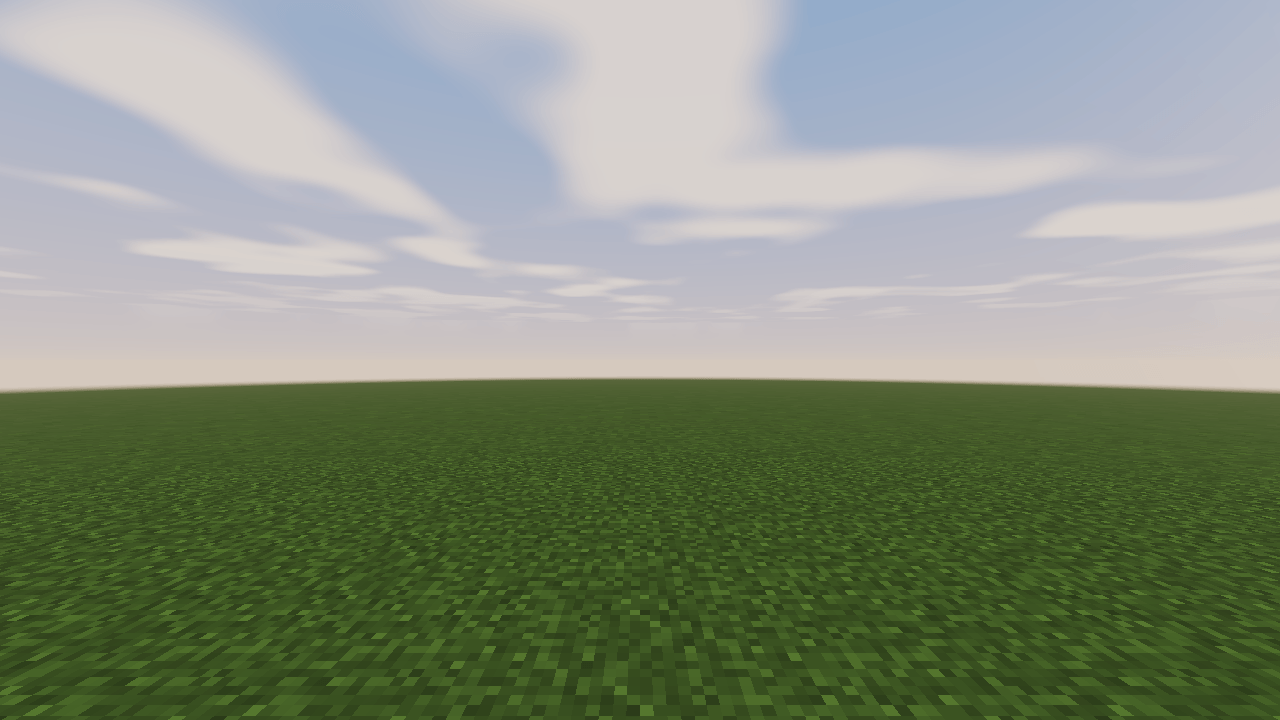
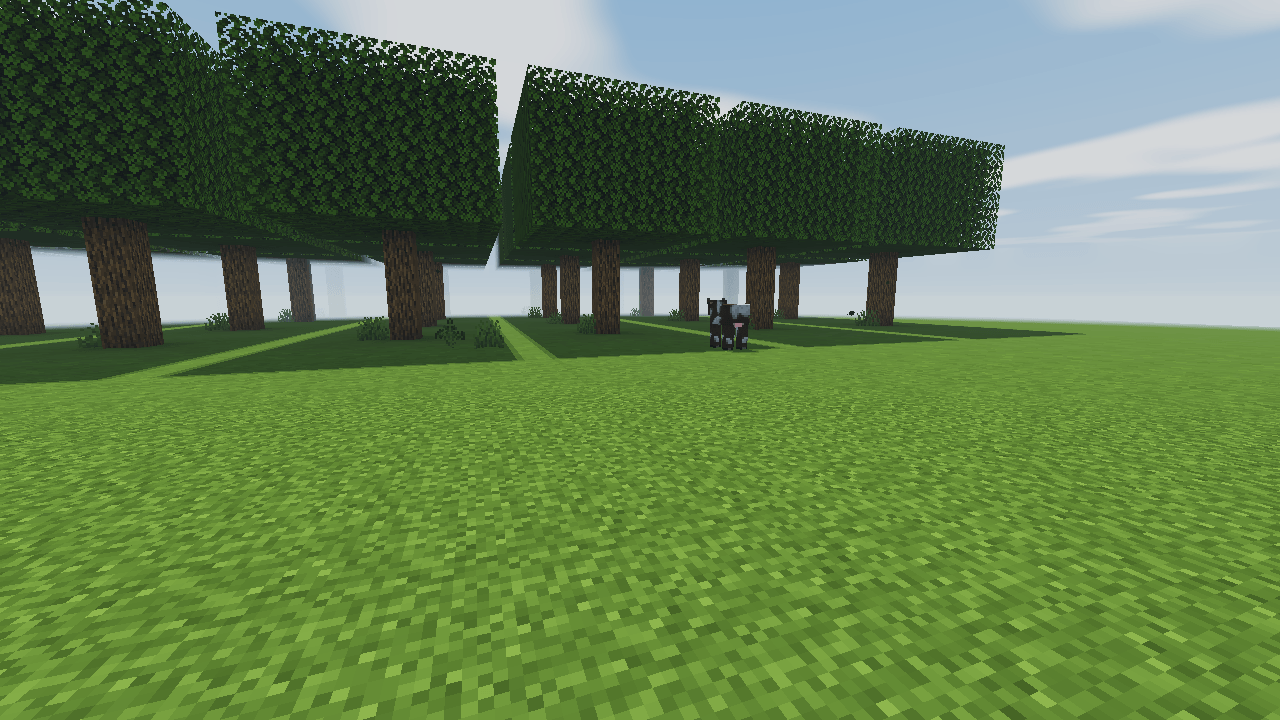
Solstice brings warm golden hours, cool moonlit shadows and atmospheric distance to familiar landscapes. Directional light gives stone, grass and buildings depth while controlled exposure keeps highlights restrained.

The Solstice look

  • Sunlight that shifts smoothly from cool nights to warm horizons and clear daylight.
  • Filtered world shadows with three quality levels.
  • Distance haze that separates mountains and distant terrain.
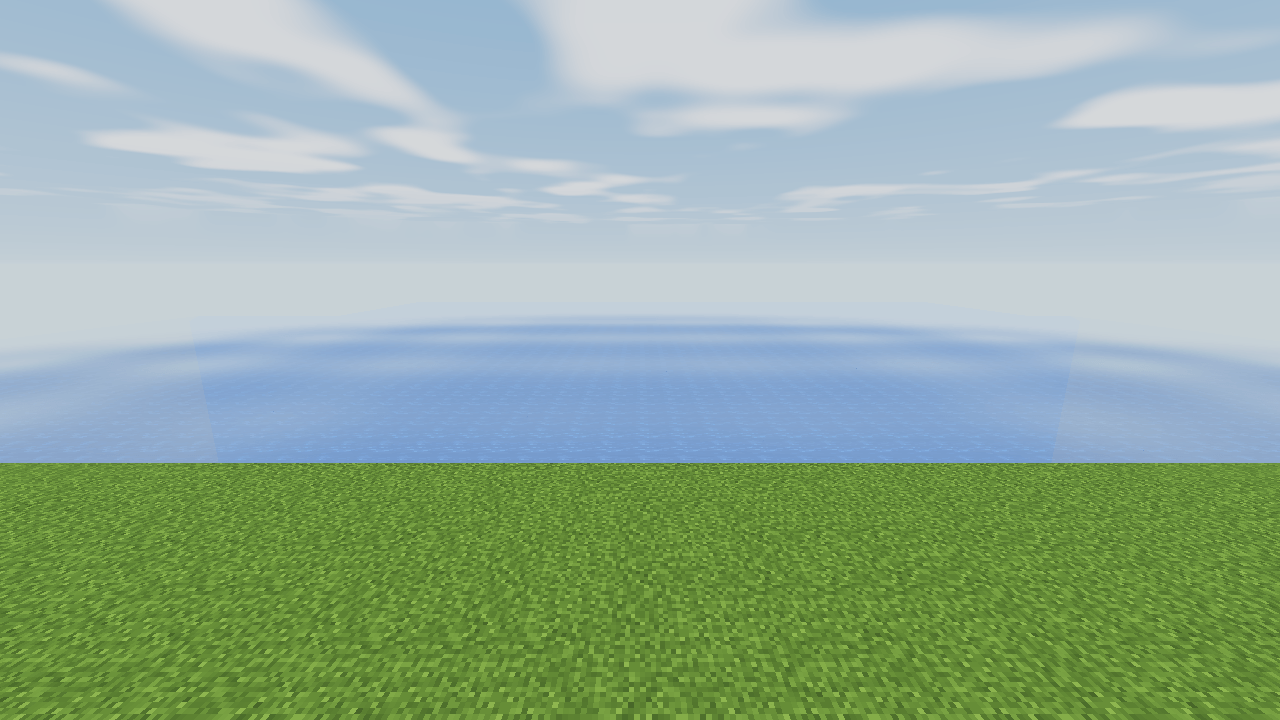
  • Subtle sky reflections and animated wave normals on water.
  • A restrained tone curve and adjustable color intensity.

Three quality presets

Lite preserves the lighting and atmosphere with a smaller shadow map and simpler filtering. Balanced, the default, adds four-tap shadows and water detail. Ultra increases shadow reach, filtering and atmospheric refinement.

Designed for ordinary play

Solstice uses direct lighting, analytic atmosphere and one final image pass. It does not use path tracing or a temporal accumulation buffer. Performance depends on the scene, resolution and hardware.

Solstice-Shaders-1.0.0.zip
MC Iris, 26.3
Release 2026-10-17

Requirements & install

How to use this shader in Minecraft
Shader loader
Iris
Minecraft
26.3
Install folder
.minecraft/shaderpacks

Install with Iris

  1. Install Iris with the Iris installer (irisshaders.dev); it sets up Fabric and Sodium for you.
  2. Download the shader pack .zip (do not extract it).
  3. Put the .zip into .minecraft/shaderpacks.
  4. In game open Options → Video Settings → Shader Packs, select the pack and click Apply.
Browse more: Iris shaders OptiFine shaders Shaders for 26.3 All shaders

More from Fox_Studios_by_teolm30

Advertisement Remove ads with Premium →

You Might Also Like