Mineuniverse
Shaders
SirDrake's Shader

SirDrake's Shader

SHADER
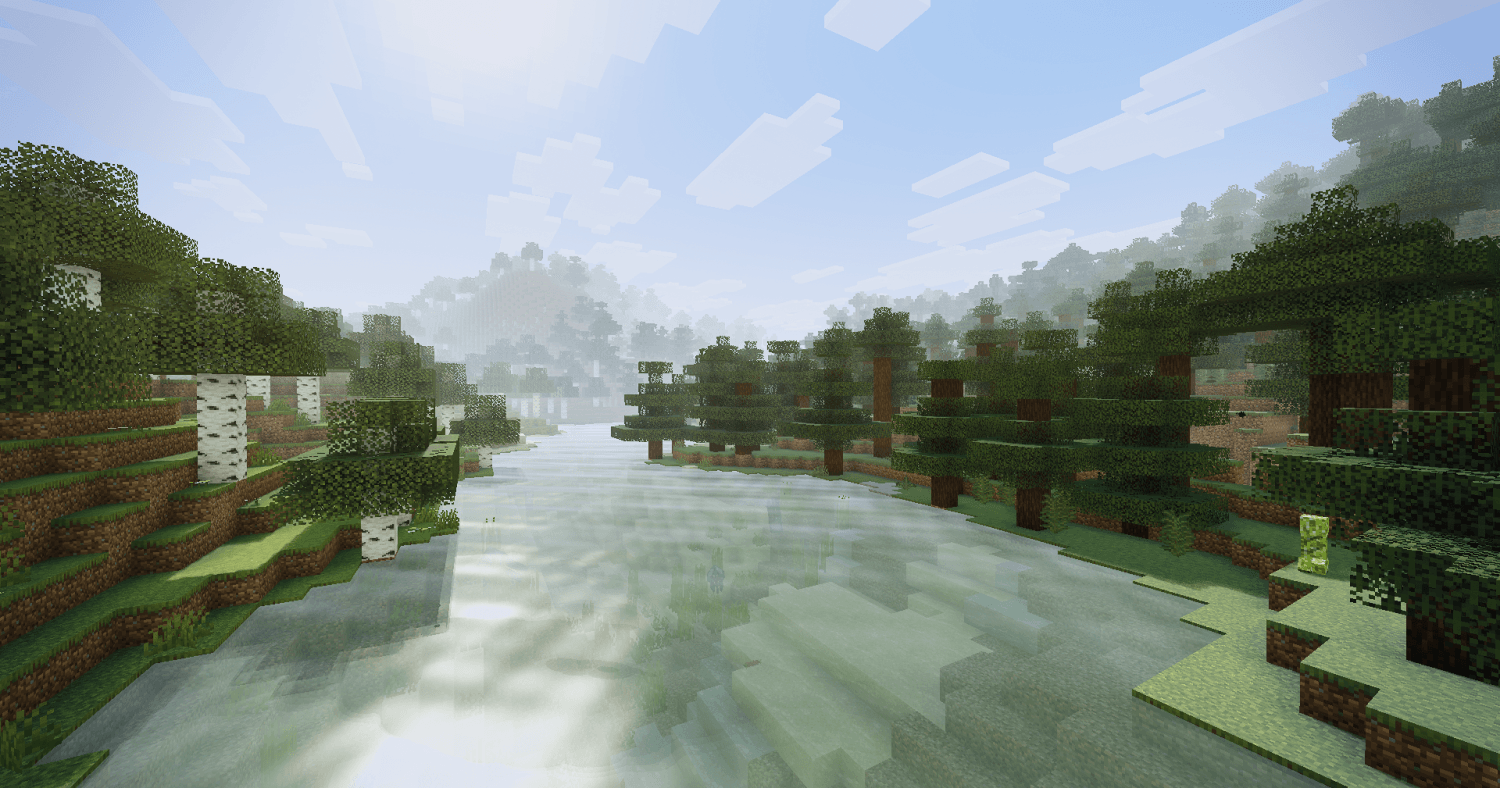
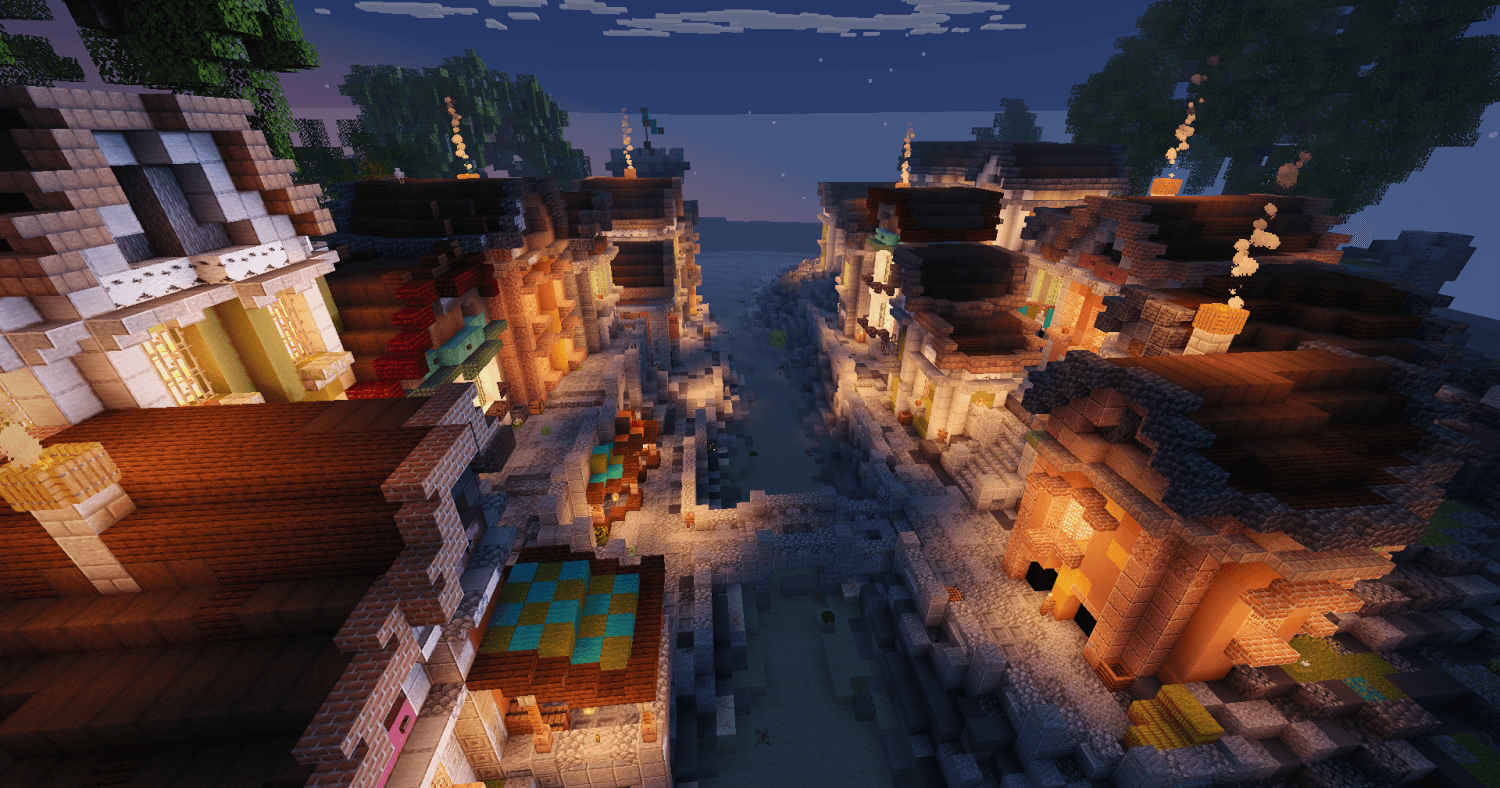
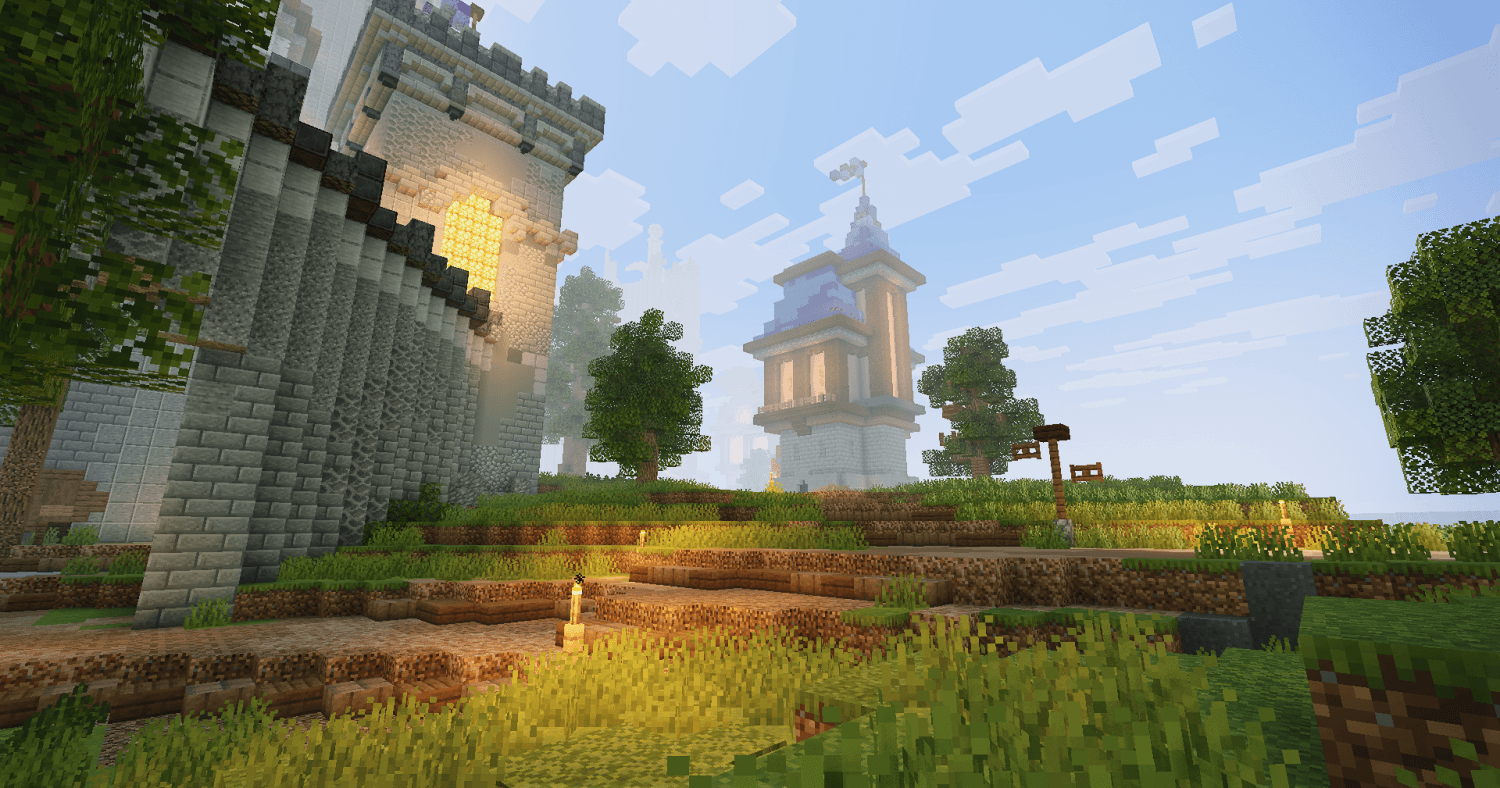
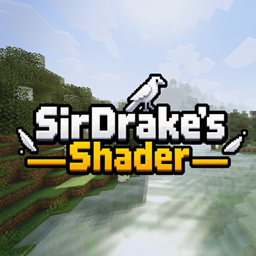
Shader bringing realistic lighting and smooth FPS to every Minecraft situation without ruining the original look
by SirDrake2
Download Claim this project
Add a badge to your pageLink to SirDrake's Shader from a README, website or forum post.
Preview: Badge

Badges update automatically and link to the shader page on MineUniverse.

341 downloads
0 likes
0 followers
Updated Nov 10, 2026
0 hypes
Follow0
Fantasy Realistic Vanilla
Advertisement Remove ads with Premium →

Shader bringing realistic lighting and smooth FPS to every Minecraft situation without ruining the original look

SirDrake's Shader.zip
MC 1.17.1, 1.7.2, 1.16.5, 1.10.2, 1.19.4, 1.9.4, 1.14.4, 1.20.1, OptiFine, 1.21.1, 1.7.10, 1.15.2, 1.18.2, 1.11.2, 1.8.9, 1.13.2, 1.12.2, Iris, 1.21.11, 26.1.2, 26.2, 26.3
Release 2026-10-19 Get

Requirements & install

How to use this shader in Minecraft
Shader loader
Iris OptiFine
Minecraft
1.18.2 – 26.3
Install folder
.minecraft/shaderpacks

How to install shaders

  1. Install a shader loader for your Minecraft version: Iris (with Sodium) or OptiFine.
  2. Download the shader pack .zip file (do not extract it).
  3. Put the .zip into the shaderpacks folder (.minecraft/shaderpacks).
  4. In game open Options → Video Settings → Shader Packs, select the pack and apply it.
Browse more: Iris shaders OptiFine shaders Shaders for 26.3 All shaders

More from SirDrake2

Advertisement Remove ads with Premium →

You Might Also Like