Mineuniverse
Shaders
retroview

retroview

SHADER
A retro-style shader for Minecraft!
by Project516
Download Claim this project
56,780 downloads
0 likes
Updated Oct 14, 2026
0 hypes
Vanilla
Advertisement Remove ads with Premium →

retroview

Modrinth CurseForge

retroview shader

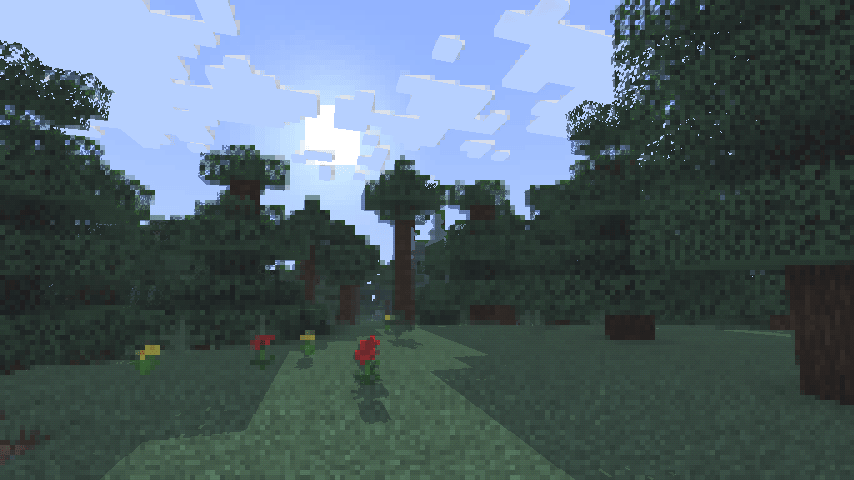
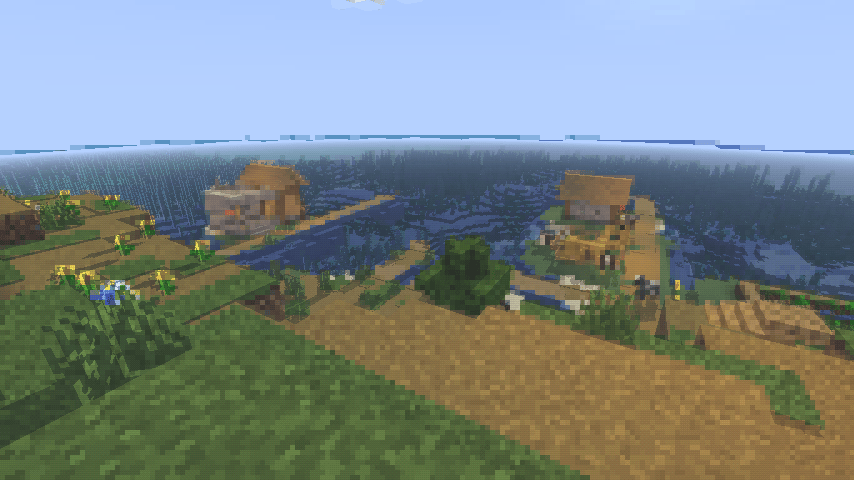
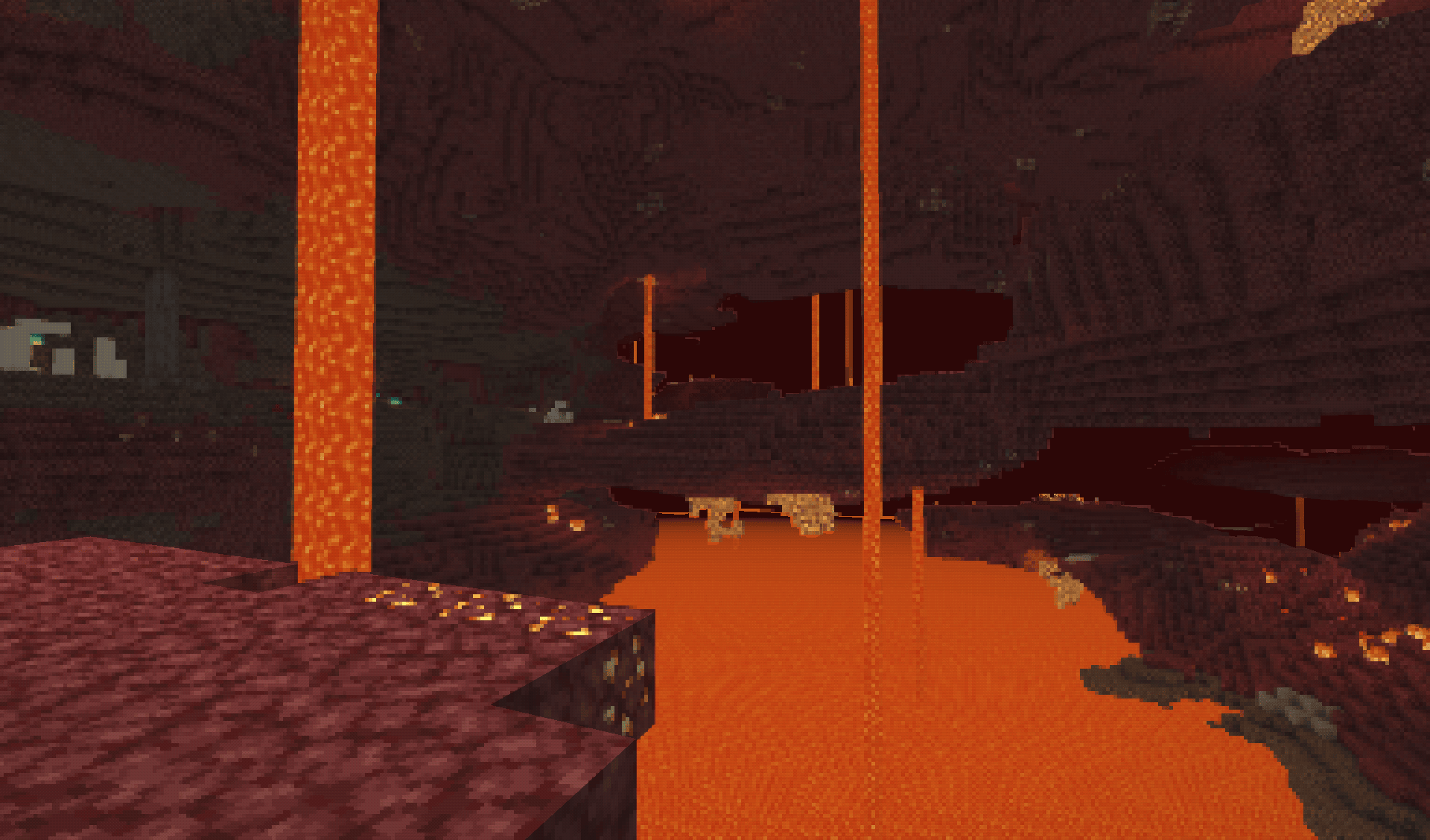
A simple, lightweight, retro-style shader pack for Minecraft!

What does it add?

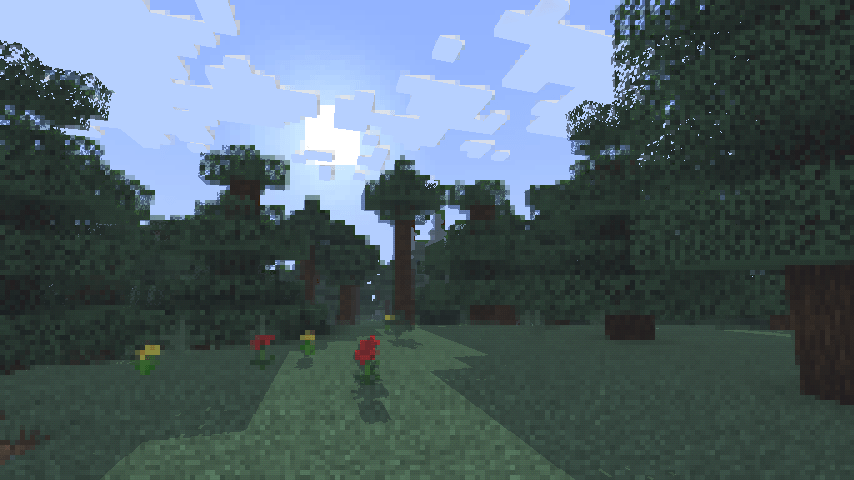
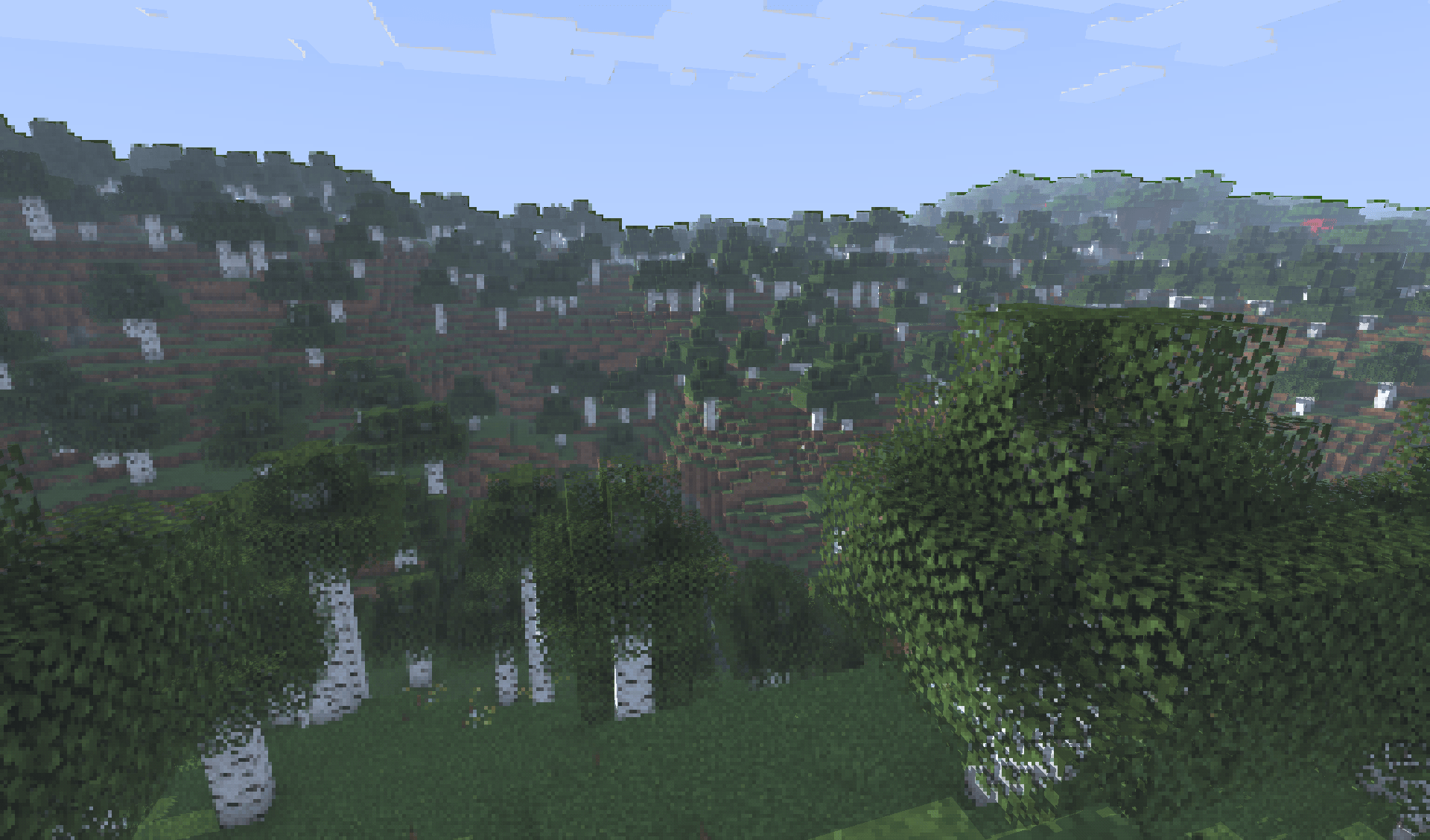
retroview instantly transforms your Minecraft world with a classic retro screen look, giving everything that retro, pixelated, console feel. It’s pure visual nostalgia layered right on top of vanilla (or your favorite resource packs). No new blocks, no new mechanics. Just a charming retro filter that makes every world feel fresh and different.

Key Features

  • Extremely lightweight: Runs smoothly even on lower-end PCs
  • Easy installation through Iris
  • Works perfectly with vanilla Minecraft and most resource packs
  • Supports all Minecraft versions

Why would you want this?

If you’re craving a fun, nostalgic twist on Minecraft, retroview is perfect for you.

Great for:

  • Reliving that classic gaming vibe
  • Taking cool retro-style screenshots or videos
  • Making your survival or creative worlds feel unique and charming
  • Just wanting a light, no-fuss visual change that still feels 100% like Minecraft

Created as a simple passion project to bring retro vibes back to modern Minecraft.

Compatibility

  • Requires the Iris shader mod
  • Tested on Minecraft 1.16.5 - 26.3

Download

retroview is available to download on Modrinth and Curseforge.

Made by project516

retroview-1.2.0-shaderpack.zip
MC 1.17.1, 1.21.2-Snapshot, 1.21, 1.21.6-snapshot, 1.18.1, 1.20.2-Snapshot, 1.20.5-Snapshot, 1.19-Snapshot, 1.21.1-Snapshot, 1.16.5, 1.19.3, 1.20.2, 1.19.4, 1.21.8, 1.17
Release 2026-10-03 Get
retroview-1.1.3-shaderpack.zip
MC 1.17.1, 1.21.2-Snapshot, 1.21, 1.21.6-snapshot, 1.18.1, 1.20.2-Snapshot, 1.20.5-Snapshot, 1.19-Snapshot, 1.21.1-Snapshot, 1.16.5, 1.19.3, 1.20.2, 1.19.4, 1.21.8, 1.17
Release 2026-08-31 Get
retroview-1.1.2-shaderpack.zip
MC 1.17.1, 1.21.2-Snapshot, 1.21, 1.21.6-snapshot, 1.18.1, 1.20.2-Snapshot, 1.20.5-Snapshot, 1.19-Snapshot, 1.21.1-Snapshot, 1.16.5, 1.19.3, 1.20.2, 1.19.4, 1.21.8, 1.17
Release 2026-05-30 Get
retroview-1.1.1-shaderpack.zip
MC 1.17.1, 1.21.2-Snapshot, 1.21, 1.21.6-snapshot, 1.18.1, 1.20.2-Snapshot, 1.20.5-Snapshot, 1.19-Snapshot, 1.21.1-Snapshot, 1.16.5, 1.19.3, 1.20.2, 1.19.4, 1.21.8, 1.17
Release 2026-04-27 Get
retroview-1.1.0-shaderpack.zip
MC 1.17.1, 1.21.2-Snapshot, 1.21, 1.21.6-snapshot, 1.18.1, 1.20.2-Snapshot, 1.20.5-Snapshot, 1.19-Snapshot, 1.21.1-Snapshot, 1.16.5, 1.19.3, 1.20.2, 1.19.4, 1.21.8, 1.17
Release 2026-04-11 Get
retroview-1.0.0-shaderpack-26.1.1.zip
MC Iris, 26.1.1
Release 2026-04-08 Get
retroview-1.0.1-shaderpack-1.21.5.zip
MC 1.21.5, Iris
Release 2026-04-08 Get

Requirements & install

How to use this shader in Minecraft
Shader loader
Iris
Minecraft
1.20.5-Snapshot – 26.1.1
Install folder
.minecraft/shaderpacks

Install with Iris

  1. Install Iris with the Iris installer (irisshaders.dev); it sets up Fabric and Sodium for you.
  2. Download the shader pack .zip (do not extract it).
  3. Put the .zip into .minecraft/shaderpacks.
  4. In game open Options → Video Settings → Shader Packs, select the pack and click Apply.
Browse more: Iris shaders OptiFine shaders Shaders for 26.1.1 All shaders
Advertisement Remove ads with Premium →

You Might Also Like