Mineuniverse
Shaders
Retro Pixel Shader – NES Style

Retro Pixel Shader – NES Style

SHADER
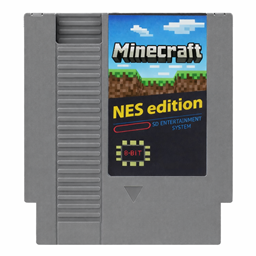
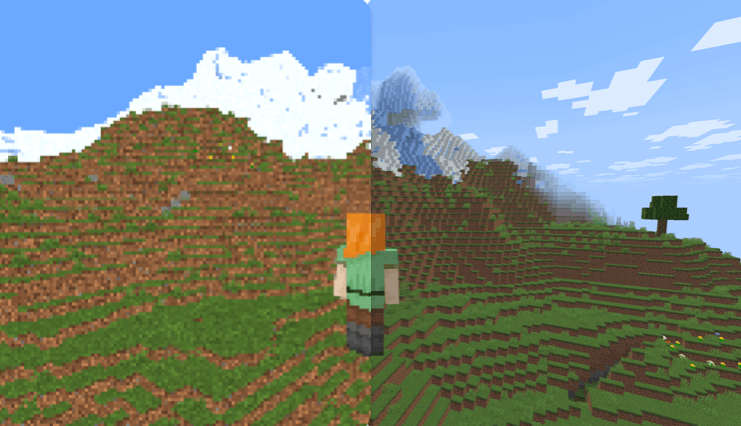
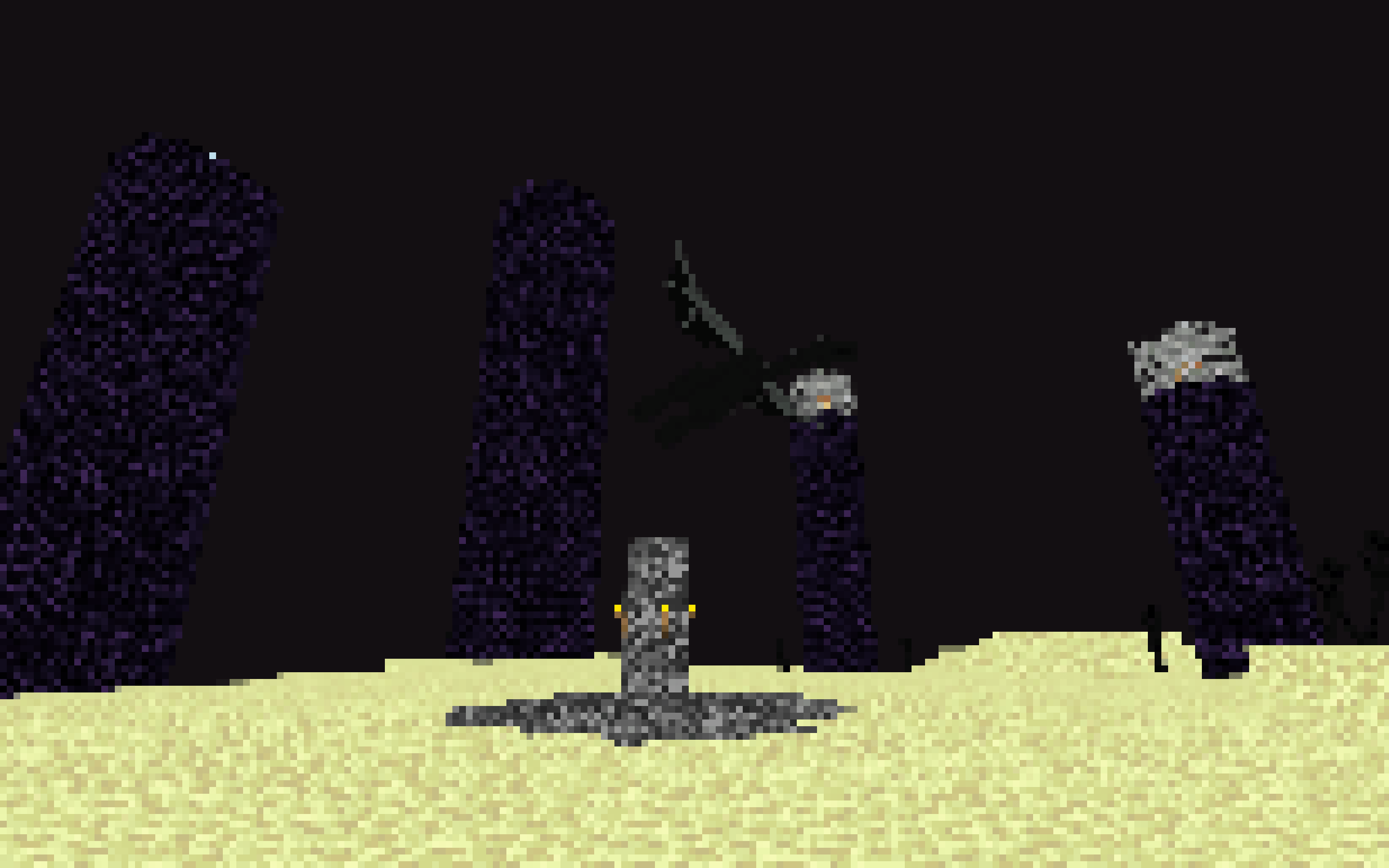
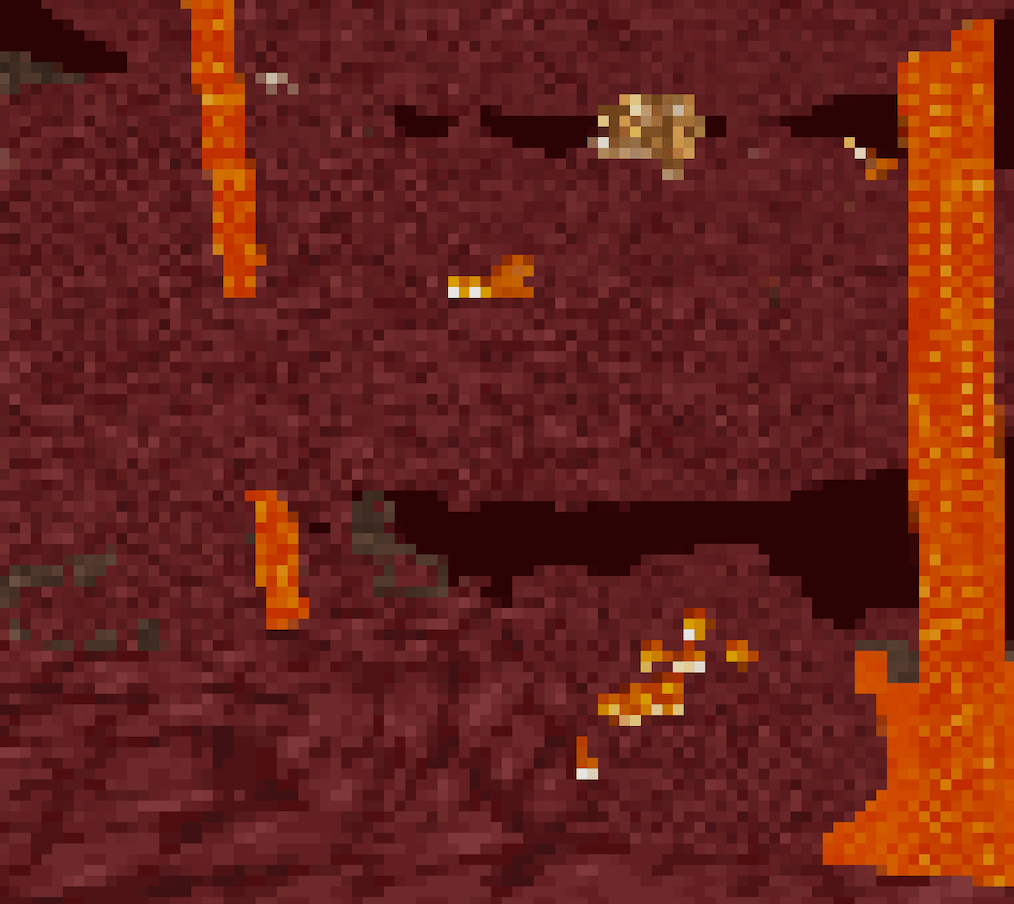
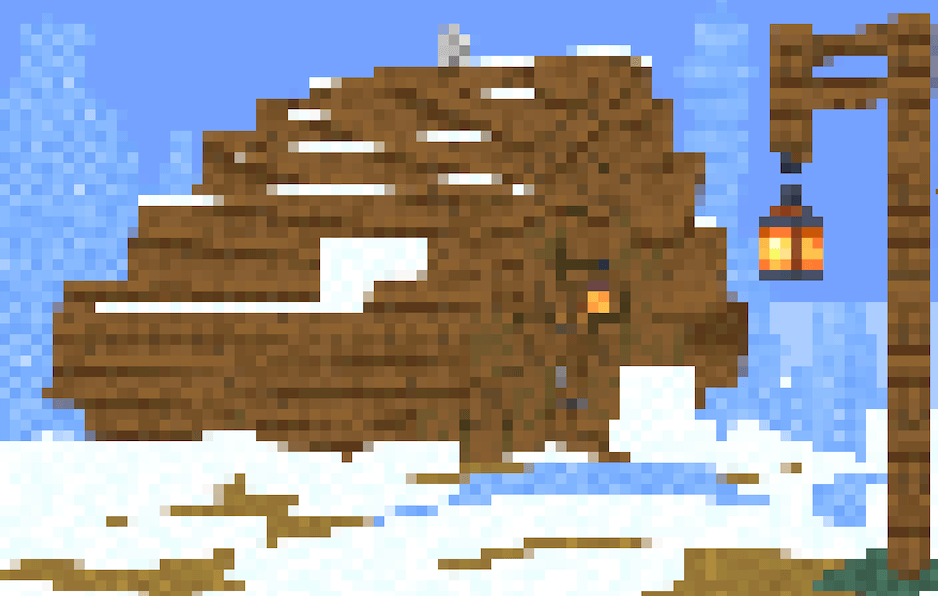
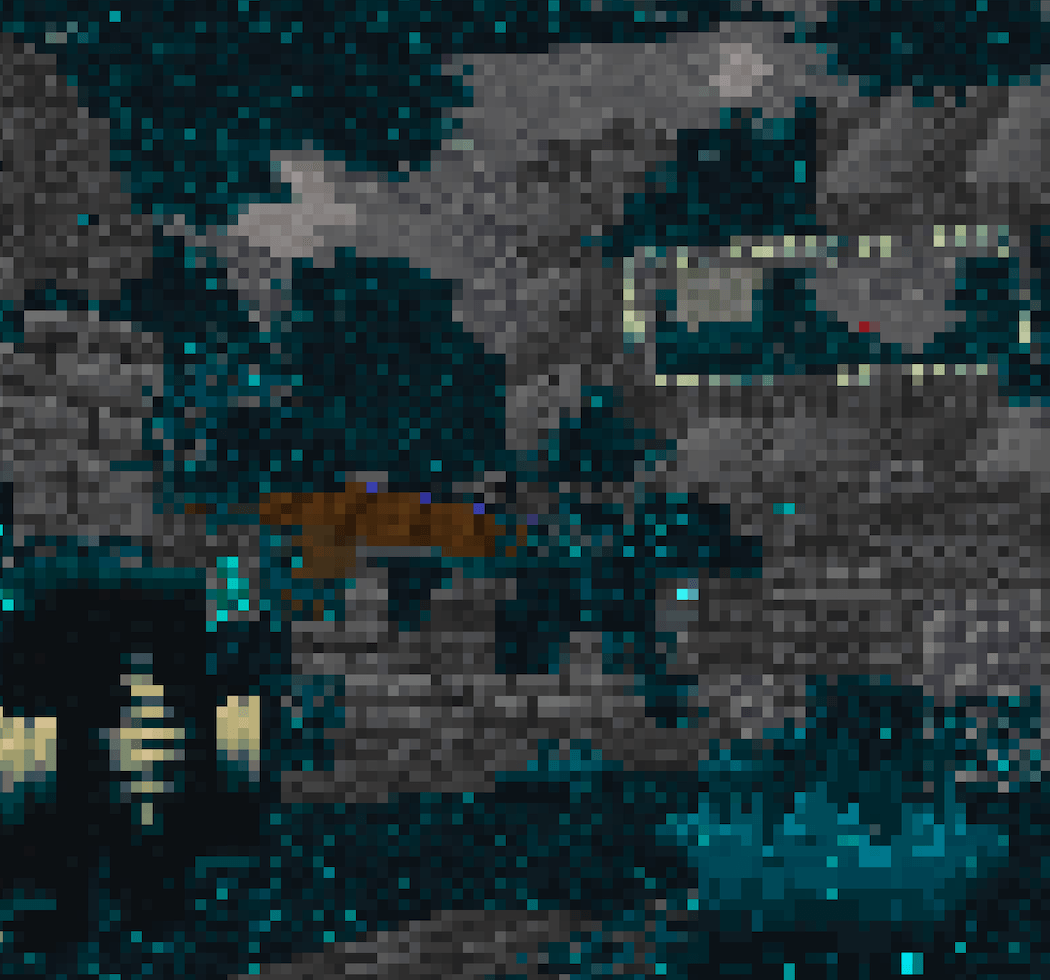
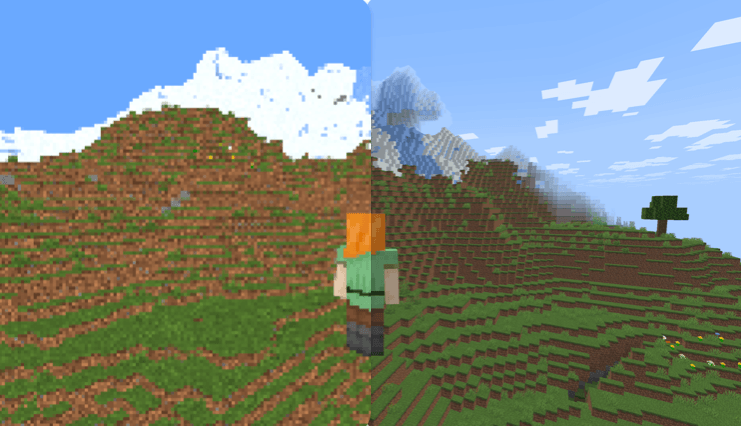
This shader transforms Minecraft into a REAL 8-bit NES game – see the insane before/after!
by Ritz_creator
Download Claim this project
1,973 downloads
0 likes
0 followers
Updated Oct 14, 2026
0 hypes
Follow0
Fantasy Vanilla
Advertisement Remove ads with Premium →

🎮 Retro Pixel Shader – NES Style Minecraft

Turn Minecraft into a retro 8-bit adventure inspired by the Nintendo Entertainment System.

This shaderpack transforms the game into a pixelated retro world while keeping the classic Minecraft colors and atmosphere.

Perfect for players who love retro graphics, pixel art, and nostalgic games.

⚡ Lightweight
🎮 Retro aesthetic
🧩 Fully customizable


✨ Features

🟩 NES-Style Pixel Graphics
Large retro pixels that recreate the look of classic 8-bit games.

🌈 Vanilla Minecraft Colors
The shader keeps the original Minecraft color palette.

⚡ Lightweight Performance
Designed to run smoothly on most computers.

📺 Optional CRT Effects

  • Scanlines

  • Dithering

  • Retro screen look

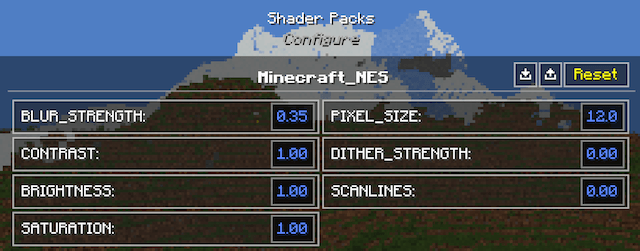
🔧 Adjustable Shader Settings
You can customize the shader directly in the shader menu:
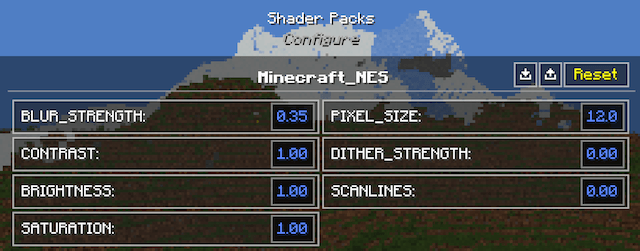


  • Pixel Size

  • Blur Strength

  • Brightness

  • Saturation

  • Contrast

  • Scanlines

  • Dithering


🎥 What It Looks Like

Your Minecraft world becomes:

  • Pixelated landscapes

  • Retro-style lighting

  • Classic 8-bit visuals

It feels like playing Minecraft on an NES console.


⚙️ Recommended Settings

For the best retro look:

Pixel Size → 8 – 10
Blur → 0.25 – 0.35
Scanlines → Low


📦 Requirements

Minecraft Java Edition
Iris Shader Loader
Sodium (recommended)


📥 Installation

  1. Install Iris + Sodium

  2. Download the shaderpack

  3. Place it inside:

.minecraft/shaderpacks

  1. Enable it in:

Options → Video Settings → Shaders


🎬 YouTubers & Streamers Welcome

You are free to use this shaderpack in videos or streams. If you do, please consider linking the project page!

⭐ Seen this shader in a video? Download it here and try it yourself!

Minecraft NES.zip V1.1
MC 1.21.2-Snapshot, 1.21, 1.21.6-snapshot, 1.21.1-Snapshot, 1.21.8, 1.21.5, 1.21.4, 1.21.5-Snapshot, 1.21.1, 1.21.6, 1.21.3, 1.21.7, 1.21-Snapshot, 1.21.4-Snapshot, Iris, 1.21.2
Release 2026-03-20 Get
Minecraft NES.zip V1.0
MC 1.21.8, 1.21.6, 1.21.7, Iris, 1.21.9-snapshot, 1.21.9, 1.21.10, 1.21.11-snapshot, 1.21.11, 26.1-snapshot
Release 2026-03-15 Get

Requirements & install

How to use this shader in Minecraft
Shader loader
Iris
Minecraft
1.21.7 – 26.1-snapshot
Install folder
.minecraft/shaderpacks

Install with Iris

  1. Install Iris with the Iris installer (irisshaders.dev); it sets up Fabric and Sodium for you.
  2. Download the shader pack .zip (do not extract it).
  3. Put the .zip into .minecraft/shaderpacks.
  4. In game open Options → Video Settings → Shader Packs, select the pack and click Apply.
Browse more: Iris shaders OptiFine shaders Shaders for 26.1-snapshot All shaders

More from Ritz_creator

Advertisement Remove ads with Premium →

You Might Also Like