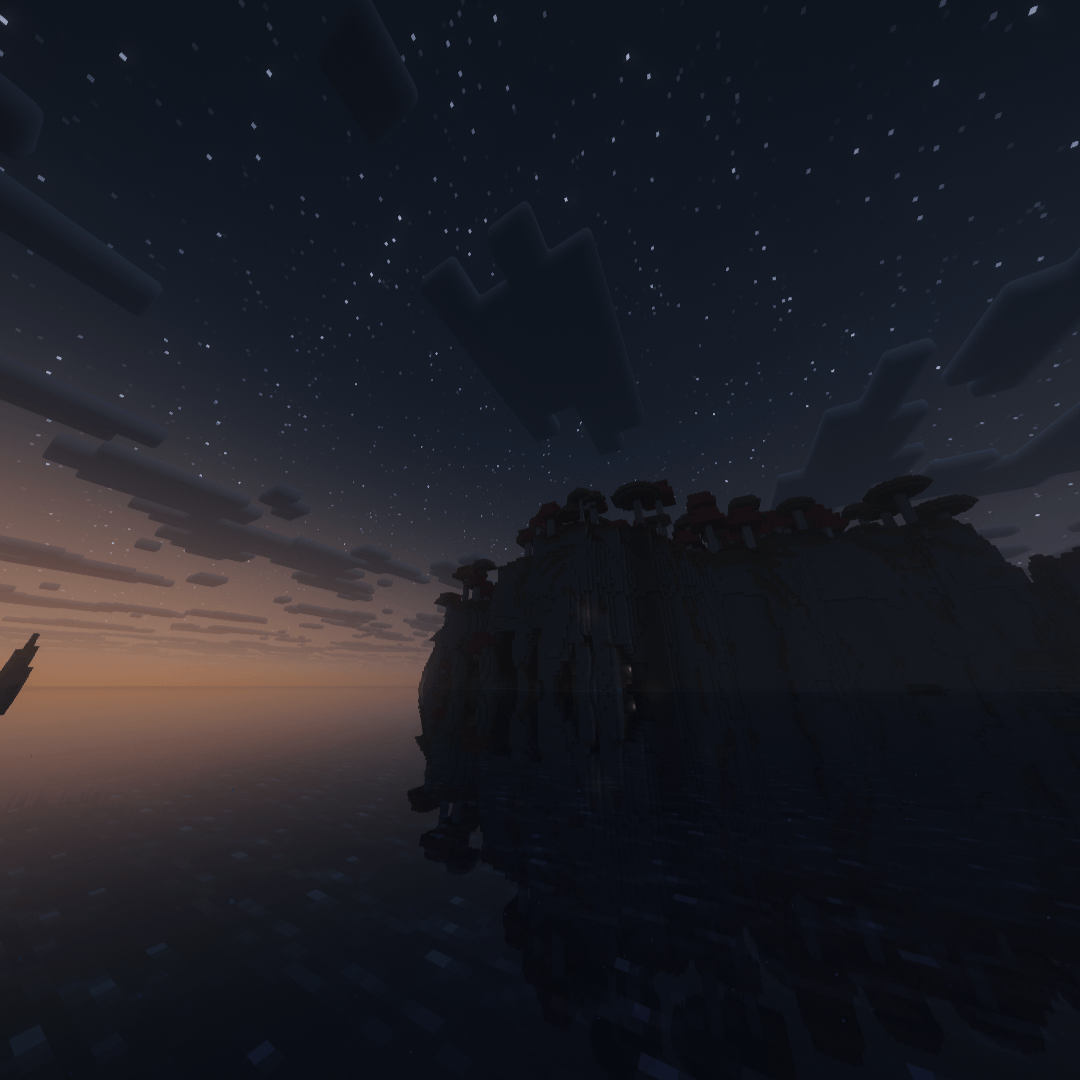
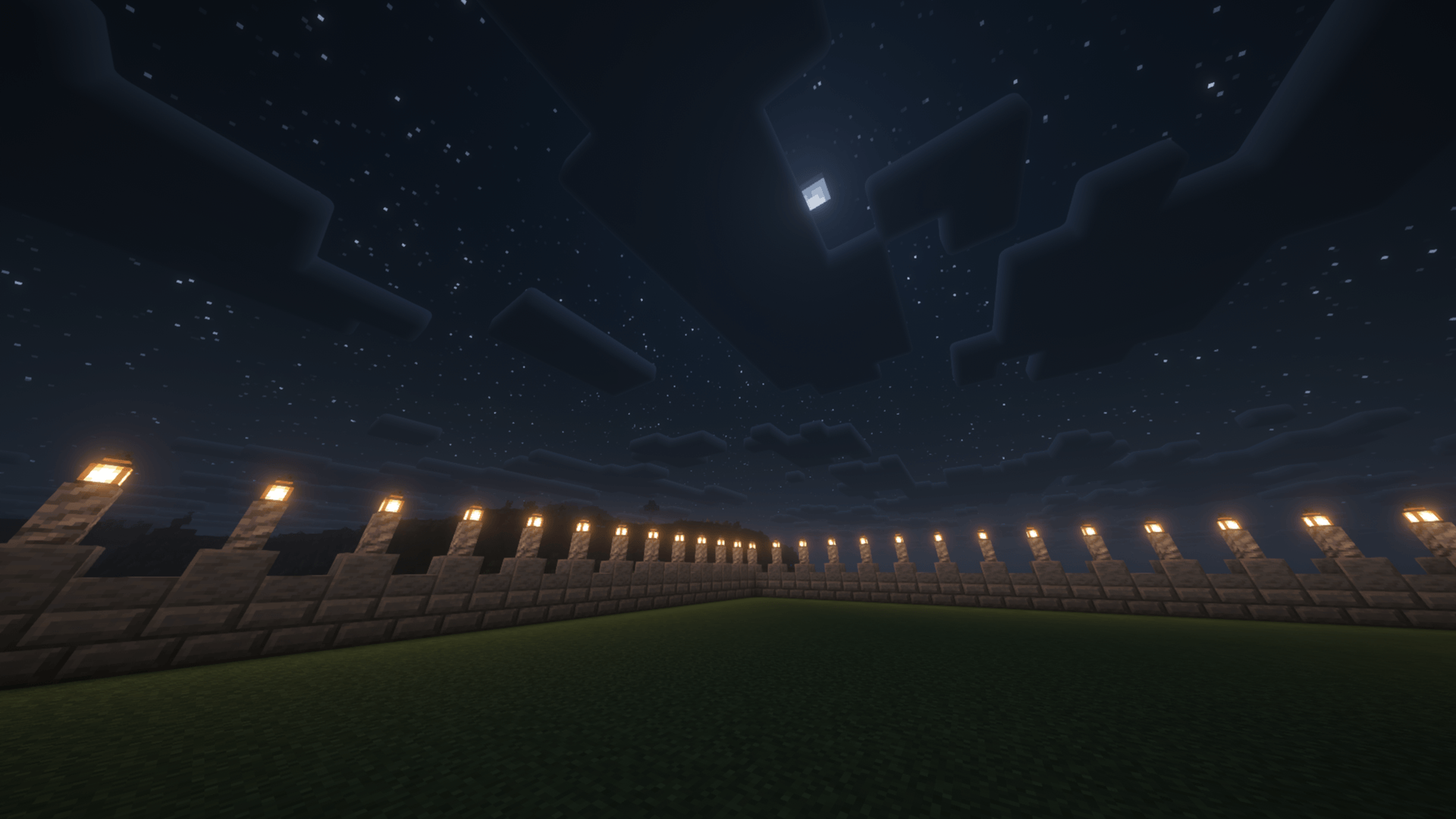
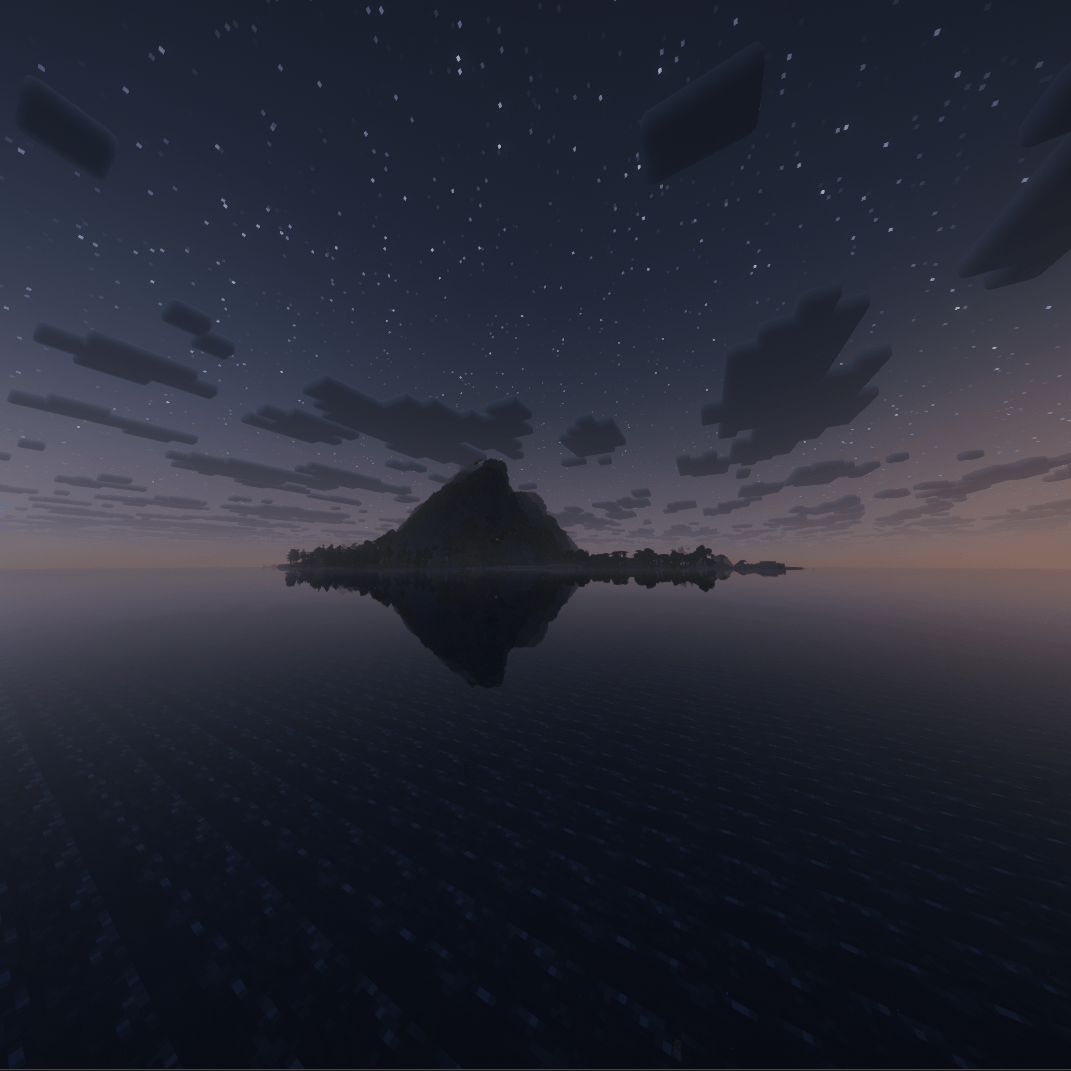
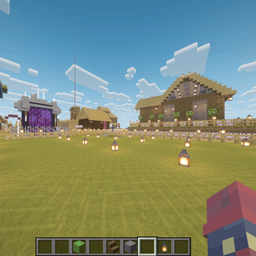
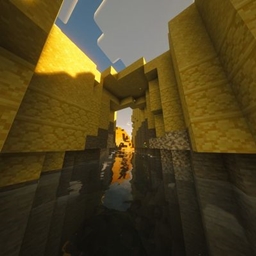
REM Shader is built around one idea: Minecraft should feel like the last few seconds of a dream, right before you wake up. Instead of chasing hyper-realism, this pack leans into softness — hazy light, warm color grading, and gentle motion that make every biome feel a little unfocused, in the best way.
Key features
- Warm, autumn-leaning color grading — sunsets lean deep orange and rose, daylight sits warm and golden, and even midday skies carry a faint dreamlike haze
- Soft bloom and glow — light sources bleed gently into their surroundings instead of sitting as harsh points, giving lanterns, torches, and the sun itself a soft aura
- Gentle, low-contrast shadows — shadows are present but never harsh, keeping the world readable while still feeling atmospheric
- Calm water reflections — lakes and oceans pick up warm sky tones and reflect them with a soft ripple, rather than a sharp mirror finish
- Lightweight performance profile — designed to run smoothly on mid-range setups; the dreamy look comes from color and light tuning, not expensive ray-traced effects
- Best paired with slower, exploration-focused gameplay — autumn builds, cozy cabins, lakeside builds, and golden-hour screenshots
Whether you're building a quiet lakeside home, taking screenshots at sunset, or just want your world to feel warmer and softer, REM Shader turns ordinary Minecraft lighting into something that lingers like a memory.
Created by Autumn_Minecraft_2.