Key Features and Benefits
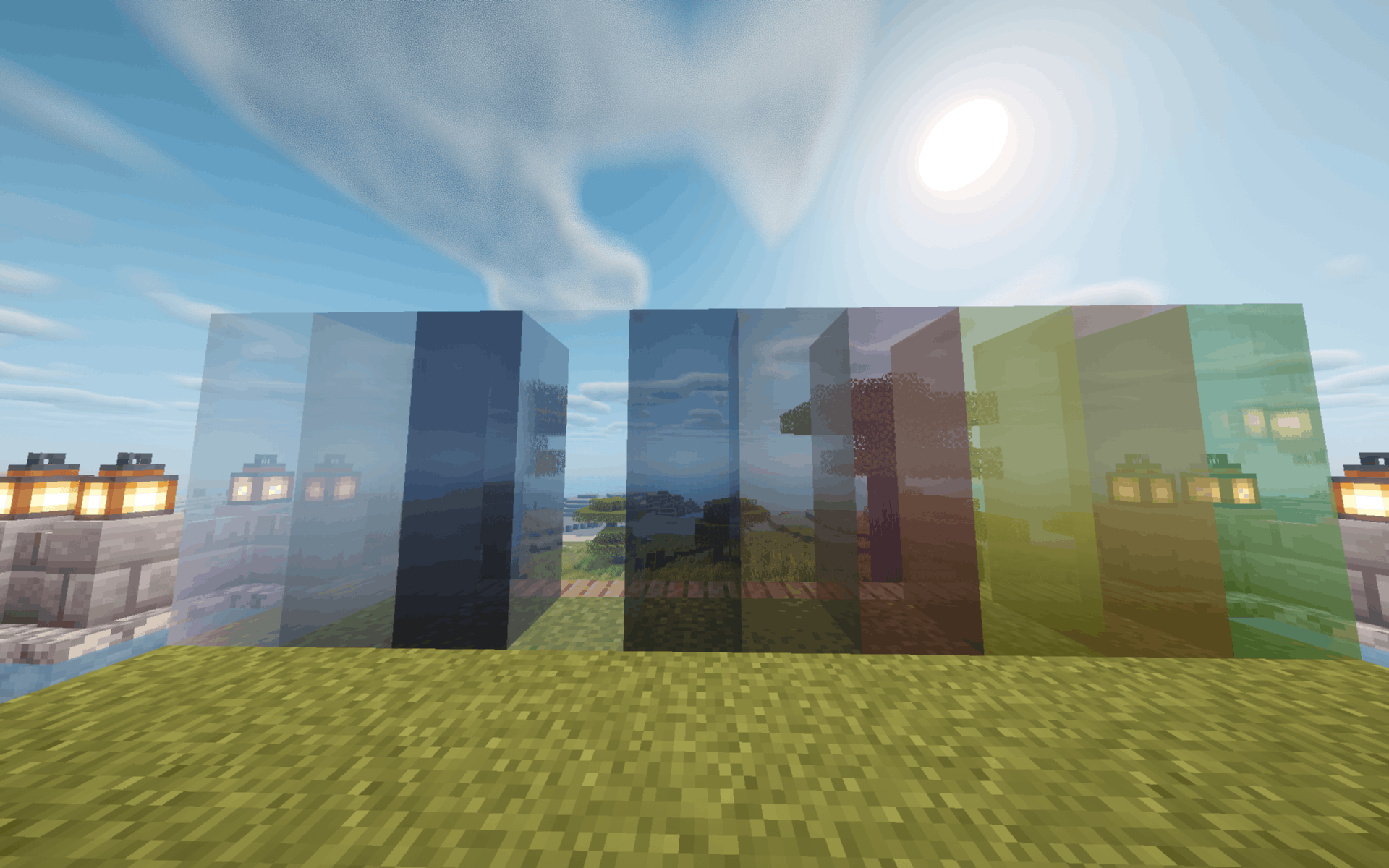
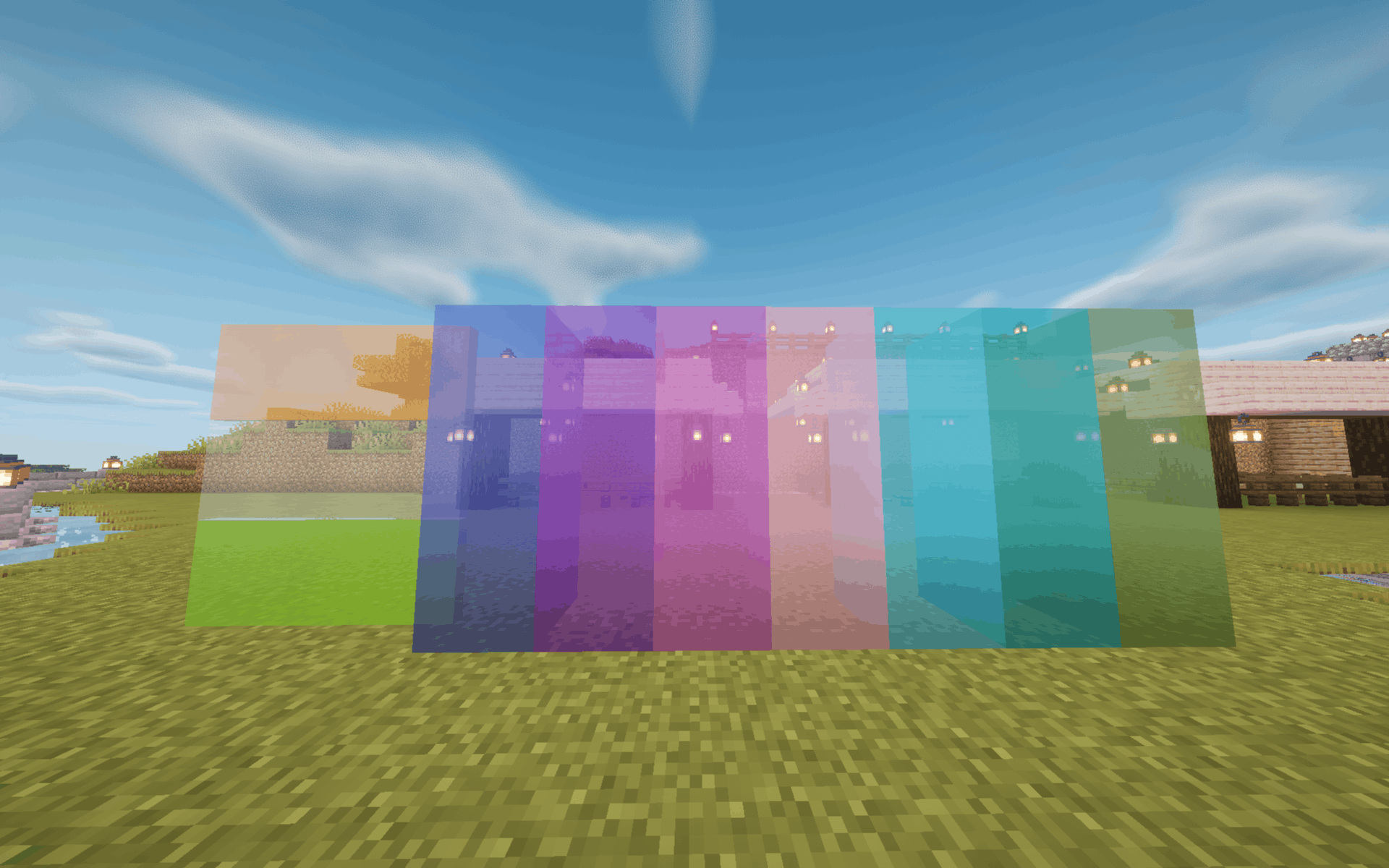
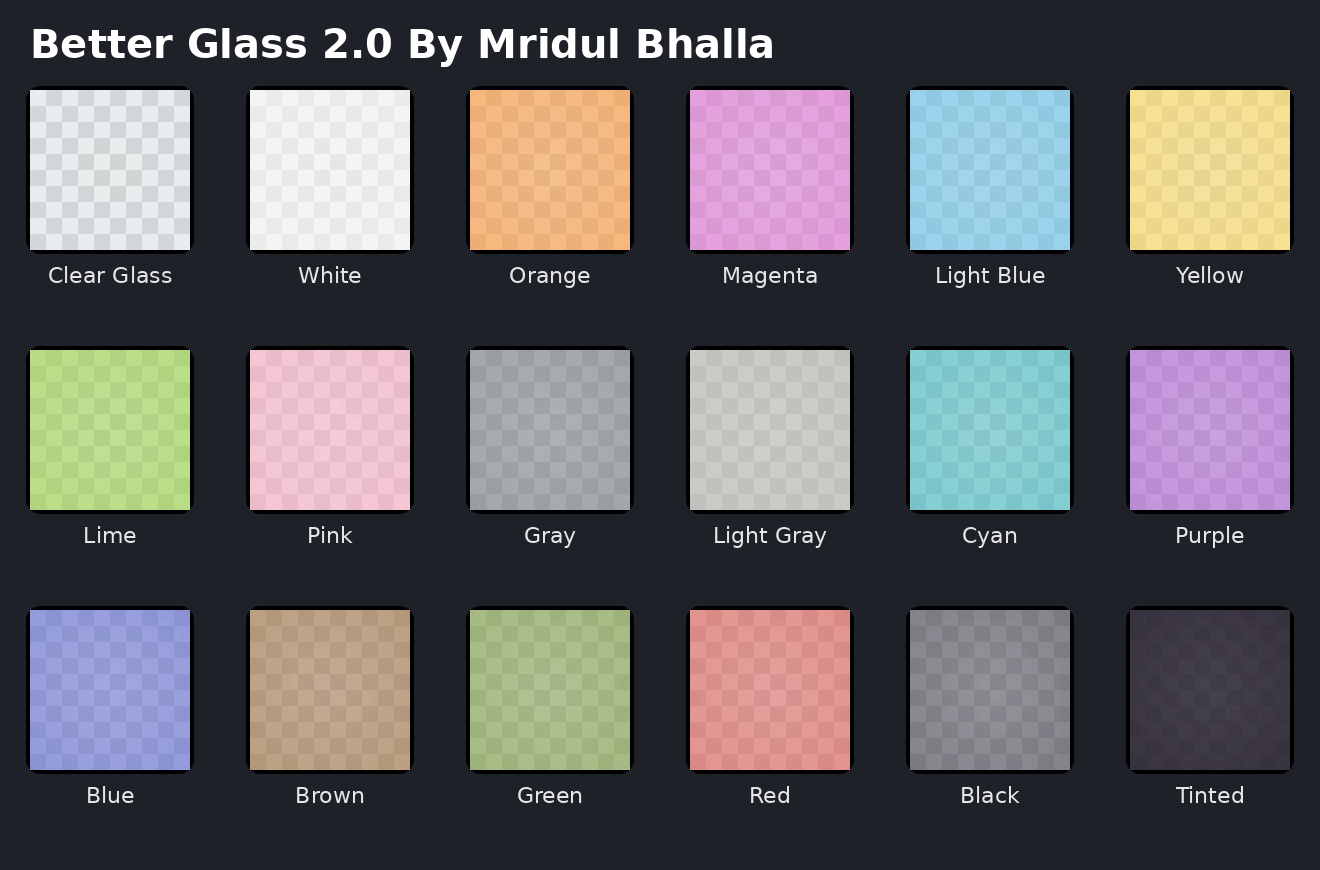
Seamless Connected Textures: Say goodbye to the ugly, blocky grid lines. When you place multiple glass blocks or panes next to each other, they automatically merge into one massive, continuous window.
Crystal Clear Visibility: Standard vanilla Minecraft glass is notoriously covered in annoying streaks and pixelated scratches. This pack removes that visual noise, giving you completely transparent and unobstructed views of your surroundings.
Modern & Sleek Aesthetic: This is perfect for builders who love contemporary architecture. Whether you are constructing a high-rise city skyscraper, a luxurious modern mansion, or a massive underwater aquarium, this glass provides the clean, professional look your build deserves.
Universal Glass Upgrade: The clean, borderless effect applies consistently across both full glass blocks and thin glass panes, ensuring your interior and exterior designs match perfectly without any awkward visual breaks.
Enhanced Immersion: Without thick grid lines blocking your line of sight, looking out from your base feels much more natural. It makes viewing sunsets, landscapes, or your crop farms much more enjoyable.
100% Free to Use: You get premium-quality building materials without spending a dime. It is a completely free resource designed to instantly elevate your building experience.