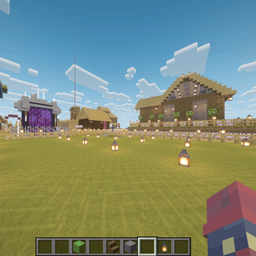
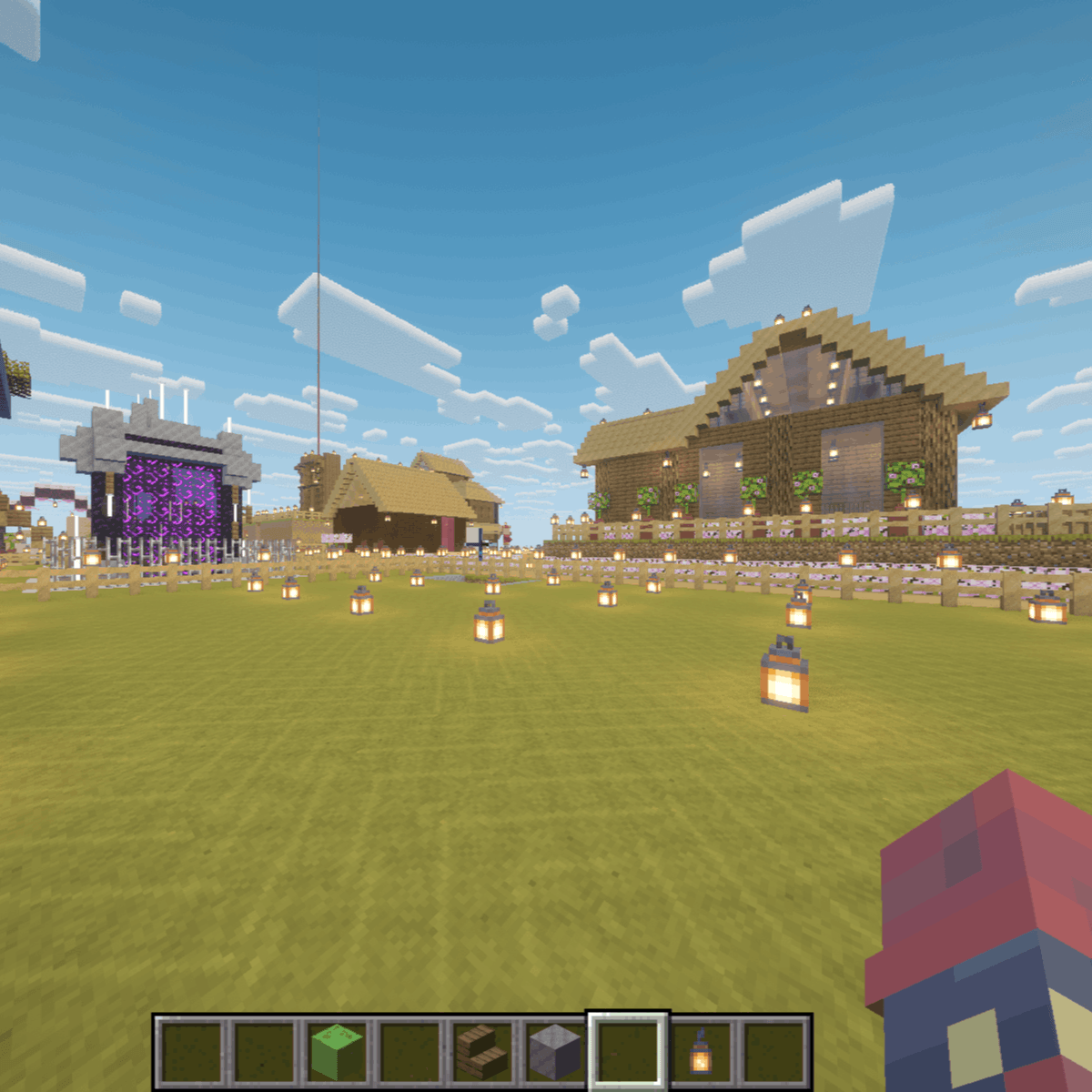
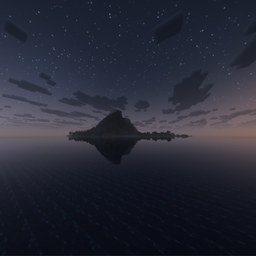
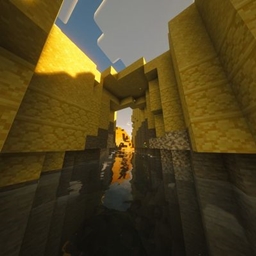
Welcome to your new favorite resource pack for Minecraft! If you are tired of the harsh transitions between your natural blocks and want a more unified look for your builds, this pack is exactly what you need. Our main feature introduces seamless connected textures for both grass and wood blocks. This means your lush rolling hills and sprawling wooden cabins will finally look like smooth, continuous surfaces rather than a rigid grid of squares.
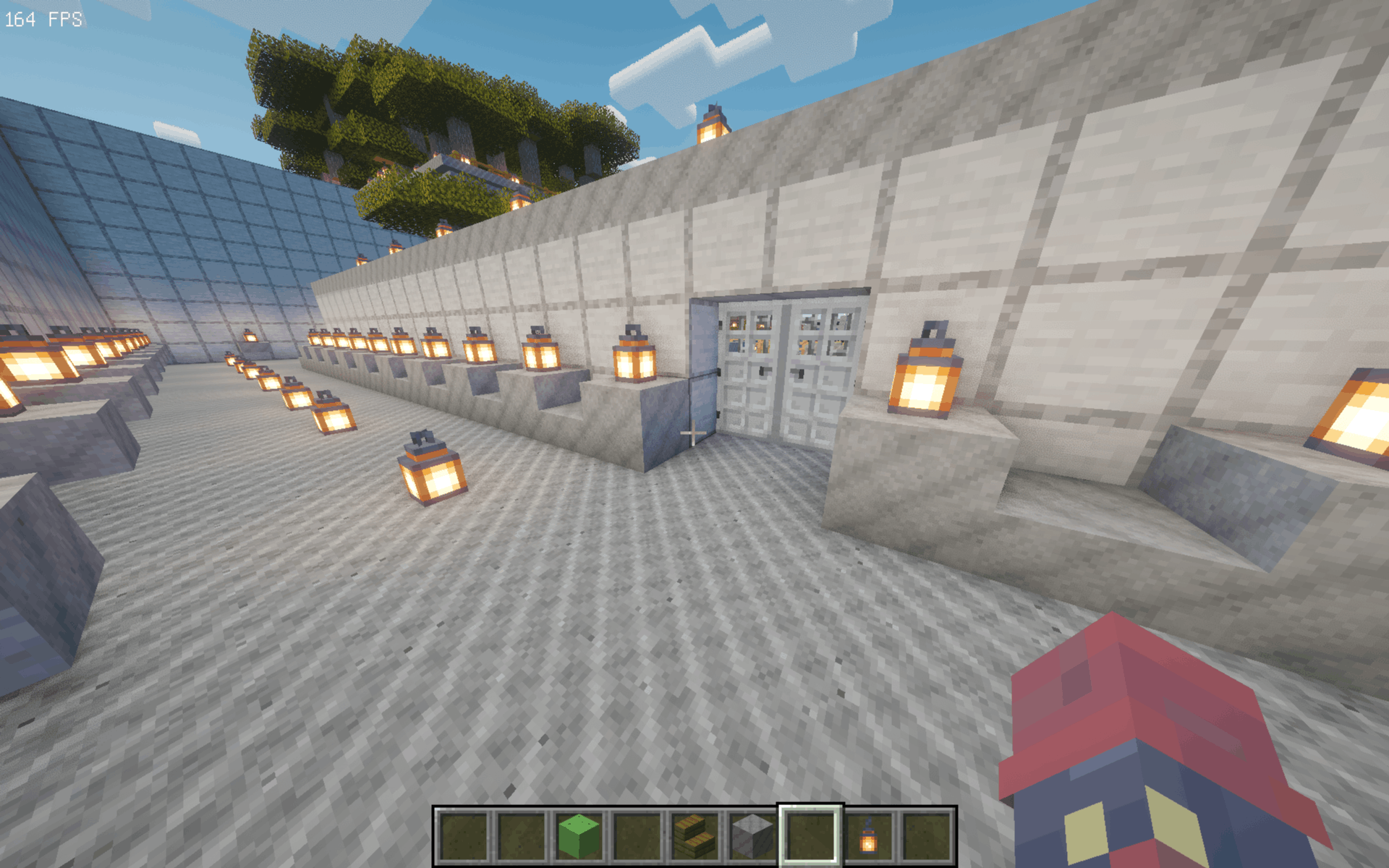
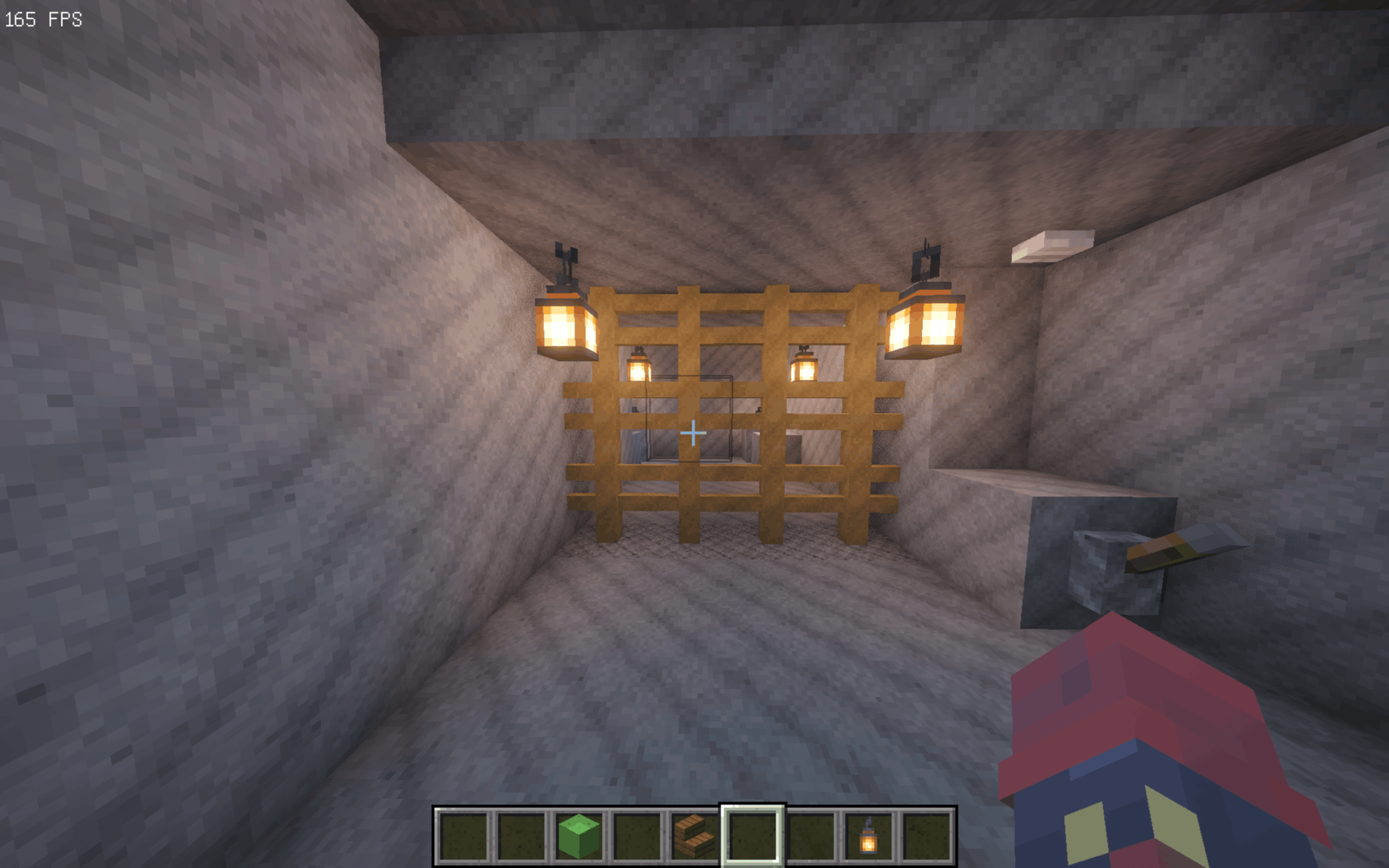
But that is not all we have added. We know that mining and building with basic materials can get visually repetitive. To fix this, we have completely redesigned the textures for some of the most common building blocks in the game. You will discover brand new, highly detailed, and beautifully shaded textures for standard stone, cobblestone, and stone bricks. These revamped textures are expertly crafted to give your majestic castles, deep underground dungeons, and cozy cobblestone cottages a fresh, modern, and incredibly immersive aesthetic.
Whether you are a dedicated survival player or a creative mode architect, this pack enhances your world without losing the classic feel. Download today, transform your blocky universe, and experience your next great adventure with stunning visual upgrades! Enjoy your new world!