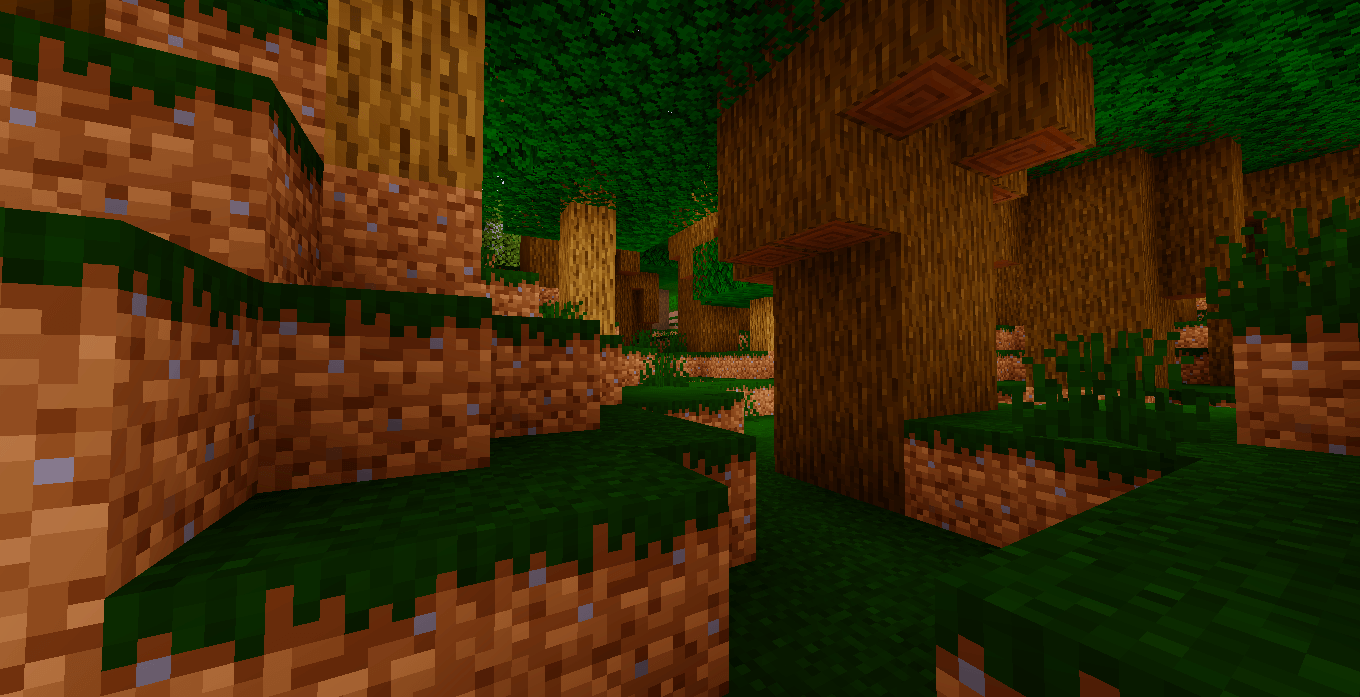
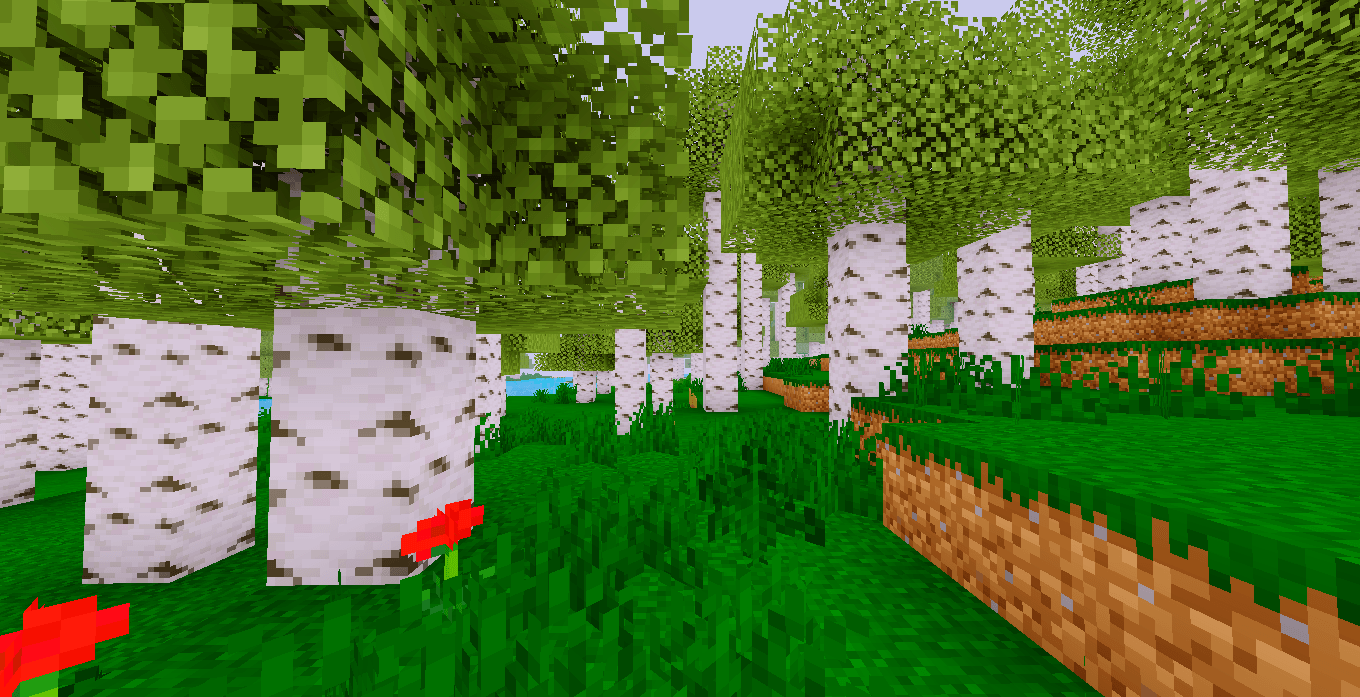
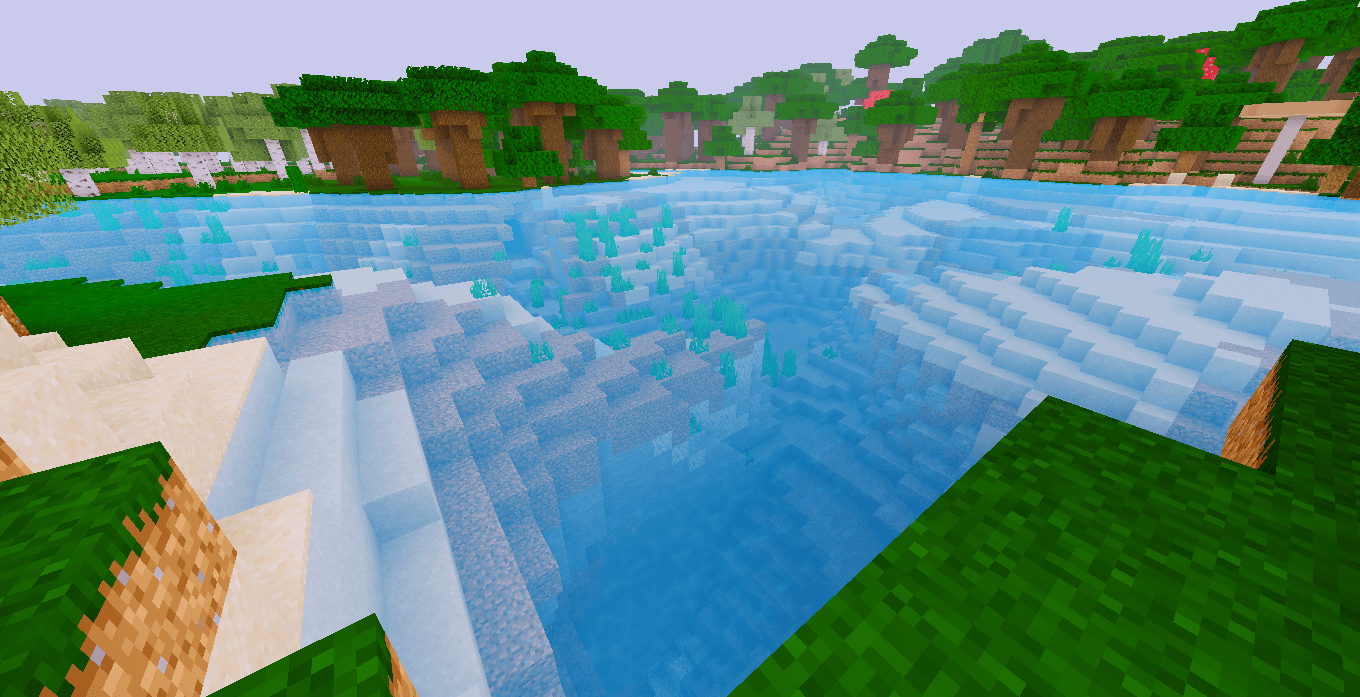
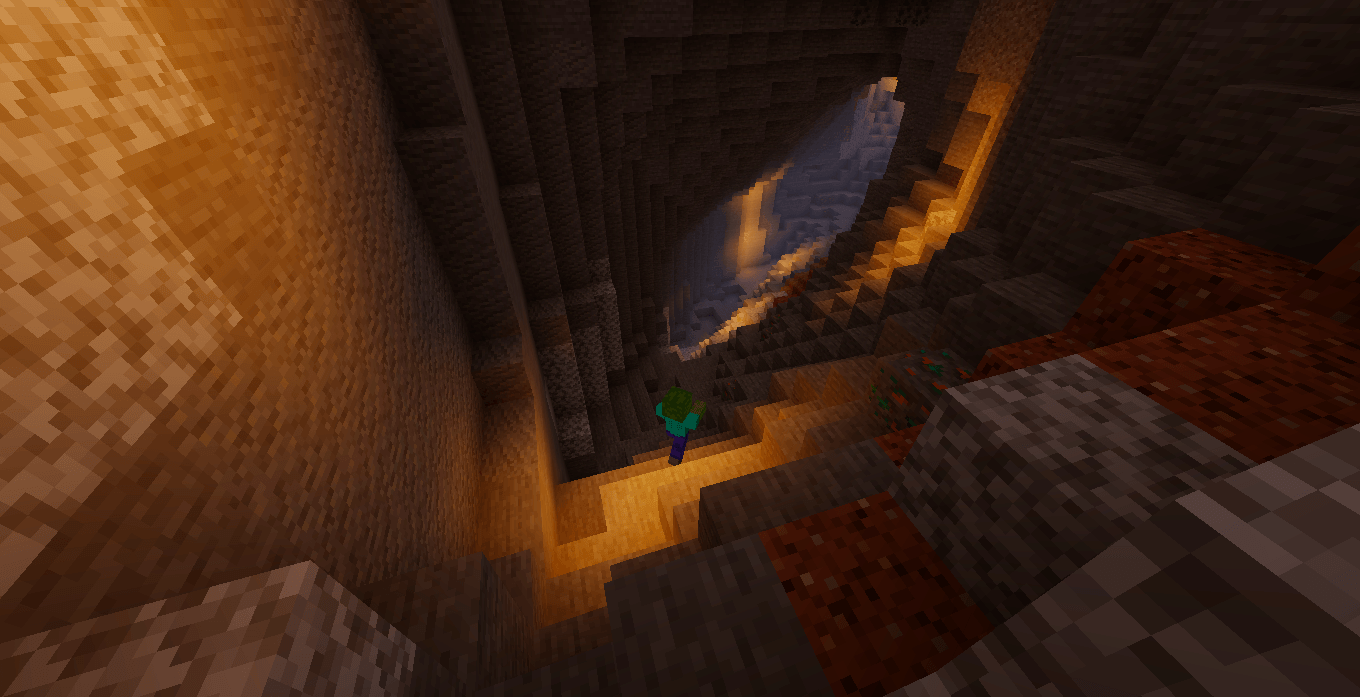
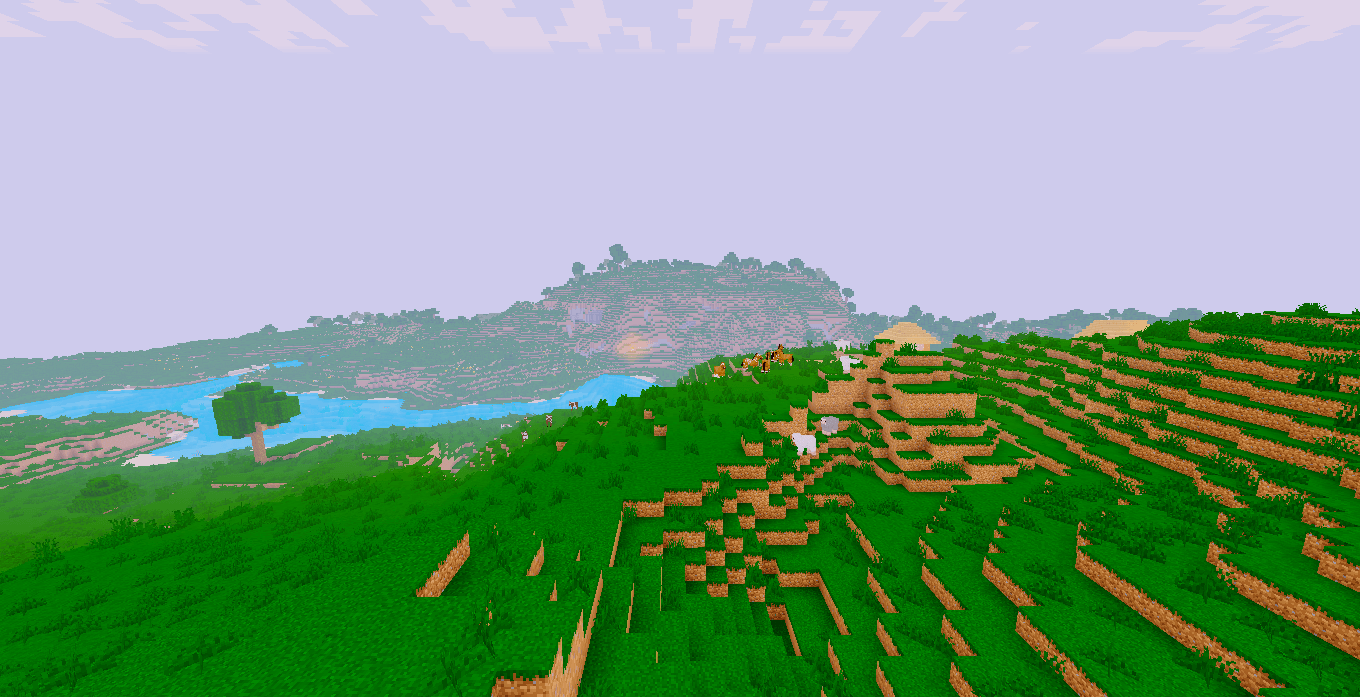
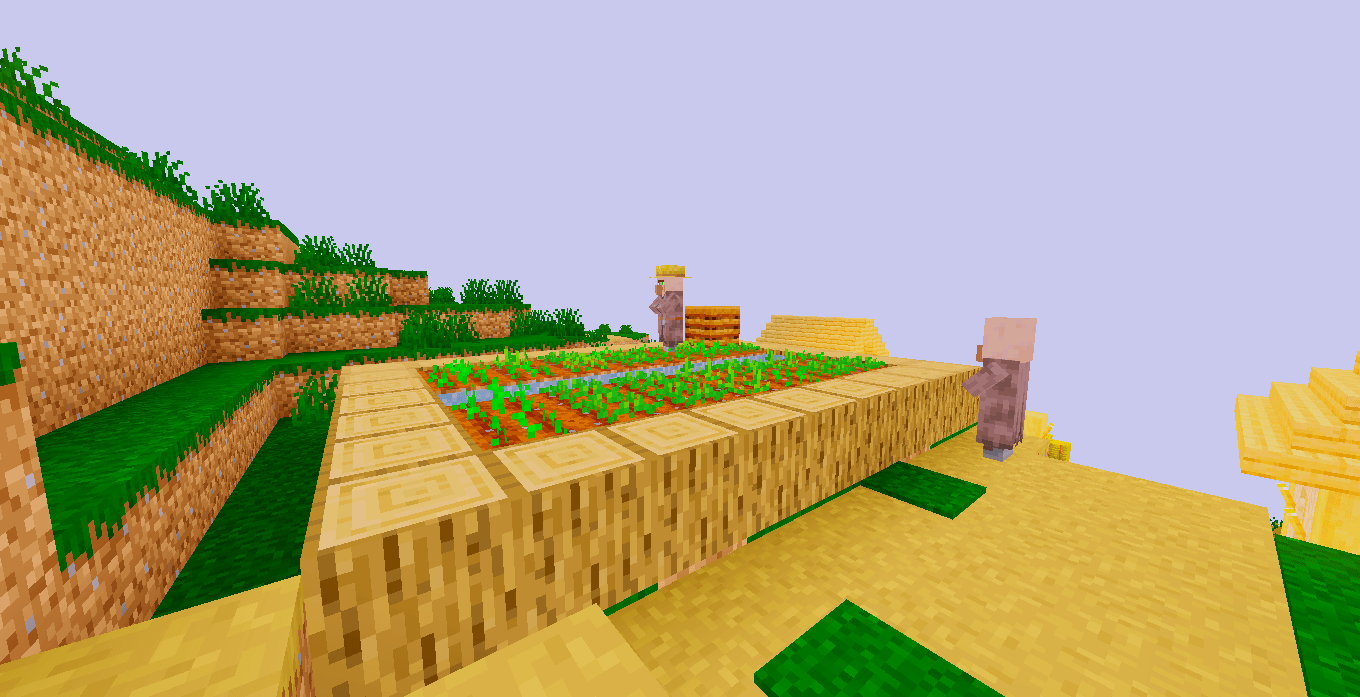
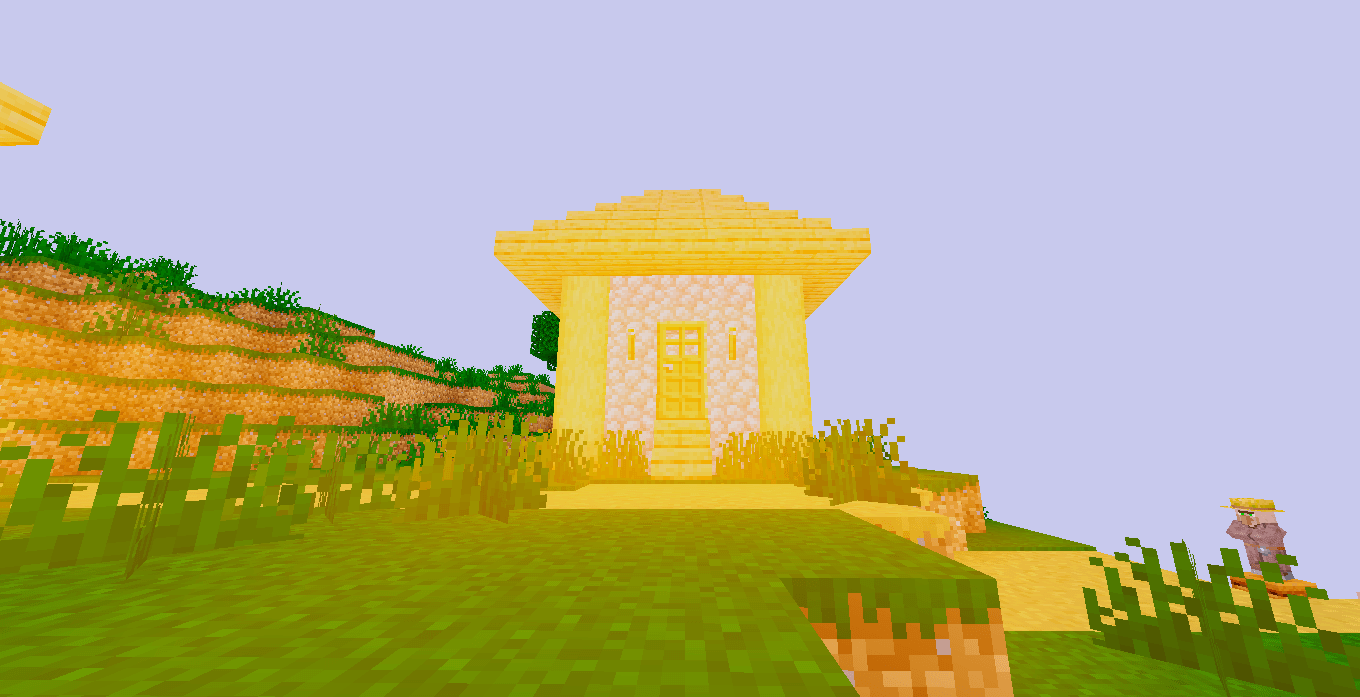
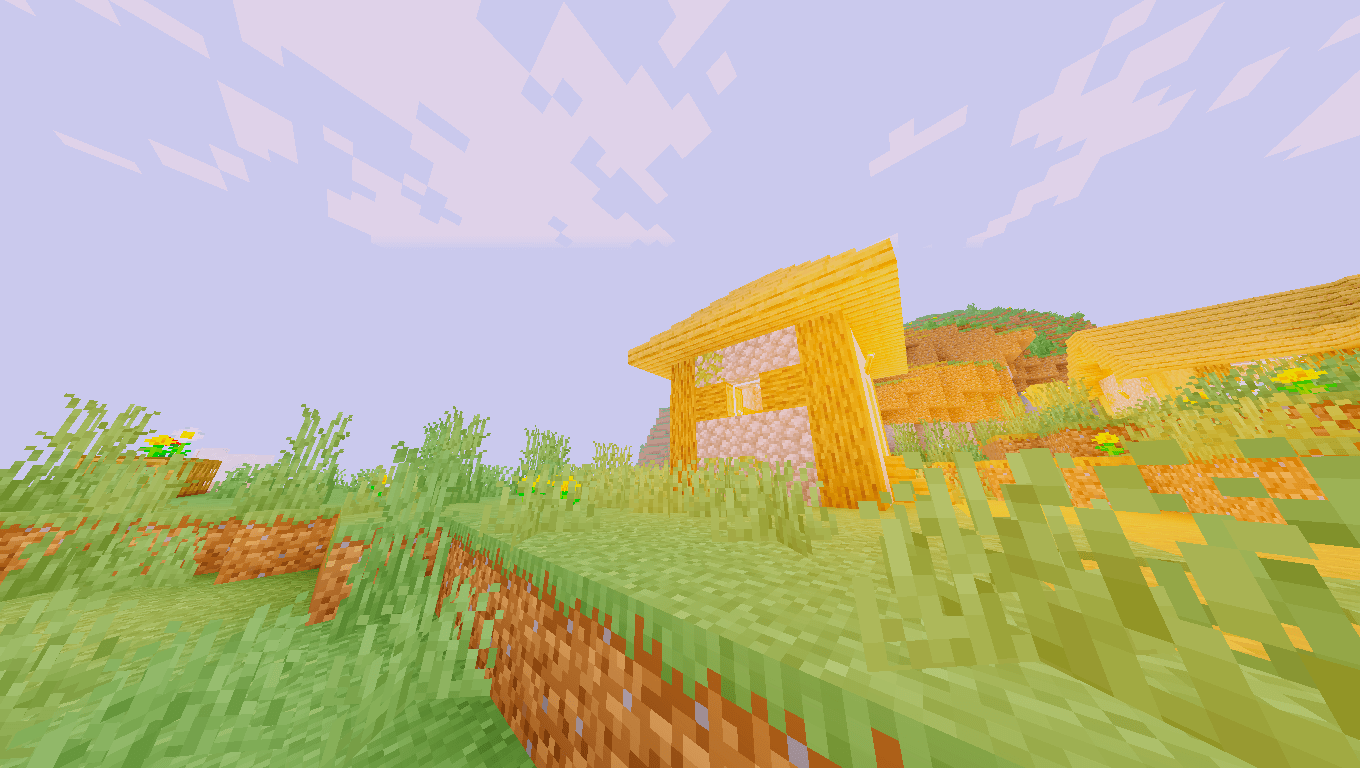
What is the R-T-S Shader? It is a shader pack that attempts to simulate complex global illumination techniques. Unlike traditional shaders that rely on simple rasterization, R-T-S calculates light paths more realistically within the game engine.
Key Features Global Illumination: Light bounces off surfaces to illuminate areas without direct sunlight (such as caves or building interiors), effectively eliminating flat, pitch-black shadows.
Real-Time Ray Tracing: It calculates light paths to create soft shadows (penumbras) that change size based on the distance from the light source.
Realistic Reflections (Screen Space Reflections): Surfaces like water, metal, or polished blocks accurately reflect their surroundings, including the sky, clouds, and nearby blocks.
Dynamic Atmosphere: Features atmospheric scattering, volumetric fog, and "god rays" (light beams piercing through trees or clouds).
PBR (Physically Based Rendering) Support: It is compatible with resource packs that include normal, specular, and roughness maps, giving blocks realistic volume, shine, and texture.
Technical Requirements & Considerations To run this shader effectively, keep the following in mind:
Hardware Demands: Because Ray Tracing is computationally intensive, this shader requires a mid-to-high-end GPU to maintain a stable frame rate.
Dependencies: You must have OptiFine or, more highly recommended, Iris Shaders (paired with Sodium) installed to manage the shader files.
Optimization: Performance can be fine-tuned via the shader’s internal settings menu (Options > Video Settings > Shader Packs > Shader Options) to balance visual fidelity with performance.