Mineuniverse
Shaders
Pyvtron Shaders

Pyvtron Shaders

SHADER
A very very vibrant shader that has good performance!
by Pyvton
Download Claim this project
1,214,018 downloads
0 likes
Updated Oct 14, 2026
0 hypes
Realistic
Advertisement Remove ads with Premium →

                                 Pyvtron Shaders


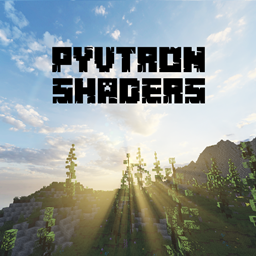
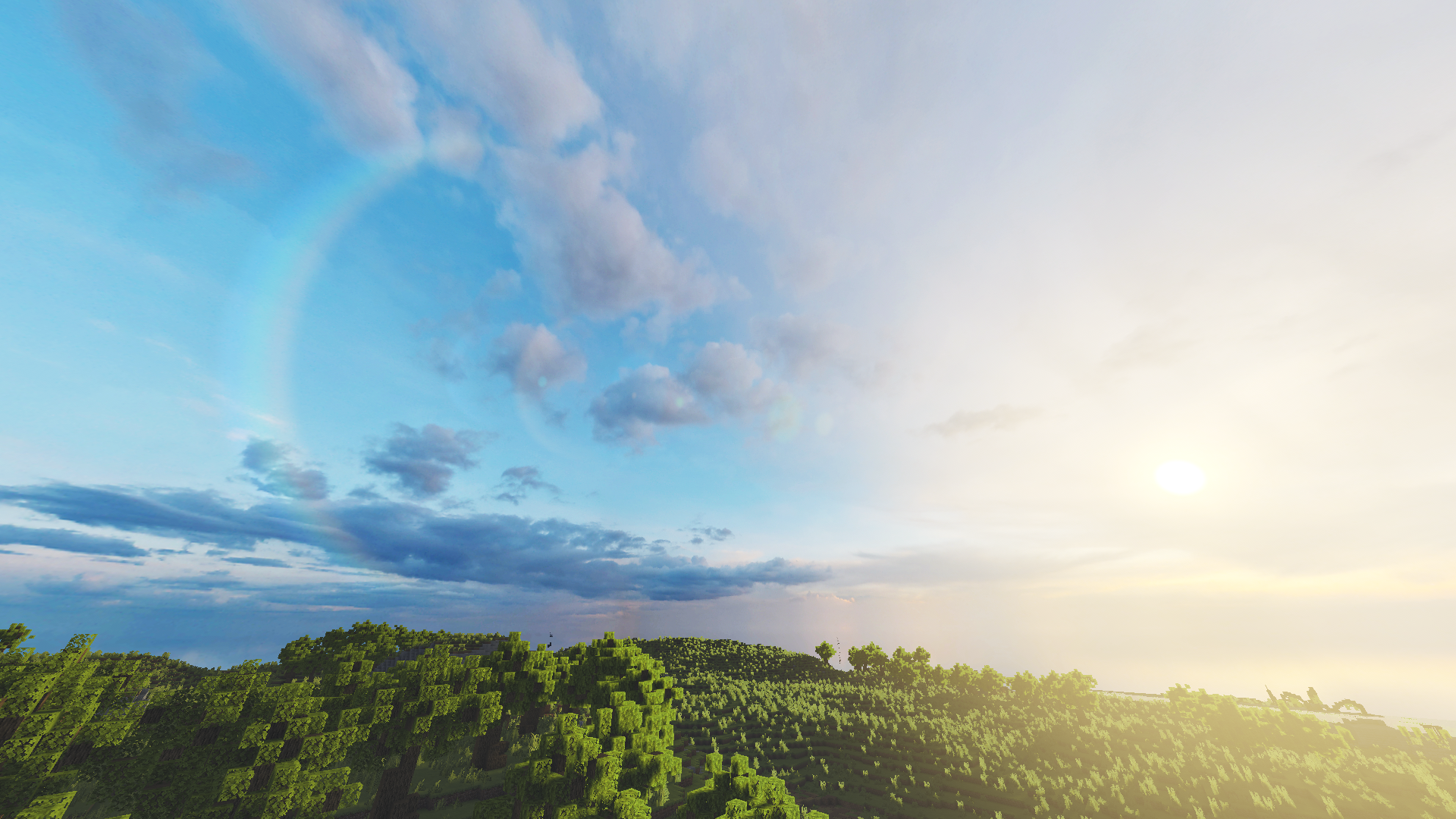
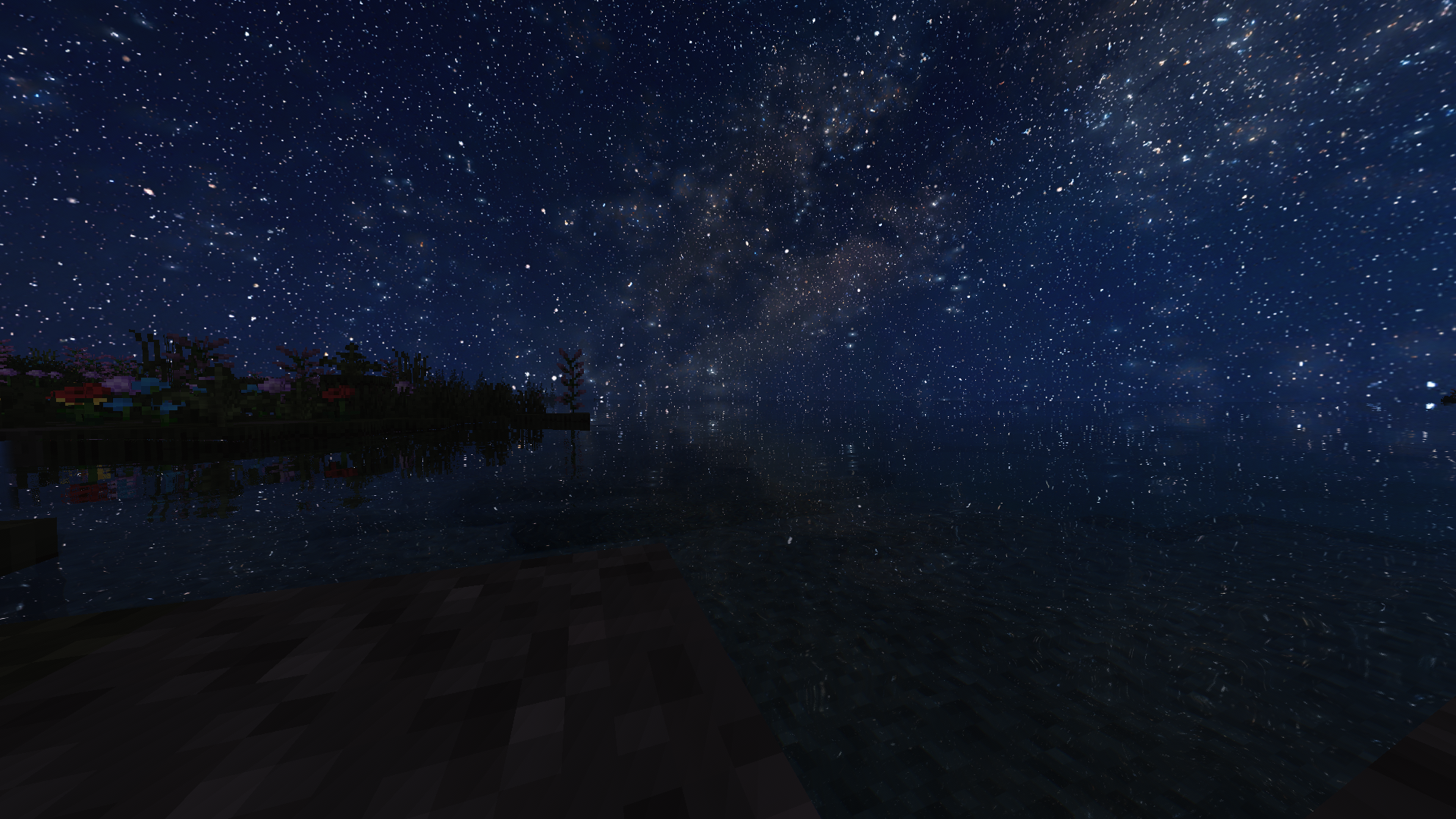
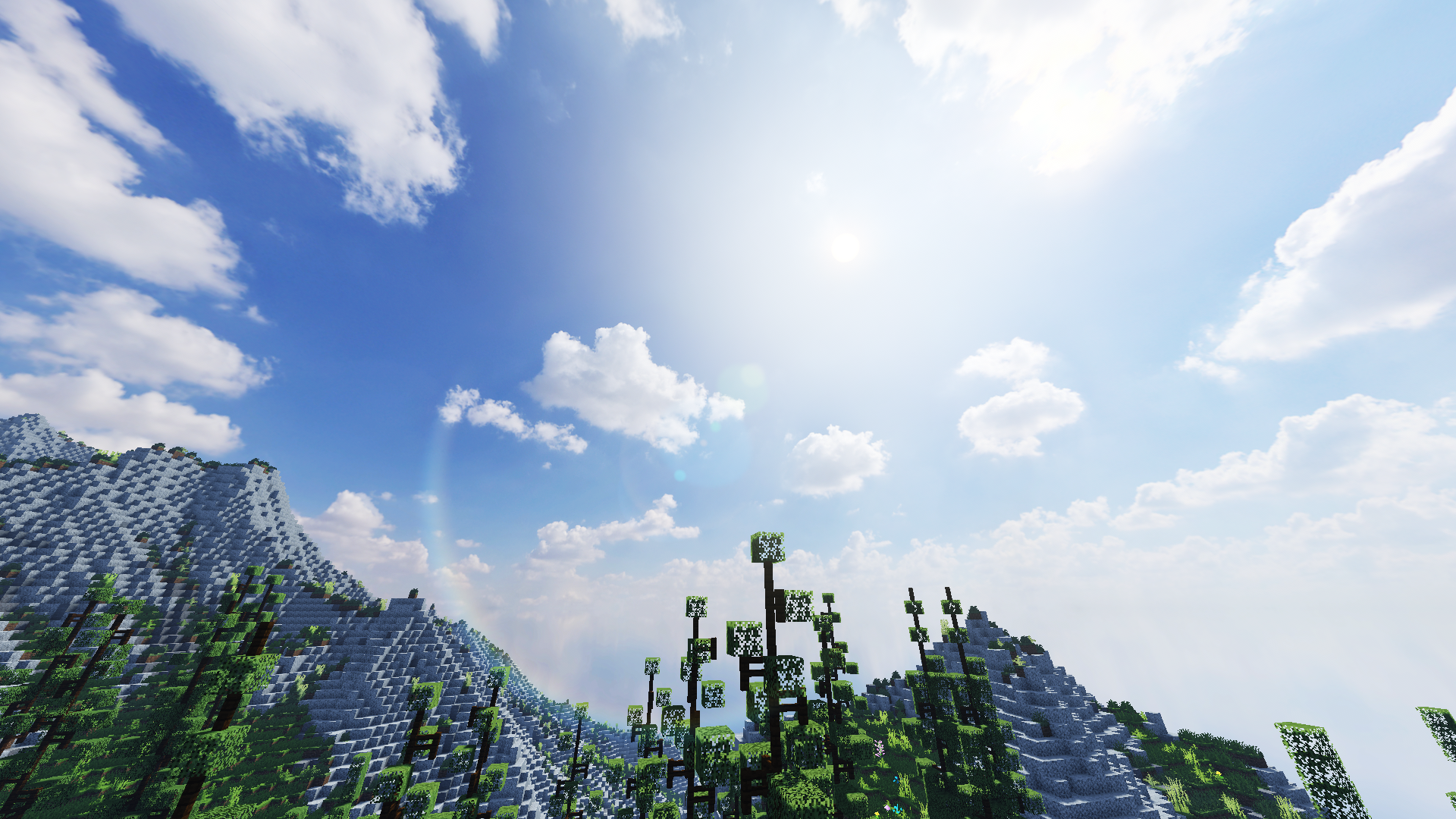
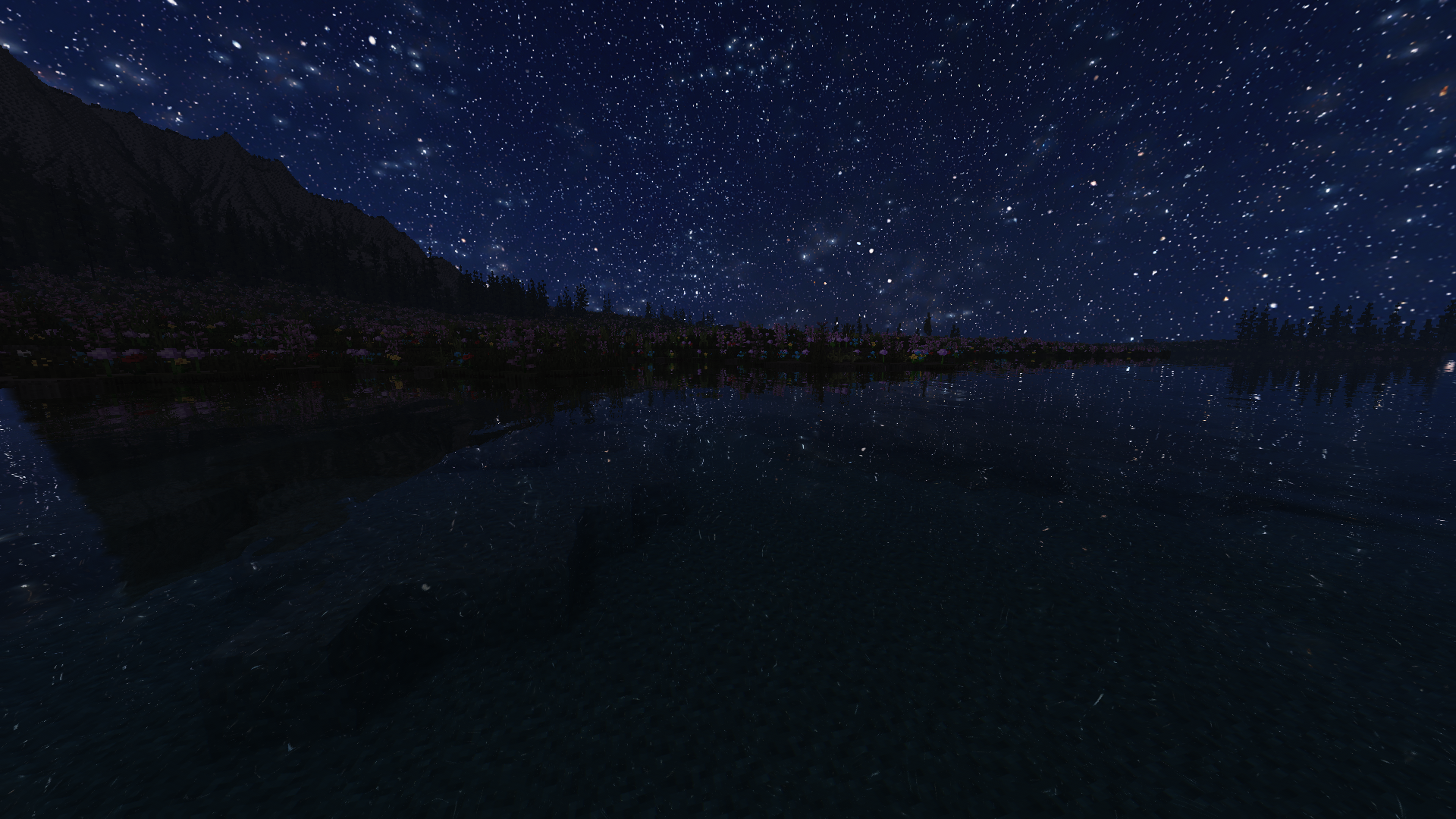
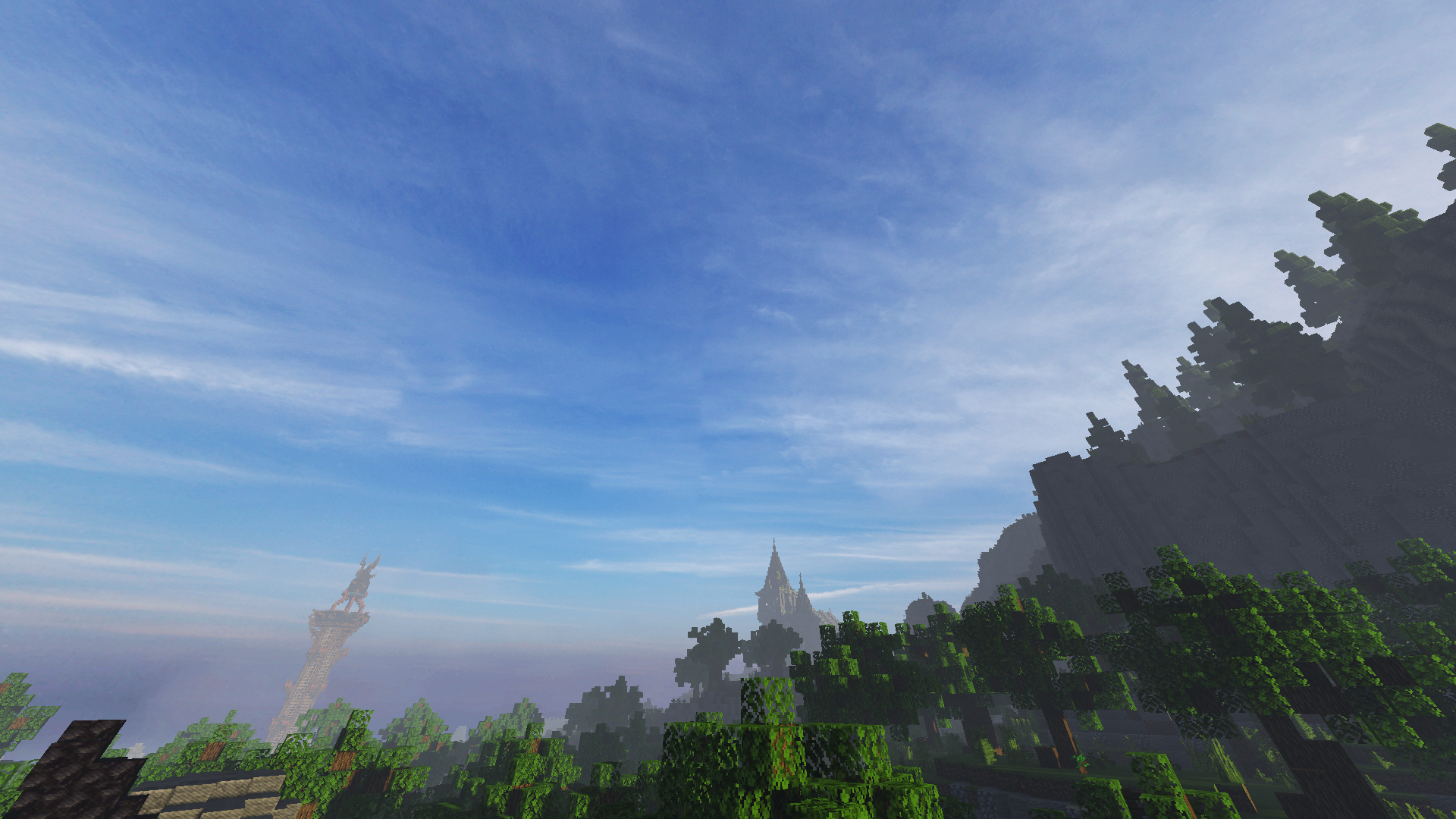
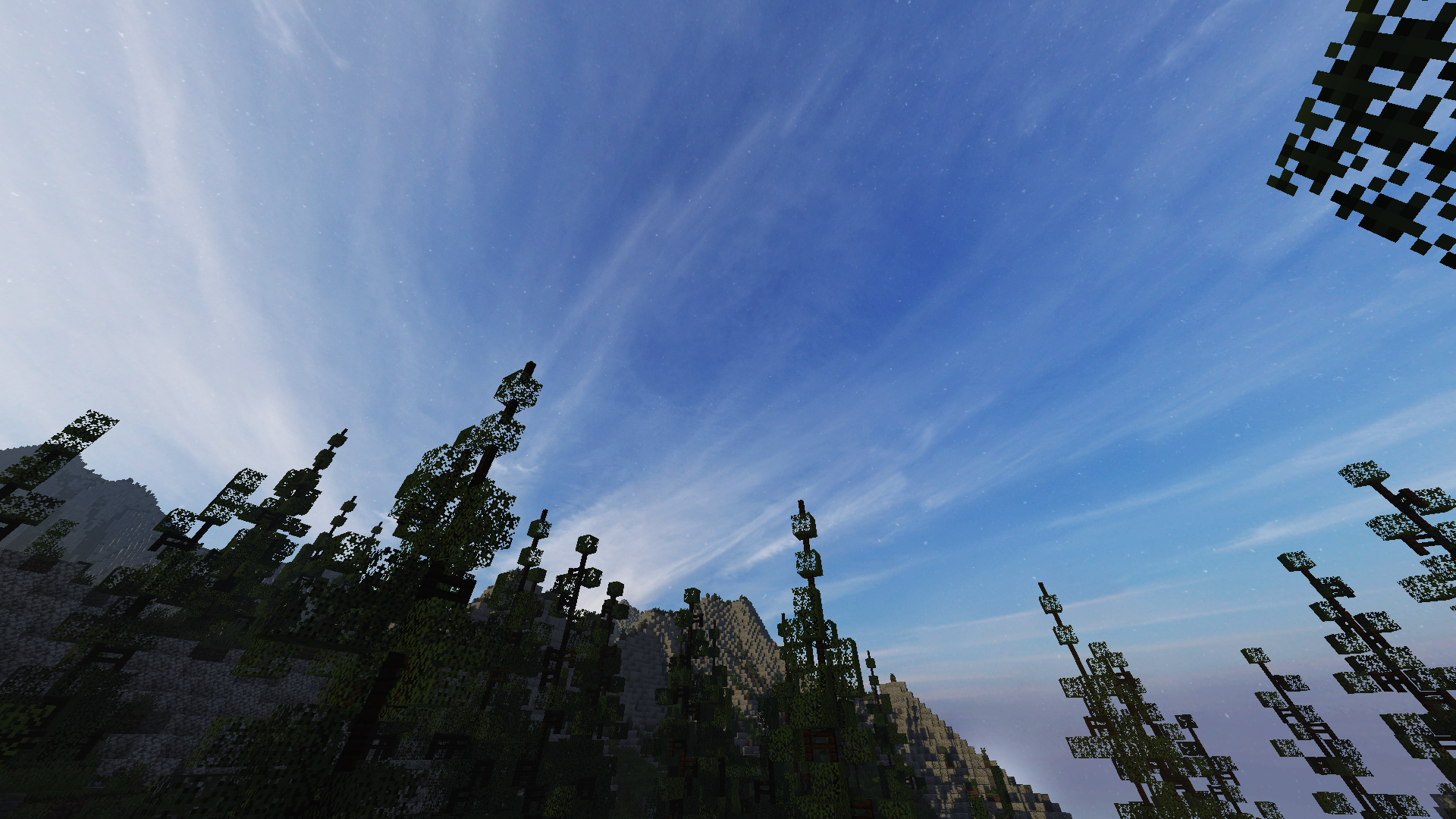
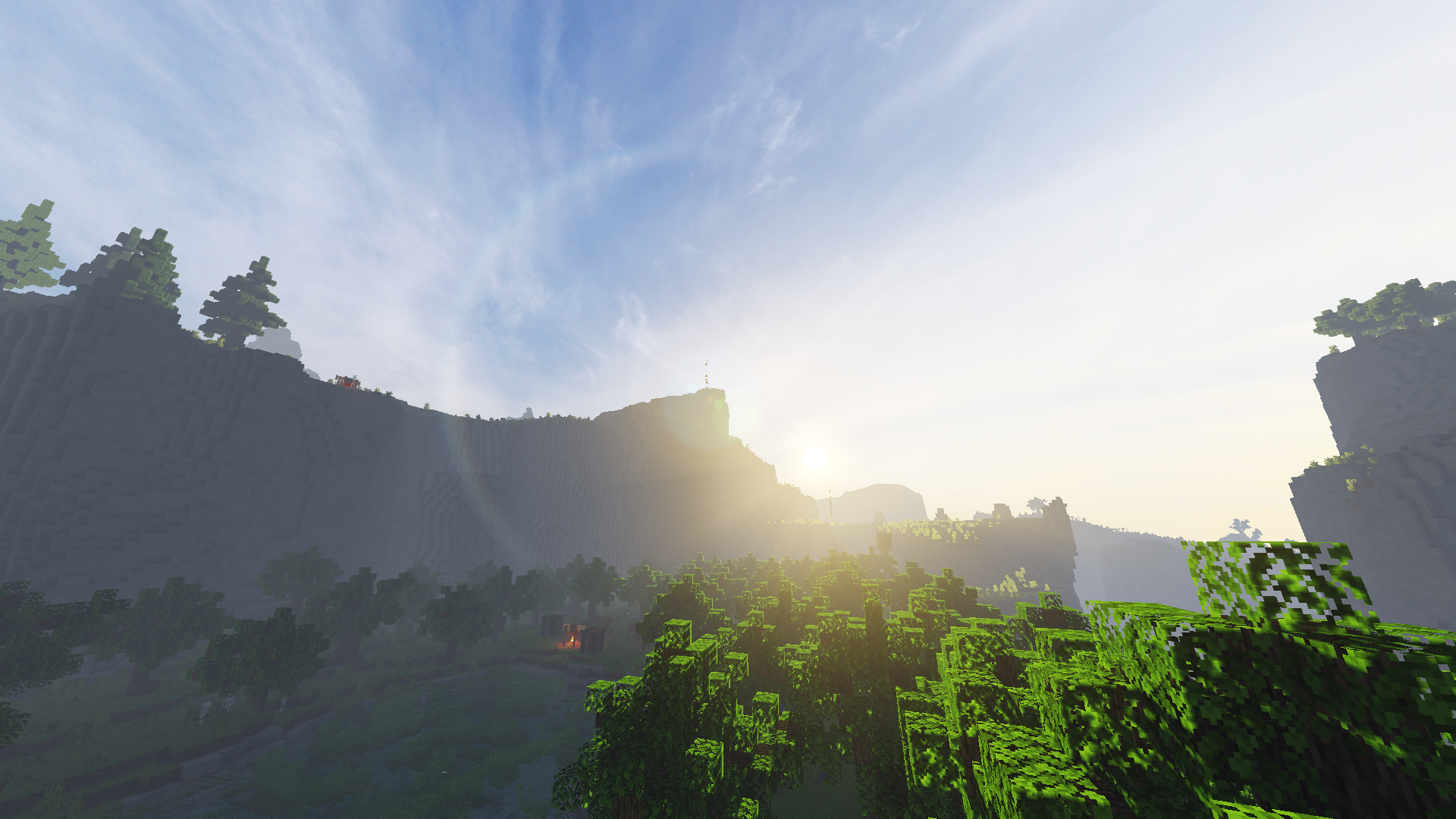
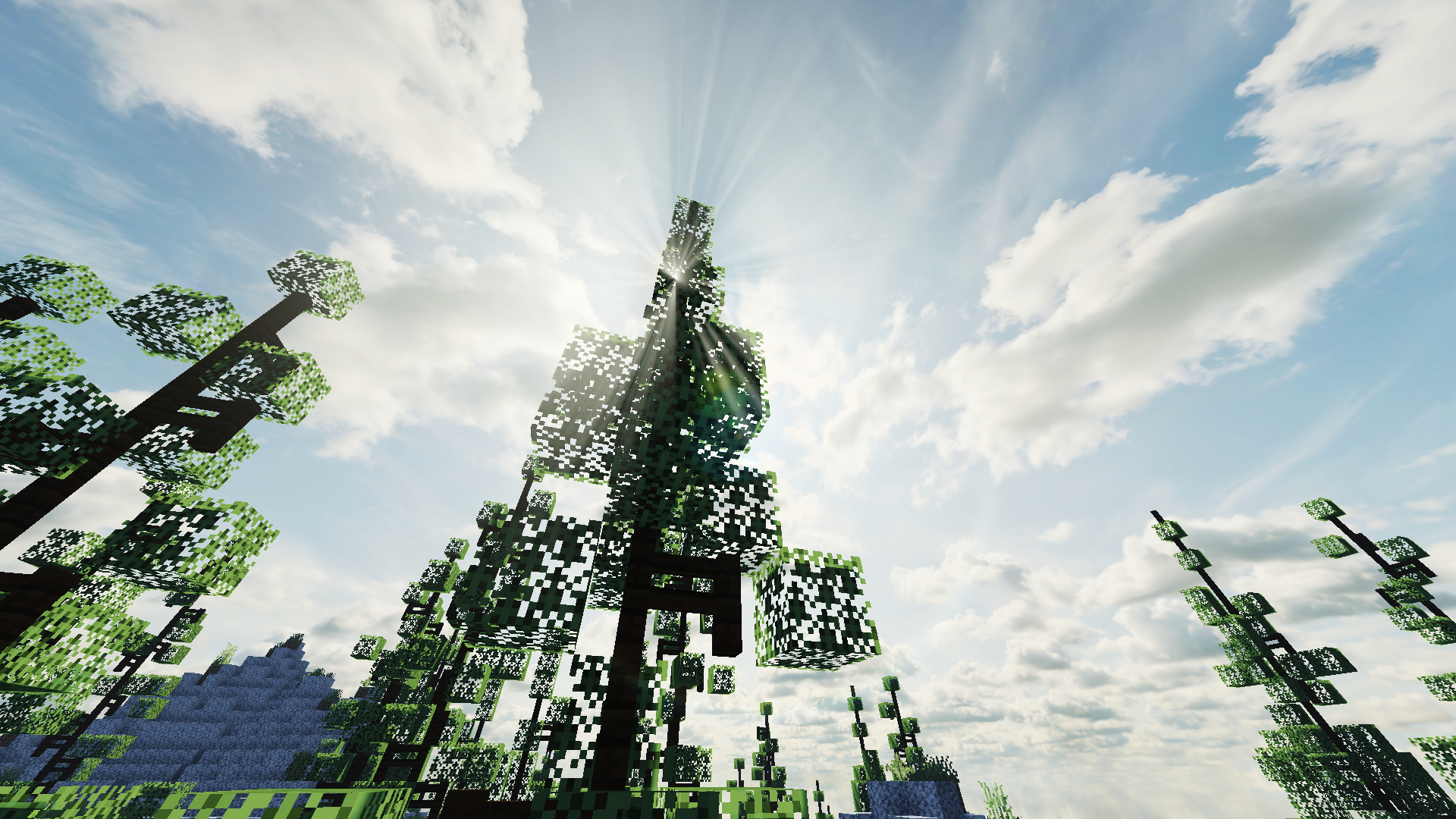
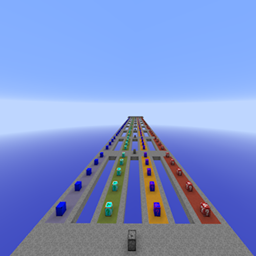
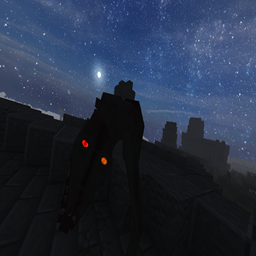
                          Pyvtron is a shader that tries to look realistic.

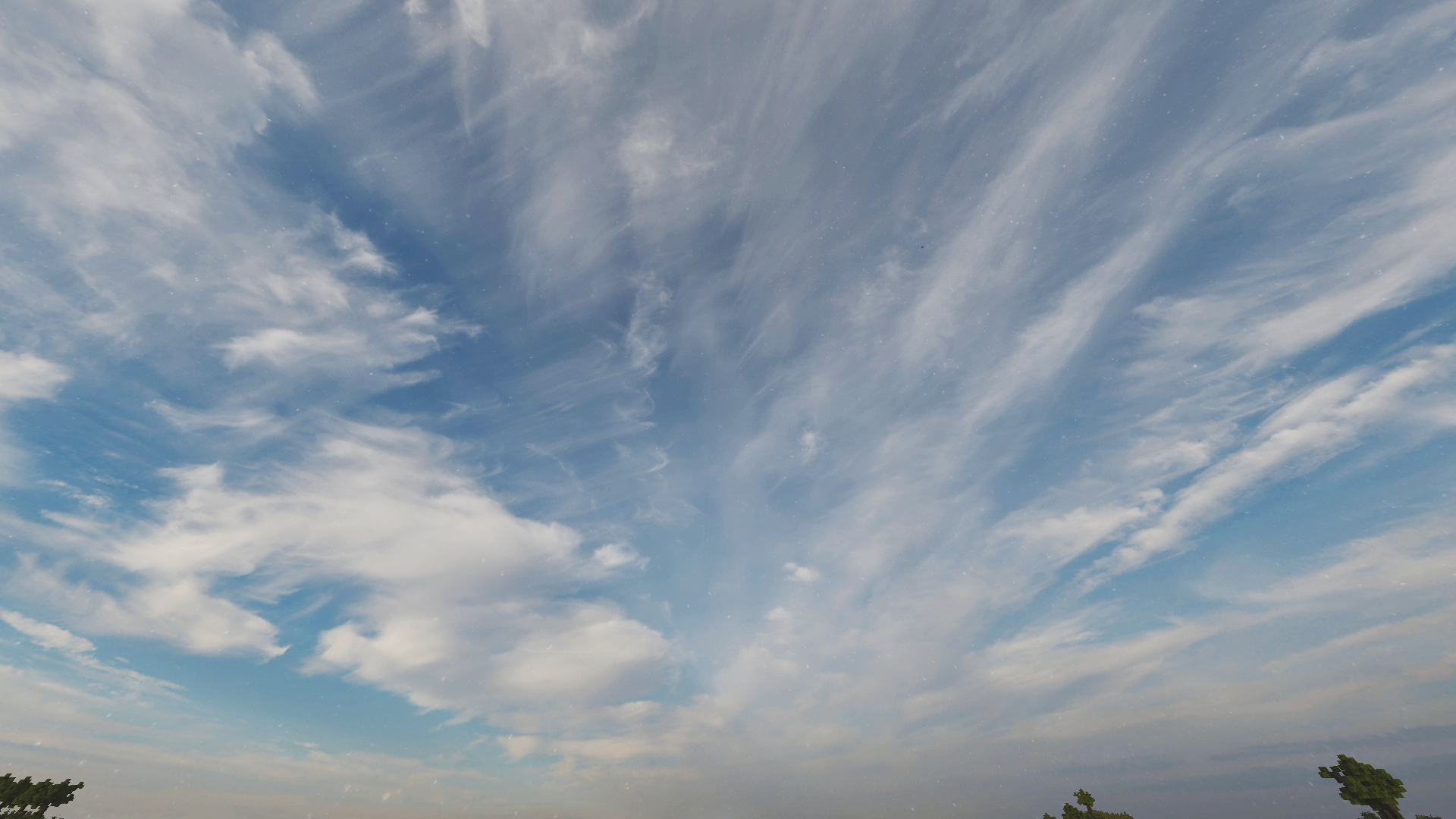
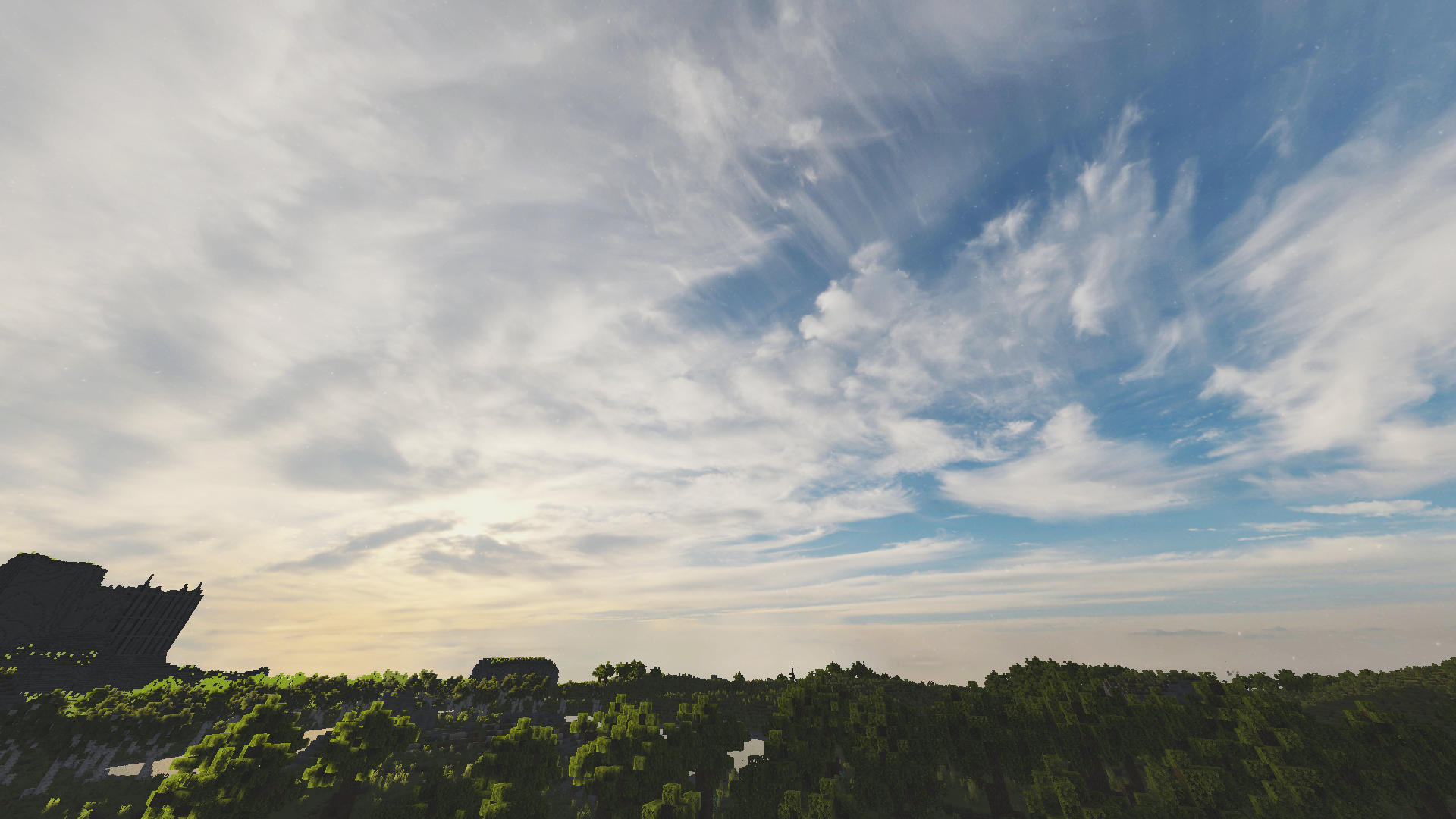
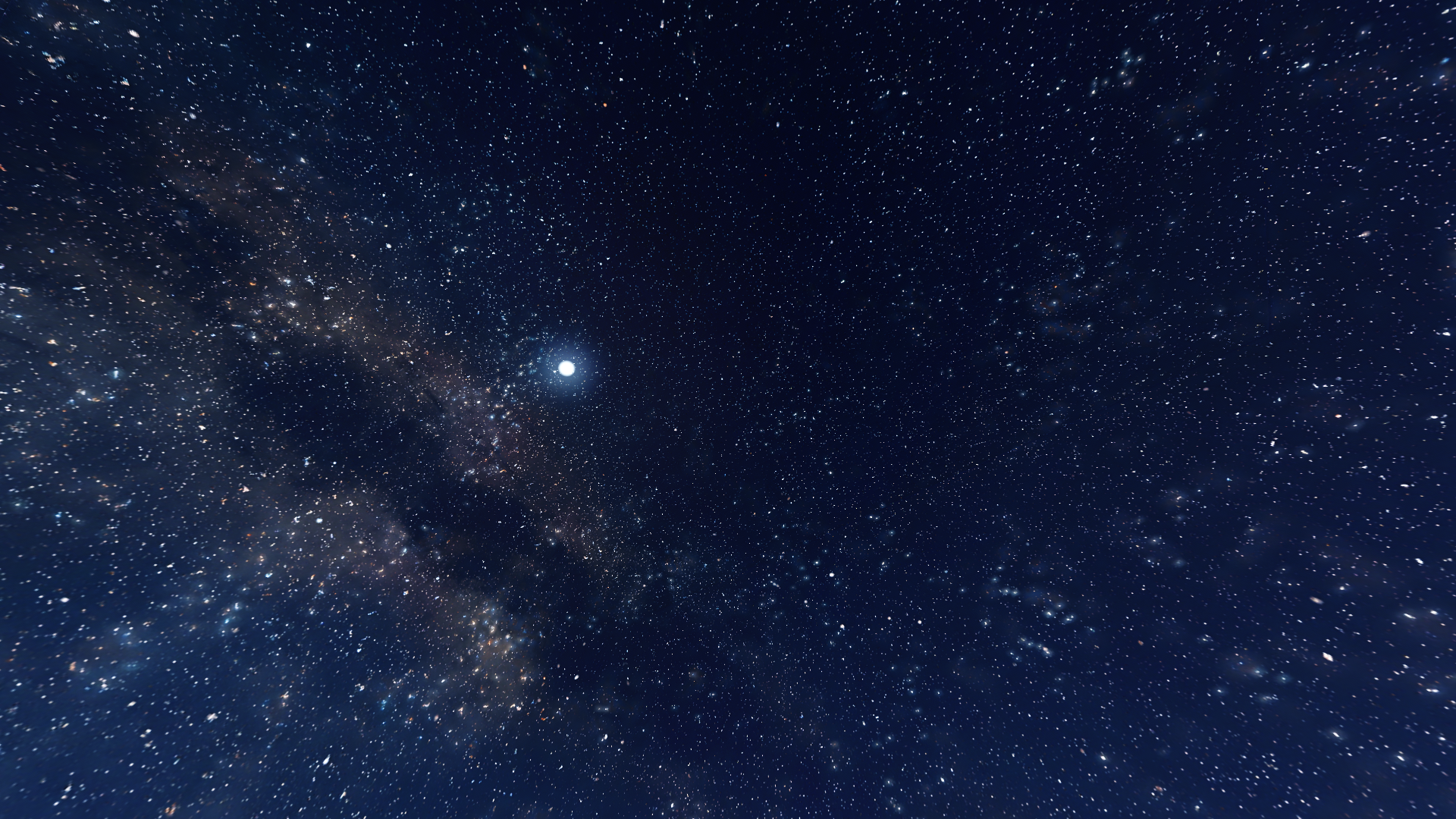
This shader has a extreme realistic 8k resolution sky and and a beautiful water color.

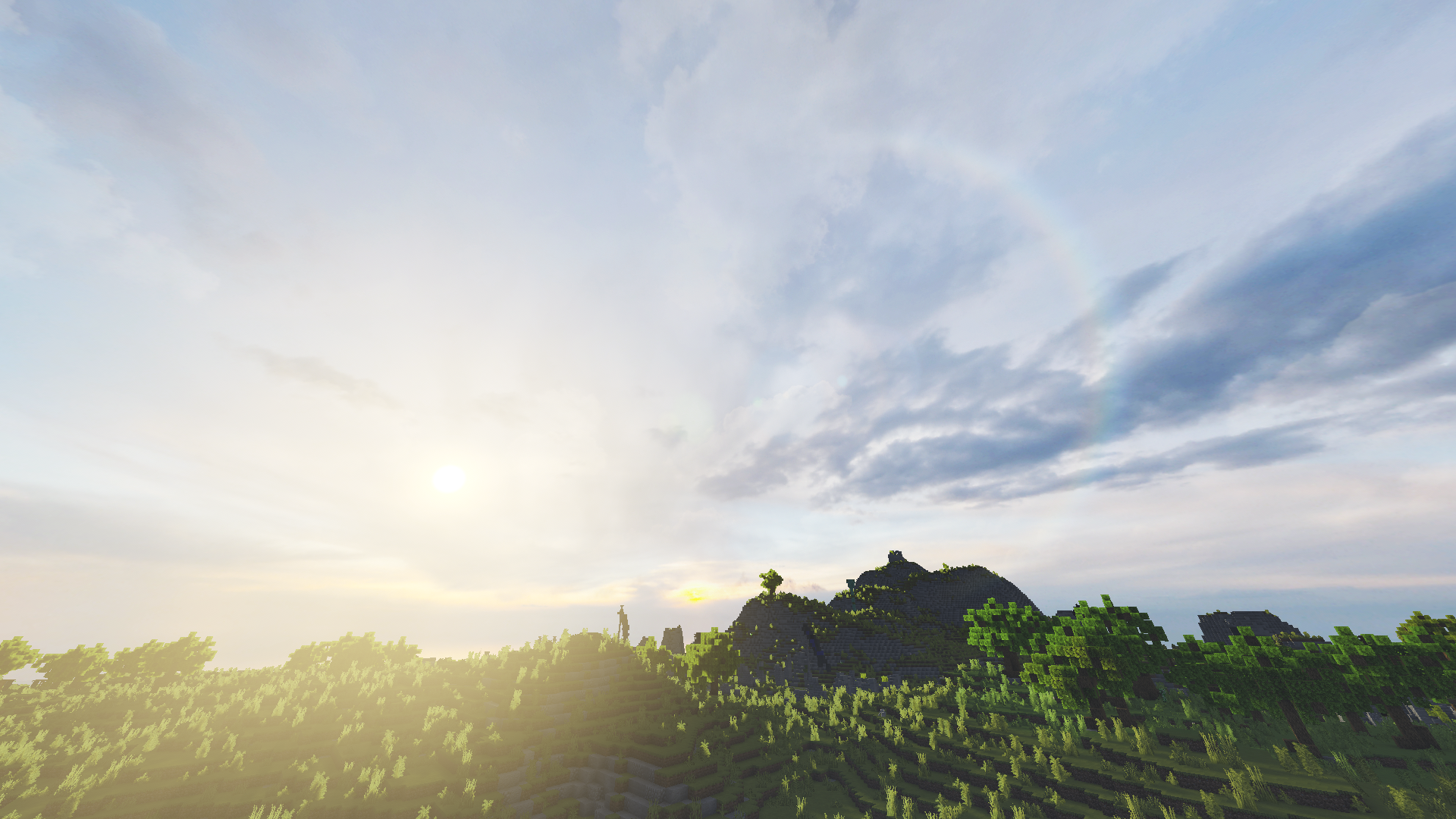
Other Stuff: Volumetric Light, Dirty Lens PBR Support, Ambient Occlusion, and Fog 

If you want to support me please make videos on youtube, tiktok or other platforms (so that Pyvtron shader becomes better known)

And don´t forget to download the newest version! 


Requirements

AMD CPU (Recommended)

Intel is not recommended

Nvidia GPU Or AMD GPU.
A graphics card that supports OpenGL 4.6/OpenGL 4

Iris Shaders Mod. Other Shaders Mods are NOT SUPPORTED OR TESTED


Turn Show alpha files on if you want to download older/newer versions.


Installation

  1. First download Iris Shaders (This is only the Installer or download the mod)
  2. Run the .jar and click on Install.
  3. Download the latest version of Pyvtron
  4. Open the Minecraft Launcher. You’ll see the Iris Shaders profile sellect you profile and Start Minecraft.
  5. Go to Options → Video Settings → Shaders → Shaderpacks Folder.
  6. Drag the downloaded shaderpack into the shaderpacks folder.
  7. Select the shaderpack ingame.
  8. Enjoy.


Please Check Also My Other Shader Out:

Pyvtron VX (Version X)

Pyvtron VX (Version X) Is realistic and has much much more detail and has more realism than Pyvtron Shaders!


Blacklist:

KLauncher

Xenolith

Minecraftzw

FoxyCraft


Whitelist:

9Minecraft

Zonacraft

Feed The Mods

Minecraft-France

Modrinth (Official Uploaded By Me)


Agreement

© 2025 Pyvton - All Rights Reserved


1. Allowed Actions


You can upload it to a site but the download link must be one of CurseForge, Modrinth, Github or My Website

"Modify the project for personal use only, without sharing or publishing it.

Record and upload videos, screenshots, and streams showcasing Pyvton Shaders on platforms like YouTube, Twitch, TikTok, etc., including monetization, under these conditions:


2. Prohibited Actions


Uploading, rehosting, or distributing any version of Pyvton Shaders using your own links.

Using any ad-based or monetized link services (e.g., AdFly, Linkvertise, Boosters).

Bundling or embedding Pyvton Shaders into:

Modpacks, resource packs, launcher tools, or shader collections.

Minecraft servers or launchers, in any form—pre-installed, downloadable, or bundled.

Any third-party software or shader management tools.

Sharing modified versions unless:

You received explicit written permission from Pyvton.

The modified version contains significant original work.

It is licensed under the same license.

No monetization is involved unless approved by Pyvton.

Using parts of the project (e.g., code or textures) in other projects without permission.

Add a download link in the description

 

Pyvtron V1.3.2
MC 1.16.3, 1.17.1, 1.21, 1.16.1, 1.18.1, 1.16.5, 1.19.3, 1.20.2, 1.19.4, 1.21.8, 1.17, 1.20.5, 1.21.5, 1.18, 1.21.4, 1.20.1, 1.20, 1.20.6, 1.21.1, 1.21.6, 1.21.3, 1.21.7, 1.19.1
Release 2026-01-03 Get
Pyvtron V1.3.1
MC 1.16.3, 1.19.3, 1.20.2, 1.21, 1.16.1, 1.18.1, 1.20.5, 1.21.5, 1.17, 1.16, 1.19.4, 1.21.8, 1.16.5, 1.21.4, 1.18.2, 1.19.2, 1.20.3, 1.20.1, 1.20, 1.20.6, 1.19.1, 1.20.4, 1.21.3
Release 2025-08-10 Get
Pyvtron V1.3.0
MC 1.17.1, 1.16.3, 1.19.3, 1.20.2, 1.21, 1.16.1, 1.18.1, 1.20.5, 1.21.5, 1.17, 1.16, 1.19.4, 1.21.8, 1.16.5, 1.21.4, 1.18.2, 1.19.2, 1.20.3, 1.20.1, 1.20, 1.20.6, 1.19.1, 1.20.4
Release 2025-07-11 Get
Pyvtron V1.2.9
MC 1.17.1, 1.16.3, 1.19.3, 1.20.2, 1.21, 1.16.1, 1.18.1, 1.20.5, 1.21.5, 1.17, 1.16, 1.19.4, 1.21.8, 1.16.5, 1.21.4, 1.18.2, 1.19.2, 1.20.3, 1.20.1, 1.20, 1.20.6, 1.19.1, 1.20.4
Release 2025-07-04 Get
Pyvtron V1.2.7
MC 1.17.1, 1.16.3, 1.19.3, 1.20.2, 1.21, 1.16.1, 1.18.1, 1.20.5, 1.21.5, 1.17, 1.16, 1.19.4, 1.16.5, 1.21.4, 1.18.2, 1.19.2, 1.20.3, 1.20.1, 1.20, 1.20.6, 1.19.1, 1.20.4, 1.21.3
Release 2025-05-13 Get
Pyvtron V1.2.8
MC 1.17.1, 1.16.3, 1.19.3, 1.20.2, 1.21, 1.16.1, 1.18.1, 1.20.5, 1.21.5, 1.17, 1.16, 1.19.4, 1.16.5, 1.21.4, 1.18.2, 1.19.2, 1.20.3, 1.20.1, 1.20, 1.20.6, 1.19.1, 1.20.4, 1.21.3
Release 2025-05-13 Get
Pyvtron V1.2.6
MC 1.17.1, 1.16.3, 1.19.3, 1.20.2, 1.21, 1.16.1, 1.18.1, 1.20.5, 1.21.5, 1.17, 1.16, 1.19.4, 1.16.5, 1.21.4, 1.18.2, 1.19.2, 1.20.3, 1.20.1, 1.20, 1.20.6, 1.19.1, 1.20.4, 1.21.3
Release 2025-05-11 Get
Pyvtron V1.2.5
MC 1.17.1, 1.16.3, 1.20.2, 1.21, 1.16.1, 1.18.1, 1.20.5, 1.21.5, 1.17, 1.16, 1.19.4, 1.16.5, 1.21.4, 1.18.2, 1.19.2, 1.20.3, 1.20.1, 1.20, 1.20.6, 1.19.1, 1.20.4, 1.21.3, 1.21.1
Beta 2025-04-18 Get
Pyvtron V1.2.3
MC 1.17.1, 1.16.3, 1.19.3, 1.20.2, 1.21, 1.16.1, 1.18.1, 1.20.5, 1.21.5, 1.17, 1.16, 1.19.4, 1.16.5, 1.21.4, 1.18.2, 1.19.2, 1.20.3, 1.20.1, 1.20, 1.20.6, 1.19.1, 1.20.4, 1.21.3
Beta 2025-04-17 Get
Pyvtron V1.2.4
MC 1.17.1, 1.16.3, 1.19.3, 1.20.2, 1.21, 1.16.1, 1.18.1, 1.20.5, 1.21.5, 1.17, 1.16, 1.19.4, 1.16.5, 1.21.4, 1.18.2, 1.19.2, 1.20.3, 1.20.1, 1.20, 1.20.6, 1.19.1, 1.20.4, 1.21.3
Beta 2025-04-17 Get
Pyvtron V1.2.0
MC 1.17.1, 1.16.3, 1.19.3, 1.20.2, 1.21, 1.16.1, 1.18.1, 1.20.5, 1.21.5, 1.17, 1.16, 1.19.4, 1.16.5, 1.21.4, 1.18.2, 1.19.2, 1.20.3, 1.20.1, 1.20, 1.20.6, 1.19.1, 1.20.4, 1.21.3
Beta 2025-04-12 Get
Pyvtron V1.2.1
MC 1.17.1, 1.16.3, 1.19.3, 1.20.2, 1.21, 1.16.1, 1.18.1, 1.20.5, 1.21.5, 1.17, 1.16, 1.19.4, 1.16.5, 1.21.4, 1.18.2, 1.19.2, 1.20.3, 1.20.1, 1.20, 1.20.6, 1.19.1, 1.20.4, 1.21.3
Beta 2025-04-12 Get
Pyvtron V1.2.2
MC 1.17.1, 1.16.3, 1.19.3, 1.20.2, 1.21, 1.16.1, 1.18.1, 1.20.5, 1.21.5, 1.17, 1.16, 1.19.4, 1.16.5, 1.21.4, 1.18.2, 1.19.2, 1.20.3, 1.20.1, 1.20, 1.20.6, 1.19.1, 1.20.4, 1.21.3
Beta 2025-04-12 Get
Pyvtron V1.1.9
MC 1.17.1, 1.16.3, 1.19.3, 1.20.2, 1.21, 1.16.1, 1.18.1, 1.20.5, 1.21.5, 1.17, 1.16, 1.19.4, 1.16.5, 1.21.4, 1.18.2, 1.19.2, 1.20.3, 1.20.1, 1.20, 1.20.6, 1.19.1, 1.20.4, 1.21.3
Beta 2025-04-10 Get
Pyvtron V1.1.8
MC 1.17.1, 1.16.3, 1.19.3, 1.20.2, 1.21, 1.16.1, 1.18.1, 1.20.5, 1.21.5, 1.17, 1.16, 1.19.4, 1.16.5, 1.21.4, 1.18.2, 1.19.2, 1.20.3, 1.20.1, 1.20, 1.20.6, 1.19.1, 1.20.4, 1.21.3
Alpha 2025-04-09 Get
Pyvtron V1.1.6
MC 1.17.1, 1.16.3, 1.19.3, 1.20.2, 1.21, 1.16.1, 1.18.1, 1.20.5, 1.21.5, 1.17, 1.16, 1.19.4, 1.16.5, 1.21.4, 1.18.2, 1.19.2, 1.20.3, 1.20.1, 1.20, 1.20.6, 1.19.1, 1.20.4, 1.21.3
Alpha 2025-04-08 Get
Pyvtron V1.1.7
MC 1.17.1, 1.16.3, 1.19.3, 1.20.2, 1.21, 1.16.1, 1.18.1, 1.20.5, 1.21.5, 1.17, 1.16, 1.19.4, 1.16.5, 1.21.4, 1.18.2, 1.19.2, 1.20.3, 1.20.1, 1.20, 1.20.6, 1.19.1, 1.20.4, 1.21.3
Alpha 2025-04-08 Get
Pyvtron V1.1.5
MC 1.17.1, 1.16.3, 1.19.3, 1.20.2, 1.21, 1.16.1, 1.18.1, 1.20.5, 1.21.5, 1.17, 1.16, 1.19.4, 1.16.5, 1.21.4, 1.18.2, 1.19.2, 1.20.3, 1.20.1, 1.20, 1.20.6, 1.19.1, 1.20.4, 1.21.3
Alpha 2025-04-06 Get

Requirements & install

How to use this shader in Minecraft
Shader loader
Iris or OptiFine
Minecraft
1.21 – 1.21.8
Install folder
.minecraft/shaderpacks

How to install shaders

  1. Install a shader loader for your Minecraft version: Iris (with Sodium) or OptiFine.
  2. Download the shader pack .zip file (do not extract it).
  3. Put the .zip into the shaderpacks folder (.minecraft/shaderpacks).
  4. In game open Options → Video Settings → Shader Packs, select the pack and apply it.
Browse more: Iris shaders OptiFine shaders Shaders for 1.21.8 All shaders

More from Pyvton

Advertisement Remove ads with Premium →

You Might Also Like