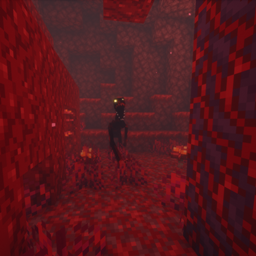
Spectrum Shaders
Source On: GitHub
Zombye´s Discord Here
Description
Spectrum is a Minecraft: Java Edition shaderpack, and it is currently in alpha.
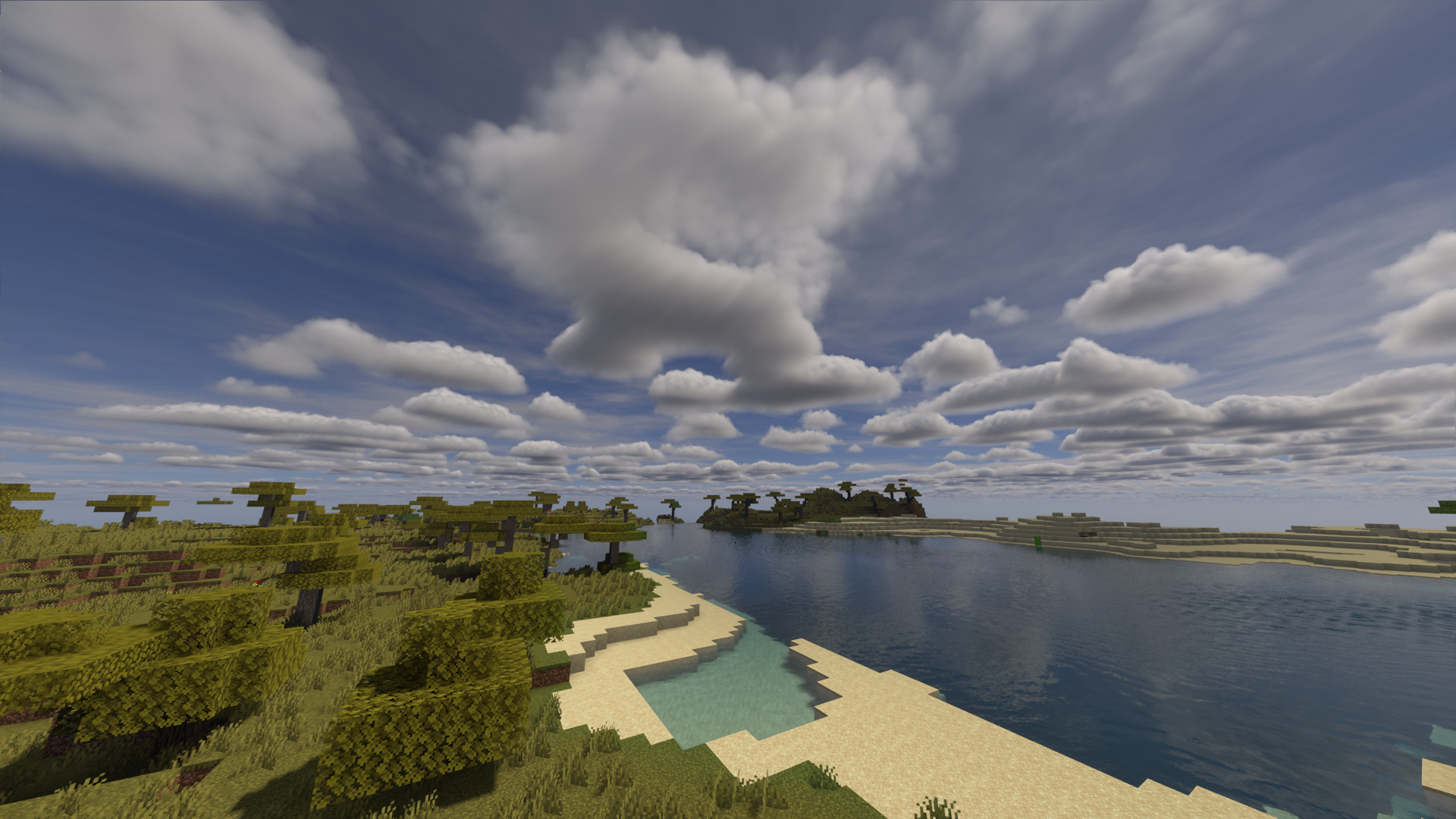
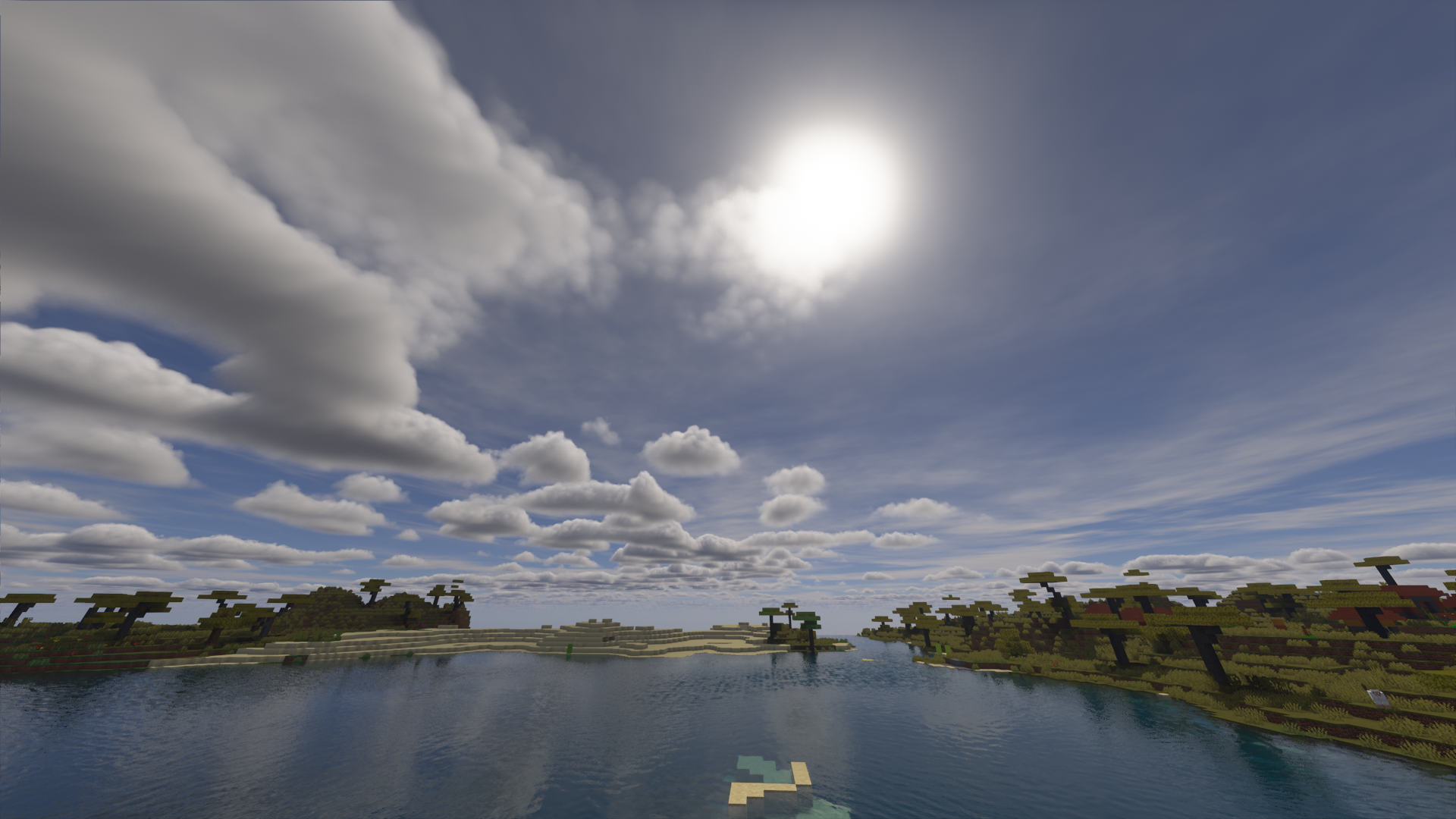
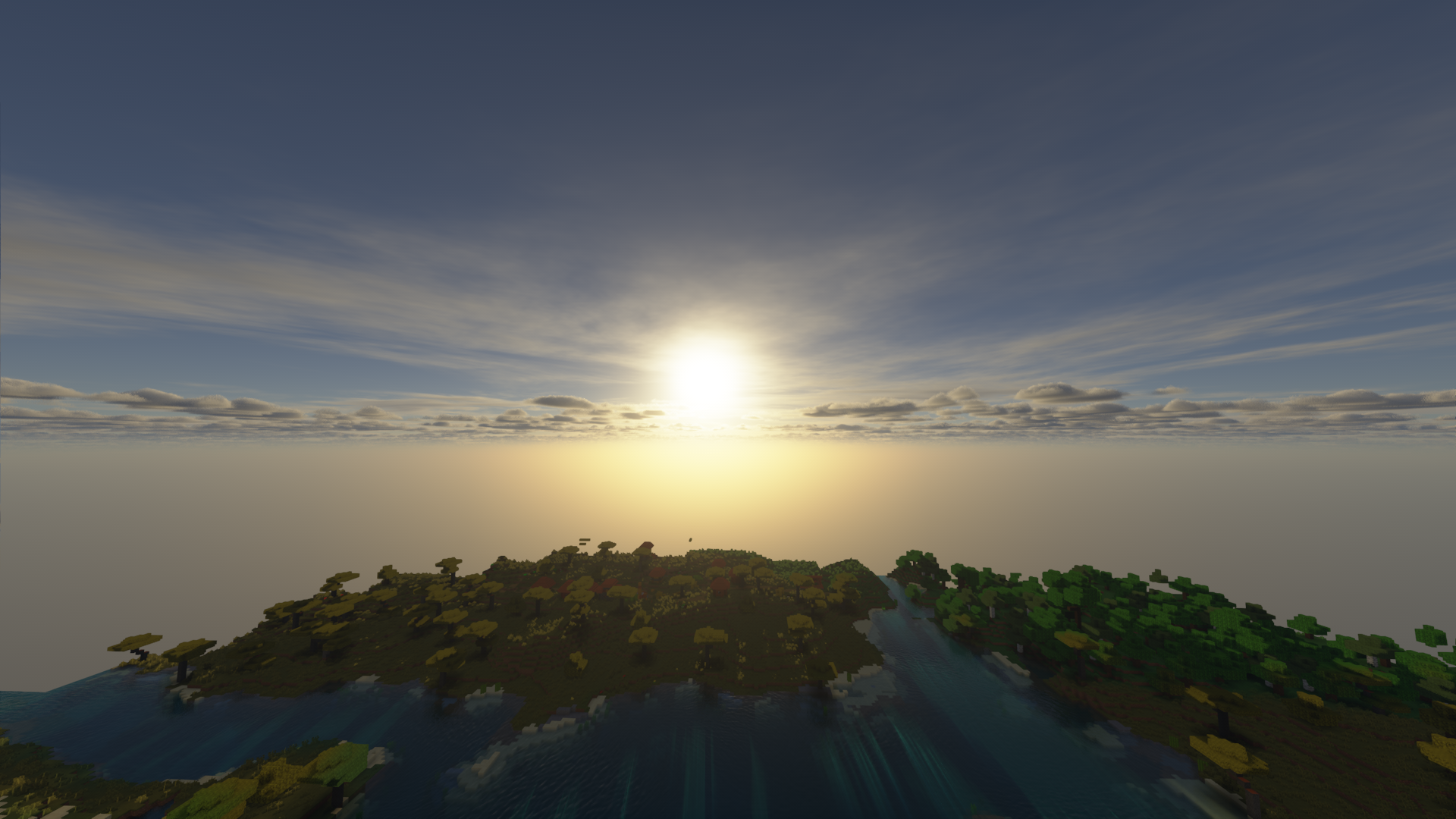
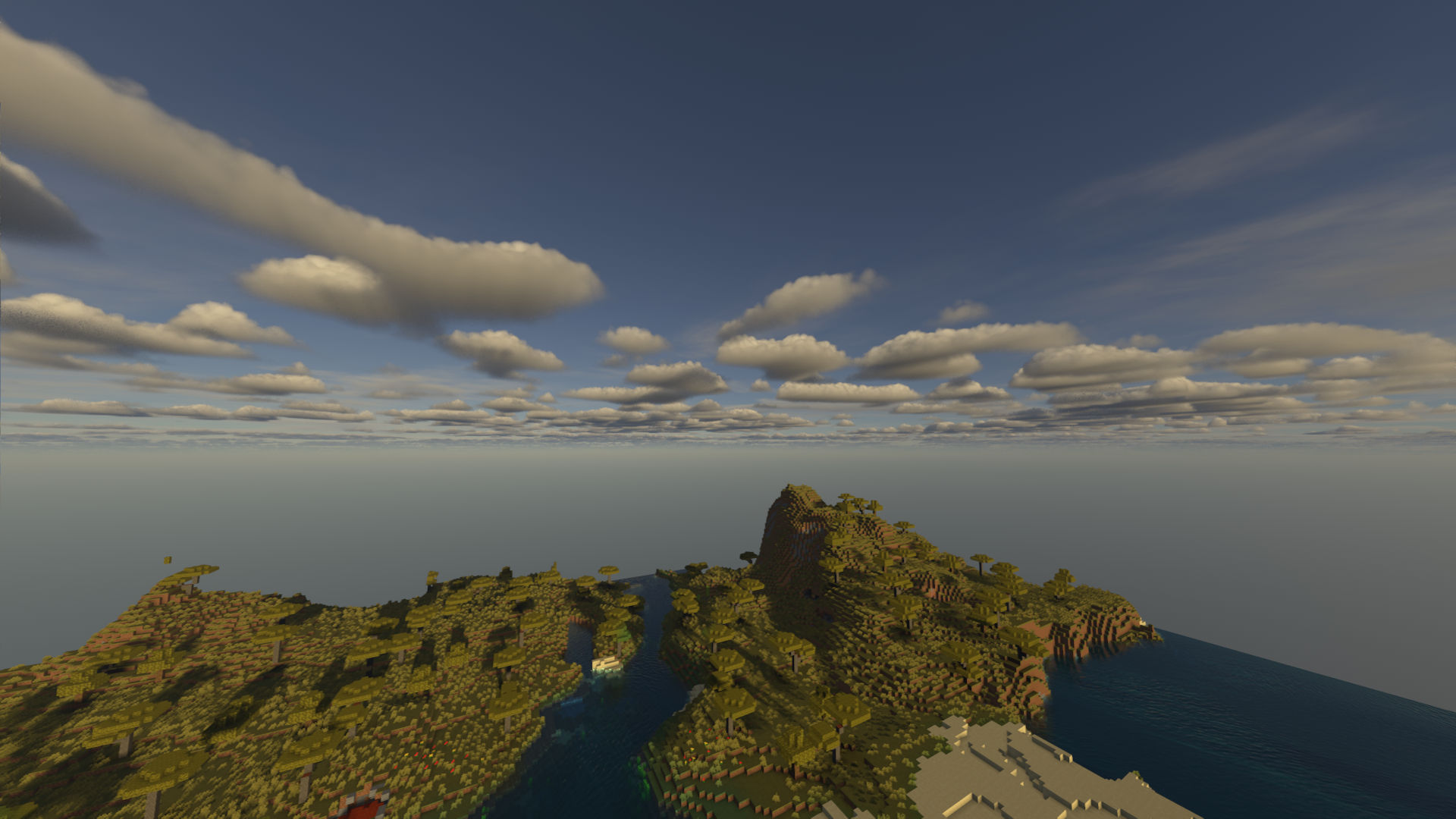
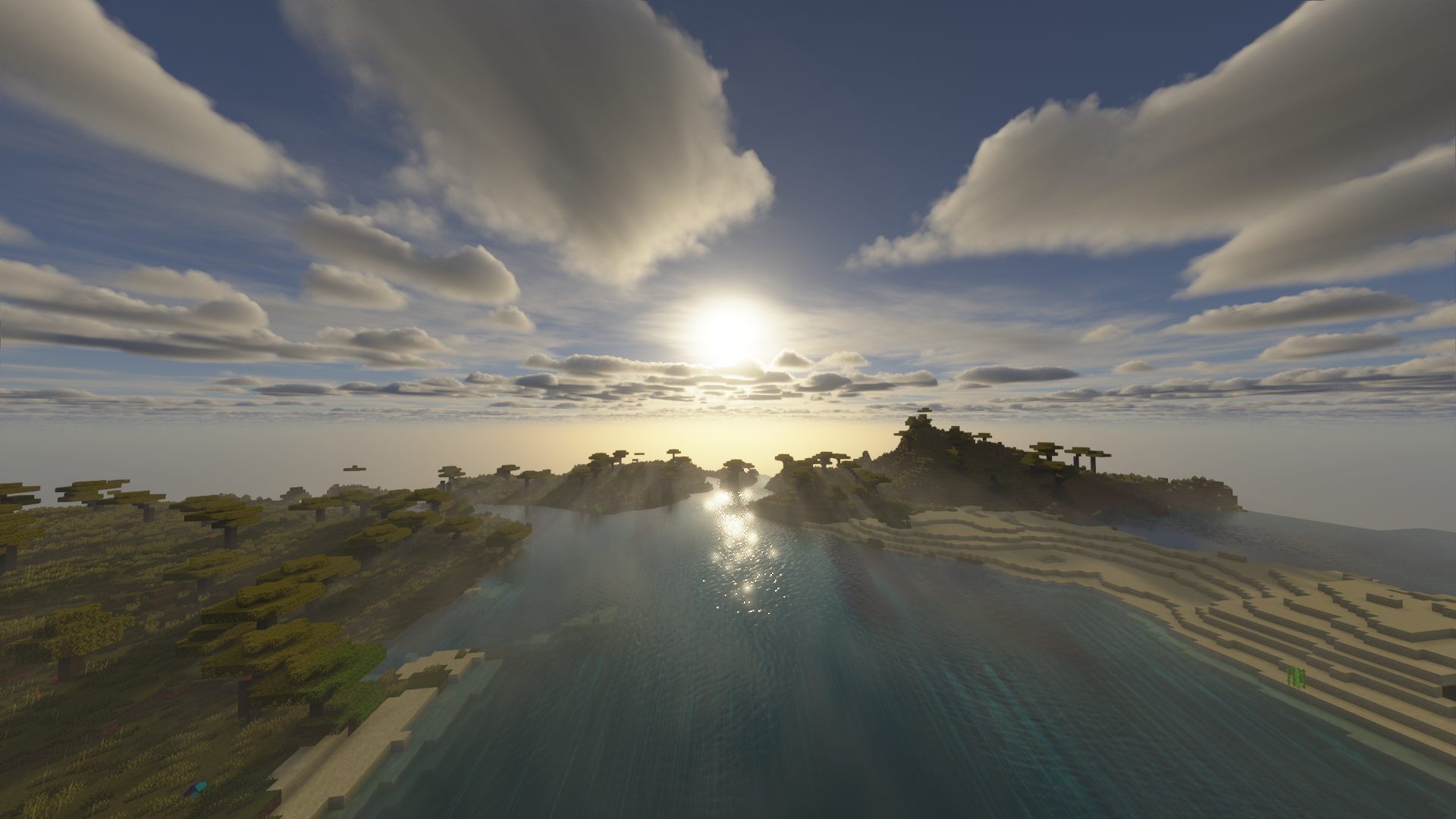
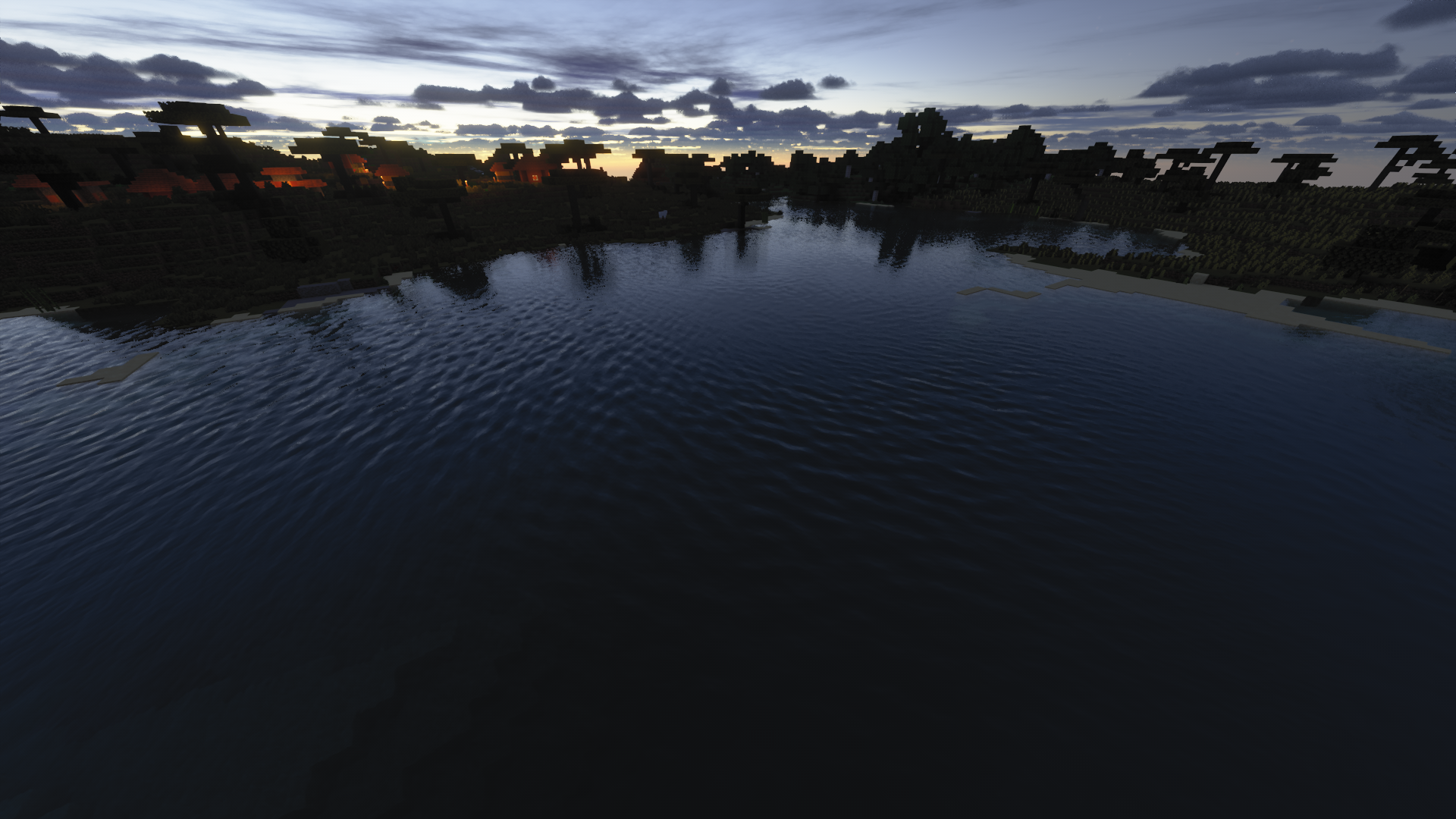
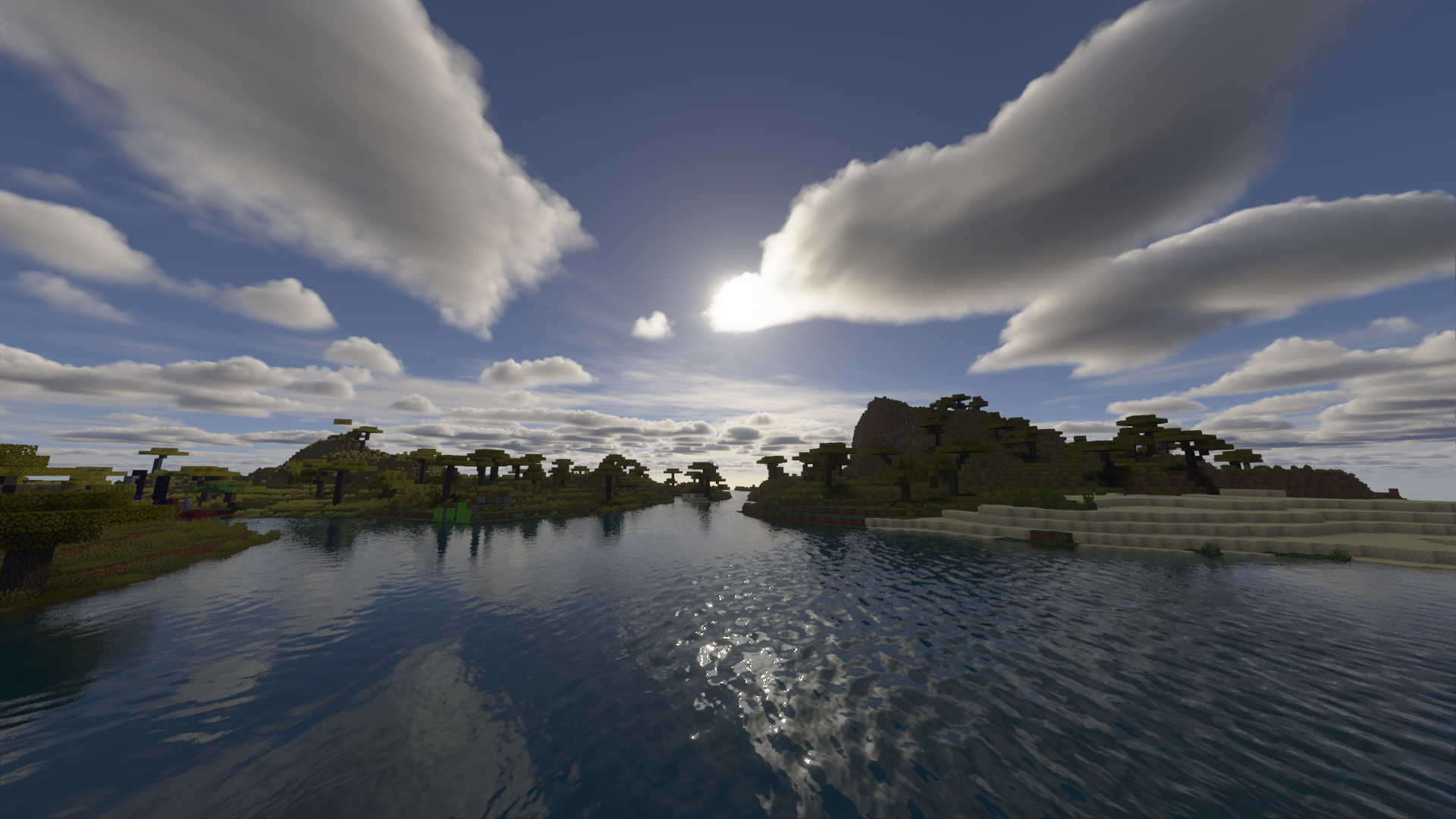
It aims to provide a "natural" look and feel.
Details
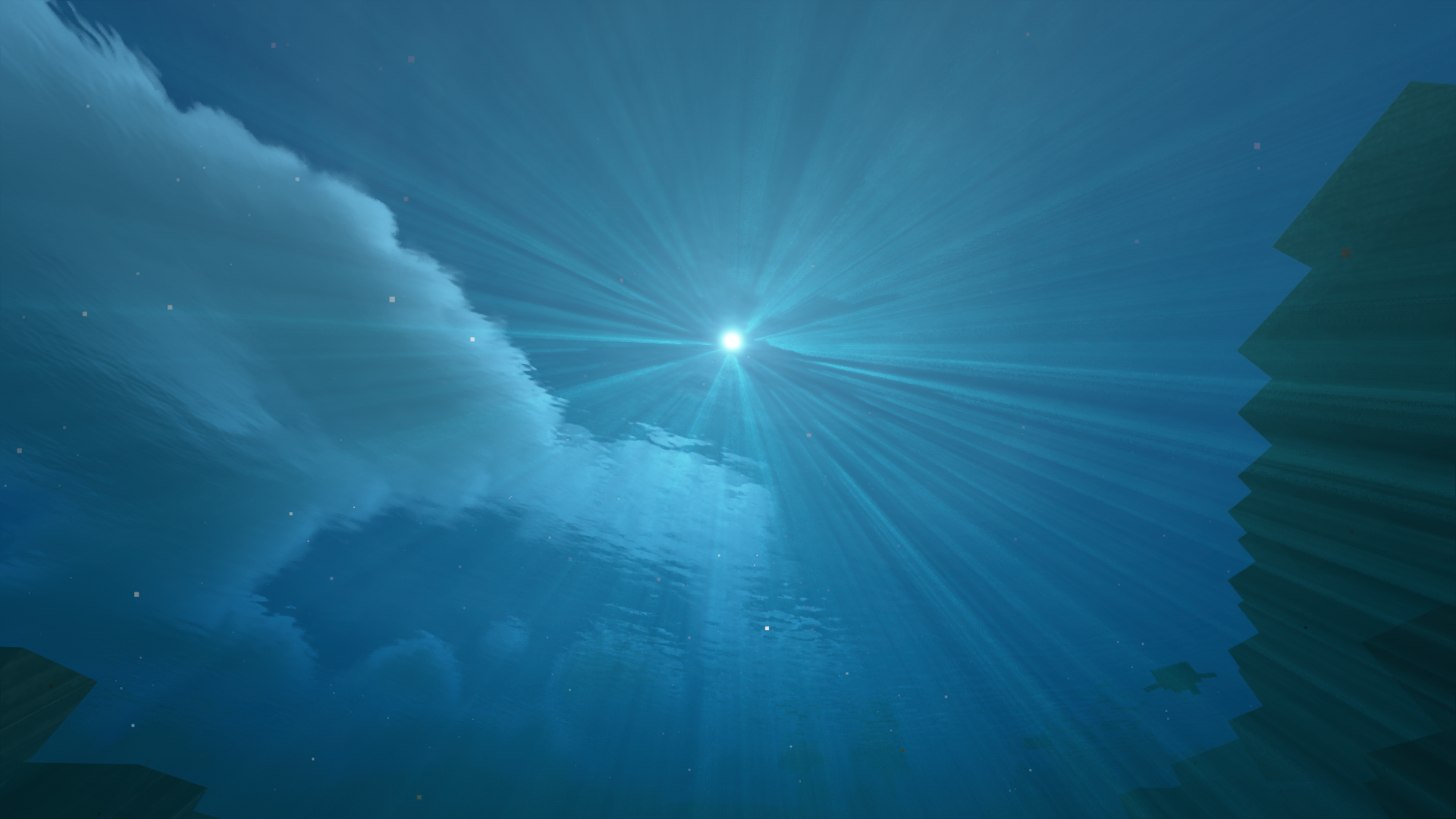
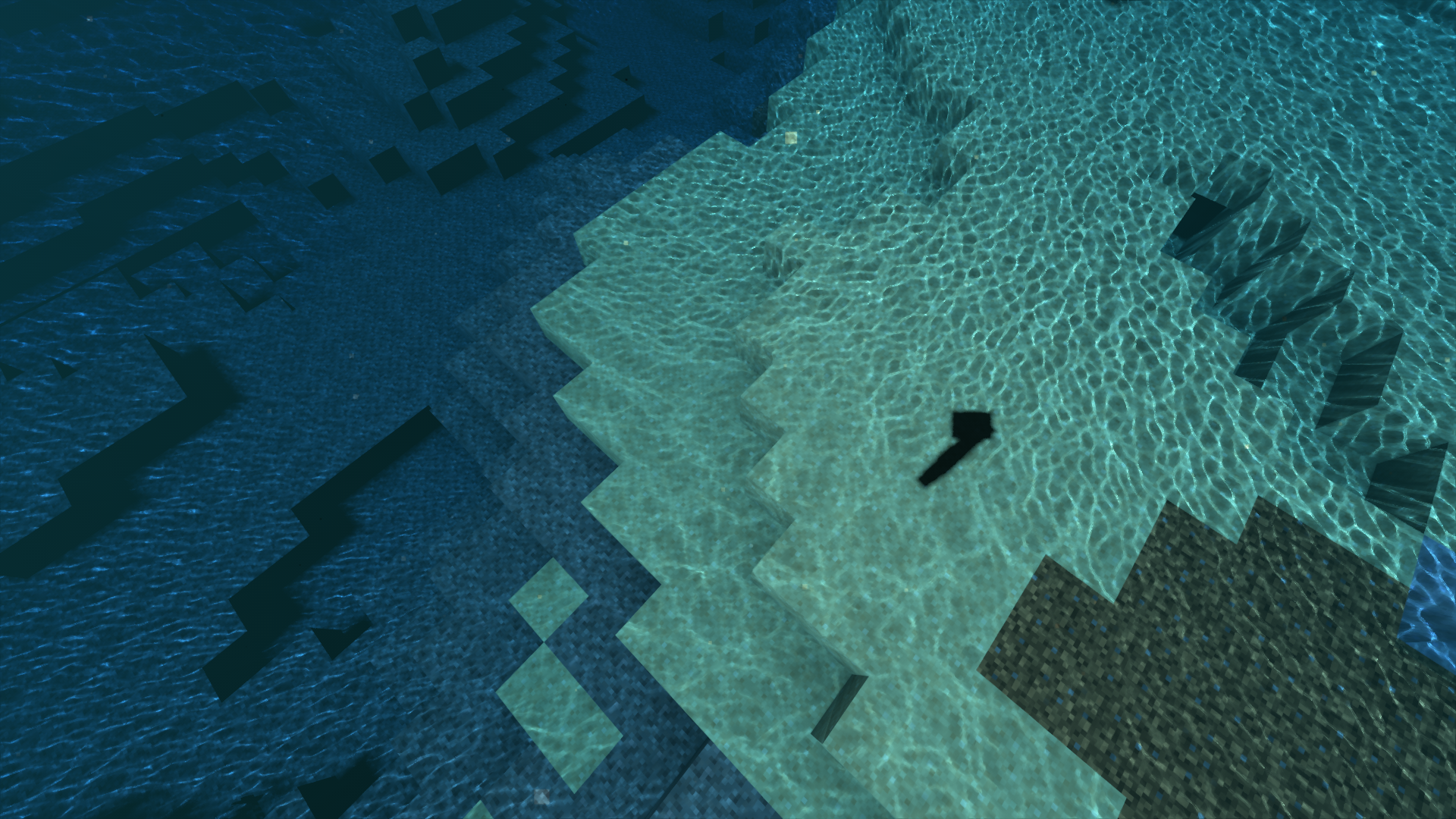
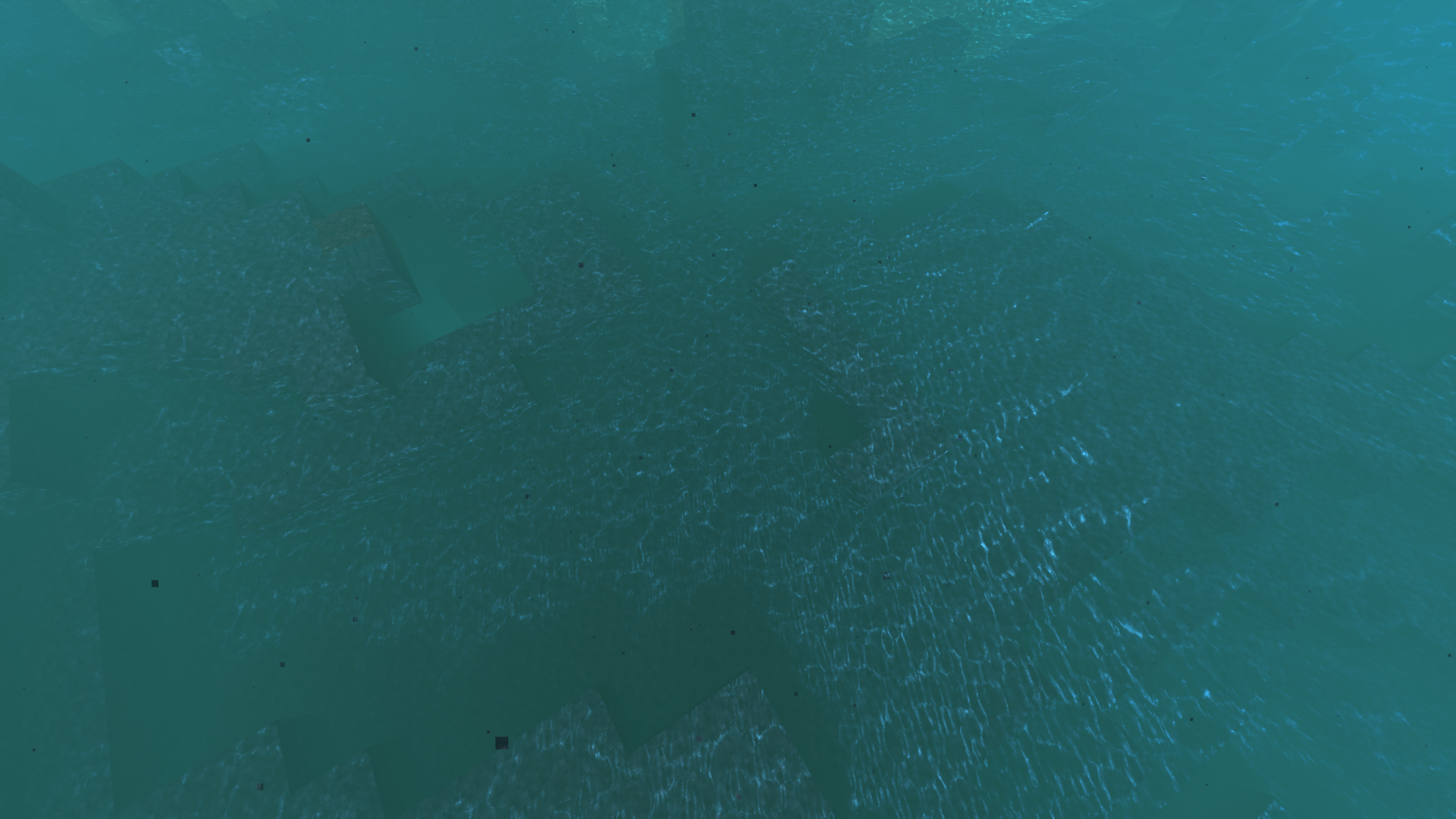
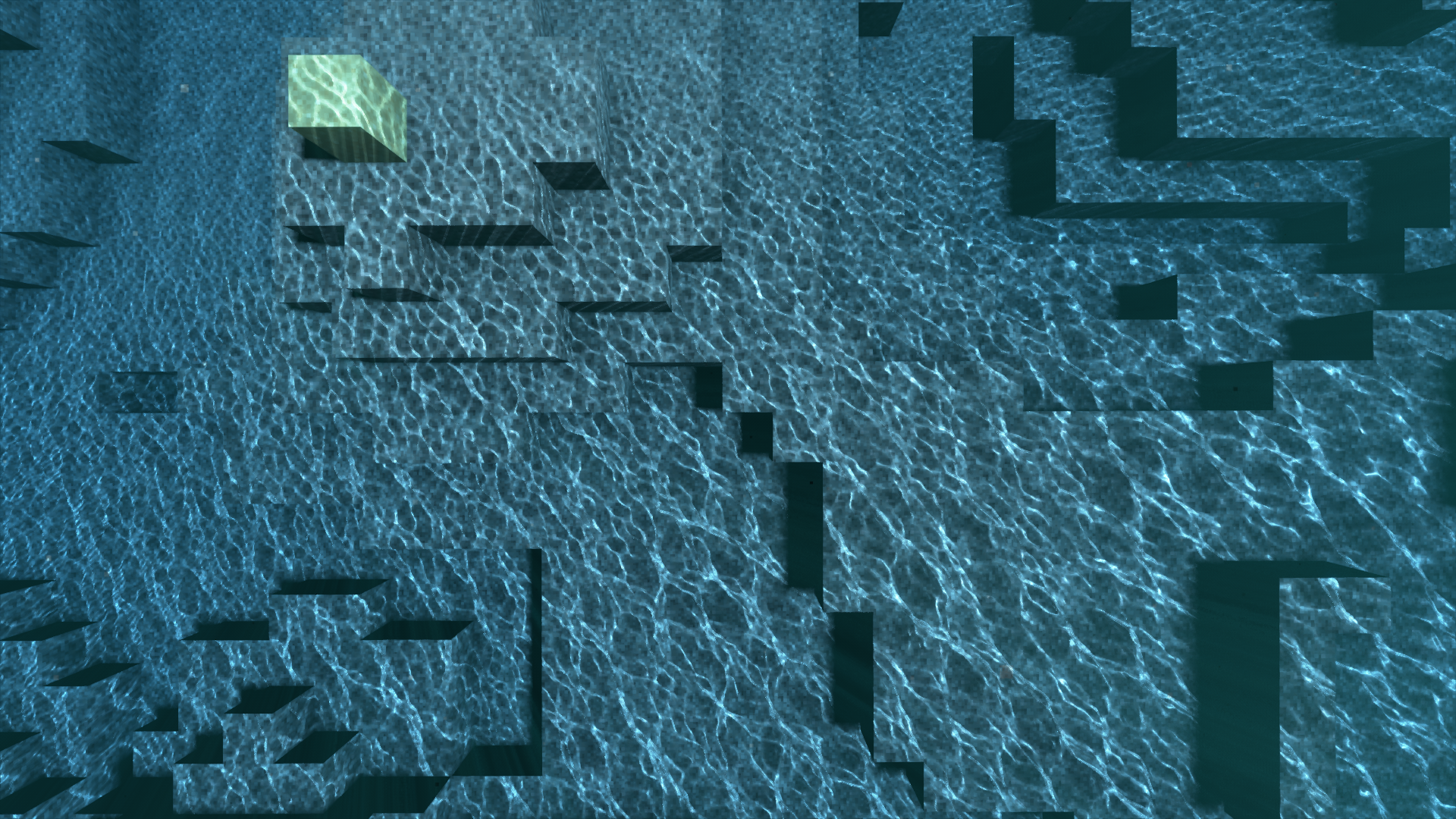
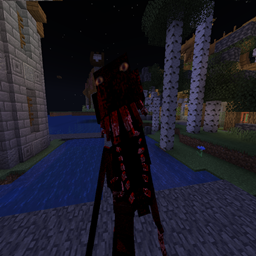
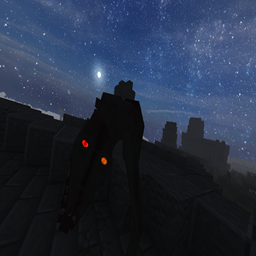
Spectrum Shader brings cinematic realism to Minecraft without relying on modern ray tracing or RTX hardware. This shaderpack is licensed under MIT and focuses on delivering immersive visuals with efficient code. It simulates soft sunlight, realistic shadow gradients, subtle ambient lighting, and a vibrant but natural color palette — all without requiring path tracing.
- Hardware and drivers that support OpenGL 4.4
- Iris Shaders (OptiFine is not recommended)
Note: I currently only have access to Nvidia GPUs for testing.
Because of this, I cannot ensure that Spectrum will work properly for AMD and Intel GPUs.
That said, I will still try to fix any issues that occur for AMD and Intel users.
Permission is hereby granted, free of charge, to any person obtaining a copy
of this software and associated documentation files (the "Software"), to deal
in the Software without restriction, including without limitation the rights
to use, copy, modify, merge, publish, distribute, sublicense, and/or sell
copies of the Software, and to permit persons to whom the Software is
furnished to do so, subject to the following conditions:
The above copyright notice and this permission notice shall be included in all
copies or substantial portions of the Software.
THE SOFTWARE IS PROVIDED "AS IS", WITHOUT WARRANTY OF ANY KIND, EXPRESS OR
IMPLIED, INCLUDING BUT NOT LIMITED TO THE WARRANTIES OF MERCHANTABILITY,
FITNESS FOR A PARTICULAR PURPOSE AND NONINFRINGEMENT. IN NO EVENT SHALL THE
AUTHORS OR COPYRIGHT HOLDERS BE LIABLE FOR ANY CLAIM, DAMAGES OR OTHER
LIABILITY, WHETHER IN AN ACTION OF CONTRACT, TORT OR OTHERWISE, ARISING FROM,
OUT OF OR IN CONNECTION WITH THE SOFTWARE OR THE USE OR OTHER DEALINGS IN THE
SOFTWARE.