Close menu
Mods
Browse
Plugins
Bukkit, Spigot & Paper plugins
Maps
Adventure, parkour & survival maps
Resource Packs
Textures from 16x to 512x+
Data Packs
Vanilla-friendly game changes
Shaders
Iris & OptiFine shader packs
Mod Packs
Curated mod collections
Minecraft Versions
Everything for one version
Mod Compatibility
Find mods that work together
Search everything
Mods, packs, shaders & more
Browse
Plugins
Bukkit, Spigot & Paper plugins
Maps
Adventure, parkour & survival maps
Resource Packs
Textures from 16x to 512x+
Data Packs
Vanilla-friendly game changes
Shaders
Iris & OptiFine shader packs
Mod Packs
Curated mod collections
Minecraft Versions
Everything for one version
Mod Compatibility
Find mods that work together
Search everything
Mods, packs, shaders & more
Servers
Players
Wiki
Tools
Games
More
News
How to Craft
Mob Drops
Villager Trades
Biome Spawns
Minecraft Skins
Server of the Month
App
More
News
How to Craft
Mob Drops
Villager Trades
Biome Spawns
Minecraft Skins
Server of the Month
App
Log in
Register
Log in
Register
Shaders
Pretty Shadows
SHADER
adds some nice shadows
by
Azi_Kara
Download
Report
Claim this project
81,039 downloads
0 likes
Updated Oct 14, 2026
0 hypes
Realistic
Vanilla
Share
Copy link
Copy for Discord
Reddit
X
Home
/
Shaders
/
Vanilla
/
Pretty Shadows
Advertisement
Remove ads with Premium →
Description
Files (2)
Screenshots (4)
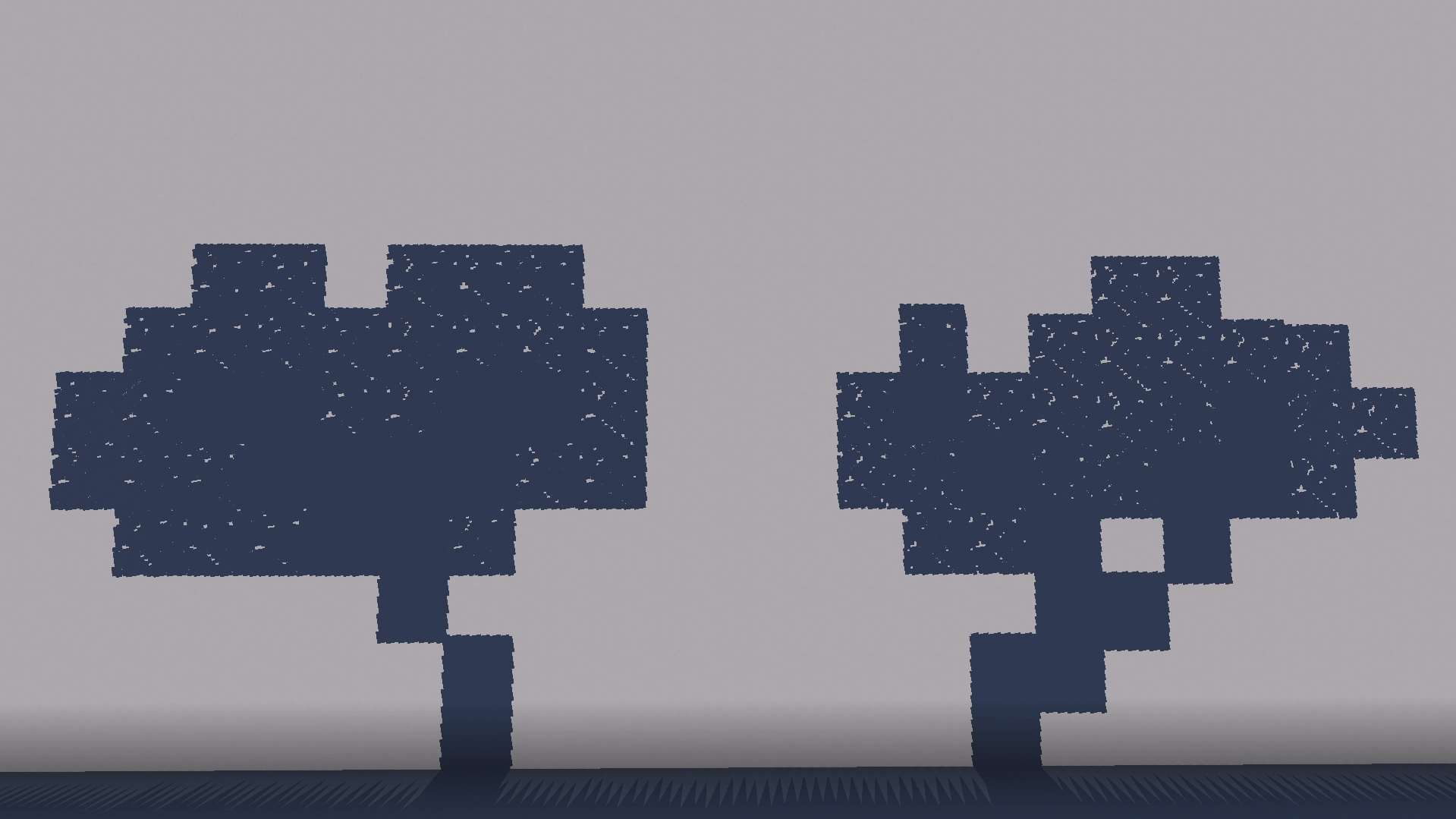
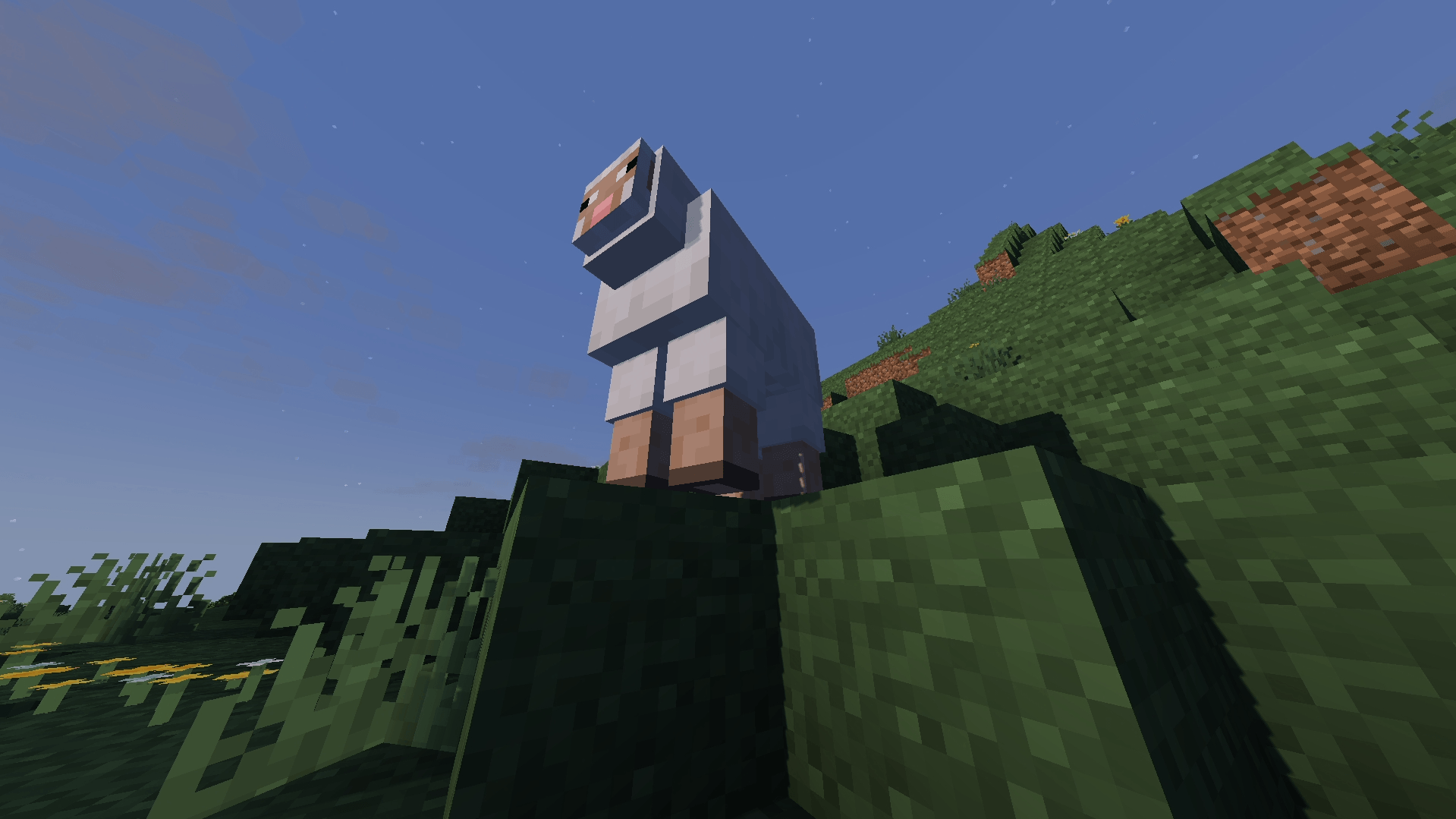
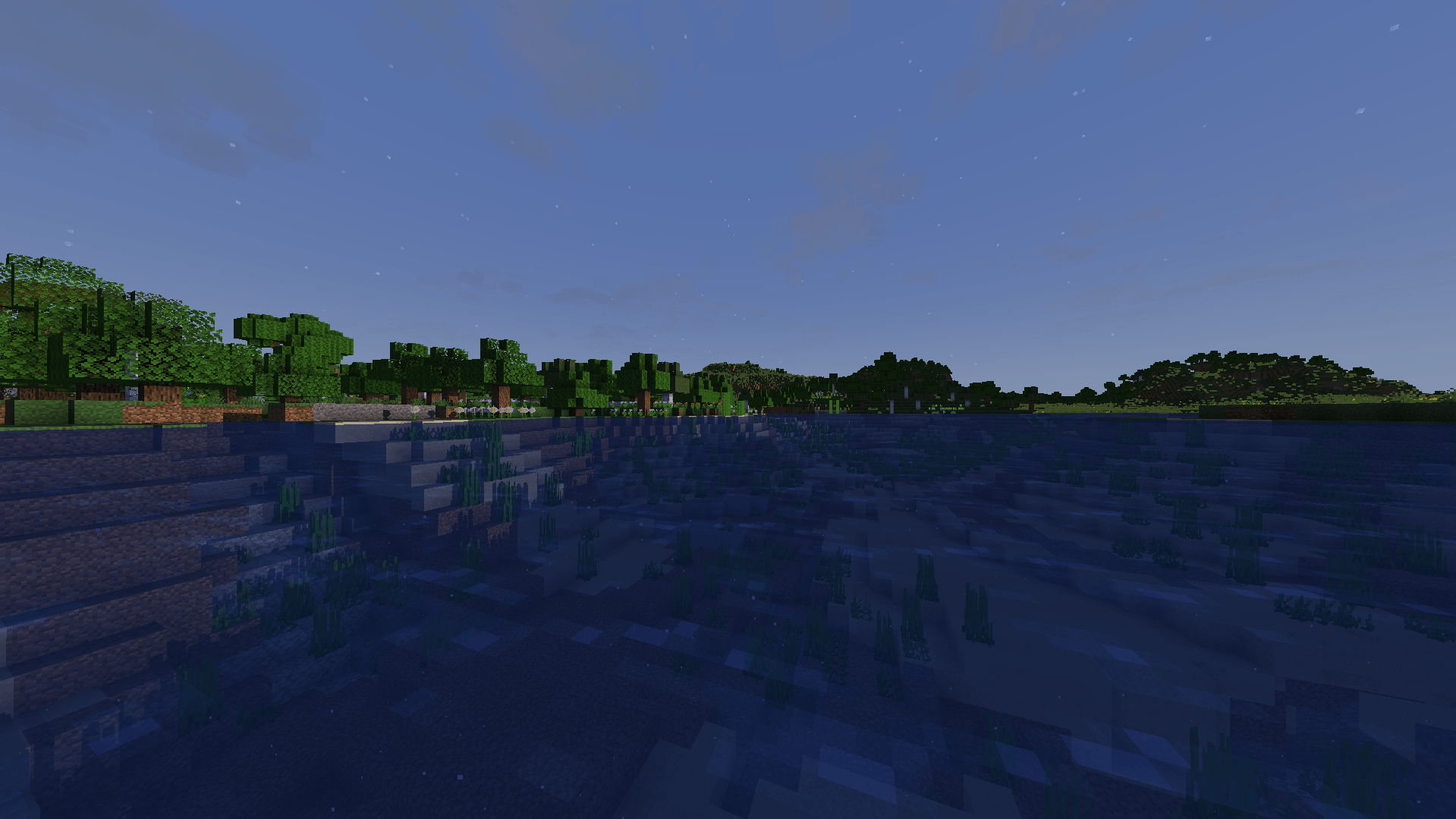
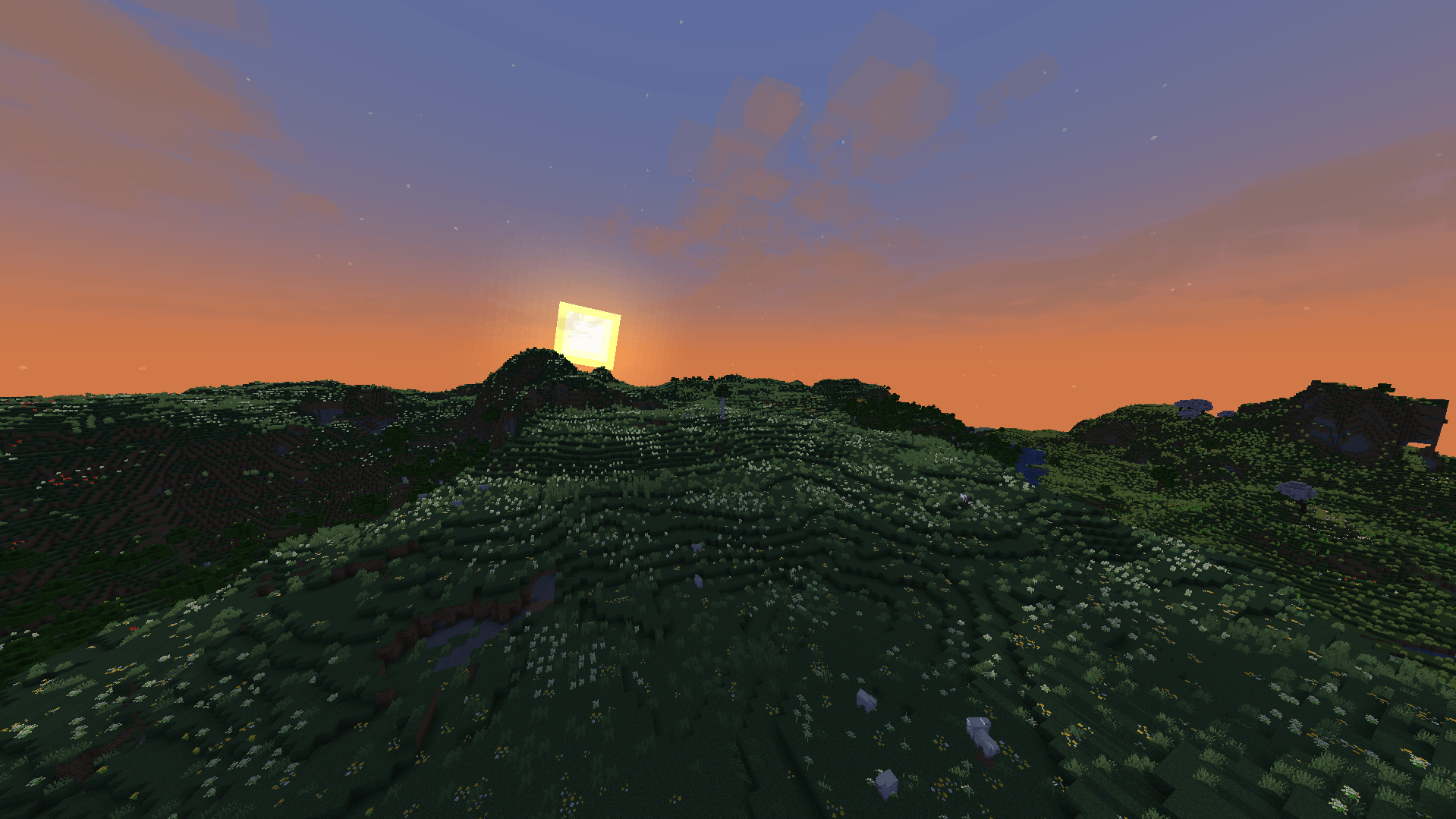
adds better shadows without changing the vanilla look of minecraft too much
PrettyShadows-Iris 2.0
MC 1.21, 1.19.3, 1.20.2, 1.19.4, 1.21.8, 1.20.5, 1.21.5, 1.21.4, 1.20.1, 1.20, 1.20.6, 1.21.1, 1.21.6, 1.21.3, 1.21.7, 1.19.1, 1.20.4, 1.18.2, 1.19.2, 1.20.3, Iris, 1.19, 1.21.2
Release
2026-04-05
Get
PrettyShadows-OptiFine 2.0
MC 1.21, 1.19.3, 1.20.2, 1.19.4, 1.21.8, 1.20.5, 1.21.5, 1.21.4, 1.20.1, 1.20, OptiFine, 1.20.6, 1.21.1, 1.21.6, 1.21.3, 1.21.7, 1.19.1, 1.20.4, 1.18.2, 1.19.2, 1.20.3, 1.19
Release
2026-04-05
Get
Requirements & install
How to use this shader in Minecraft
Shader loader
Iris
OptiFine
Minecraft
1.21.1 – 1.21.8
Install folder
.minecraft/shaderpacks
How to install shaders
1
Install a shader loader for your Minecraft version: Iris (with Sodium) or OptiFine.
2
Download the shader pack .zip file (do not extract it).
3
Put the .zip into the shaderpacks folder (.minecraft/shaderpacks).
4
In game open Options → Video Settings → Shader Packs, select the pack and apply it.
Browse more:
Iris shaders
OptiFine shaders
Shaders for 1.21.8
All shaders
Advertisement
Remove ads with Premium →
More from Azi_Kara
Snake Takeover!
78
Bottomless Stack
755
Carry cats!
63,640
Improved Villager Trading
520
Uneasy?
3,785
NickCore
373
Advertisement
Remove ads with Premium →
You Might Also Like
Simply Upscaled
A very Vanilla high performance shader with live Texture Upscaling/Filtering and optional shadows. Configurable subtly enhanced vanilla feel.
909,777
PwC Retro Pixels Shaders
a retro pixel art style shader pack
99,737
Aetheria Shaders
Aetheria Shaders is a gorgeous fantasy modification of Complementary Reimagined. Features custom dimension atmospheres, glowing teal water, galaxy-themed Nether portals, flowing molten lava, and a volumetric End tornado. High performance guaranteed.
99,518
Snow Default
Make the world turn to Winter
99,236
LoShades
LoShades is the ULTIMATE low-end minecraft shader that adds basic postprocess effects and fog. (i get around 300 to 500 fps average, and around 800 max!)
92,180
Chippa256 Shaders
Give your Minecraft that retro 256-color look with low-res pixelation options!
91,891
Report Mod
Reason
Malicious content
Copyright violation
Broken download
Spam
Other
Your email (optional)
Details
Cancel
Submit Report