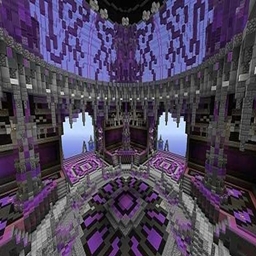
📼 Paranoia VHS: Isolation
WARNING: This shader pack is designed for a high-stress horror experience. It features heavy visual distortions, camera blackouts, and an oppressive atmosphere that may be unsettling for some players.
🌑 About the Project
Paranoia VHS: Isolation is not a "pretty" shader. It is a technical recreation of the Analog Horror and Bodycam aesthetic. It transforms the vibrant world of Minecraft into a bleak, desaturated, and terrifying recording found on a discarded VHS tape.
Whether you are a content creator making Found Footage videos or a player looking to turn survival into a psychological horror game, this shader provides the ultimate "scary tape" atmosphere.
🛠️ Horror-Engine Features (Inside the Code)
This shader uses advanced post-processing to simulate a failing camera and a terrified observer:
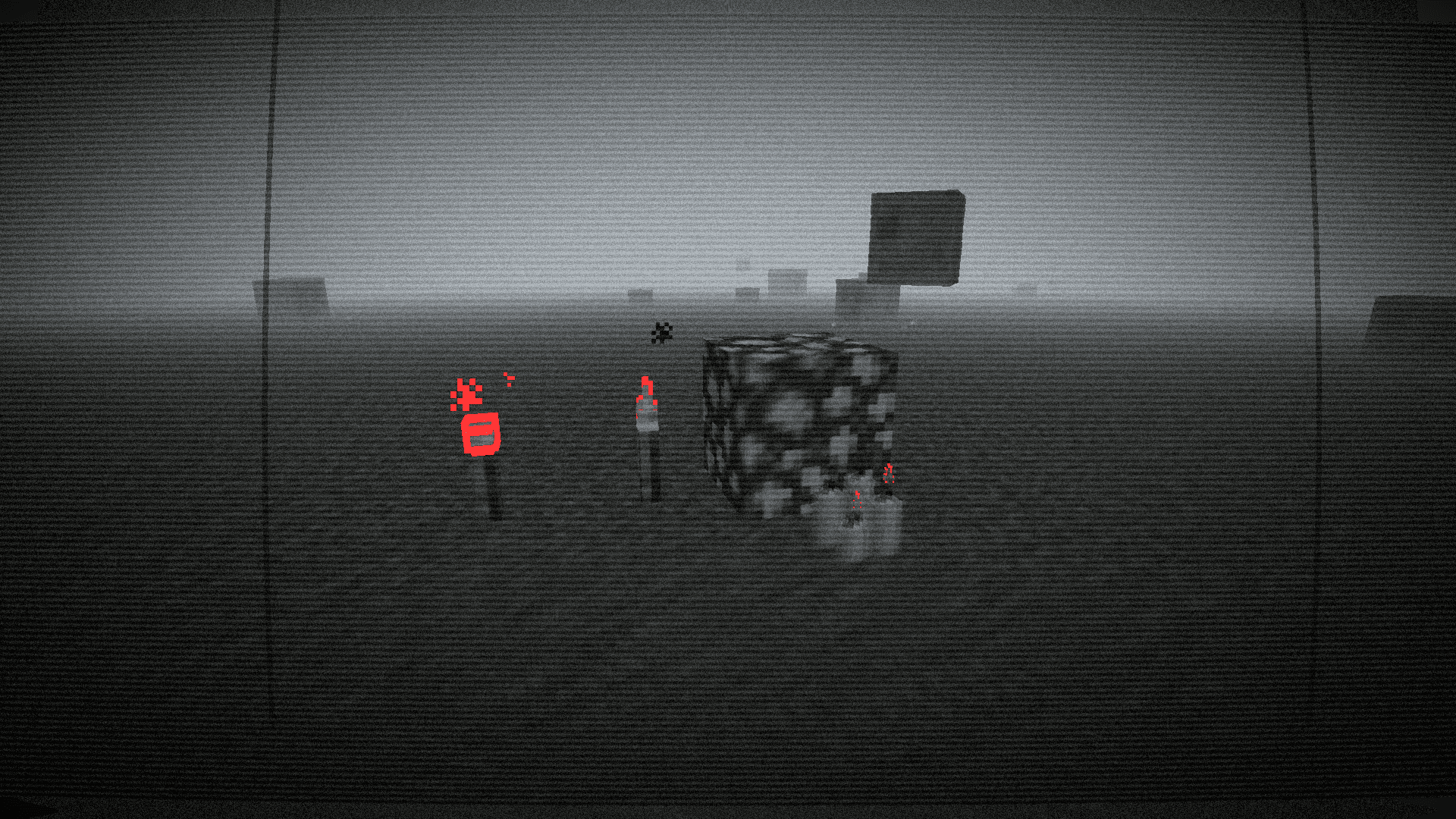
- 🎞️ Authentic VHS Artifacts: Includes CRT scanlines, vertical film scratches, and "tracking" distortions at the bottom of the frame.
- 👁️ Panic-Blur System: A unique feature where your vision blurs and distorts when objects (or entities) get too close, simulating the physical sensation of fear and disorientation.
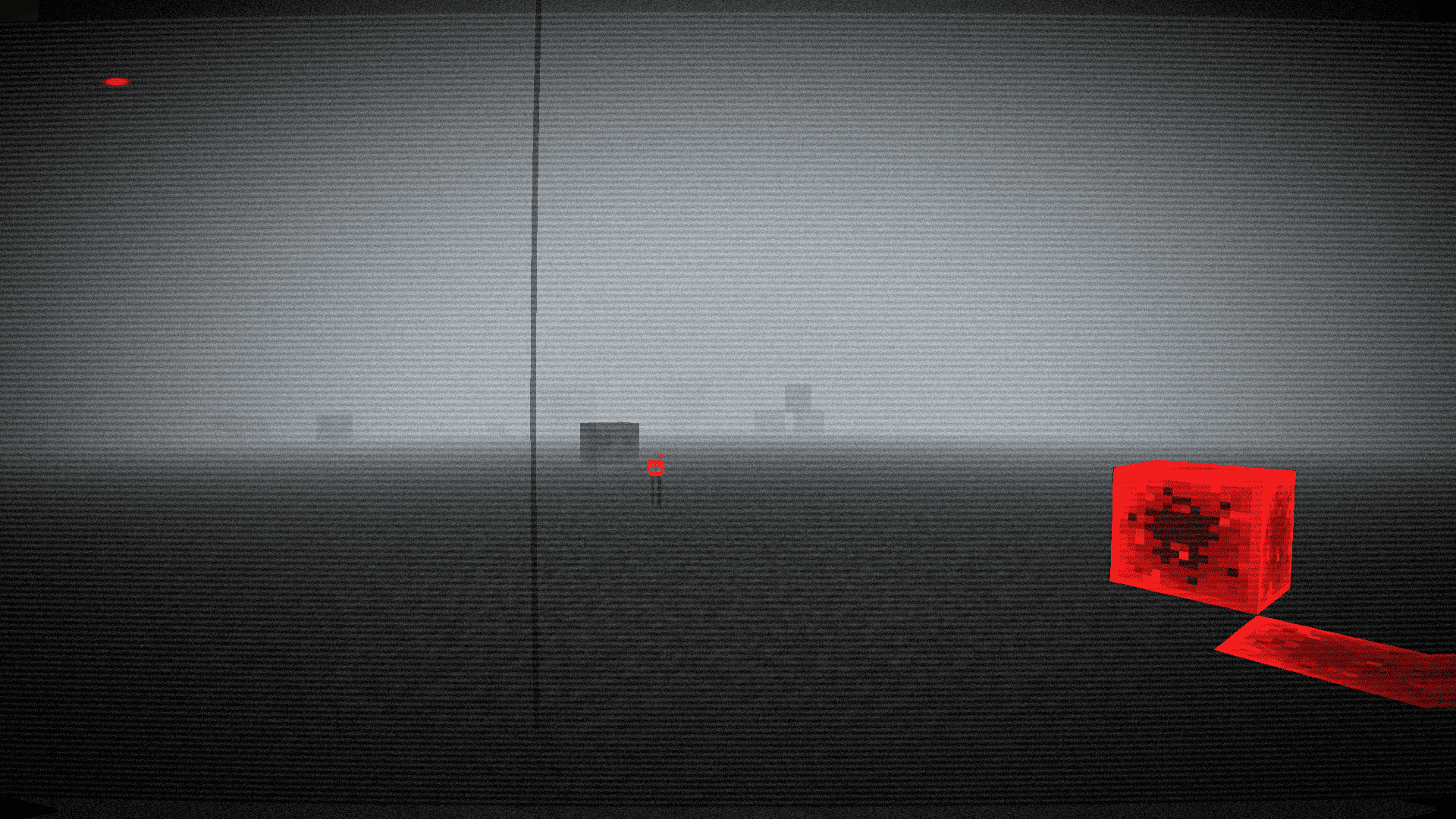
- 🩸 The "Schindler" Red Effect: The world is 90% desaturated (almost black and white), but RED remains. Redstone, spider eyes, and blood-like textures pierce through the fog with a haunting glow.
- 🌫️ Oppressive "Silent Hill" Fog: A thick, volumetric wall of fog limits your sight to just a few blocks, making every corner a potential threat.
- 🔌 Failing Hardware: Random "Camera Blackouts" occur—rare moments where the screen cuts to harsh white noise/static for a split second, perfect for jumpscares.
- 🎥 Bodycam Geometry: Realistic barrel distortion and lens warping to simulate a camera strapped to a person's chest.
- 🔴 REC UI: A pulsing "low battery" flicker and a blinking record indicator for total immersion.
🕯️ Recommended Setup for Maximum Fear
To get the intended look of Paranoia VHS, we recommend the following settings:
- Brightness: Set to
Moody.
- Smooth Lighting:
OFF (for a harsher, more industrial look).
- Render Distance:
4 - 8 Chunks (let the fog do the work).
- Particles:
All (to see the dust and grit in the air).
⚙️ Compatibility
- Version: Minecraft 1.21.11.
- Engine: Fully compatible with OptiFine not tested Iris.
- Hardware: Optimized to run on most modern systems despite the heavy post-processing effects.
🎬 Final Warning
Something is watching you through the lens. Don't look back. Just keep recording.
Paranoia VHS: Isolation — The tape ends here.
P.S If you use these shaders in modpacks or anywhere else, please include a link to this resource—it's important or at least include my name