Mineuniverse
Shaders
Panini Projection Lite

Panini Projection Lite

SHADER
a shadepack that allows for Panini projection into minecraft with little to no effect on performance
by 7amada
Download Claim this project
19 downloads
0 likes
0 followers
Updated Oct 14, 2026
0 hypes
Follow0
Vanilla
Advertisement Remove ads with Premium →

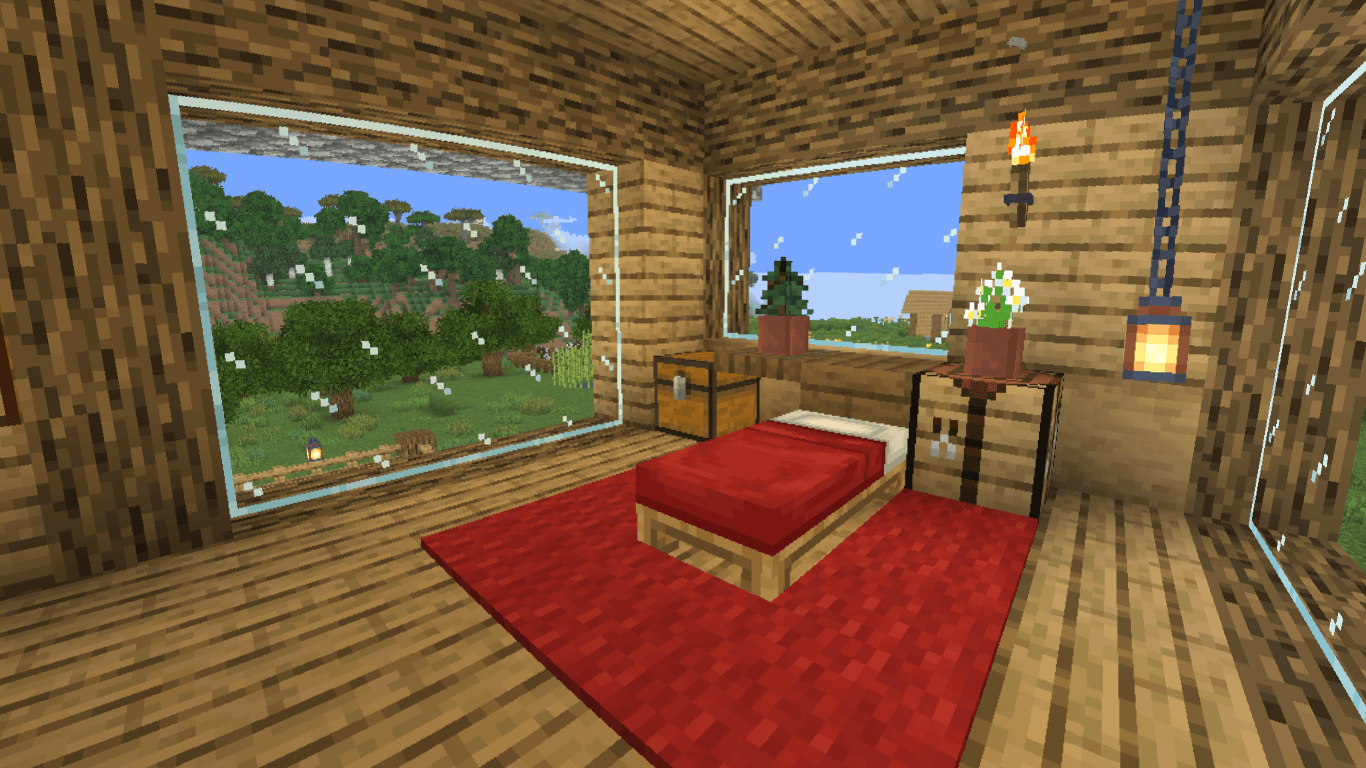
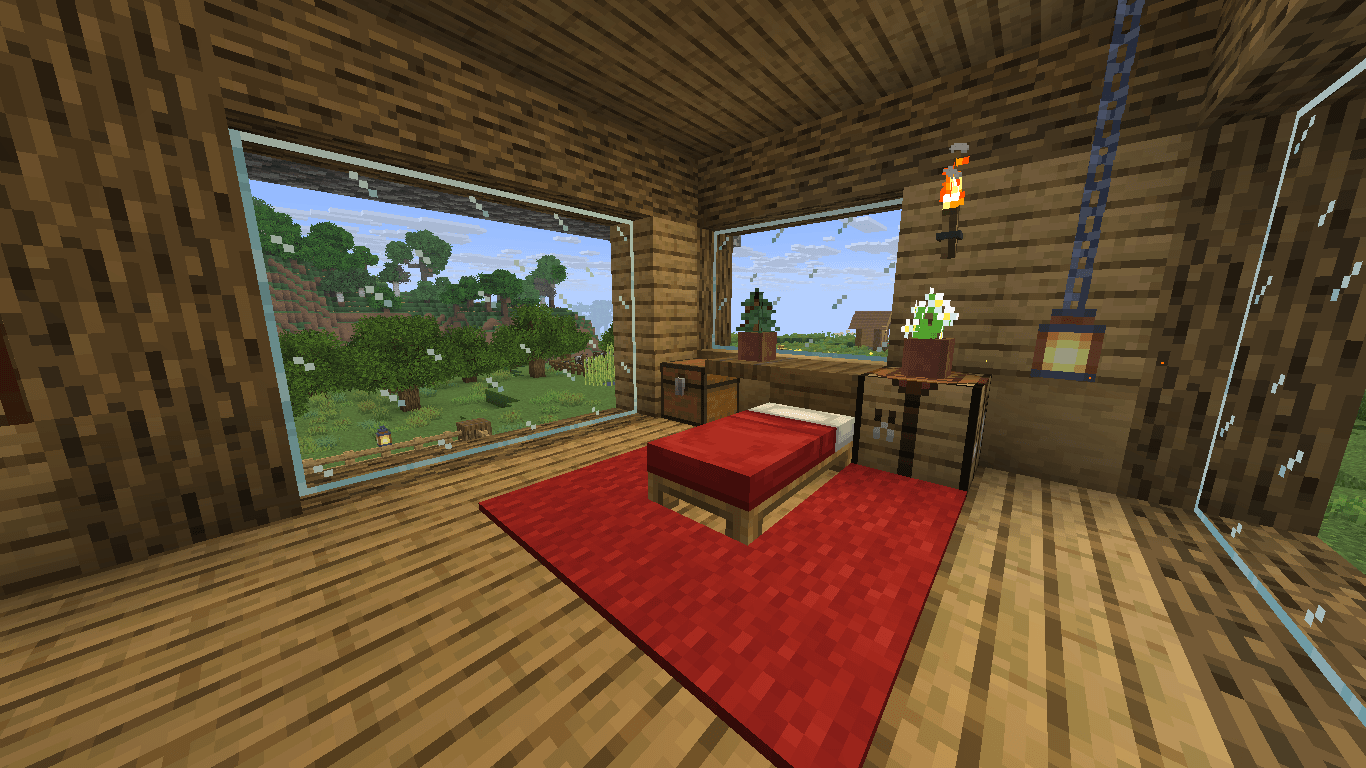
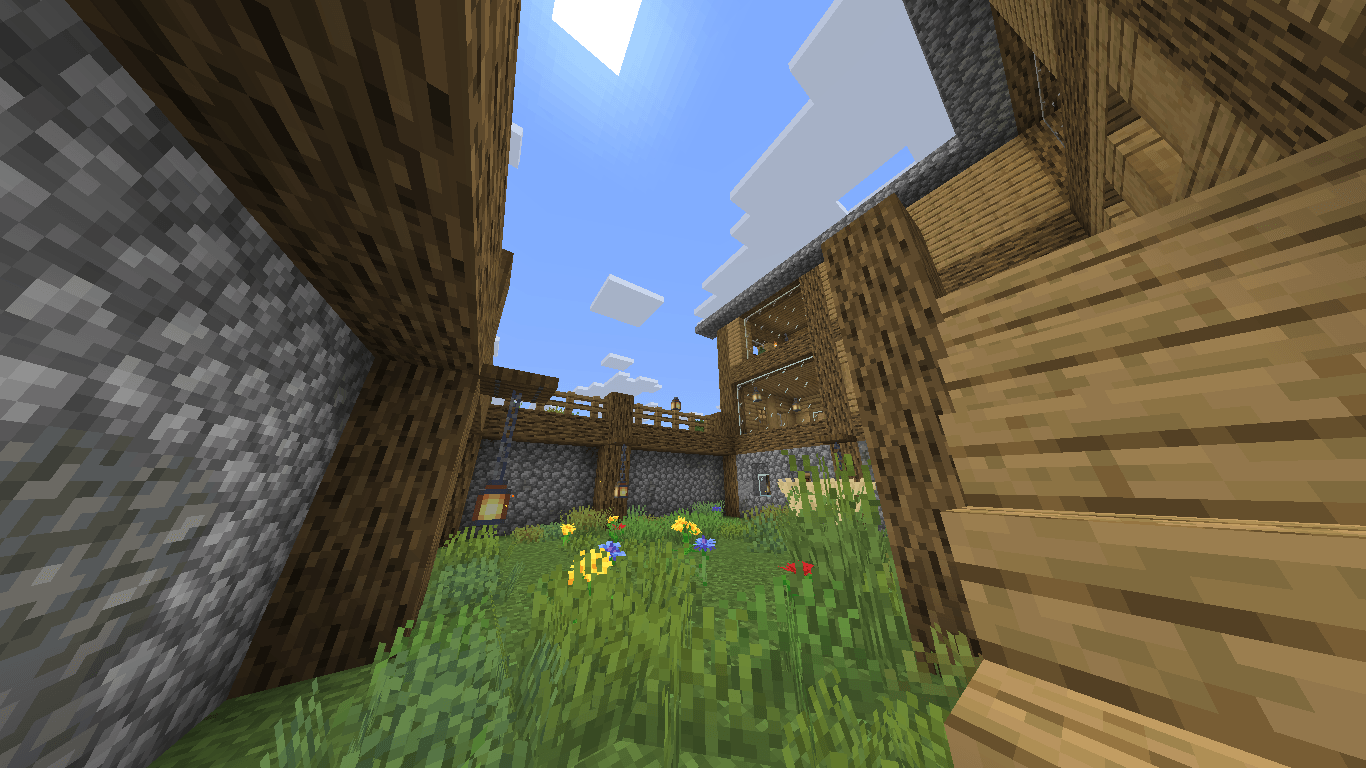
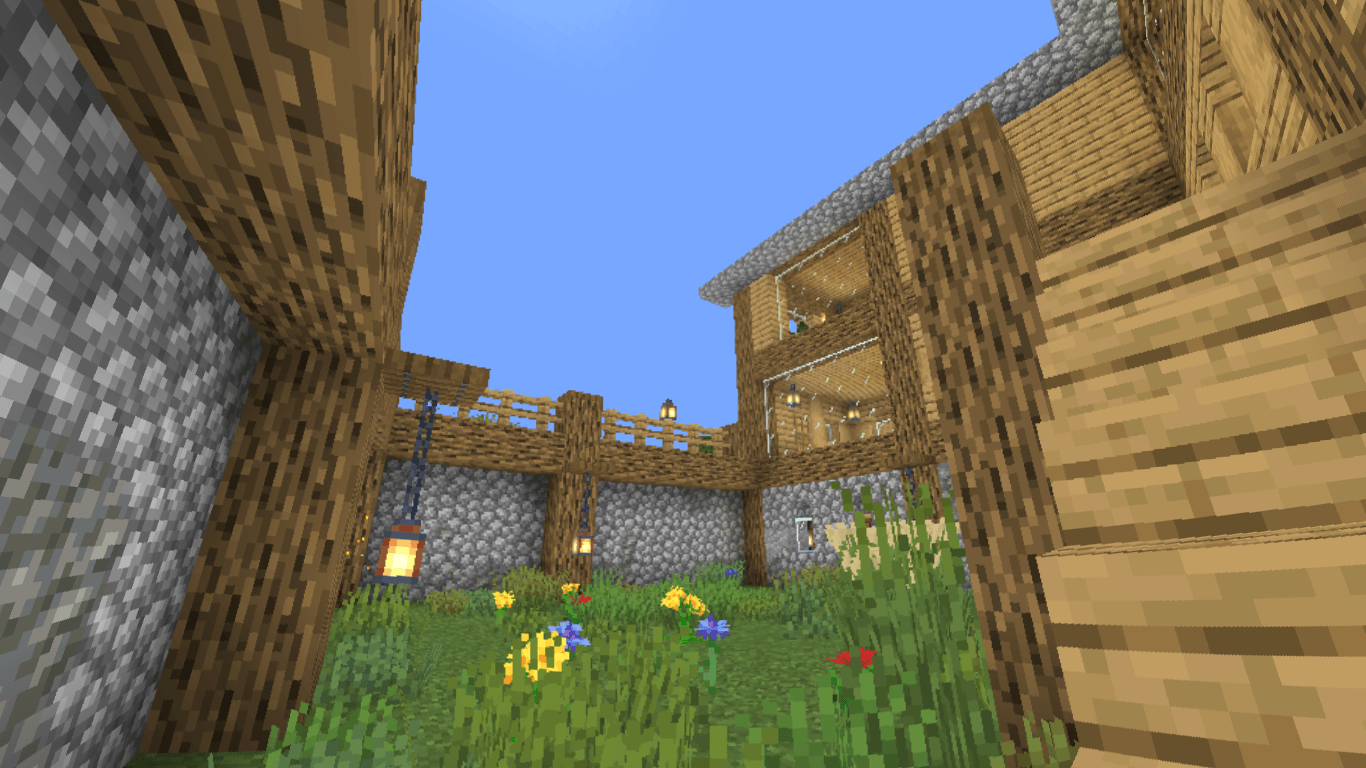
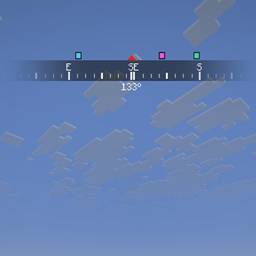
Panini projection is a projection method that is a substitute of the default rectilinear projection that minecraft uses and is better for maintaining less distortion at higher FOVs and preceiving scenery more like the human eye, and this shaderpack makes for integrating it into the game with as little performance cost as possiple for the lower end devices

the pack has a setting for the strength of the distortion so that you can find your sweet spot to your preferences and screen dimentions.

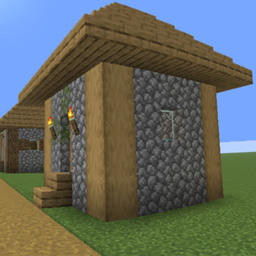
Recommended settings: Projection strength=40-60, Edge crop=100

release1.1
MC OptiFine, Iris, 26.1, 26.1.1, 26.1.2, 26.2, 26.3
Release 2026-10-10 Get
release 1.0 (Flawed)
MC OptiFine, Iris, 26.1.2
Release 2026-10-05 Get

Requirements & install

How to use this shader in Minecraft
Shader loader
Iris OptiFine
Minecraft
26.1 – 26.3
Install folder
.minecraft/shaderpacks

How to install shaders

  1. Install a shader loader for your Minecraft version: Iris (with Sodium) or OptiFine.
  2. Download the shader pack .zip file (do not extract it).
  3. Put the .zip into the shaderpacks folder (.minecraft/shaderpacks).
  4. In game open Options → Video Settings → Shader Packs, select the pack and apply it.
Browse more: Iris shaders OptiFine shaders Shaders for 26.3 All shaders

More from 7amada

Advertisement Remove ads with Premium →

You Might Also Like