Badges update automatically and link to the shader page on MineUniverse.

Oxygen Atmosphere is a cinematic, artistic shader pack built around a cool blue-gray aesthetic, deep height fog, and dynamic weather. Designed to enhance Minecraft's natural biomes rather than overwhelm them, it introduces moody atmospheric depth, time-adaptive water physics, a dynamic lunar system with rare Blood Moon events, and a custom storm-filled End dimension.

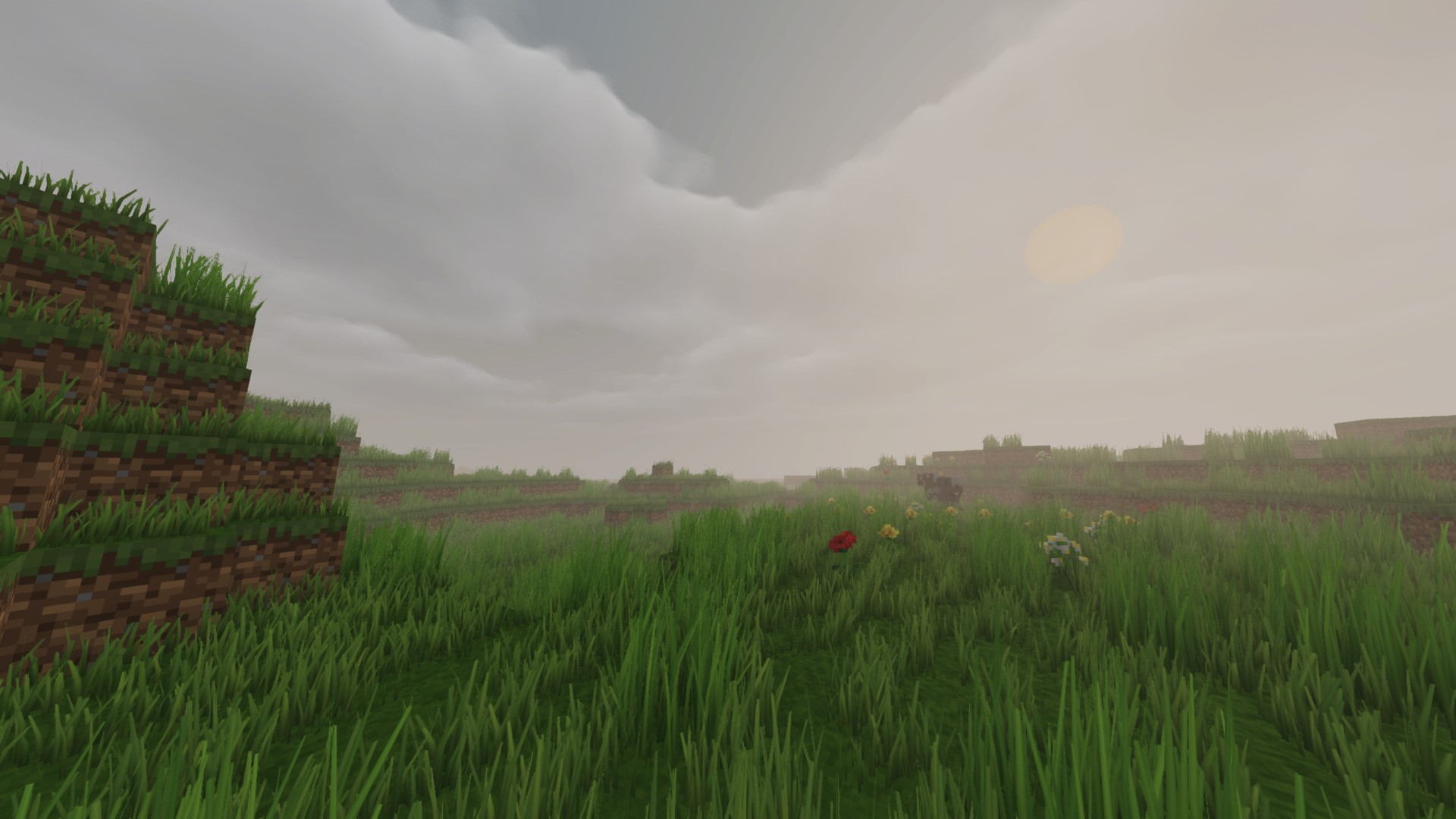
The grass appearance in the shader has been improved and redesigned to look more beautiful, with full customization available through the Shader Options.
Key Changes & Additions
Grass Style: A new setting in the shader options featuring 3 different types of grass.
Style 1: Original Grass
Style 2: Enhanced Default
Style 3: Full Ground Cover

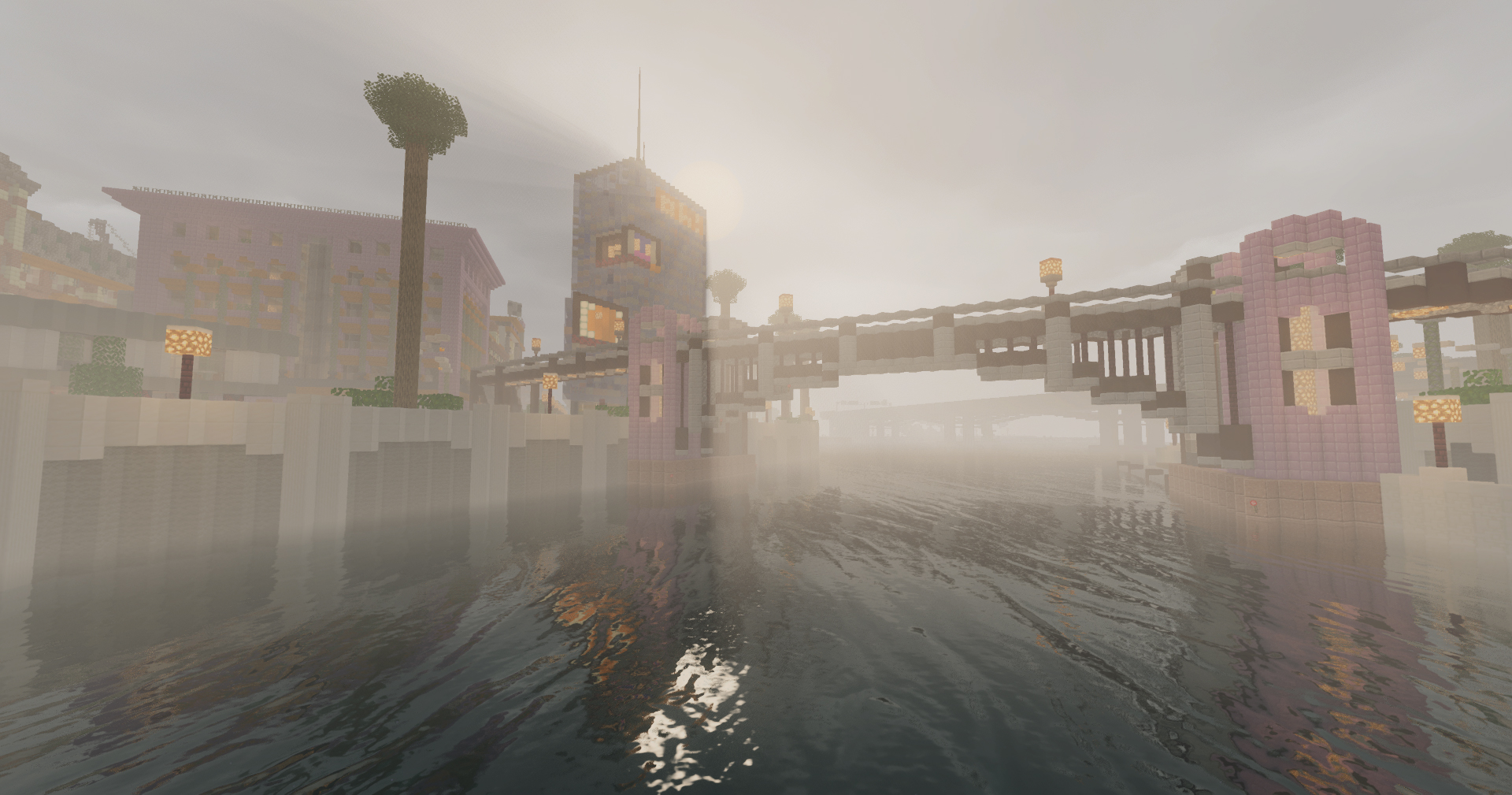
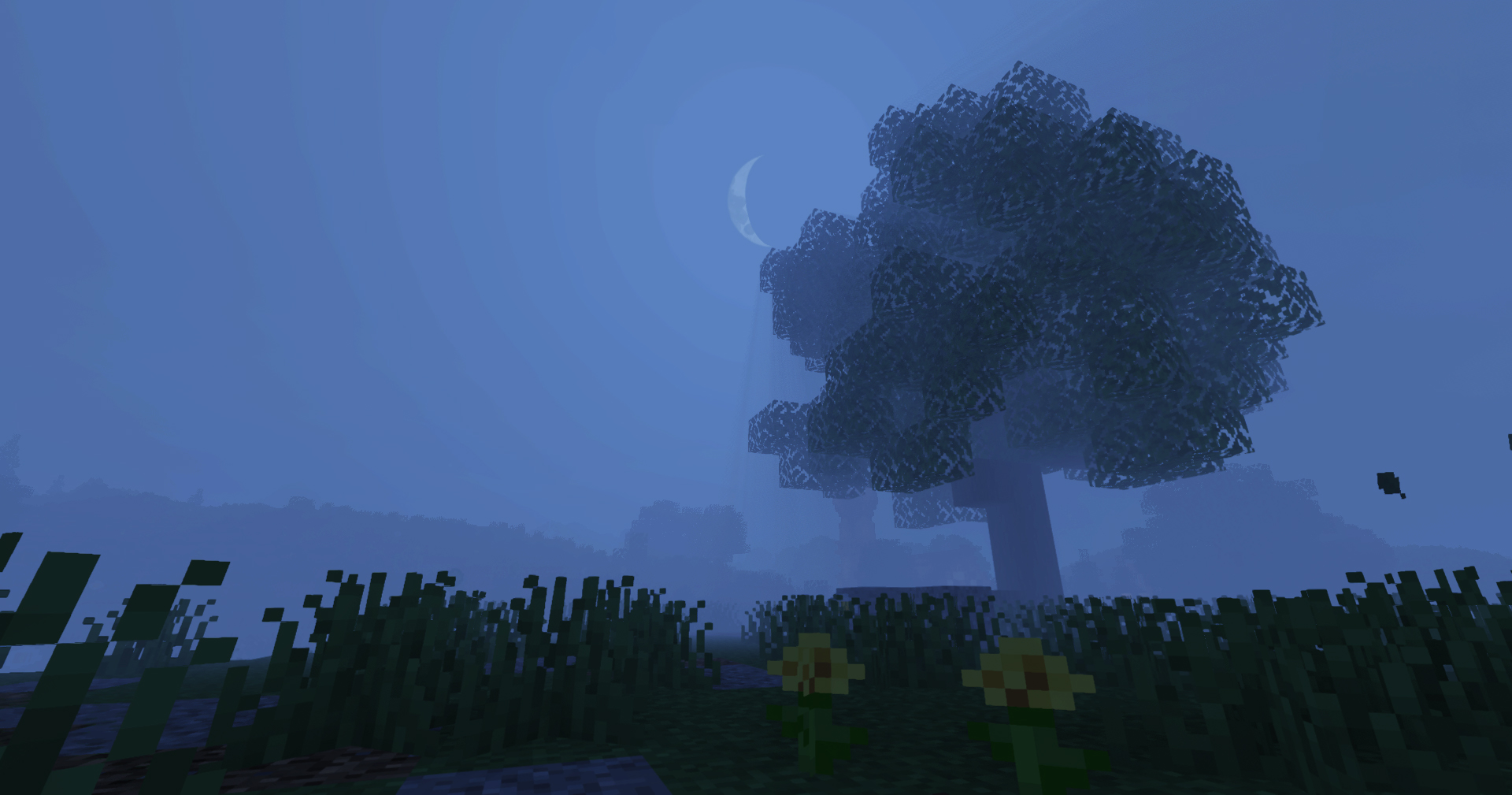
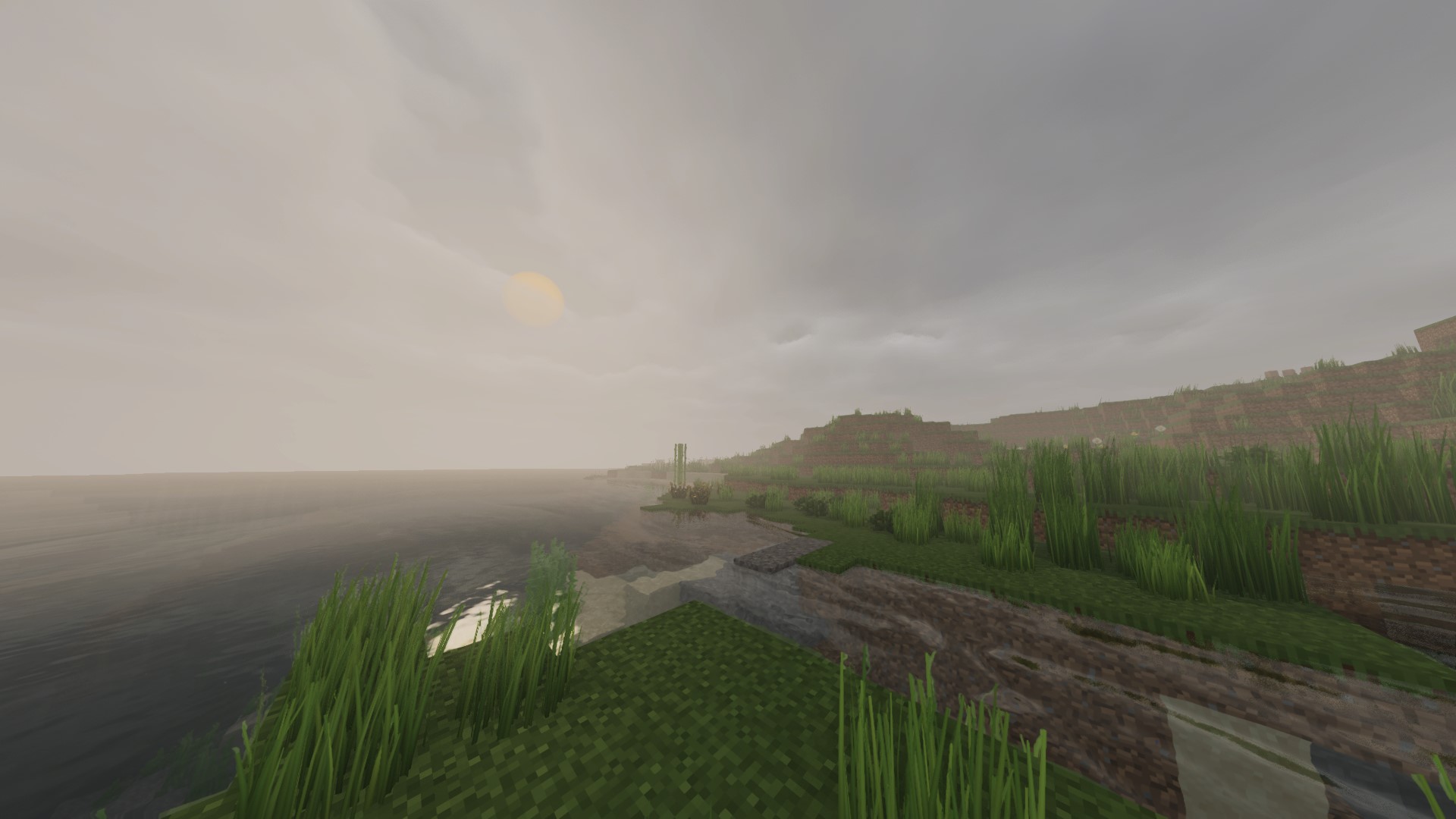
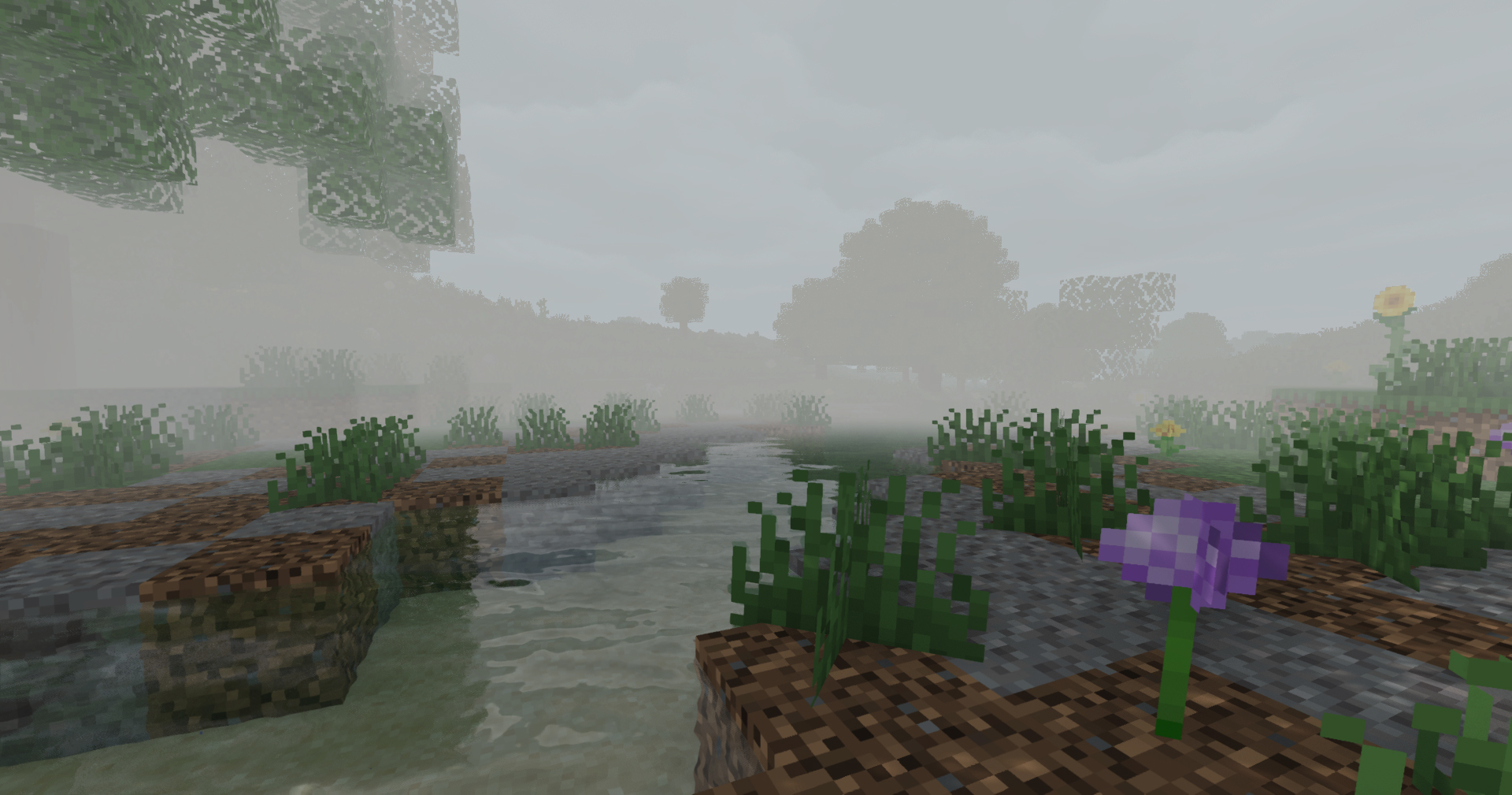
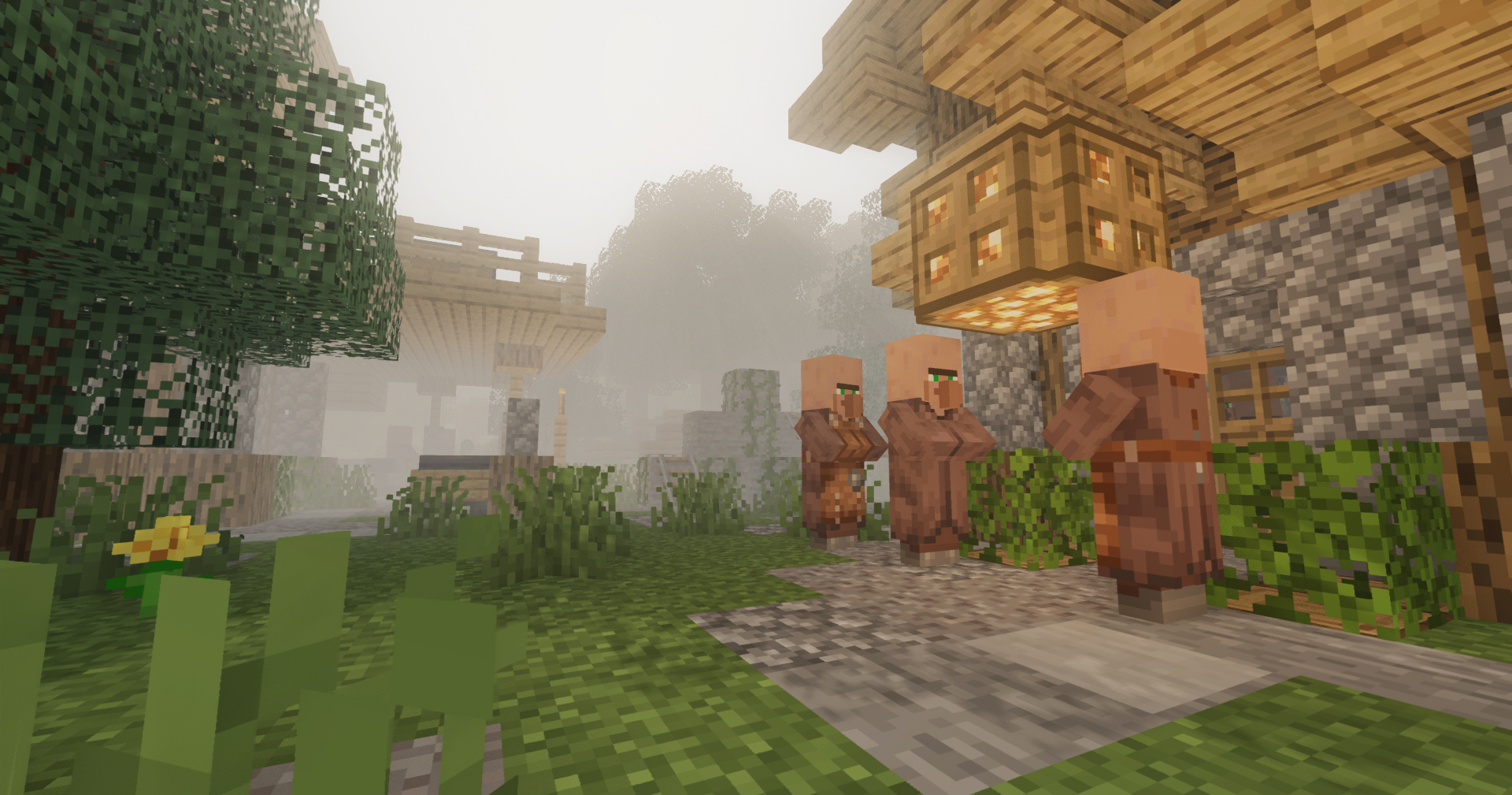
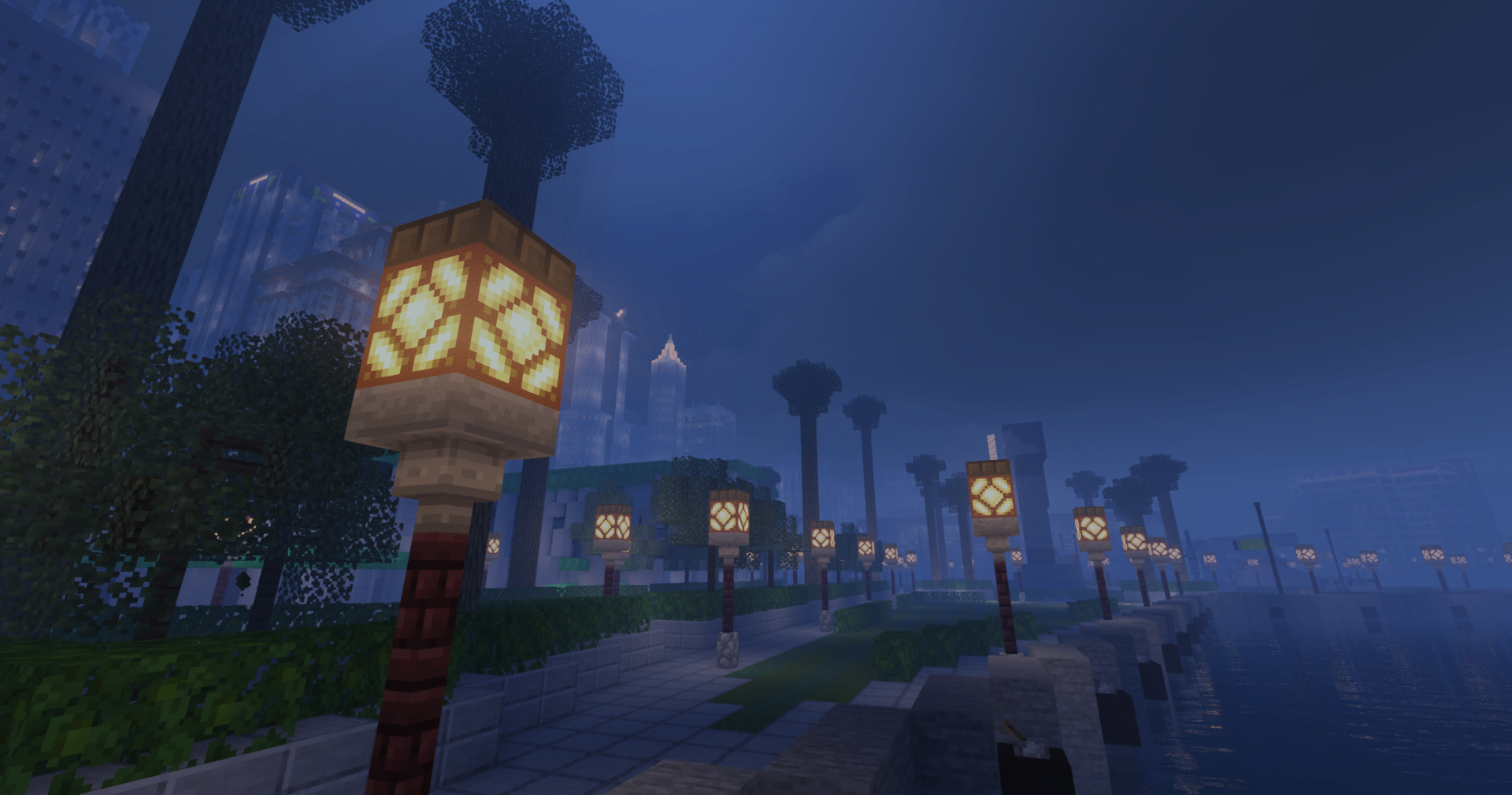
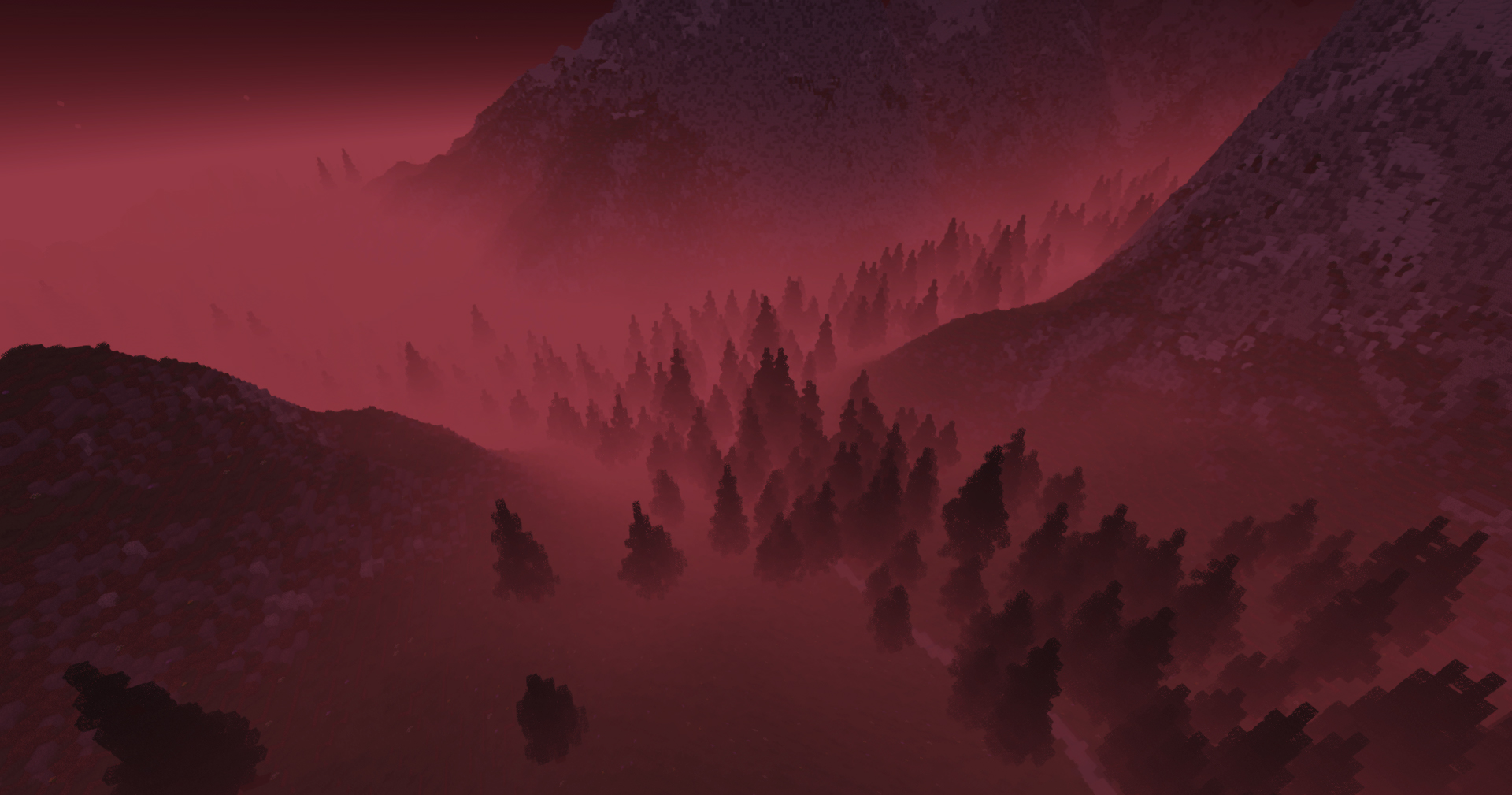
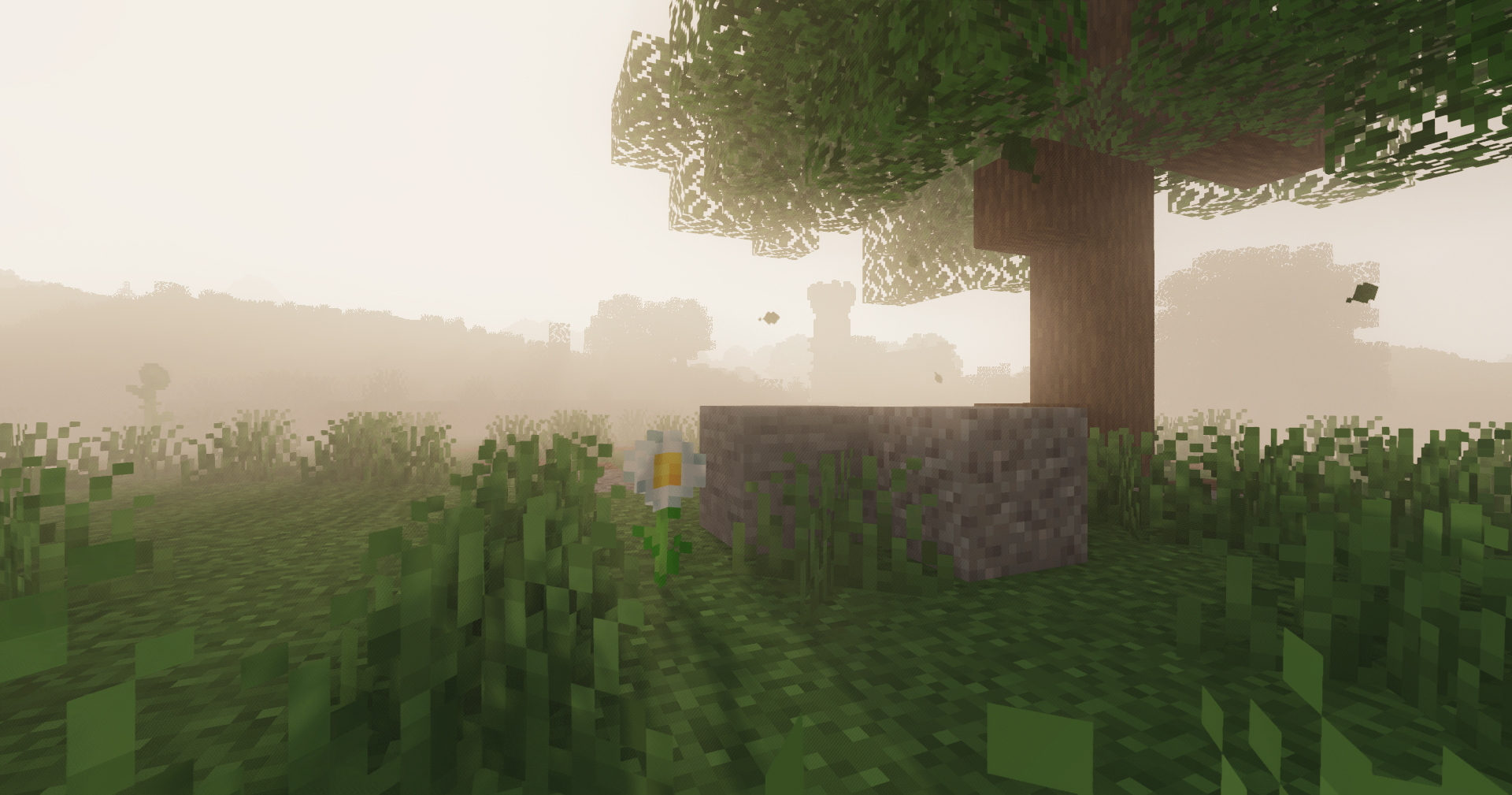
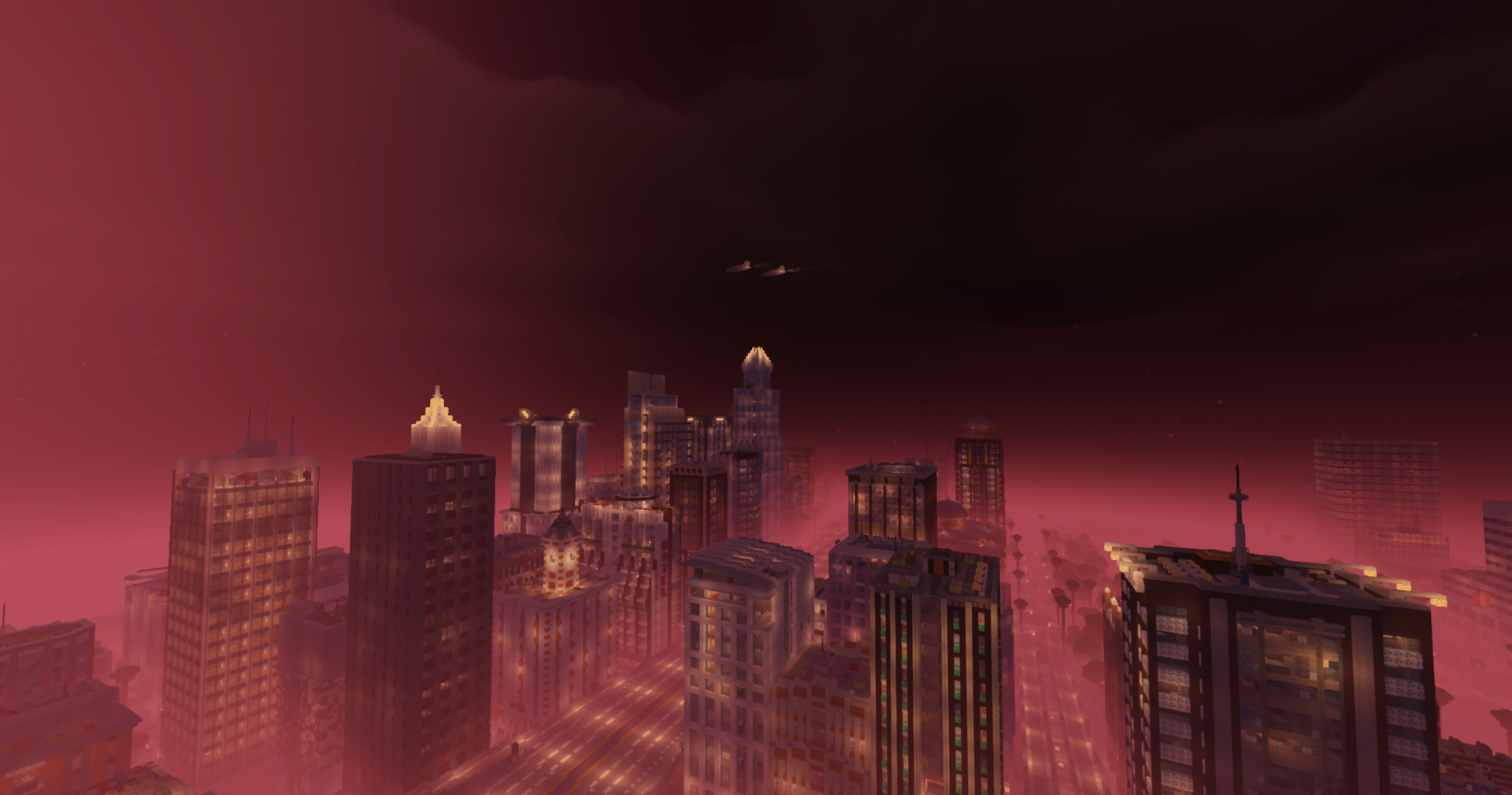
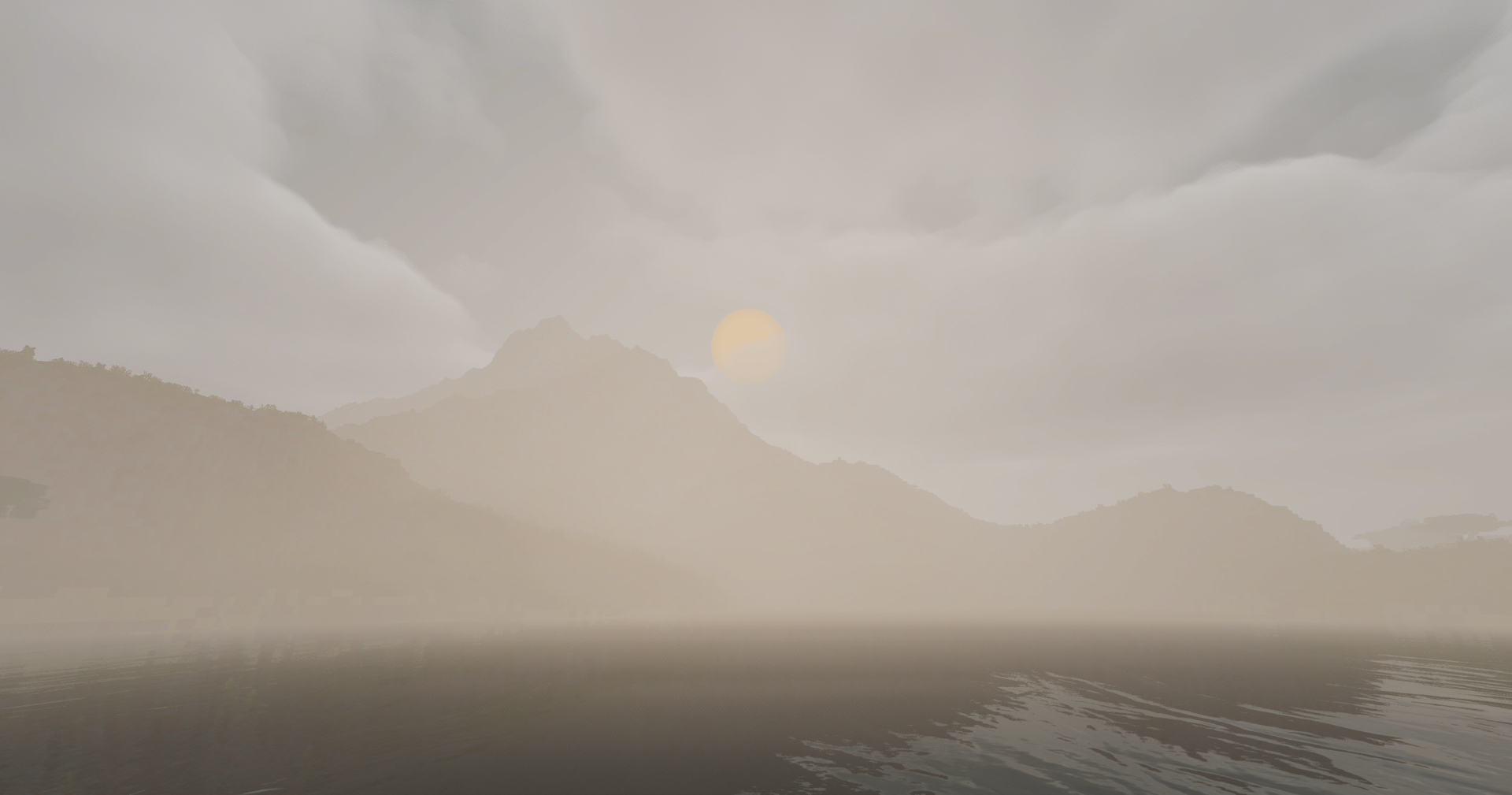
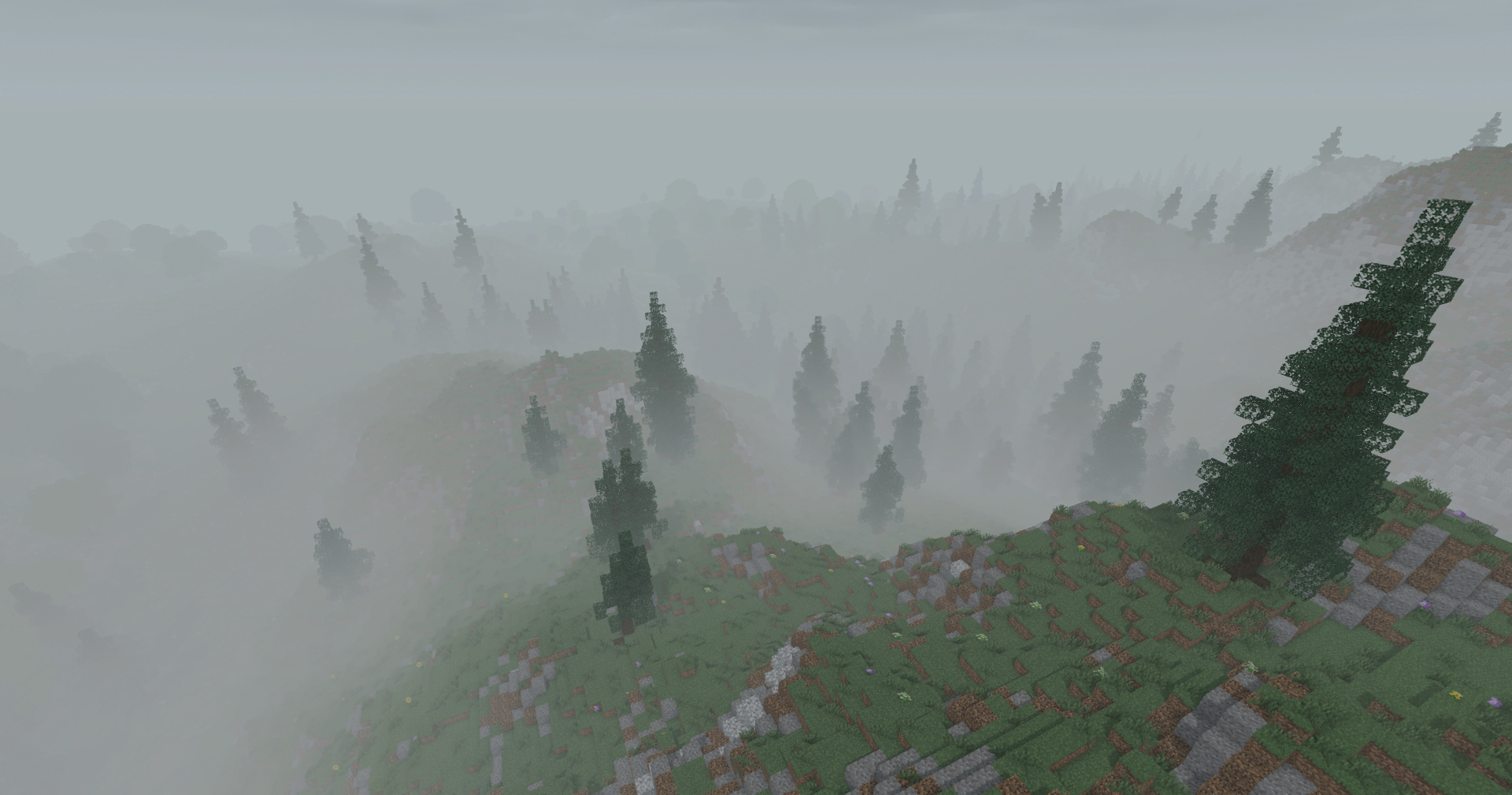
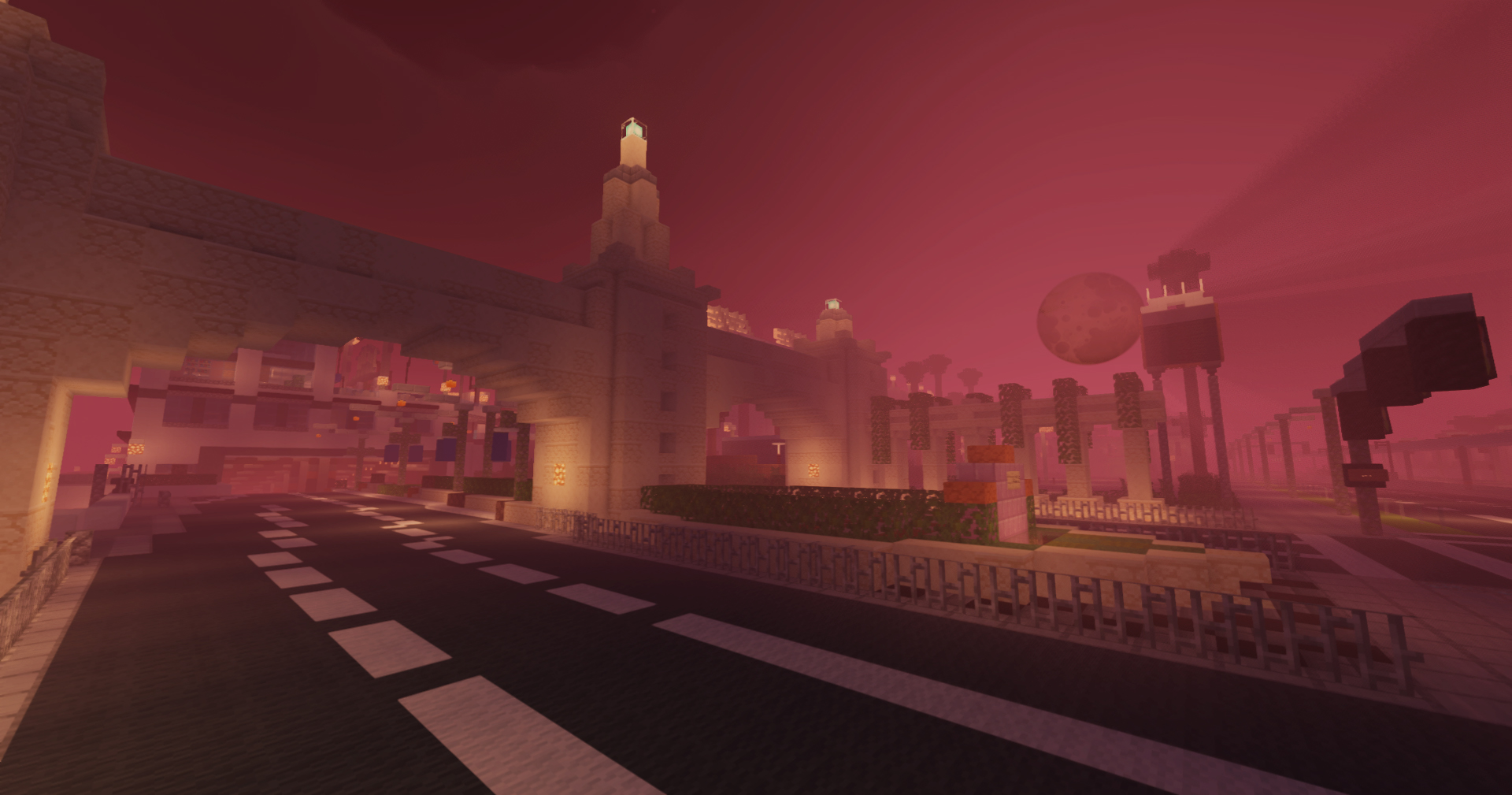
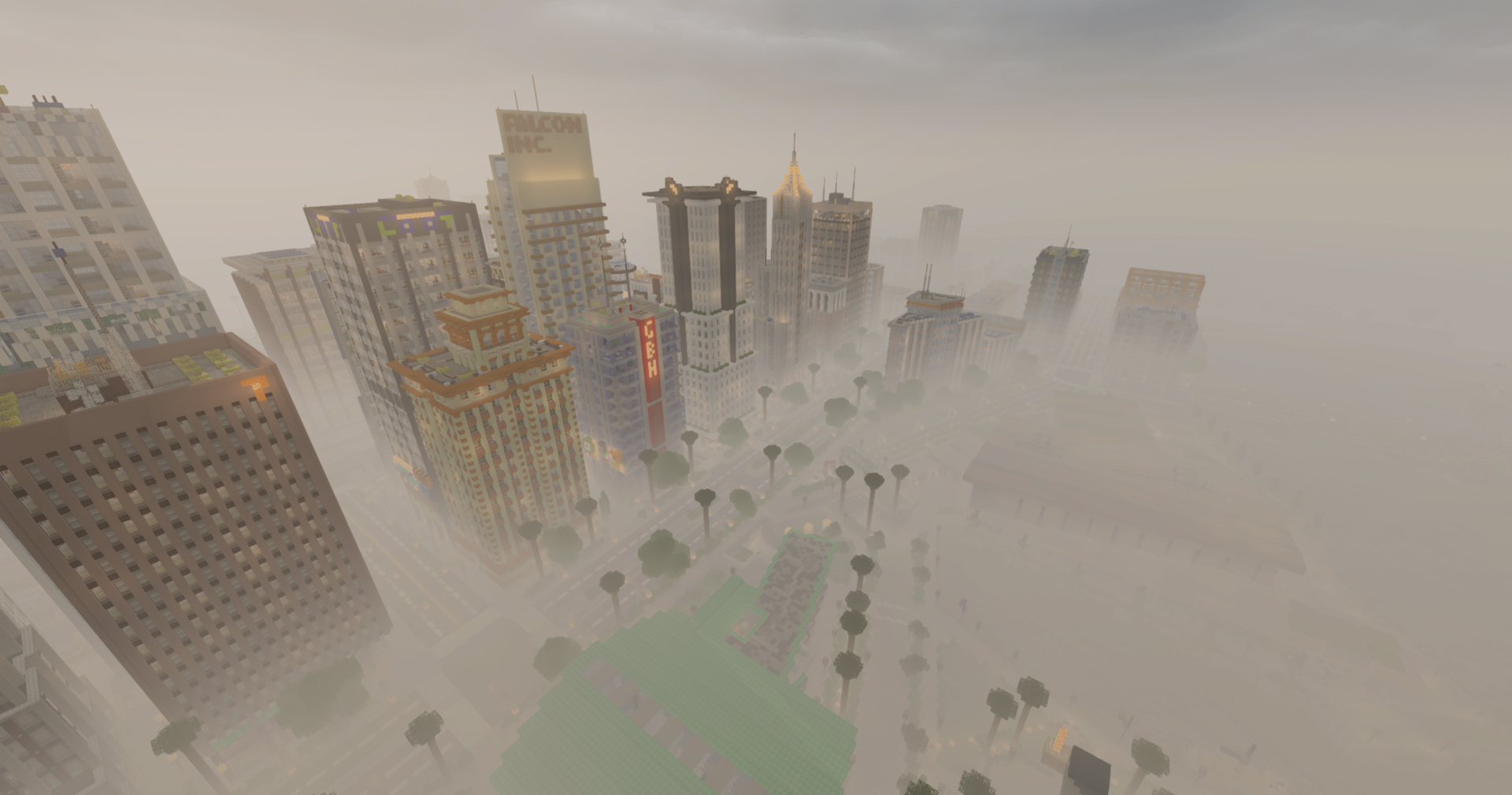
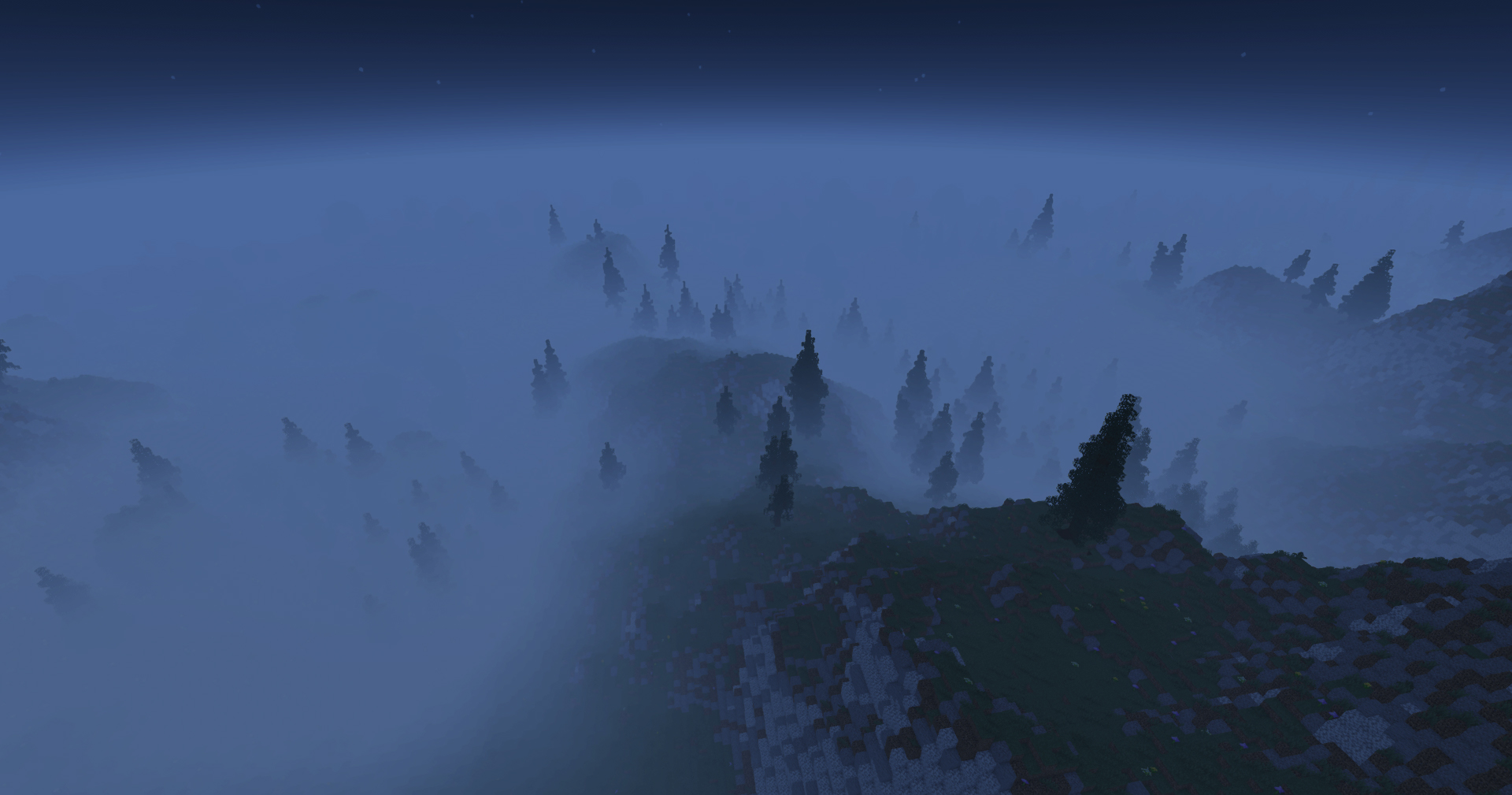
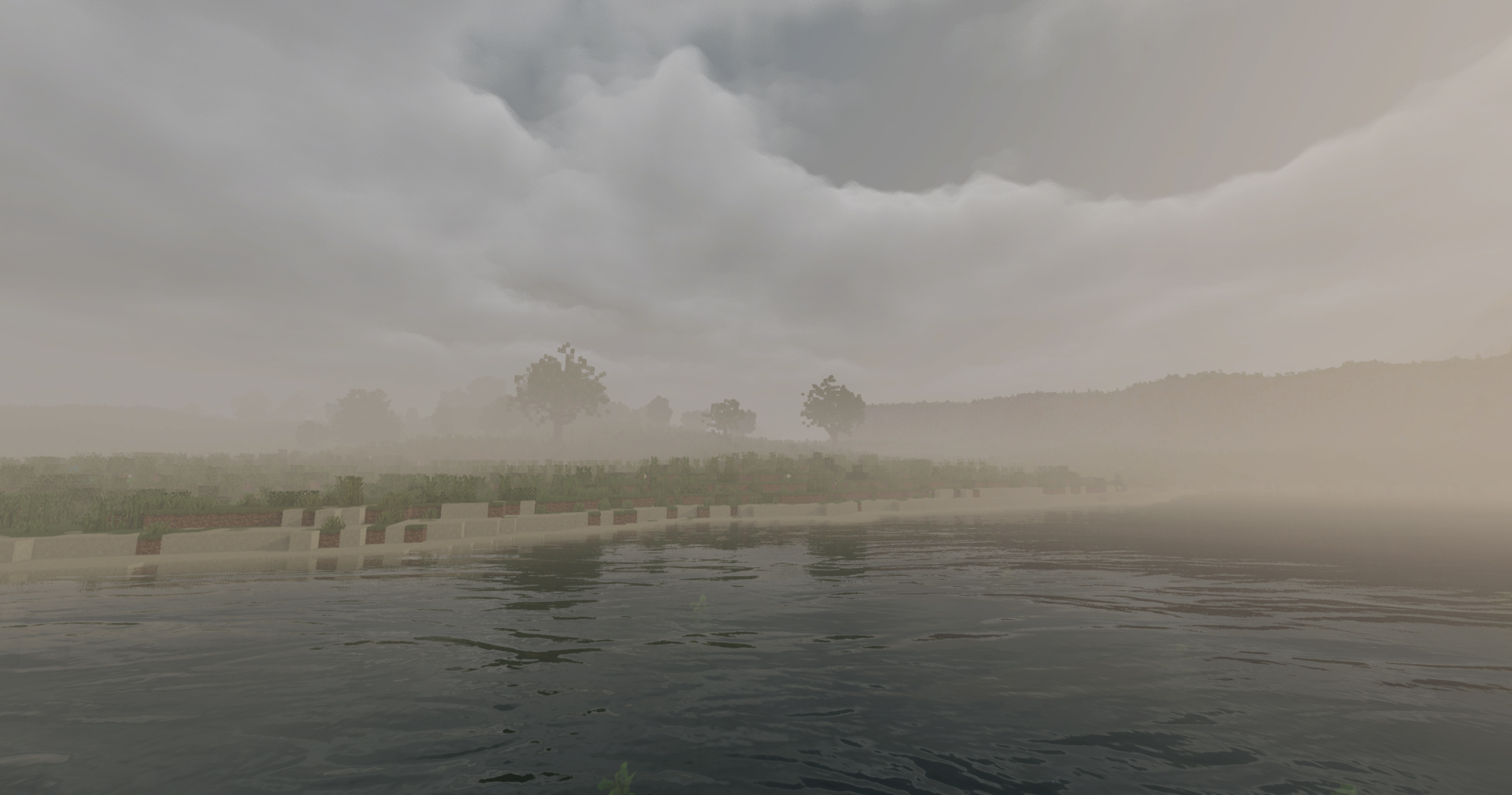
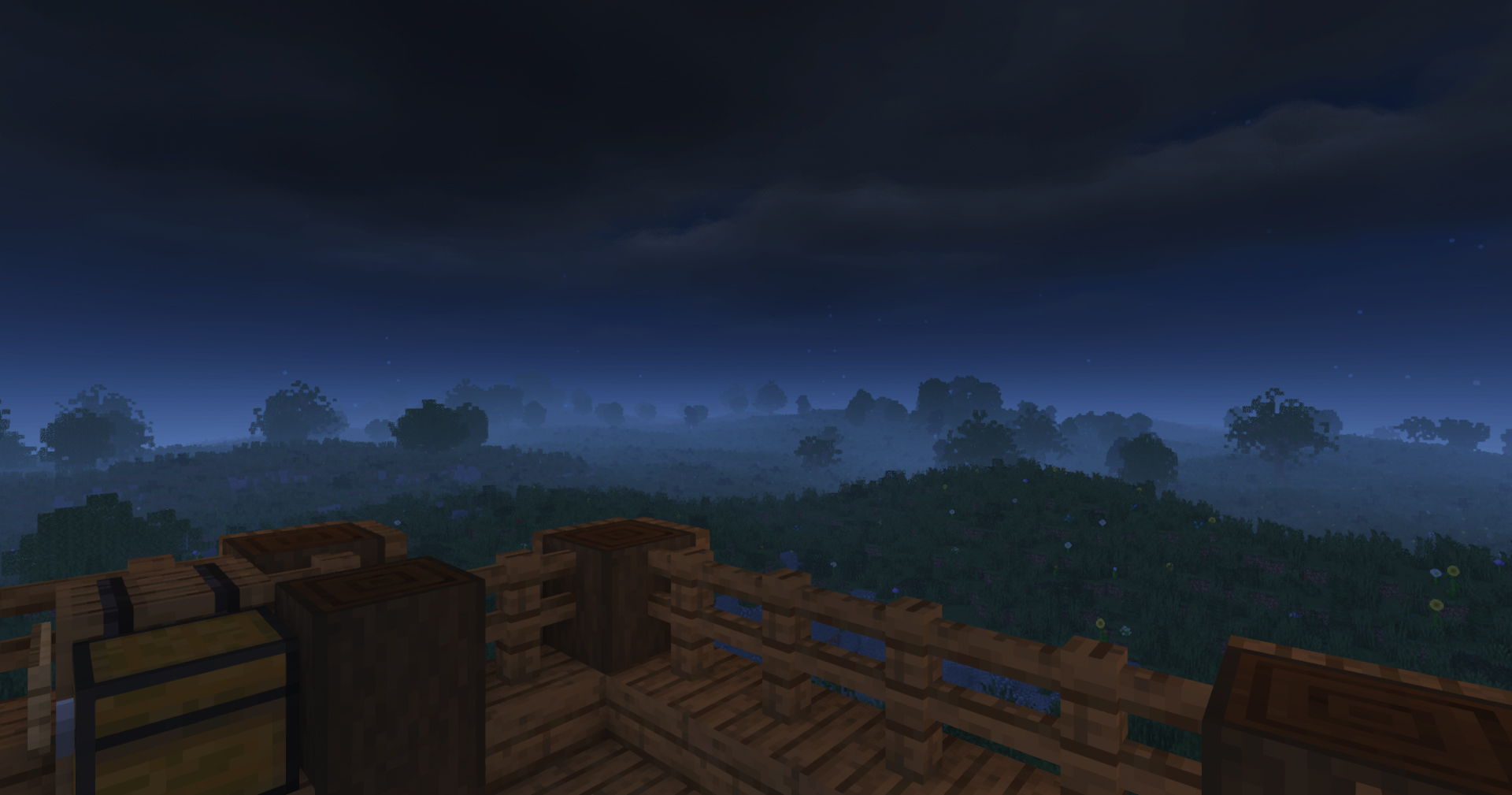
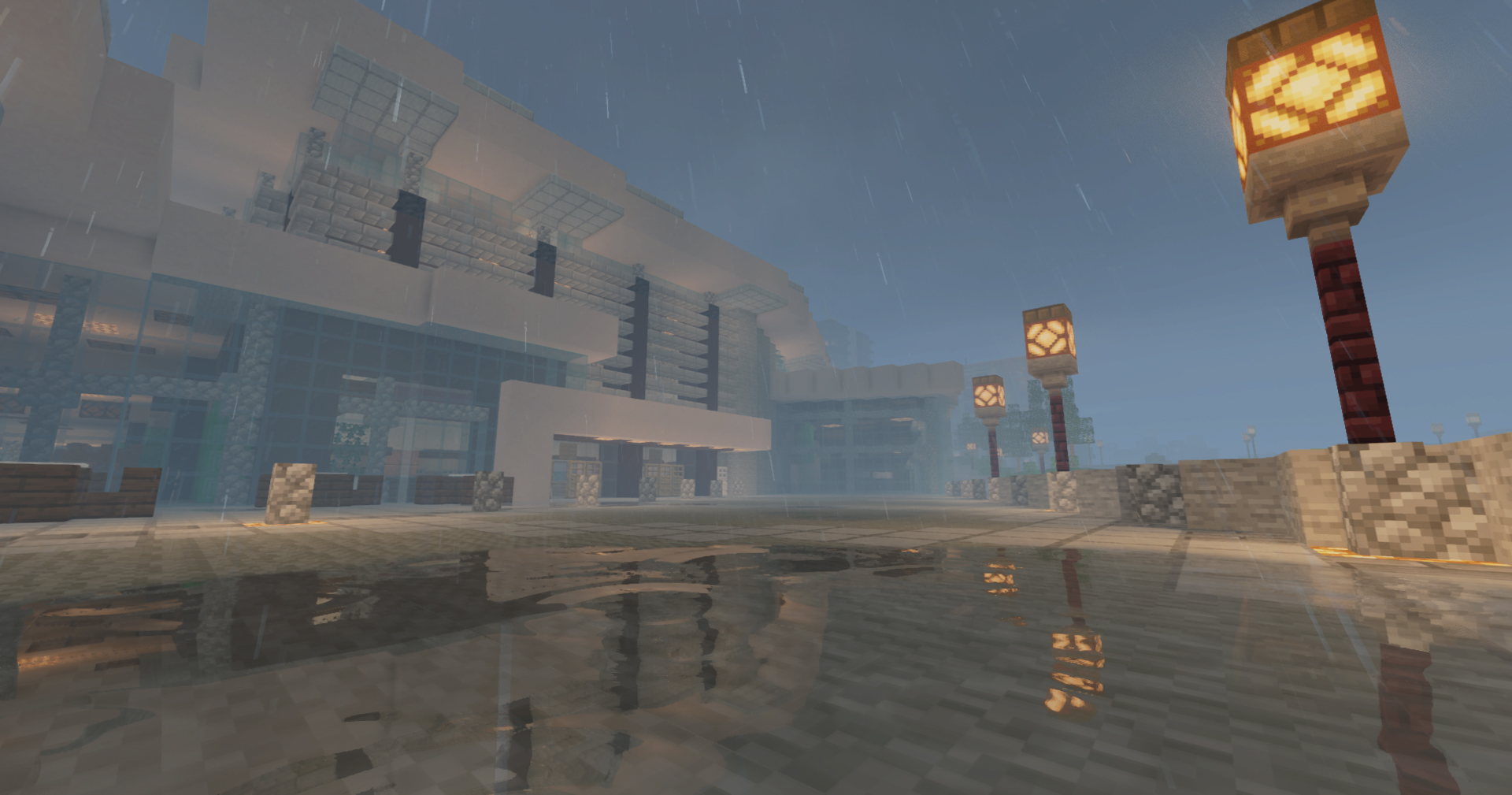
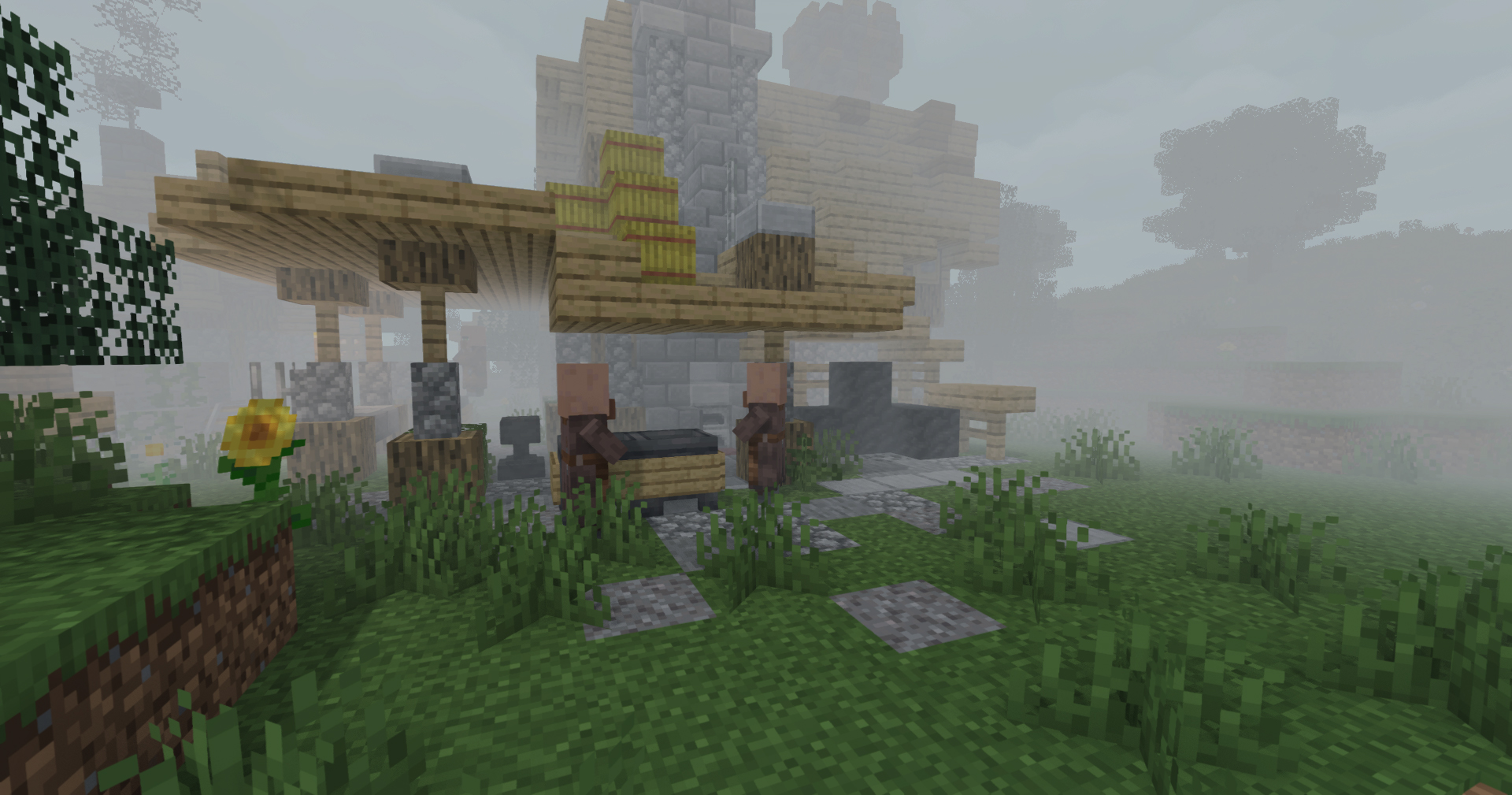
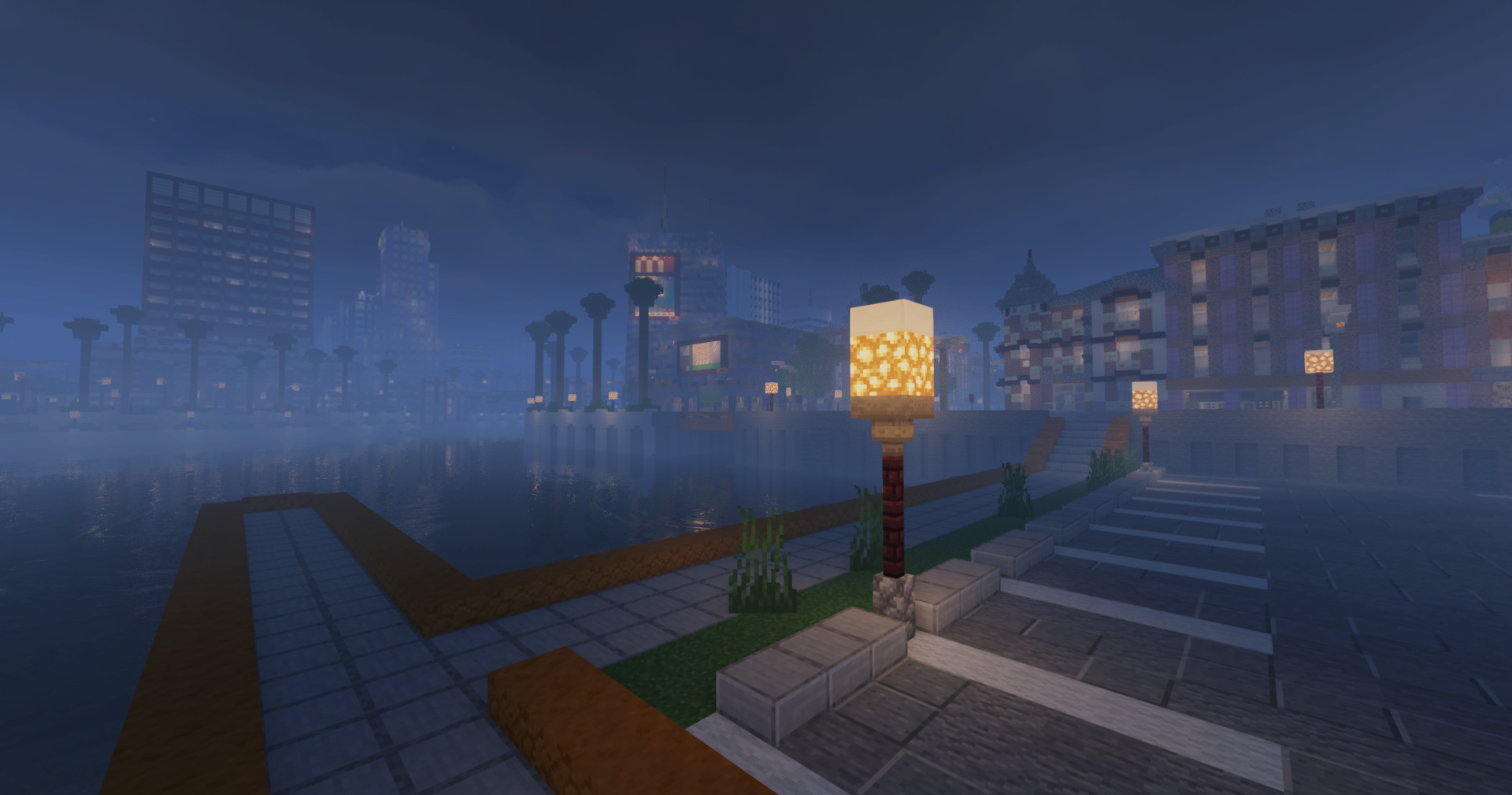
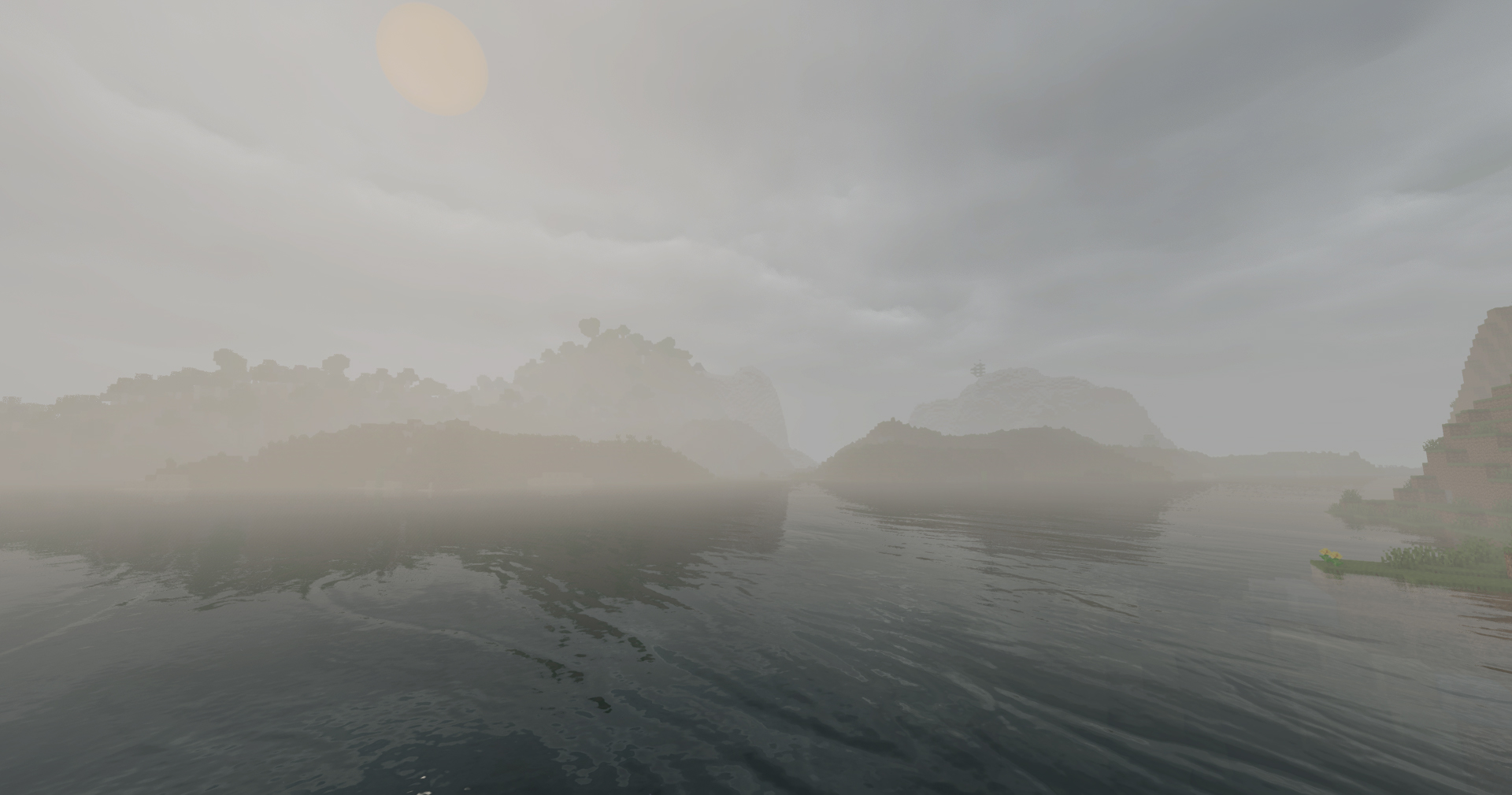
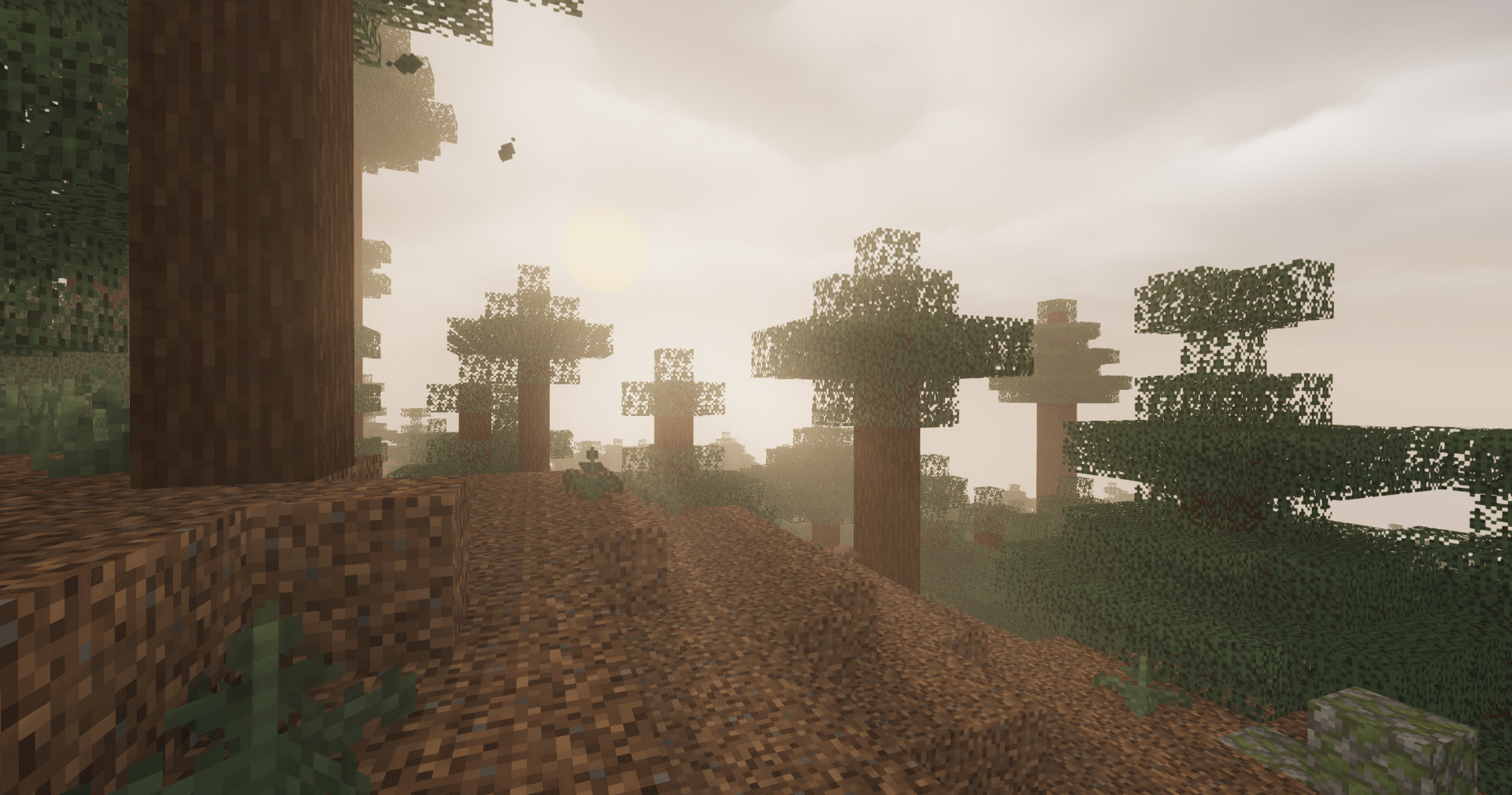
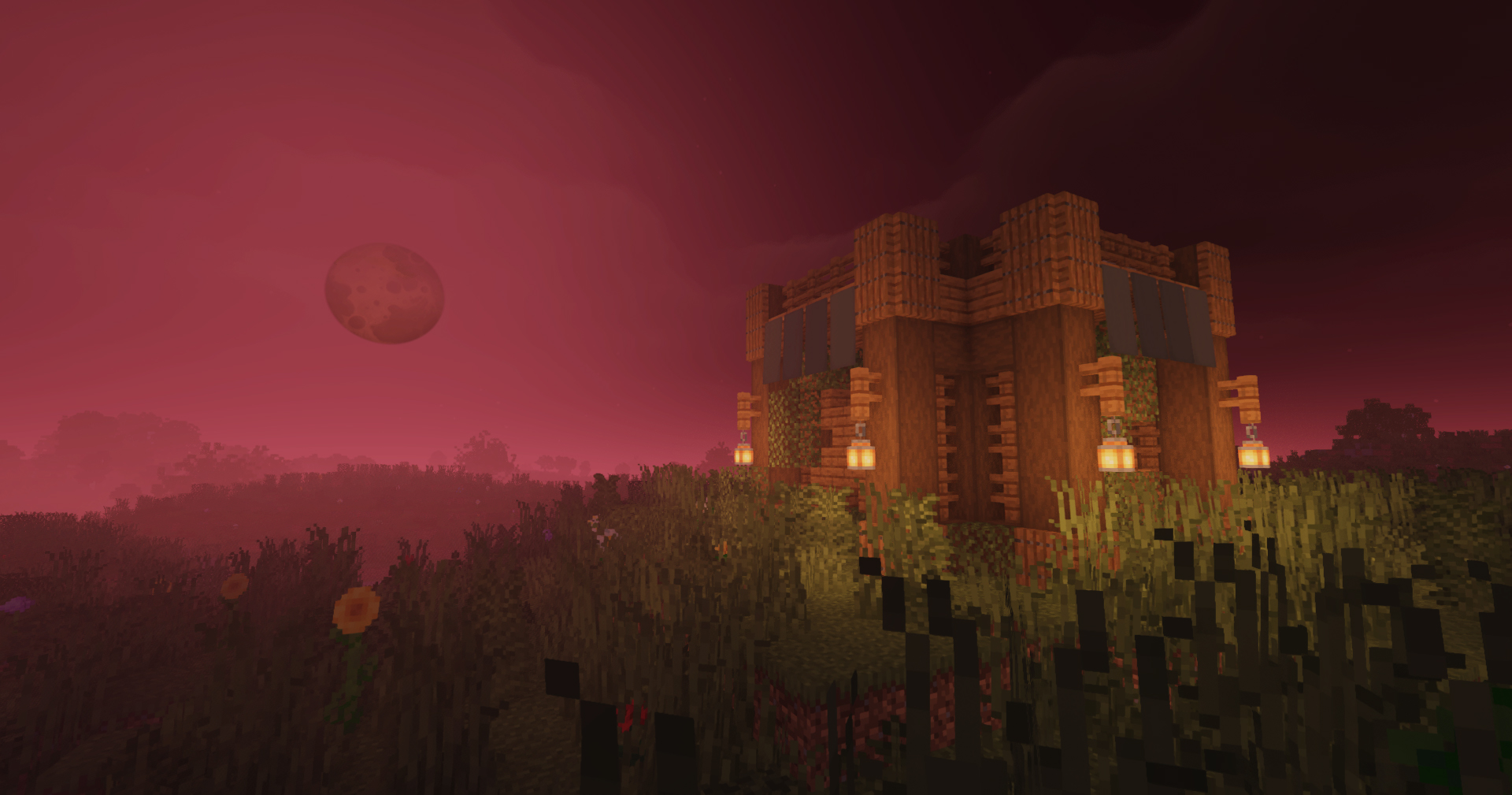

Cinematic Atmosphere & Fog: Cool sky tones, soft shadows, and depth-aware height fog that give landscapes a misty, cinematic scale while keeping biome colors clear.
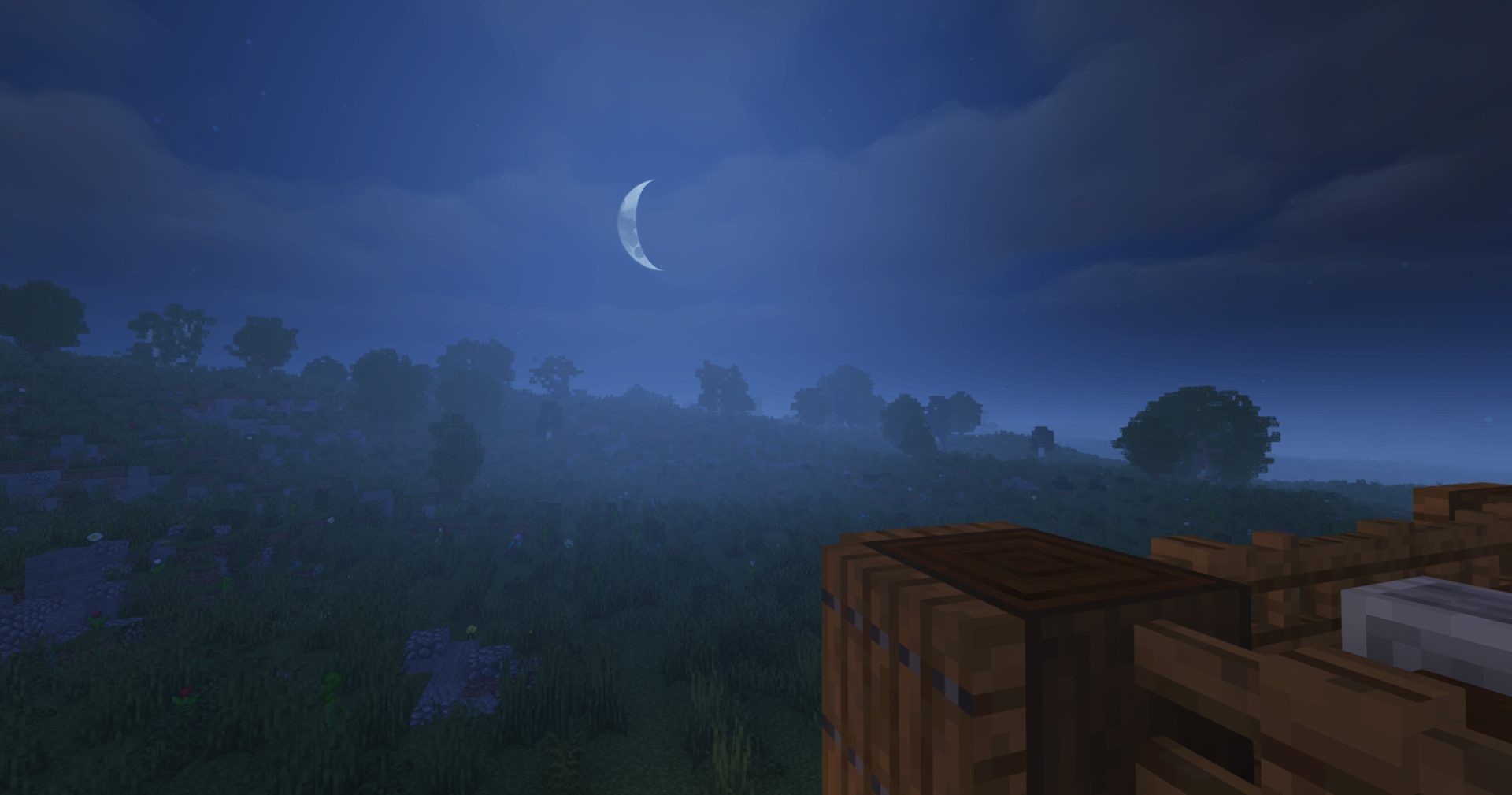
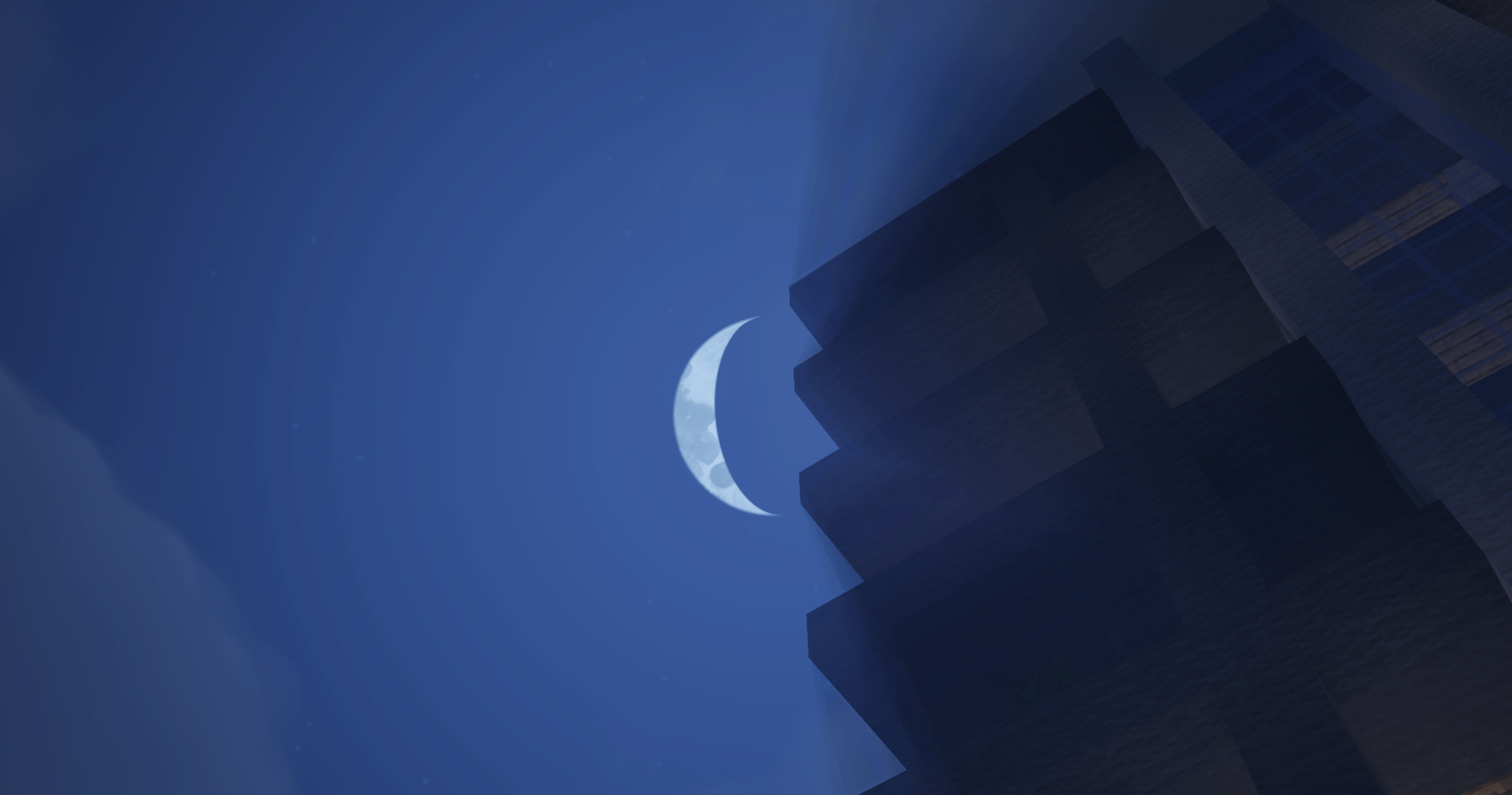
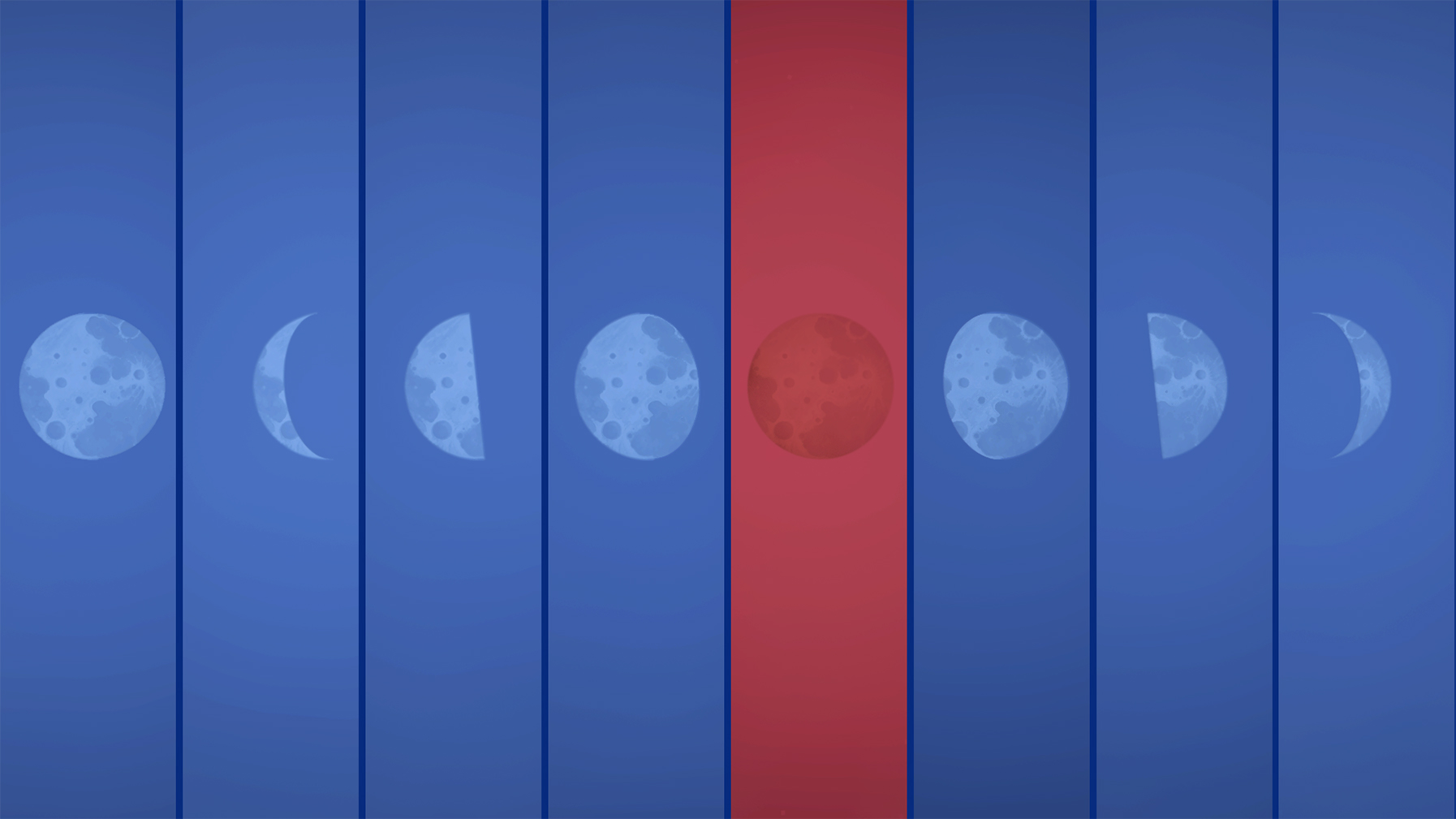
Dynamic Lunar Cycle & Blood Moon: A multi-stage moon system (crescent to full) featuring rare, unpredictable Blood Moon events that shift the sky, fog, and illumination into a unified crimson state.
Interactive Grass System: A reactive grass system featuring multiple distinct styles and full customization controls directly within the Shader Options.
Time-Adaptive Water & Weather: Water surfaces and reflections transition through time of day, paired with wind-driven rain and dynamic terrain puddles.
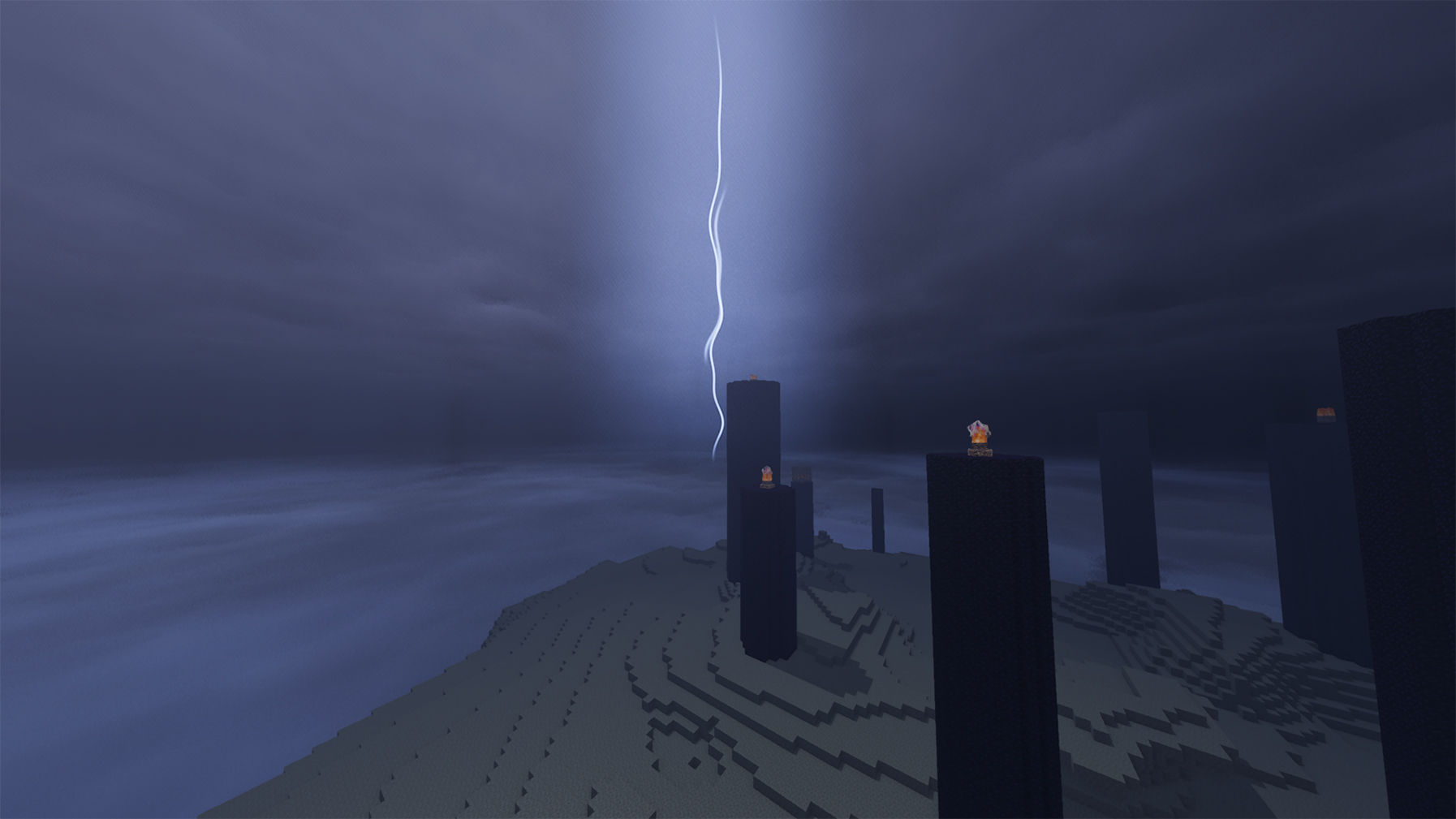
The End Void Storm: Transforms the empty void of The End into a layered electrical storm with rolling cloud masses, ambient flashes, and lightning strikes.
Natural World Motion: Smooth, subtle movement for foliage, plants, and water surfaces.

Minimum Requirements
NVIDIA: GeForce GTX 1050 2GB
AMD: Radeon RX 560 4GB
Intel: Arc A380 6GB
Target: Playable 1080p performance at moderate render distances.
Recommended Requirements
NVIDIA: GeForce GTX 1660 SUPER 6GB / RTX 3050 6GB
AMD: Radeon RX 5600 XT 6GB / RX 6600 8GB
Intel: Arc A580 8GB
Target: ~60 FPS at 1080p under standard gameplay conditions.
Note: FPS estimates (GTX 1050: ~50 FPS normal / ~30 FPS rain) exclude the heavy "Enhanced Grass" setting; disable it in Shader Options if you experience lag.

Original Creator: Javier Garduño (KDXavier)
Original Shader: MakeUp Ultra Fast 9.5c
Shader Modifier: in2bubble
Shader Pack: Oxygen Atmosphere
License: GNU Lesser General Public License v3.0 or later (LGPLv3)
Original GitHub (Unmodified Fork): MakeUpUltraFast
Project Source Repository: Oxygen Atmosphere Repository
Oxygen Atmosphere is an independent modification and is not an official MakeUp Ultra Fast release.