Mineuniverse
Shaders
NOISE Shaders

NOISE Shaders

SHADER
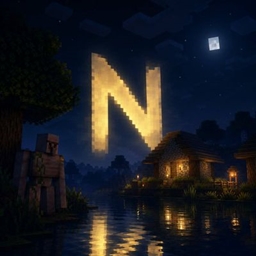
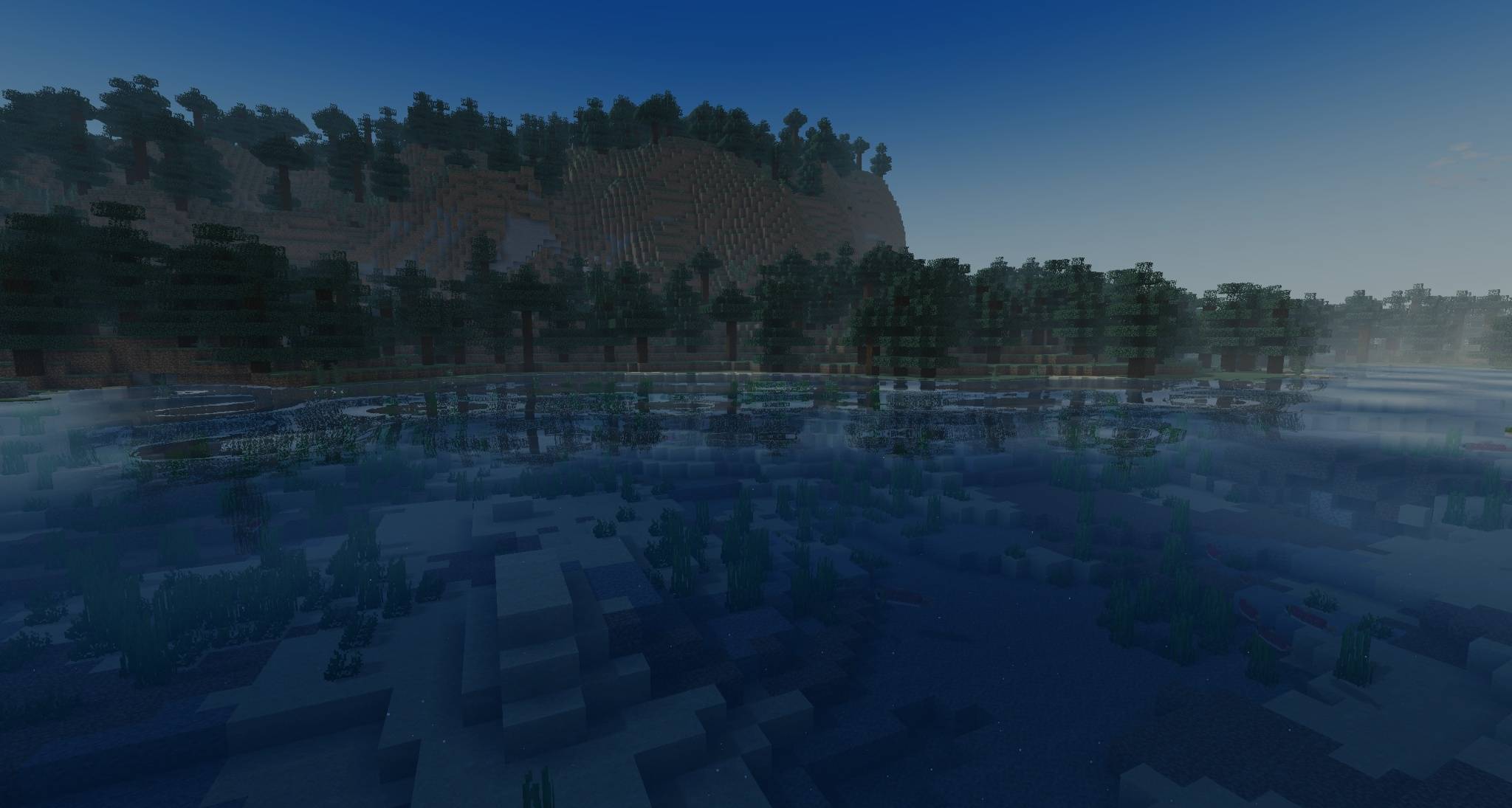
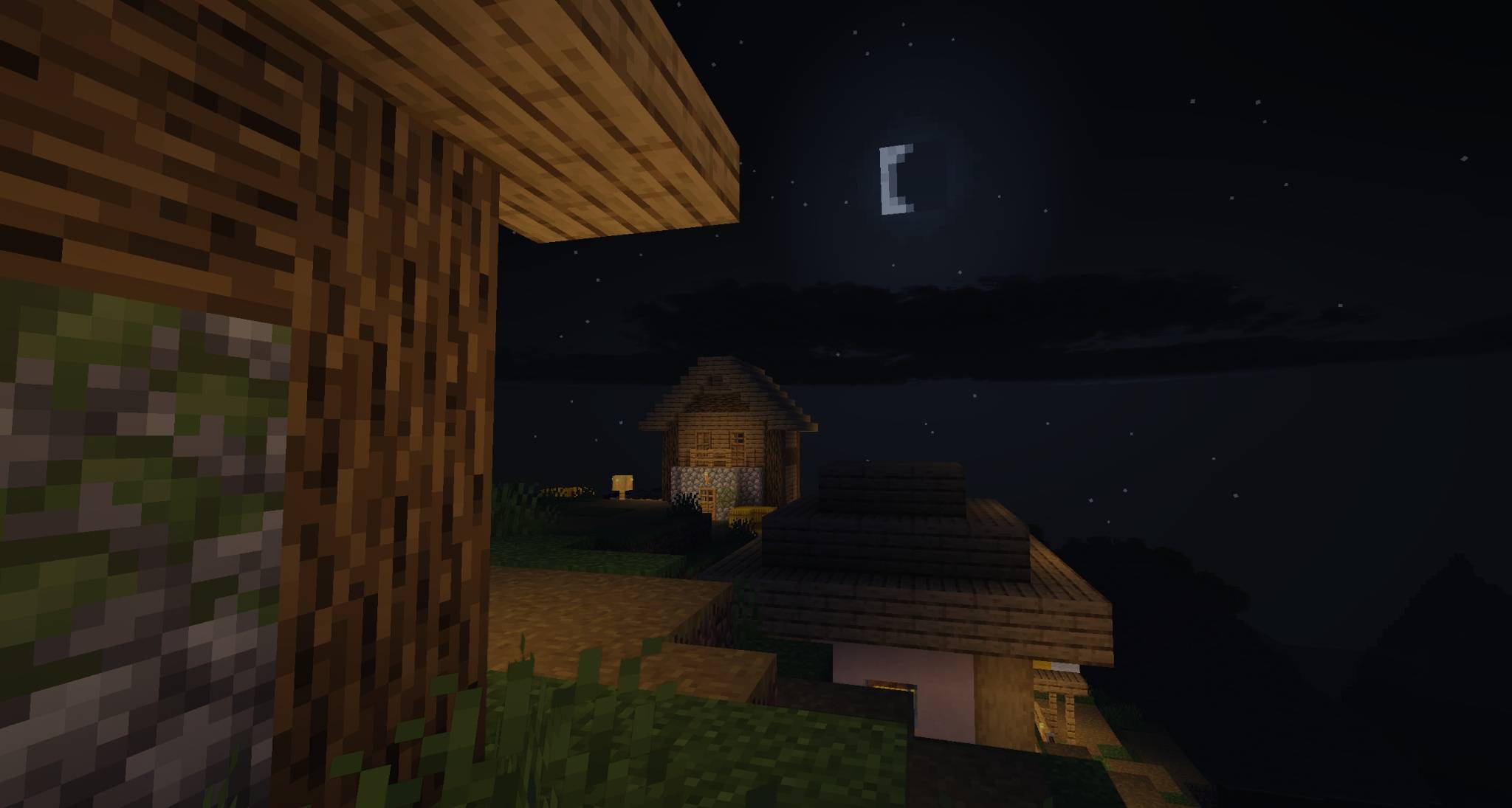
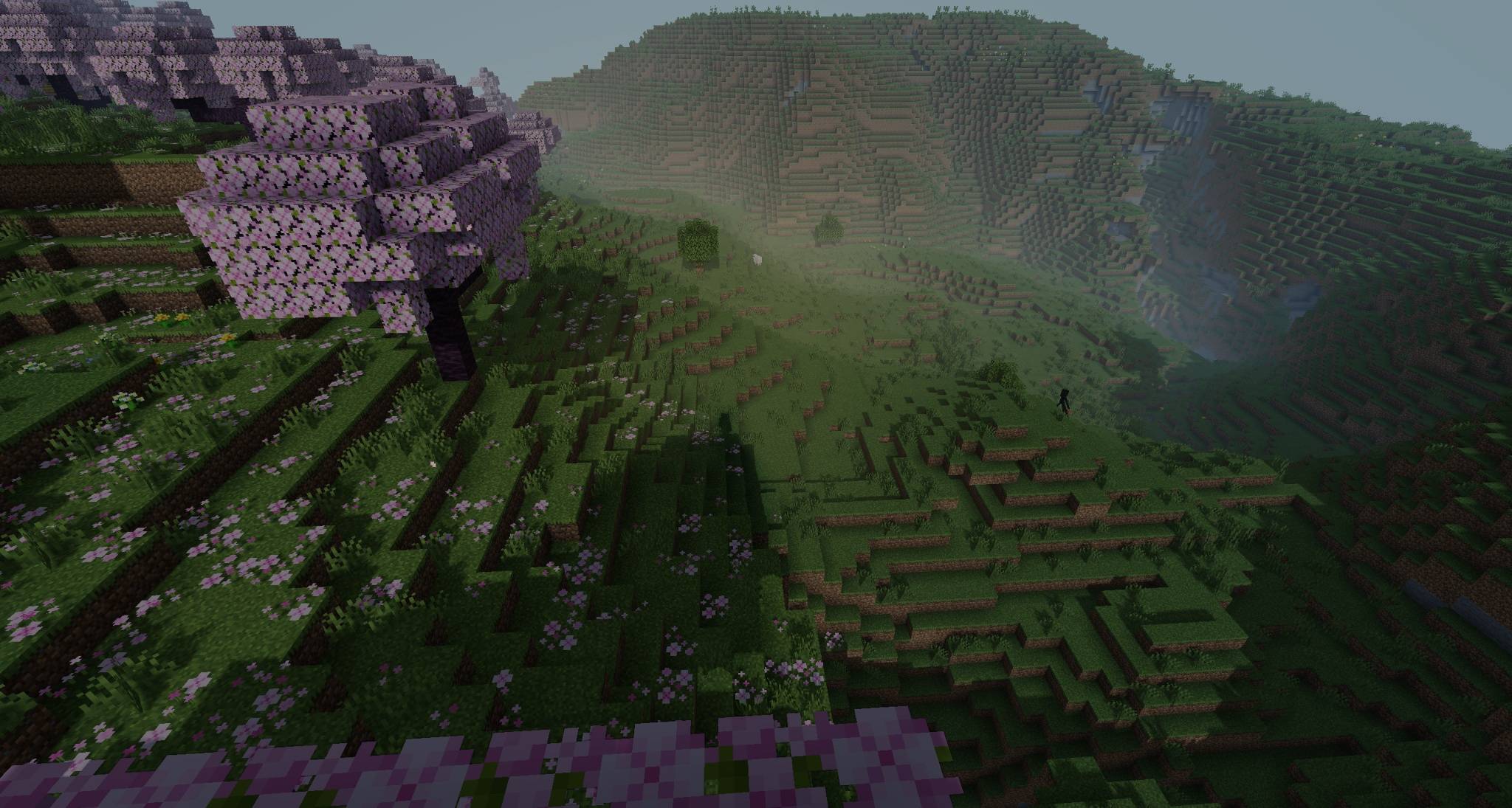
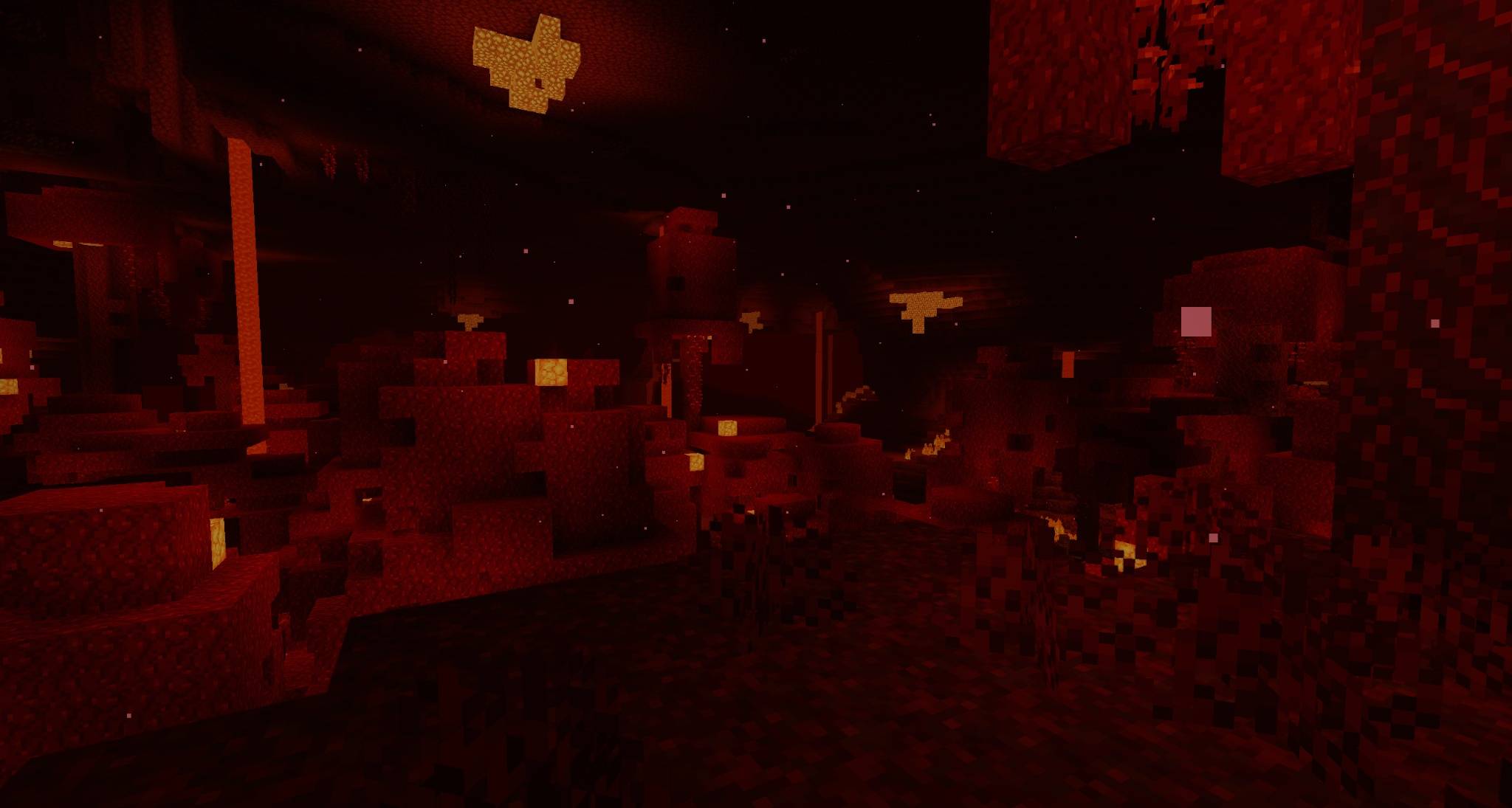
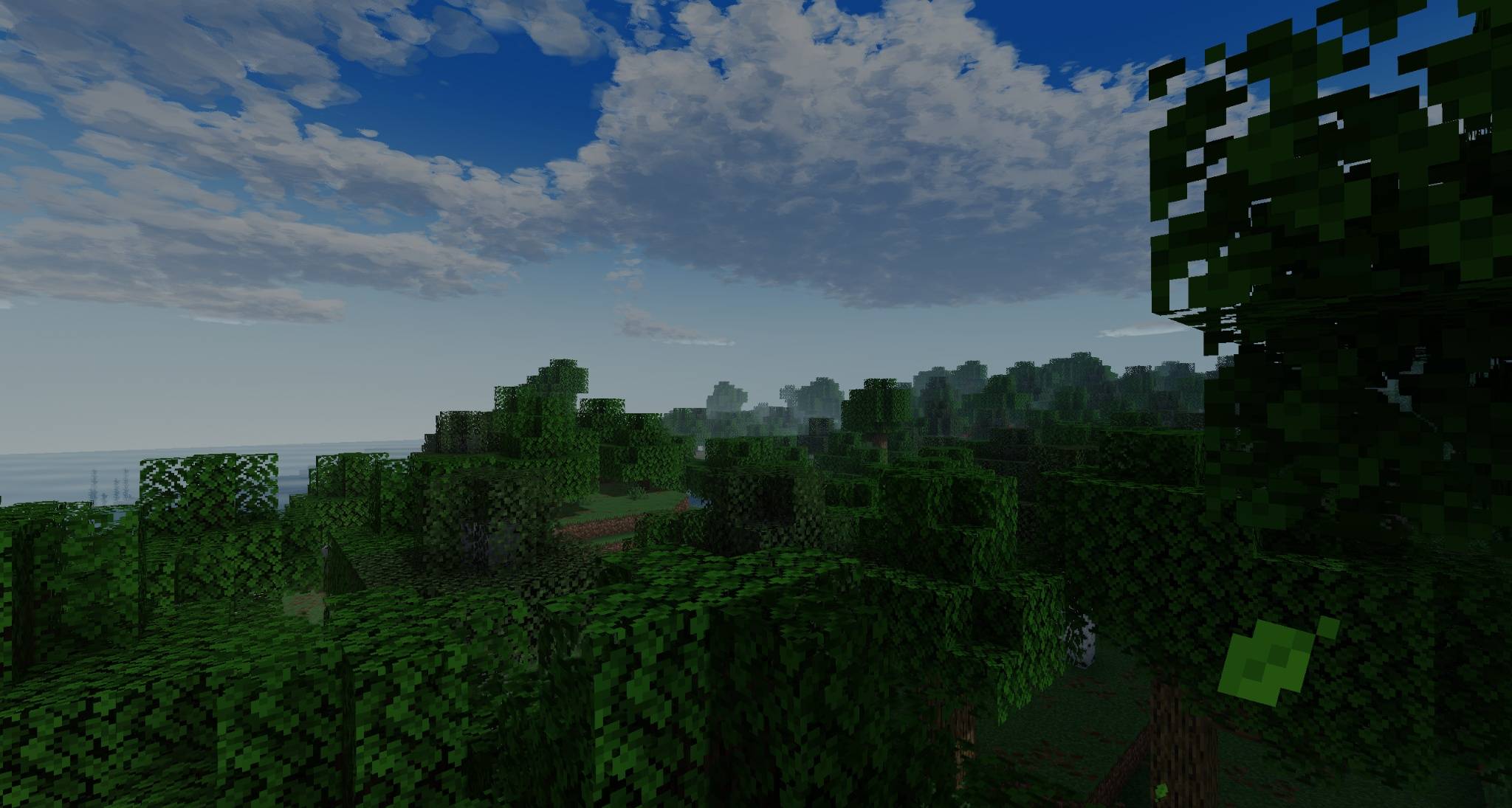
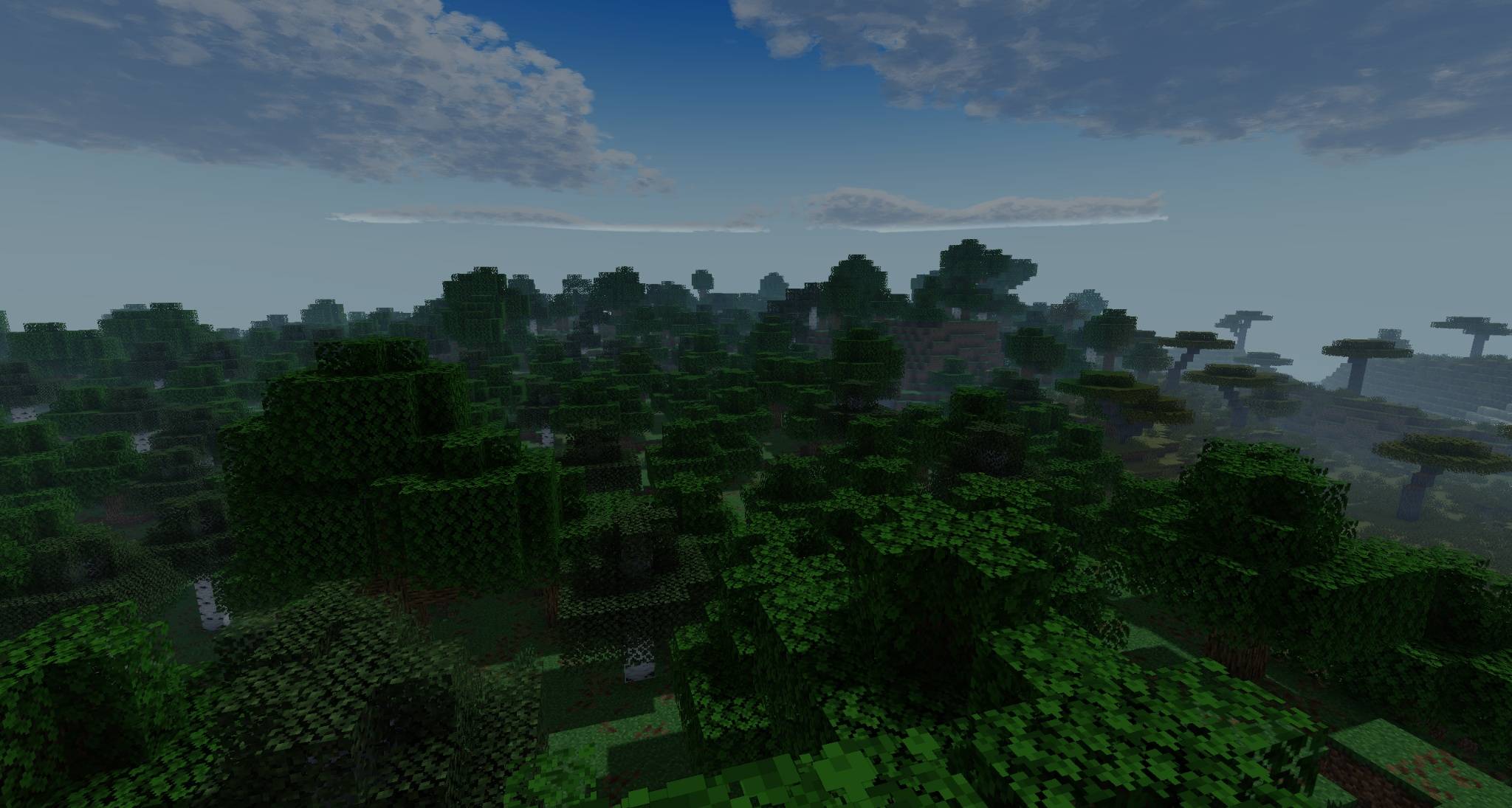
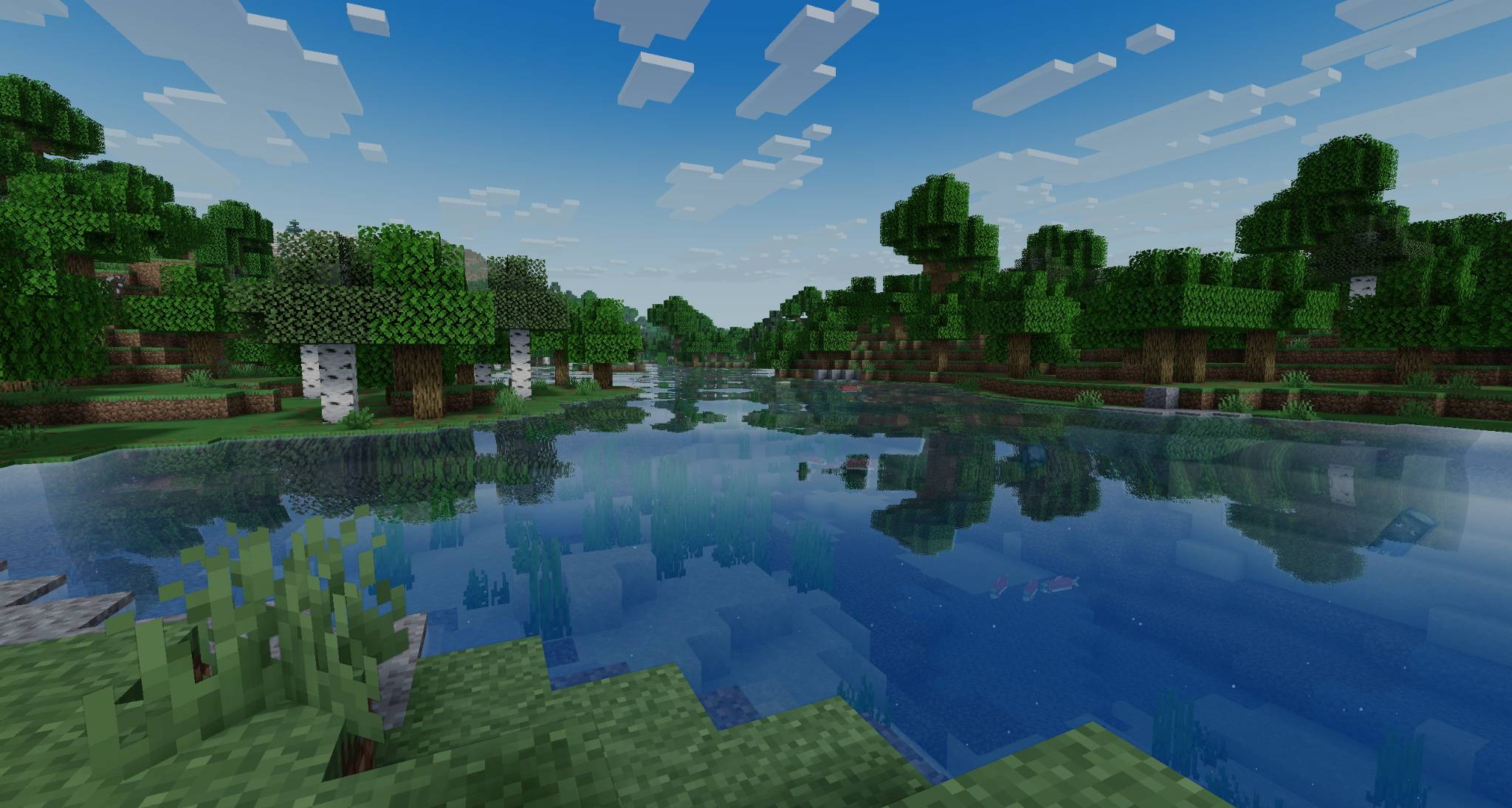
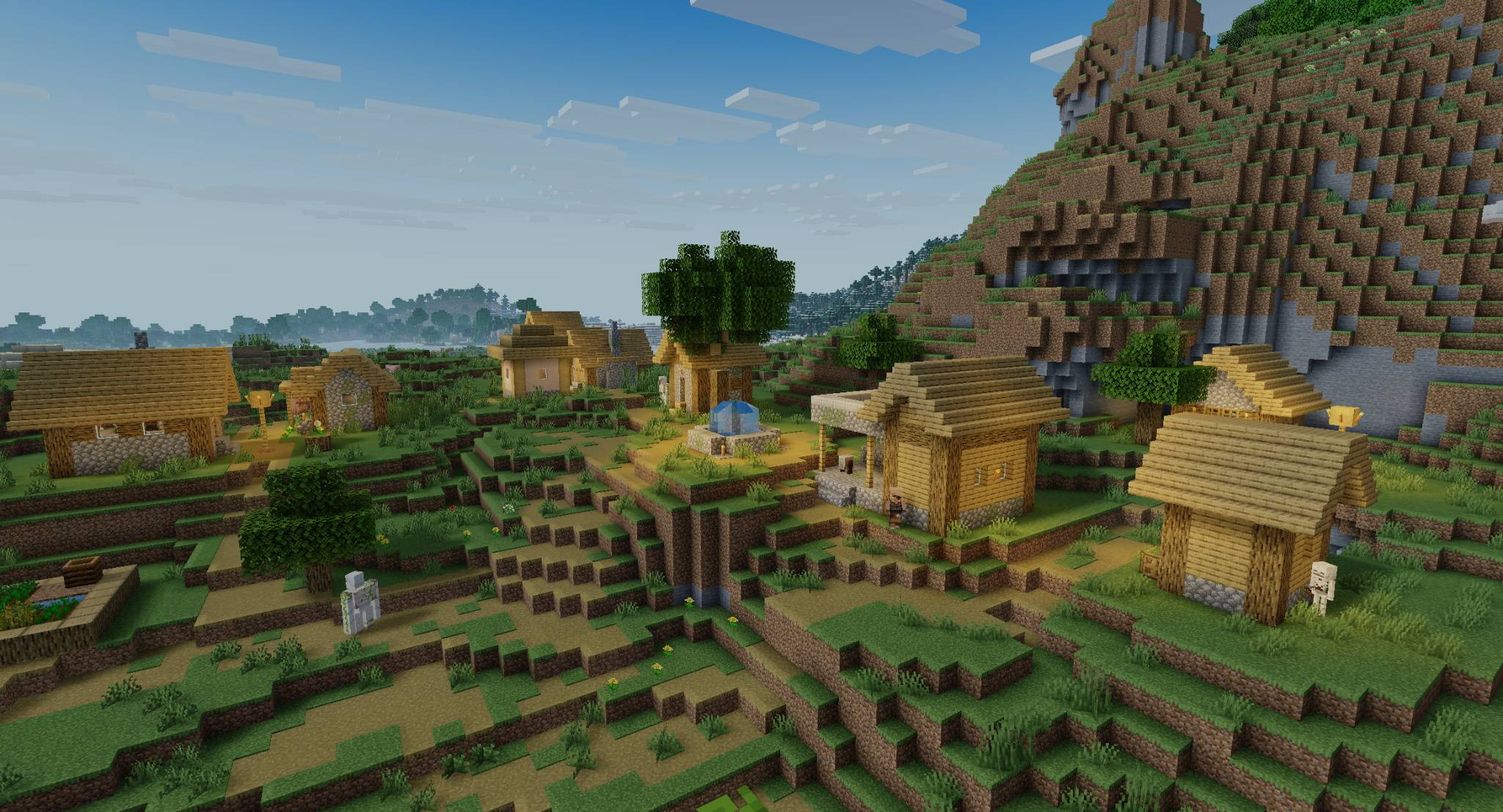
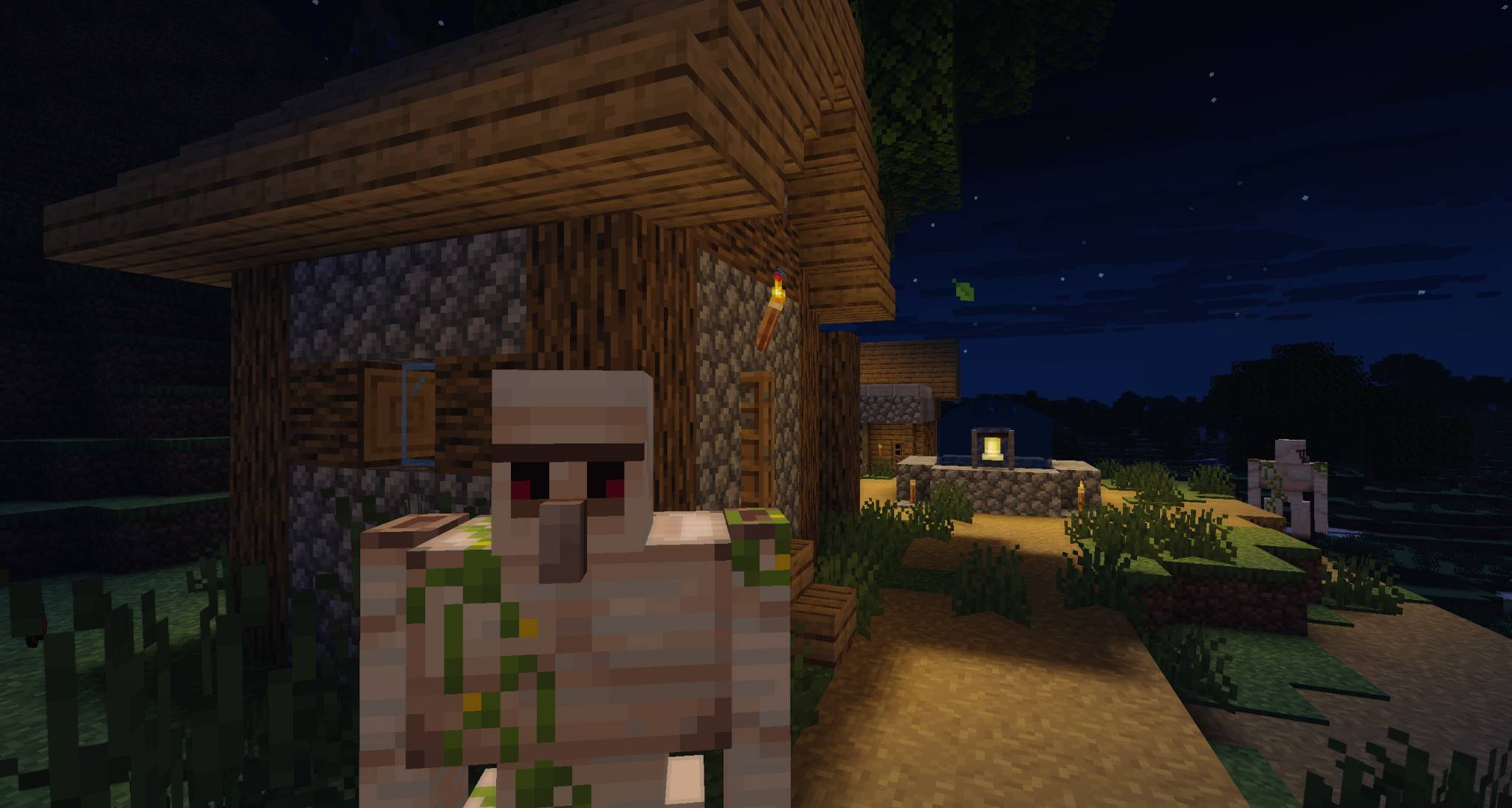
An atmospheric shader pack for Minecraft with cinematic lighting, deep shadows, reflective water, soft fog and dark moody nights.
by BeykusY
Download Claim this project
3,755 downloads
0 likes
0 followers
Updated Oct 14, 2026
0 hypes
Follow0
Realistic Vanilla
Advertisement Remove ads with Premium →

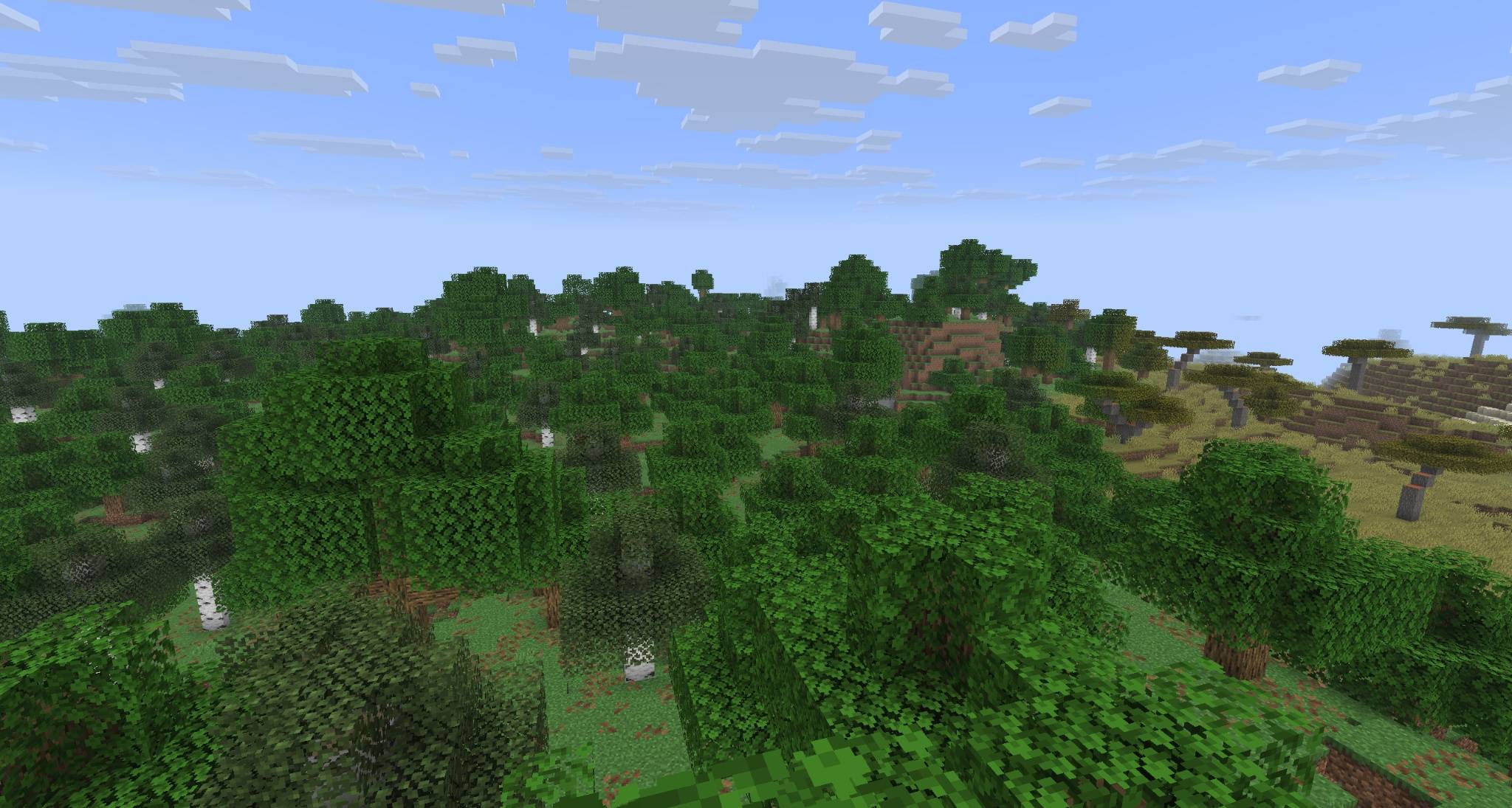
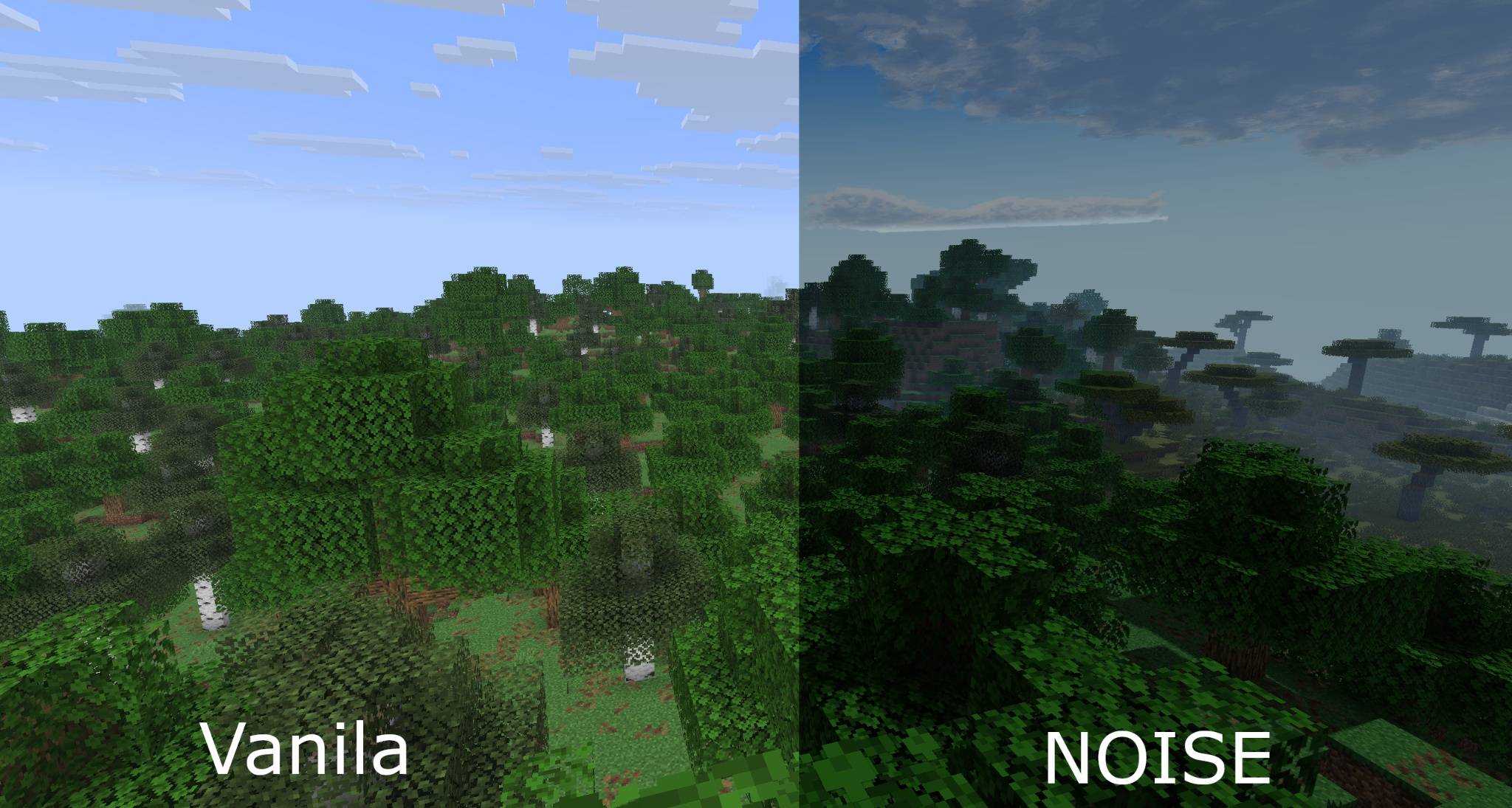
NOISE Shaders is an atmospheric shader pack designed to make Minecraft feel more cinematic without losing its vanilla identity.

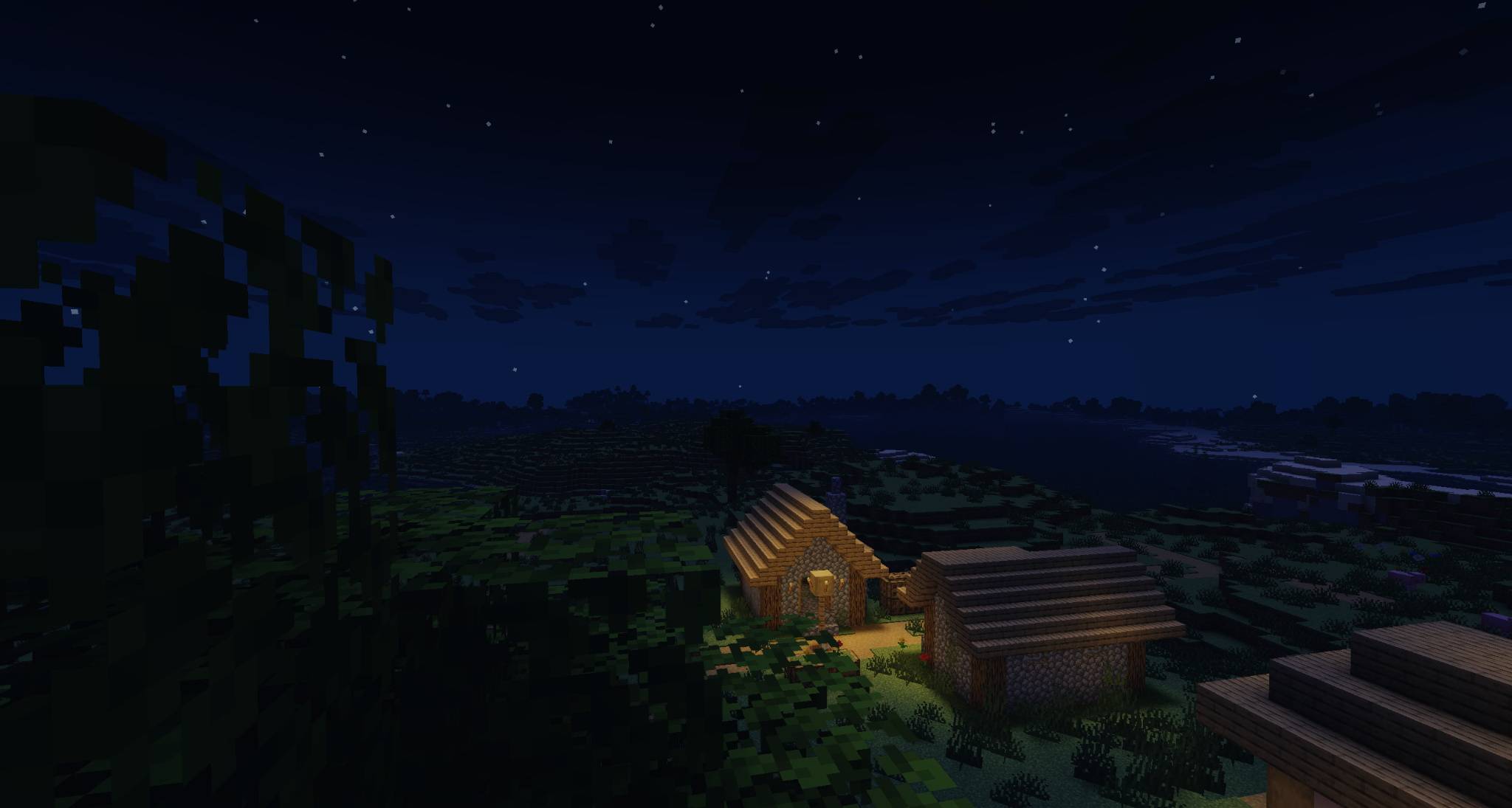
The goal of NOISE is not to turn the game into pure realism. Instead, it focuses on mood: deeper shadows, colder nights, stronger contrast, reflective water, layered fog and a darker, more dramatic atmosphere.

Days remain playable and clear, while nights become more immersive and tense.

Main Features

  • Cinematic lighting
  • Deep and soft shadows
  • Reflective and animated water
  • Fog and distance haze
  • Atmospheric clouds
  • Volumetric-style lighting / raymarched light option
  • Temporal anti-aliasing
  • Optional EASU + Temporal upscaling
  • Bloom
  • Contact shadows
  • Wind and water waves
  • Cinematic auto exposure
  • Multiple quality presets

Quality Presets

NOISE currently includes 3 presets:

  • Performance
  • Balanced
  • Ultra

Example Performance

Measured on the developer's PC:

  • CPU: Ryzen 7 5700X
  • GPU: Radeon RX 5600 XT 6 GB
  • Resolution: 2560×1440
  • Render Distance: 11 chunks
  • Loader: Iris
  • FPS Limit / VSync: disabled
  • Scene: same test areas

Results:

  • Ultra: 26–43 FPS
  • Balanced: 77–120 FPS
  • Performance: 96–140 FPS

Performance will vary depending on your hardware, scene complexity, resolution, Minecraft version and settings.

Compatibility

  • Designed for Iris and OptiFine
  • Known issue: No

License

Usage is governed by the included Custom License.

NOISE Shaders 0.2.0
MC 1.16.3, 1.13.1, 1.17.1, 1.21, 1.16.1, 1.18.1, 1.14.3, 1.15, 1.16, 1.13, 1.16.5, 1.19.3, 1.20.2, 1.19.4, 1.21.8, 1.14.4, 1.14.1, 1.12.1, 1.17, 1.12, 1.20.5, 1.21.5, 1.18
Release 2026-07-31 Get
NOISE Shaders v0.1.2
MC 1.16.3, 1.13.1, 1.17.1, 1.21, 1.16.1, 1.18.1, 1.14.3, 1.15, 1.16, 1.13, 1.16.5, 1.19.3, 1.20.2, 1.19.4, 1.21.8, 1.14.4, 1.14.1, 1.12.1, 1.17, 1.12, 1.20.5, 1.21.5, 1.18
Release 2026-07-19 Get
NOISE-Shaders v0.1.1
MC 1.16.3, 1.13.1, 1.17.1, 1.21, 1.16.1, 1.18.1, 1.14.3, 1.15, 1.16, 1.13, 1.16.5, 1.19.3, 1.20.2, 1.19.4, 1.21.8, 1.14.4, 1.14.1, 1.12.1, 1.17, 1.12, 1.20.5, 1.21.5, 1.18
Release 2026-07-18 Get
NOISE-Shaders_v0.1.0.zip
MC 1.16.3, 1.13.1, 1.17.1, 1.21, 1.16.1, 1.18.1, 1.14.3, 1.15, 1.16, 1.13, 1.16.5, 1.19.3, 1.20.2, 1.19.4, 1.21.8, 1.14.4, 1.14.1, 1.12.1, 1.17, 1.12, 1.20.5, 1.21.5, 1.18
Release 2026-07-16 Get
NOISE-Shaders_v0.0.4
MC 1.16.3, 1.13.1, 1.17.1, 1.21, 1.16.1, 1.18.1, 1.14.3, 1.15, 1.16, 1.13, 1.16.5, 1.19.3, 1.20.2, 1.19.4, 1.21.8, 1.14.4, 1.14.1, 1.12.1, 1.17, 1.12, 1.20.5, 1.21.5, 1.18
Beta 2026-07-16 Get
NOISE-Shaders_v0.0.3
MC 1.16.3, 1.13.1, 1.17.1, 1.21, 1.16.1, 1.18.1, 1.14.3, 1.15, 1.16, 1.13, 1.16.5, 1.19.3, 1.20.2, 1.19.4, 1.21.8, 1.14.4, 1.14.1, 1.12.1, 1.17, 1.12, 1.20.5, 1.21.5, 1.18
Release 2026-07-15 Get

Requirements & install

How to use this shader in Minecraft
Shader loader
Iris or OptiFine
Minecraft
1.18.1 – 1.21.8
Install folder
.minecraft/shaderpacks

How to install shaders

  1. Install a shader loader for your Minecraft version: Iris (with Sodium) or OptiFine.
  2. Download the shader pack .zip file (do not extract it).
  3. Put the .zip into the shaderpacks folder (.minecraft/shaderpacks).
  4. In game open Options → Video Settings → Shader Packs, select the pack and apply it.
Browse more: Iris shaders OptiFine shaders Shaders for 1.21.8 All shaders

More from BeykusY

Advertisement Remove ads with Premium →

You Might Also Like